
Tutorial 4 Java Script as OOP Yu Jianwei
![Array Methods • Popping and Pushing • var fruits = [“Banana”, ”Apple”, ”Orange”]; x=fruits.](https://slidetodoc.com/presentation_image_h/1cb53435a85762167ee00a8d3bdf51e0/image-12.jpg "Array Methods • Popping and Pushing • var fruits = [“Banana”, ”Apple”, ”Orange”]; x=fruits.")
![Array Methods • Splicing an Array var fruits = [“Banana”, ”Apple”, ”Orange”]; var color](https://slidetodoc.com/presentation_image_h/1cb53435a85762167ee00a8d3bdf51e0/image-13.jpg "Array Methods • Splicing an Array var fruits = [“Banana”, ”Apple”, ”Orange”]; var color")

- Slides: 30
Tutorial 4 Java. Script as OOP Yu Jianwei Email: jwyu@se. cuhk. edu. hk Department of Systems Engineering and Engineering Management 1
Java. Script and Objects • Technically, ”Everything” in Java. Script is Object • Array, String, Number, … • An object contains properties and methods • Property has a name and value • Methods are actions that can be performed on the object 2
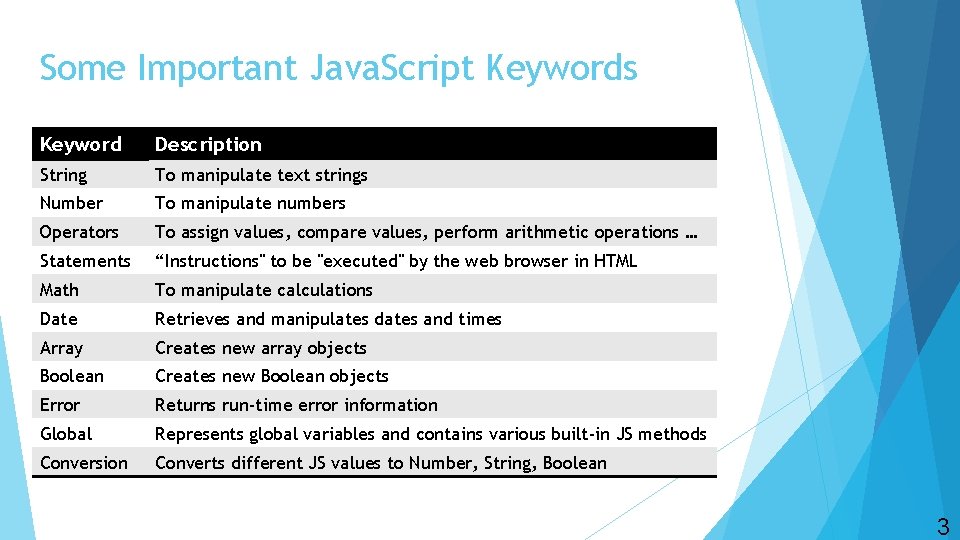
Some Important Java. Script Keywords Keyword Description String To manipulate text strings Number To manipulate numbers Operators To assign values, compare values, perform arithmetic operations … Statements “Instructions" to be "executed" by the web browser in HTML Math To manipulate calculations Date Retrieves and manipulates dates and times Array Creates new array objects Boolean Creates new Boolean objects Error Returns run-time error information Global Represents global variables and contains various built-in JS methods Conversion Converts different JS values to Number, String, Boolean 3
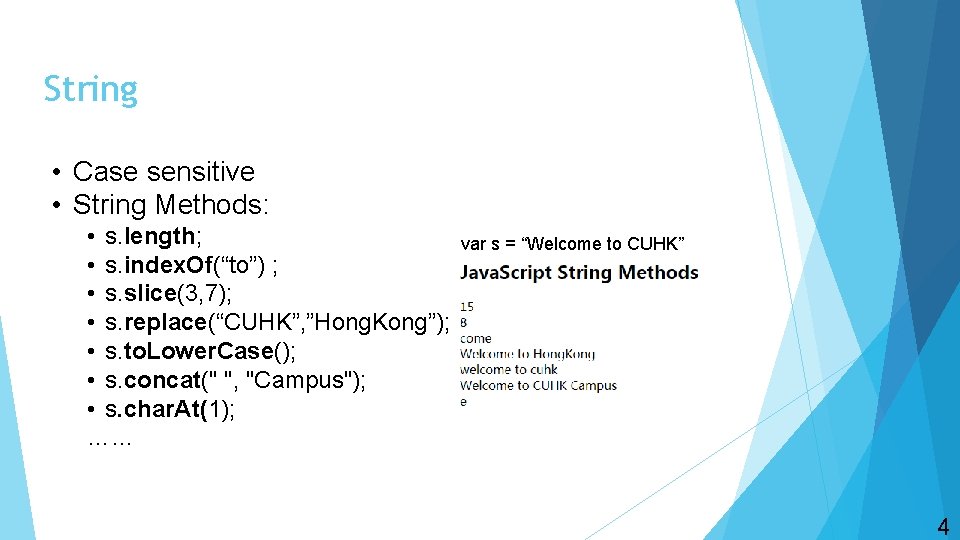
String • Case sensitive • String Methods: • s. length; • s. index. Of(“to”) ; • s. slice(3, 7); • s. replace(“CUHK”, ”Hong. Kong”); • s. to. Lower. Case(); • s. concat(" ", "Campus"); • s. char. At(1); …… var s = “Welcome to CUHK” 4
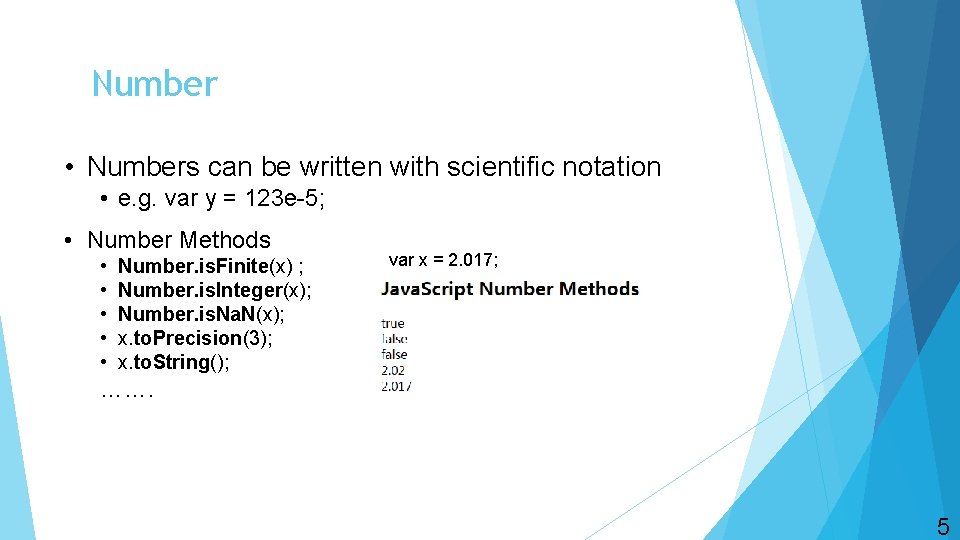
Number • Numbers can be written with scientific notation • e. g. var y = 123 e-5; • Number Methods • • • Number. is. Finite(x) ; Number. is. Integer(x); Number. is. Na. N(x); x. to. Precision(3); x. to. String(); var x = 2. 017; ……. 5
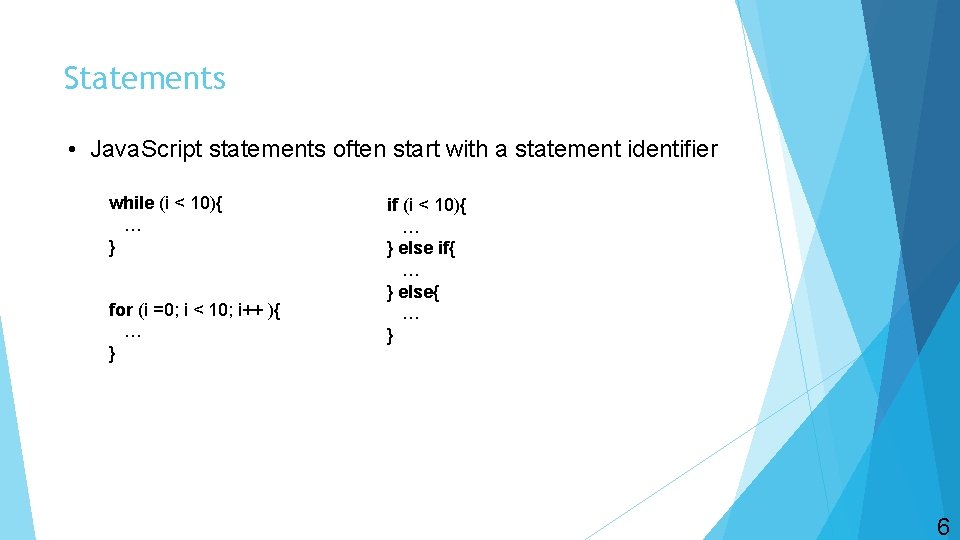
Statements • Java. Script statements often start with a statement identifier while (i < 10){ … } for (i =0; i < 10; i++ ){ … } if (i < 10){ … } else if{ … } else{ … } 6
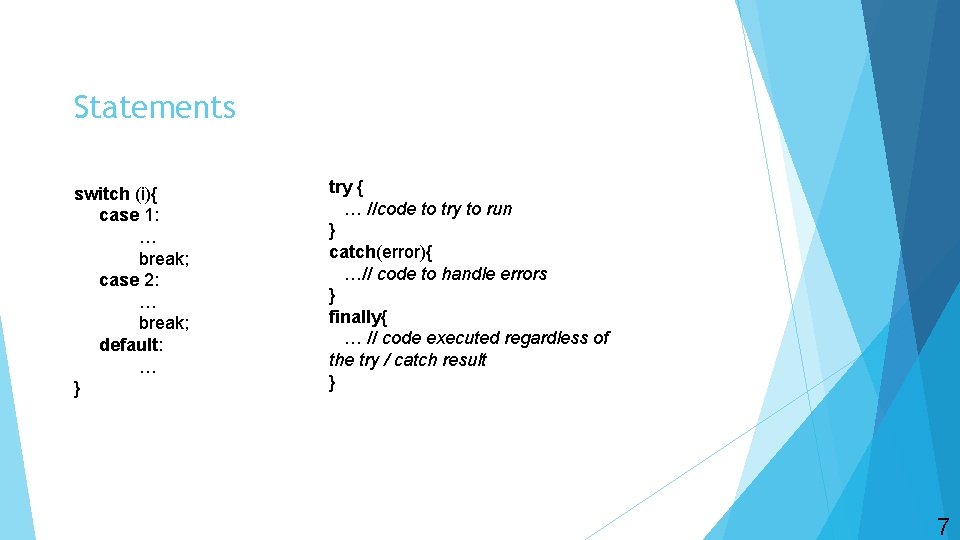
Statements switch (i){ case 1: … break; case 2: … break; default: … } try { … //code to try to run } catch(error){ …// code to handle errors } finally{ … // code executed regardless of the try / catch result } 7
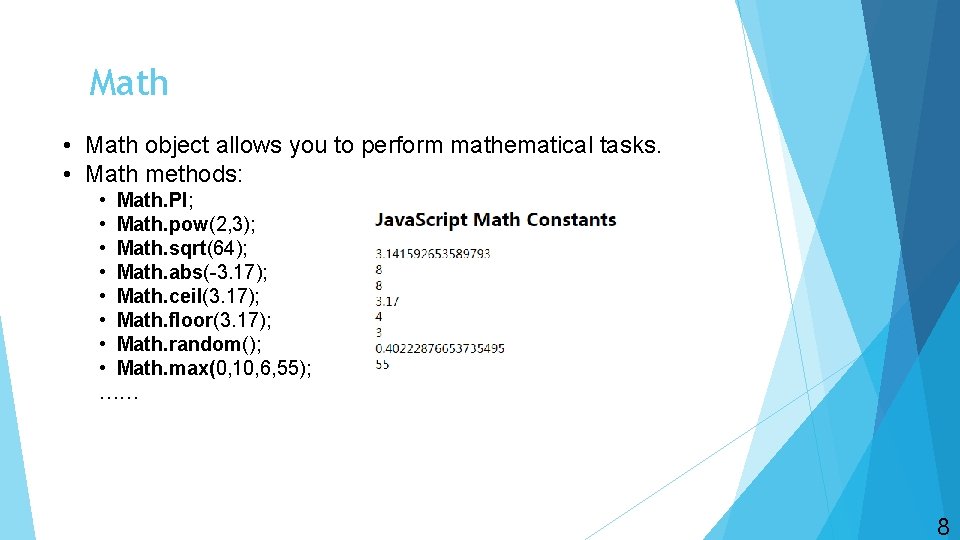
Math • Math object allows you to perform mathematical tasks. • Math methods: • Math. PI; • Math. pow(2, 3); • Math. sqrt(64); • Math. abs(-3. 17); • Math. ceil(3. 17); • Math. floor(3. 17); • Math. random(); • Math. max(0, 10, 6, 55); …… 8
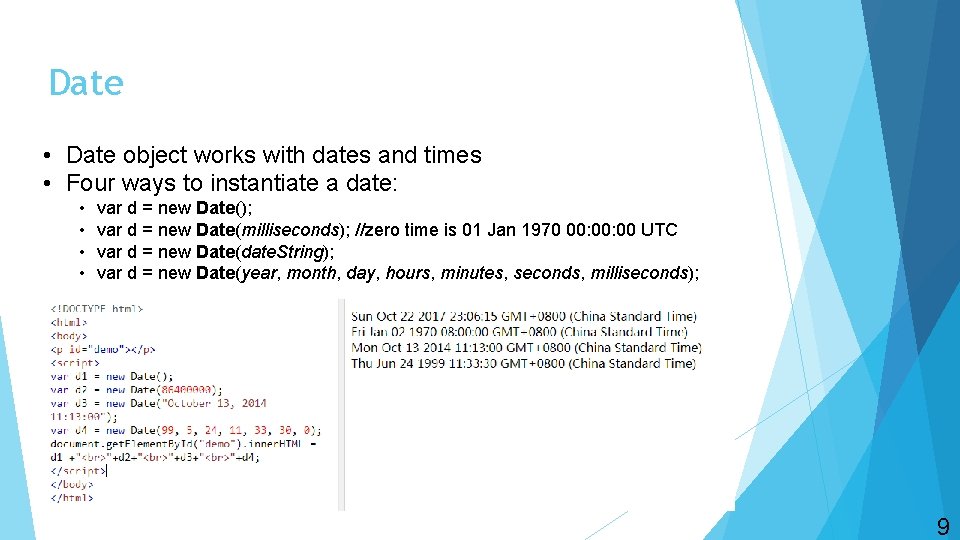
Date • Date object works with dates and times • Four ways to instantiate a date: • • var d = new Date(); var d = new Date(milliseconds); //zero time is 01 Jan 1970 00: 00 UTC var d = new Date(date. String); var d = new Date(year, month, day, hours, minutes, seconds, milliseconds); 9
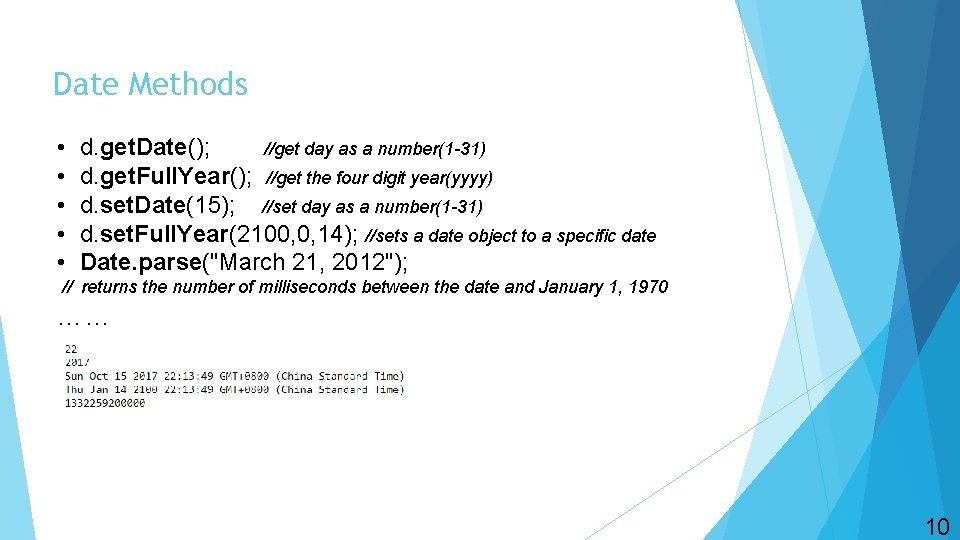
Date Methods • • • d. get. Date(); //get day as a number(1 -31) d. get. Full. Year(); //get the four digit year(yyyy) d. set. Date(15); //set day as a number(1 -31) d. set. Full. Year(2100, 0, 14); //sets a date object to a specific date Date. parse("March 21, 2012"); // returns the number of milliseconds between the date and January 1, 1970 …… 10
Array • Array object is used to store multiple values in a single variable. • e. g. var fruits = [“banana”, ”apple”, ”orange”]; • Array indexes are zero-based. • e. g. fruits[0] = “banana”; • Array elements can be objects, like functions or arrays. • e. g. my. Array[0] = Date. get. Day(); my. Array[1] = fruits; 11
Array Methods • Popping and Pushing • var fruits = [“Banana”, ”Apple”, ”Orange”]; x=fruits. pop(); // removes the last element, return the last element • y=fruits. push(“Mango”); // adds element “Mango” to array fruits, return the length of new array • Shifting Elements • x=fruits. shift(); // removes the first element, return the first element. • y=fruits. unshift(“Lemon”); // add element “Lemon” to array fruits, return the length of new array • Deleting Elements • delete fruits[1]; // change the second element in fruits to undefined • Using delete may leave undefined holes in the array. Use pop() or shift() instead. 12
Array Methods • Splicing an Array var fruits = [“Banana”, ”Apple”, ”Orange”]; var color = [“red”, ”blue”]; var points = [21, 14, 17, 61, 8]; • fruits. splice(1, 2, ”Lemon”); • The first parameter defines the position where to add new elements • The second parameter defines how many elements should be removed • The rest parameters define the new elements to be added • Merging Arrays fruits don’t change here!!! • new_arr=fruits. concat(color); // concatenates array fruits and color • Sorting an Array • By default, sort() function sorts value as strings • fruits. sort(); // sort an array alphabetically • fruits. reverse(); // sort an array in descending order • points. sort(function(a, b){ return a-b}); //numeric sort • points. sort(function(a, b){ return b-a}); //numeric sort in descending order 13
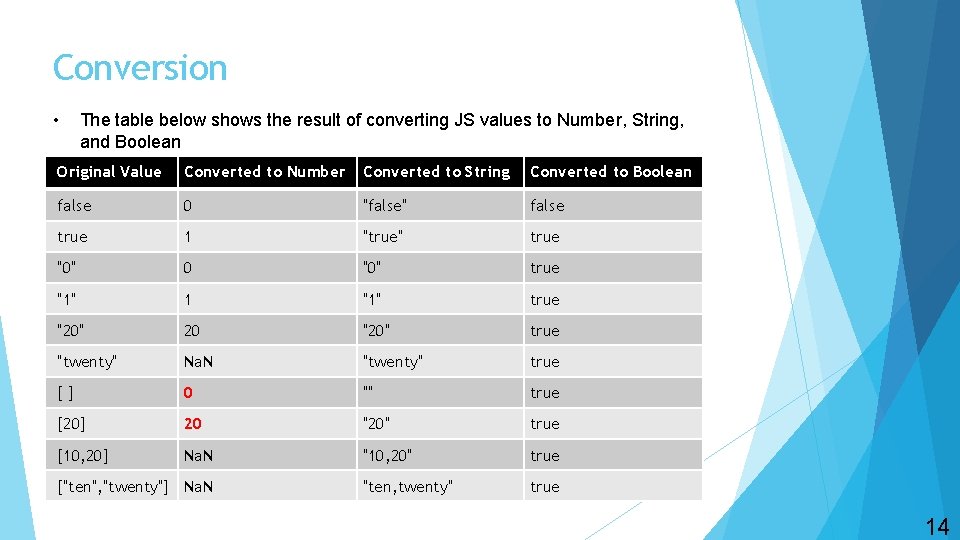
Conversion • The table below shows the result of converting JS values to Number, String, and Boolean Original Value Converted to Number Converted to String Converted to Boolean false 0 "false" false true 1 "true" true "0" 0 "0" true "1" 1 "1" true "20" 20 "20" true "twenty" Na. N "twenty" true [] 0 "" true [20] 20 "20" true [10, 20] Na. N "10, 20" true "ten, twenty" true ["ten", "twenty"] Na. N 14
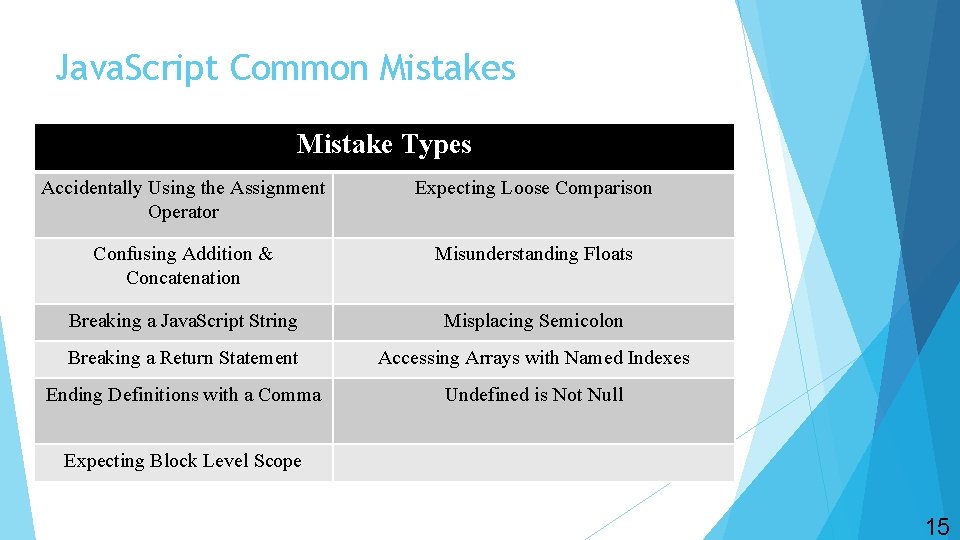
Java. Script Common Mistakes Mistake Types Accidentally Using the Assignment Operator Expecting Loose Comparison Confusing Addition & Concatenation Misunderstanding Floats Breaking a Java. Script String Misplacing Semicolon Breaking a Return Statement Accessing Arrays with Named Indexes Ending Definitions with a Comma Undefined is Not Null Expecting Block Level Scope 15
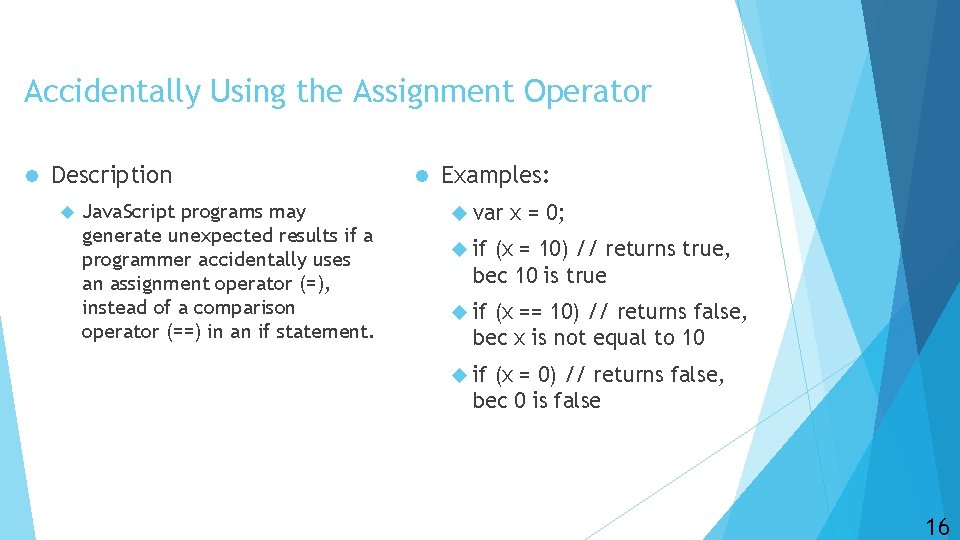
Accidentally Using the Assignment Operator l Description Java. Script programs may generate unexpected results if a programmer accidentally uses an assignment operator (=), instead of a comparison operator (==) in an if statement. l Examples: var x = 0; if (x = 10) // returns true, bec 10 is true if (x == 10) // returns false, bec x is not equal to 10 if (x = 0) // returns false, bec 0 is false 16
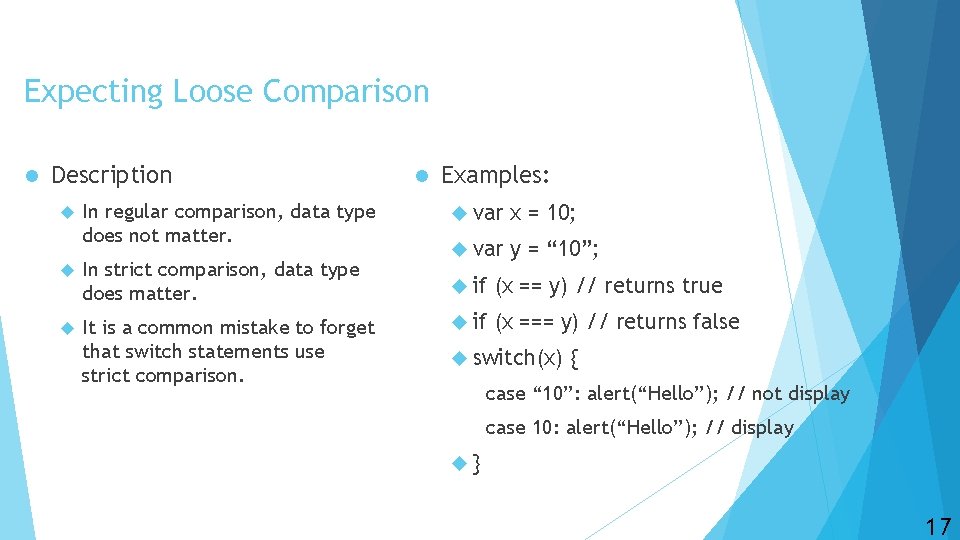
Expecting Loose Comparison l Description In regular comparison, data type does not matter. In strict comparison, data type does matter. It is a common mistake to forget that switch statements use strict comparison. l Examples: var x = 10; var y = “ 10”; if (x == y) // returns true if (x === y) // returns false switch(x) { case “ 10”: alert(“Hello”); // not display case 10: alert(“Hello”); // display } 17
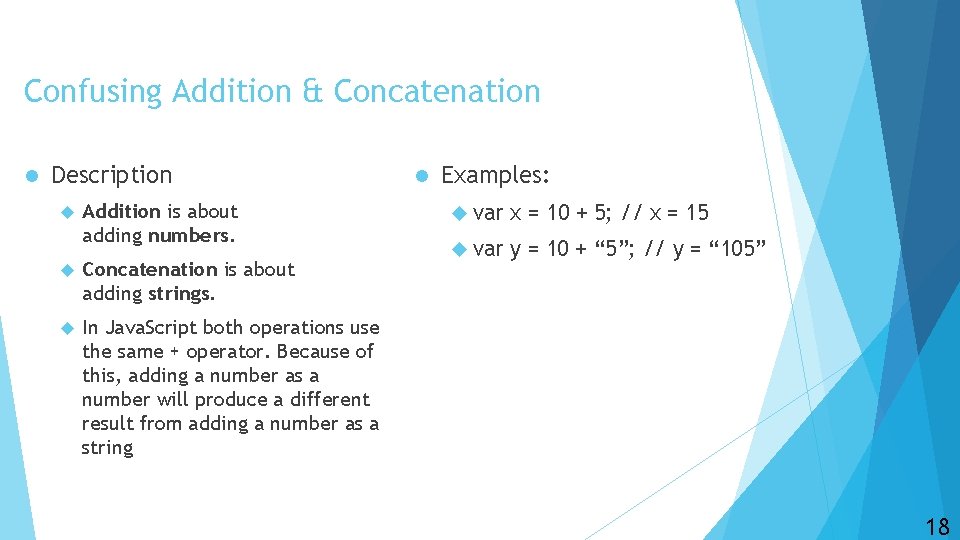
Confusing Addition & Concatenation l Description Addition is about adding numbers. Concatenation is about adding strings. In Java. Script both operations use the same + operator. Because of this, adding a number as a number will produce a different result from adding a number as a string l Examples: var x = 10 + 5; // x = 15 var y = 10 + “ 5”; // y = “ 105” 18
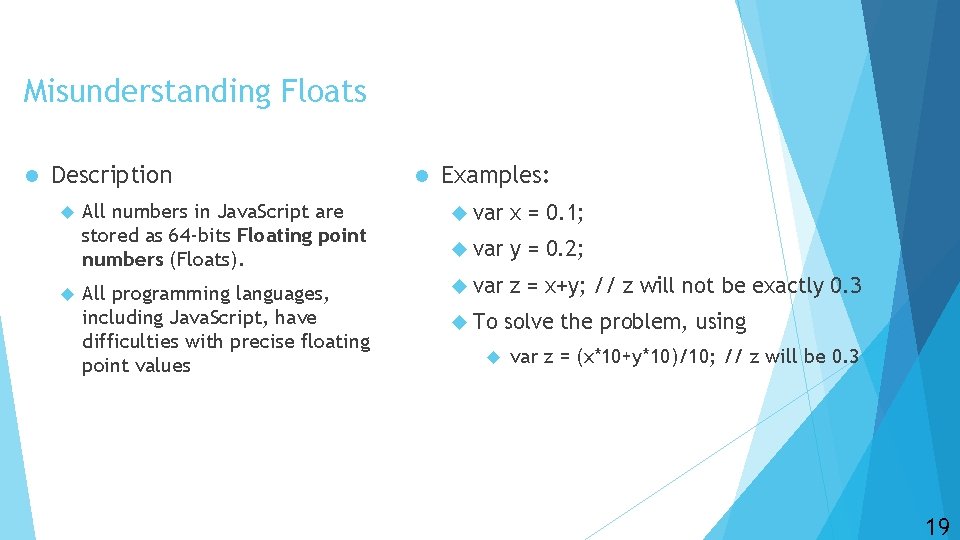
Misunderstanding Floats l Description All numbers in Java. Script are stored as 64 -bits Floating point numbers (Floats). All programming languages, including Java. Script, have difficulties with precise floating point values l Examples: var x = 0. 1; var y = 0. 2; var z = x+y; // z will not be exactly 0. 3 To solve the problem, using var z = (x*10+y*10)/10; // z will be 0. 3 19
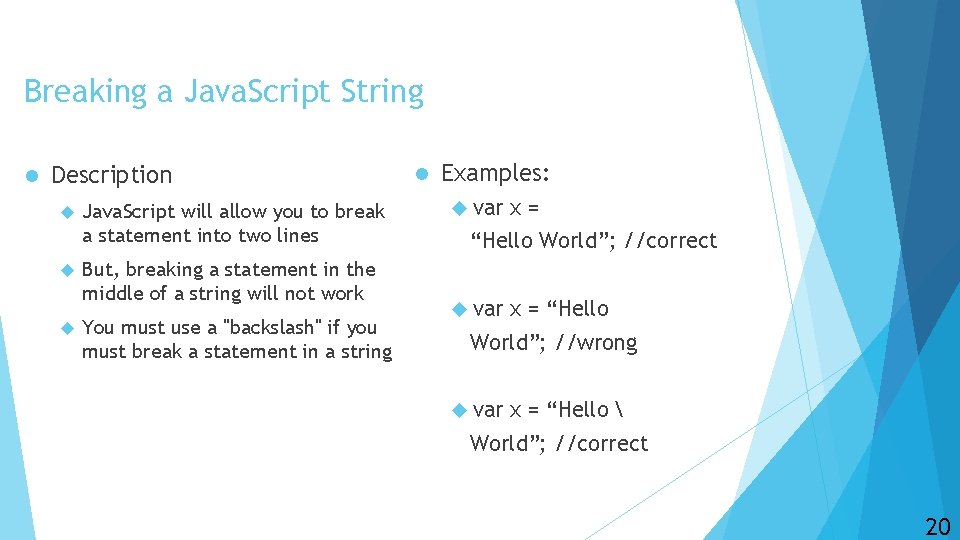
Breaking a Java. Script String l Description Java. Script will allow you to break a statement into two lines But, breaking a statement in the middle of a string will not work You must use a "backslash" if you must break a statement in a string l Examples: var x= “Hello World”; //correct var x = “Hello World”; //wrong var x = “Hello World”; //correct 20
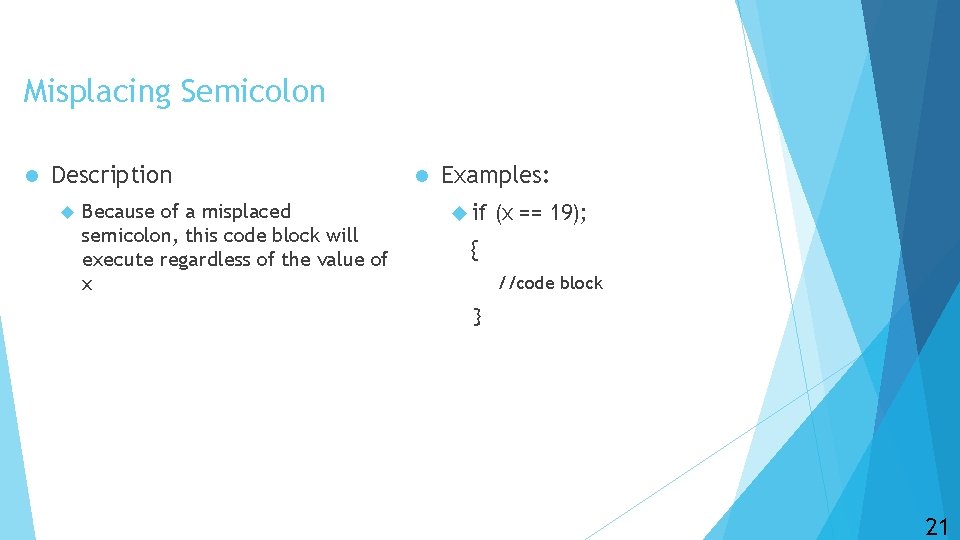
Misplacing Semicolon l Description Because of a misplaced semicolon, this code block will execute regardless of the value of x l Examples: if (x == 19); { //code block } 21
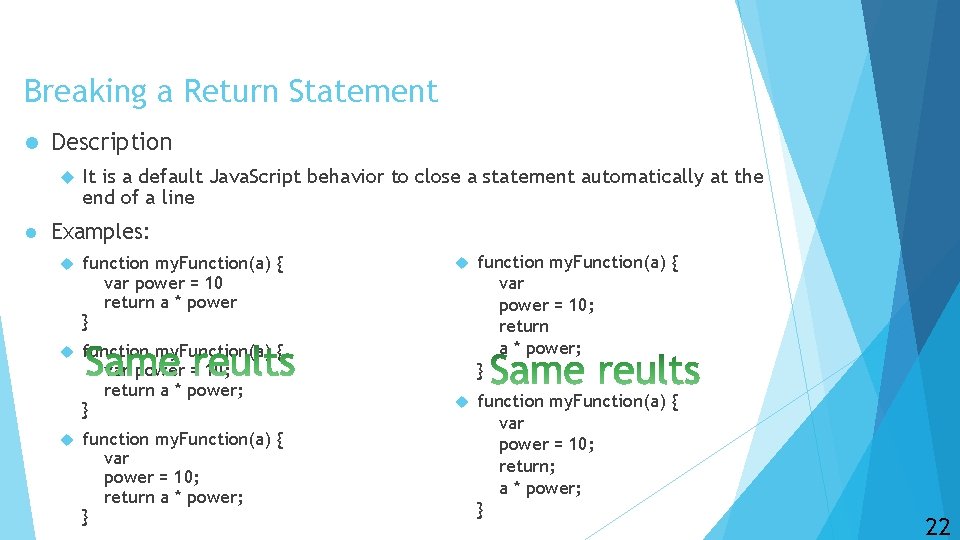
Breaking a Return Statement l Description l It is a default Java. Script behavior to close a statement automatically at the end of a line Examples: function my. Function(a) { var power = 10 return a * power } function my. Function(a) { var power = 10; return a * power; } function my. Function(a) { var power = 10; return; a * power; } 22
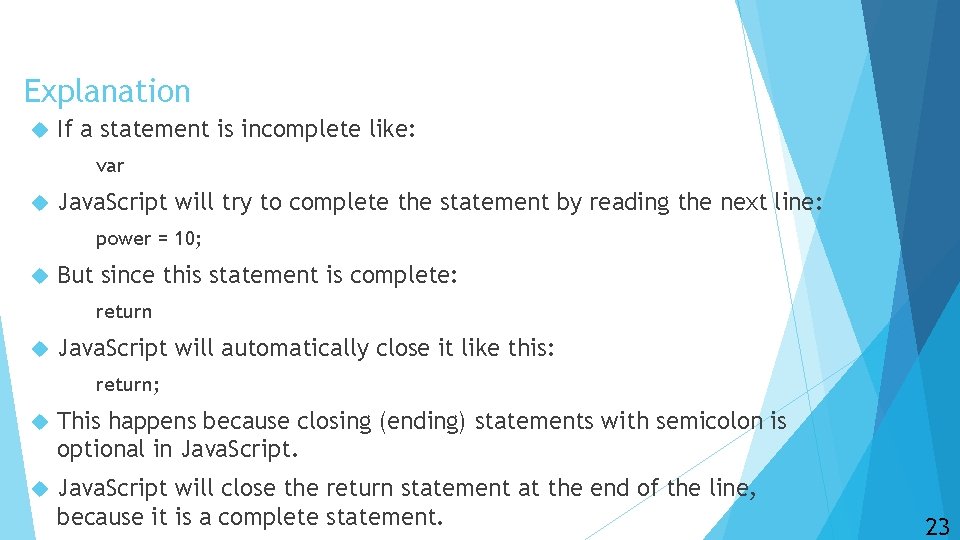
Explanation If a statement is incomplete like: var Java. Script will try to complete the statement by reading the next line: power = 10; But since this statement is complete: return Java. Script will automatically close it like this: return; This happens because closing (ending) statements with semicolon is optional in Java. Script will close the return statement at the end of the line, because it is a complete statement. 23
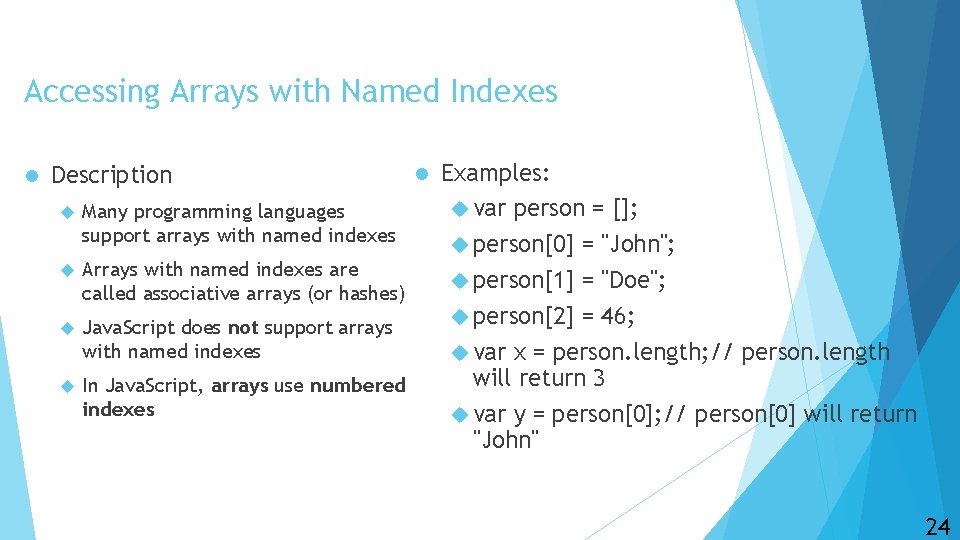
Accessing Arrays with Named Indexes l Description Many programming languages support arrays with named indexes Arrays with named indexes are called associative arrays (or hashes) Java. Script does not support arrays with named indexes In Java. Script, arrays use numbered indexes l Examples: var person = []; person[0] = "John"; person[1] = "Doe"; person[2] = 46; var x = person. length; // person. length will return 3 var y = person[0]; // person[0] will return "John" 24
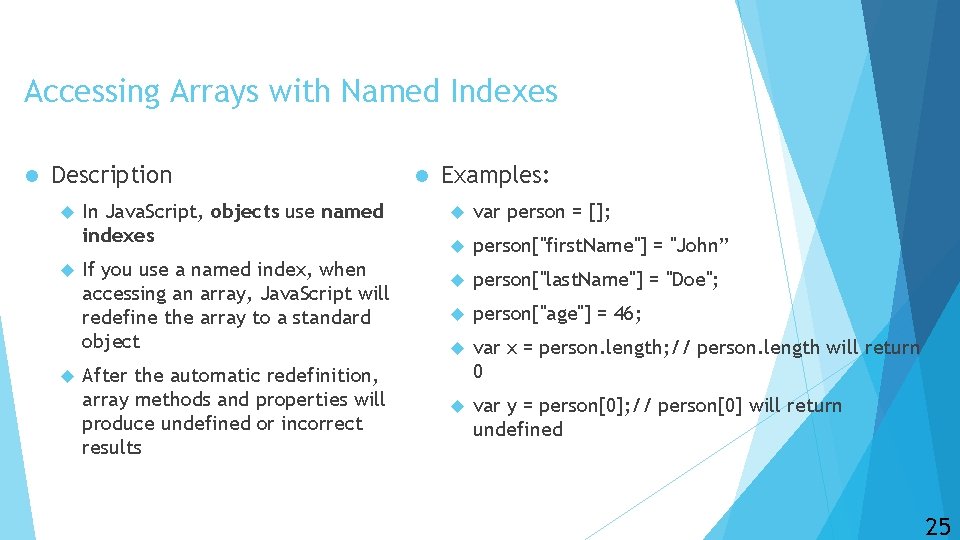
Accessing Arrays with Named Indexes l Description In Java. Script, objects use named indexes If you use a named index, when accessing an array, Java. Script will redefine the array to a standard object After the automatic redefinition, array methods and properties will produce undefined or incorrect results l Examples: var person = []; person["first. Name"] = "John” person["last. Name"] = "Doe"; person["age"] = 46; var x = person. length; // person. length will return 0 var y = person[0]; // person[0] will return undefined 25
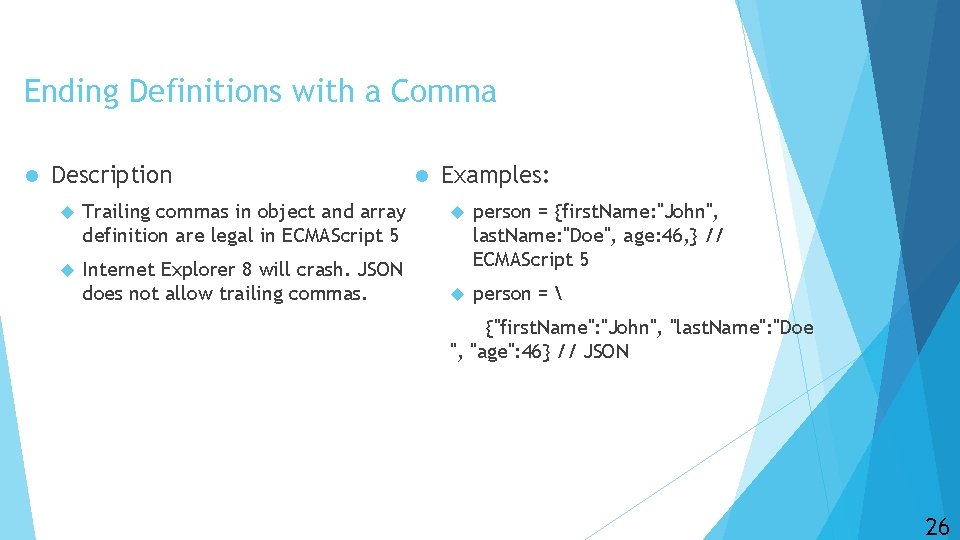
Ending Definitions with a Comma l Description Trailing commas in object and array definition are legal in ECMAScript 5 Internet Explorer 8 will crash. JSON does not allow trailing commas. l Examples: person = {first. Name: "John", last. Name: "Doe", age: 46, } // ECMAScript 5 person = {"first. Name": "John", "last. Name": "Doe ", "age": 46} // JSON 26
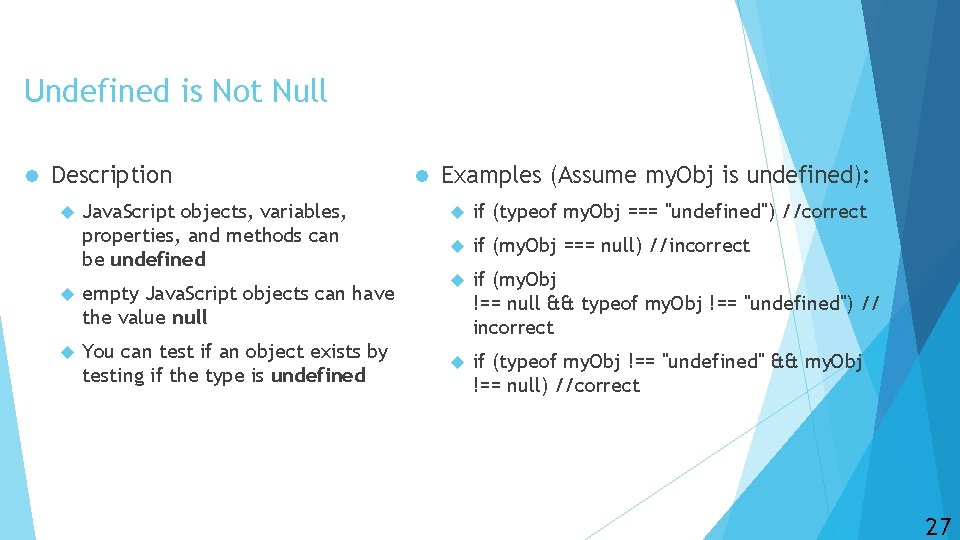
Undefined is Not Null l Description Java. Script objects, variables, properties, and methods can be undefined empty Java. Script objects can have the value null You can test if an object exists by testing if the type is undefined l Examples (Assume my. Obj is undefined): if (typeof my. Obj === "undefined") //correct if (my. Obj === null) //incorrect if (my. Obj !== null && typeof my. Obj !== "undefined") // incorrect if (typeof my. Obj !== "undefined" && my. Obj !== null) //correct 27
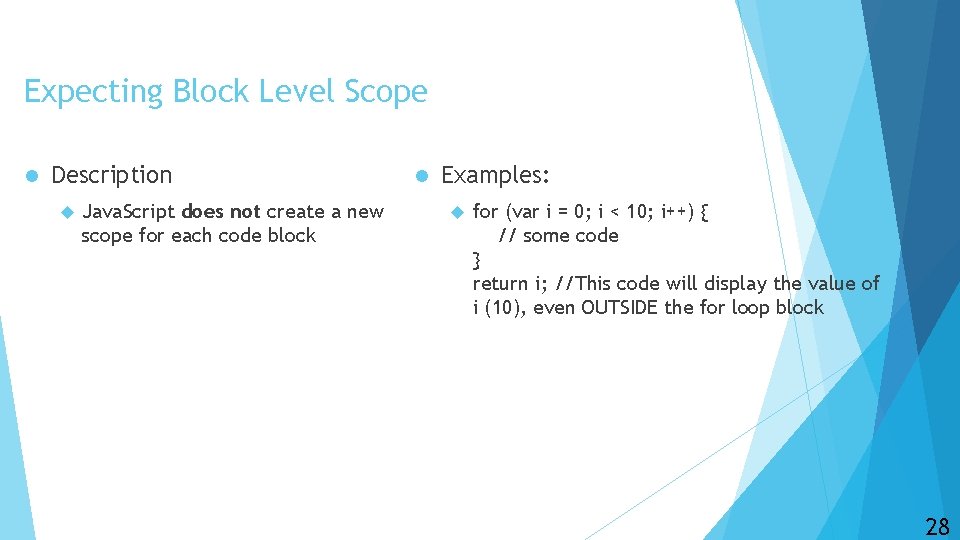
Expecting Block Level Scope l Description Java. Script does not create a new scope for each code block l Examples: for (var i = 0; i < 10; i++) { // some code } return i; //This code will display the value of i (10), even OUTSIDE the for loop block 28
Resources • https: //www. w 3 schools. com/js/default. asp • https: //www. w 3 schools. com/jsref/default. asp • https: //www. w 3 schools. com/Js/js_mistakes. asp 29
Questions and Answers 30