
TUPLE BYANSHUL KUMAR CLASS XI B INTRODUCTION In

TUPLE BYANSHUL KUMAR CLASS: XI “B”
INTRODUCTION • In python, tuple is also a kind of container which can store list of any kind of values. • Tuple is an immutable data type which means we cannot change any value of tuple. • Tuple is a sequence like string and list but the difference is that list is mutable whereas string and tuple is immutable. • In this ppt we will see manipulation tuple i. e. creation of tuple, its uses and functions.
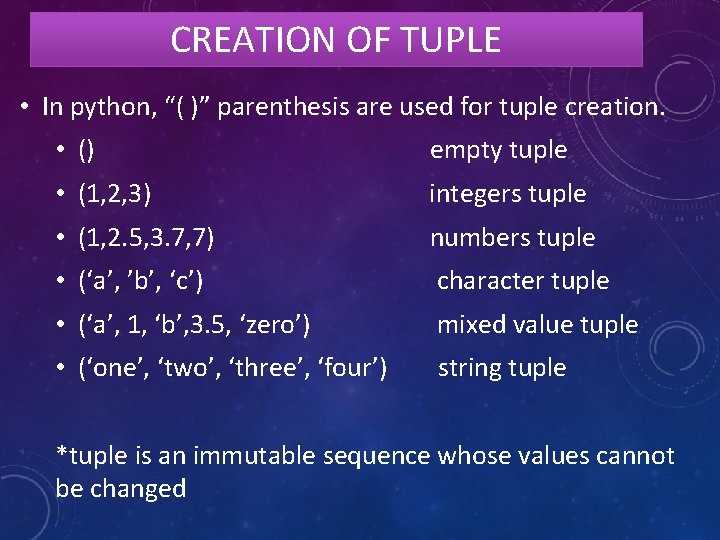
CREATION OF TUPLE • In python, “( )” parenthesis are used for tuple creation. • () empty tuple • (1, 2, 3) integers tuple • (1, 2. 5, 3. 7, 7) numbers tuple • (‘a’, ’b’, ‘c’) character tuple • (‘a’, 1, ‘b’, 3. 5, ‘zero’) mixed value tuple • (‘one’, ‘two’, ‘three’, ‘four’) string tuple *tuple is an immutable sequence whose values cannot be changed
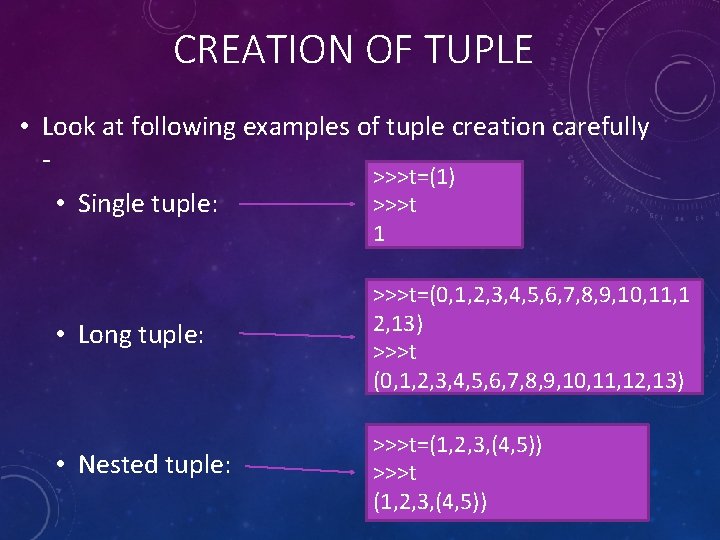
CREATION OF TUPLE • Look at following examples of tuple creation carefully • Single tuple: >>>t=(1) >>>t 1 • Long tuple: >>>t=(0, 1, 2, 3, 4, 5, 6, 7, 8, 9, 10, 11, 1 2, 13) >>>t (0, 1, 2, 3, 4, 5, 6, 7, 8, 9, 10, 11, 12, 13) • Nested tuple: >>>t=(1, 2, 3, (4, 5)) >>>t (1, 2, 3, (4, 5))
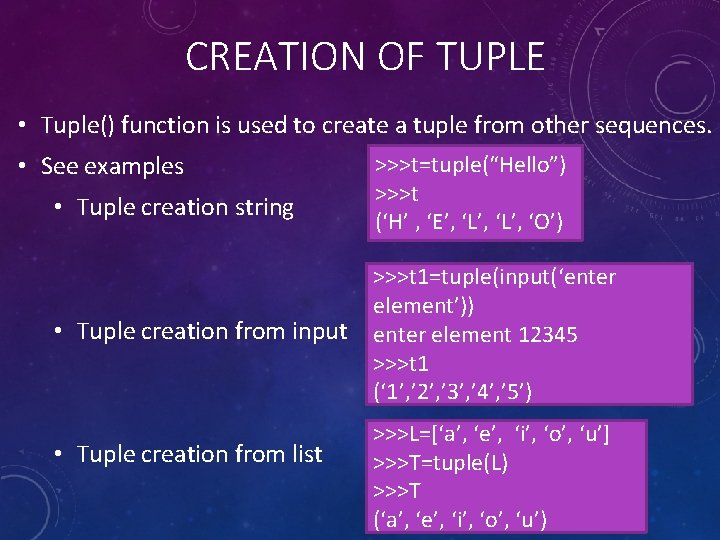
CREATION OF TUPLE • Tuple() function is used to create a tuple from other sequences. • See examples • Tuple creation string • Tuple creation from input • Tuple creation from list >>>t=tuple(“Hello”) >>>t (‘H’ , ‘E’, ‘L’, ‘O’) >>>t 1=tuple(input(‘enter element’)) enter element 12345 >>>t 1 (‘ 1’, ’ 2’, ’ 3’, ’ 4’, ’ 5’) >>>L=[‘a’, ‘e’, ‘i’, ‘o’, ‘u’] >>>T=tuple(L) >>>T (‘a’, ‘e’, ‘i’, ‘o’, ‘u’)
![ACCESSING A TUPLE • Indexing and Slicing: • T[i] : Returns the item present](http://slidetodoc.com/presentation_image_h2/7e62bbe071a7c15a5062afa8fee32166/image-6.jpg "ACCESSING A TUPLE • Indexing and Slicing: • T[i] : Returns the item present")
ACCESSING A TUPLE • Indexing and Slicing: • T[i] : Returns the item present at index i. • T[i: j] : Returns a new tuple having all the items of T from index i to j. • T[i: j: n] : Returns a new tuple having difference of n elements of T from index I to j. >>>T=(1, 2, 3, 4, 5, 6, 7, 8, 9, 10) >>>T[1: 10: 3] (2, 5, 8)
ACCESSING A TUPLE • Membership operator: • Working of membership operator “in” and “not in” is same as in a list. • Concatenation and Replication operators • +operator adds second tuple at the end of first tuple. * operator repeats elements of tuple.
![ACCESSING A TUPLE • Accessing Individual elements • >>>L=[‘a’, ‘e’, ‘I’, ‘o’, ‘u’] •](http://slidetodoc.com/presentation_image_h2/7e62bbe071a7c15a5062afa8fee32166/image-8.jpg "ACCESSING A TUPLE • Accessing Individual elements • >>>L=[‘a’, ‘e’, ‘I’, ‘o’, ‘u’] •")
ACCESSING A TUPLE • Accessing Individual elements • >>>L=[‘a’, ‘e’, ‘I’, ‘o’, ‘u’] • >>>L[0] • ‘a’ • >>>L[3] • ‘o’ • Traversal of a Tuple. T=tuple(“Python”) Print(T, end=“ “) Print( ) For a in T : print(a) (‘P’, ‘y’, ‘t’, ‘h’, ‘o’, ‘n’) P Y OUTPUT T H O N
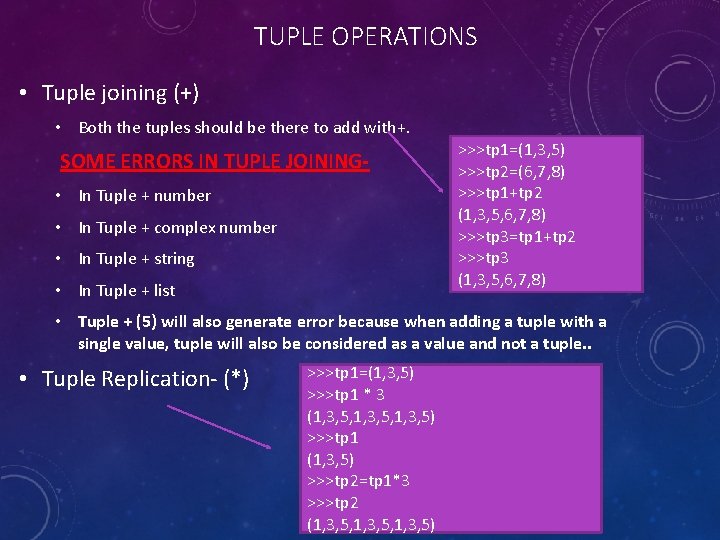
TUPLE OPERATIONS • Tuple joining (+) • Both the tuples should be there to add with+. SOME ERRORS IN TUPLE JOINING • In Tuple + number • In Tuple + complex number • In Tuple + string • In Tuple + list >>>tp 1=(1, 3, 5) >>>tp 2=(6, 7, 8) >>>tp 1+tp 2 (1, 3, 5, 6, 7, 8) >>>tp 3=tp 1+tp 2 >>>tp 3 (1, 3, 5, 6, 7, 8) • Tuple + (5) will also generate error because when adding a tuple with a single value, tuple will also be considered as a value and not a tuple. . • Tuple Replication- (*) >>>tp 1=(1, 3, 5) >>>tp 1 * 3 (1, 3, 5, 1, 3, 5) >>>tp 1 (1, 3, 5) >>>tp 2=tp 1*3 >>>tp 2 (1, 3, 5, 1, 3, 5)
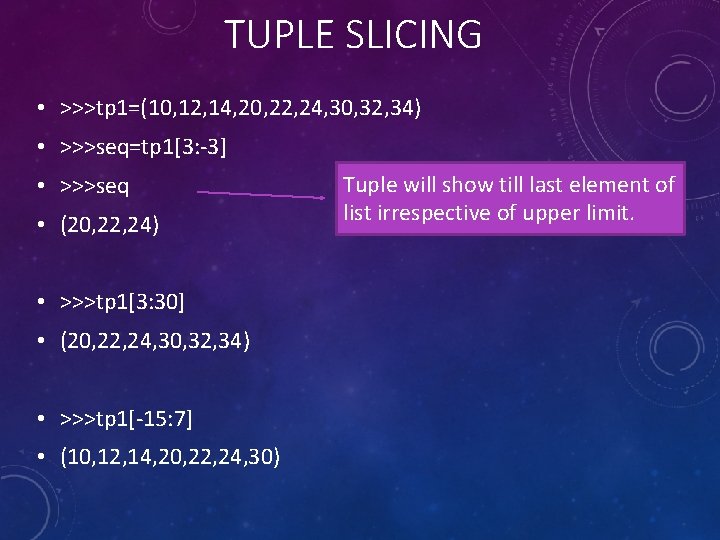
TUPLE SLICING • >>>tp 1=(10, 12, 14, 20, 22, 24, 30, 32, 34) • >>>seq=tp 1[3: -3] • >>>seq • (20, 22, 24) • >>>tp 1[3: 30] • (20, 22, 24, 30, 32, 34) • >>>tp 1[-15: 7] • (10, 12, 14, 20, 22, 24, 30) Tuple will show till last element of list irrespective of upper limit.
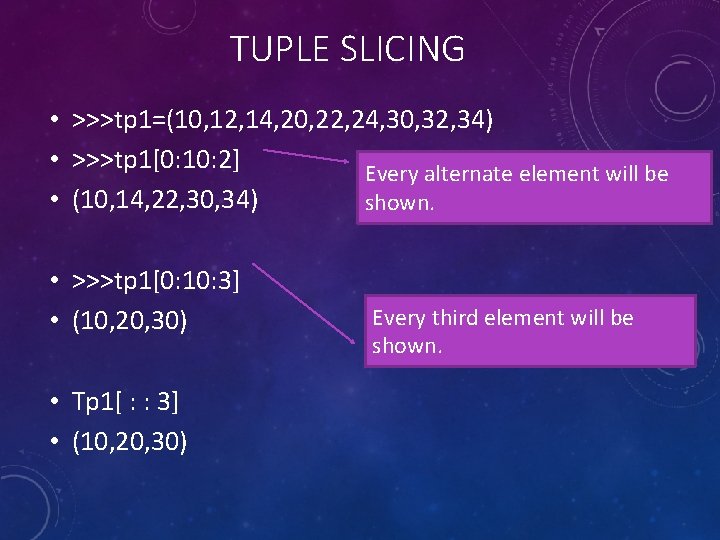
TUPLE SLICING • >>>tp 1=(10, 12, 14, 20, 22, 24, 30, 32, 34) • >>>tp 1[0: 10: 2] Every alternate element will be • (10, 14, 22, 30, 34) shown. • >>>tp 1[0: 10: 3] • (10, 20, 30) • Tp 1[ : : 3] • (10, 20, 30) Every third element will be shown.
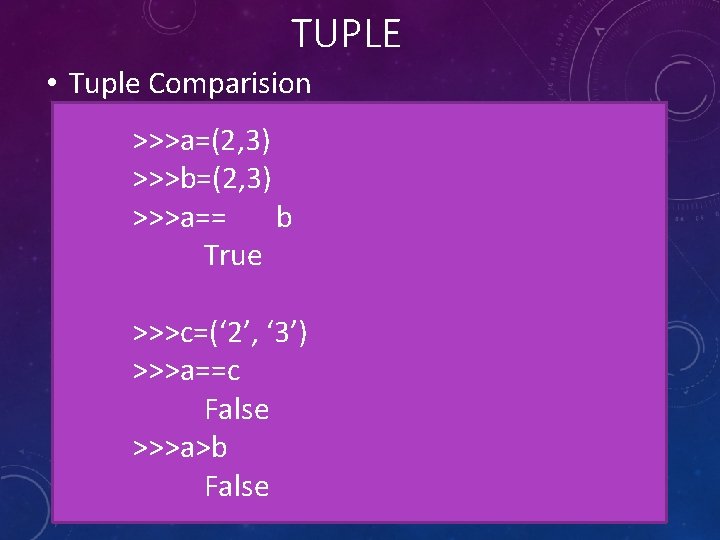
TUPLE • Tuple Comparision >>>a=(2, 3) >>>b=(2, 3) >>>a== b True >>>c=(‘ 2’, ‘ 3’) >>>a==c False >>>a>b False
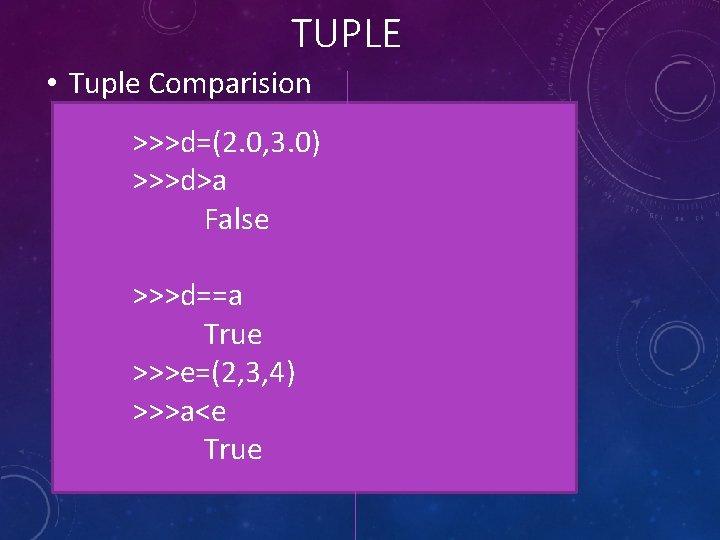
TUPLE • Tuple Comparision >>>d=(2. 0, 3. 0) >>>d>a False >>>d==a True >>>e=(2, 3, 4) >>>a<e True
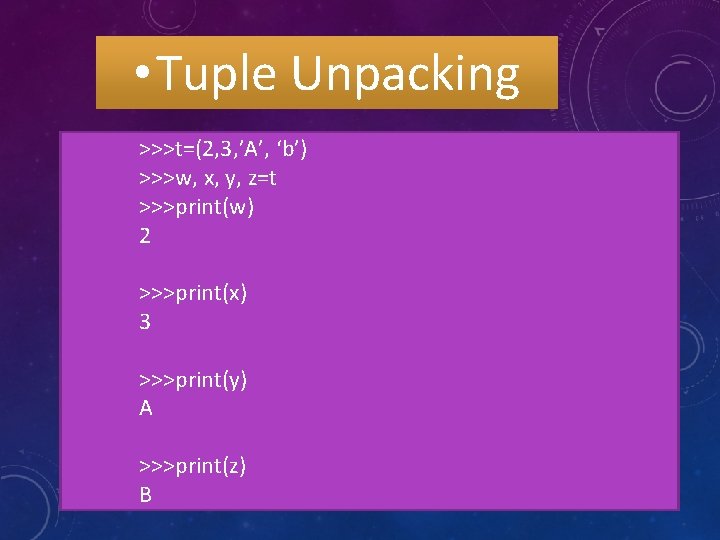
• Tuple Unpacking >>>t=(2, 3, ’A’, ‘b’) >>>w, x, y, z=t >>>print(w) 2 >>>print(x) 3 >>>print(y) A >>>print(z) B
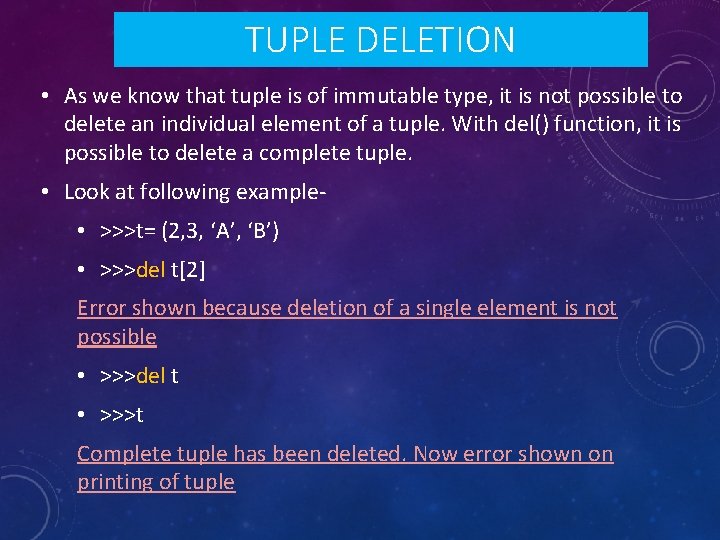
TUPLE DELETION • As we know that tuple is of immutable type, it is not possible to delete an individual element of a tuple. With del() function, it is possible to delete a complete tuple. • Look at following example • >>>t= (2, 3, ‘A’, ‘B’) • >>>del t[2] Error shown because deletion of a single element is not possible • >>>del t • >>>t Complete tuple has been deleted. Now error shown on printing of tuple
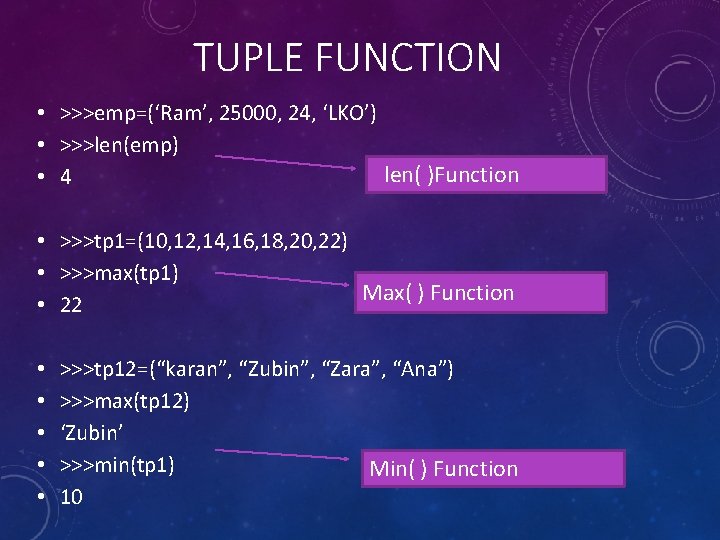
TUPLE FUNCTION • >>>emp=(‘Ram’, 25000, 24, ‘LKO’) • >>>len(emp) len( )Function • 4 • >>>tp 1=(10, 12, 14, 16, 18, 20, 22) • >>>max(tp 1) Max( ) Function • 22 • • • >>>tp 12=(“karan”, “Zubin”, “Zara”, “Ana”) >>>max(tp 12) ‘Zubin’ >>>min(tp 1) Min( ) Function 10
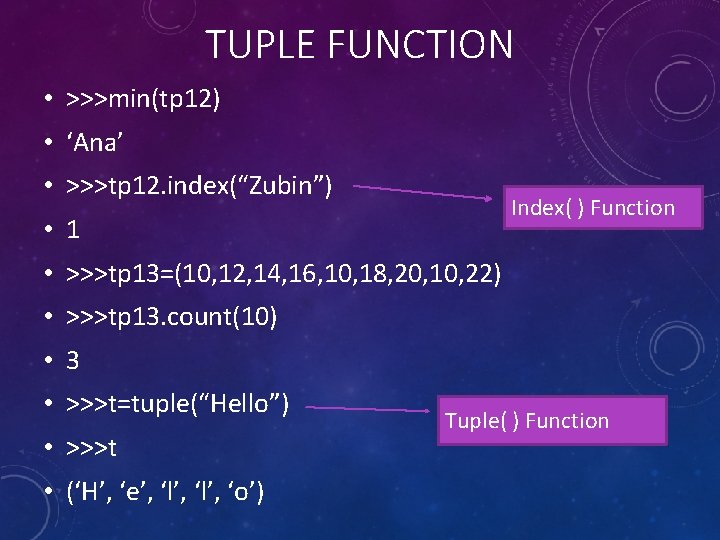
TUPLE FUNCTION • >>>min(tp 12) • ‘Ana’ • >>>tp 12. index(“Zubin”) Index( ) Function • 1 • >>>tp 13=(10, 12, 14, 16, 10, 18, 20, 10, 22) • >>>tp 13. count(10) • 3 • >>>t=tuple(“Hello”) • >>>t • (‘H’, ‘e’, ‘l’, ‘o’) Tuple( ) Function

THANK YOU
- Slides: 18