
Tuba City Elementary School Special Area Technology Mr
Tuba City Elementary School Special Area: Technology Mr. P. Mc. Cabe

Welcome to your Computer or Technology Lab Class!
Welcome to your Computer Class! This Class helps you… Know more English words and grammar. Listen and speak better, and be able to reach our goals in math, reading, and science. Finally, you will develop skills in using technology that will help you be successful with a computer too!
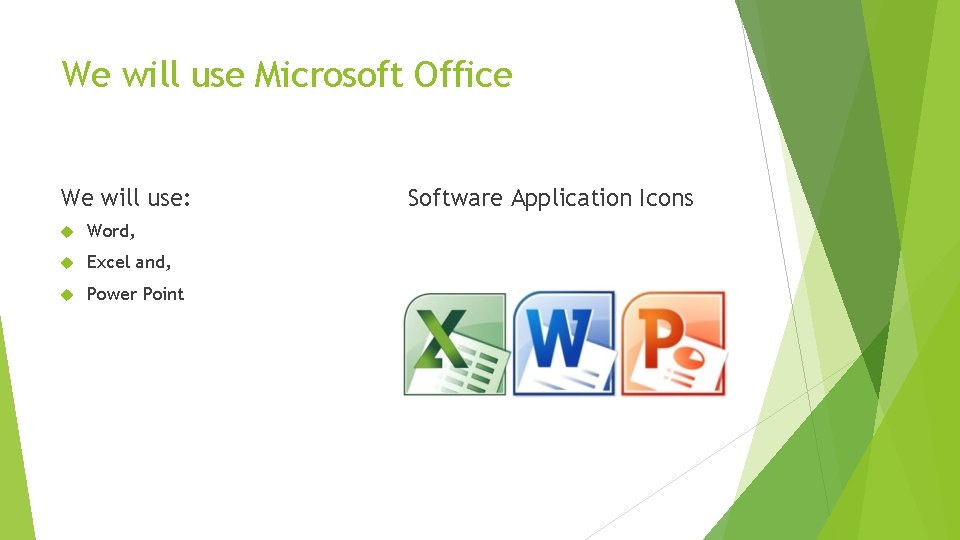
We will use Microsoft Office We will use: Word, Excel and, Power Point Software Application Icons
What do you do with Word? Excellent question!
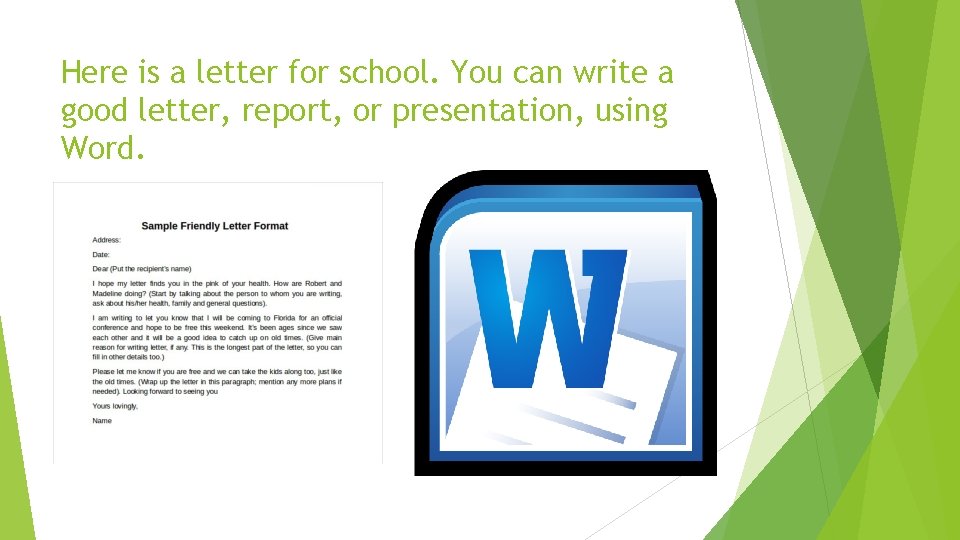
Here is a letter for school. You can write a good letter, report, or presentation, using Word.

What will we do with Excel? You can think about money, numbers, and time.
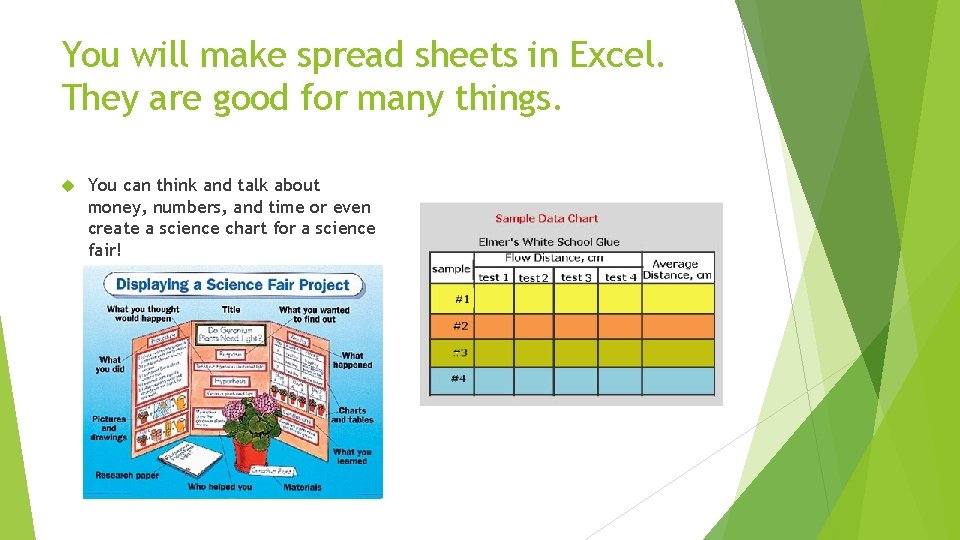
You will make spread sheets in Excel. They are good for many things. You can think and talk about money, numbers, and time or even create a science chart for a science fair!
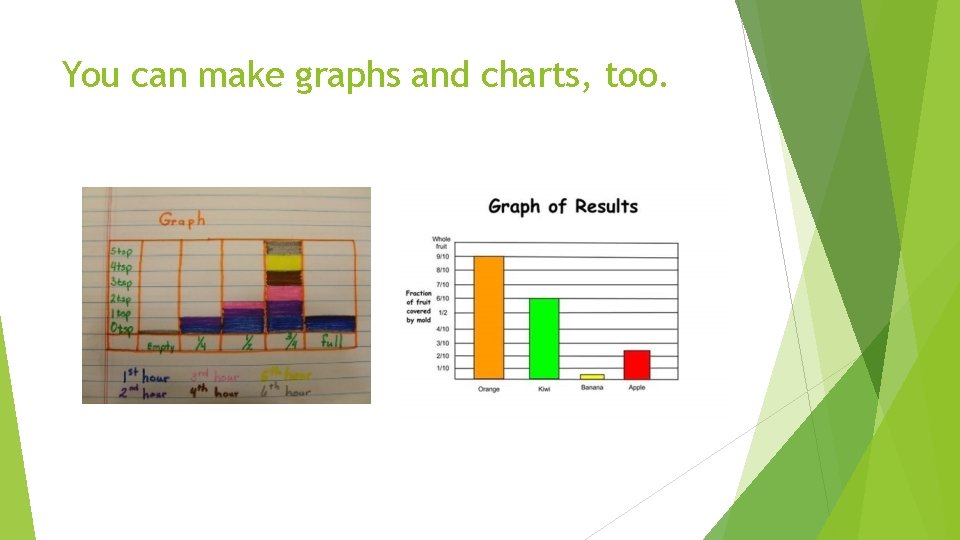
You can make graphs and charts, too.
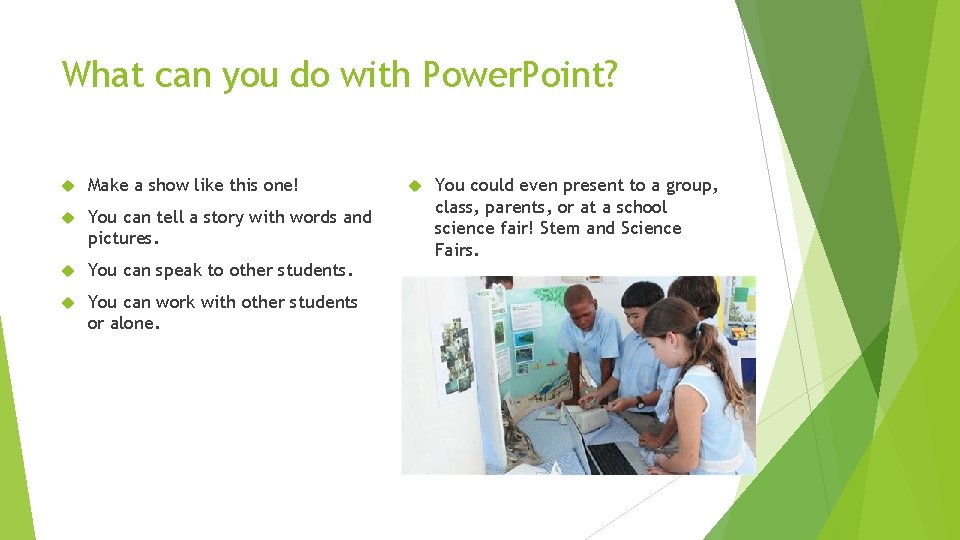
What can you do with Power. Point? Make a show like this one! You can tell a story with words and pictures. You can speak to other students. You can work with other students or alone. You could even present to a group, class, parents, or at a school science fair! Stem and Science Fairs.
We will also, learn on the Internet. We have many good listening lessons, and videos, too. We will learn to use the computers, tablets or i. Pads. Learn the keyboard layout, and develop our keyboarding skills Be able to learn to “touch type, ” on screens without keyboards. Practice and learn our grade level mathematics, reading, and writing, using the technology. www. starfall. com www. headspout. com www. studyisland. com Google – maps, search, and more.
One more thing! We will be taking our quizzes, math, reading, and writing tests online to measure our progress through out the year. Relax, breath, and get ready to learn a lot of new English, Math, Reading, Science, and computer skills. We will use what you have learned to make progress together. I hope you enjoy this school year, and I am glad you are here to join us! AZ Merit 3 rd-5 th grade math, reading and writing assessments. April 1 -26, 2019. Spring 2019 AIMS Science assessment. March 25 -April 19, 2019. AZELLA 2018 -2019 Placement testing window-2 wks. Before start of school through May 17, 2019. AZELLA Spring 2019 -Reassessment test window. February 4 – March 22, 2019. Listening, Speaking, Reading, and Writing.
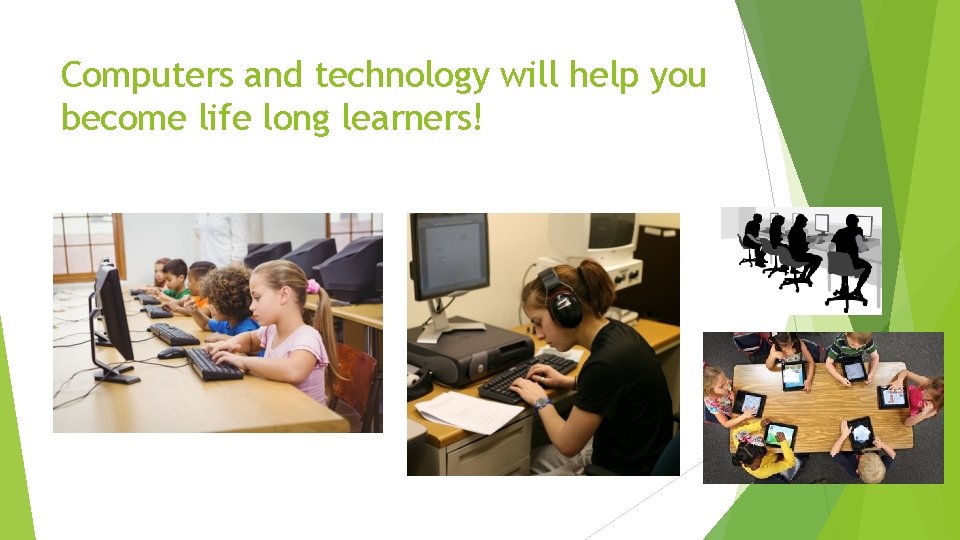
Computers and technology will help you become life long learners!
Daily Computer Lab Schedule Daily Schedule 8: 15 -8: 55 -( 5 th grade Reteach) 9: 00 -9: 40 - Kindergarten 9: 40 -10: 20 - First Grade 10: 45 -11: 25 - Second Grade 12: 50 -1: 30 - Third Grade 1: 30 -2: 10 - Fourth Grade 2: 10 -2: 50 - Fifth Grade Half Day Schedule 8: 00 -8: 15 (Classrooms) DMS Probe 8: 15 -8: 55 -( 5 th grade Reteach) 9: 00 -12: 30 K-5 Lab & Lunches 12: 15 Bus Pick-up Dismissal Times 12: 20 p. m. /12: 25 p. m. /12: 30 p. m.
CRITERIA FOR GRADING: Pass or Fail per grading quarter Attendance is important for testing or assessment dates to reach your learning goals, and weekly Math or English Language Arts practice. You have only one day of computer lab and one day of learning lab for 45 minutes per week.
TOOLS FOR SUCCESS! Weekly, quarterly, yearly online testing in classrooms or labs – Monitor Growth Skill practice or daily attendance Online or CBT state assessments
Computer Lab Mind Set Love a challenge Give your best effort Learn from your mistakes and move forward Stay on target with a positive mindset Try suggestions from those who are trying to help you succeed Always never stop making progress and improve yourself every day! Believe, Dream, and Reach for your Goals, and nothing or no one can stop you!
State Educational Technology Standards Integrated and Articulated by Grade Level Strand 1: Creativity and Innovation Strand 2: Communication and Collaboration Strand 3: Research and Information Literacy Strand 4: Critical Thinking, Problem Solving, and Decision Making Stand 5: Digital Citizenship Strand 6: Technology Operation and Concept
Classroom and Computer Lab Rules for labs 113 & 114 Listen when others are talking. Stop talking and listen for announcements or alerts. Keep hands, feet, and objects to yourself. Show respect for yourself, others, school and personal property Follow directions. Work quietly and do not disturb others. Work and play in a safe manner. Enjoy yourself and have a great day!
Parents and Guardians GET CONNECTED! OUR SCHOOL IS USING DOJO AS OUR POSITIVE BEHAVIOR INTERVENTION SYSYEM ACCEPT YOUR CHILD’S HOMEROOM TEACHER INVITE!
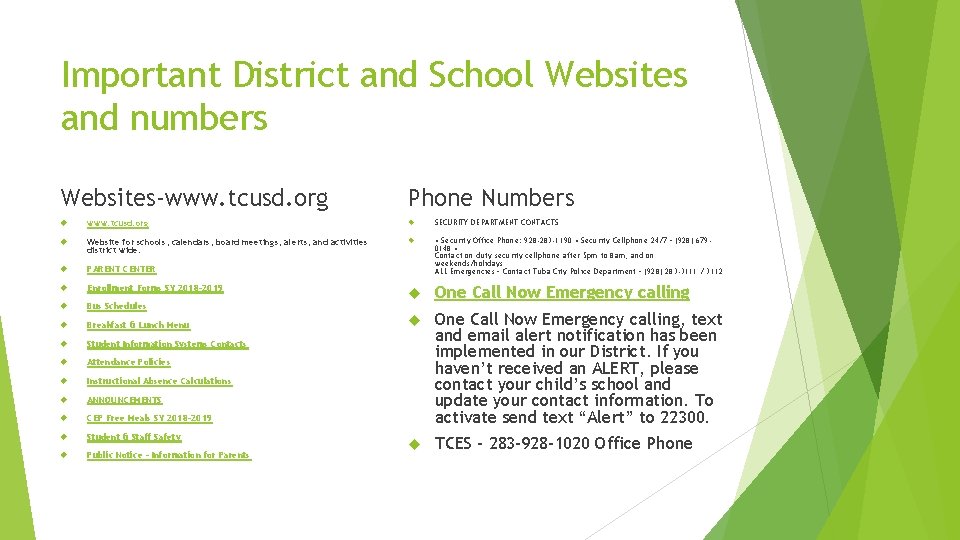
Important District and School Websites and numbers Websites-www. tcusd. org Phone Numbers www. tcusd. org SECURITY DEPARTMENT CONTACTS Website for schools, calendars, board meetings, alerts, and activities district wide. PARENT CENTER • Security Office Phone: 928 -283 -1190 • Security Cellphone 24/7 – (928) 6790148 • Contact on duty security cellphone after 5 pm to 8 am, and on weekends/holidays ALL Emergencies – Contact Tuba City Police Department – (928) 283 -3111 / 3112 Enrollment Forms SY 2018 -2019 Bus Schedules One Call Now Emergency calling Breakfast & Lunch Menu Student Information Systems Contacts Attendance Policies Instructional Absence Calculations ANNOUNCEMENTS CEP Free Meals SY 2018 -2019 One Call Now Emergency calling, text and email alert notification has been implemented in our District. If you haven’t received an ALERT, please contact your child’s school and update your contact information. To activate send text “Alert” to 22300. Student & Staff Safety Public Notice – Information for Parents TCES – 283 -928 -1020 Office Phone
Thank You! For coming to the Tuba City Elementary School Campus Orientation and Meet Your Teacher Night. Again, you are always WELCOME!
- Slides: 23