
Troubleshooting SQL Server Performance Tips Tools Amit Khandelwal
Troubleshooting SQL Server Performance: Tips &Tools Amit Khandelwal
DISCLAIMER The opinions expressed in this presentation and on the following slides are solely those of the presenter and not necessarily those of Microsoft does not guarantee the accuracy or reliability of the information provided herein.
About me: I am currently working as Microsoft SQL Server Support Escalation Engineer. Worked with Beta Teams for SQL Server release and masters SQL Performance, HR-DR technologies and Replication and Engine technologies. Have Authored several internal training materials. Have been speaker at many programs like SQL Server Talks, SQL Server Asia level conference and many others. Current interests in learning and working on SQL Server Azure and other cloud products of Microsoft.
Agenda Performance Troubleshooting Tools SQLDIAGPSSDIAG SQL Nexus Analysis Waits analysis CPUSpinlocks Slow IO Troubleshooting Common Mysteries & Important Trace flags Old School Tricks!!!
PERFORMANCE TROUBLESHOOTING TOOLS SQLDIAGPSSDIAG SQL Nexus

SQLDIAG– Data collection utility Windows Event Logs (Application, System, and Security) in. CSV files System Monitor (aka Perfmon) performance counters in. BLG file/s SQL Server Profiler traces in. TRC file/s SQL Server error logs, configuration, point-in-time snapshots of several DMVs in a. OUT file System information via the Msinfo 32 utility Custom scripts for collecting blocking specific data All configuration parameters are stored in SQLDiag. xml file and can be changed
PSSDIAG – Data collection utility Similar to SQLDIAG utility except for the user interface • CPU spikes on the SQL Server box • Performance degradation during specific hours (say between 4: 00 PM and 6: 00 PM daily) • Blocking on SQL Server • Overall performance bottlenecks in SQL Server using wait statistics
SQL Nexus – Data analysis tool Helpful in post-mortem analysis of performance issues Uses RML utilities (Readtrace) – It’s a pre-requisite Tool Highlights: Trace aggregation to show TOP N most expensive queries Wait stats analysis for visualizing blocking and other resource contention issues Visualize loaded data via Reports – uses SSRS client side report viewer PSSDIAG and SQL Nexus: Nexus analyses data when SQLDiag is clubbed with SQLxxxx. Perf. Stats scripts captures DMVs output including blocking information
PSSDIAG AND SQL NEXUS DEMO

SLOW IO TROUBLESHOOTING
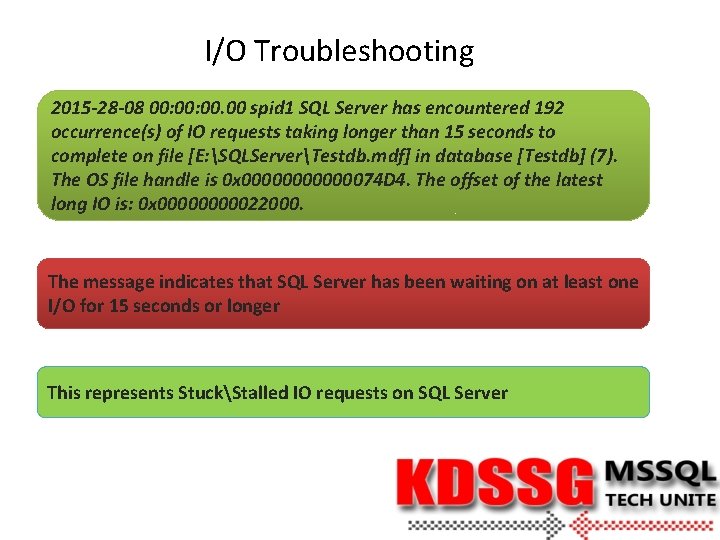
I/O Troubleshooting 2015 -28 -08 00: 00. 00 spid 1 SQL Server has encountered 192 occurrence(s) of IO requests taking longer than 15 seconds to complete on file [E: SQLServerTestdb. mdf] in database [Testdb] (7). The OS file handle is 0 x 00000074 D 4. The offset of the latest long IO is: 0 x 0000022000. The message indicates that SQL Server has been waiting on at least one I/O for 15 seconds or longer This represents StuckStalled IO requests on SQL Server
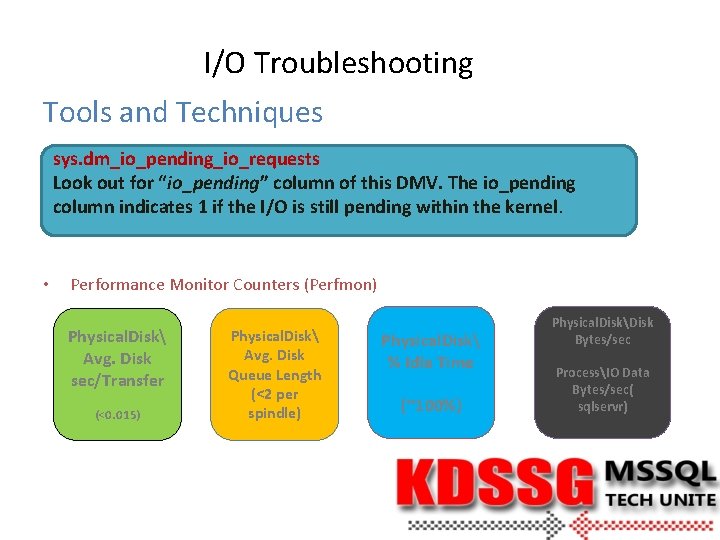
I/O Troubleshooting Tools and Techniques sys. dm_io_pending_io_requests Look out for “io_pending” column of this DMV. The io_pending column indicates 1 if the I/O is still pending within the kernel. • Performance Monitor Counters (Perfmon) Physical. Disk Avg. Disk sec/Transfer (<0. 015) Physical. Disk Avg. Disk Queue Length (<2 per spindle) Physical. Disk % Idle Time (~100%) Physical. DiskDisk Bytes/sec ProcessIO Data Bytes/sec( sqlservr)

COMMON MYSTERIES
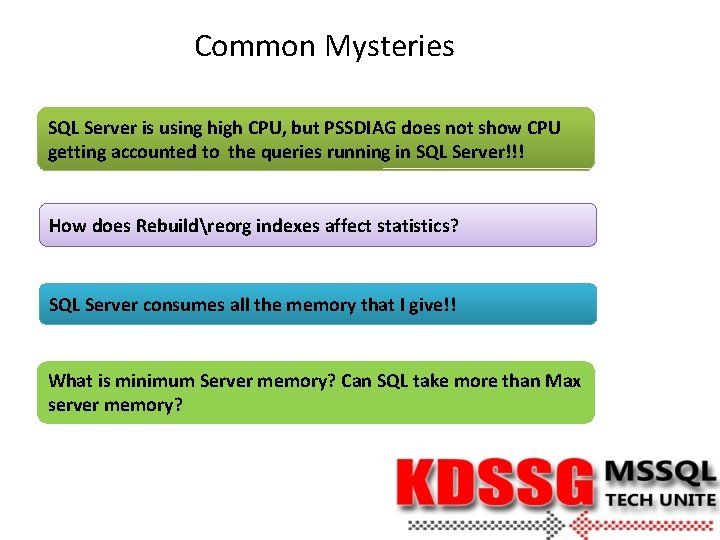
Common Mysteries SQL Server is using high CPU, but PSSDIAG does not show CPU getting accounted to the queries running in SQL Server!!! How does Rebuildreorg indexes affect statistics? SQL Server consumes all the memory that I give!! What is minimum Server memory? Can SQL take more than Max server memory?

IMPORTANT TIPS
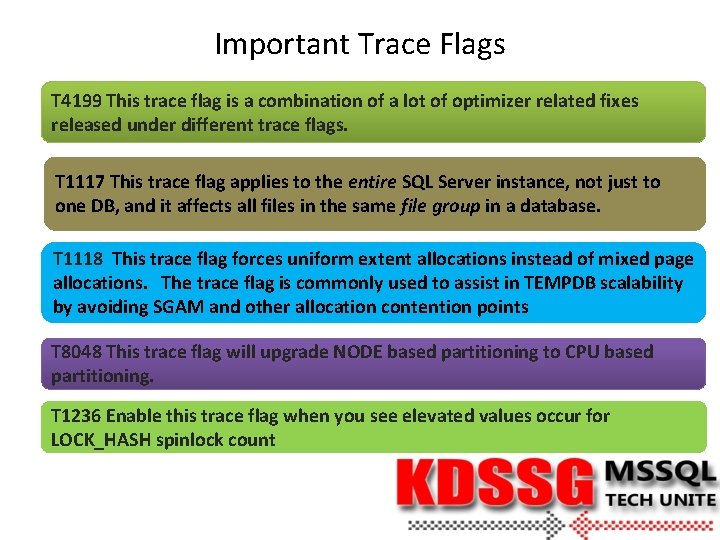
Important Trace Flags T 4199 This trace flag is a combination of a lot of optimizer related fixes released under different trace flags. T 1117 This trace flag applies to the entire SQL Server instance, not just to one DB, and it affects all files in the same file group in a database. T 1118 This trace flag forces uniform extent allocations instead of mixed page allocations. The trace flag is commonly used to assist in TEMPDB scalability by avoiding SGAM and other allocation contention points T 8048 This trace flag will upgrade NODE based partitioning to CPU based partitioning. T 1236 Enable this trace flag when you see elevated values occur for LOCK_HASH spinlock count
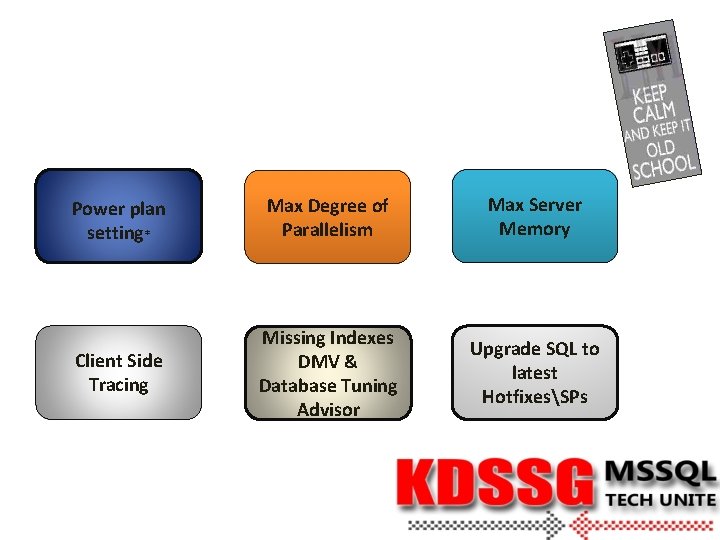
Power plan setting* Max Degree of Parallelism Max Server Memory Client Side Tracing Missing Indexes DMV & Database Tuning Advisor Upgrade SQL to latest HotfixesSPs
References PSSDIAG http: //diagmanager. codeplex. com/releases http: //technet. microsoft. com/en-us/library/ms 162833. aspx http: //blogs. msdn. com/b/pamitt/archive/2011/02/25/how-to-use-the-sqldiag-the-sqlnexus-and-the-pal-tools-to-analyze-performance-issues-in-sqlserver. aspx SQL Nexus http: //sqlnexus. codeplex. com/ https: //sqlnexus. codeplex. com/wikipage? title=GETTING_STARTED http: //sqlnexus. codeplex. com/wikipage? title=Sql 2005 Perf. Stats. Script&referring. Title=Home https: //sqlnexus. codeplex. com/wikipage? title=collecting%20 data%20 using%20 batch%20 files&referring. Title=GETTING_STARTED http: //sqlnexus. codeplex. com/wikipage? title=readtrace&referring. Title=Sql 2005 Perf. Stats. Script Slow IO Troubleshooting http: //support. microsoft. com/kb/897284 http: //blogs. msdn. com/b/karthick_pk/archive/2012/06/26/io_2 d 00_bottlenecks. aspx http: //blogs. msdn. com/b/cindygross/archive/2010/03/17/what-do-those-io-requests-taking-longer-than-15 -seconds-messages-on-my-sql-box-mean. aspx
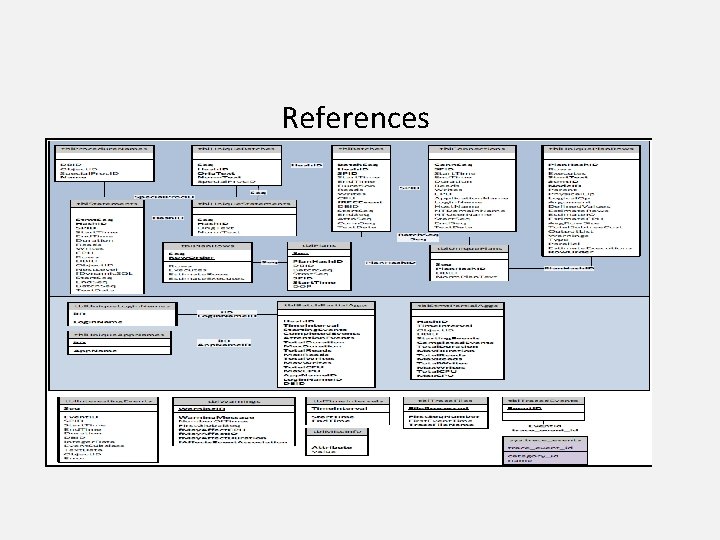
References

Thank you for Attending Tech Unite!!!
- Slides: 21