
Troubleshooting Sage 300 Patty Dube 27 th January
Troubleshooting Sage 300 Patty Dube 27 th January 2016 Sage Business Partner Conference 2016 @Sage. Group. ZA | #Sage. BPCon 2020 -10 -30

Troubleshooting Some of the Common Errors in Sage 300 Sage Business Partner Conference 2016 @Sage. Group. ZA | #Sage. BPCon 2020 -10 -30
Trouble shooting “Posting in Progress” batch status. What do you do when a financial module batch status is stuck with a “Posting in Progress Status” Sage Business Partner Conference 2016 @Sage. Group. ZA | #Sage. BPCon 2020 -10 -30
The sum of ICIVAL TRANSCOST for item at location does not match ICILOC TOTALCOST occurs in data integrity check. The following errors may occur in the Data Integrity Check for Inventory Control: • Location Details: <Item Number>, <Location> • The sum of ICIVAL. TRANSCOST for item <Item Number> at location <Location> does not match ICILOC. TOTALCOST. • The sum of ICIVAL. STKQTY for item <Item Number> at location <Location> does not match ICILOC. QTYONHAND Sage Business Partner Conference 2016 @Sage. Group. ZA | #Sage. BPCon 2020 -10 -30
Slow performance when opening GL batch list or changing "Ready to Post" status in Sage 300 2016. Cause This is an issue caused by Accpac. GL 2000. ocx. It causes a "table scan" when opening GL batch list. Resolution To resolve the issue, there is a hot fix available. Please download the hot fix located in the Attachment section of this article. 1. In the Attachments section of this article, download the HF 71262_GL 63 A. zip file. 2. Unzip the HF 71262_GL 63 A. zip file. This will create the folder HF 71262_GL 63 A. 3. Browse to the folder HF 71262_GL 63 A. 4. Read the Hot Fix Readme. txt for installation instructions for this hotfix. Sage Business Partner Conference 2016 @Sage. Group. ZA | #Sage. BPCon 2020 -10 -30

The following error message may be received when creating an ODBC DSN connection in MSSQL Express Connection failed: SQLState: '08001' [Microsoft][SQL Server Native Client 10. 0]SQL Server Network Interface: Error Locating Server/Instance Specified [x. FFFF]. Connection failed: SQLState: 'HWT 00' SQL SErver Error: 0 [Microsoft][SQL Server Native Client 10. 0]Login timeout expired. Sage Business Partner Conference 2016 @Sage. Group. ZA | #Sage. BPCon 2020 -10 -30
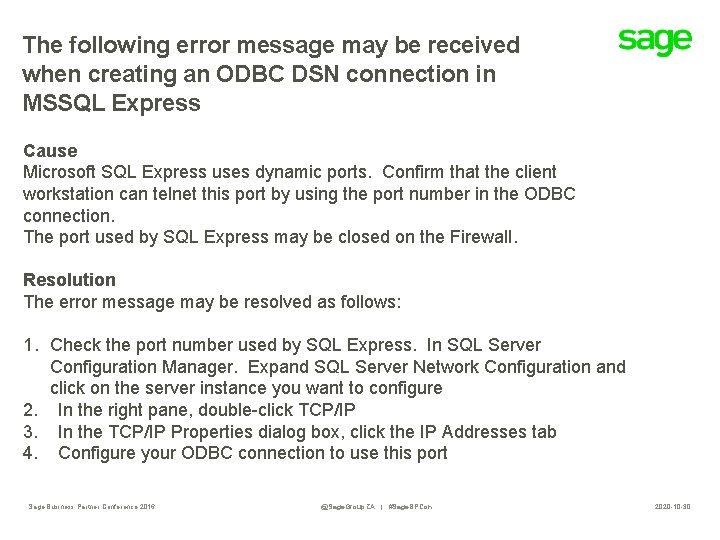
The following error message may be received when creating an ODBC DSN connection in MSSQL Express Cause Microsoft SQL Express uses dynamic ports. Confirm that the client workstation can telnet this port by using the port number in the ODBC connection. The port used by SQL Express may be closed on the Firewall. Resolution The error message may be resolved as follows: 1. Check the port number used by SQL Express. In SQL Server Configuration Manager. Expand SQL Server Network Configuration and click on the server instance you want to configure 2. In the right pane, double-click TCP/IP 3. In the TCP/IP Properties dialog box, click the IP Addresses tab 4. Configure your ODBC connection to use this port Sage Business Partner Conference 2016 @Sage. Group. ZA | #Sage. BPCon 2020 -10 -30
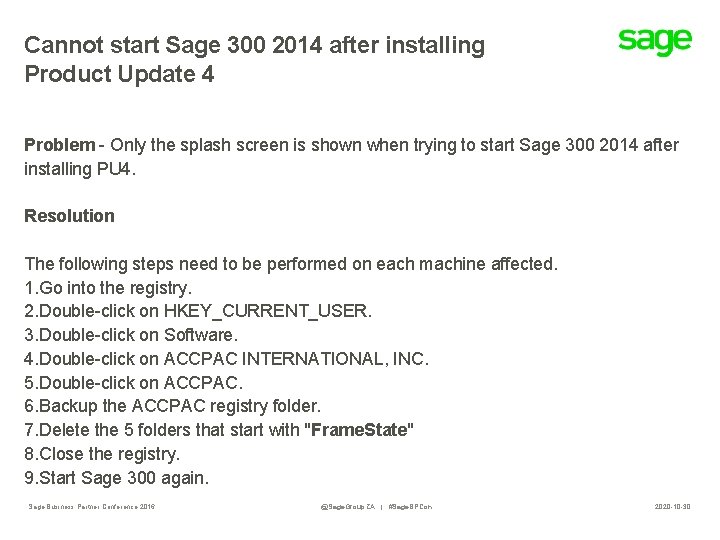
Cannot start Sage 300 2014 after installing Product Update 4 Problem - Only the splash screen is shown when trying to start Sage 300 2014 after installing PU 4. Resolution The following steps need to be performed on each machine affected. 1. Go into the registry. 2. Double-click on HKEY_CURRENT_USER. 3. Double-click on Software. 4. Double-click on ACCPAC INTERNATIONAL, INC. 5. Double-click on ACCPAC. 6. Backup the ACCPAC registry folder. 7. Delete the 5 folders that start with "Frame. State" 8. Close the registry. 9. Start Sage 300 again. Sage Business Partner Conference 2016 @Sage. Group. ZA | #Sage. BPCon 2020 -10 -30

Cannot access database (error=49153) while accessing any Sage 300 Company. When the user reports error to System Administrator, the system admin team checks if User able to access the SQL Database. Sage Business Partner Conference 2016 @Sage. Group. ZA | #Sage. BPCon 2020 -10 -30

To Resolve this: To resolve the above error one needs to follow simple steps mentioned below: 1. In Run Type “Services. msc” 2. Search for SQL Server (SQL Express). If the status is not started then manually right click and click on “Start“ to start the process. Sage Business Partner Conference 2016 @Sage. Group. ZA | #Sage. BPCon 2020 -10 -30

To resolve this…. continued. Once the Service control Pop up gets automatically closed following screen will be displayed with status as Started. 3. Now login to Sage, User will be able to log into Sage 300 ERP. Sage Business Partner Conference 2016 @Sage. Group. ZA | #Sage. BPCon 2020 -10 -30
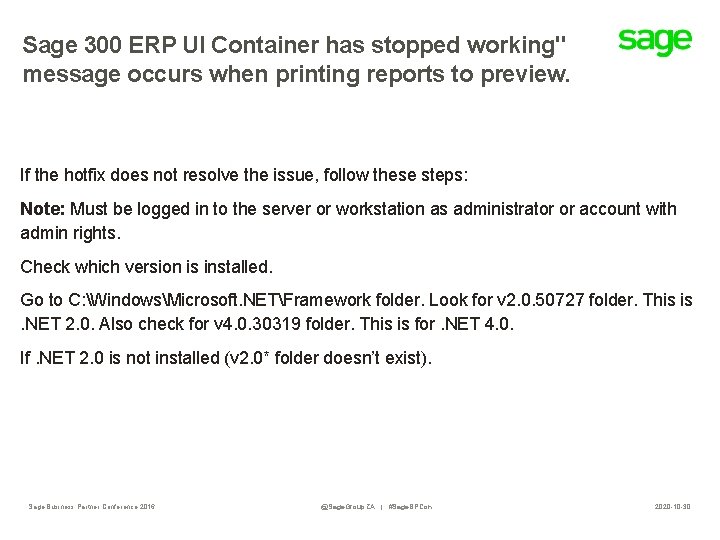
Sage 300 ERP UI Container has stopped working" message occurs when printing reports to preview. If the hotfix does not resolve the issue, follow these steps: Note: Must be logged in to the server or workstation as administrator or account with admin rights. Check which version is installed. Go to C: WindowsMicrosoft. NETFramework folder. Look for v 2. 0. 50727 folder. This is . NET 2. 0. Also check for v 4. 0. 30319 folder. This is for. NET 4. 0. If. NET 2. 0 is not installed (v 2. 0* folder doesn’t exist). Sage Business Partner Conference 2016 @Sage. Group. ZA | #Sage. BPCon 2020 -10 -30

Sage 300 UI Container has stopped working. . …. continued Do the following: • Run command prompt as administrator • From command line enter this command, C: WindowsMicrosoft. NETFrameworkv 4. 0. 30319regasm /register [sage 300 runtimefolder]a 4 wcrinterop. dll. If. NET 2. 0 is installed, enter this command, C: WindowsMicrosoft. NETFrameworkv 2. 0. 50727regasm /register [sage 300 runtimefolder]a 4 wcrinterop. dll. If you still don’t come right please contact us: erpsupport@sage. com Sage Business Partner Conference 2016 @Sage. Group. ZA | #Sage. BPCon 2020 -10 -30
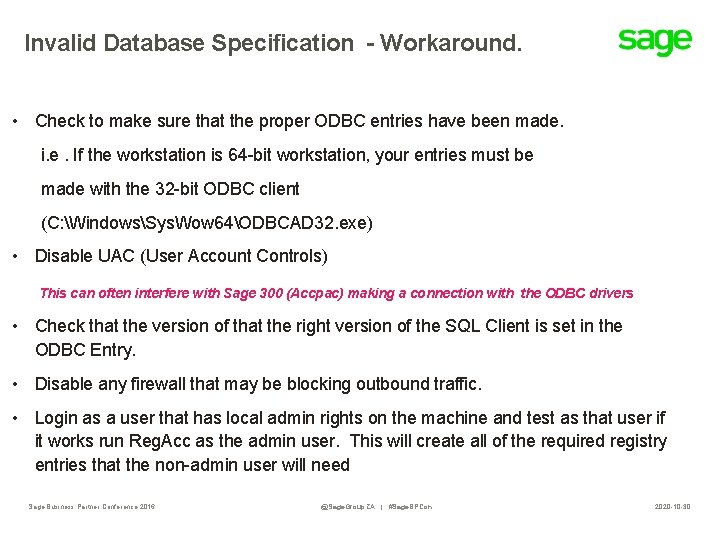
Invalid Database Specification - Workaround. • Check to make sure that the proper ODBC entries have been made. i. e. If the workstation is 64 -bit workstation, your entries must be made with the 32 -bit ODBC client (C: WindowsSys. Wow 64ODBCAD 32. exe) • Disable UAC (User Account Controls) This can often interfere with Sage 300 (Accpac) making a connection with the ODBC drivers • Check that the version of that the right version of the SQL Client is set in the ODBC Entry. • Disable any firewall that may be blocking outbound traffic. • Login as a user that has local admin rights on the machine and test as that user if it works run Reg. Acc as the admin user. This will create all of the required registry entries that the non-admin user will need Sage Business Partner Conference 2016 @Sage. Group. ZA | #Sage. BPCon 2020 -10 -30
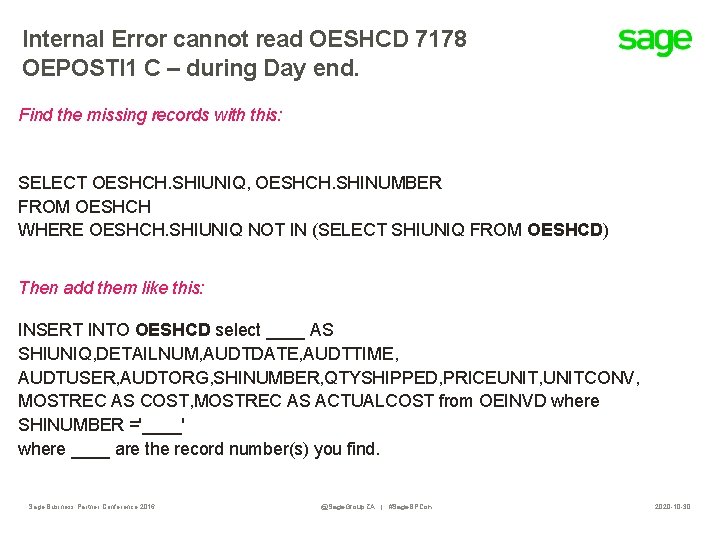
Internal Error cannot read OESHCD 7178 OEPOSTI 1 C – during Day end. Find the missing records with this: SELECT OESHCH. SHIUNIQ, OESHCH. SHINUMBER FROM OESHCH WHERE OESHCH. SHIUNIQ NOT IN (SELECT SHIUNIQ FROM OESHCD) Then add them like this: INSERT INTO OESHCD select ____ AS SHIUNIQ, DETAILNUM, AUDTDATE, AUDTTIME, AUDTUSER, AUDTORG, SHINUMBER, QTYSHIPPED, PRICEUNIT, UNITCONV, MOSTREC AS COST, MOSTREC AS ACTUALCOST from OEINVD where SHINUMBER ='____' where ____ are the record number(s) you find. Sage Business Partner Conference 2016 @Sage. Group. ZA | #Sage. BPCon 2020 -10 -30

Other Troubleshooting Tips Sage Business Partner Conference 2016 @Sage. Group. ZA | #Sage. BPCon 2020 -10 -30
Other Troubleshooting Tips • Upgrading Procedures • DBSPY/RVSPY Combined • DBSPY Enhanced Sage Business Partner Conference 2016 @Sage. Group. ZA | #Sage. BPCon 2020 -10 -30

Thank You Sage Business Partner Conference 2016 @Sage. Group. ZA | #Sage. BPCon 2020 -10 -30
- Slides: 18