
Transportation Management in Microsoft Dynamics AX 2012 R
- Slides: 16
Transportation Management in Microsoft Dynamics AX 2012 R 3
Lauren Duckworth | Consultant – Blue Horseshoe Solutions
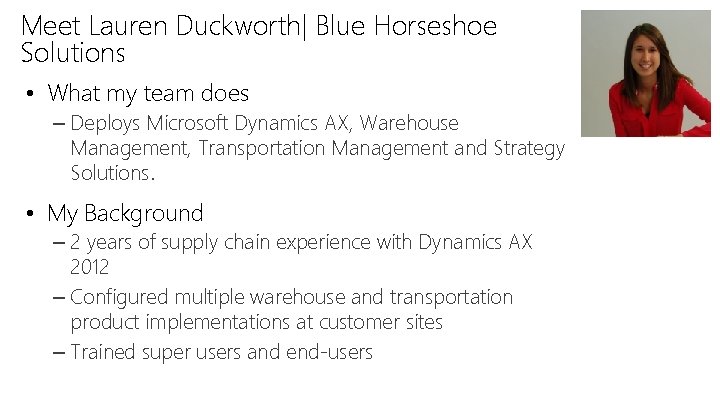
Meet Lauren Duckworth| Blue Horseshoe Solutions • What my team does – Deploys Microsoft Dynamics AX, Warehouse Management, Transportation Management and Strategy Solutions. • My Background – 2 years of supply chain experience with Dynamics AX 2012 – Configured multiple warehouse and transportation product implementations at customer sites – Trained super users and end-users
Course Topics Transportation Management in Microsoft Dynamics AX 2012 R 3 01 | Transportation Management Introduction
Setting Expectations • Target Audience – Partners and customers who want an introduction to the Transportation Management functionality in Microsoft Dynamics AX 2012 R 3. – Transportation managers, transportation coordinators, shipping planners, shipping clerks, and other people in organizations that are responsible for the setup and administration of transportation management functionality. • Suggested Prerequisites – – Some general knowledge of Microsoft Windows. Some general knowledge of Microsoft Dynamics AX 2012 The ability to use Microsoft Dynamics AX 2012 for basic processing Basic knowledge of warehouse and transportation management concepts
Transportation Management in Microsoft Dynamics AX 2012 R 3 Module 1: Transportation Management Introduction
01 | Warehouse Management Introduction Lauren Duckworth | Consultant – Blue Horseshoe Solutions
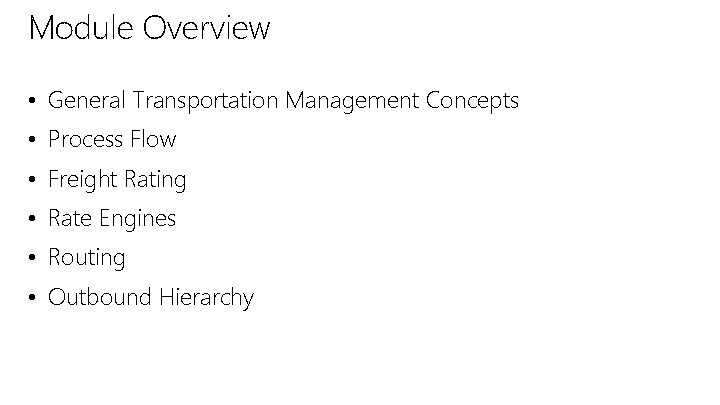
Module Overview • General Transportation Management Concepts • Process Flow • Freight Rating • Rate Engines • Routing • Outbound Hierarchy
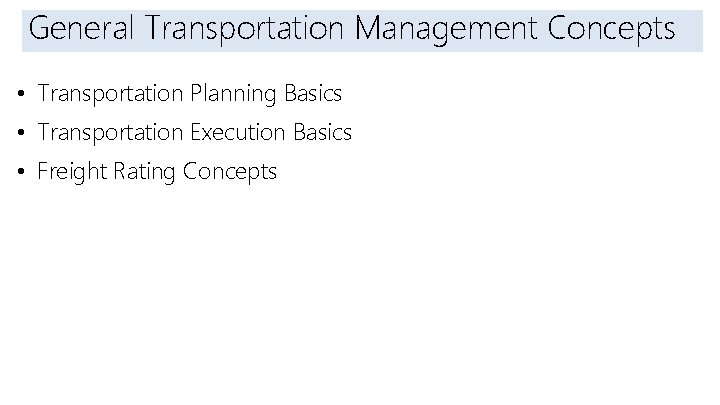
Introduction General Transportation Management Concepts • Transportation Planning Basics • Transportation Execution Basics • Freight Rating Concepts
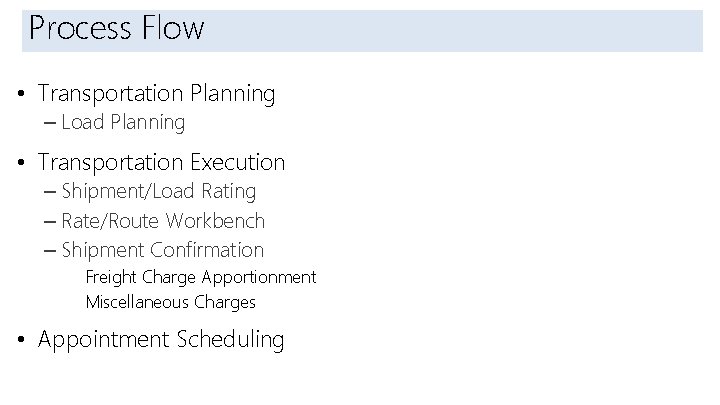
Introduction Process Flow • Transportation Planning – Load Planning • Transportation Execution – Shipment/Load Rating – Rate/Route Workbench – Shipment Confirmation Freight Charge Apportionment Miscellaneous Charges • Appointment Scheduling
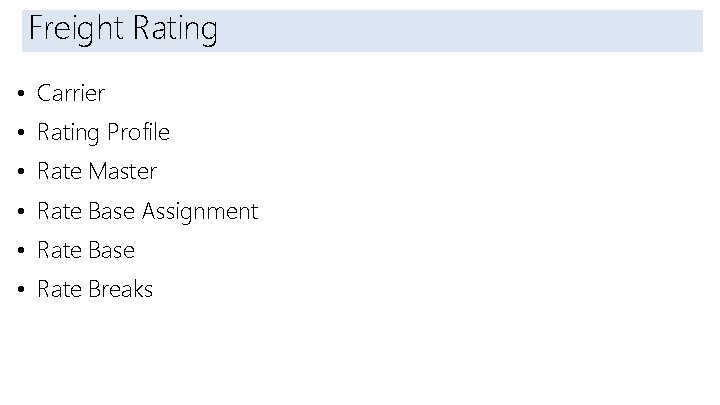
Introduction Freight Rating • Carrier • Rating Profile • Rate Master • Rate Base Assignment • Rate Base • Rate Breaks
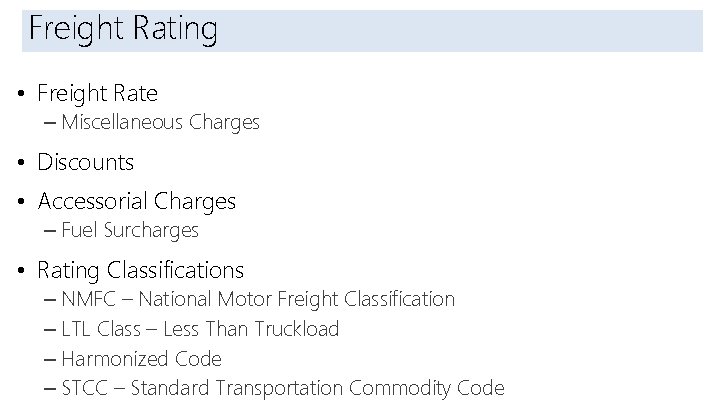
Introduction Freight Rating • Freight Rate – Miscellaneous Charges • Discounts • Accessorial Charges – Fuel Surcharges • Rating Classifications – NMFC – National Motor Freight Classification – LTL Class – Less Than Truckload – Harmonized Code – STCC – Standard Transportation Commodity Code
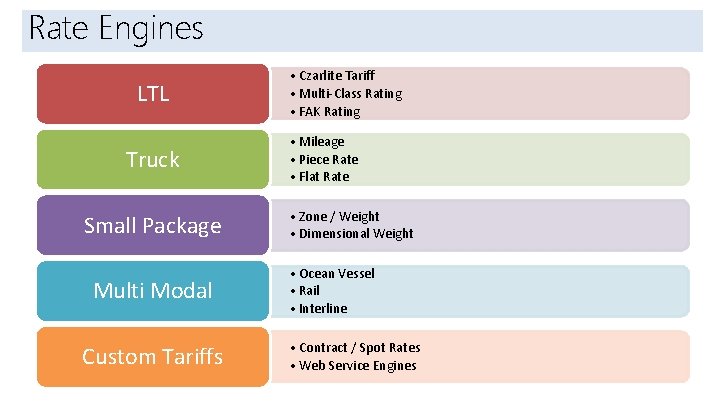
Rate Engines Introduction LTL Truck Small Package Multi Modal Custom Tariffs • Czarlite Tariff • Multi-Class Rating • FAK Rating • Mileage • Piece Rate • Flat Rate • Zone / Weight • Dimensional Weight • Ocean Vessel • Rail • Interline • Contract / Spot Rates • Web Service Engines
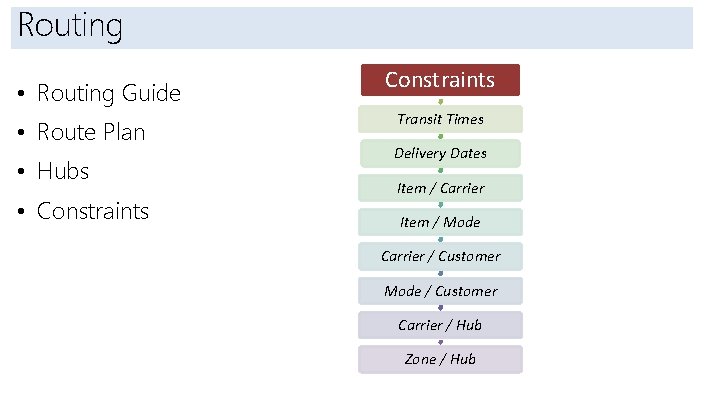
Routing Introduction • Routing Guide • Route Plan • Hubs • Constraints Transit Times Delivery Dates Item / Carrier Item / Mode Carrier / Customer Mode / Customer Carrier / Hub Zone / Hub
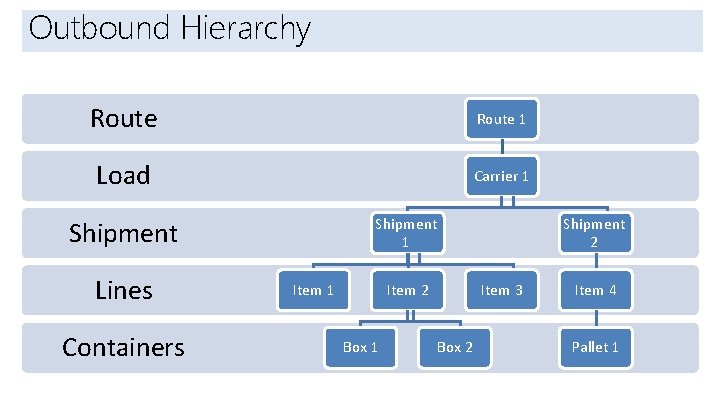
Outbound Hierarchy Introduction Route 1 Load Carrier 1 Shipment Lines Containers Item 1 Item 2 Box 1 Shipment 2 Item 3 Box 2 Item 4 Pallet 1
What We Learned – Module 1: Microsoft Dynamics GP Overview • Understand some of the key functionality available in Microsoft Dynamics GP • How transactions flow and integration occurs within the application • Identify options for user’s to personalize how the product works • Understand basic security options in Microsoft Dynamics GP