
Transforming Data Into Information Essential Computer Hardware Processing

- Slides: 14
Transforming Data Into Information
Essential Computer Hardware • Processing devices • Processing: The procedure that converts raw data into useful information. To do this, the computer uses two important components: processor and memory. • Processor: Brains of the computer • Carries out instructions from the program • Manipulate the data, transforms data into information • Central Processing Unit (CPU) term used to refer to a computer’s processor. • In personal computers, processor consists of one or more specialized chips, called microprocessors (tiny slivers of silicon or other material etched with many tiny electronic circuits), e. g. Pentium 4, Pentium Core 2 Duo
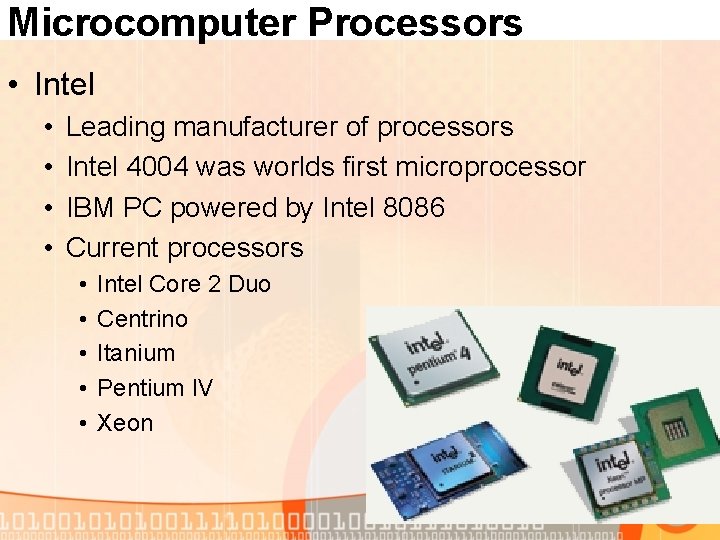
Microcomputer Processors • Intel • • Leading manufacturer of processors Intel 4004 was worlds first microprocessor IBM PC powered by Intel 8086 Current processors • • • Intel Core 2 Duo Centrino Itanium Pentium IV Xeon
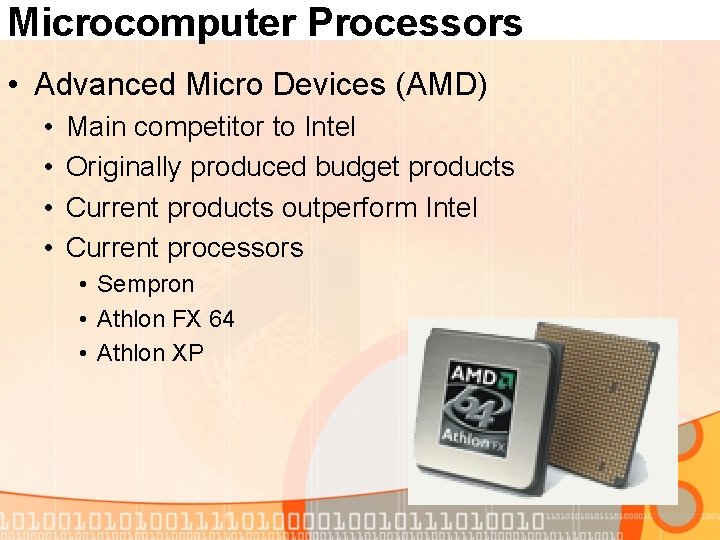
Microcomputer Processors • Advanced Micro Devices (AMD) • • Main competitor to Intel Originally produced budget products Current products outperform Intel Current processors • Sempron • Athlon FX 64 • Athlon XP
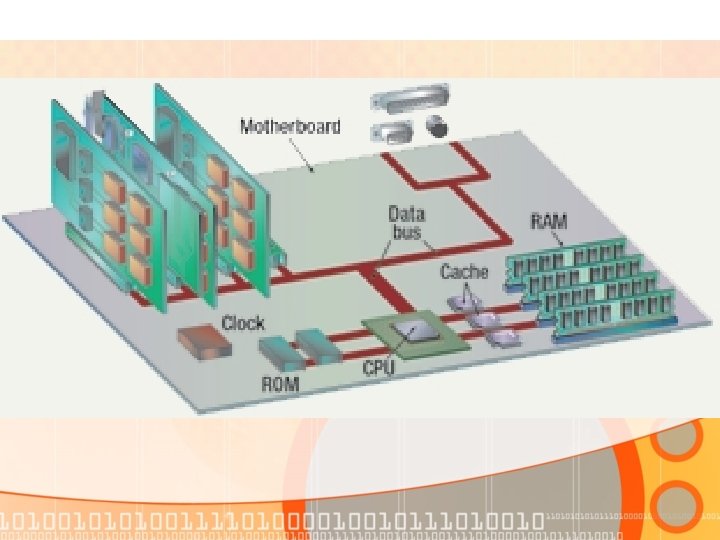
Motherboard • Rigid, rectangular card containing the circuitry that connects the processor to the other hardware. • PCB (Printed Circuit Board) made of Fiberglass sheet with electrical pathways, called traces, etched into it • System Clock (paces the computer) • Microprocessor • Read-Only Memory (ROM) • Random Access Memory (RAM) • Battery • Power Supply • Ports • Expansion Slots • Buses • Address Bus • Data Bus
Clock • The computer’s internal clock • Quartz crystal • Every tick causes a cycle • Speeds measured in Hertz (Hz) • Modern machines use Giga Hertz (GHz)
Bus • The bus • Electronic pathway between components • Expansion bus connects to peripherals • System bus connects CPU and RAM, housed on the motherboard. • Bus width is measured in bits • Speed is tied to the clock • Data bus • Address bus
USB • Universal Serial Bus (USB) • • Connects external devices Hot swappable Allows up to 127 devices Cameras, printers, and scanners
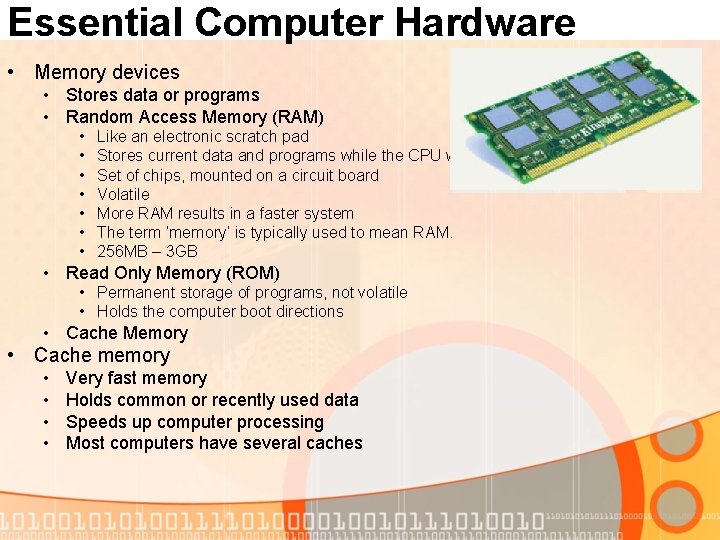
Essential Computer Hardware • Memory devices • Stores data or programs • Random Access Memory (RAM) • • Like an electronic scratch pad Stores current data and programs while the CPU works on them Set of chips, mounted on a circuit board Volatile More RAM results in a faster system The term ‘memory’ is typically used to mean RAM. 256 MB – 3 GB • Read Only Memory (ROM) • Permanent storage of programs, not volatile • Holds the computer boot directions • Cache Memory • Cache memory • • Very fast memory Holds common or recently used data Speeds up computer processing Most computers have several caches
Essential Computer Hardware • Input and output devices • Allows the user to interact • Input devices accept data • Keyboard, mouse, microphone, joystick, trackball, touchpad, scanner. • Output devices deliver data • Monitor, printer (hard copy), speaker • Some devices are input and output • Touch screens • Details in coming lectures
Essential Computer Hardware • Storage devices • Hold data and programs permanently • Different from RAM • Magnetic storage • Floppy and hard drive • Uses a magnet to access data • Optical storage • CD (Compact Disk, 700 MB~80 mins of audio) and DVD (Digital Video Disk, 4. 7 -17 GB) drives • Uses a laser to access data • The future? Blue laser disc technology, upto a 100 GB (and more) on one disk. • Details in coming lectures
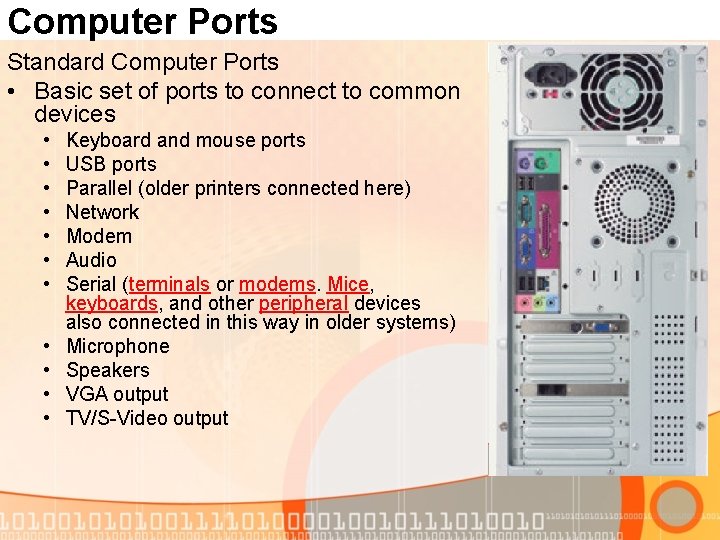
Computer Ports • Components connect to the CPU via the bus • Add new hardware -> how to connect to bus: through a port (analogy to ports in real life) • The connection point at which we connect input and output devices to a computer • Ports housed on circuit boards.
Computer Ports Standard Computer Ports • Basic set of ports to connect to common devices • • • Keyboard and mouse ports USB ports Parallel (older printers connected here) Network Modem Audio Serial (terminals or modems. Mice, keyboards, and other peripheral devices also connected in this way in older systems) Microphone Speakers VGA output TV/S-Video output