
TRAINING PACKAGE The User Action Framework Reliability Study
TRAINING PACKAGE The User Action Framework Reliability Study July 1999
What is the UAF? Conceptual framework of usability concepts and issues q Formed by combining a user interaction cycle with a knowledge base of usability concepts and issues q UAF provides a basis for: organizing, discussing, classifying, and reporting usability problems q Is the basis for a set of usability support methods and tools: l Usability Problem Design Guide l Usability Problem Inspector l Usability Problem Classifier l Usability Problem Database q
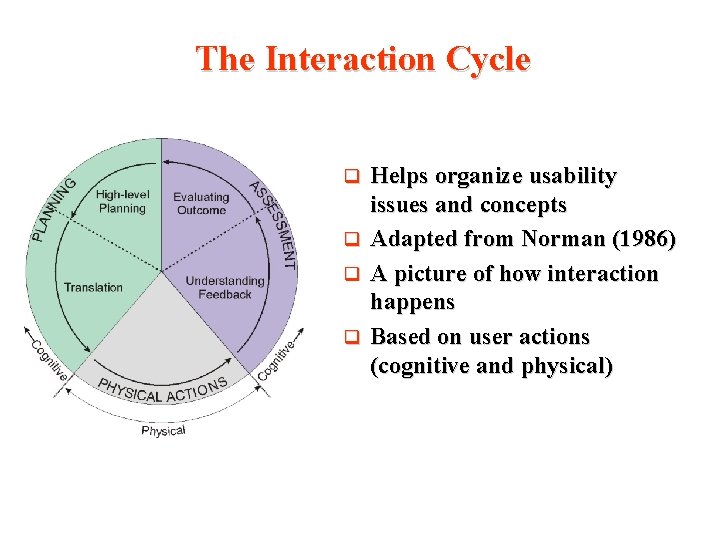
The Interaction Cycle Helps organize usability issues and concepts q Adapted from Norman (1986) q A picture of how interaction happens q Based on user actions (cognitive and physical) q
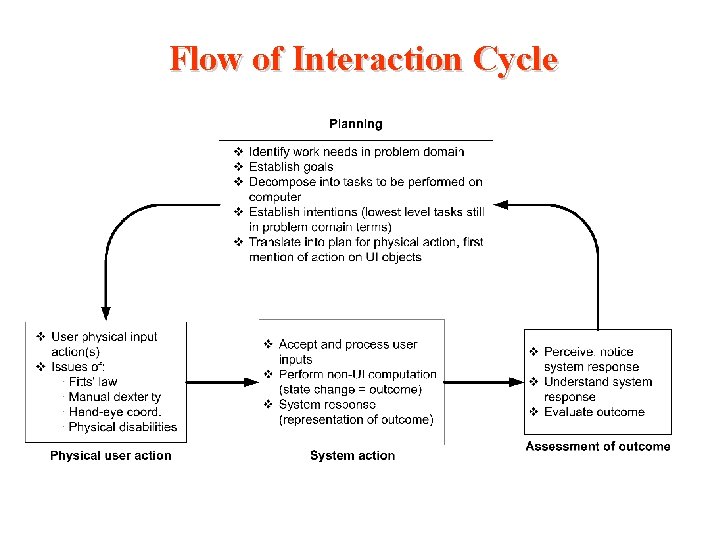
Flow of Interaction Cycle
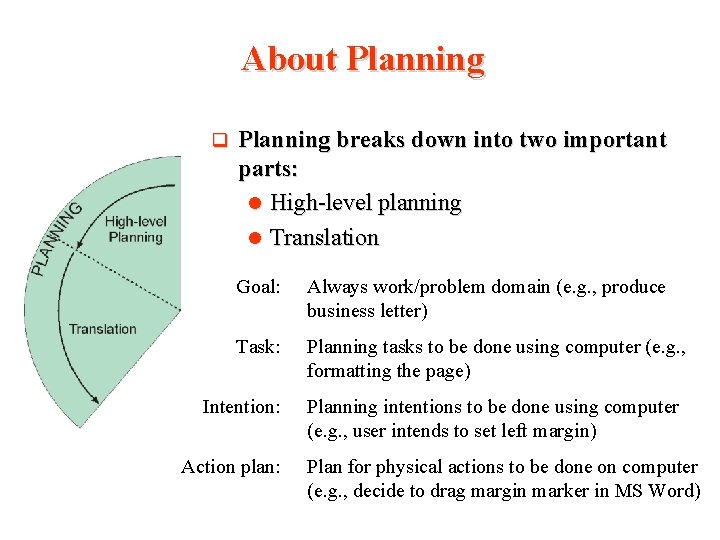
About Planning q Planning breaks down into two important parts: l High-level planning l Translation Goal: Always work/problem domain (e. g. , produce business letter) Task: Planning tasks to be done using computer (e. g. , formatting the page) Intention: Action plan: Planning intentions to be done using computer (e. g. , user intends to set left margin) Plan for physical actions to be done on computer (e. g. , decide to drag margin marker in MS Word)

About High-Level Planning Where user decides what to do q Identify work needs and establish goals, tasks, and intentions q Example areas: l Goal decomposition (what to do next, understanding sequence of tasks) l User’s model of system (understanding overall system model/metaphor, expectations) q
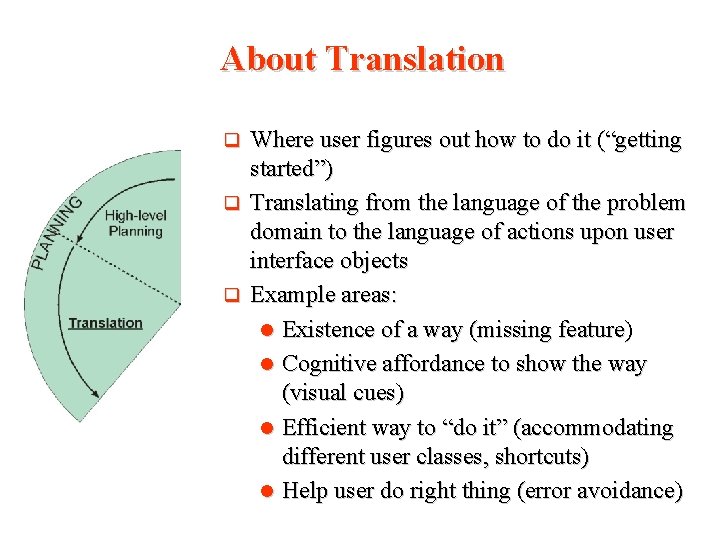
About Translation Where user figures out how to do it (“getting started”) q Translating from the language of the problem domain to the language of actions upon user interface objects q Example areas: l Existence of a way (missing feature) l Cognitive affordance to show the way (visual cues) l Efficient way to “do it” (accommodating different user classes, shortcuts) l Help user do right thing (error avoidance) q
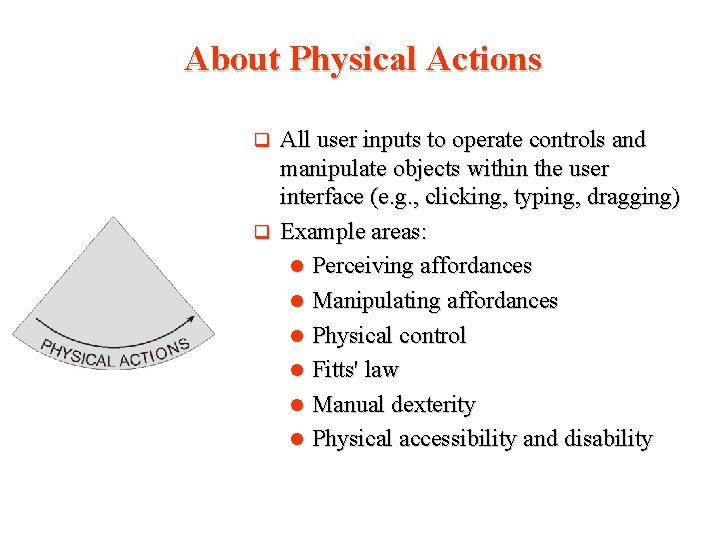
About Physical Actions All user inputs to operate controls and manipulate objects within the user interface (e. g. , clicking, typing, dragging) q Example areas: l Perceiving affordances l Manipulating affordances l Physical control l Fitts' law l Manual dexterity l Physical accessibility and disability q
About Outcome Internal state change within system due to the user action q User normally infers the outcome based on system response, through feedback q Example areas: l System automation q l Locus of control l System is presumptuous about what the user wanted l System errors
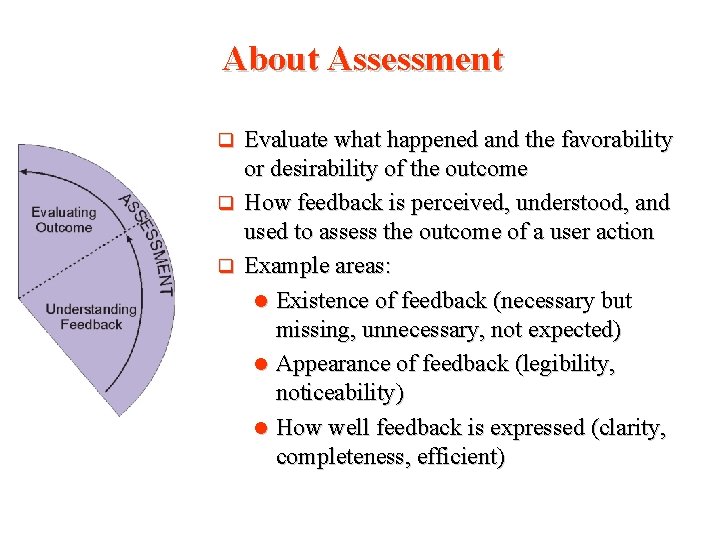
About Assessment Evaluate what happened and the favorability or desirability of the outcome q How feedback is perceived, understood, and used to assess the outcome of a user action q Example areas: l Existence of feedback (necessary but missing, unnecessary, not expected) l Appearance of feedback (legibility, noticeability) l How well feedback is expressed (clarity, completeness, efficient) q
Classifying Problems Finding the correct entry point in the Interaction Cycle for a usability issue is based on asking: l How the user and task performance are affected by the design during interaction q Classification of a usability situation begins by associating it with the appropriate cognitive or physical user action in the Interaction Cycle q Then the usability situation is classified within the taxonomy underneath the Interaction Cycle by systematically matching usability attributes that pair up effects of a design feature on the user with usability problem causes in the interaction design q
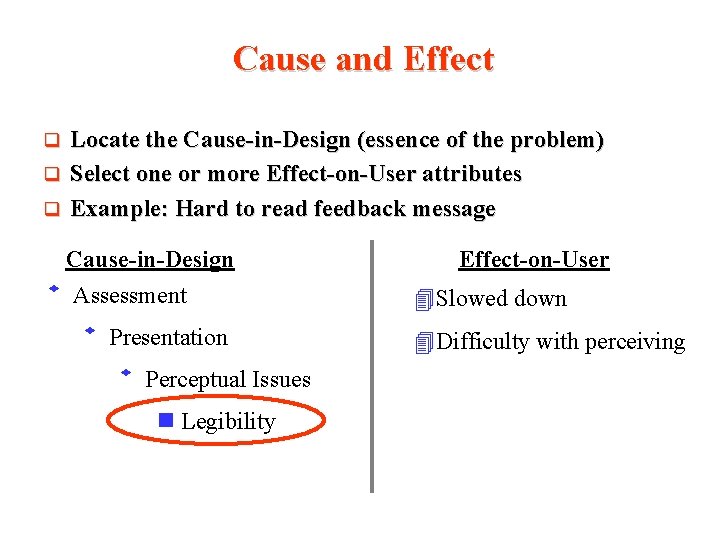
Cause and Effect Locate the Cause-in-Design (essence of the problem) q Select one or more Effect-on-User attributes q Example: Hard to read feedback message q Cause-in-Design Assessment Presentation Perceptual Issues Legibility Effect-on-User 4 Slowed down 4 Difficulty with perceiving
Key Terms q q Cognitive affordance (visual cues to see a button) l Aids for knowing and understanding l Aids to show the way Physical affordance (a button that can be “clicked”) l Aids for doing Example l A chair provides both. Physical affordance of a chair allows sitting on it. Cognitive affordance of a chair lets user see that it is something to sit on Effective affordances support the users' ability to plan physical actions to carry out intentions
- Slides: 13