
Tracking General Employee Information Nickole Mitchell Agenda Employee



- Slides: 54
Tracking General Employee Information Nickole Mitchell
Agenda • • • Employee Master New Employee Profiles Employee Dates Employee Locations Employee Miscellaneous Emergency Info Employee Experience Employee Seniority Employee Events Employee User Defined 2
Employee Master
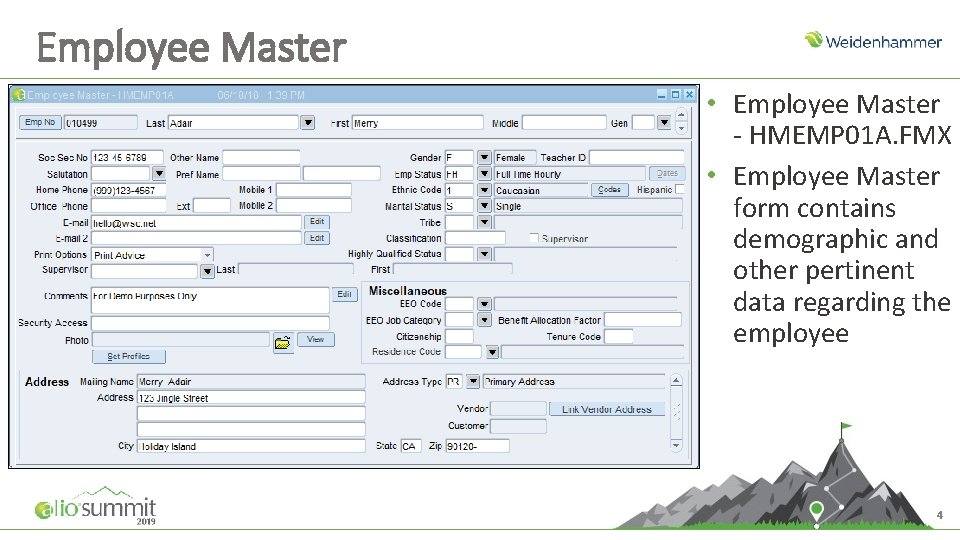
Employee Master • Employee Master - HMEMP 01 A. FMX • Employee Master form contains demographic and other pertinent data regarding the employee 4
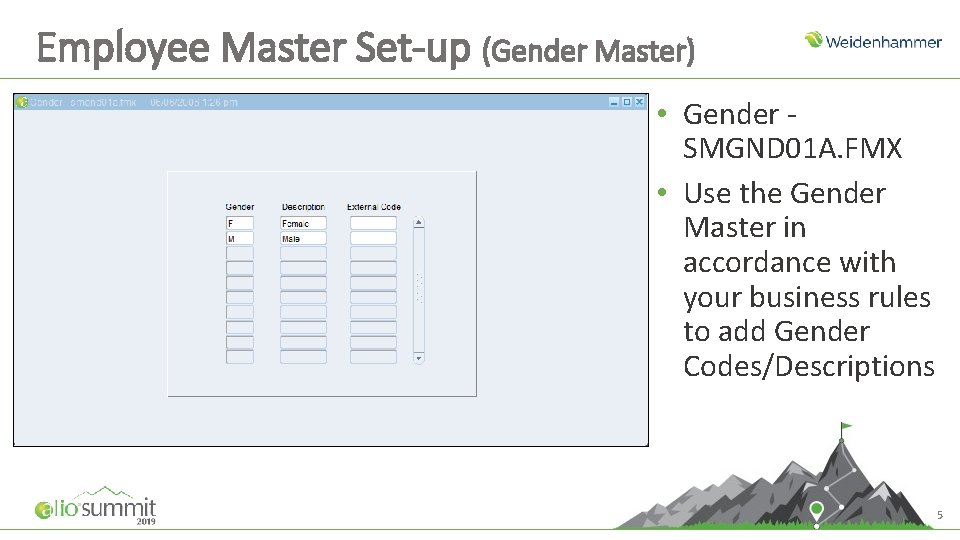
Employee Master Set-up (Gender Master) • Gender SMGND 01 A. FMX • Use the Gender Master in accordance with your business rules to add Gender Codes/Descriptions 5
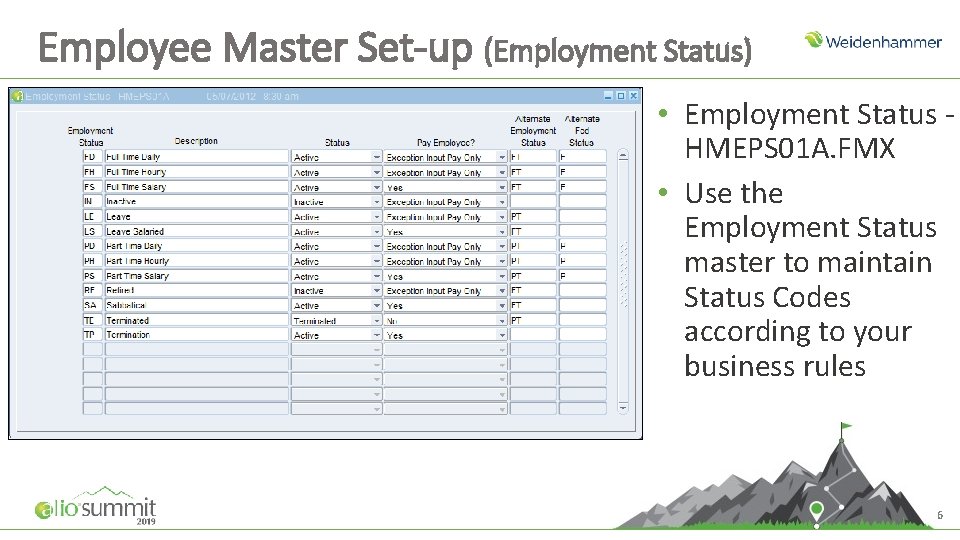
Employee Master Set-up (Employment Status) • Employment Status HMEPS 01 A. FMX • Use the Employment Status master to maintain Status Codes according to your business rules 6
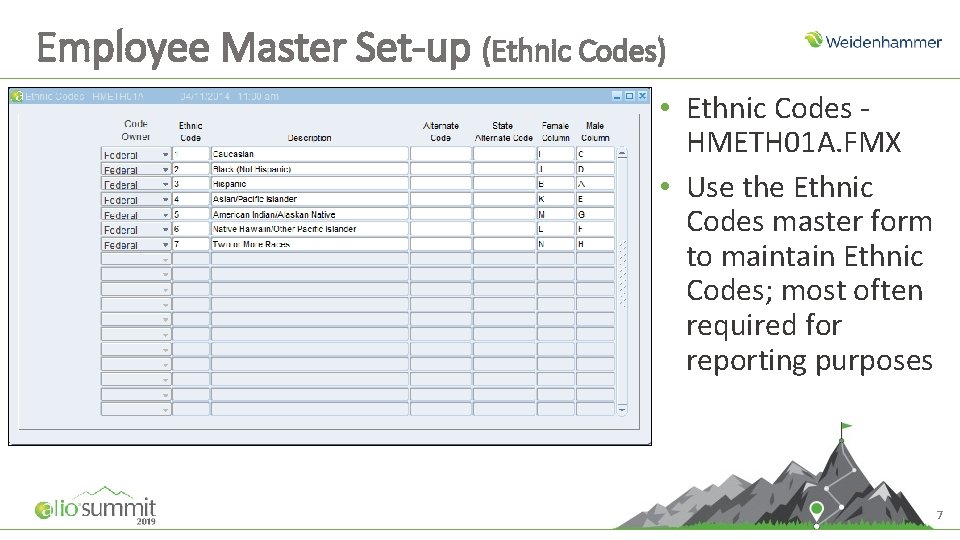
Employee Master Set-up (Ethnic Codes) • Ethnic Codes HMETH 01 A. FMX • Use the Ethnic Codes master form to maintain Ethnic Codes; most often required for reporting purposes 7
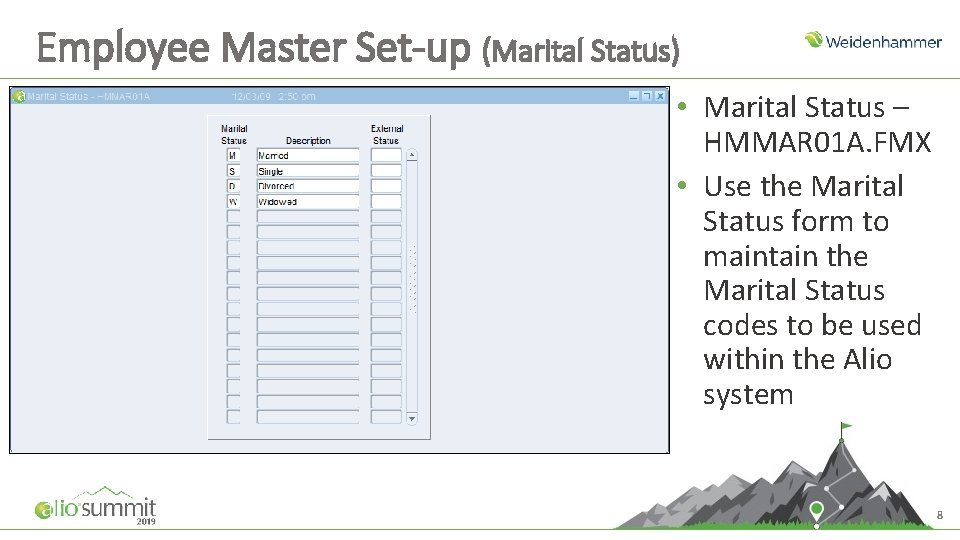
Employee Master Set-up (Marital Status) • Marital Status – HMMAR 01 A. FMX • Use the Marital Status form to maintain the Marital Status codes to be used within the Alio system 8
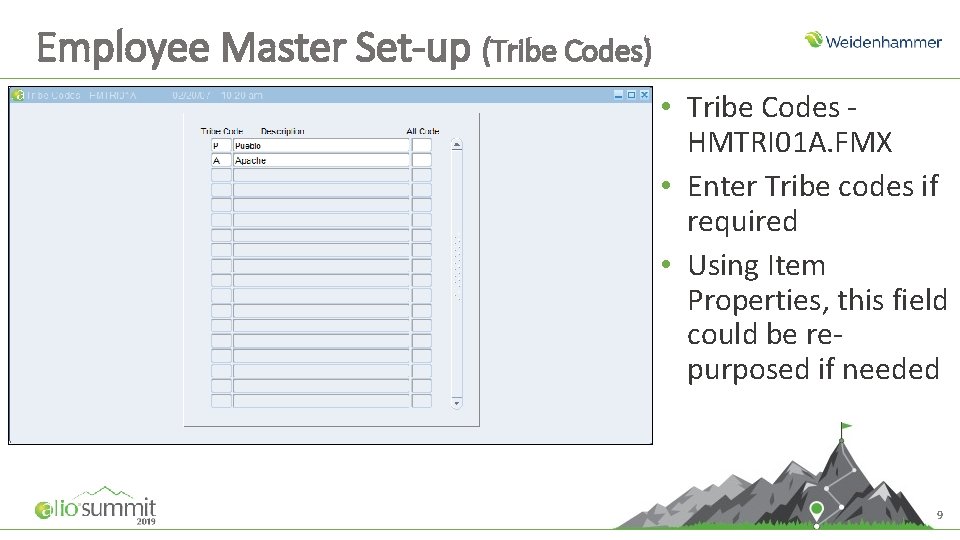
Employee Master Set-up (Tribe Codes) • Tribe Codes HMTRI 01 A. FMX • Enter Tribe codes if required • Using Item Properties, this field could be repurposed if needed 9
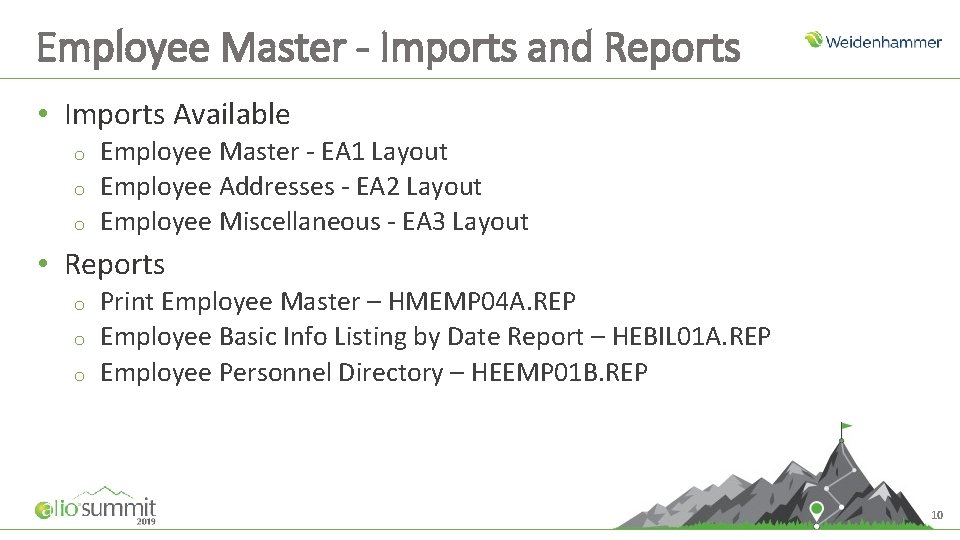
Employee Master - Imports and Reports • Imports Available o o o Employee Master - EA 1 Layout Employee Addresses - EA 2 Layout Employee Miscellaneous - EA 3 Layout • Reports o o o Print Employee Master – HMEMP 04 A. REP Employee Basic Info Listing by Date Report – HEBIL 01 A. REP Employee Personnel Directory – HEEMP 01 B. REP 10
Set Profiles
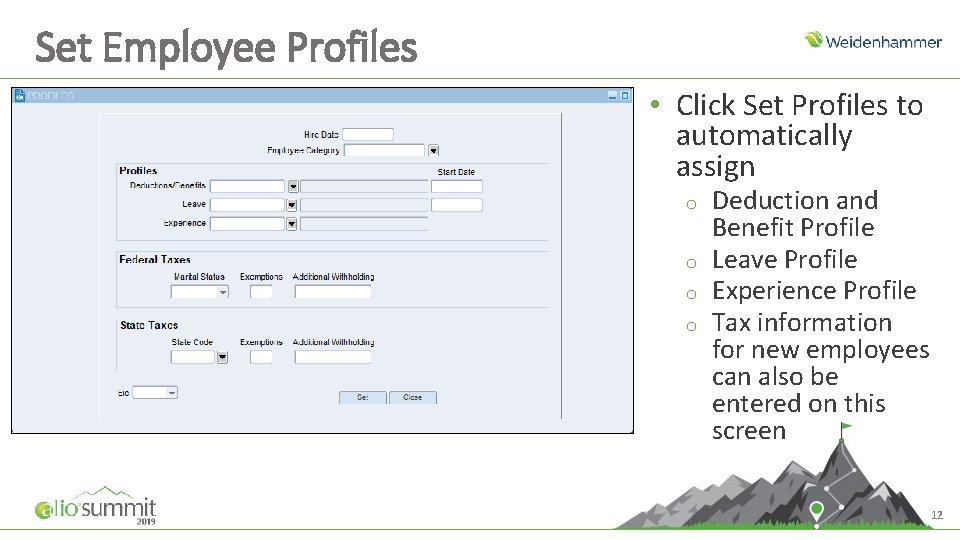
Set Employee Profiles • Click Set Profiles to automatically assign o o Deduction and Benefit Profile Leave Profile Experience Profile Tax information for new employees can also be entered on this screen 12
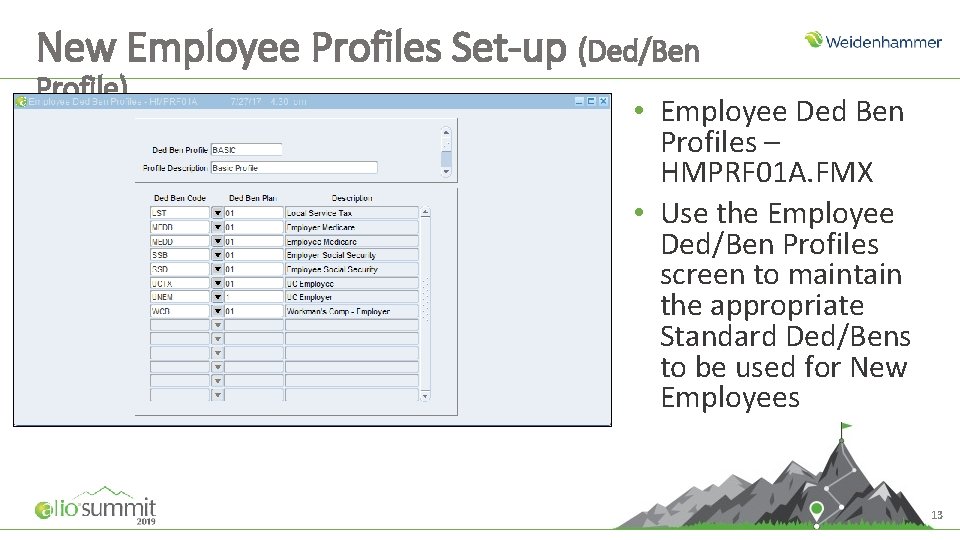
New Employee Profiles Set-up (Ded/Ben Profile) • Employee Ded Ben Profiles – HMPRF 01 A. FMX • Use the Employee Ded/Ben Profiles screen to maintain the appropriate Standard Ded/Bens to be used for New Employees 13
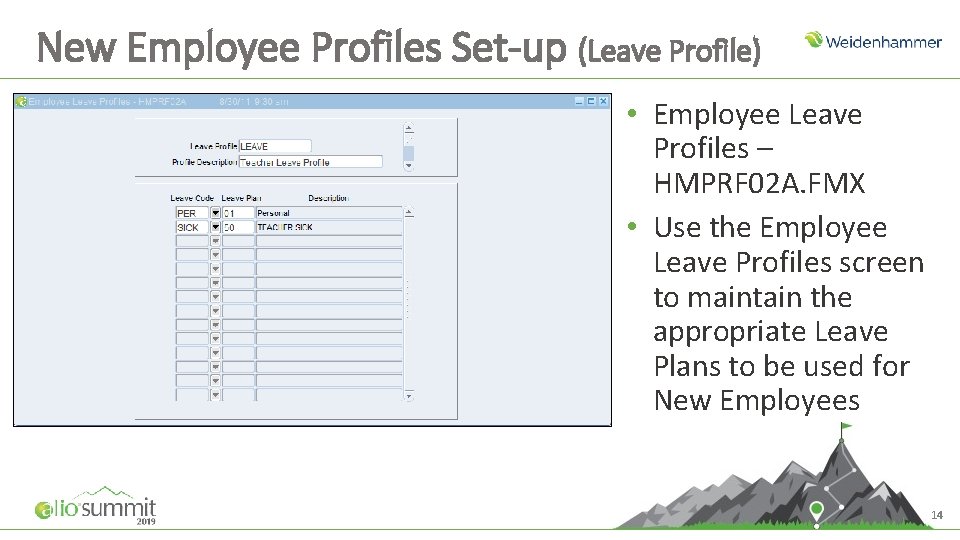
New Employee Profiles Set-up (Leave Profile) • Employee Leave Profiles – HMPRF 02 A. FMX • Use the Employee Leave Profiles screen to maintain the appropriate Leave Plans to be used for New Employees 14
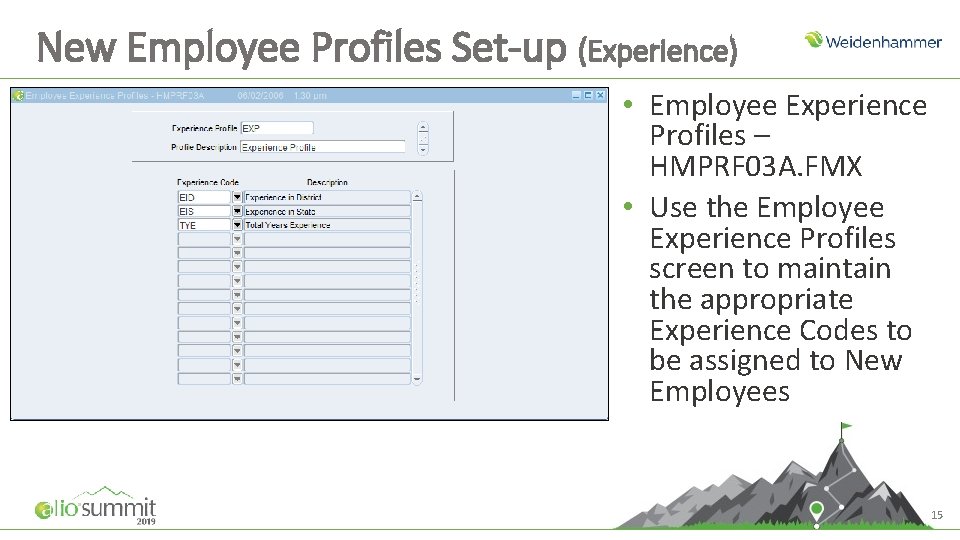
New Employee Profiles Set-up (Experience) • Employee Experience Profiles – HMPRF 03 A. FMX • Use the Employee Experience Profiles screen to maintain the appropriate Experience Codes to be assigned to New Employees 15
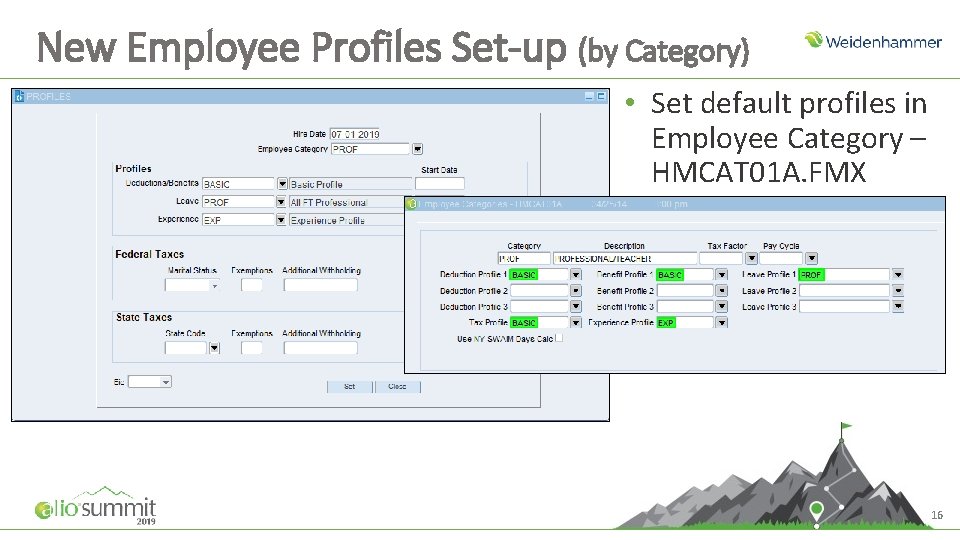
New Employee Profiles Set-up (by Category) • Set default profiles in Employee Category – HMCAT 01 A. FMX 16
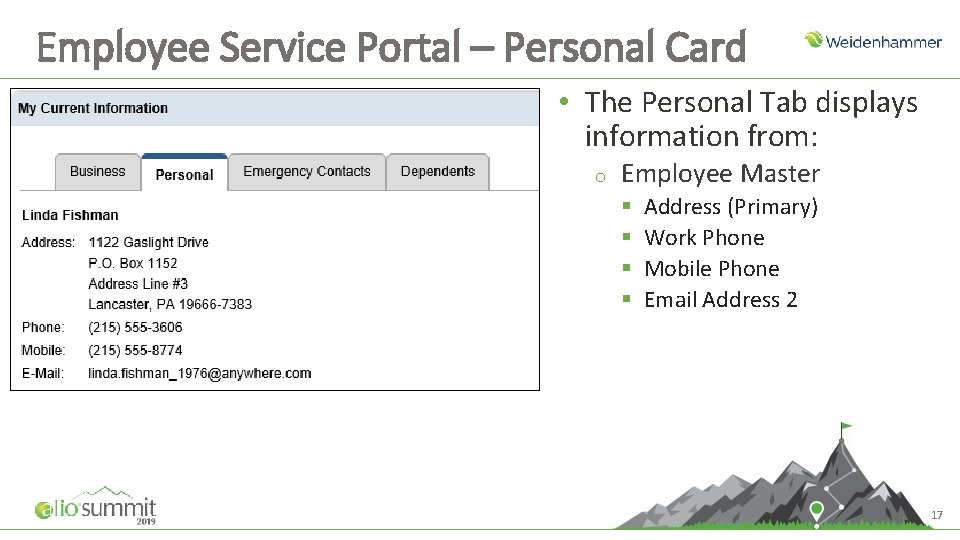
Employee Service Portal – Personal Card • The Personal Tab displays information from: o Employee Master § § Address (Primary) Work Phone Mobile Phone Email Address 2 17
Employee Dates
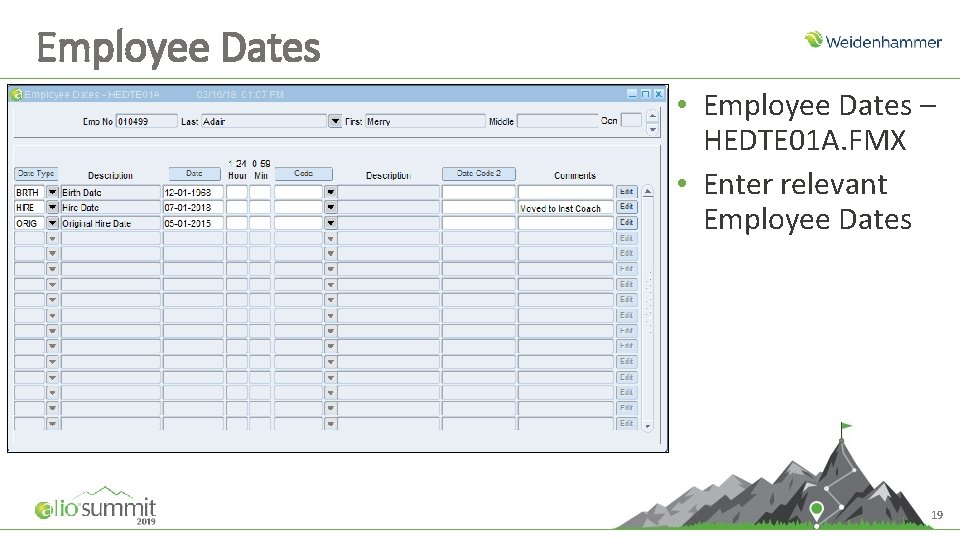
Employee Dates • Employee Dates – HEDTE 01 A. FMX • Enter relevant Employee Dates 19
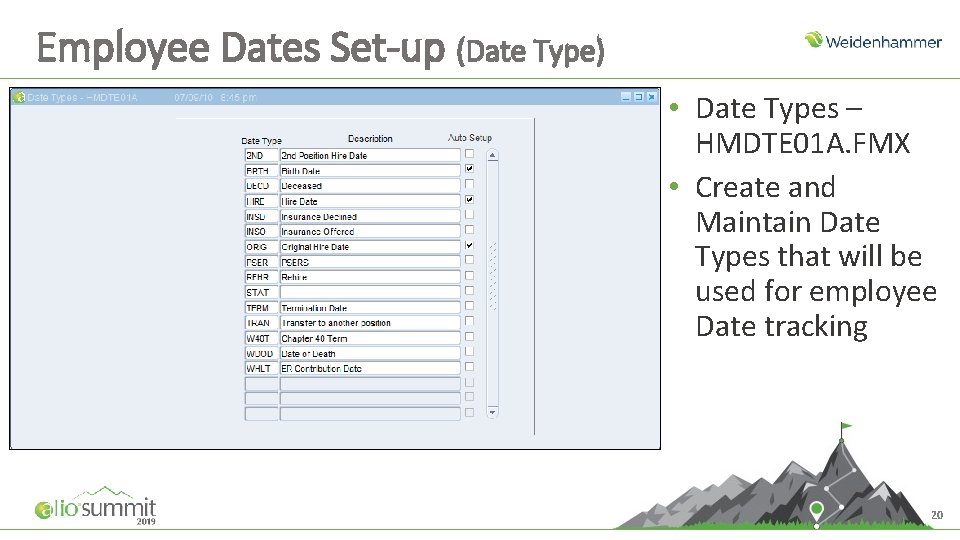
Employee Dates Set-up (Date Type) • Date Types – HMDTE 01 A. FMX • Create and Maintain Date Types that will be used for employee Date tracking 20
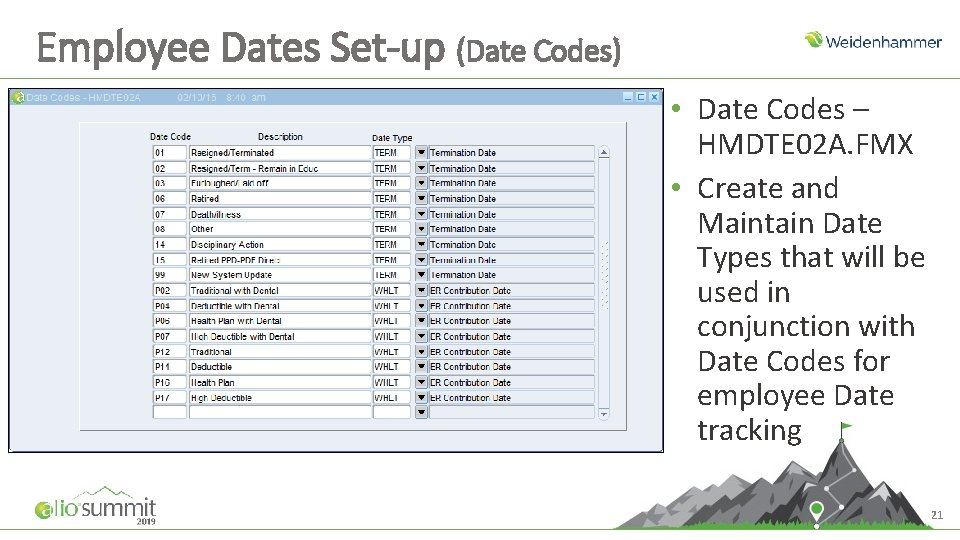
Employee Dates Set-up (Date Codes) • Date Codes – HMDTE 02 A. FMX • Create and Maintain Date Types that will be used in conjunction with Date Codes for employee Date tracking 21
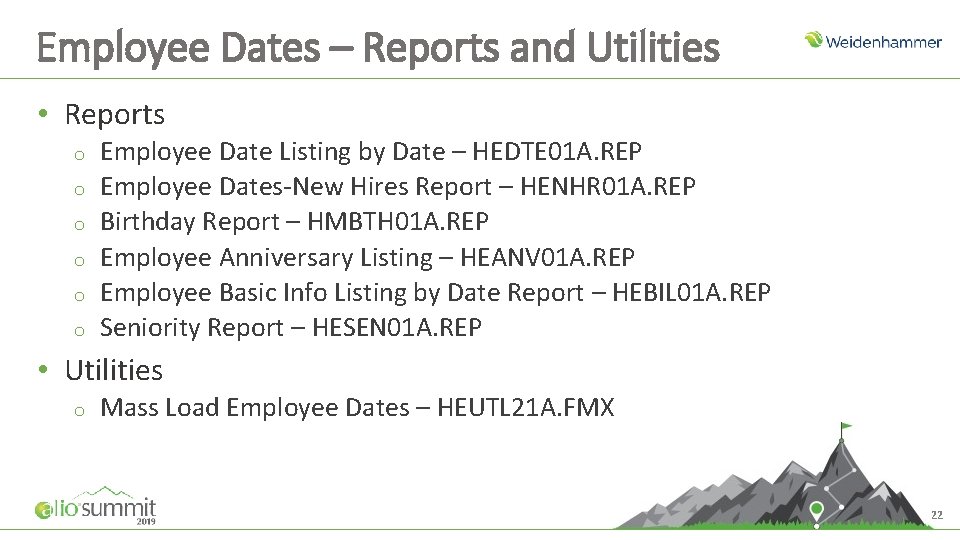
Employee Dates – Reports and Utilities • Reports o o o Employee Date Listing by Date – HEDTE 01 A. REP Employee Dates-New Hires Report – HENHR 01 A. REP Birthday Report – HMBTH 01 A. REP Employee Anniversary Listing – HEANV 01 A. REP Employee Basic Info Listing by Date Report – HEBIL 01 A. REP Seniority Report – HESEN 01 A. REP • Utilities o Mass Load Employee Dates – HEUTL 21 A. FMX 22
Employee Locations
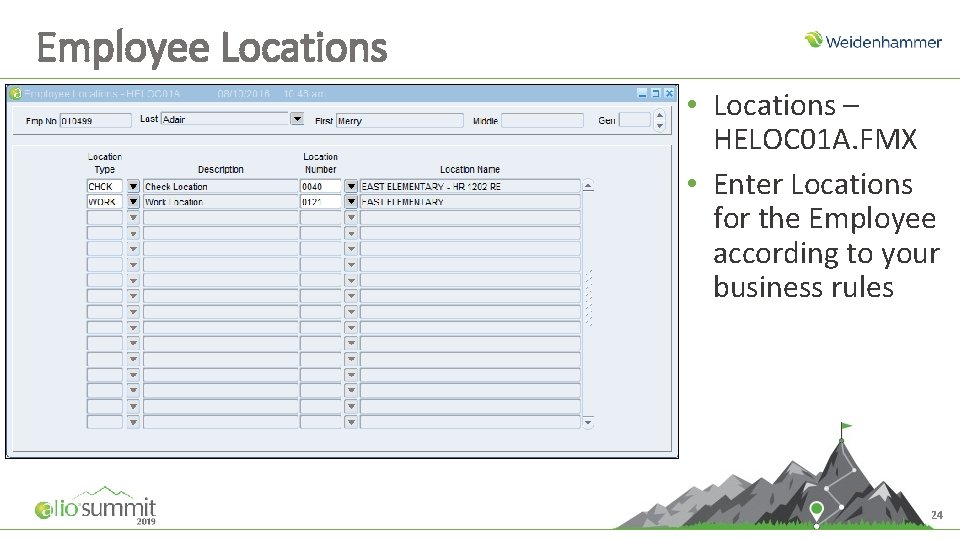
Employee Locations • Locations – HELOC 01 A. FMX • Enter Locations for the Employee according to your business rules 24
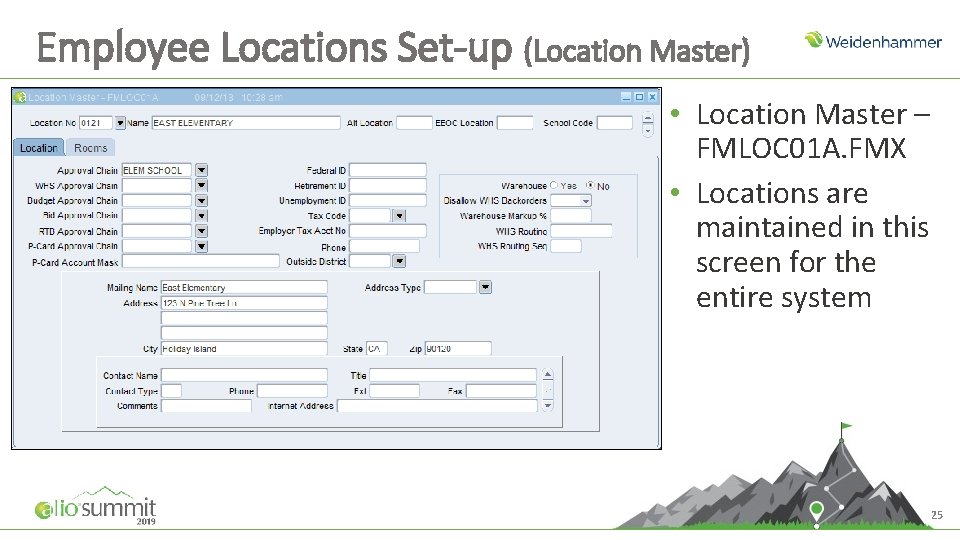
Employee Locations Set-up (Location Master) • Location Master – FMLOC 01 A. FMX • Locations are maintained in this screen for the entire system 25
Employee Locations – Report and Inquiry • Reports o Employee Locations Report – HELOC 01 A. REP • Inquiries o Employee Inquiry – HI_MAIN - Locations 26
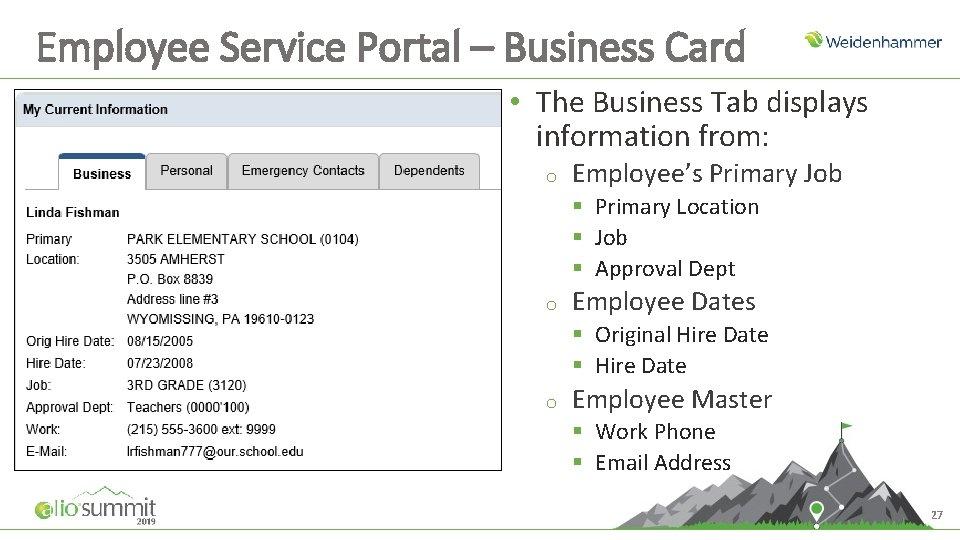
Employee Service Portal – Business Card • The Business Tab displays information from: o Employee’s Primary Job § Primary Location § Job § Approval Dept o Employee Dates § Original Hire Date § Hire Date o Employee Master § Work Phone § Email Address 27
Employee Miscellaneous
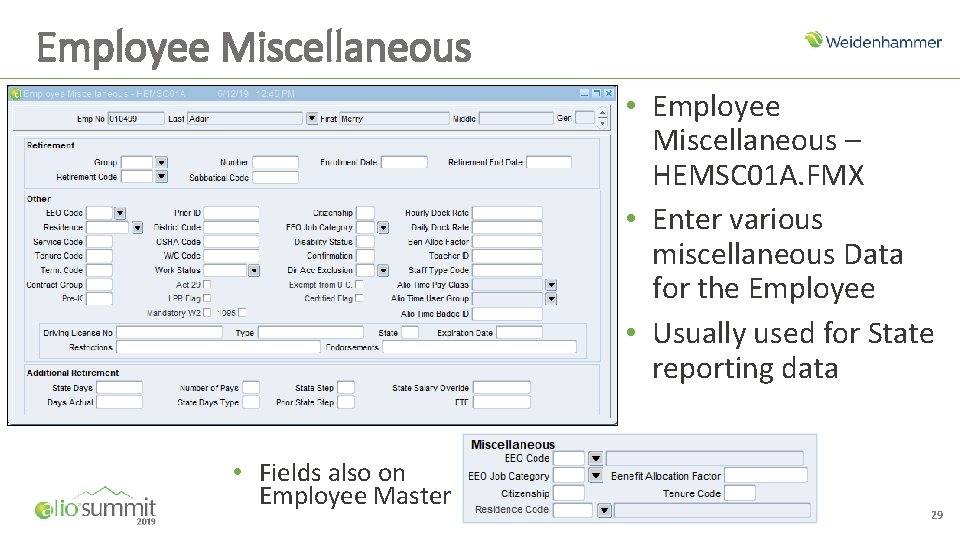
Employee Miscellaneous • Employee Miscellaneous – HEMSC 01 A. FMX • Enter various miscellaneous Data for the Employee • Usually used for State reporting data • Fields also on Employee Master 29
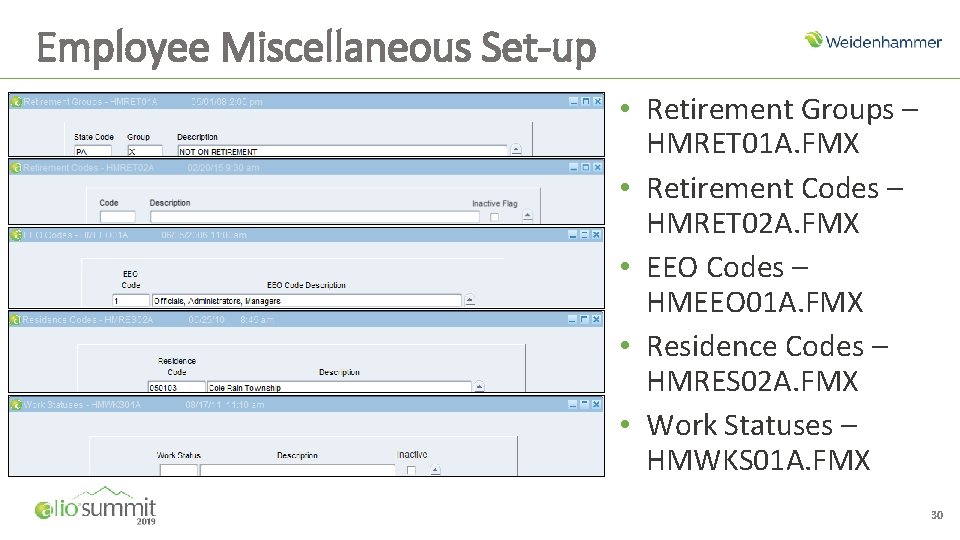
Employee Miscellaneous Set-up • Retirement Groups – HMRET 01 A. FMX • Retirement Codes – HMRET 02 A. FMX • EEO Codes – HMEEO 01 A. FMX • Residence Codes – HMRES 02 A. FMX • Work Statuses – HMWKS 01 A. FMX 30
Employee Emergency Information
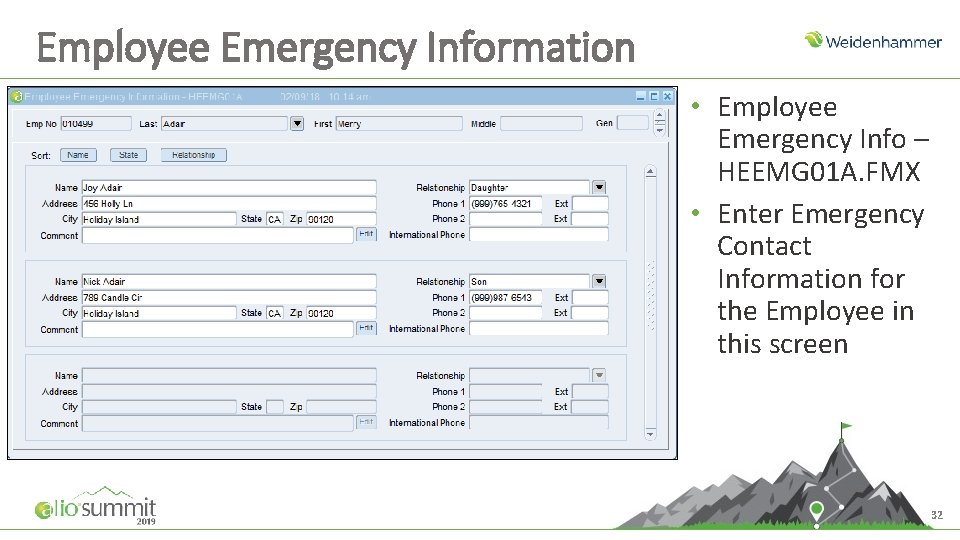
Employee Emergency Information • Employee Emergency Info – HEEMG 01 A. FMX • Enter Emergency Contact Information for the Employee in this screen 32
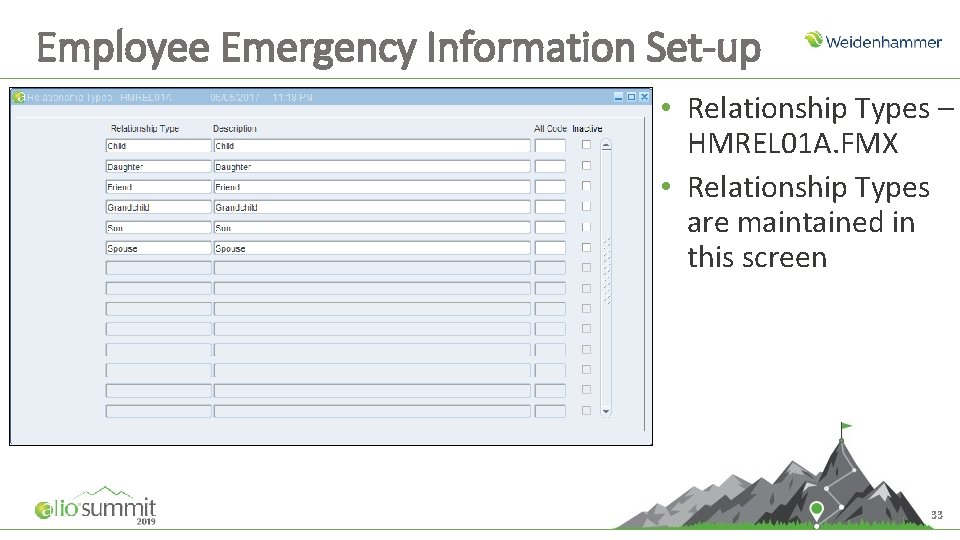
Employee Emergency Information Set-up • Relationship Types – HMREL 01 A. FMX • Relationship Types are maintained in this screen 33
Employee Emergency Contacts – Report & Import • Reports o Print Employee Emergency Information – HEEMG 01 A. REP • Import Layout o ET 2 – Employee Emergency 34
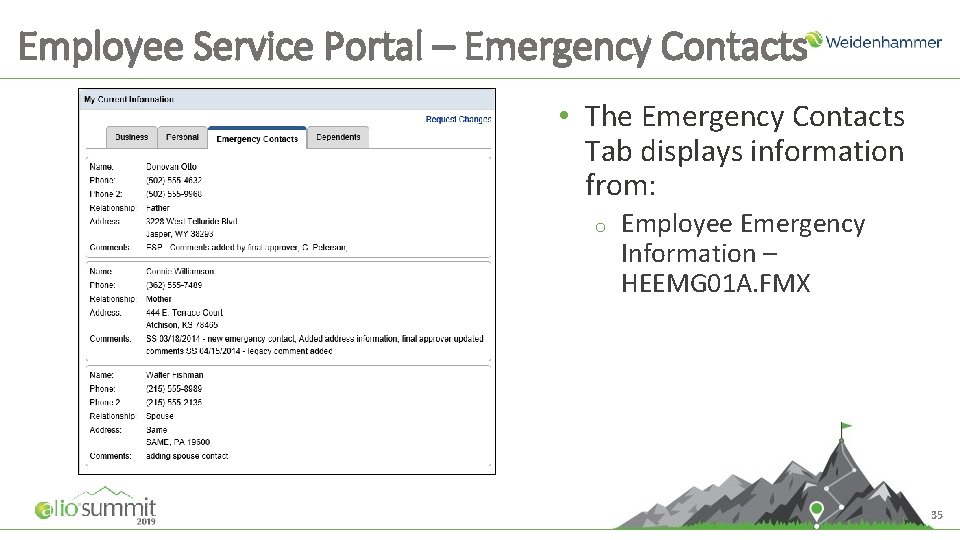
Employee Service Portal – Emergency Contacts • The Emergency Contacts Tab displays information from: o Employee Emergency Information – HEEMG 01 A. FMX 35
Employee Experience
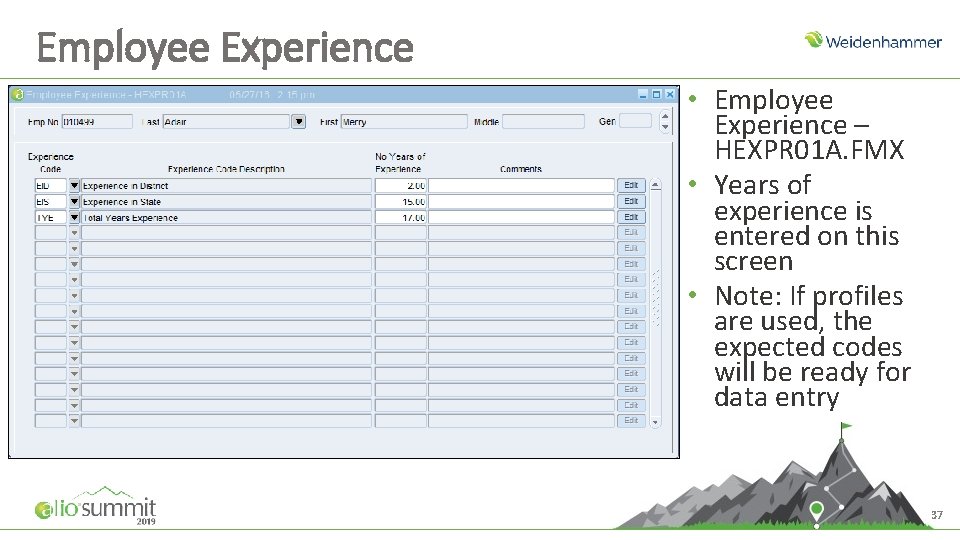
Employee Experience • Employee Experience – HEXPR 01 A. FMX • Years of experience is entered on this screen • Note: If profiles are used, the expected codes will be ready for data entry 37
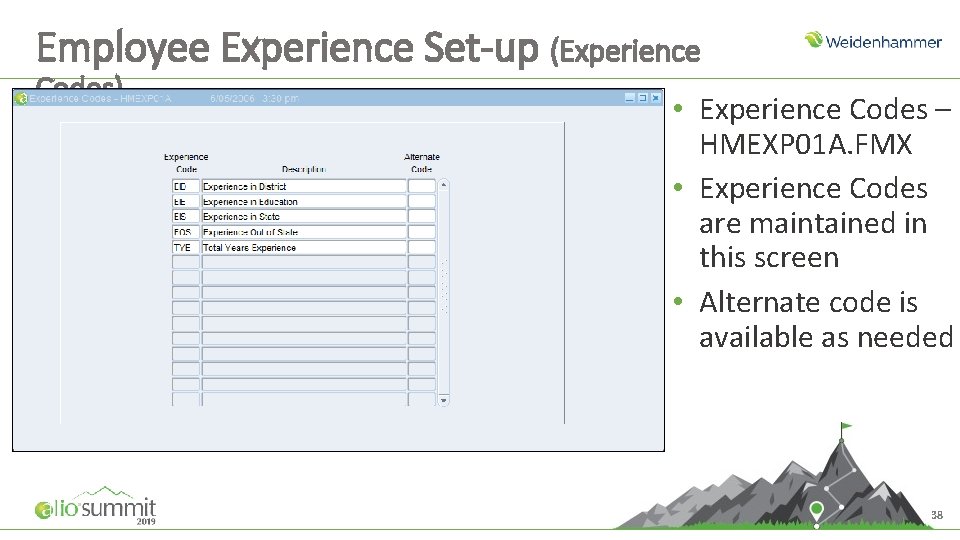
Employee Experience Set-up (Experience Codes) • Experience Codes – HMEXP 01 A. FMX • Experience Codes are maintained in this screen • Alternate code is available as needed 38
Employee Emergency Contacts Report & Import • Report Available o Print Employee Emergency Information – HEEMG 01 A. REP • Import Layout o EQ 1 – Experience 39
Employee Tenure & Seniority
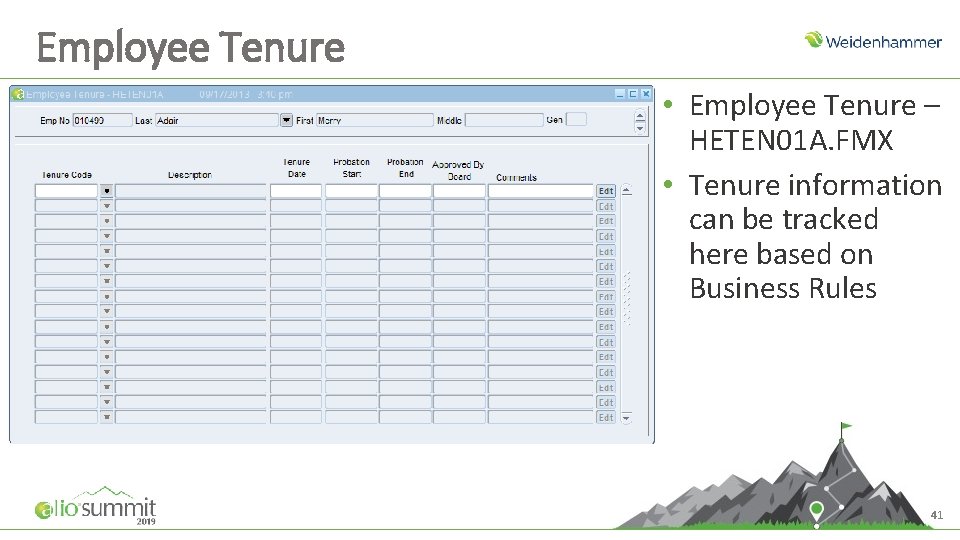
Employee Tenure • Employee Tenure – HETEN 01 A. FMX • Tenure information can be tracked here based on Business Rules 41
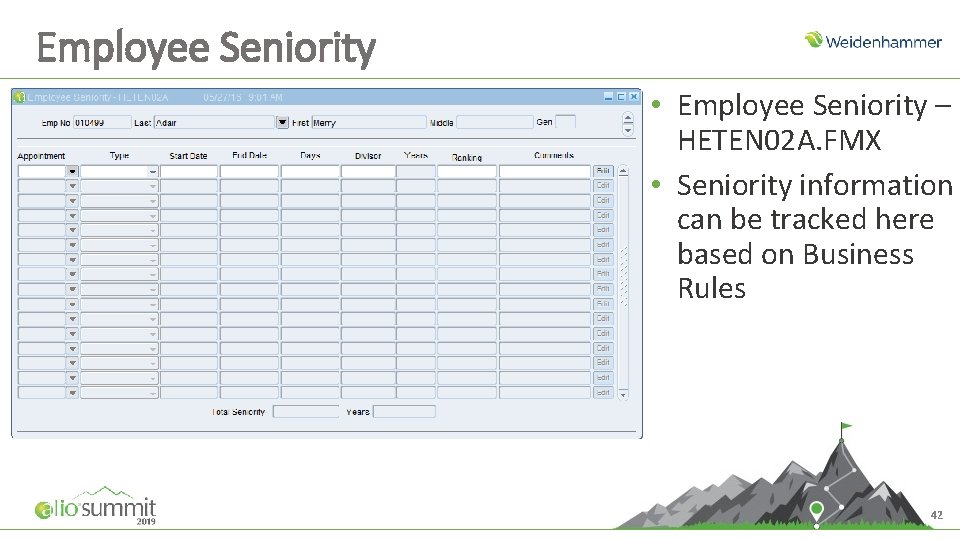
Employee Seniority • Employee Seniority – HETEN 02 A. FMX • Seniority information can be tracked here based on Business Rules 42
Tenure/Seniority Reports & Import • Reports o o Seniority Report – HESEN 01 A. REP Seniority Report – HESEN 01 B. REP • Import Available o EU 4 – Employee Tenure 43
Employee Events
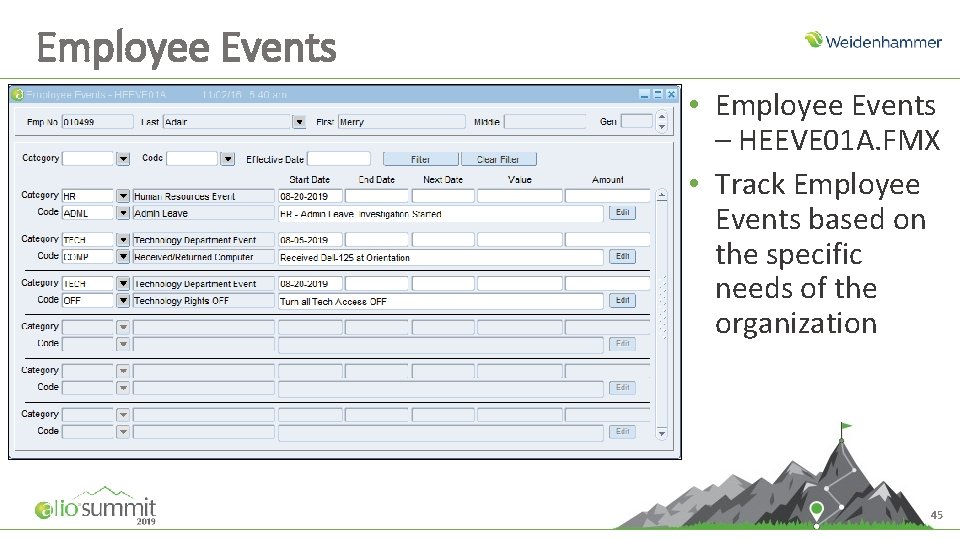
Employee Events • Employee Events – HEEVE 01 A. FMX • Track Employee Events based on the specific needs of the organization 45
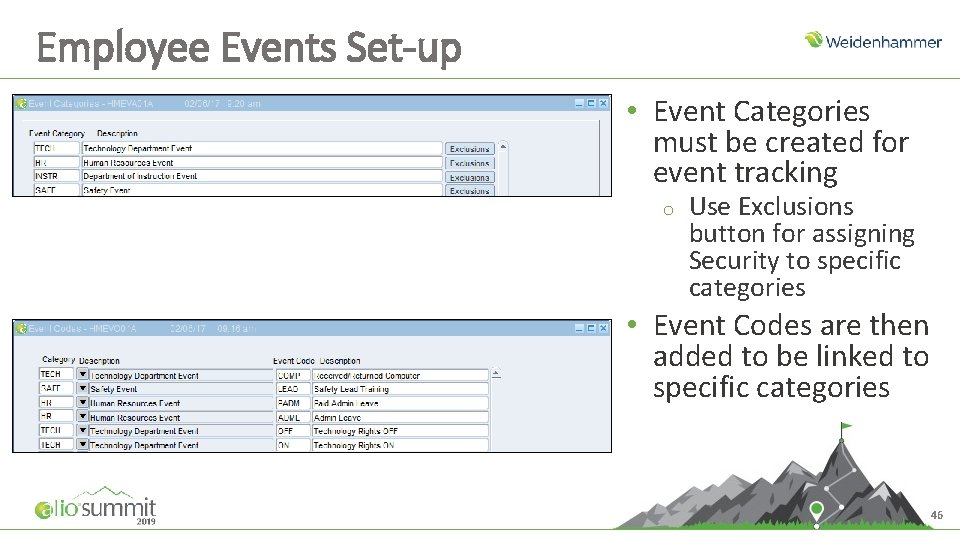
Employee Events Set-up • Event Categories must be created for event tracking o Use Exclusions button for assigning Security to specific categories • Event Codes are then added to be linked to specific categories 46
Employee Events Report & Import • Report o Employee Events – HEEVE 01 A. FMX • Import Layout o ES 2 – Employee Events 47
Employee User Defined
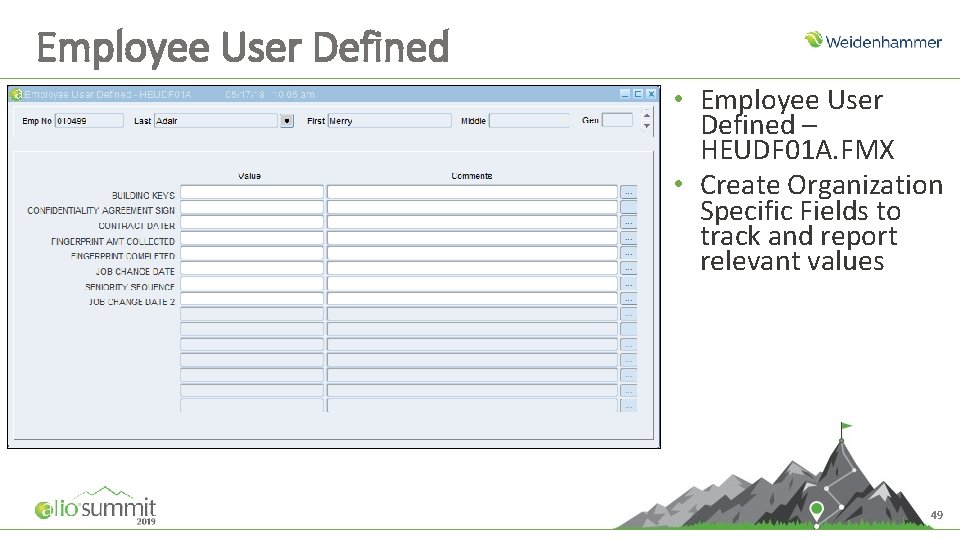
Employee User Defined • Employee User Defined – HEUDF 01 A. FMX • Create Organization Specific Fields to track and report relevant values 49
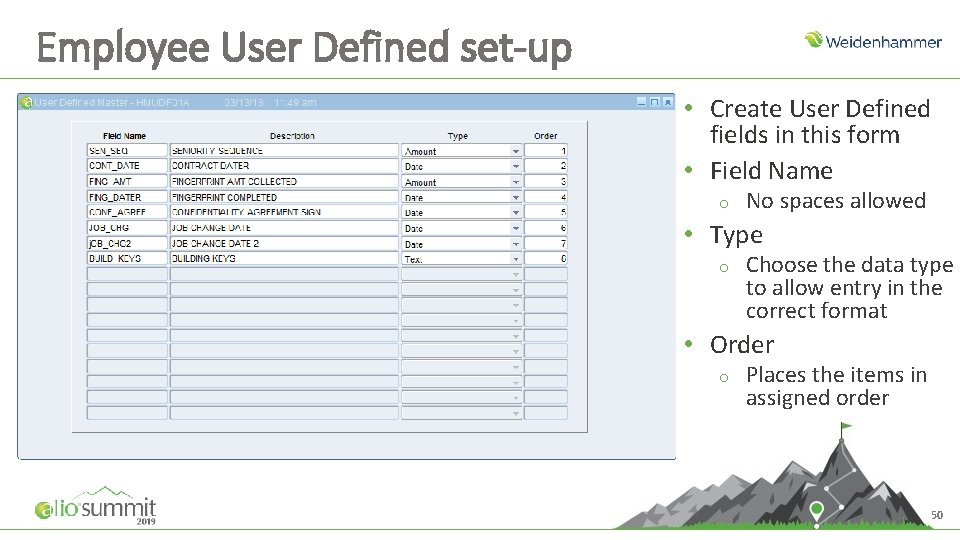
Employee User Defined set-up • Create User Defined fields in this form • Field Name o No spaces allowed • Type o Choose the data type to allow entry in the correct format • Order o Places the items in assigned order 50
Employee User Defined - Import • Import Layout o EN 1 – Employee User Defined 51
Discussion
Additional Training • If you are interested in other Alio Web. Ex group training sessions, you can view the list of sessions currently available at: http: //www. myalio. com/web-training • If you prefer one-on-one training, please contact your Alio support provider directly for cost and scheduling information • If you are seeking Alio documentation or recorded training sessions, please log onto infolink: https: //infolink. hammer. net/login. aspx • If you have any additional questions or concerns, please contact Alio support at 1 -800 -914 -9879 or by direct email to wccc@hammer. net
Thank You