
Tracking a GIS System Monitoring Tools for an


- Slides: 26
Tracking a GIS System Monitoring Tools for an Enterprise GIS Jaclyn Meade – MGIS Candidate Jim Detwiler - Advisor
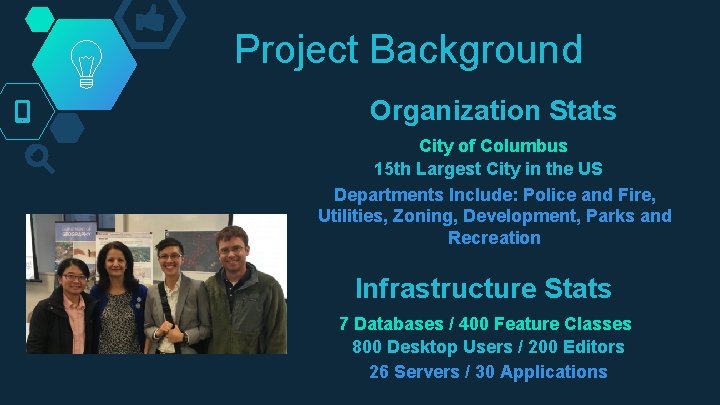
Project Background Organization Stats City of Columbus 15 th Largest City in the US Departments Include: Police and Fire, Utilities, Zoning, Development, Parks and Recreation Infrastructure Stats 7 Databases / 400 Feature Classes 800 Desktop Users / 200 Editors 26 Servers / 30 Applications
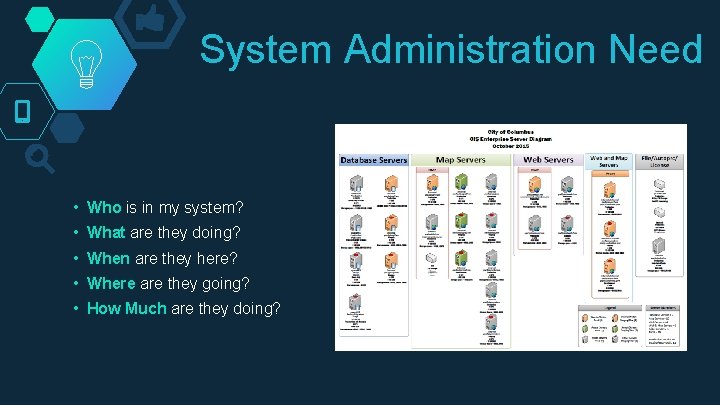
System Administration Need • Who is in my system? • What are they doing? • When are they here? • Where are they going? • How Much are they doing?
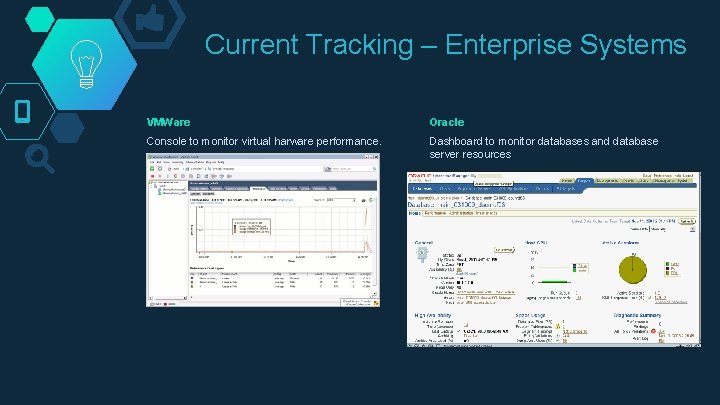
Current Tracking – Enterprise Systems VMWare Oracle Console to monitor virtual harware performance. Dashboard to monitor databases and database server resources
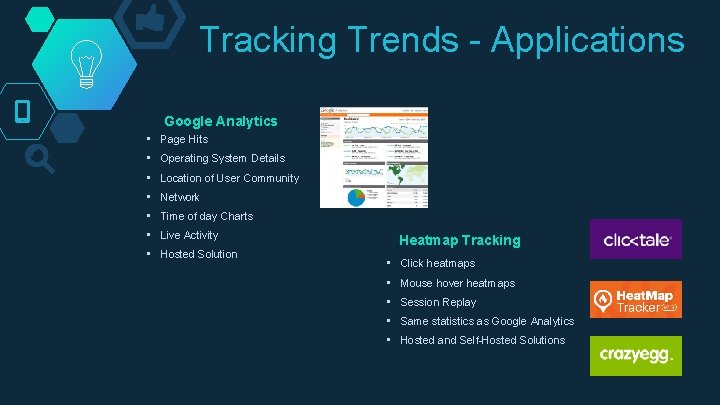
Tracking Trends - Applications Google Analytics • Page Hits • Operating System Details • Location of User Community • Network • Time of day Charts • Live Activity • Hosted Solution Heatmap Tracking • Click heatmaps • Mouse hover heatmaps • Session Replay • Same statistics as Google Analytics • Hosted and Self-Hosted Solutions
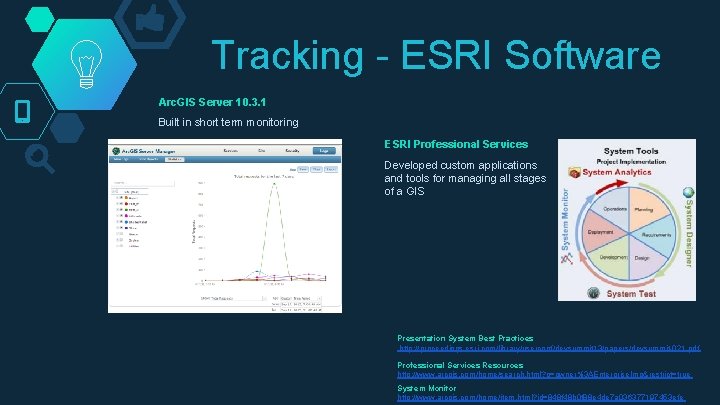
Tracking - ESRI Software Arc. GIS Server 10. 3. 1 Built in short term monitoring ESRI Professional Services Developed custom applications and tools for managing all stages of a GIS Presentation System Best Practices http: //proceedings. esri. com/library/userconf/devsummit 13/papers/devsummit-021. pdf Professional Services Resources http: //www. arcgis. com/home/search. html? q=owner%3 AEnterprise. Imp&restrict=true System Monitor http: //www. arcgis. com/home/item. html? id=848 f 48 b 0 f 88 e 4 de 7 a 036377197453 efe
Tracking – Other Arc. GIS Latitude Geographics - Geocortex Insight Vestra – Geosystem Monitor • System Status • Individual services • Service Status • Arc. GIS Online services • Trends • Rest Services • Dashboard • Arc. GIS Online Feature Services • Reporting • Arc. GIS Online Tiled Services • Alarms http: //go. geocortex. com/get-insighthttp: //products. vestra. com/geosystems-monitor-features/
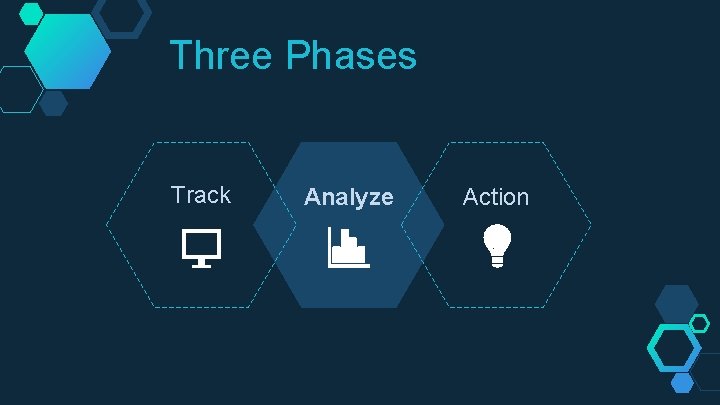
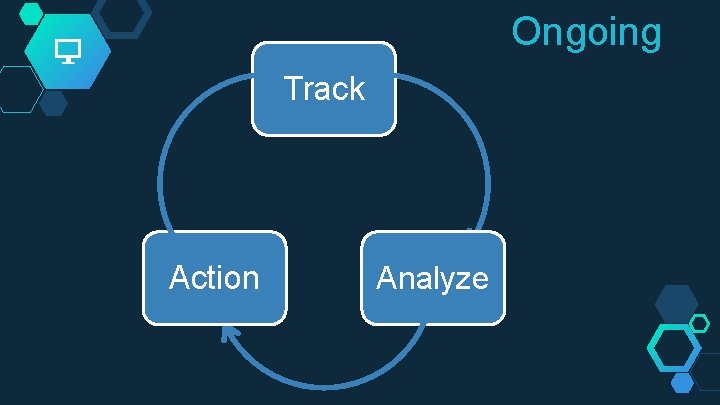
Three Phases Track Analyze Action
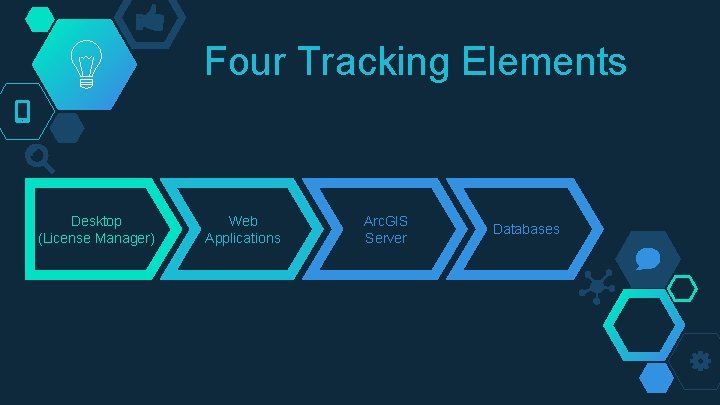
Four Tracking Elements Desktop (License Manager) Web Applications Arc. GIS Server Databases
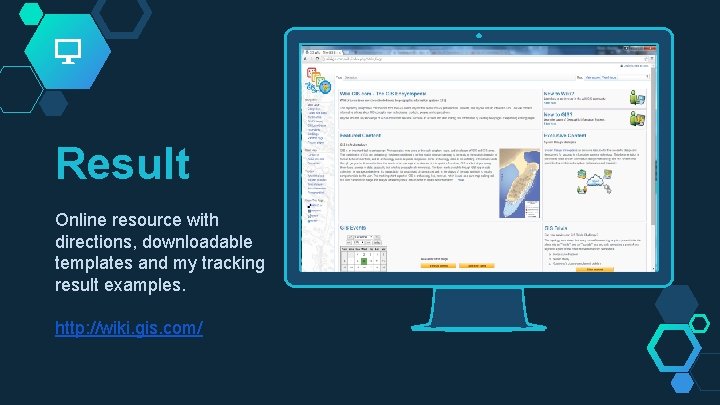
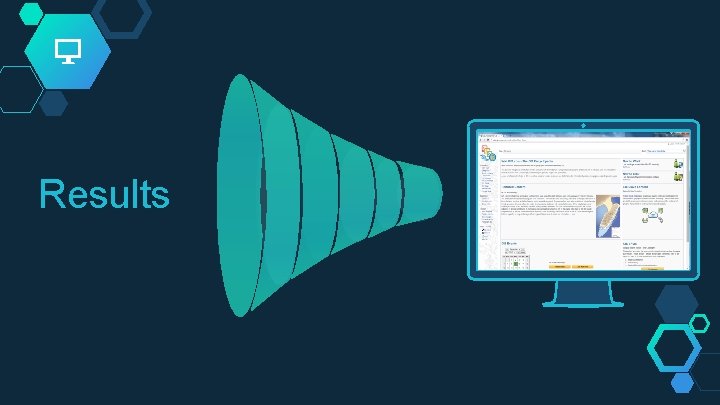
Result Online resource with directions, downloadable templates and my tracking result examples. http: //wiki. gis. com/ Place your screenshot here
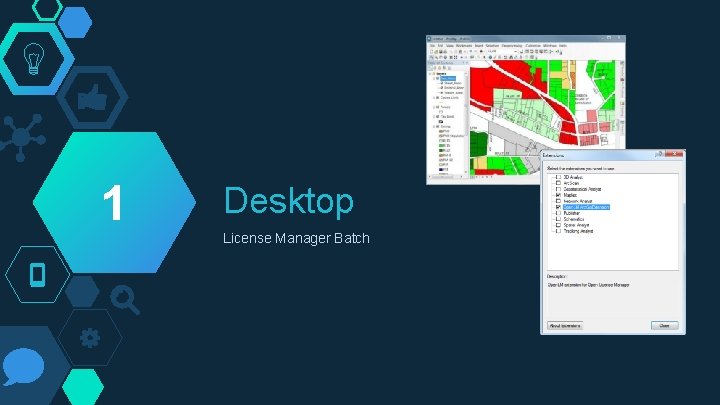
1 Desktop License Manager Batch
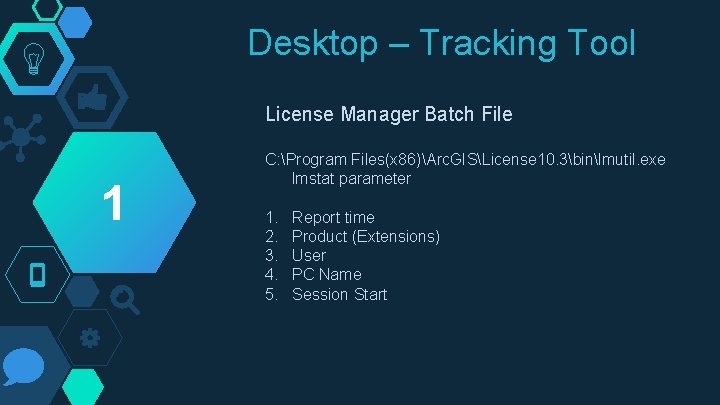
Desktop – Tracking Tool License Manager Batch File 1 C: Program Files(x 86)Arc. GISLicense 10. 3binlmutil. exe lmstat parameter 1. 2. 3. 4. 5. Report time Product (Extensions) User PC Name Session Start
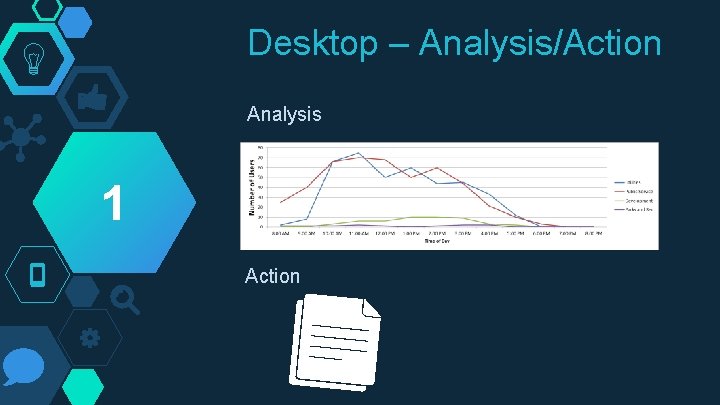
Desktop – Analysis/Action Analysis 1 Action
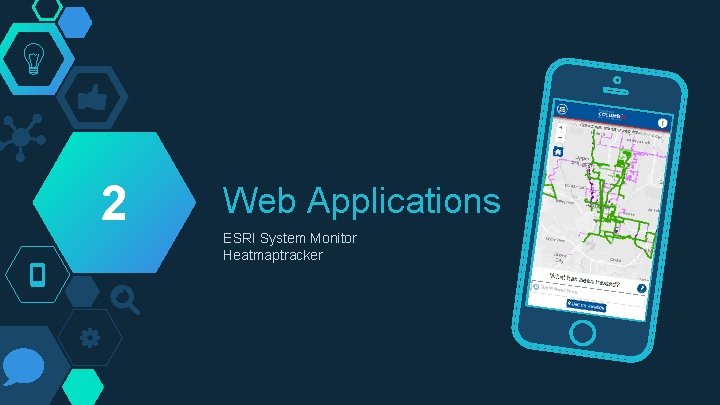
2 Web Applications ESRI System Monitor Heatmaptracker
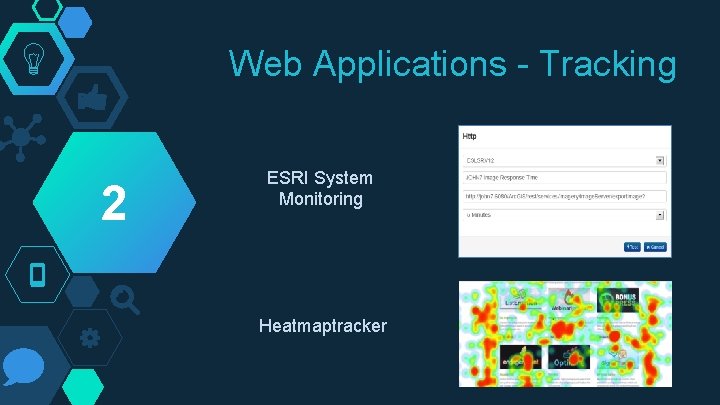
Web Applications - Tracking 2 ESRI System Monitoring Heatmaptracker
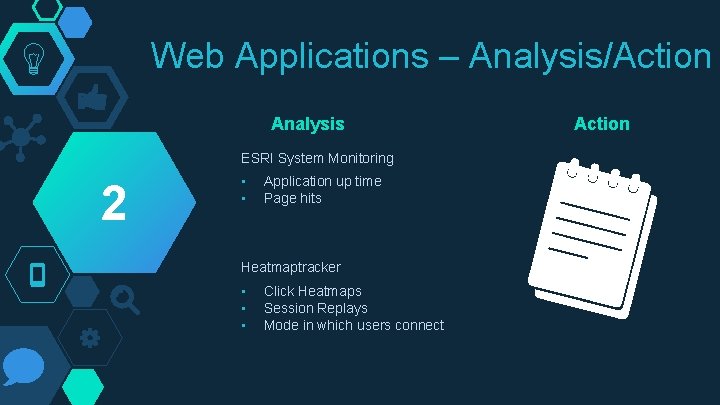
Web Applications – Analysis/Action Analysis ESRI System Monitoring 2 • • Application up time Page hits Heatmaptracker • • • Click Heatmaps Session Replays Mode in which users connect Action
3 Arc. GIS Server ESRI System Monitor
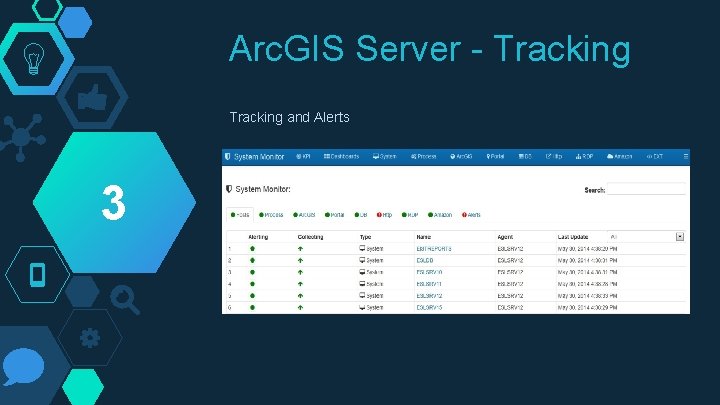
Arc. GIS Server - Tracking and Alerts 3
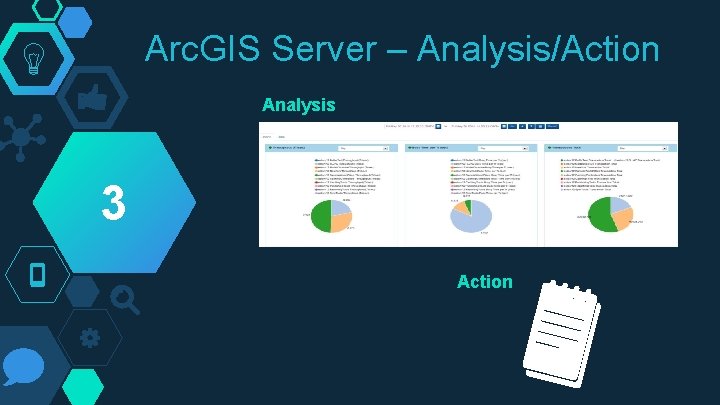
Arc. GIS Server – Analysis/Action Analysis 3 Action
4 Database Table/User Batch
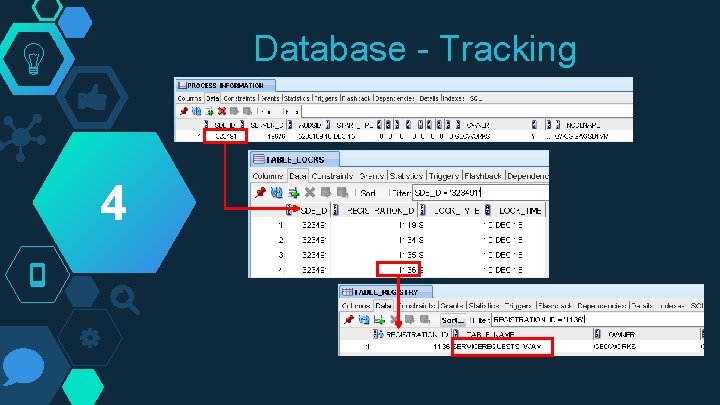
Database - Tracking 4
Database – Analysis/Action Analysis Excel Template 4 • • • Show database usage over time List inactive tables List most popular tables List most active users Any other beneficial information Action
Ongoing Track Action Analyze
Results
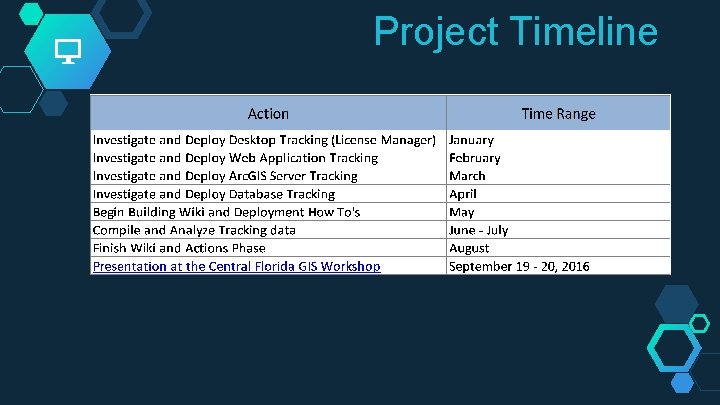
Project Timeline
Thanks! Any questions? Jaclyn Meade – MGIS Candidate Jim Detwiler - Advisor