
TOUCHLESS TOUCHSCREEN USER INTERFACE BY K JHANSI 07771
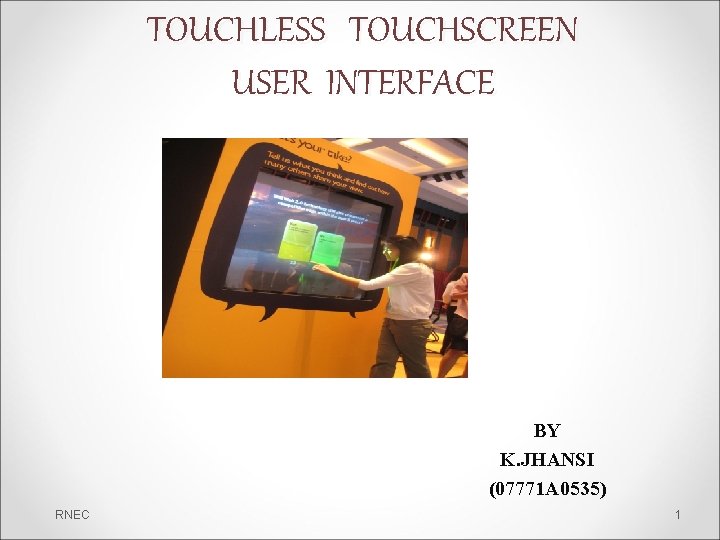
TOUCHLESS TOUCHSCREEN USER INTERFACE BY K. JHANSI (07771 A 0535) RNEC 1
OVER VIEW • • • Touch Less Touch screen TOUCHLESS MONITOR WORKING OF 1. GBUI 2. TOUCH-LESS UI 3. TOUCH-LESS SDK 4. TOUCH-LESS DEMO 5. WINDOWSHOP PIC 6. TOUCH WALL • CONCLUSION RNEC 2
Touch Less Touch Screen • Touch less control of electrically operated equipment is being developed by Elliptic Labs. • This innovative technology lets you control your gadgets like Computers, MP 3 players or mobile phones without touching them. • This system depends on hand or finger motions, a hand wave in a certain direction • The sensor can be placed either on the screen or near the screen. RNEC 3
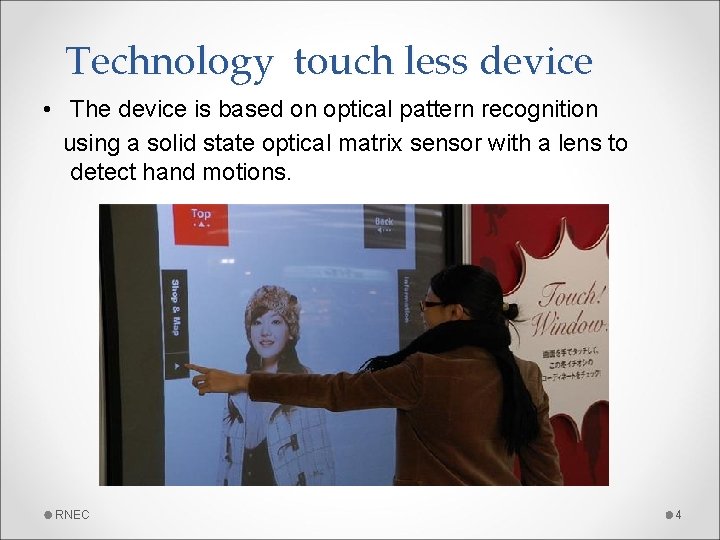
Technology touch less device • The device is based on optical pattern recognition using a solid state optical matrix sensor with a lens to detect hand motions. RNEC 4
Touch less Monitor • This monitor is made Touch. Ko • Touch less touch screen your hand doesn’t have to come in contact with the screen at all, it works by detecting your hand movements in front of it. • point your finger in the air towards the device and move it accordingly to control the navigation in the device • Designed for applications where touch may be difficult, such as for doctors who might be wearing surgical gloves RNEC 5
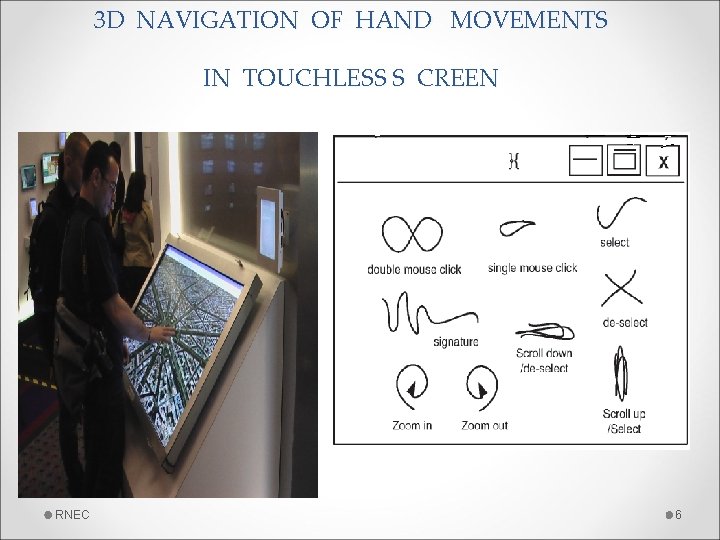
3 D NAVIGATION OF HAND MOVEMENTS IN TOUCHLESS S CREEN RNEC 6
Touch less UI • Sensors are mounted around the screen that is being used, by interacting in the line-of-sight of these sensors the motion is detected and interpreted into on-screen movements. • just point at the screen (from as far as 5 feet away), and you can manipulate objects in 3 D. • Gestures are translated into screen commands RNEC 7
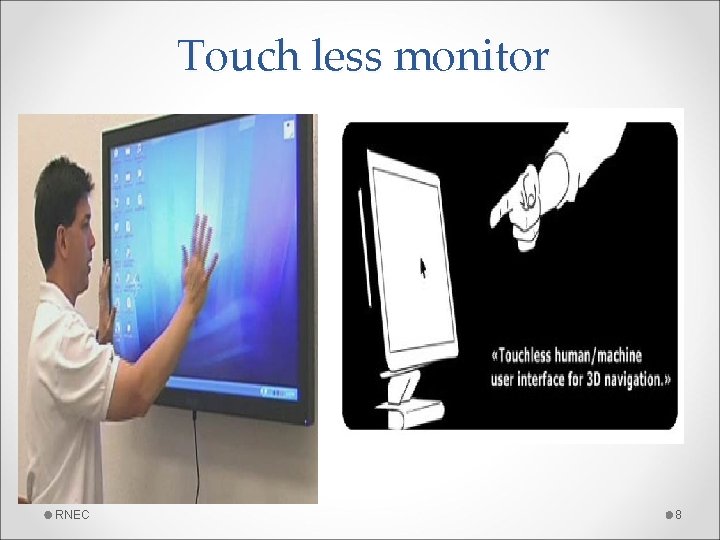
Touch less monitor RNEC 8
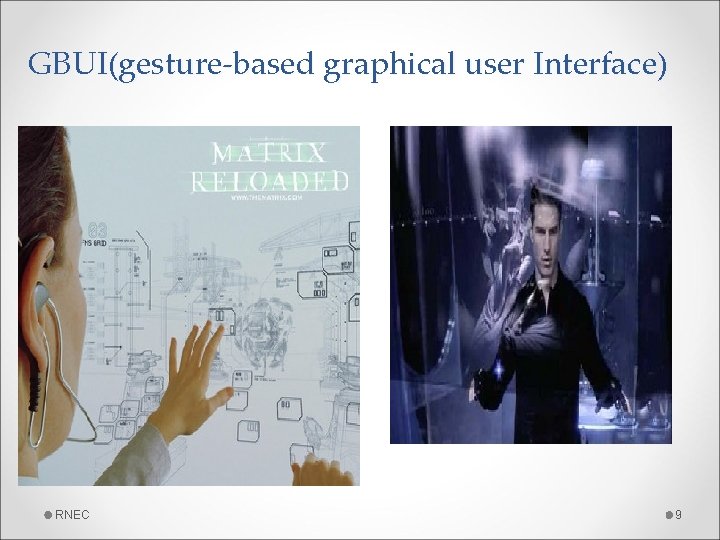
GBUI(gesture-based graphical user Interface) RNEC 9
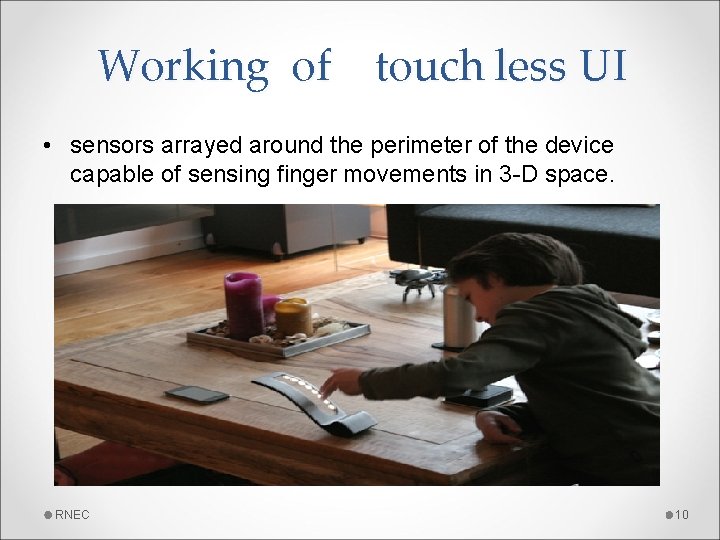
Working of touch less UI • sensors arrayed around the perimeter of the device capable of sensing finger movements in 3 -D space. RNEC 10
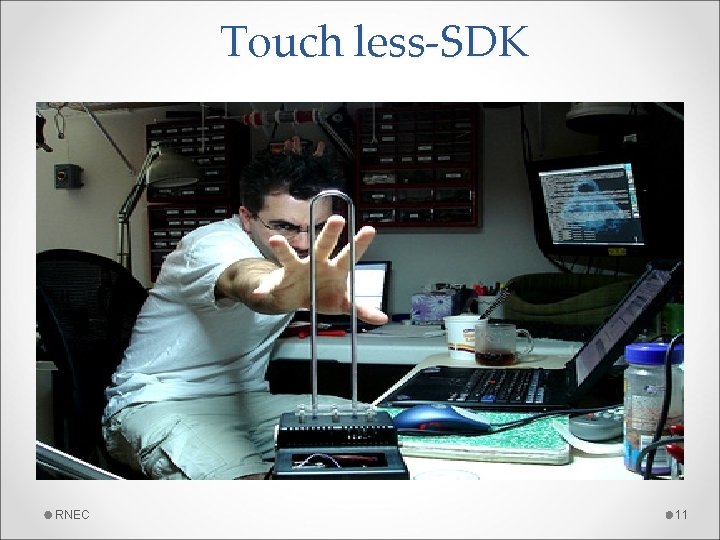
Touch less-SDK RNEC 11
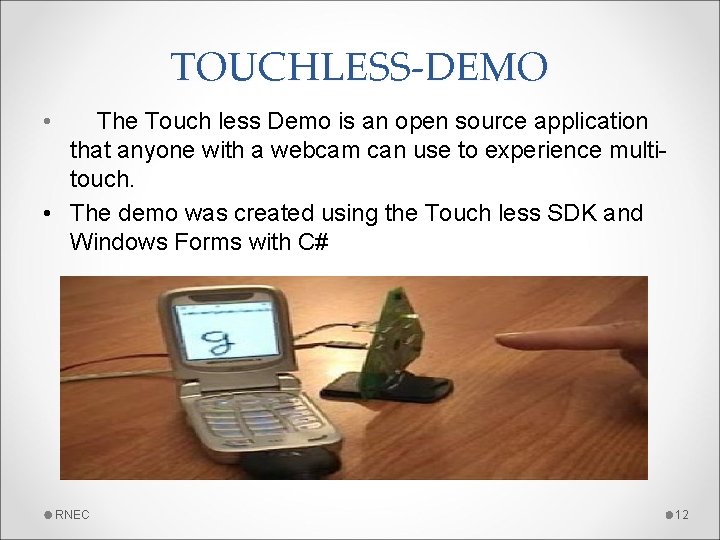
TOUCHLESS-DEMO • The Touch less Demo is an open source application that anyone with a webcam can use to experience multitouch. • The demo was created using the Touch less SDK and Windows Forms with C# RNEC 12
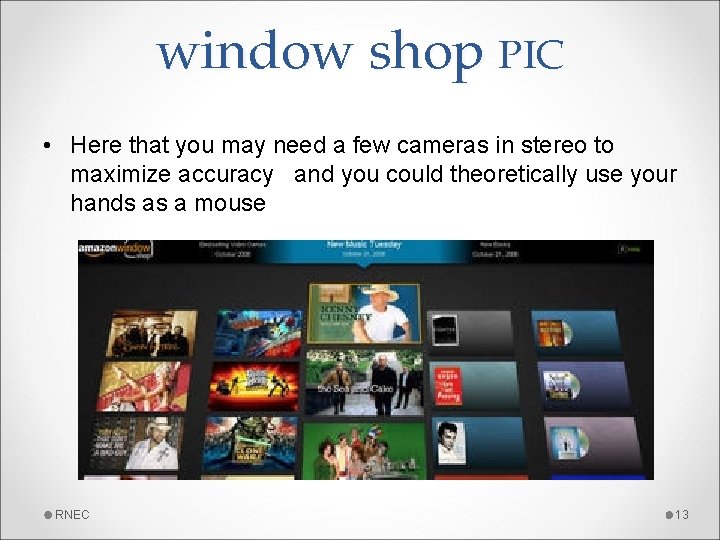
window shop PIC • Here that you may need a few cameras in stereo to maximize accuracy and you could theoretically use your hands as a mouse RNEC 13
Touch wall • Touch Wall it is the first multi touch product • It refers to the touch screen hardware setup itself and software is plex. • Touch Wall consists of three infrared lasers that scan a surface. • By using a projecter entire walls can easily be turned into a multi touch user interface. RNEC 14
Conclusion • The Touch less touch screen user interface can be used effectively in computers, cell phones, webcams and laptops. • May be few years down the line, our body can be transformed into a virtual mouse, virtual keyboard , Our body may be turned in to an input device! RNEC 15

RNEC 16
- Slides: 16