
Topologies The structure of the network Physical topology


- Slides: 25
Topologies • The structure of the network – Physical topology • Actual layout of the media – Logical topology • How the hosts access the media
Physical Topologies • Bus – Uses a single backbone cable – All hosts connect directly to backbone • Ring – Connects each host to the next, and the last to the first – Physical ring of cable
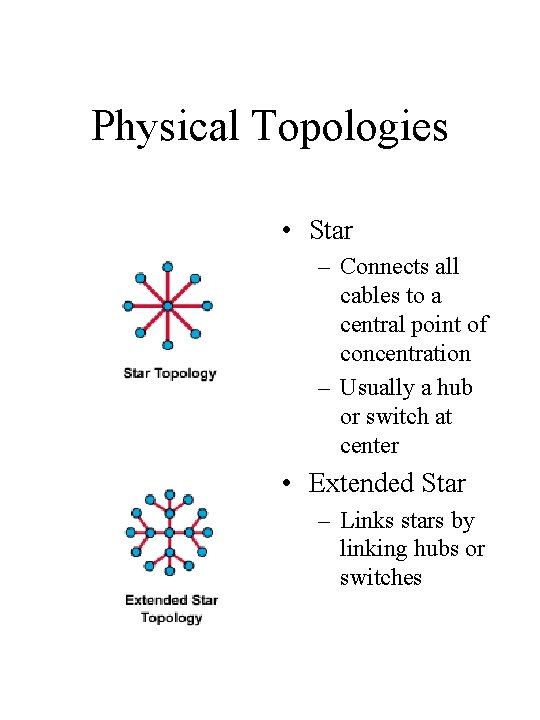
Physical Topologies • Star – Connects all cables to a central point of concentration – Usually a hub or switch at center • Extended Star – Links stars by linking hubs or switches
Physical Topologies • Hierarchical – Similar to extended star – Links star LANs to a computer that controls network traffic • Mesh – Each host is connected to all other hosts – No breaks, ever!
Logical Topologies • Broadcast – Each host sends its data to all other hosts – First come, first served to use the network – Ethernet • Token Passing – Controls access by passing token – Host can send when it has the token
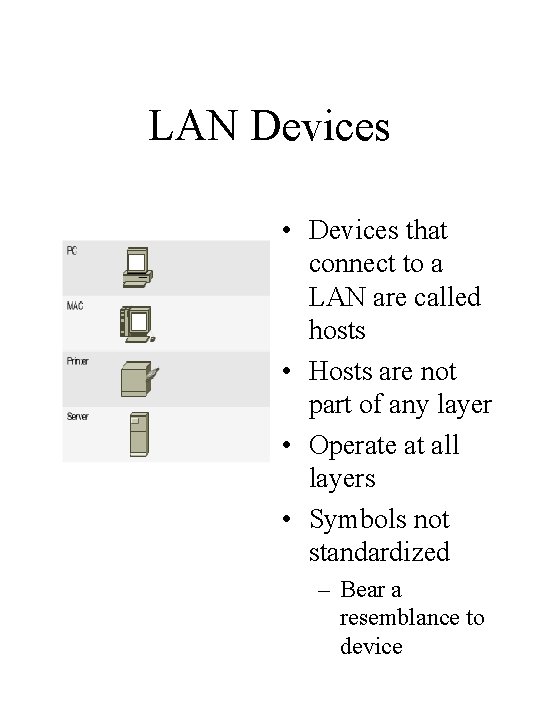
LAN Devices • Devices that connect to a LAN are called hosts • Hosts are not part of any layer • Operate at all layers • Symbols not standardized – Bear a resemblance to device
Network Interface Cards • Network adapter – printed circuit board or PCMCIA board • Adapts the host device to the network medium • Each has a unique MAC address – Media Access Control • No standard symbol – Implied on each host
Transceivers • Converts one type of signal or connector to another – AUI to RJ-45 on router • Attachment Unit Interface • Layer 1 – only looks at bits • Found on routers
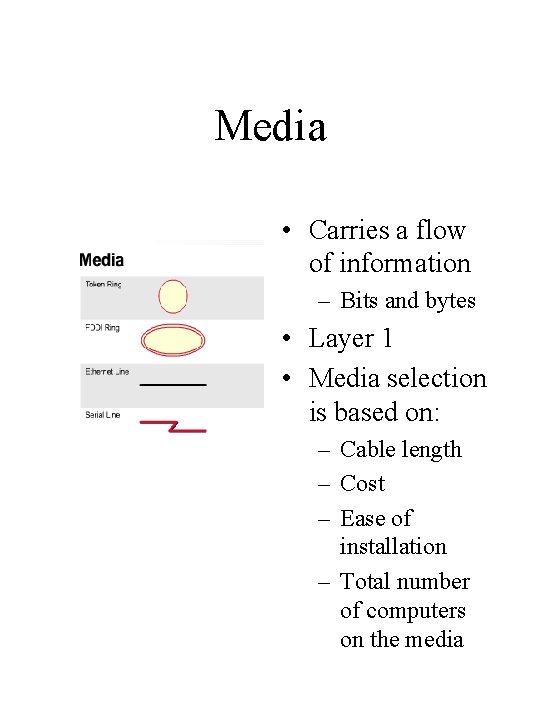
Media • Carries a flow of information – Bits and bytes • Layer 1 • Media selection is based on: – Cable length – Cost – Ease of installation – Total number of computers on the media
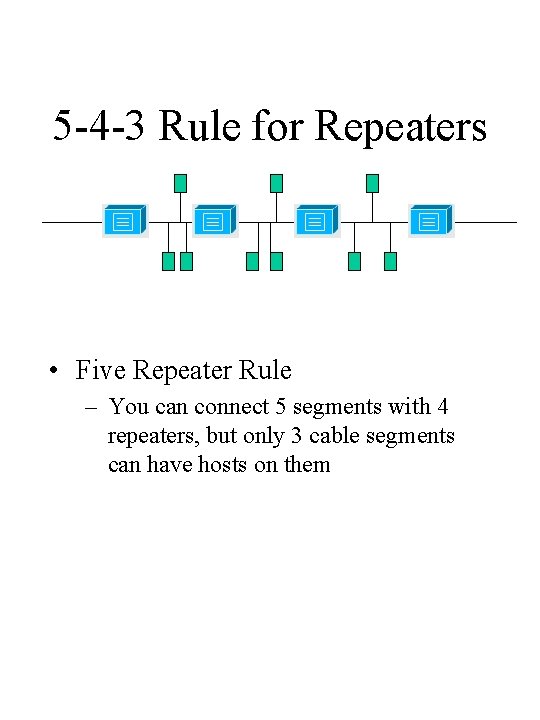
Repeaters • Regenerate and retime signals at the bit level • Allows data to travel further • Single-port “in” • Single-port “out” • Layer 1 – bits
5 -4 -3 Rule for Repeaters • Five Repeater Rule – You can connect 5 segments with 4 repeaters, but only 3 cable segments can have hosts on them
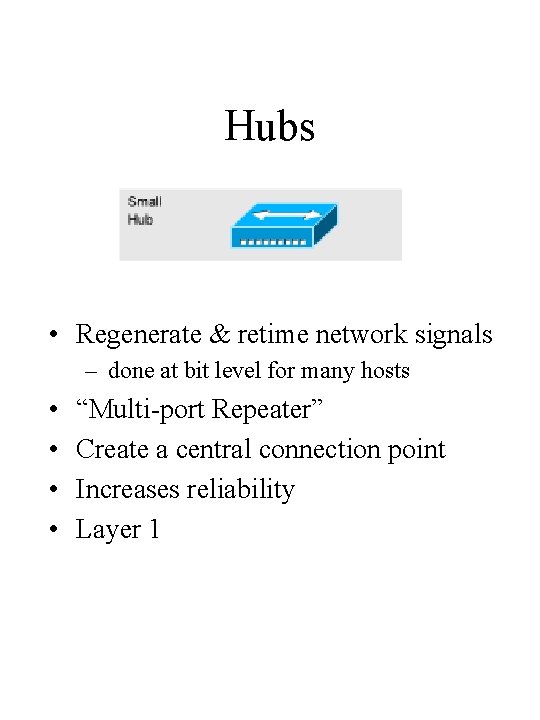
Hubs • Regenerate & retime network signals – done at bit level for many hosts • • “Multi-port Repeater” Create a central connection point Increases reliability Layer 1
Active Hubs • Use energy from a power supply to regenerate signals
Passive Hubs • Simply split signal to multiple users – Like a Y cable • Do not regenerate bits • Do not extend cable length • Only allow two or more hosts to connect to same cable segment
Intelligent Hubs • Console ports • Can be programmed to manage network traffic
Dumb Hubs • Take an incoming network signal and repeat it to every port
Hubs in other topologies • Token Ring – MAU – Media Access Unit • FDDI – MAU is called a concentrator • All Layer 1
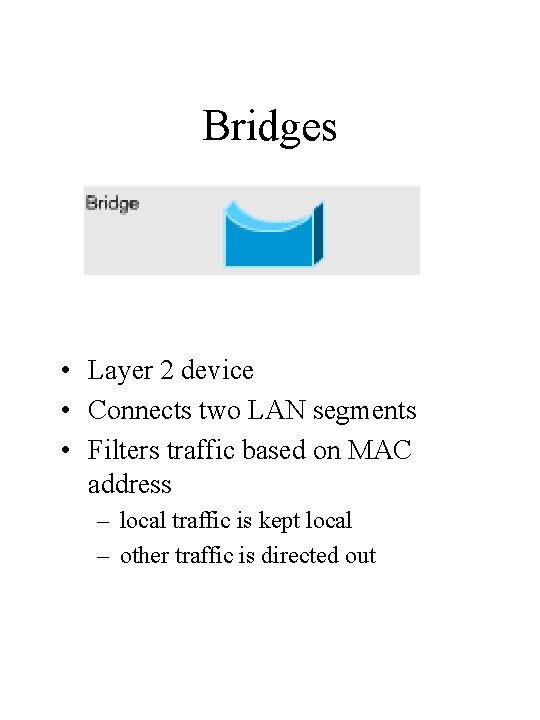
Bridges • Layer 2 device • Connects two LAN segments • Filters traffic based on MAC address – local traffic is kept local – other traffic is directed out
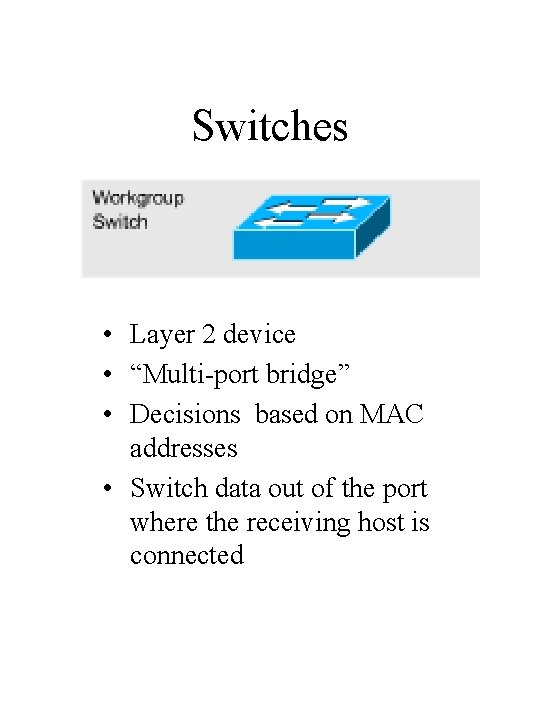
Switches • Layer 2 device • “Multi-port bridge” • Decisions based on MAC addresses • Switch data out of the port where the receiving host is connected
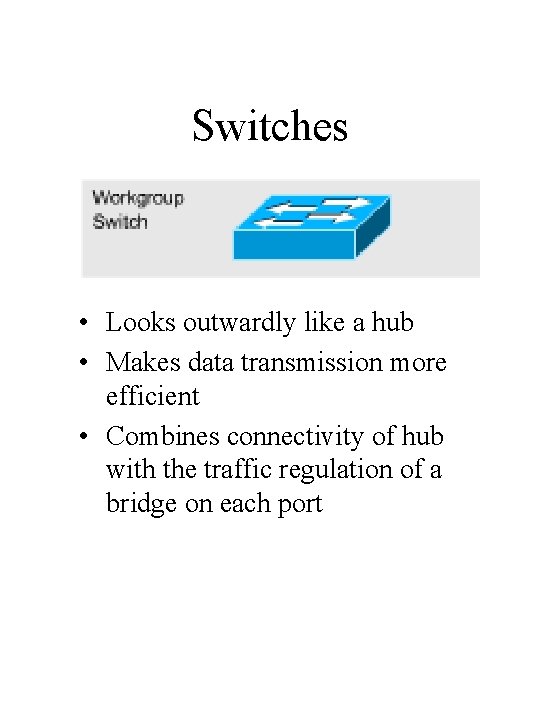
Switches • Looks outwardly like a hub • Makes data transmission more efficient • Combines connectivity of hub with the traffic regulation of a bridge on each port
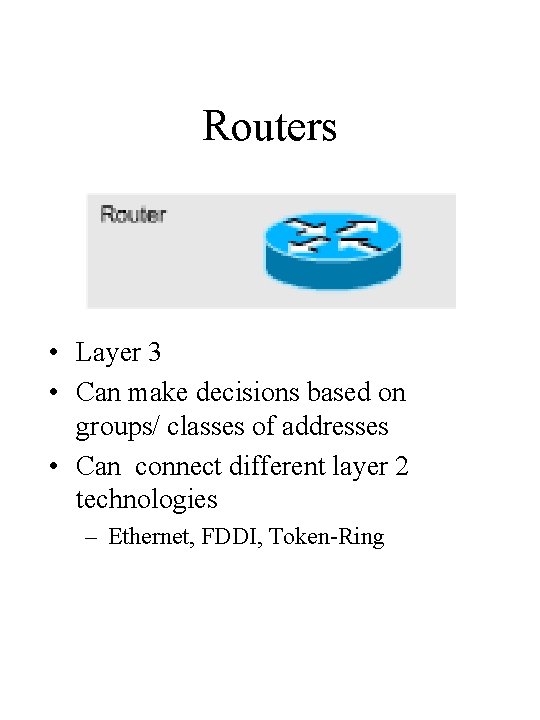
Routers • Layer 3 • Can make decisions based on groups/ classes of addresses • Can connect different layer 2 technologies – Ethernet, FDDI, Token-Ring
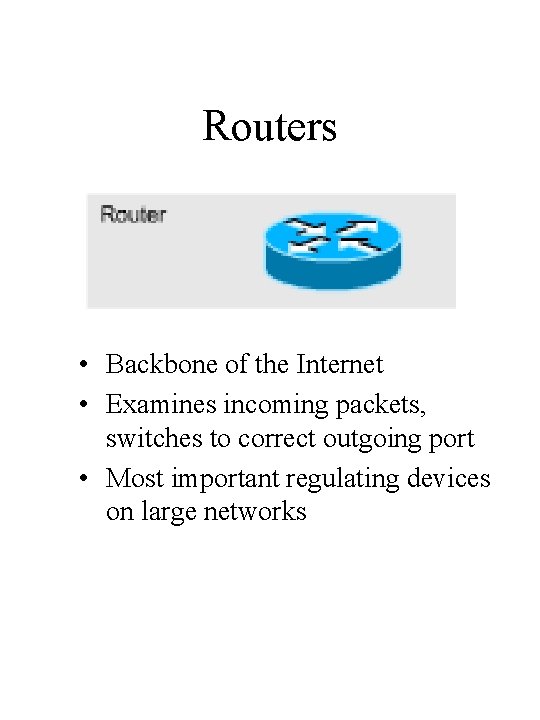
Routers • Backbone of the Internet • Examines incoming packets, switches to correct outgoing port • Most important regulating devices on large networks
Clouds • Suggests another network (perhaps Internet) • Does not supply details • Really a collection of devices • Layer 1 -7
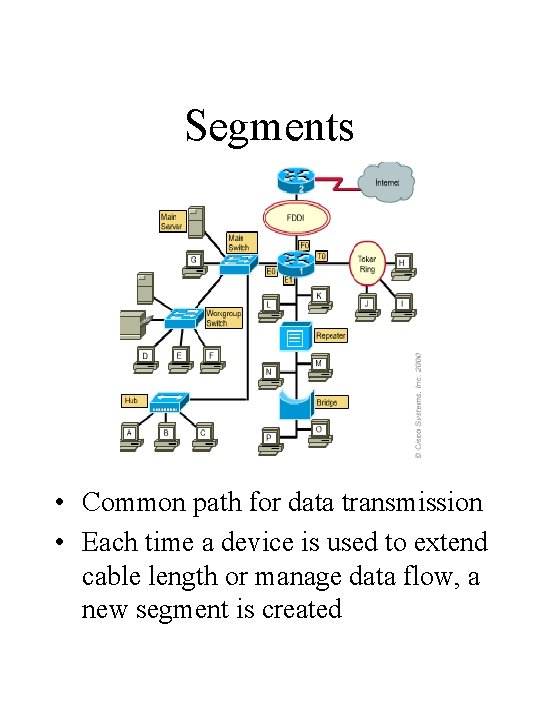
Segments • Common path for data transmission • Each time a device is used to extend cable length or manage data flow, a new segment is created
Segments • Function of a segment is to act as an efficient local LAN that is part of a larger network • Segment, as applied to LANs, is completely different from the Layer 4 PDU known as a segment