
Topic 4 Variables Once a programmer has understood
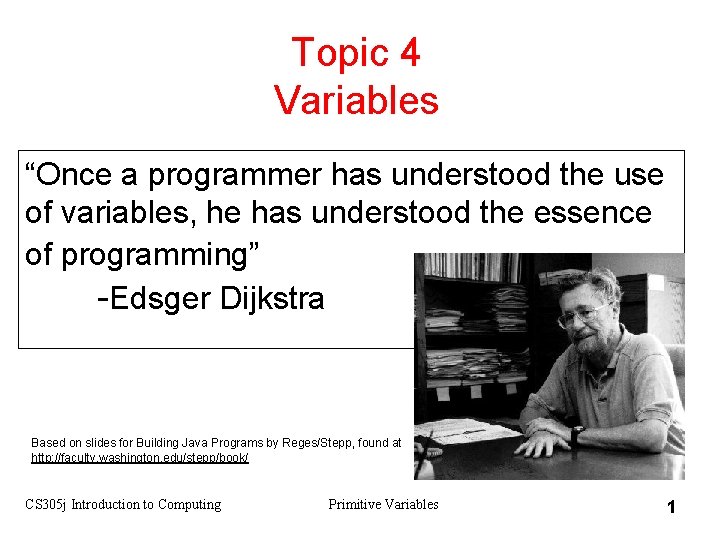
Topic 4 Variables “Once a programmer has understood the use of variables, he has understood the essence of programming” -Edsger Dijkstra Based on slides for Building Java Programs by Reges/Stepp, found at http: //faculty. washington. edu/stepp/book/ CS 305 j Introduction to Computing Primitive Variables 1
What we will do today 8 Explain and look at examples of –primitive data types –expressions –variables –assignment statements CS 305 j Introduction to Computing Primitive Variables 2
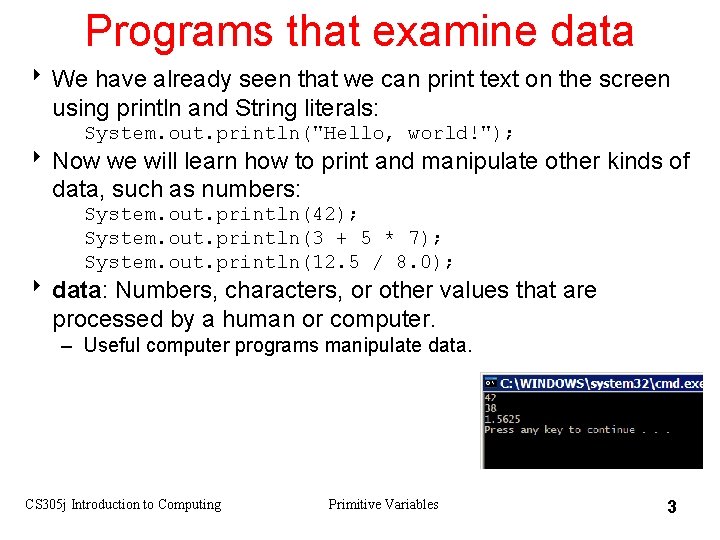
Programs that examine data 8 We have already seen that we can print text on the screen using println and String literals: System. out. println("Hello, world!"); 8 Now we will learn how to print and manipulate other kinds of data, such as numbers: System. out. println(42); System. out. println(3 + 5 * 7); System. out. println(12. 5 / 8. 0); 8 data: Numbers, characters, or other values that are processed by a human or computer. – Useful computer programs manipulate data. CS 305 j Introduction to Computing Primitive Variables 3
Data types 8 Most programming languages (like Java) have a notion of data types and ask the programmer to specify what type of data is being manipulated. 8 type: A category or set of data values. – Example: integer, real number, string 8 Internally, the computer stores all data as 0 s and 1 s. – example: 42 --> 101010 – example: "hi" --> 0110100001101001 8 Counting with dots exercise CS 305 j Introduction to Computing Primitive Variables 4

Java's primitive types 8 The expressions in today's slides so far have been integers. – Integers are one of Java's data types. 8 primitive types: Java's built-in simple data types for numbers, text characters, and logic. – Java has eight primitive types total. – Types that are not primitive are called object types. – We'll use these four primitive types in this class: Name int double char boolean CS 305 j Introduction to Computing Description integers (whole numbers) real numbers single text characters logical values Primitive Variables Examples 42, -3, 0, 926394 3. 14, -0. 25, 9. 0 'a', 'X', '? ', 'n' true, false 5
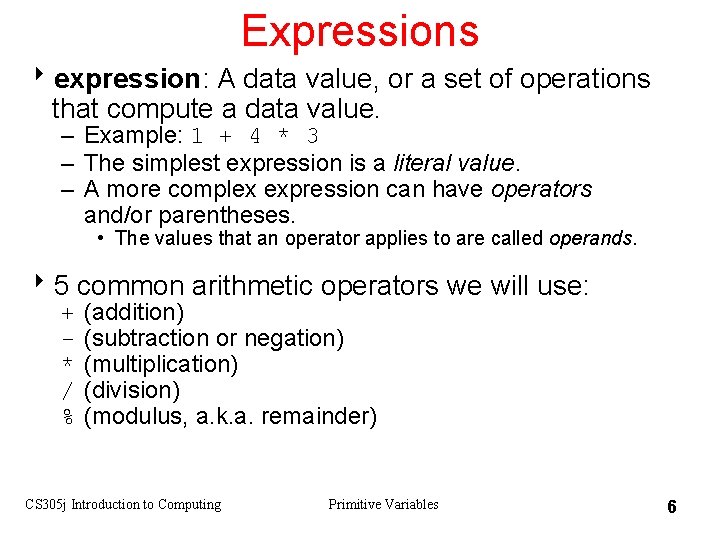
Expressions 8 expression: A data value, or a set of operations that compute a data value. – Example: 1 + 4 * 3 – The simplest expression is a literal value. – A more complex expression can have operators and/or parentheses. • The values that an operator applies to are called operands. 85 common arithmetic operators we will use: + * / % (addition) (subtraction or negation) (multiplication) (division) (modulus, a. k. a. remainder) CS 305 j Introduction to Computing Primitive Variables 6

Evaluating expressions 8 When your Java program executes and encounters a line with an expression, the expression is evaluated (its value is computed). – The expression 3 * 4 is evaluated to obtain 12. – System. out. println(3 * 4) prints 12, not 3 * 4. (How could we print 3 * 4 on the screen? ) 8 When an expression contains more than one operator of the same kind, it is evaluated left-to-right. – Example: 1 + 2 + 3 is (1 + 2) + 3 which is 6 – Example: 1 - 2 - 3 is (1 - 2) - 3 which is -4 (not the same as 1 - (2 - 3) which is 2) 8 Show the Blue. J interaction pane code pad CS 305 j Introduction to Computing Primitive Variables 7
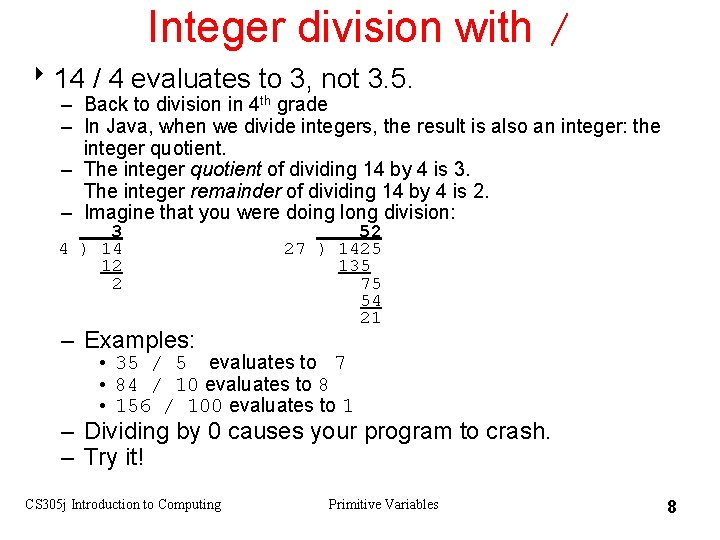
Integer division with / 814 / 4 evaluates to 3, not 3. 5. – Back to division in 4 th grade – In Java, when we divide integers, the result is also an integer: the integer quotient. – The integer quotient of dividing 14 by 4 is 3. The integer remainder of dividing 14 by 4 is 2. – Imagine that you were doing long division: 3 4 ) 14 12 2 – Examples: 52 27 ) 1425 135 75 54 21 • 35 / 5 evaluates to 7 • 84 / 10 evaluates to 8 • 156 / 100 evaluates to 1 – Dividing by 0 causes your program to crash. – Try it! CS 305 j Introduction to Computing Primitive Variables 8
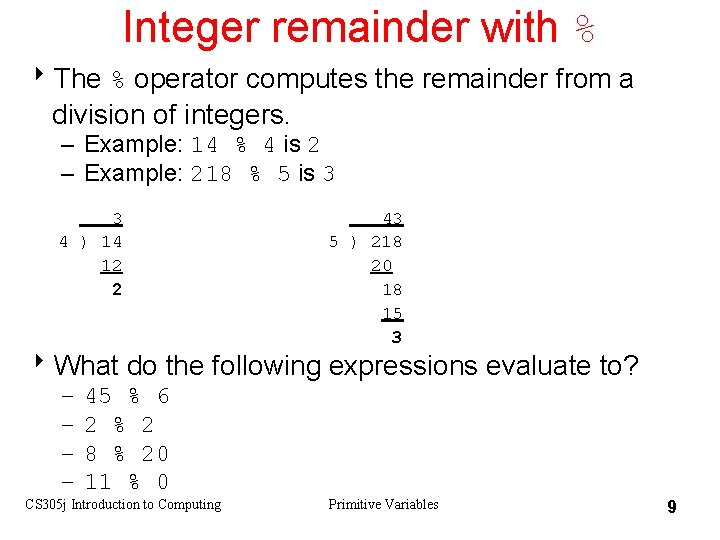
Integer remainder with % 8 The % operator computes the remainder from a division of integers. – Example: 14 % 4 is 2 – Example: 218 % 5 is 3 3 4 ) 14 12 2 43 5 ) 218 20 18 15 3 8 What do the following expressions evaluate to? – – 45 % 6 2 % 2 8 % 20 11 % 0 CS 305 j Introduction to Computing Primitive Variables 9
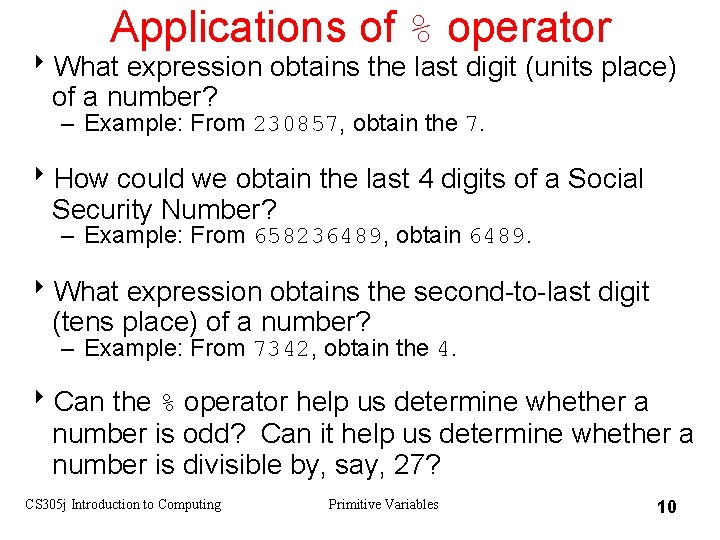
Applications of % operator 8 What expression obtains the last digit (units place) of a number? – Example: From 230857, obtain the 7. 8 How could we obtain the last 4 digits of a Social Security Number? – Example: From 658236489, obtain 6489. 8 What expression obtains the second-to-last digit (tens place) of a number? – Example: From 7342, obtain the 4. 8 Can the % operator help us determine whether a number is odd? Can it help us determine whether a number is divisible by, say, 27? CS 305 j Introduction to Computing Primitive Variables 10
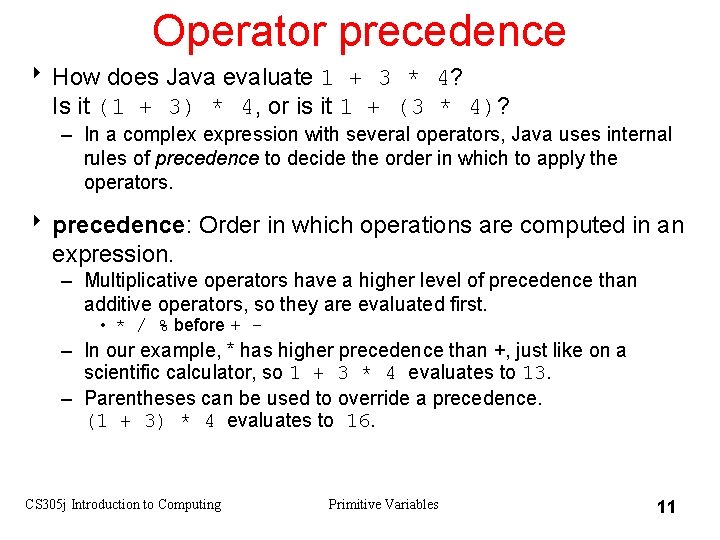
Operator precedence 8 How does Java evaluate 1 + 3 * 4? Is it (1 + 3) * 4, or is it 1 + (3 * 4)? – In a complex expression with several operators, Java uses internal rules of precedence to decide the order in which to apply the operators. 8 precedence: Order in which operations are computed in an expression. – Multiplicative operators have a higher level of precedence than additive operators, so they are evaluated first. • * / % before + - – In our example, * has higher precedence than +, just like on a scientific calculator, so 1 + 3 * 4 evaluates to 13. – Parentheses can be used to override a precedence. (1 + 3) * 4 evaluates to 16. CS 305 j Introduction to Computing Primitive Variables 11
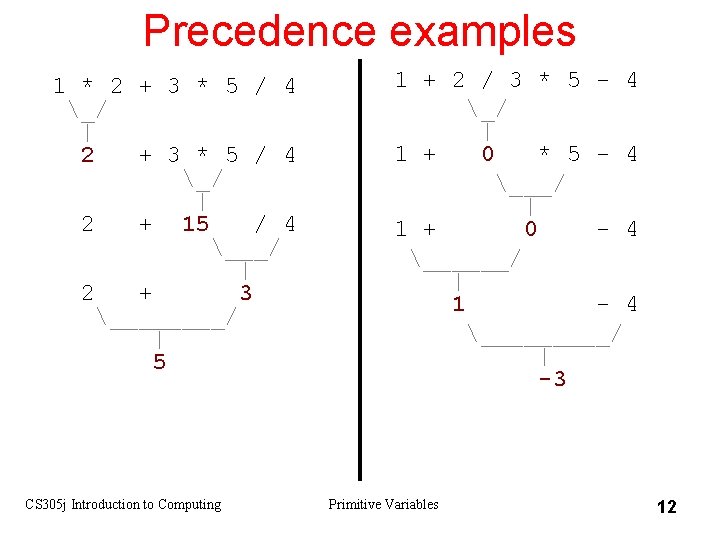
Precedence examples 81 * 2 + 3 * 5 / 4 8 _/ | 2 + 15 / 4 8 ___/ | 2 + 3 8 ____/ | 5 CS 305 j Introduction to Computing n n n 1 + 2 / 3 * 5 - 4 _/ | 1 + 0 * 5 - 4 ___/ | 1 + 0 - 4 ______/ | 1 - 4 _____/ | -3 Primitive Variables 12
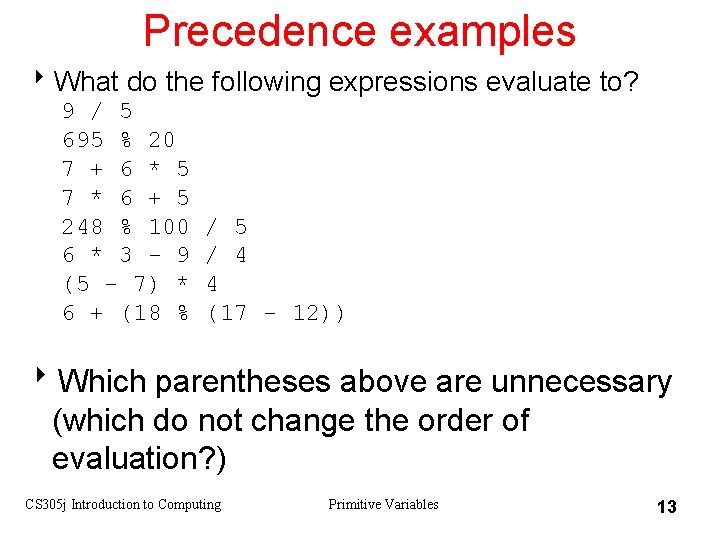
Precedence examples 8 What do the following expressions evaluate to? 9 / 5 695 % 20 7 + 6 * 5 7 * 6 + 5 248 % 100 6 * 3 - 9 (5 - 7) * 6 + (18 % / 5 / 4 4 (17 - 12)) 8 Which parentheses above are unnecessary (which do not change the order of evaluation? ) CS 305 j Introduction to Computing Primitive Variables 13
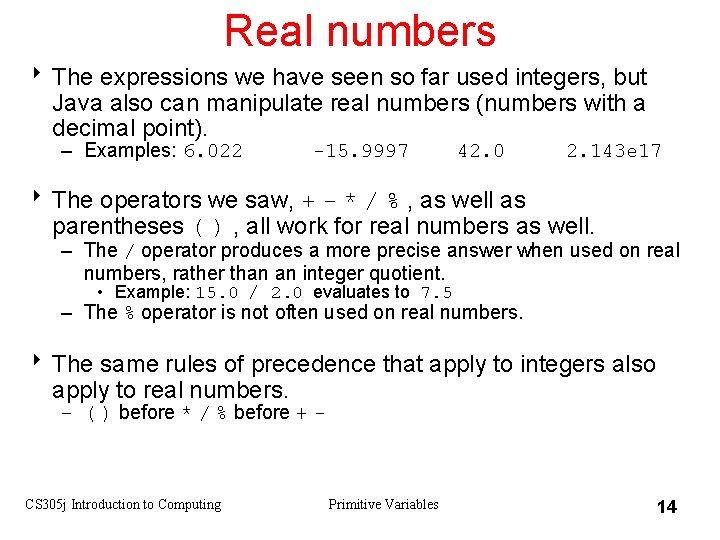
Real numbers 8 The expressions we have seen so far used integers, but Java also can manipulate real numbers (numbers with a decimal point). – Examples: 6. 022 -15. 9997 42. 0 2. 143 e 17 8 The operators we saw, + - * / % , as well as parentheses ( ) , all work for real numbers as well. – The / operator produces a more precise answer when used on real numbers, rather than an integer quotient. • Example: 15. 0 / 2. 0 evaluates to 7. 5 – The % operator is not often used on real numbers. 8 The same rules of precedence that apply to integers also apply to real numbers. – ( ) before * / % before + - CS 305 j Introduction to Computing Primitive Variables 14
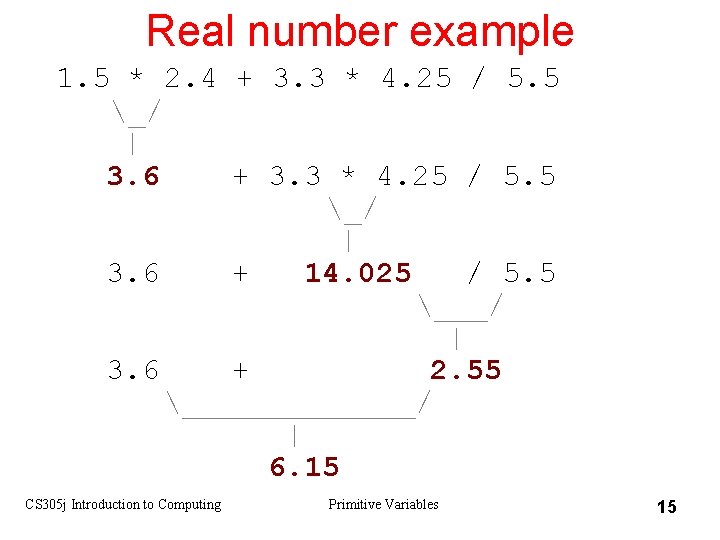
Real number example 81. 5 * 2. 4 + 3. 3 * 4. 25 / 5. 5 8 _/ | 3. 6 + 14. 025 / 5. 5 8 ___/ | 3. 6 + 2. 55 8 _______/ | 6. 15 CS 305 j Introduction to Computing Primitive Variables 15
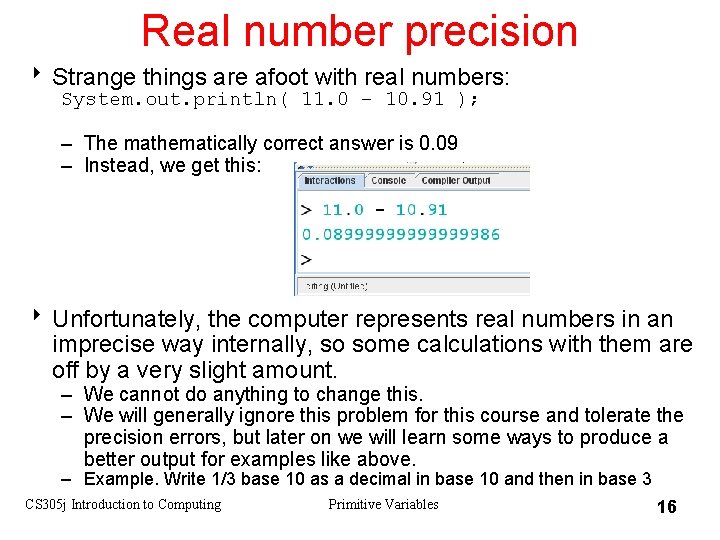
Real number precision 8 Strange things are afoot with real numbers: System. out. println( 11. 0 – 10. 91 ); – The mathematically correct answer is 0. 09 – Instead, we get this: 8 Unfortunately, the computer represents real numbers in an imprecise way internally, so some calculations with them are off by a very slight amount. – We cannot do anything to change this. – We will generally ignore this problem for this course and tolerate the precision errors, but later on we will learn some ways to produce a better output for examples like above. – Example. Write 1/3 base 10 as a decimal in base 10 and then in base 3 CS 305 j Introduction to Computing Primitive Variables 16
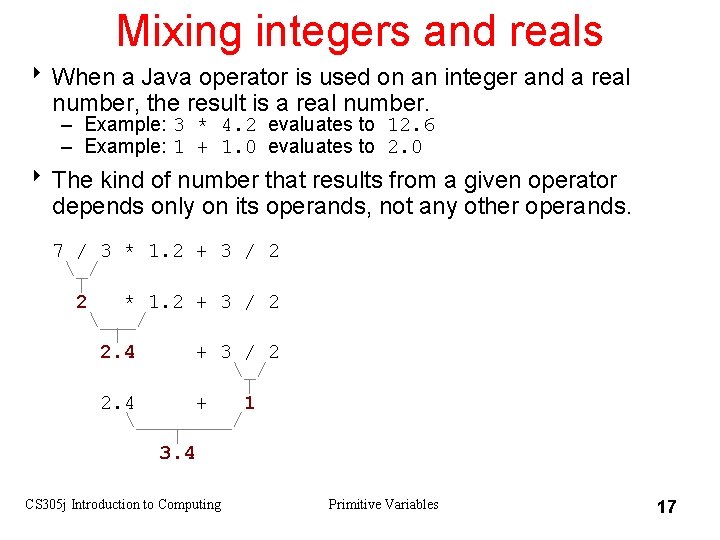
Mixing integers and reals 8 When a Java operator is used on an integer and a real number, the result is a real number. – Example: 3 * 4. 2 evaluates to 12. 6 – Example: 1 + 1. 0 evaluates to 2. 0 8 The kind of number that results from a given operator depends only on its operands, not any other operands. 8 7 / 3 * 1. 2 + 3 / 2 8 _/ | 2 * 1. 2 + 3 / 2 8 ___/ | 2. 4 + 3 / 2 8 _/ | 2. 4 + 1 8 ____/ | 3. 4 CS 305 j Introduction to Computing Primitive Variables 17
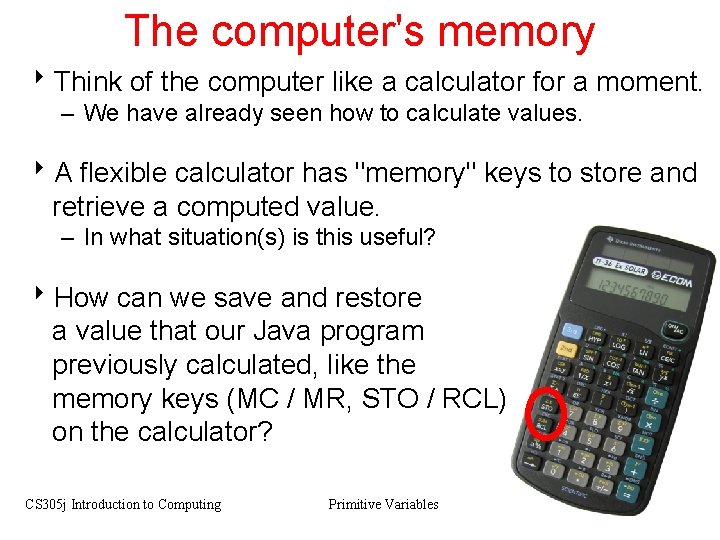
The computer's memory 8 Think of the computer like a calculator for a moment. – We have already seen how to calculate values. 8 A flexible calculator has "memory" keys to store and retrieve a computed value. – In what situation(s) is this useful? 8 How can we save and restore a value that our Java program previously calculated, like the memory keys (MC / MR, STO / RCL) on the calculator? CS 305 j Introduction to Computing Primitive Variables 18
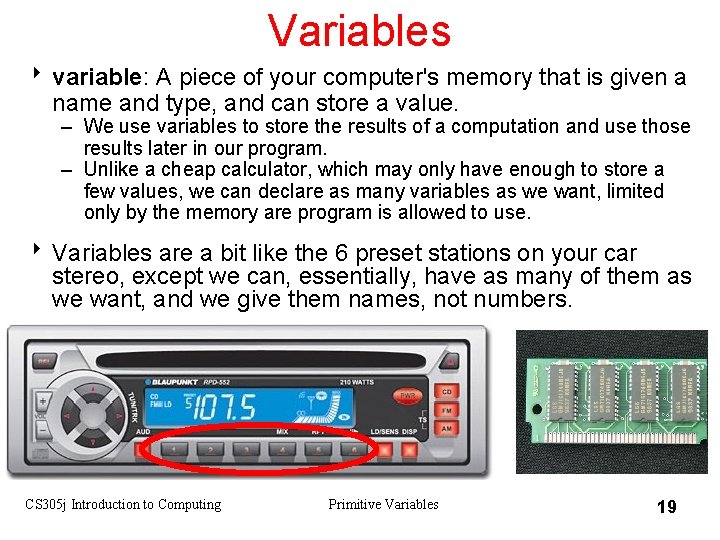
Variables 8 variable: A piece of your computer's memory that is given a name and type, and can store a value. – We use variables to store the results of a computation and use those results later in our program. – Unlike a cheap calculator, which may only have enough to store a few values, we can declare as many variables as we want, limited only by the memory are program is allowed to use. 8 Variables are a bit like the 6 preset stations on your car stereo, except we can, essentially, have as many of them as we want, and we give them names, not numbers. CS 305 j Introduction to Computing Primitive Variables 19
Declaring variables 8 variable declaration statement: A Java statement that creates a new variable of a given type. – A variable is declared by writing a statement that says its type, and then its name. (The name is an identifier. ) 8 Declaration statement syntax: <type> <name> ; – Example: int x; – Example: double my. GPA; 8 It is also legal to declare multiple variables of the same type on one line: <type> <name>, . . . , <name> ; – Example: int a, b, c; CS 305 j Introduction to Computing Primitive Variables 20
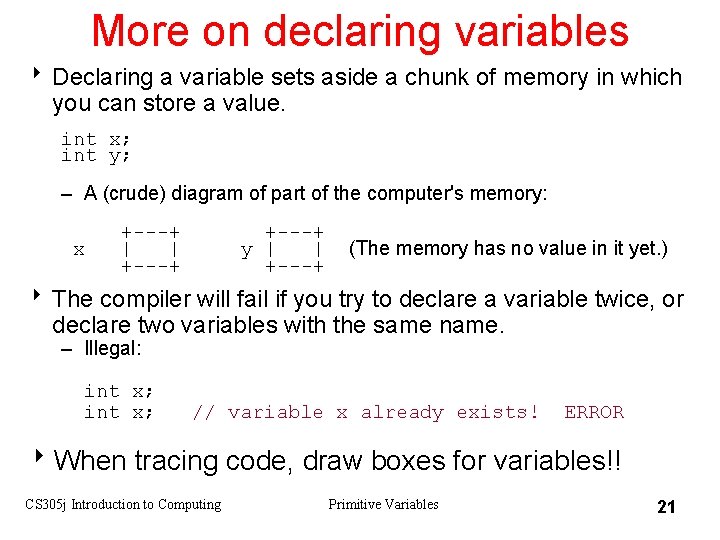
More on declaring variables 8 Declaring a variable sets aside a chunk of memory in which you can store a value. int x; int y; – A (crude) diagram of part of the computer's memory: x +---+ | | +---+ y | | +---+ (The memory has no value in it yet. ) 8 The compiler will fail if you try to declare a variable twice, or declare two variables with the same name. – Illegal: int x; // variable x already exists! ERROR 8 When tracing code, draw boxes for variables!! CS 305 j Introduction to Computing Primitive Variables 21
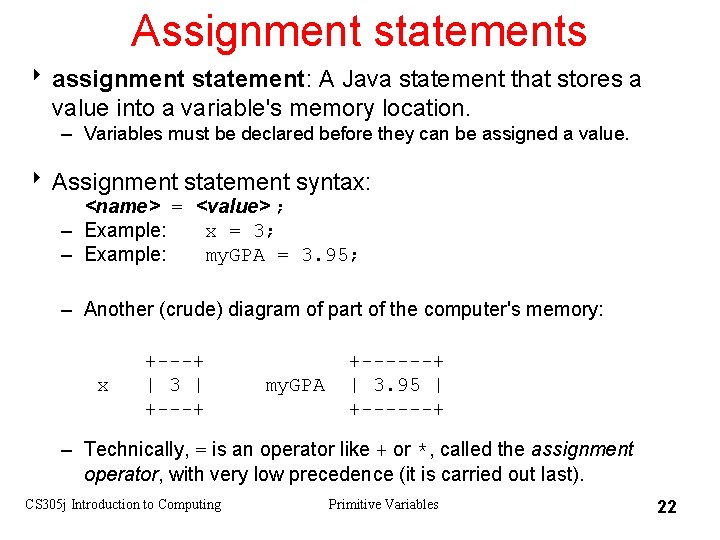
Assignment statements 8 assignment statement: A Java statement that stores a value into a variable's memory location. – Variables must be declared before they can be assigned a value. 8 Assignment statement syntax: <name> = <value> ; – Example: x = 3; – Example: my. GPA = 3. 95; – Another (crude) diagram of part of the computer's memory: x +---+ | 3 | +---+ my. GPA +------+ | 3. 95 | +------+ – Technically, = is an operator like + or *, called the assignment operator, with very low precedence (it is carried out last). CS 305 j Introduction to Computing Primitive Variables 22
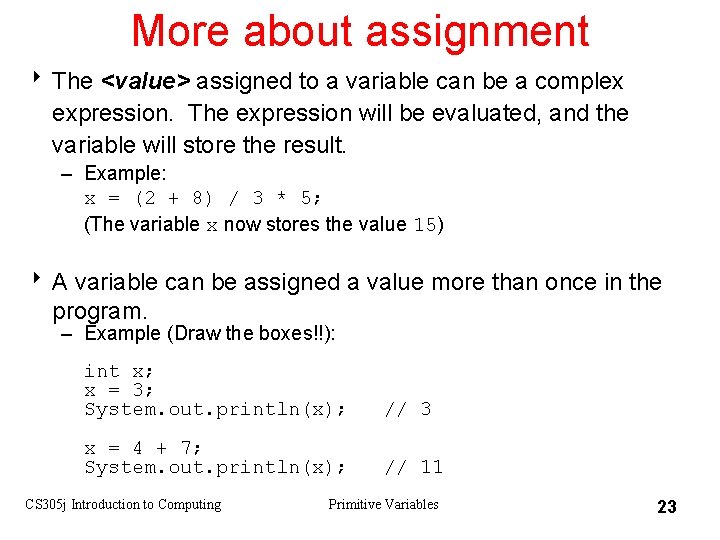
More about assignment 8 The <value> assigned to a variable can be a complex expression. The expression will be evaluated, and the variable will store the result. – Example: x = (2 + 8) / 3 * 5; (The variable x now stores the value 15) 8 A variable can be assigned a value more than once in the program. – Example (Draw the boxes!!): int x; x = 3; System. out. println(x); // 3 x = 4 + 7; System. out. println(x); // 11 CS 305 j Introduction to Computing Primitive Variables 23
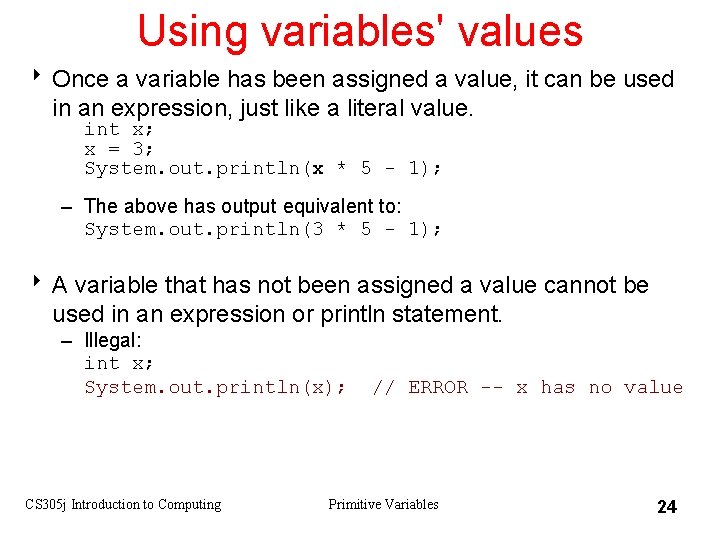
Using variables' values 8 Once a variable has been assigned a value, it can be used in an expression, just like a literal value. int x; x = 3; System. out. println(x * 5 - 1); – The above has output equivalent to: System. out. println(3 * 5 - 1); 8 A variable that has not been assigned a value cannot be used in an expression or println statement. – Illegal: int x; System. out. println(x); CS 305 j Introduction to Computing // ERROR -- x has no value Primitive Variables 24
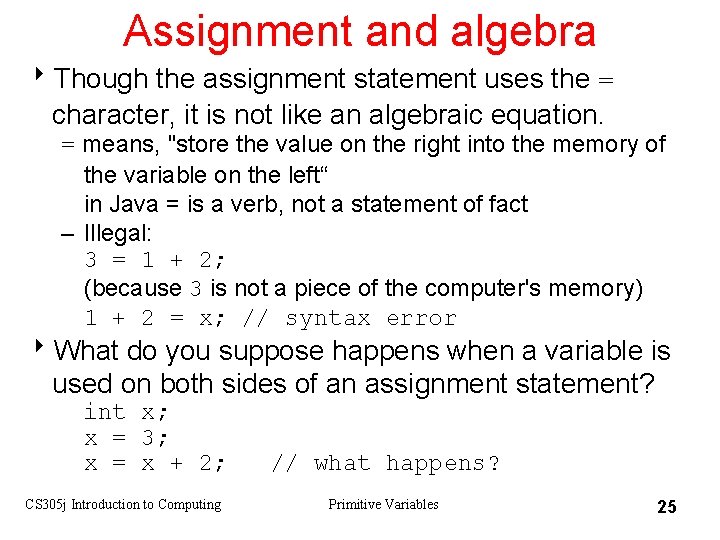
Assignment and algebra 8 Though the assignment statement uses the = character, it is not like an algebraic equation. = means, "store the value on the right into the memory of the variable on the left“ in Java = is a verb, not a statement of fact – Illegal: 3 = 1 + 2; (because 3 is not a piece of the computer's memory) 1 + 2 = x; // syntax error 8 What do you suppose happens when a variable is used on both sides of an assignment statement? int x; x = 3; x = x + 2; CS 305 j Introduction to Computing // what happens? Primitive Variables 25
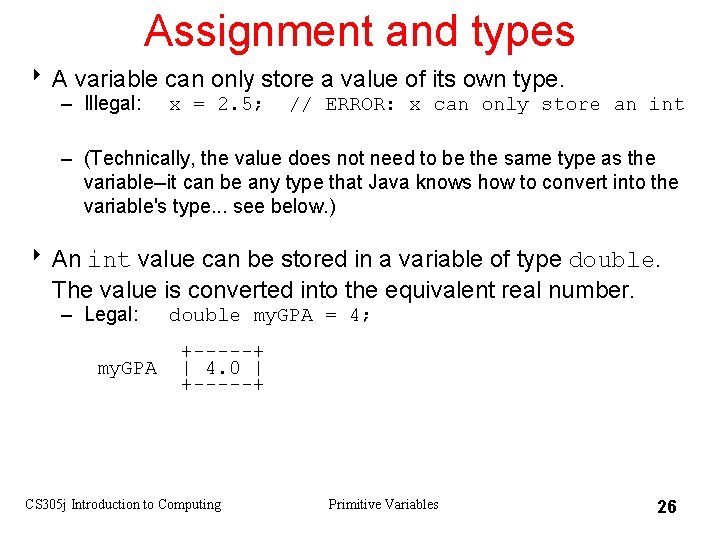
Assignment and types 8 A variable can only store a value of its own type. – Illegal: x = 2. 5; // ERROR: x can only store an int – (Technically, the value does not need to be the same type as the variable--it can be any type that Java knows how to convert into the variable's type. . . see below. ) 8 An int value can be stored in a variable of type double. The value is converted into the equivalent real number. – Legal: my. GPA double my. GPA = 4; +-----+ | 4. 0 | +-----+ CS 305 j Introduction to Computing Primitive Variables 26
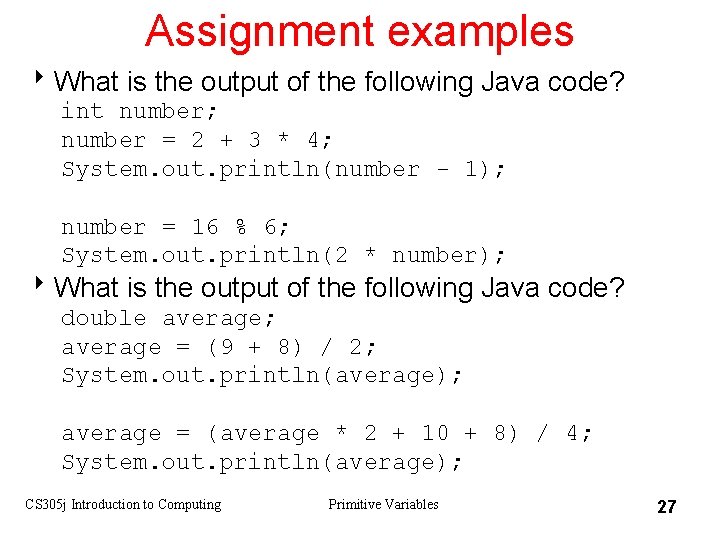
Assignment examples 8 What is the output of the following Java code? int number; number = 2 + 3 * 4; System. out. println(number - 1); number = 16 % 6; System. out. println(2 * number); 8 What is the output of the following Java code? double average; average = (9 + 8) / 2; System. out. println(average); average = (average * 2 + 10 + 8) / 4; System. out. println(average); CS 305 j Introduction to Computing Primitive Variables 27
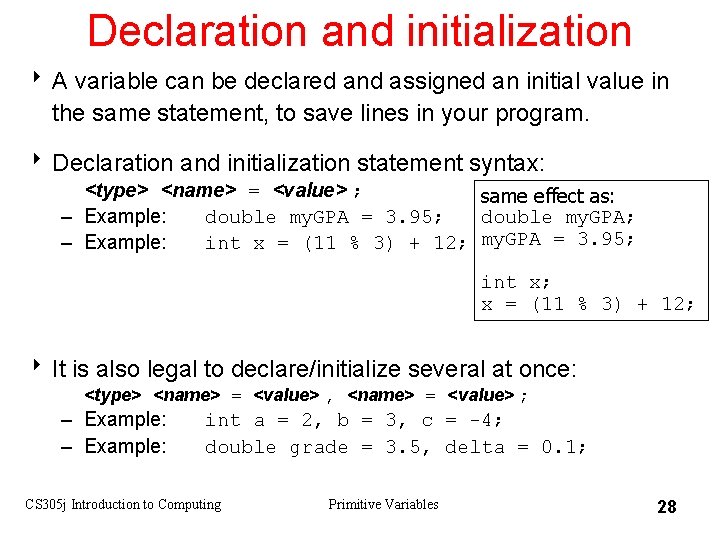
Declaration and initialization 8 A variable can be declared and assigned an initial value in the same statement, to save lines in your program. 8 Declaration and initialization statement syntax: <type> <name> = <value> ; same effect as: – Example: double my. GPA = 3. 95; double my. GPA; – Example: int x = (11 % 3) + 12; my. GPA = 3. 95; int x; x = (11 % 3) + 12; 8 It is also legal to declare/initialize several at once: <type> <name> = <value> , <name> = <value> ; – Example: int a = 2, b = 3, c = -4; double grade = 3. 5, delta = 0. 1; CS 305 j Introduction to Computing Primitive Variables 28
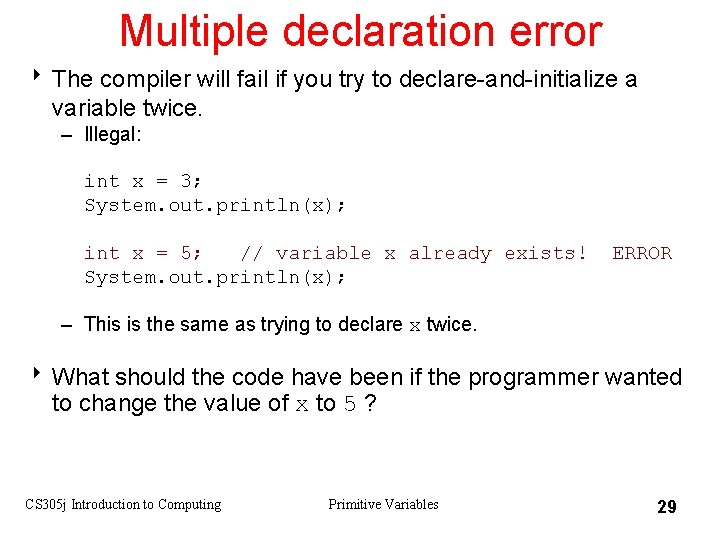
Multiple declaration error 8 The compiler will fail if you try to declare-and-initialize a variable twice. – Illegal: int x = 3; System. out. println(x); int x = 5; // variable x already exists! System. out. println(x); ERROR – This is the same as trying to declare x twice. 8 What should the code have been if the programmer wanted to change the value of x to 5 ? CS 305 j Introduction to Computing Primitive Variables 29
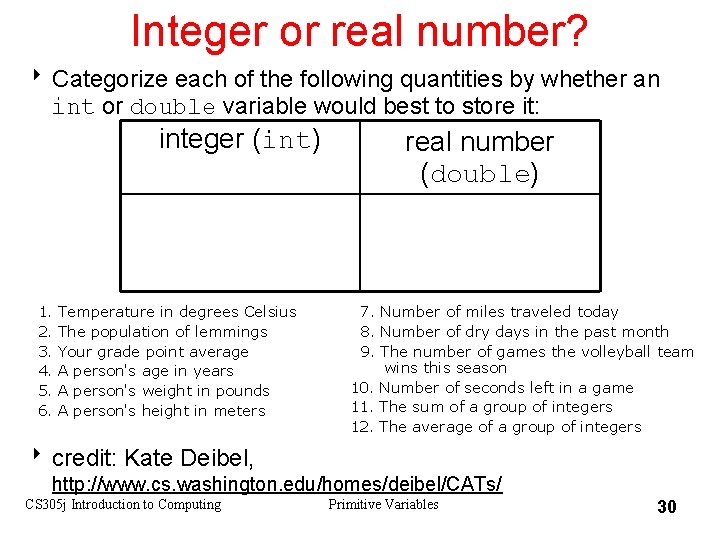
Integer or real number? 8 Categorize each of the following quantities by whether an int or double variable would best to store it: integer (int) 1. 2. 3. 4. 5. 6. Temperature in degrees Celsius The population of lemmings Your grade point average A person's age in years A person's weight in pounds A person's height in meters real number (double) 7. Number of miles traveled today 8. Number of dry days in the past month 9. The number of games the volleyball team wins this season 10. Number of seconds left in a game 11. The sum of a group of integers 12. The average of a group of integers 8 credit: Kate Deibel, http: //www. cs. washington. edu/homes/deibel/CATs/ CS 305 j Introduction to Computing Primitive Variables 30
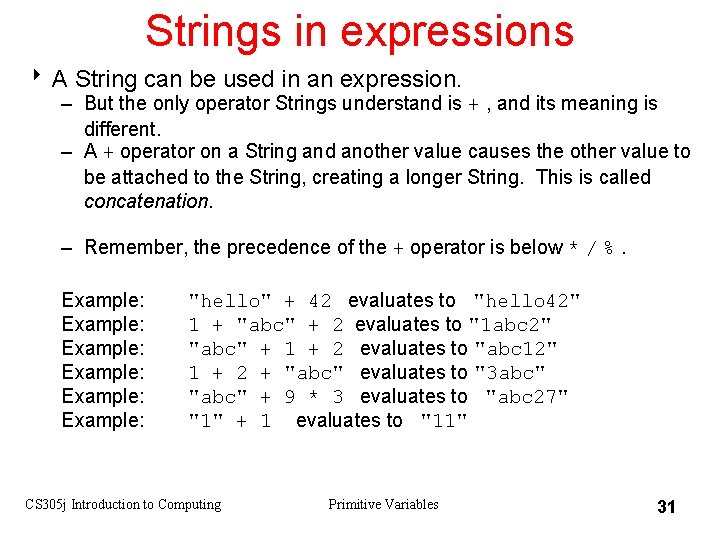
Strings in expressions 8 A String can be used in an expression. – But the only operator Strings understand is + , and its meaning is different. – A + operator on a String and another value causes the other value to be attached to the String, creating a longer String. This is called concatenation. – Remember, the precedence of the + operator is below * / %. Example: Example: "hello" + 42 evaluates to "hello 42" 1 + "abc" + 2 evaluates to "1 abc 2" "abc" + 1 + 2 evaluates to "abc 12" 1 + 2 + "abc" evaluates to "3 abc" "abc" + 9 * 3 evaluates to "abc 27" "1" + 1 evaluates to "11" CS 305 j Introduction to Computing Primitive Variables 31
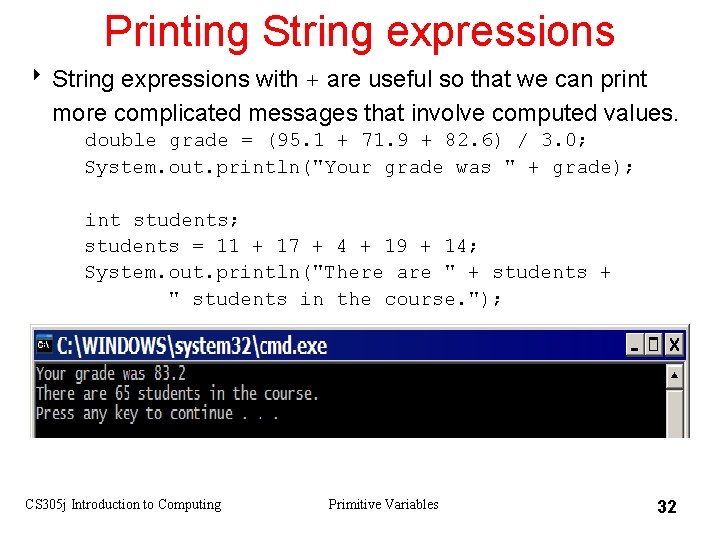
Printing String expressions 8 String expressions with + are useful so that we can print more complicated messages that involve computed values. double grade = (95. 1 + 71. 9 + 82. 6) / 3. 0; System. out. println("Your grade was " + grade); int students; students = 11 + 17 + 4 + 19 + 14; System. out. println("There are " + students + " students in the course. "); CS 305 j Introduction to Computing Primitive Variables 32
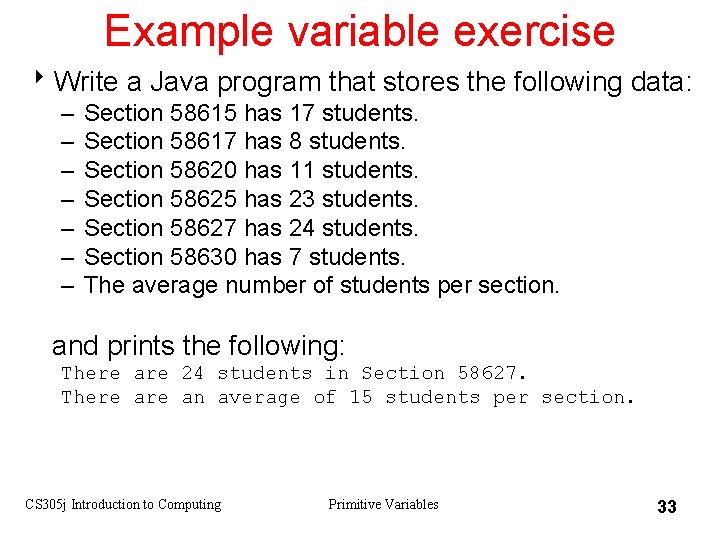
Example variable exercise 8 Write a Java program that stores the following data: – – – – Section 58615 has 17 students. Section 58617 has 8 students. Section 58620 has 11 students. Section 58625 has 23 students. Section 58627 has 24 students. Section 58630 has 7 students. The average number of students per section. and prints the following: There are 24 students in Section 58627. There an average of 15 students per section. CS 305 j Introduction to Computing Primitive Variables 33
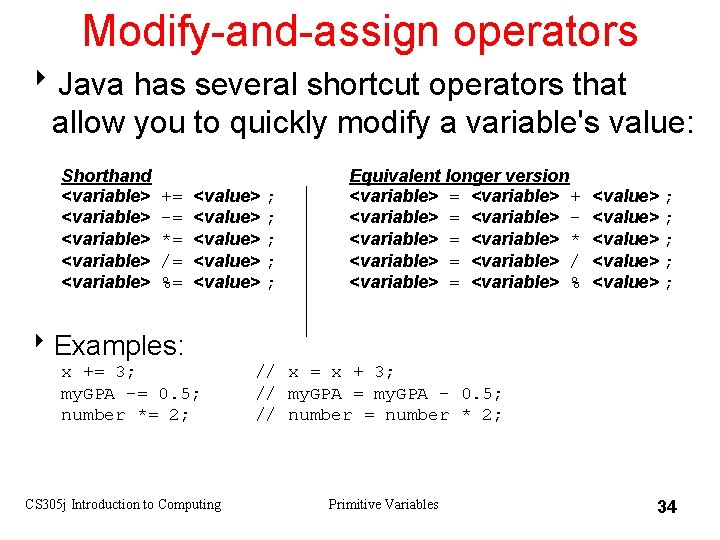
Modify-and-assign operators 8 Java has several shortcut operators that allow you to quickly modify a variable's value: Shorthand <variable> <variable> += -= *= /= %= <value> ; <value> ; 8 Examples: x += 3; my. GPA -= 0. 5; number *= 2; CS 305 j Introduction to Computing Equivalent longer version <variable> = <variable> + <variable> = <variable> * <variable> = <variable> / <variable> = <variable> % <value> ; <value> ; // x = x + 3; // my. GPA = my. GPA - 0. 5; // number = number * 2; Primitive Variables 34
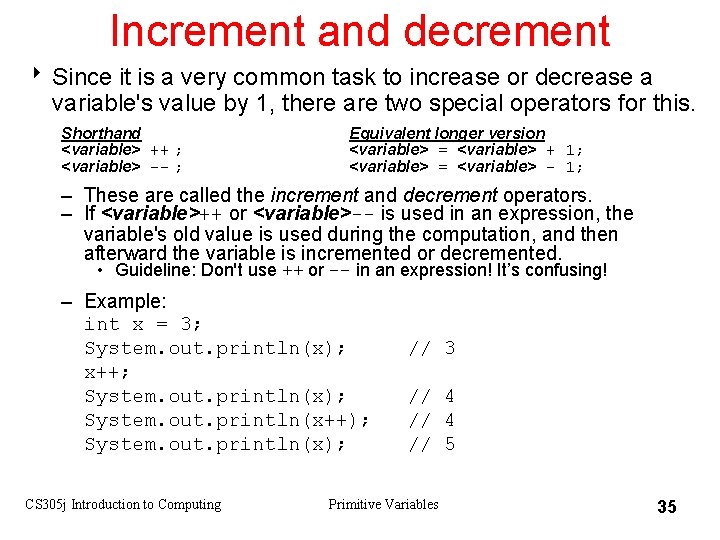
Increment and decrement 8 Since it is a very common task to increase or decrease a variable's value by 1, there are two special operators for this. Shorthand <variable> ++ ; <variable> -- ; Equivalent longer version <variable> = <variable> + 1; <variable> = <variable> - 1; – These are called the increment and decrement operators. – If <variable>++ or <variable>-- is used in an expression, the variable's old value is used during the computation, and then afterward the variable is incremented or decremented. • Guideline: Don't use ++ or -- in an expression! It’s confusing! – Example: int x = 3; System. out. println(x); x++; System. out. println(x); System. out. println(x++); System. out. println(x); CS 305 j Introduction to Computing // 3 // 4 // 5 Primitive Variables 35
- Slides: 35