
Topic 1 Introduction to Computers Computer Hardware Computer
- Slides: 15
Topic 1: Introduction to Computers Computer Hardware • Computer components • Connecting Computers Computer Software • Operating System (OS) • Running a High-level Language Problem Solving with Computers • Software Development Method A. Abhari CPS 125 1
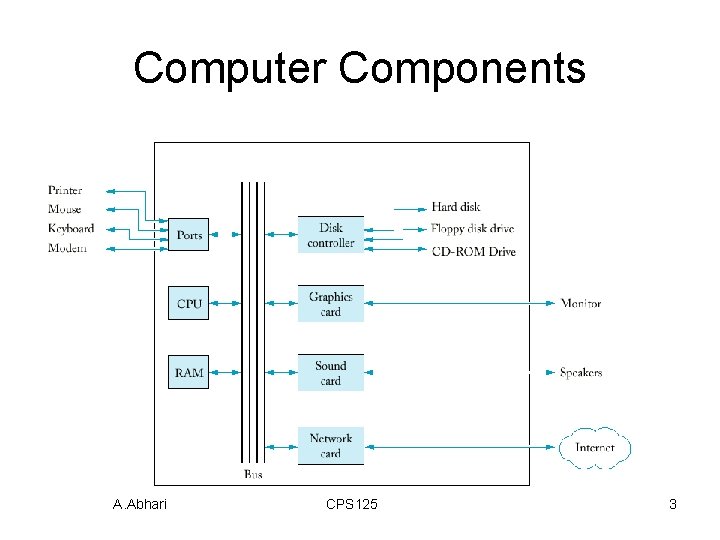
Computer components • Central Processing Unit • Memory • Input/output devices • Secondary storage A. Abhari CPS 125 2
Computer Components A. Abhari CPS 125 3
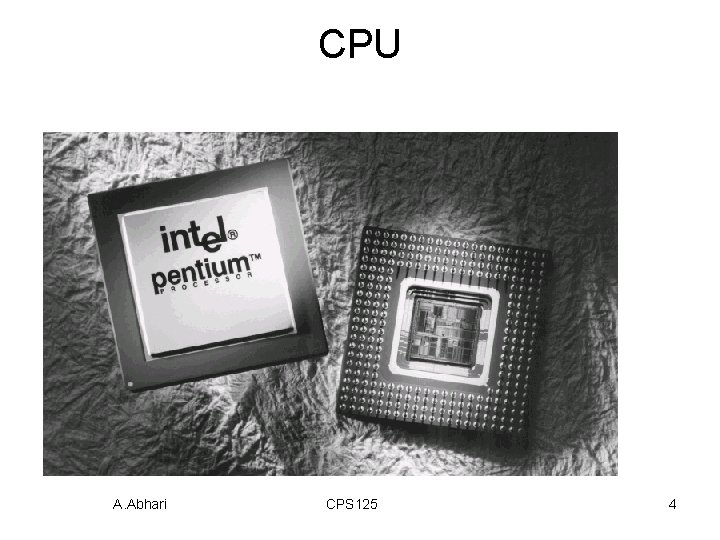
CPU A. Abhari CPS 125 4
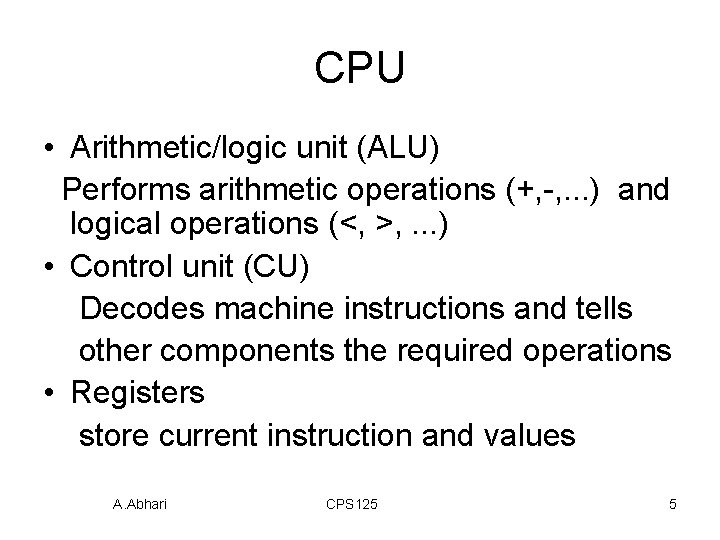
CPU • Arithmetic/logic unit (ALU) Performs arithmetic operations (+, -, . . . ) and logical operations (<, >, . . . ) • Control unit (CU) Decodes machine instructions and tells other components the required operations • Registers store current instruction and values A. Abhari CPS 125 5
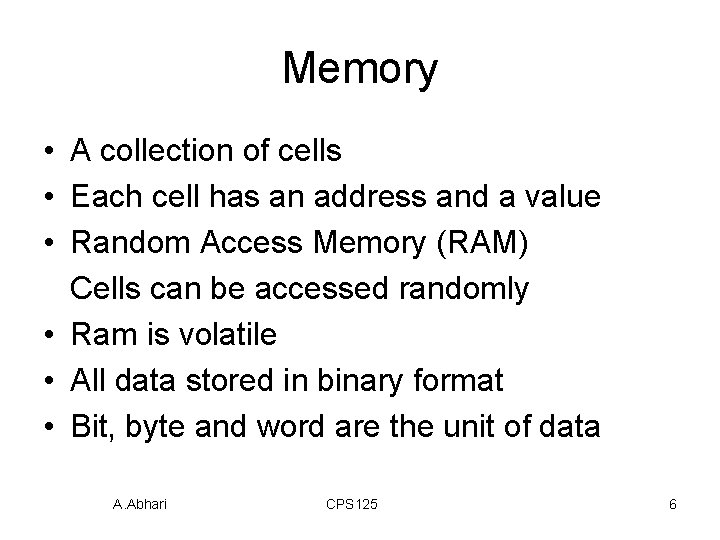
Memory • A collection of cells • Each cell has an address and a value • Random Access Memory (RAM) Cells can be accessed randomly • Ram is volatile • All data stored in binary format • Bit, byte and word are the unit of data A. Abhari CPS 125 6
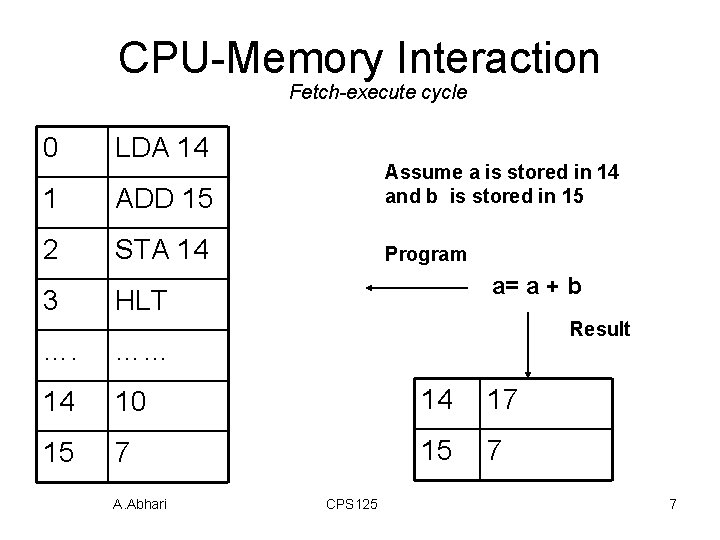
CPU-Memory Interaction Fetch-execute cycle 0 LDA 14 1 ADD 15 Assume a is stored in 14 and b is stored in 15 2 STA 14 Program 3 a= a + b HLT Result …. …… 14 10 14 17 15 7 A. Abhari CPS 125 7
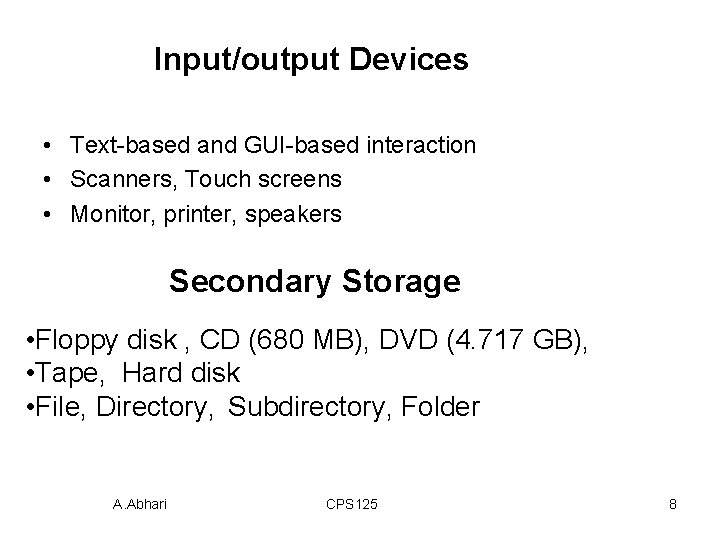
Input/output Devices • Text-based and GUI-based interaction • Scanners, Touch screens • Monitor, printer, speakers Secondary Storage • Floppy disk , CD (680 MB), DVD (4. 717 GB), • Tape, Hard disk • File, Directory, Subdirectory, Folder A. Abhari CPS 125 8
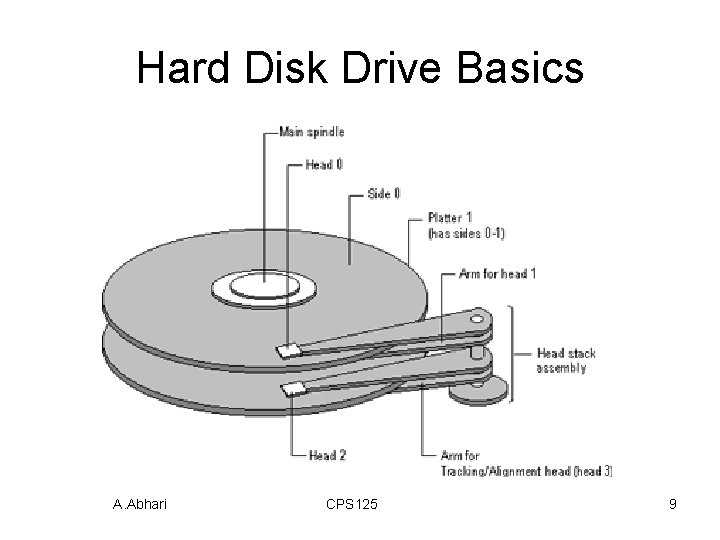
Hard Disk Drive Basics A. Abhari CPS 125 9
Connecting Computers • Local Area Network (LAN) • Wide Area Network (WAN) • Internet • World Wide Web (WWW) A. Abhari CPS 125 10
Computer Software Operating System (OS) • Part of OS is stored on Read Only Memory (ROM) • OS is responsible for directing all computer operations and resources • Command line interface (Unix) • Graphical user interface (Windows) A. Abhari CPS 125 11
Computer Software • Application Software ( Word, Excel, etc. ) Computer Languages • • Low level languages (machine language) High level language (C, Java, Fortran, …) A. Abhari CPS 125 12
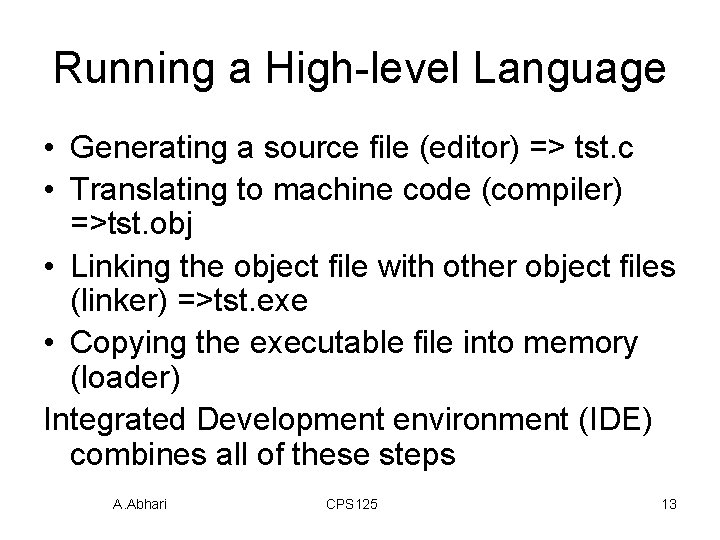
Running a High-level Language • Generating a source file (editor) => tst. c • Translating to machine code (compiler) =>tst. obj • Linking the object file with other object files (linker) =>tst. exe • Copying the executable file into memory (loader) Integrated Development environment (IDE) combines all of these steps A. Abhari CPS 125 13
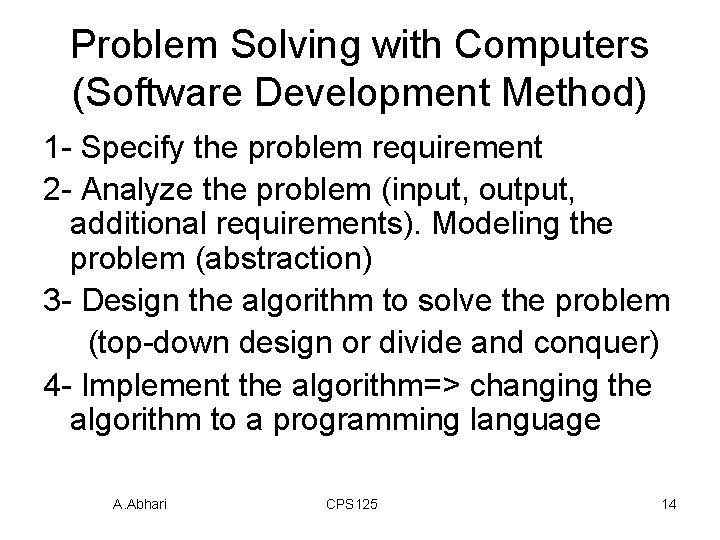
Problem Solving with Computers (Software Development Method) 1 - Specify the problem requirement 2 - Analyze the problem (input, output, additional requirements). Modeling the problem (abstraction) 3 - Design the algorithm to solve the problem (top-down design or divide and conquer) 4 - Implement the algorithm=> changing the algorithm to a programming language A. Abhari CPS 125 14
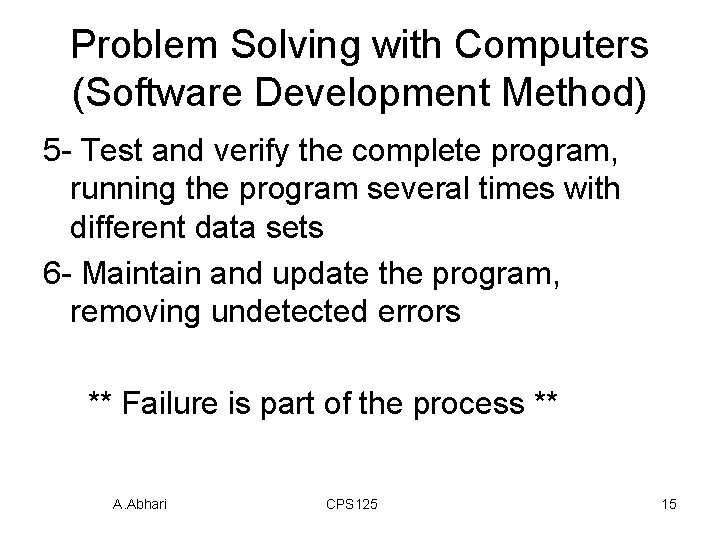
Problem Solving with Computers (Software Development Method) 5 - Test and verify the complete program, running the program several times with different data sets 6 - Maintain and update the program, removing undetected errors ** Failure is part of the process ** A. Abhari CPS 125 15