
TOPIC 1 COMPUTER SYSTEM Lecturer Name Nurhazawani Binti
TOPIC 1: COMPUTER SYSTEM Lecturer Name: Nurhazawani Binti Yahya
DEFINITION OF A COMPUTER n Before 1935 - a computer was a person who performed arithmetic calculations n Between 1935 and 1945 - the definition referred to a machine, rather than a person n The modern machine definition is based on von Neumann's concepts: a device that accepts input, processes data, stores data, and produces output.
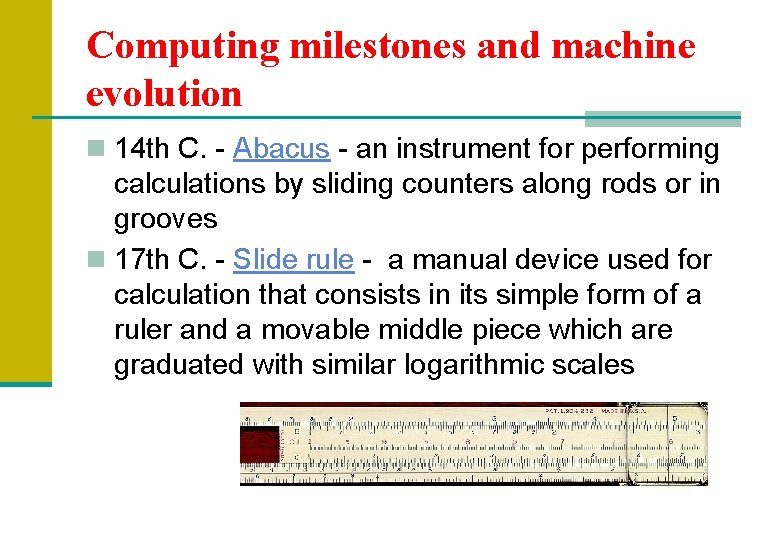
Computing milestones and machine evolution n 14 th C. - Abacus - an instrument for performing calculations by sliding counters along rods or in grooves n 17 th C. - Slide rule - a manual device used for calculation that consists in its simple form of a ruler and a movable middle piece which are graduated with similar logarithmic scales

Computing milestones and machine evolution n 1642 - Pascaline--a mechanical calculator built by Blaise Pascal, a 17 th century mathematician, for whom the Pascal computer programming language was named
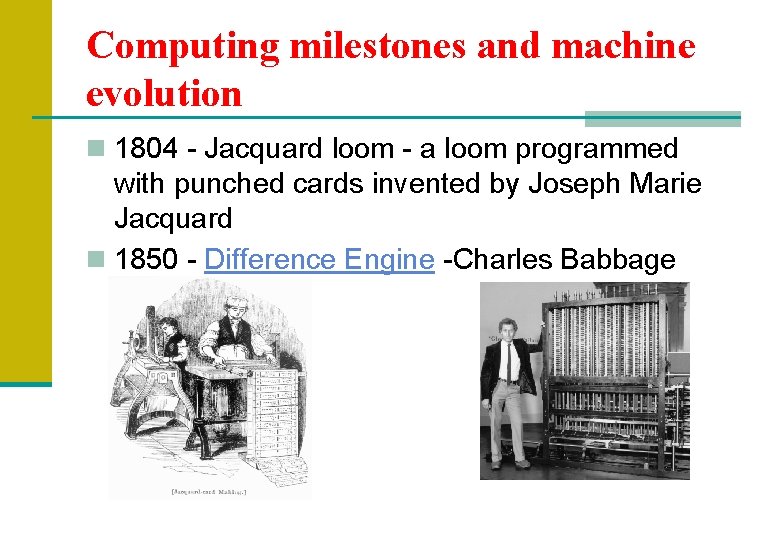
Computing milestones and machine evolution n 1804 - Jacquard loom - a loom programmed with punched cards invented by Joseph Marie Jacquard n 1850 - Difference Engine -Charles Babbage

First Generation (1940 -1956 ) n used vacuum tubes for circuitry and magnetic drums for memory n very expensive to operate n to using a great deal of electricity, generated a lot of heat n Examples: - UNIVAC - ENIAC
Second Generation (1956 -1963 ) n Transistors replaced vacuum tubes n many high level programming languages were introduced, including FORTRAN (1956), ALGOL (1958), and COBOL (1959) n commercial machines of this era include the IBM 704 and its successors, the 709 and 7094
Third Generation (1964 -1971 ) n Integrated circuits (IC) (semiconductor devices with several transistors built into one physical component) based technology
Fourth Generation (1972 -1984) n use of large scale integration (LSI - 1000 devices per chip) and very large scale integration (VLSI - 100, 000 devices per chip) n using microprocessors n the development of the C programming language and the UNIX operating system
Fifth Generation (1985 -beyond) n based on artificial intelligence n widespread use of computer networks and the increasing use of single-user workstations
BASIC COMPUTER SYSTEM A computer system is the combination of hardware and software. A typical computer system has memory and set of states that define the relationship between the system's inputs and outputs
WHAT IS A COMPUTER? A COMPUTER is an electronic device, operating under the control of instructions stored in its own memory, that can accept data, process the data according to specified rules, produce results, and store the results for future use.
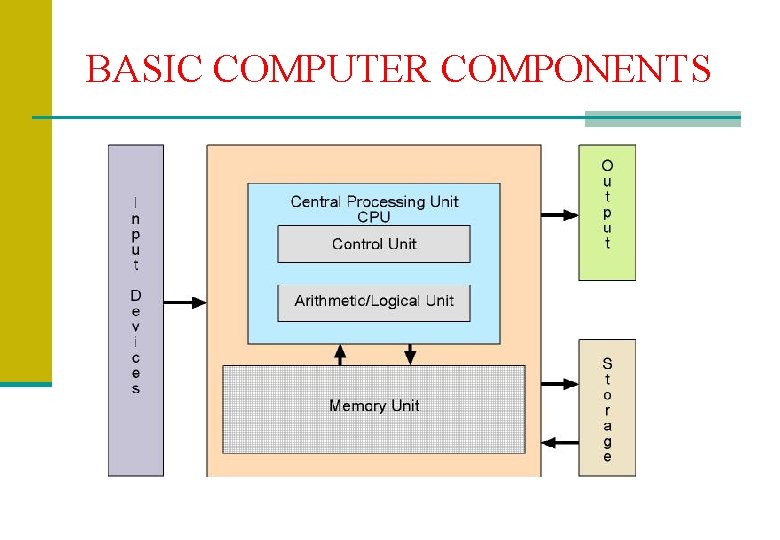
BASIC COMPUTER COMPONENTS
COMPUTER HARDWARE n is the physical part of a computer, including the digital circuitry, as distinguished from the computer software that executes within the hardware.
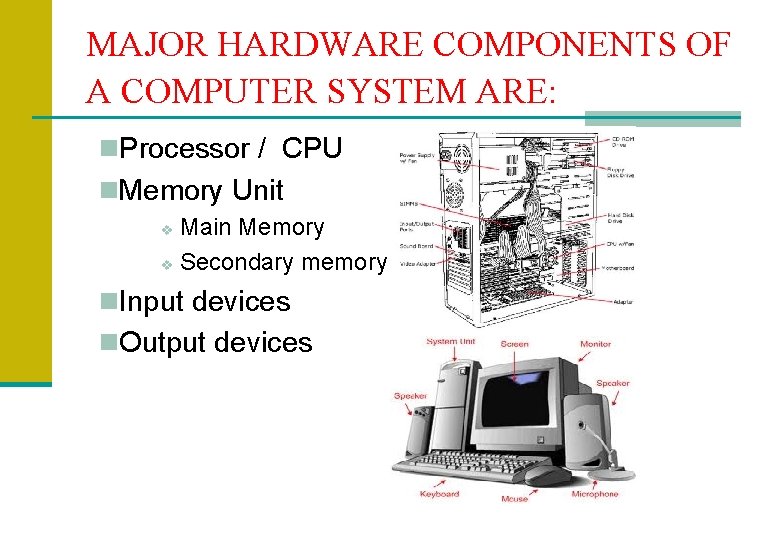
MAJOR HARDWARE COMPONENTS OF A COMPUTER SYSTEM ARE: n. Processor / CPU n. Memory Unit Main Memory v Secondary memory v n. Input devices n. Output devices
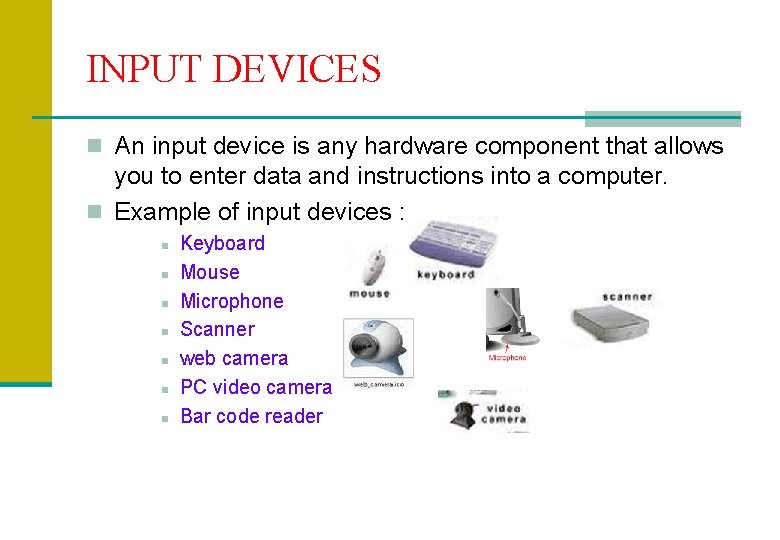
INPUT DEVICES n An input device is any hardware component that allows you to enter data and instructions into a computer. n Example of input devices : n n n n Keyboard Mouse Microphone Scanner web camera PC video camera Bar code reader
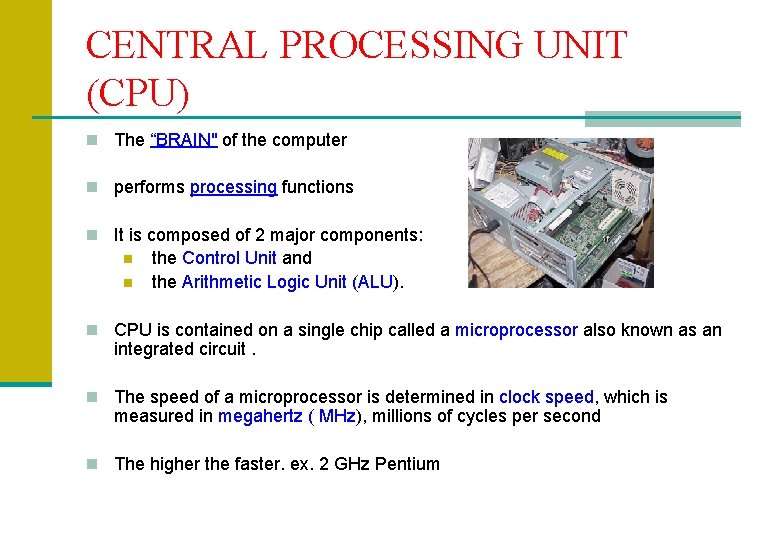
CENTRAL PROCESSING UNIT (CPU) n The “BRAIN" of the computer n performs processing functions n It is composed of 2 major components: n n the Control Unit and the Arithmetic Logic Unit (ALU). n CPU is contained on a single chip called a microprocessor also known as an integrated circuit. n The speed of a microprocessor is determined in clock speed, which is measured in megahertz ( MHz), millions of cycles per second n The higher the faster. ex. 2 GHz Pentium
CONTROL UNIT n charge of the activities of the CPU. It basically directs or tells the computer what to do n Usually known as computer police traffic.
Arithmetic Logik Unit (ALU) n the component of the CPU that performs arithmetic and logical operations. n ALU can performs four kinds of arithmetic operations : addition, subtraction, multiplication and division. n A logical operation is usually a comparison.
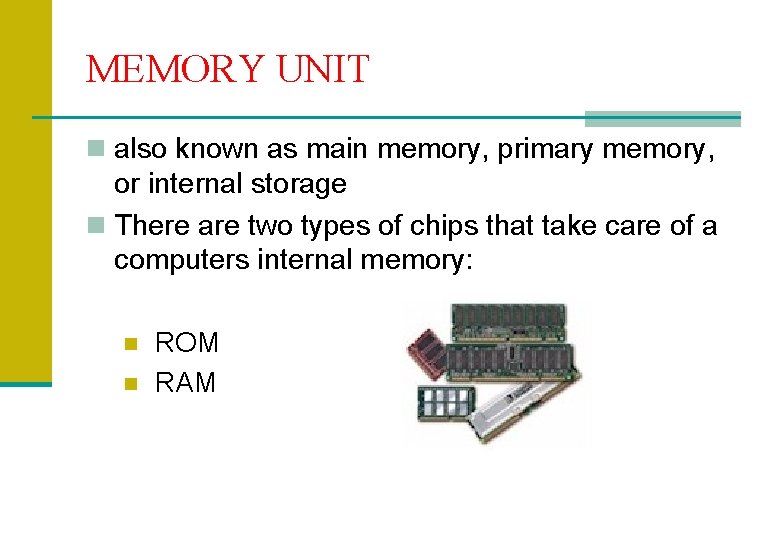
MEMORY UNIT n also known as main memory, primary memory, or internal storage n There are two types of chips that take care of a computers internal memory: n n ROM RAM
ROM Chips - Memory n ROM is read only memory n ROM is nonvolatile memory because it does not disappear when the computer is turned off n ROM chips store information permanently in the computer's memory, this information supplies the computer with a list of operating instructions n It contains software that is required to make your computer work with your operating system
RAM Chips - Memory n n n n n RAM is random access memory Information on RAM chips can be modified Users can read, write, and erase its information RAM is known as volatile memory because it is temporary When an individual turns off the computer, he loses the information in RAM, also known as main memory, is the "working memory" of the computer Its temporary storage It stores program data while we are working with that program A program must be loaded into RAM in order to work Computers typically now come with 16 MB (megabytes) of RAM. The more MB, the better.
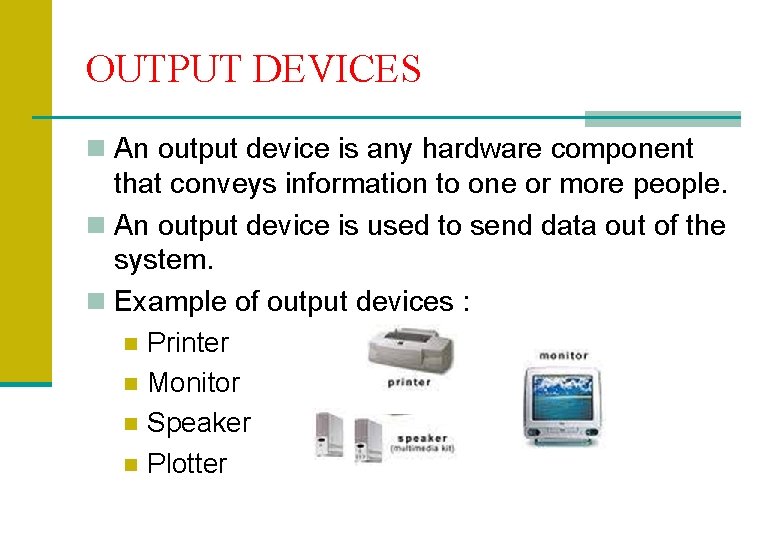
OUTPUT DEVICES n An output device is any hardware component that conveys information to one or more people. n An output device is used to send data out of the system. n Example of output devices : n Printer n Monitor n Speaker n Plotter
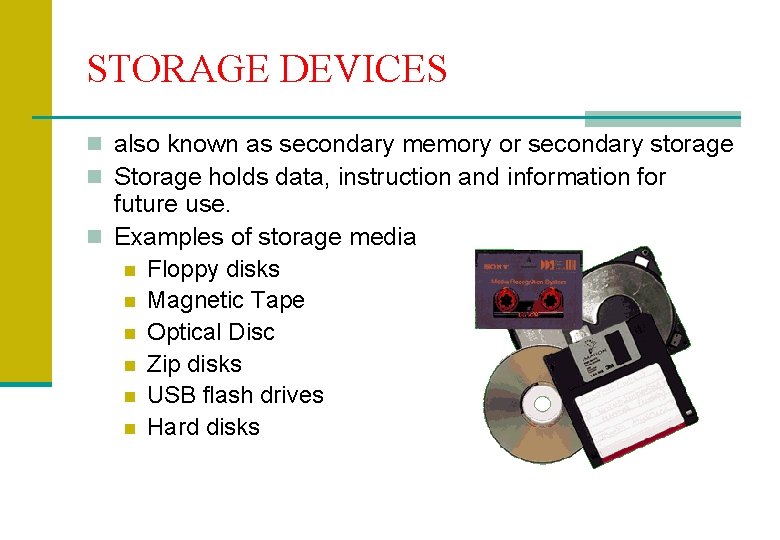
STORAGE DEVICES n also known as secondary memory or secondary storage n Storage holds data, instruction and information for future use. n Examples of storage media n Floppy disks n Magnetic Tape n Optical Disc n Zip disks n USB flash drives n Hard disks
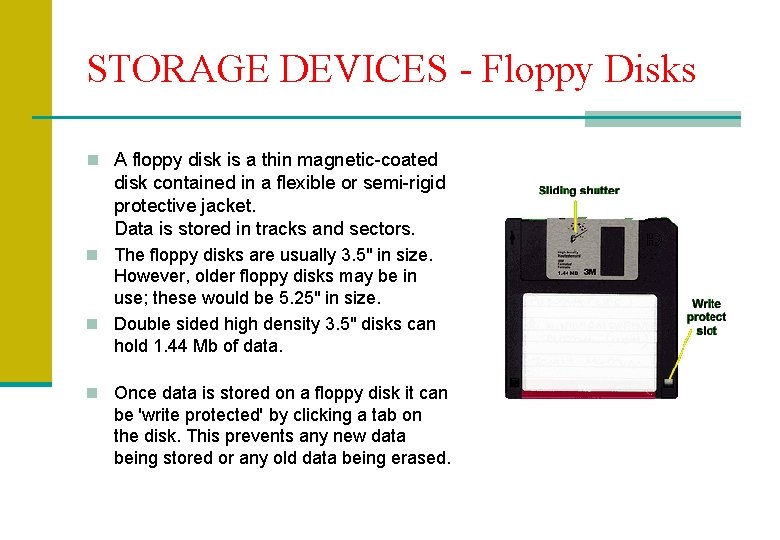
STORAGE DEVICES - Floppy Disks n A floppy disk is a thin magnetic-coated disk contained in a flexible or semi-rigid protective jacket. Data is stored in tracks and sectors. n The floppy disks are usually 3. 5" in size. However, older floppy disks may be in use; these would be 5. 25" in size. n Double sided high density 3. 5" disks can hold 1. 44 Mb of data. n Once data is stored on a floppy disk it can be 'write protected' by clicking a tab on the disk. This prevents any new data being stored or any old data being erased.
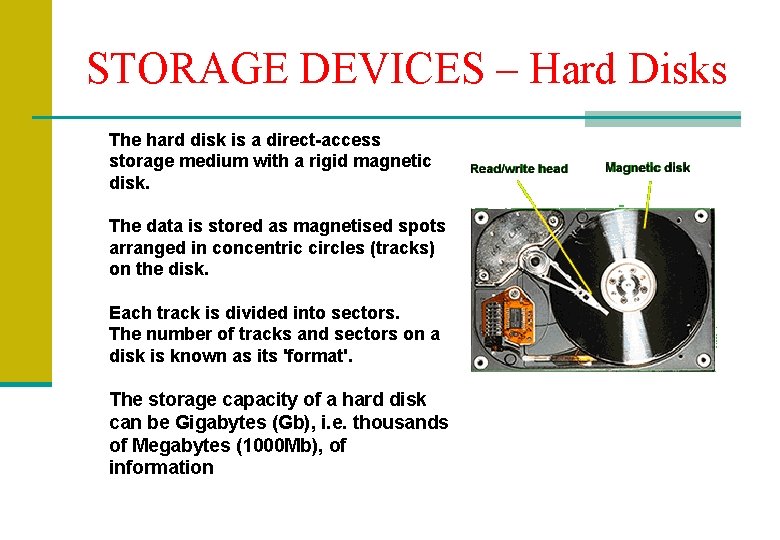
STORAGE DEVICES – Hard Disks The hard disk is a direct-access storage medium with a rigid magnetic disk. The data is stored as magnetised spots arranged in concentric circles (tracks) on the disk. Each track is divided into sectors. The number of tracks and sectors on a disk is known as its 'format'. The storage capacity of a hard disk can be Gigabytes (Gb), i. e. thousands of Megabytes (1000 Mb), of information
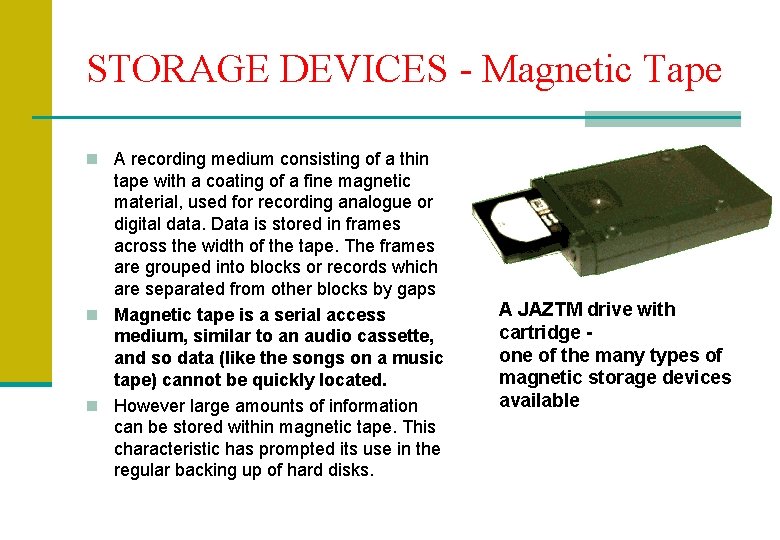
STORAGE DEVICES - Magnetic Tape n A recording medium consisting of a thin tape with a coating of a fine magnetic material, used for recording analogue or digital data. Data is stored in frames across the width of the tape. The frames are grouped into blocks or records which are separated from other blocks by gaps n Magnetic tape is a serial access medium, similar to an audio cassette, and so data (like the songs on a music tape) cannot be quickly located. n However large amounts of information can be stored within magnetic tape. This characteristic has prompted its use in the regular backing up of hard disks. A JAZTM drive with cartridge one of the many types of magnetic storage devices available
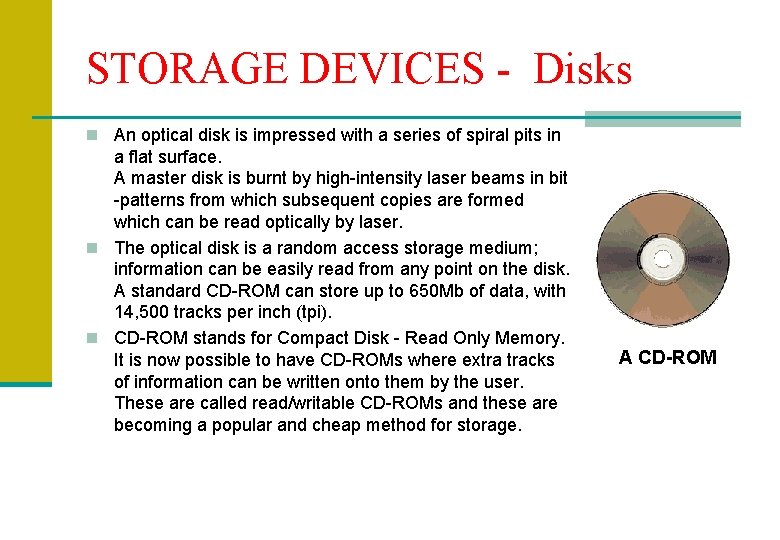
STORAGE DEVICES - Disks n An optical disk is impressed with a series of spiral pits in a flat surface. A master disk is burnt by high-intensity laser beams in bit -patterns from which subsequent copies are formed which can be read optically by laser. n The optical disk is a random access storage medium; information can be easily read from any point on the disk. A standard CD-ROM can store up to 650 Mb of data, with 14, 500 tracks per inch (tpi). n CD-ROM stands for Compact Disk - Read Only Memory. It is now possible to have CD-ROMs where extra tracks of information can be written onto them by the user. These are called read/writable CD-ROMs and these are becoming a popular and cheap method for storage. A CD-ROM
Advantages of Using Computers n Speed When data, instructions and information flow along electronic circuits, they travel at incredibly fast speeds. n Many computers process billions or trillions of operations in a single second. n Reliability n The electronic components in modern computers are dependable and reliable because they rarely break of fail n
Advantages of Using Computers n Consistency Given the same input and processes, a computer will produce the same results – consistently. n Storage n Can transfer data quickly from storage to memory, process it, and then store it again for future use. n
Advantages of Using Computers n Communications n Computers can communicate with other computers, often wirelessly.
Disadvantages of Using Computers n Violation of Privacy In many instances, where records (medical records, credit reports, tax records) nor properly protected, individuals have found their privacy violated and identities stolen. n Impact on Labor Force n Although computers have improved productivity in many ways and created and entire industry with hundreds of thousands of new jobs, the skills of million of employees have been replaced by computer. n
Disadvantages of Using Computers n Health Risks Prolonged or improper computer use can lead to injuries or disorders of the hands, wrists, elbows, eyes, neck and back. n Impact on Environment n Computer manufacturing processes and computer waste are depleting natural resources and polluting the environment. n When computers are discarded in landfills, they release toxic materials and potentially dangerous levels of lead, mercury, and flame retardants. n
CLASSIFICATION OF COMPUTERS
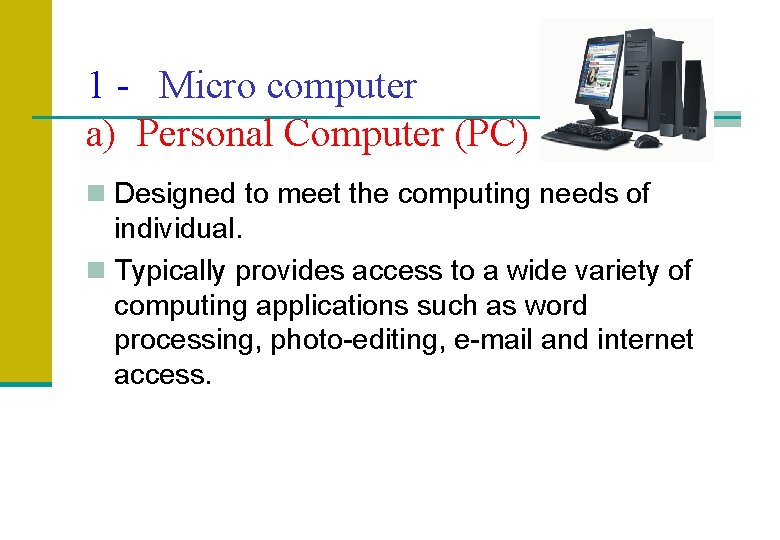
1 - Micro computer a) Personal Computer (PC) n Designed to meet the computing needs of individual. n Typically provides access to a wide variety of computing applications such as word processing, photo-editing, e-mail and internet access.
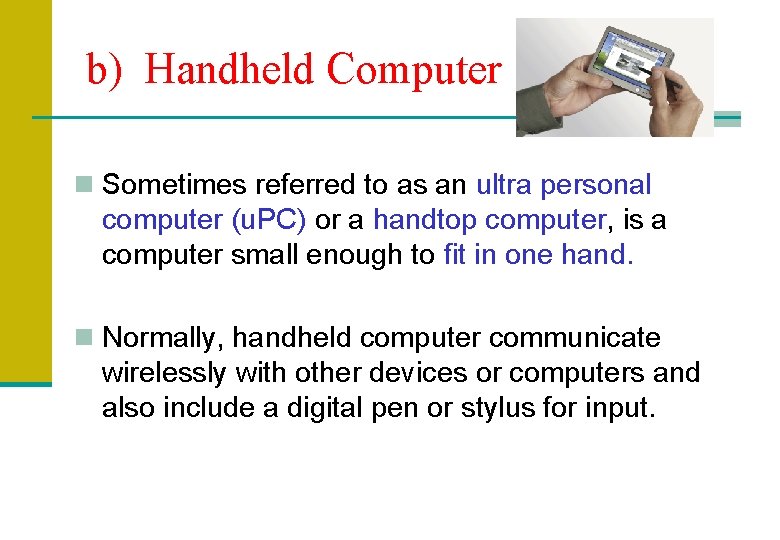
b) Handheld Computer n Sometimes referred to as an ultra personal computer (u. PC) or a handtop computer, is a computer small enough to fit in one hand. n Normally, handheld computer communicate wirelessly with other devices or computers and also include a digital pen or stylus for input.
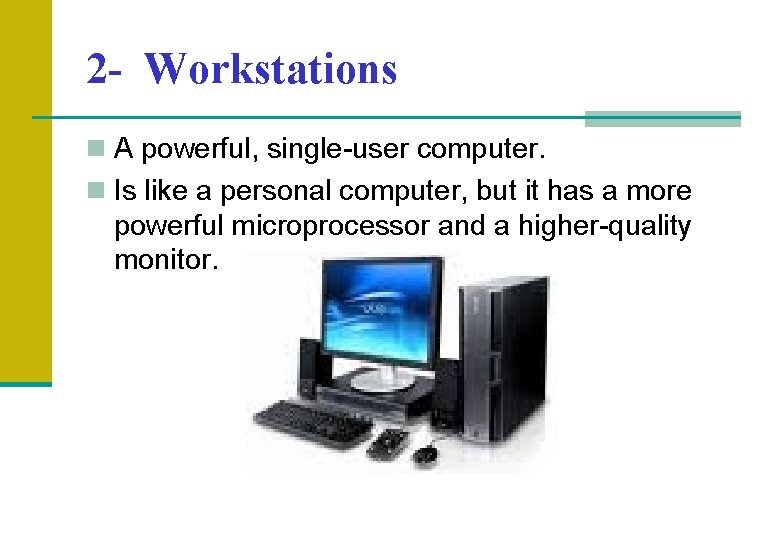
2 - Workstations n A powerful, single-user computer. n Is like a personal computer, but it has a more powerful microprocessor and a higher-quality monitor.
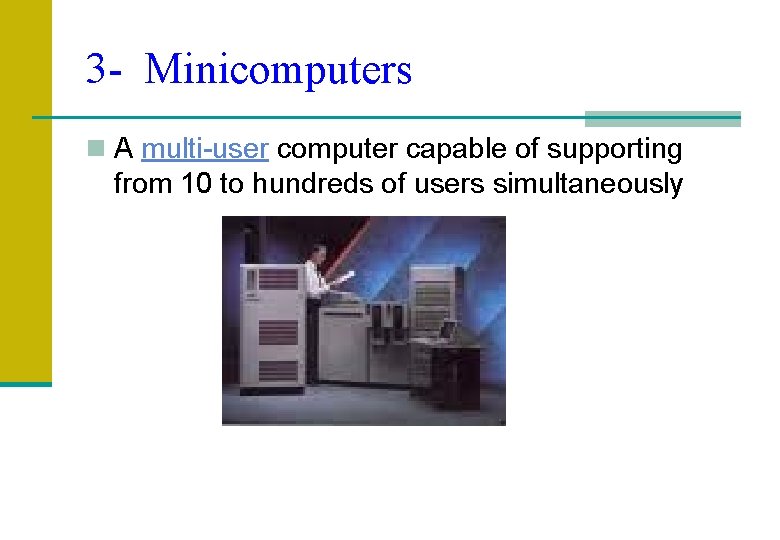
3 - Minicomputers n A multi-user computer capable of supporting from 10 to hundreds of users simultaneously
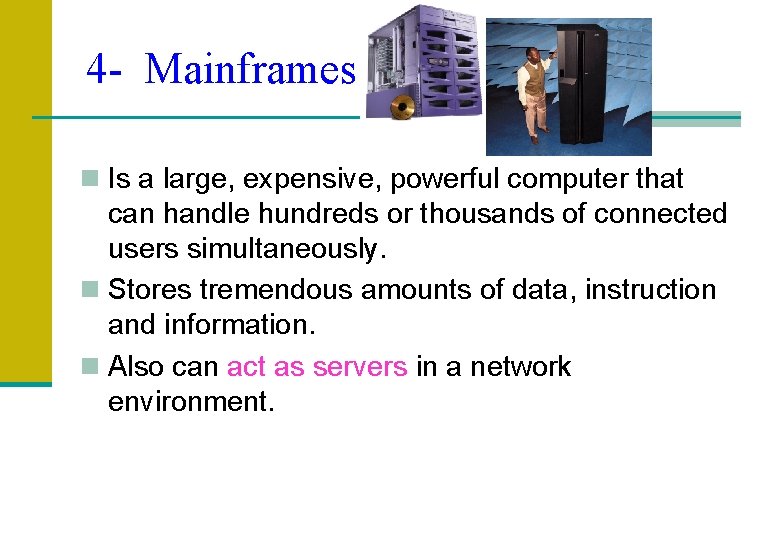
4 - Mainframes n Is a large, expensive, powerful computer that can handle hundreds or thousands of connected users simultaneously. n Stores tremendous amounts of data, instruction and information. n Also can act as servers in a network environment.
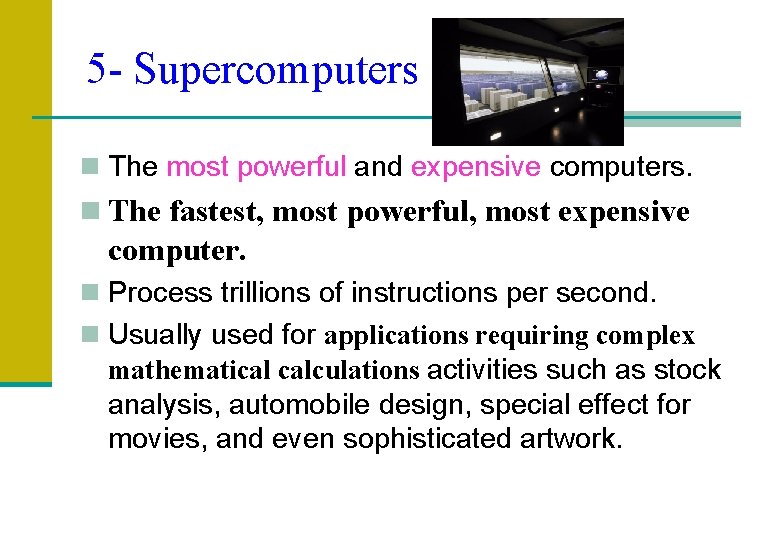
5 - Supercomputers n The most powerful and expensive computers. n The fastest, most powerful, most expensive computer. n Process trillions of instructions per second. n Usually used for applications requiring complex mathematical calculations activities such as stock analysis, automobile design, special effect for movies, and even sophisticated artwork.
COMPUTER SOFTWARE
COMPUTER SOFTWARE n Consisting of programs n Computer software is all computer programs n Computer Software consists of a series of instructions that tells the computer what to do and how to do it.
SOFTWARE CATEGORIES n System Software n Application software
SYSTEM SOFTWARE Consists of the program that control or maintain the operations of the computer and its devices. n Serves as the interface between the user, the applications software and the computer’s hardware. n Two type of System Software : i) Operating System ( OS ) ii) Utility Programs n
System Software – Operating System ( OS ) n A set of programs that coordinates all the activities among computer hardware devices. n Provides a means for user to communicate with the computer and the software. n When user starts a computer, portions of the operating system load into memory from the computer’s hard disk. It remains in memory while the computer is on. n Example : DOS, Windows 9 x/Millenium/XP , Unix, Linux,
3 main functions of OS 1. Control computer hardware 2. to start and operates application software eg : Microsoft Word, Lotus dll 3. to handle, manage and sort all informations that store in the computer eg : sort, copy, move, view
Examples of OS: n MS-DOS n Windows 3. 1 n Windows 95/ 97/ 98 / 2000 n Windows NT n UNIX n Novell Netware
Micro computer Operating System CP/M n Act as Control Program/Monitor, n 8 -bit Operating System. eg : processor (CPU) Intel 8088, 8085, 8086 n Not user-friendly n three main version - CP/M 1. 4 ; CP/M 2. 2 & CP/M 3. 1 v 2. 2
Micro computer Operating System DOS n Disk Operating System n MS-DOS (Microsoft Disk Operating System) n n written by Microsoft. 16 bit operating system Using command. Example : C: copy namafail A: Individual purpose only Doing one task in one time
Windows 95 n Improved from Windows 3. 1 n Not use MS-DOS to operate n 32 bit Operating System n Support ‘plug & play’ technology, to allow new features added into computer system without complex installation and take short time period
Network Operating System Novell Netware n For local area network n Many types of version “ Netware 3. 11, 3. 12 , 4. 0 , 4. 11 n 32 bit operating system
Windows NT n NT is a short form for ‘New Technology’ n Needed minimum 30 second for ‘boot-up’ n 32 -bit operating system n Allowing ‘multitasking’ : doing many computer task & ‘multiprocessing’ : miscellaneous data process in one time. n Safe and stable
UNIX n Developed by Bell Laboratory n purposely for minicomputer & main frame, but now a days it applied for microcomputer too.
System Software – Utility Program n Allows user to perform maintenance-type tasks usually related to managing a computer, its devices, or its programs. n Most operating systems include several utility programs for managing hard drives, printers and other devices.
APPLICATION SOFTWARE n Consists of programs designed to make users more productive and/or assists them with personal tasks. n Applications software can be used to solve particular problem or to perform a particular task. n Operating System shall be used to support Application Software
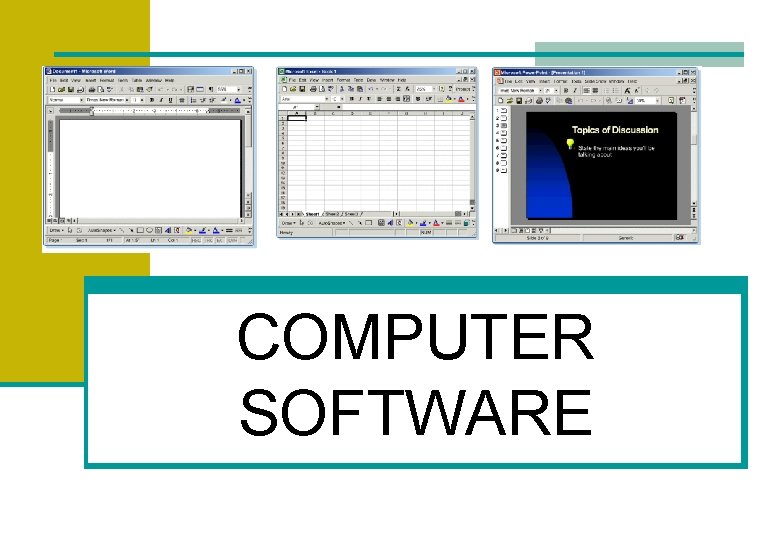
Application Software n Word Processing/Desktop Publishing n n Lets user to create, edit, format, store and print text and graphics in one document. Example : Ms Word, Word Perfect, Word Star. n Electronic Spreadsheets n n Made up of columns and rows numbers, automatically recalculates the results when a number is changed. Example : Ms Excel, LOTUS 123 n Database Management n n n Manages a collection of interrelated facts. The software can store data, update it, manipulate it, retrieve it, report it in variety views. Example : Ms Access , Data base systems
Application Software n Graphics n n Software can produce graphs, maps and charts and can help people compare data, spot trends more easily and make decisions more quickly. Example : Auto. CAD n Presentation q is a presentation software package. we can easily create slide shows. Trainers and other presenters use slide shows to illustrate their presentations. q Example : Ms Power. Point n Project Management n Project management is the art of managing the three elements of a project (scope, time and cost), successfully. n Example : Ms Project
Application Software q Web Browser Ø Program that allows you to view Web pages Ø Example : Internet Explorer, Mozilla Firefox q Communication Ø A software lets user hook a phone up to the computer and communicate with the computer. Ø Example : Email , chat, forum
COMPUTER NETWORKS
COMPUTER NETWORKS n Collection of computers and devices connected together via communications devices and transmission media. n Allow computers to share resources such as hardware, software, data and information. n 3 main types : n Local Area Network (LAN) n Metropolitan Area Network (MAN) n Wide Area Network (WAN)
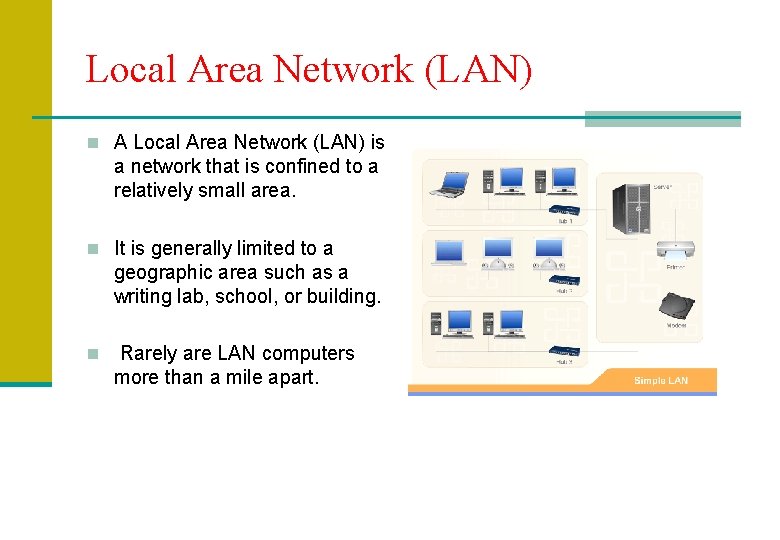
Local Area Network (LAN) n A Local Area Network (LAN) is a network that is confined to a relatively small area. n It is generally limited to a geographic area such as a writing lab, school, or building. n Rarely are LAN computers more than a mile apart.
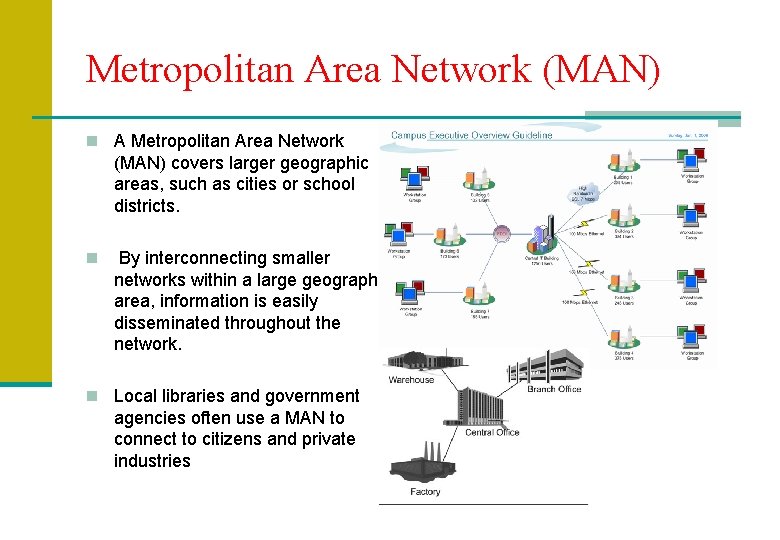
Metropolitan Area Network (MAN) n A Metropolitan Area Network (MAN) covers larger geographic areas, such as cities or school districts. n By interconnecting smaller networks within a large geographic area, information is easily disseminated throughout the network. n Local libraries and government agencies often use a MAN to connect to citizens and private industries
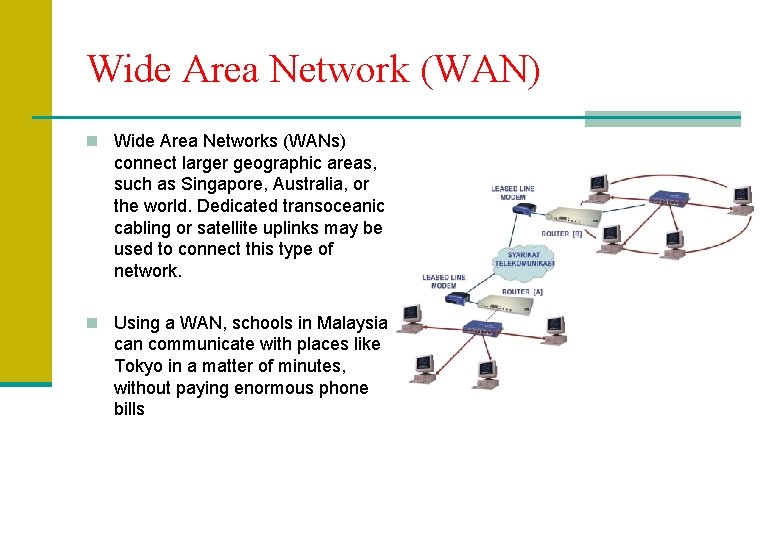
Wide Area Network (WAN) n Wide Area Networks (WANs) connect larger geographic areas, such as Singapore, Australia, or the world. Dedicated transoceanic cabling or satellite uplinks may be used to connect this type of network. n Using a WAN, schools in Malaysia can communicate with places like Tokyo in a matter of minutes, without paying enormous phone bills
Advantages of Networks n Peripherals and hardware can be shared n software can be shared n data can be shared n computers may communicate n security - user access may be restricted if needed n Electronic Mail
Disadvantages of Networks n one server breaking down may affect a number of computers n vulnerable to hackers and viruses n cabling and installation may be expensive n a network manager may need to be employed to run the network
- Slides: 65