
Topic 1 5 Utility software Brain in Gear
Topic 1. 5 – Utility software
Brain in Gear Stakeholders • Can adversely affect people in this country and abroad: – health issues – financially – socially – culturally • The phone manufacturers • The phone shops/networks Environmental • Reference to e-waste (people dispose of their devices in landfill even if they are in good working order) • Some equipment is also sent abroad to be disposed of • Leads to excessive landfill (in this country and/or abroad, e. g. Africa and Asia) • Toxic waste released into land, ground water, air (in this country and/or abroad, e. g. Africa and Asia) • Waste of resources Precious metals in phones Ethical Issues • Contributes to ill health • Contributes to the digital divide • Contributes to social divide • Problem of confidential data stored on the devices • Puts social pressure on parents to pay for their children to upgrade • Puts social pressure on the public to upgrade • Can lead to bullying of those who cannot afford the latest technology • Phone manufacturers intentionally designing fragile phones so they need to be replaced more often • High cost of new devices. Technology • The type of devices that are disposed of • Modern phones poorly designed for durability • Phones hardware not upgradeable/replaceable • Proprietary technology used by some manufacturers
Brain in Gear Inhabitants • Connection with the rest of the world • Access to more information • Up-to-date with news • E-commerce • Communication with people • Can be used in schools/for education • Cost (Devices and connection)culturally Privacy • Tracking of IPs/devices • Social media • Unwanted images and videos of people may be put online • Risk of threats e. g. phishing/pharming/virus Businesses • Sell products to wider audience/more customers • Purchase items from wider range/more places • Competitive prices • Tourism can be advertised • Online bookings for hotels Ethical • Access to inappropriate/illegal content • Lead to social pressure to be online and get technology • Cost • Introduces digital and social divide • Threats
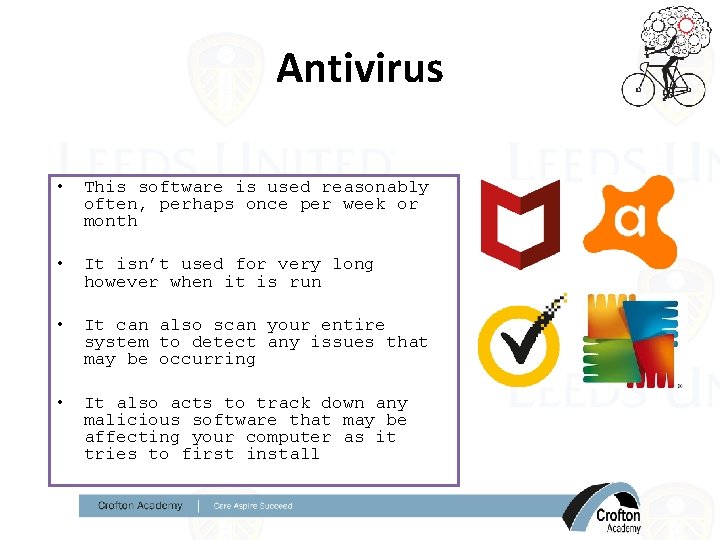
Antivirus • This software is used reasonably often, perhaps once per week or month • It isn’t used for very long however when it is run • It can also scan your entire system to detect any issues that may be occurring • It also acts to track down any malicious software that may be affecting your computer as it tries to first install
Firewall • This software is used fairly frequently whilst the computer is running • It detects the traffic coming and going from the computer network and will scan it to check it is ok • It will try to stop connections being made to addresses that it doesn’t trust
Learning Objectives • To understand the need for Utility Software • Be able to explain the purpose of: • Encryption utilities • Defragmentation utilities
Utility Software • Utility programs are designed to do just one or two tasks. • Utility software interacts with the computers hardware – E. g. the Disk Drive. • Utility programs are inbuilt in to the Operating System.
Encryption • https: //www. youtube. com/watch? v=alp. Ze. XEr Fx 4 • Why is Encryption extremely important for e-commerce?
Encryption • Encryption means to scramble data in a way that it is unreadable to anybody who doesn’t have a key to be able to unscramble this. • Data is encrypted using a key and then decrypted using a key. • Data is encrypted so that it is unreadable if anyone is to intercept it.
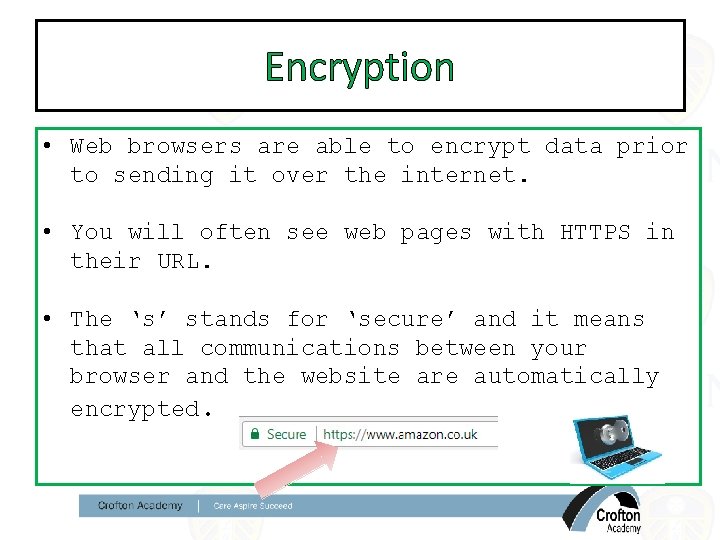
Encryption • Web browsers are able to encrypt data prior to sending it over the internet. • You will often see web pages with HTTPS in their URL. • The ‘s’ stands for ‘secure’ and it means that all communications between your browser and the website are automatically encrypted.
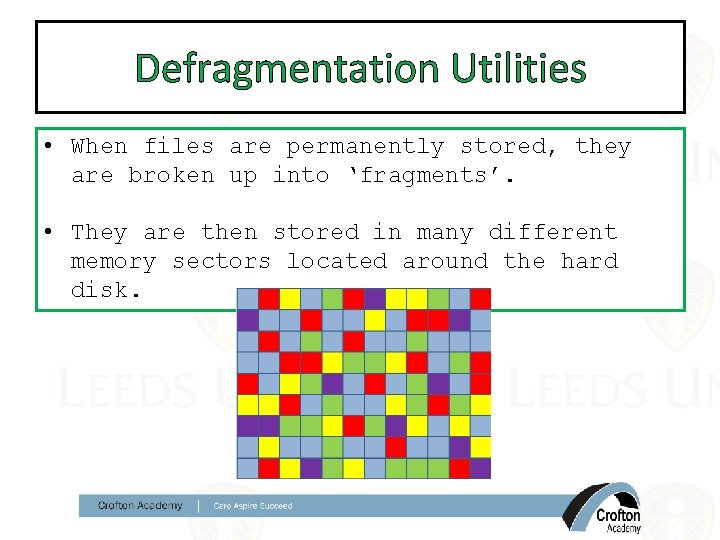
Defragmentation Utilities • When files are permanently stored, they are broken up into ‘fragments’. • They are then stored in many different memory sectors located around the hard disk.
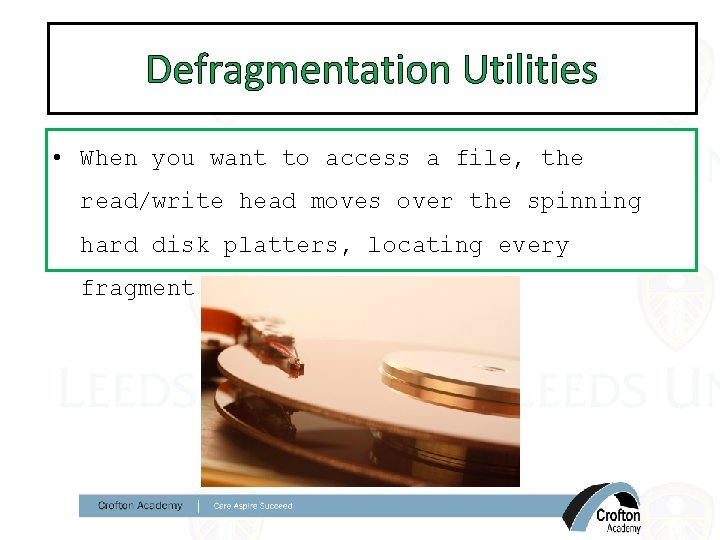
Defragmentation Utilities • When you want to access a file, the read/write head moves over the spinning hard disk platters, locating every fragment of the file.
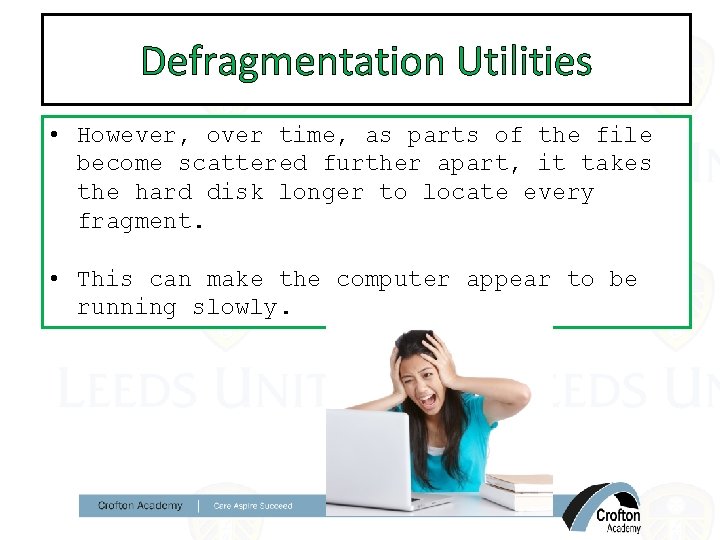
Defragmentation Utilities • However, over time, as parts of the file become scattered further apart, it takes the hard disk longer to locate every fragment. • This can make the computer appear to be running slowly.
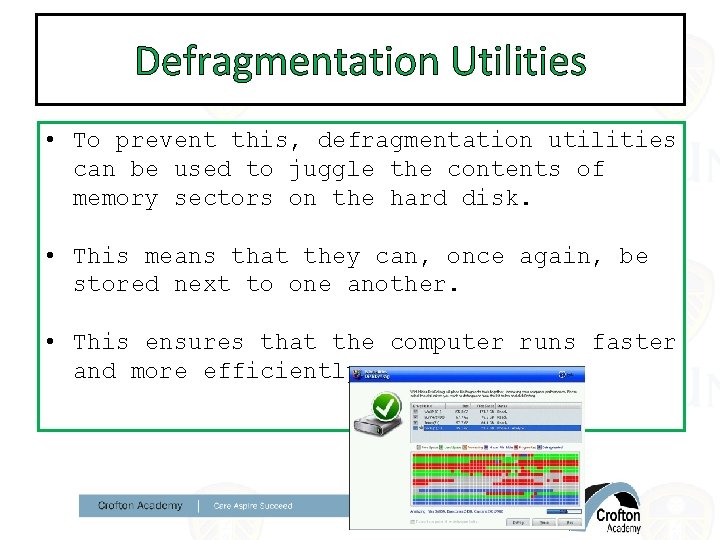
Defragmentation Utilities • To prevent this, defragmentation utilities can be used to juggle the contents of memory sectors on the hard disk. • This means that they can, once again, be stored next to one another. • This ensures that the computer runs faster and more efficiently.
Defragmentation • When a file is stored on a hard drive is stored as one? – https: //www. youtube. com/watch? v=XSv. Ofu 2 Pf. Xk
Defragmentation • When a hard disk drive is new – files get added onto the disk in order – very much like starting with a blank piece of paper and adding to it • As files are deleted – this leaves gaps • When new files are saved – the files fill the gaps and become fragmented • Defragmentation software groups fragmented files back together • https: //www. youtube. com/watch? v=XSv. Ofu 2 Pf. Xk
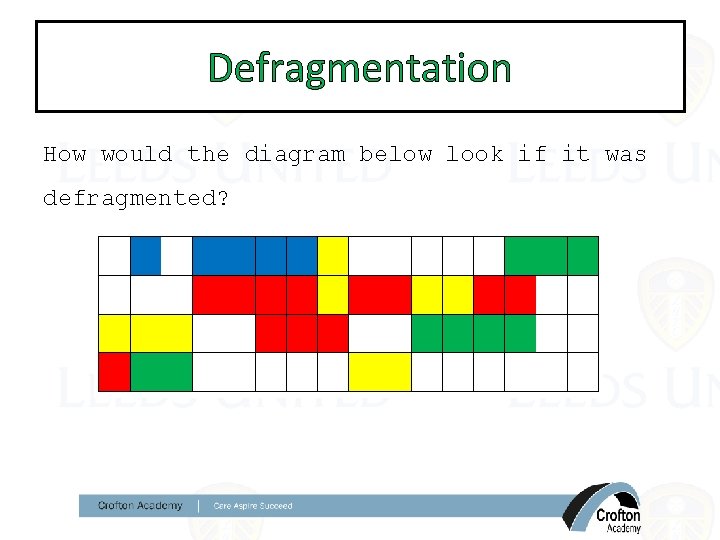
Defragmentation How would the diagram below look if it was defragmented?
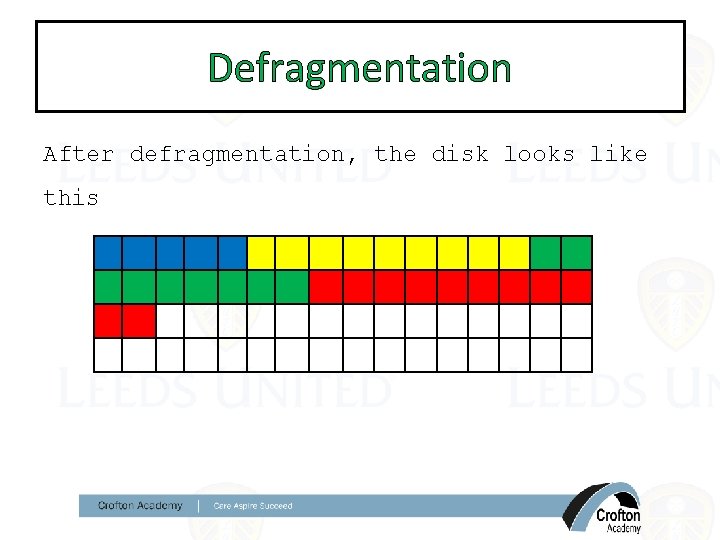
Defragmentation After defragmentation, the disk looks like this
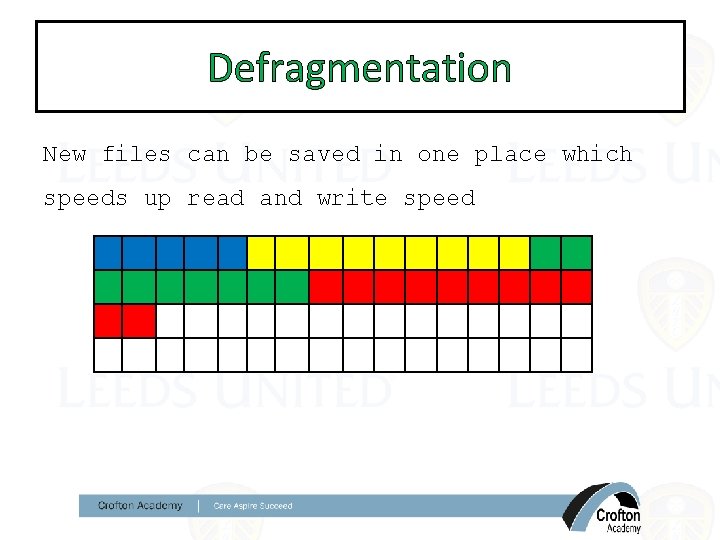
Defragmentation New files can be saved in one place which speeds up read and write speed
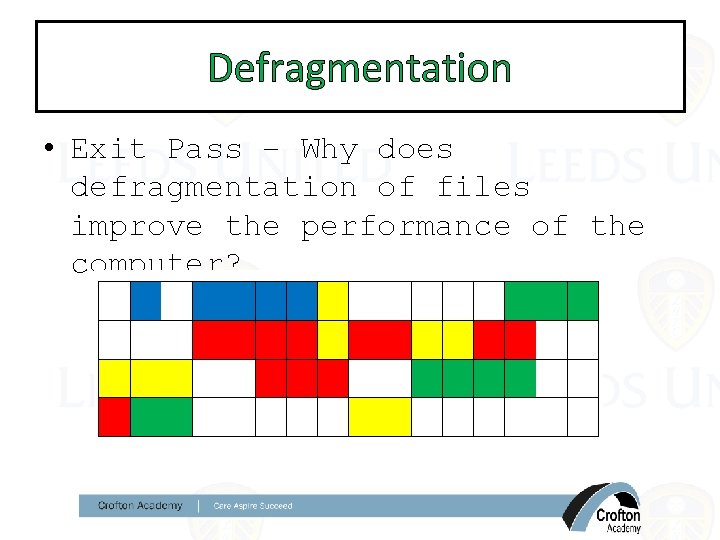
Defragmentation • Exit Pass – Why does defragmentation of files improve the performance of the computer?
Utility Programs • Software designed to help analyse, configure, optimise & maintain computer • Several categories: – Security – Disk Management / Organisation – System Maintenance
Utility Software: Security • Antivirus – Checks for programs designed to harm the system • Anti-spyware – Checks for programs designed to gather personal and financial information • Firewall – Controls access to computer through network to prevent hackers
Utility Software: Disk Organisation • Disk Defragmenting – Reorganise files so they are stored in contiguous blocks of memory – Means faster file access & may free up space • Disk cleanup –Search for and delete obsolete files –Frees up space for other programs
Utility Software: System Maintenance • System Cleanup –Searches for settings which are no longer needed & programs slowing down the computer –Improves performance • System Update –Searches online for updated versions of software –Downloads/installs updates –Ensures computer always has latest version including any fixes for known problems or security issues.
- Slides: 24