
Top Down Performance Management with OEM Grid Control
- Slides: 36
Top Down Performance Management with OEM Grid Control Or how I learned to stop worrying and love OEM Grid Control 10/1/2010 Presentation Date John Darrah
The DBA Challenge • Manage complex environments – N-Tier environments with several entry points to the database or databases • Manage many database environments – Fewer DBAs to manage more environments • Need to respond to performance problems – DBAs must be able to track down root cause across several environments – DBAs must be able to demonstrate the problem is not database related © DBAK 2010
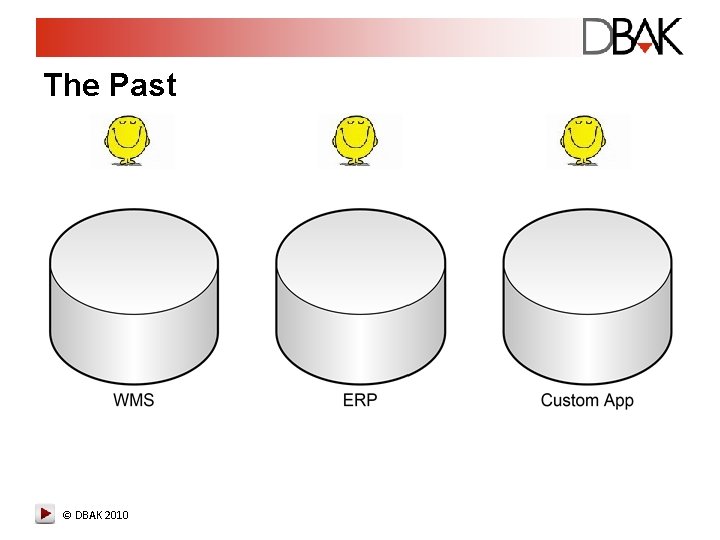
The Past © DBAK 2010
The Present © DBAK 2010
How do you monitor environments? • • SQL Trace SQL*Plus Scripts Stats. Pack / AWR Third Party Monitoring Applications Users Prayer OEM (dbconsole) OEM Grid Control © DBAK 2010
Which Monitoring tools are best? • All of them have their place – All of the above methods have advantages and disadvantages – Use the right tool for the right situation – Don’t become entirely dependent on GUIs • Take a Top-Down Approach – OEM is an ideal solution for a top down tuning approach – Most of the other approaches are more suited for detailed analysis of individual problems © DBAK 2010
The need for a Top Down approach • In complex environments it is difficult to find the problem much less address it • <sarcasm> Database is always the performance bottleneck </sarcasm> • The good old days of client server apps (i. e easy to trace) are long gone. © DBAK 2010
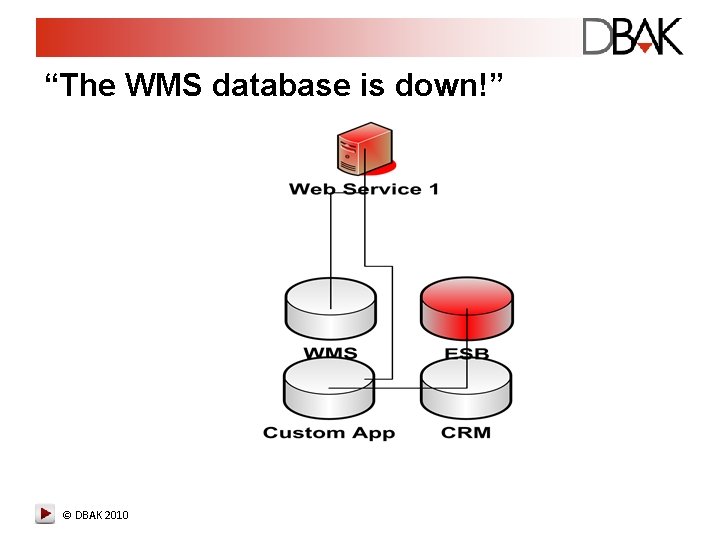
“The WMS database is down!” © DBAK 2010
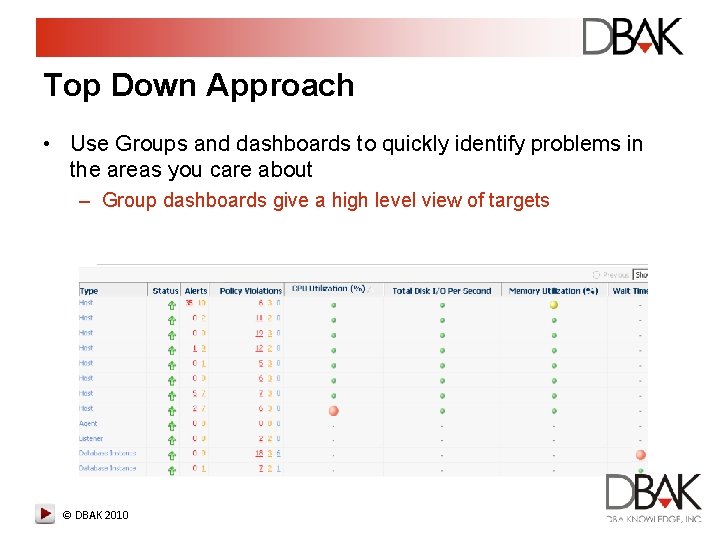
Top Down Approach • Use Groups and dashboards to quickly identify problems in the areas you care about – Group dashboards give a high level view of targets © DBAK 2010
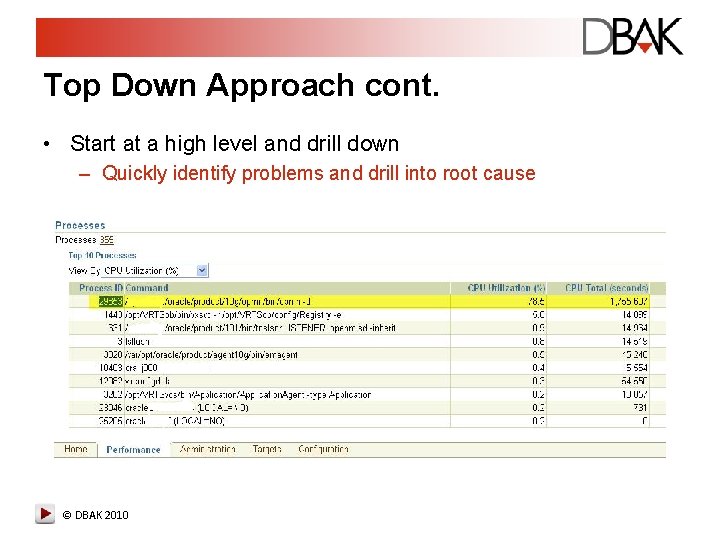
Top Down Approach cont. • Start at a high level and drill down – Quickly identify problems and drill into root cause © DBAK 2010
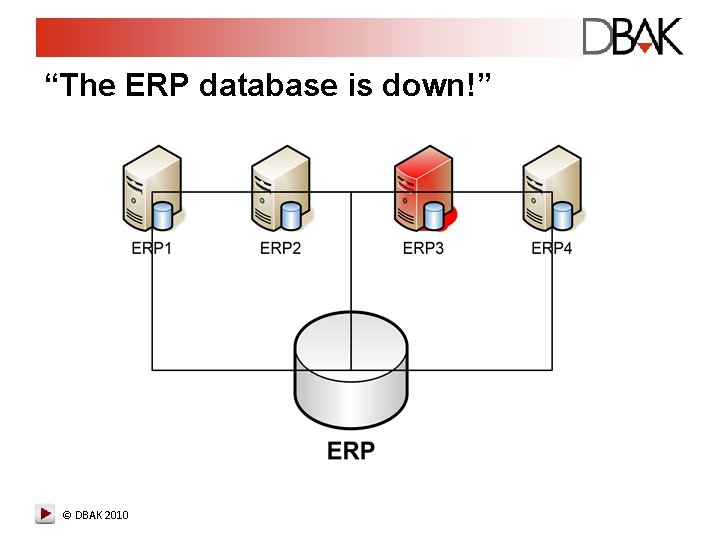
“The ERP database is down!” © DBAK 2010
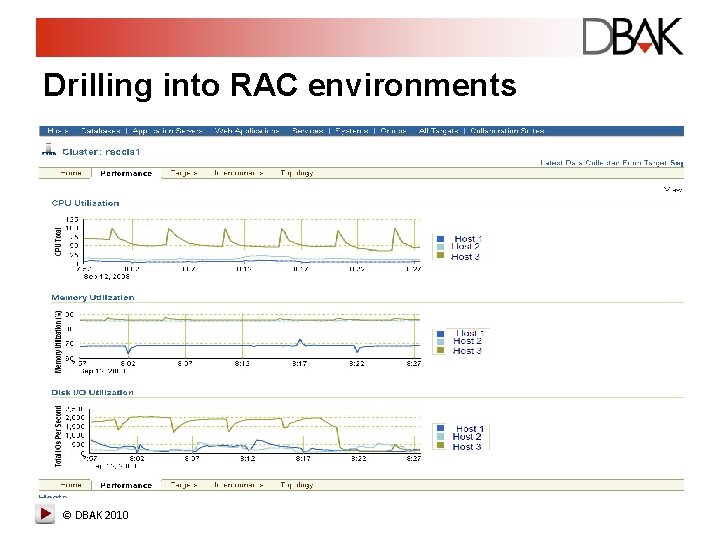
Drilling into RAC environments © DBAK 2010
Performance Tab Summary • OEM’s performance Page provides – High Level performance Metrics on database performance – A graphical representation of AWR data (10/11 g) – Top Activity analysis and Drilldown – SQL Tuning Advisor (10/11 g) © DBAK 2010
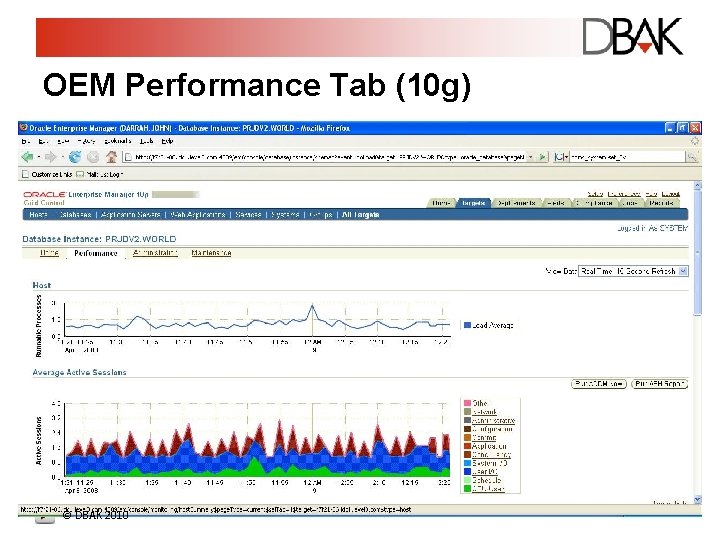
OEM Performance Tab (10 g) © DBAK 2010
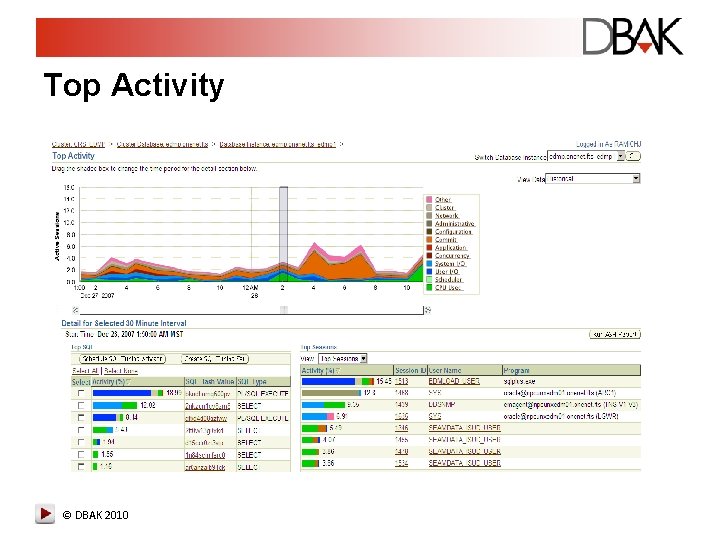
Top Activity • Shows a 1 -hour timeline of the top activity running on the database • Displayed in 5 -minute intervals • Timeline graph gives the ability to look at past statements • ASH and SQL Tuning available from this page © DBAK 2010
Top Activity © DBAK 2010
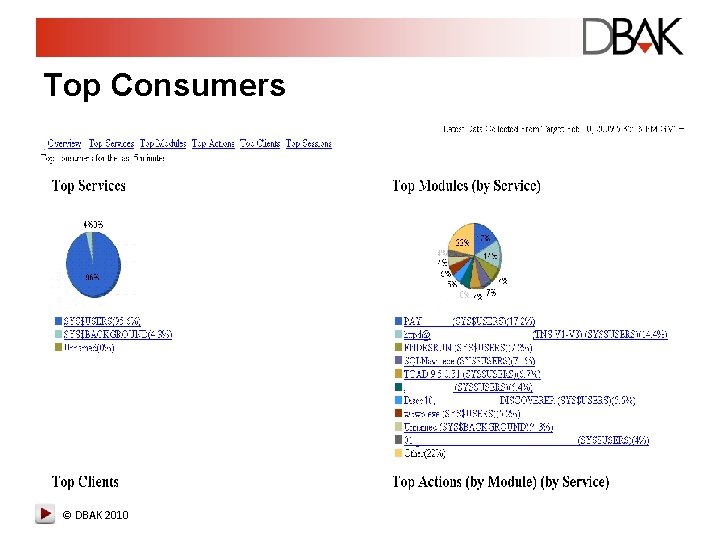
Top Consumers © DBAK 2010
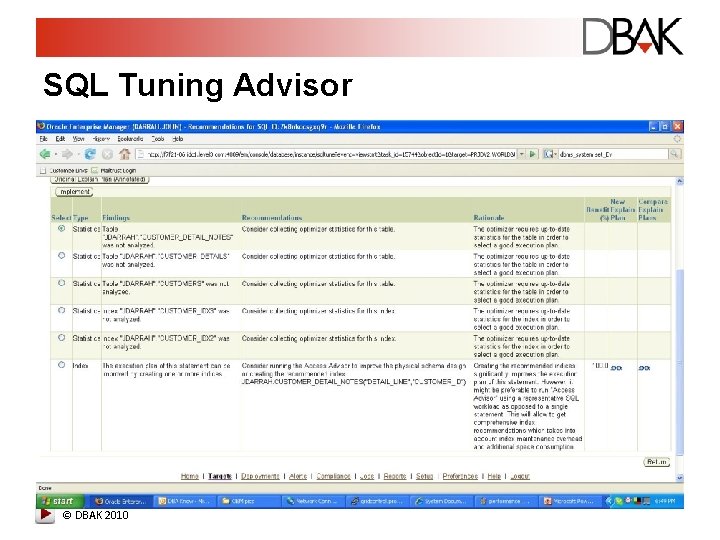
SQL Tuning Advisor • Runs a series of what-if scenarios and data analysis to better determine plan efficiency • Provides a list of suggestions weighted by % improvement • Only available with 10 g or 11 g + Diagnostics and Tuning option © DBAK 2010
SQL Tuning Advisor © DBAK 2010
“Our ETL ran long, what happened? ” © DBAK 2010
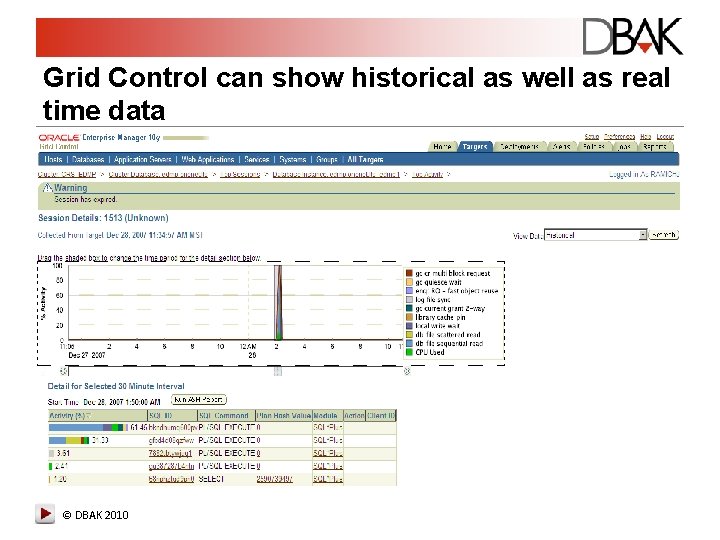
Grid Control can show historical as well as real time data © DBAK 2010
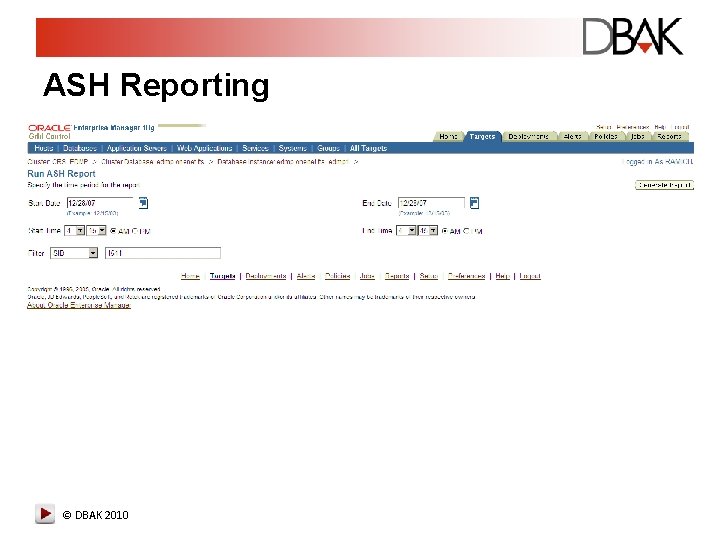
ASH Reporting • Shows Active Session History – V$ACTIVE_SESSION_HISTORY – DBA_HIST_ACTIVE_SESS_HIST • The Same report can be run from SQL*Plus – OEM Takes care of formatting and parameters © DBAK 2010
ASH Reporting © DBAK 2010
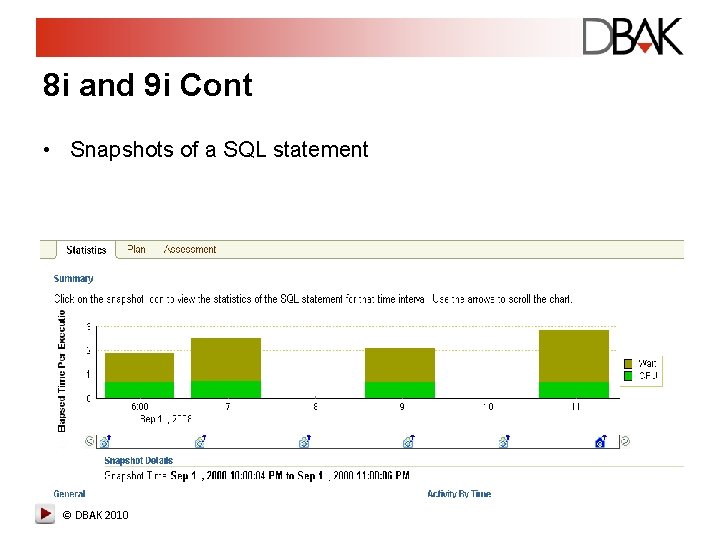
A Note about 8 i and 9 i Databases • Requires additional setup – See section 10. 3 of advanced configuration guide • Lacks ADDM, AWR, ASH • Still provides valuable information to a DBA © DBAK 2010
8 i and 9 i Cont • Snapshots of a SQL statement © DBAK 2010
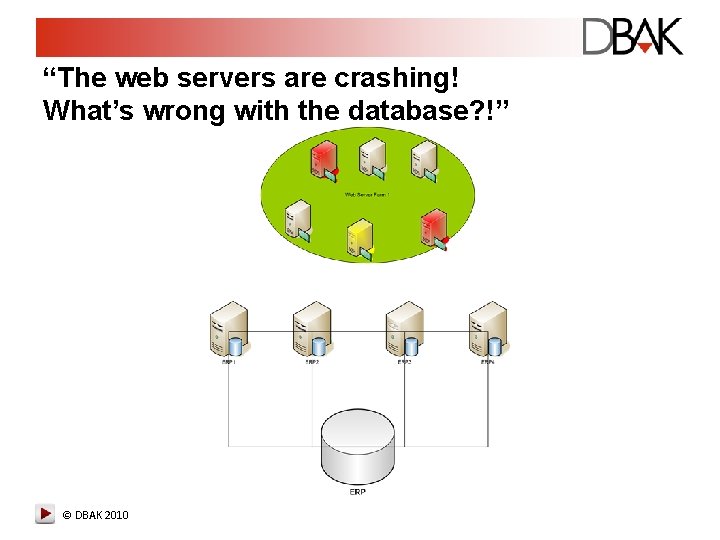
“The web servers are crashing! What’s wrong with the database? !” © DBAK 2010
Interdependent Targets are grouped into Systems • Different targets that fulfill a business need – – – Host Database Listener Web servers Load Balancer • All of the targets must be available to service the system © DBAK 2010
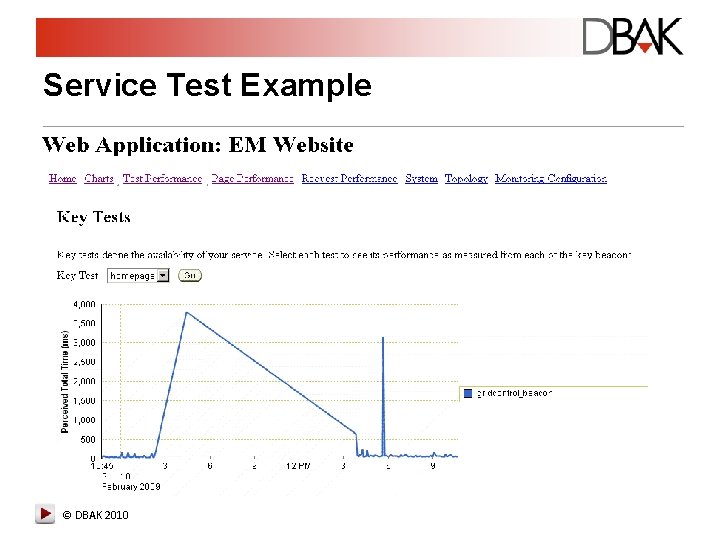
Services can monitor Systems in OEM • Create Tests that run synthetic transactions • Determine the availability of a service – Critical system component availability – Service availability • Beacons can test service availability and performance from many locations – Internal – External • Beacons give visibility to end user experience © DBAK 2010
Service Test Example © DBAK 2010
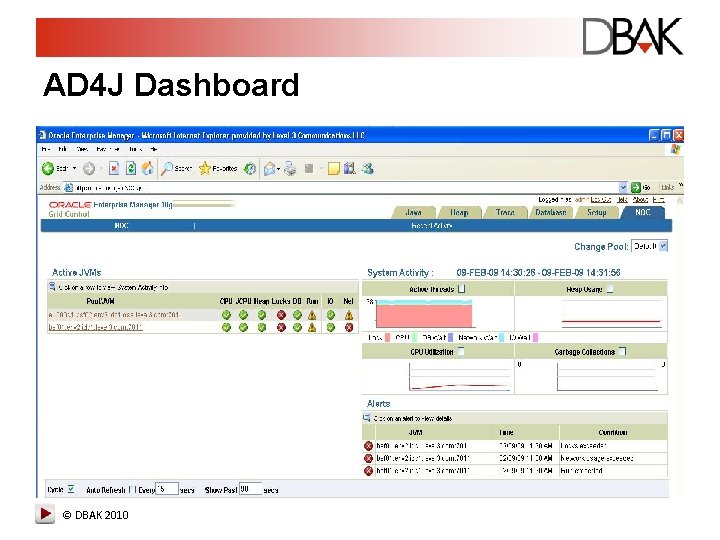
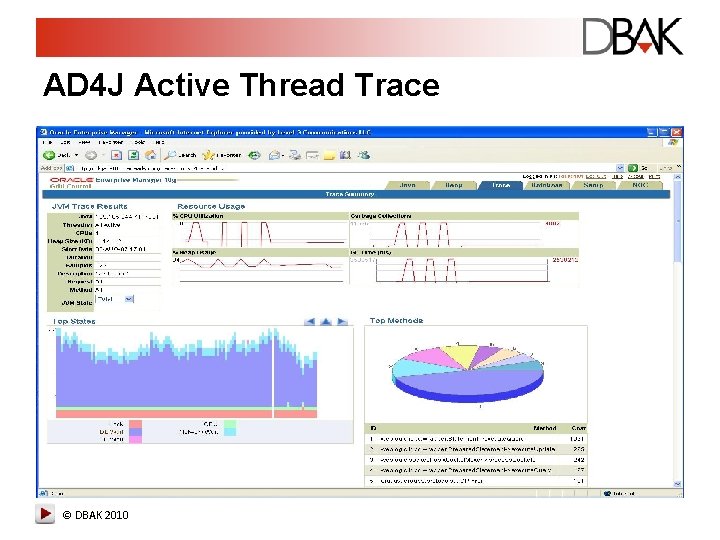
AD 4 J expands Grid Control’s abilities • AD 4 J stands for advanced Diagnostics for Java • Provides the ability to inspect JVM heaps – Memory Leak detection • Provides the ability to profile individual threads • Provides the ability to tie a thread to a database session • Fully integrated into Grid Control as of OEM 11 • Service Tests and Beacons provide the what, AD 4 J provides the why © DBAK 2010
AD 4 J Dashboard © DBAK 2010
AD 4 J Active Thread Trace © DBAK 2010
Beyond Performance Monitoring • Performance monitoring it crucial but does not provide a complete solution – Look at present and past activities, not a look ahead – It is reactive – Tactical • The complete IT shop needs to look forward as well – Capacity planning – Operational budgeting © DBAK 2010
Beyond Performance Monitoring (cont) • OEM Grid Control repository is essentially an ODS – Performance Metrics gathered from all targets – Configuration information about targets – Utilization regarding Targets • Data from the OEM repository can be mined – What is the average utilization of the EBS servers? • How is that utilization trending? – What is my breakout of different models of servers? • Sun Op Center takes this concept further © DBAK 2010
The Future • OEM Grid Control will continue to evolve – Many recent Acquisitions will be woven into the OEM brand / framework • Sun Op Center • Oracle will continue to improve on the end top down vision monitoring solution – RUEI – Op Center © DBAK 2010
Questions • John Darrah • jdarrah@dbaknow. com • www. dbaknow. com © DBAK 2010