
Tools techniques and procedures Unit 2 IT Pathways
- Slides: 13
Tools, techniques and procedures Unit 2 IT Pathways Outcome 3 STAGE 2 Designing the Solution
PSM: Design Planning how the solution will function? The solution design typically involves identifying what specific data is required and how the data will be named, structured, validated and manipulated. What design tools will you use? Tools include data dictionaries and data structure diagrams, input-process-output (IPO) charts, flowcharts, pseudocode, object descriptions. Solution design also involves, where appropriate, showing how the various components of a solution relate to one another, for example web pages, style sheets, scripts; queries, forms, reports; modules, procedures, functions. Typical design tools used to show relationships Storyboards, site maps, entity-relationship diagrams, data flow diagrams, structure charts, hierarchy charts, context diagrams, use cases. Determining the appearance of information generated from a solution. Involving the identification and position of text, images and graphics, font sizes, colours and text enhancements. Design tools used for this purpose include layout diagrams, annotated diagrams/mocks up. Determining the evaluation criteria. What measures will be used to judge whether or not the solution requirements have been met? These criteria should relate to the solution requirements identified in the analysis stage Mark Kelly’s online Notes http: //vceit. com/p/00 -psm 2011. htm
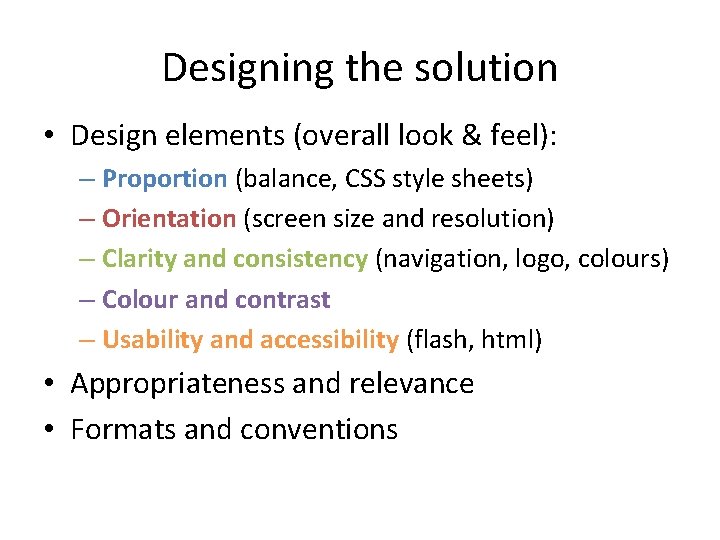
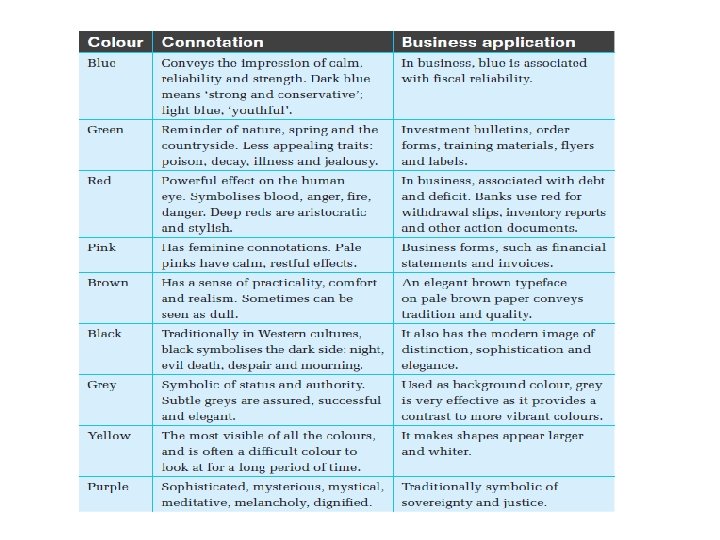
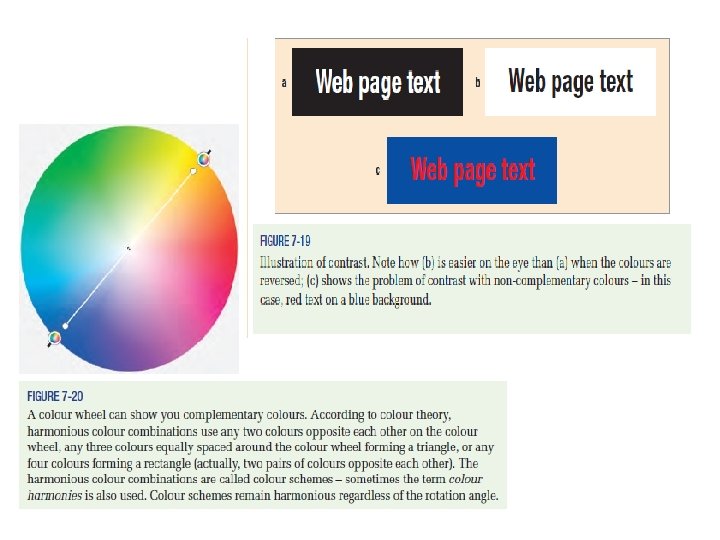
Designing the solution • Design elements (overall look & feel): – Proportion (balance, CSS style sheets) – Orientation (screen size and resolution) – Clarity and consistency (navigation, logo, colours) – Colour and contrast – Usability and accessibility (flash, html) • Appropriateness and relevance • Formats and conventions
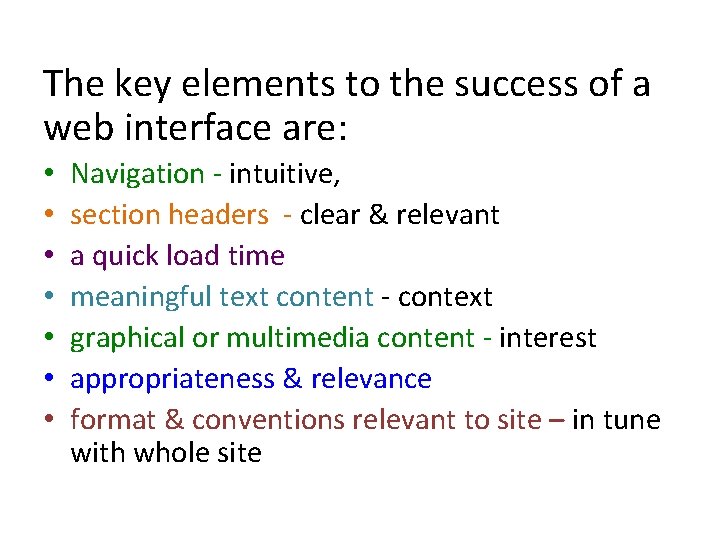
The key elements to the success of a web interface are: • • Navigation - intuitive, section headers - clear & relevant a quick load time meaningful text content - context graphical or multimedia content - interest appropriateness & relevance format & conventions relevant to site – in tune with whole site
Representing the design Design tools are a method of representing the appearance of output and how the solution will be developed.
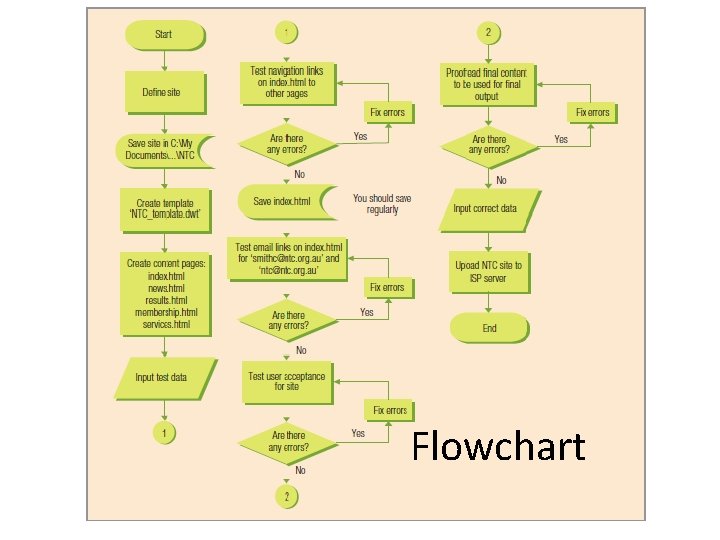
Flowchart
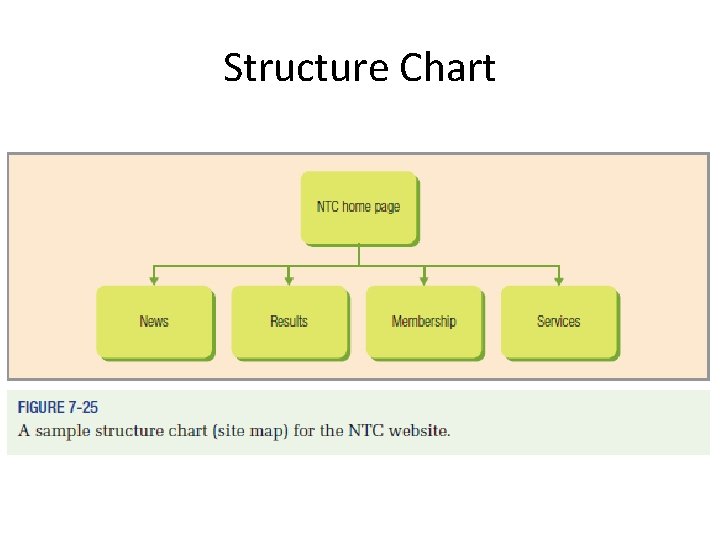
Structure Chart
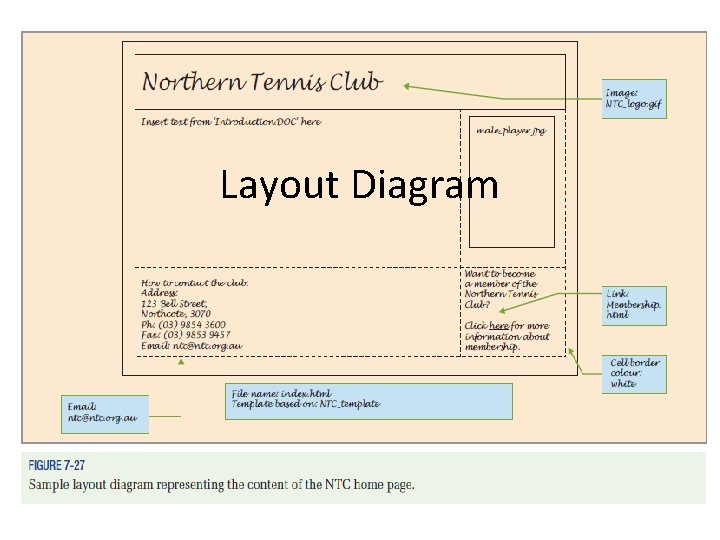
Layout Diagram
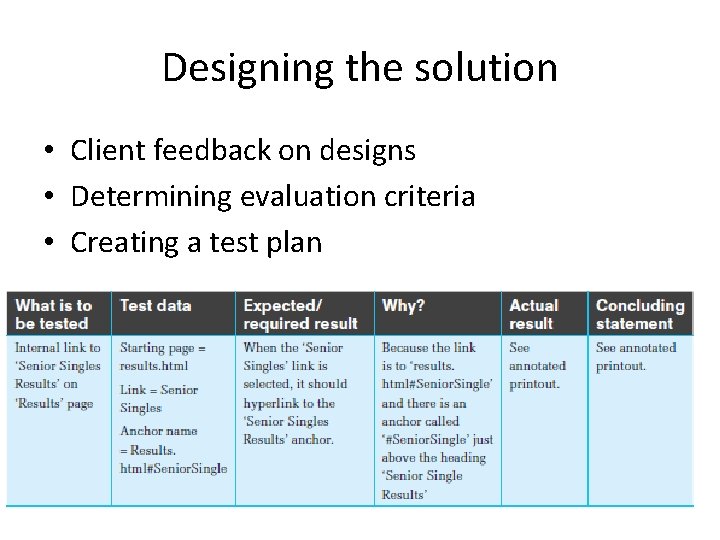
Designing the solution • Client feedback on designs • Determining evaluation criteria • Creating a test plan
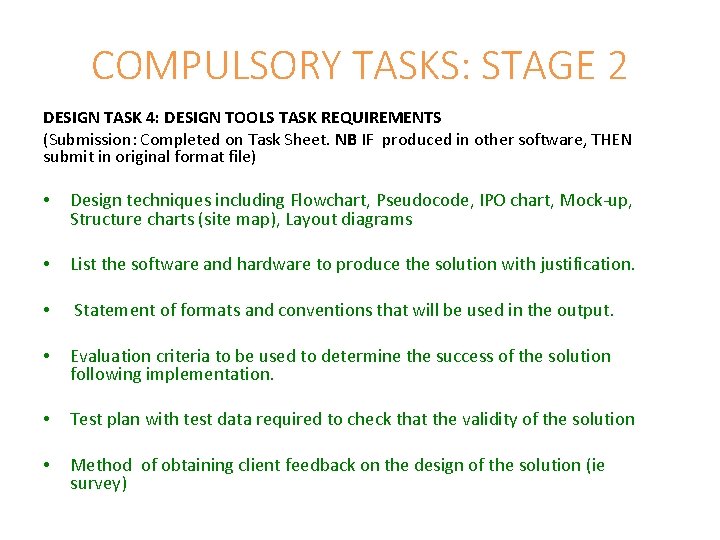
COMPULSORY TASKS: STAGE 2 DESIGN TASK 4: DESIGN TOOLS TASK REQUIREMENTS (Submission: Completed on Task Sheet. NB IF produced in other software, THEN submit in original format file) • Design techniques including Flowchart, Pseudocode, IPO chart, Mock-up, Structure charts (site map), Layout diagrams • List the software and hardware to produce the solution with justification. • Statement of formats and conventions that will be used in the output. • Evaluation criteria to be used to determine the success of the solution following implementation. • Test plan with test data required to check that the validity of the solution • Method of obtaining client feedback on the design of the solution (ie survey)