
Tools and Techniques to Clean Up your Database
Tools and Techniques to Clean Up your Database Meghan Weeks Loyola Marymount University 2013 SCIUG Conference Wednesday, Oct. 23 Cal Poly Pomona
Overview • Why is it important to have a clean database? • Where do you start with a database cleanup project? • How does bad data get into the database? • How do you find bad data? • How do you fix the problems? • How do you prevent issues in the future?
Why is it important to have a clean database? • OPAC searching issues – Limiting by language, location, or material type – Call number searches • Statistics not accurate • Create lists not accurate • Web Management Reports not accurate
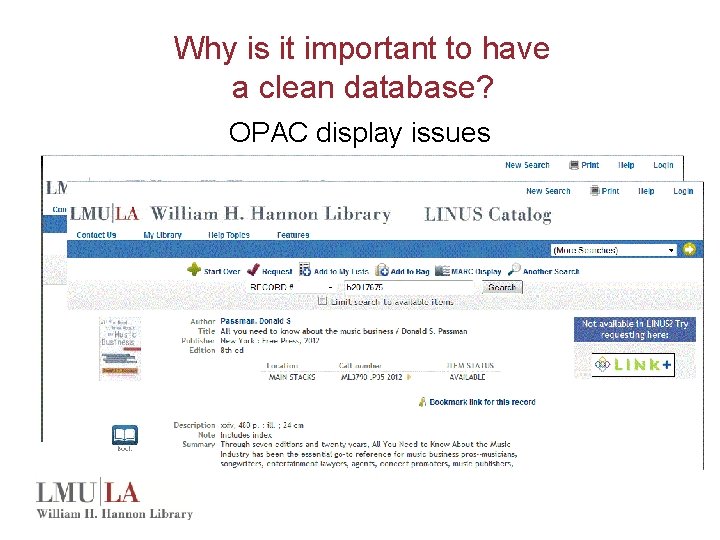
Why is it important to have a clean database? OPAC display issues
Where do you start? Sierra Database Control Working Group • Formed in Oct. of 2010 • Biweekly meetings • Members from Acquisitions & Serials, Cataloging, Circulation, Media & Reserves, Special Collections, and Systems • Systematically review all fixed and variable length fields for each record type • Clean out obsolete fields or values • If needed, create new fields or values • Document what the fields are used for and by whom
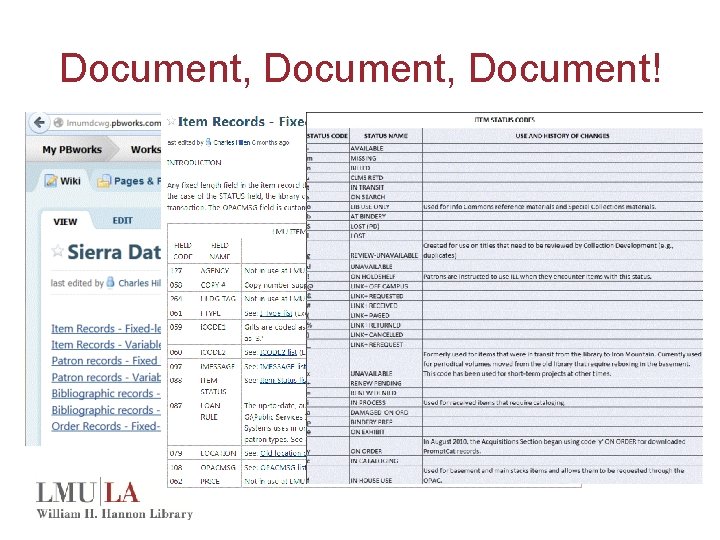
Document, Document!

How does bad data get into the database? Templates contain invalid entries or no entries • Templates are used when manually creating records and when loading records with load tables.
How does bad data get into the database? • A fixed length field code value is deleted from the table but some records still contain that code • Valid code with blank label • Valid code but it is a space • Valid code used incorrectly – Bib location in an item record • Old codes still in the system and being used
How do you find bad data? • Patrons and/or staff may report issues that they find in the OPAC – Wrong material type icon – Limiting/Scoping not working as expected • Staff report checkouts giving incorrect due dates – Invalid or wrong patron type, item type, or location • Staff report holds being placed on items that should not circulate – Wrong status or item type
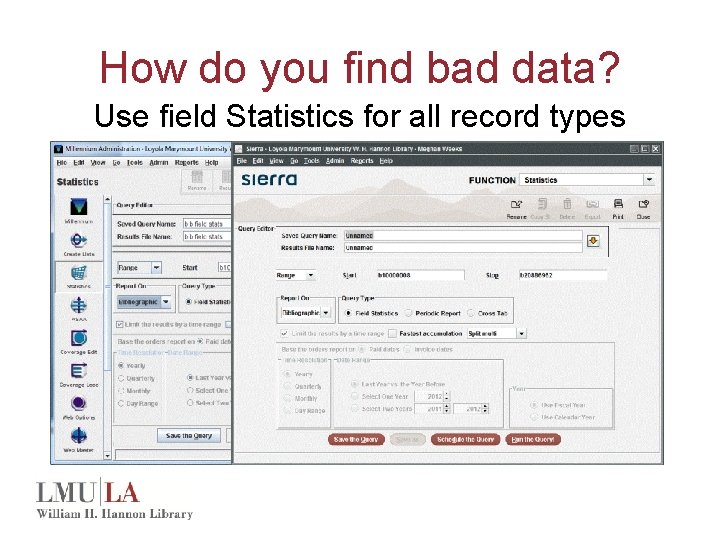
How do you find bad data? Use field Statistics for all record types
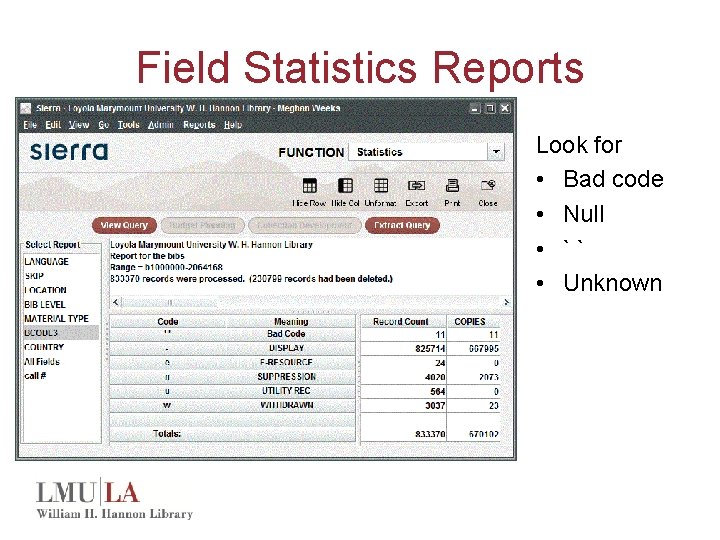
Field Statistics Reports Look for • Bad code • Null • `` • Unknown
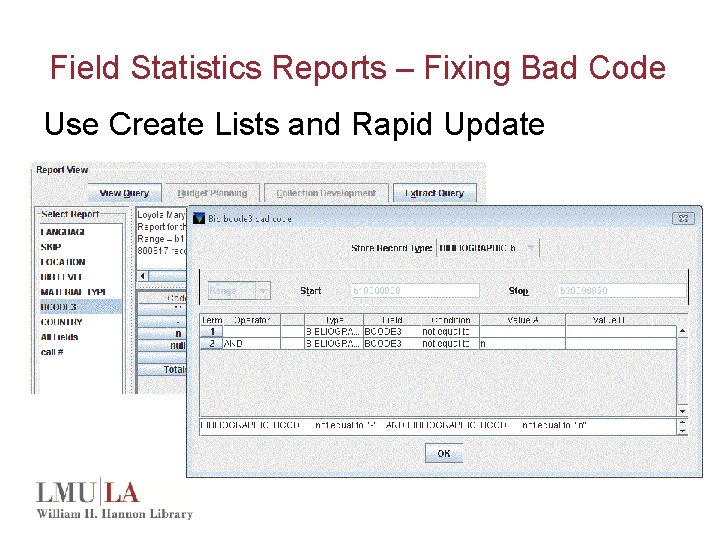
Field Statistics Reports – Fixing Bad Code Use Create Lists and Rapid Update
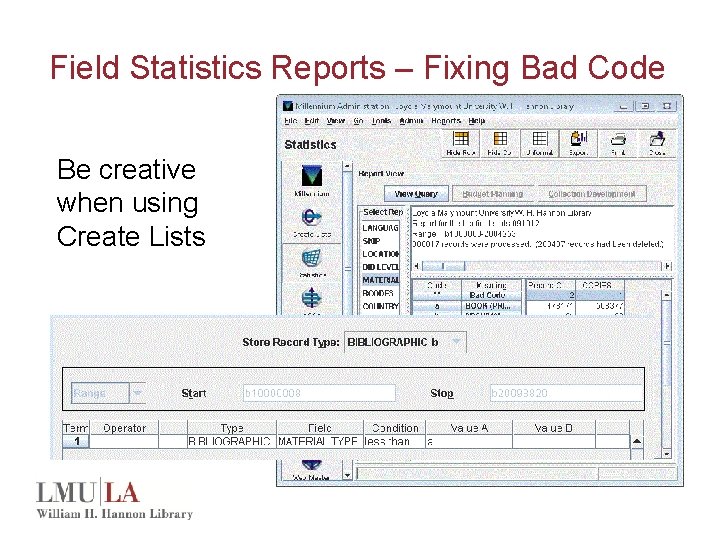
Field Statistics Reports – Fixing Bad Code Be creative when using Create Lists
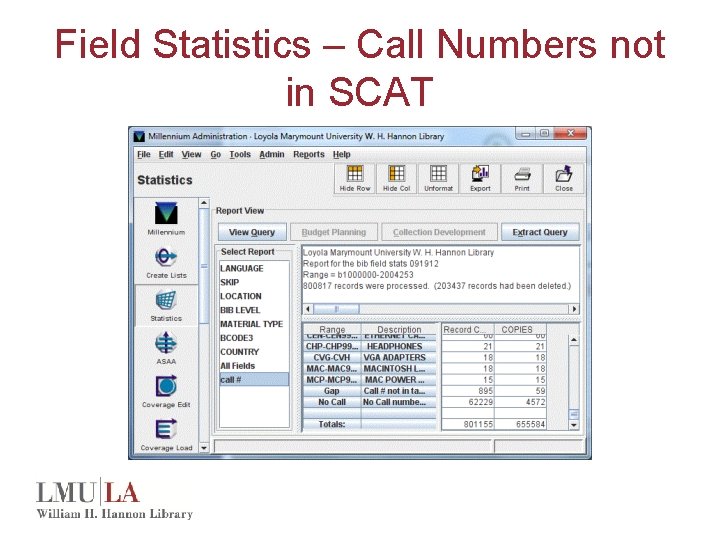
Field Statistics – Call Numbers not in SCAT
Gap in SCAT Table Review File • Run field statistics on bib records • Report is automatically generated for call numbers not in SCAT table • View report by selecting an empty review file and choose copy • Scroll down toward the bottom of the list and select Bibs: call numbers not in SCAT • Why are call numbers not in SCAT table? • Adjust the SCAT table or fix records with invalid call numbers
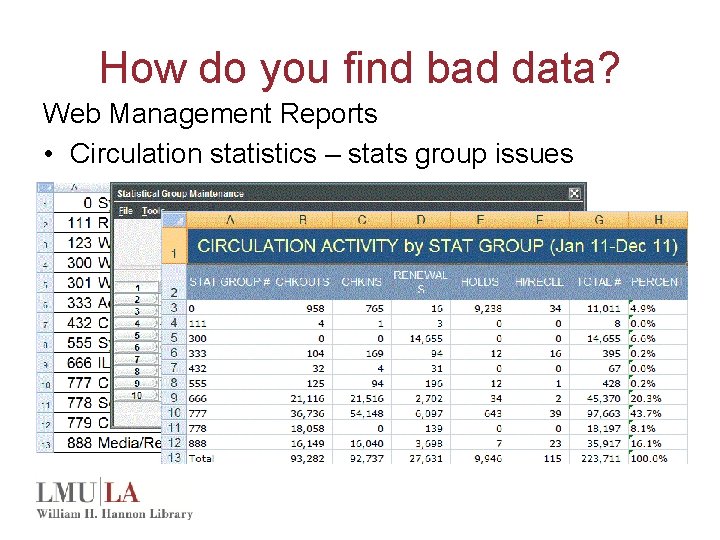
How do you find bad data? Web Management Reports • Circulation statistics – stats group issues
How do you find bad data? Headings Reports (Cataloging) • Duplicate entries – Item records – barcodes, ISSN, ISBN – Patron records – barcodes • Blind references – Subject authority records – Name authority records • Other headings reports – Invalid headings – Duplicate authority records
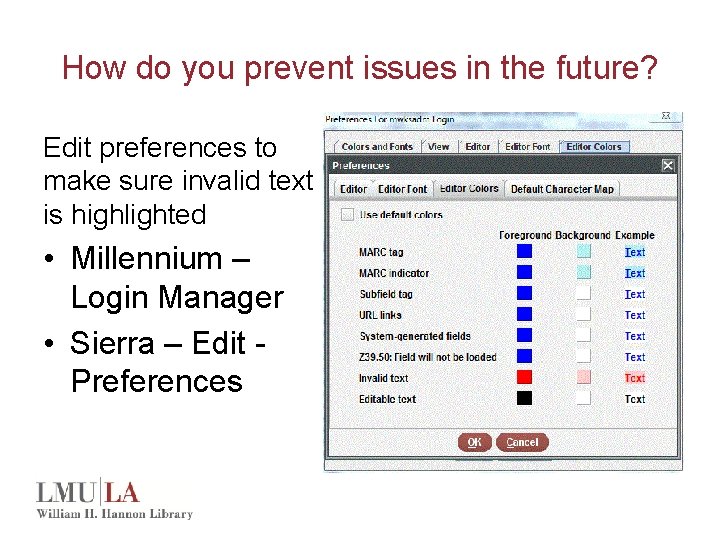
How do you prevent issues in the future? Edit preferences to make sure invalid text is highlighted • Millennium – Login Manager • Sierra – Edit Preferences
How do you prevent issues in the future? • Follow best practices for deleting: – Location codes (107738) – Fund records (100710) – Vendor records (105790) • Check templates for all record types for bad code and missing entries and add prompts • Review load tables • Review fixed length code values – No blank labels – Don’t use a space as a valid code
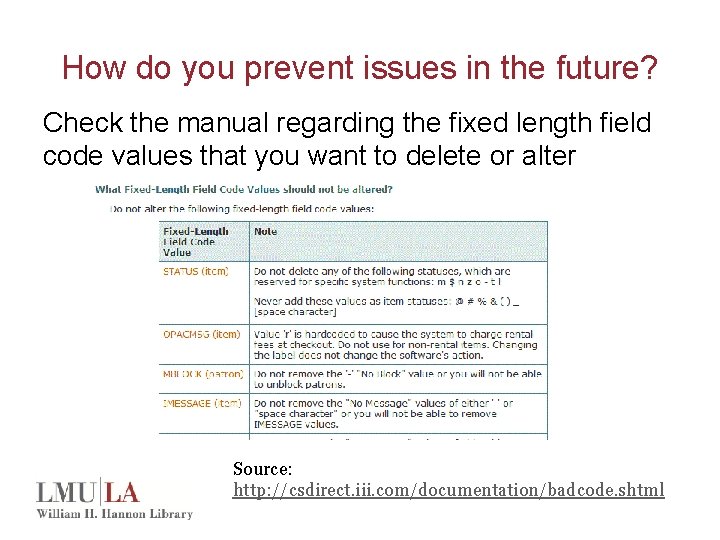
How do you prevent issues in the future? Check the manual regarding the fixed length field code values that you want to delete or alter Source: http: //csdirect. iii. com/documentation/badcode. shtml
Preventing Issues • Utilize automatic link maintenance or manually run link maintenance every day • Make sure the location code mapping table is accurate – Command line interface – A, L, E • Make sure the MARC Validation table is up-to-date – A, A, S, O, D, 1 • Review scope rules for accuracy • Delete staff accounts when they leave the organization • Periodically review staff authorizations
References and Useful Links • Fixing Bad Codes FAQ on CSDirect – http: //csdirect. iii. com/documentation/barcode. shtml • Cataloging Clean up Projects – http: //csdirect. iii. com/documentation/catcleanprojects. shtml • Getting Started with Millennium Statistics – http: //csdirect. iii. com/documentation/startmilstats. shtml • Create and Interpret Reports in Millennium Statistics – http: //csdirect. iii. com/documentation/milstats. shtml • Clean Up Your Database Presentation by Amy Homick, 2012 IUG Conference, Chicago, IL
Questions? Contact Info: Meghan Weeks Meghan. Weeks@lmu. edu 310 -338 -5929
- Slides: 23