
Tool BOX Adobe Photoshop CS 2 TOOL BOX
Tool BOX Adobe Photoshop CS (2)

TOOL BOX C 2
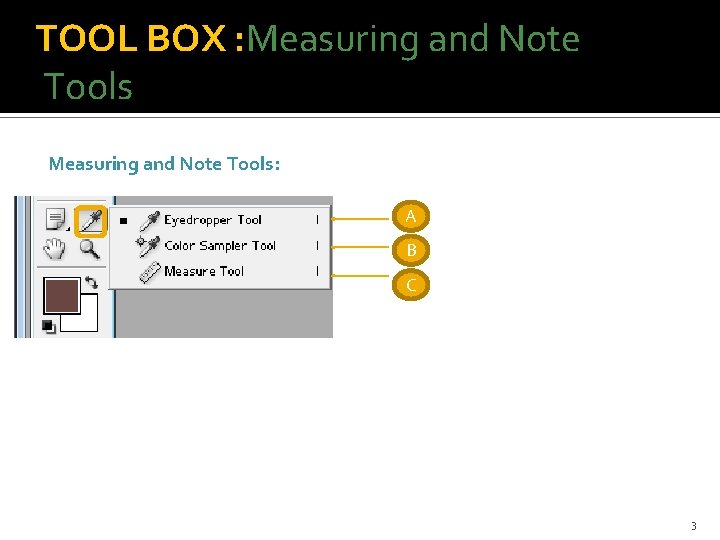
TOOL BOX : Measuring and Note Tools: A B C 3
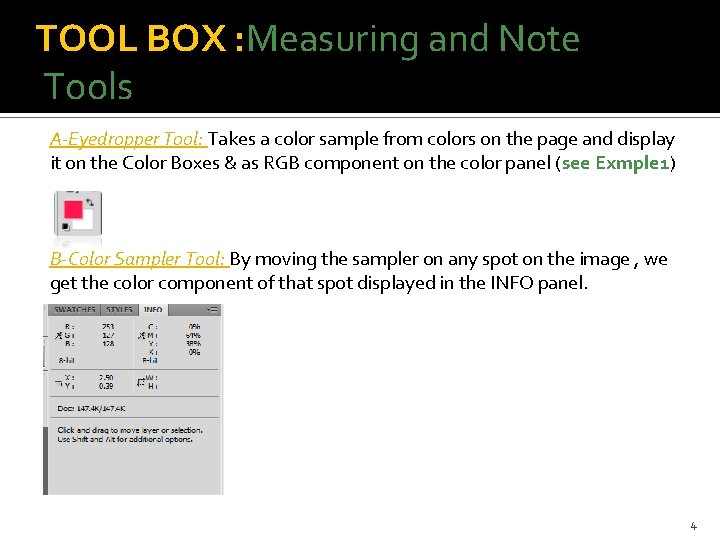
TOOL BOX : Measuring and Note Tools A-Eyedropper Tool: Takes a color sample from colors on the page and display it on the Color Boxes & as RGB component on the color panel (see Exmple 1) B-Color Sampler Tool: By moving the sampler on any spot on the image , we get the color component of that spot displayed in the INFO panel. 4
TOOL BOX : Measuring and Note Tools C-Ruler Tool: The Photoshop Ruler tool enables you to measure the distance between two points, and even the angle of lines in an image. 5
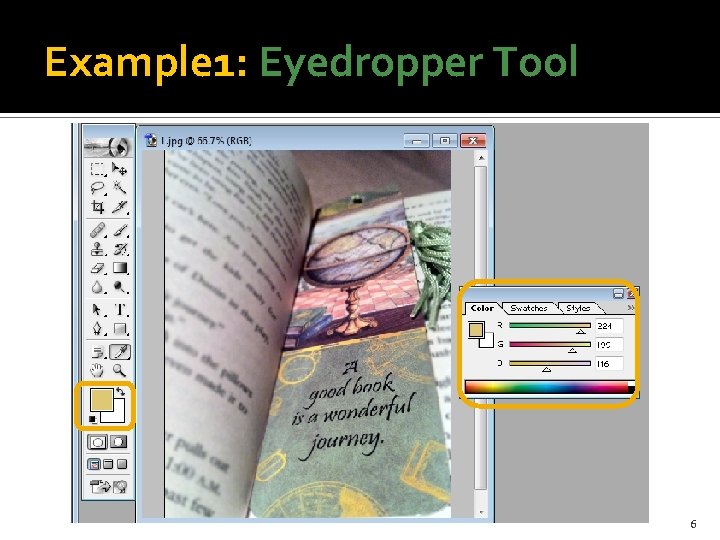
Example 1: Eyedropper Tool 6
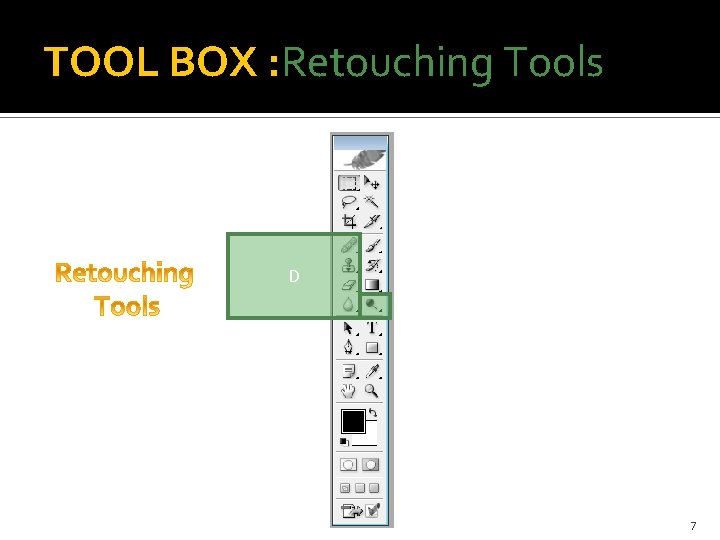
TOOL BOX : Retouching Tools D 7
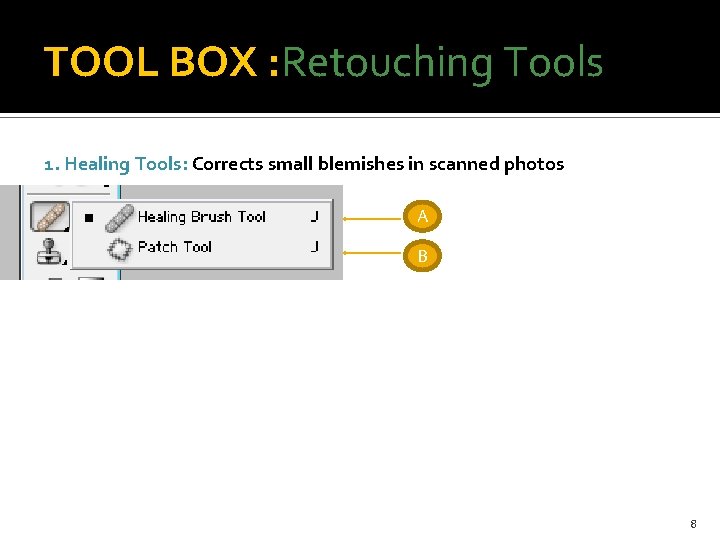
TOOL BOX : Retouching Tools 1. Healing Tools: Corrects small blemishes in scanned photos A B 8
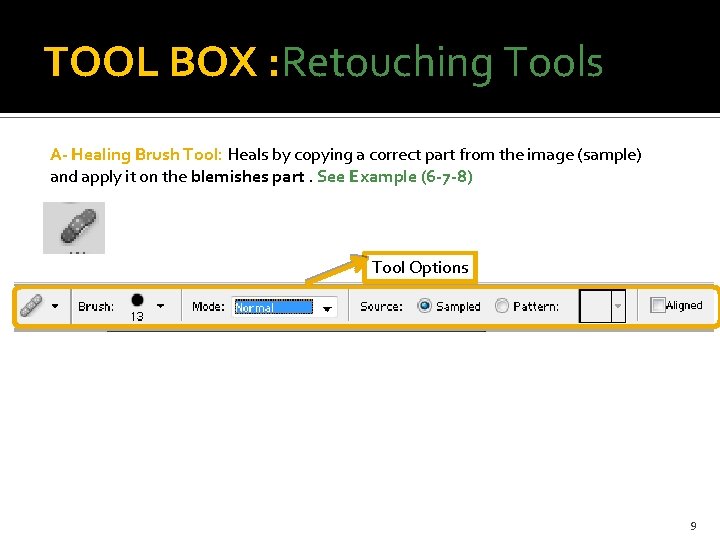
TOOL BOX : Retouching Tools A- Healing Brush Tool: Heals by copying a correct part from the image (sample) and apply it on the blemishes part. See Example (6 -7 -8) Tool Options 9
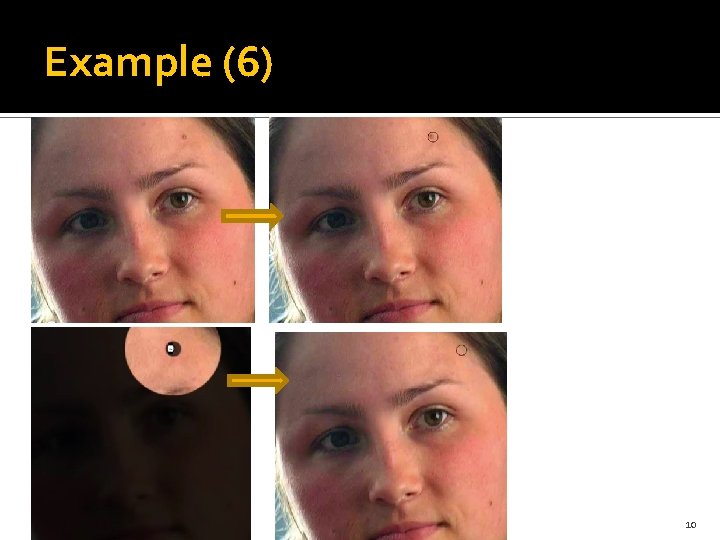
Example (6) 10
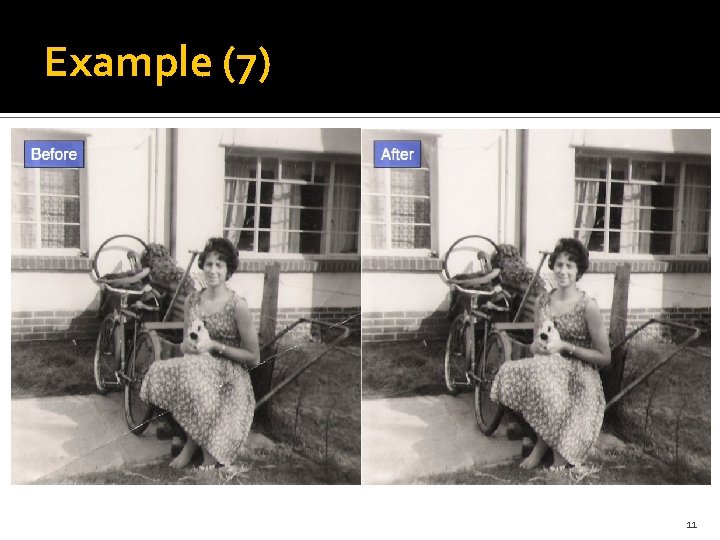
Example (7) 11
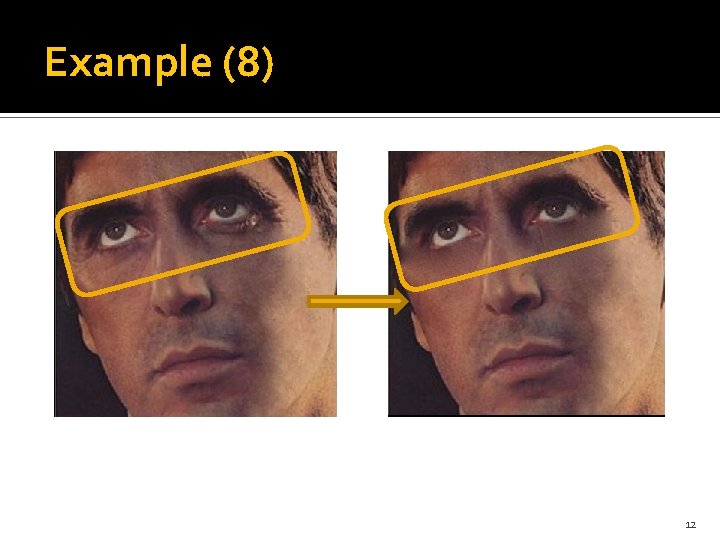
Example (8) 12
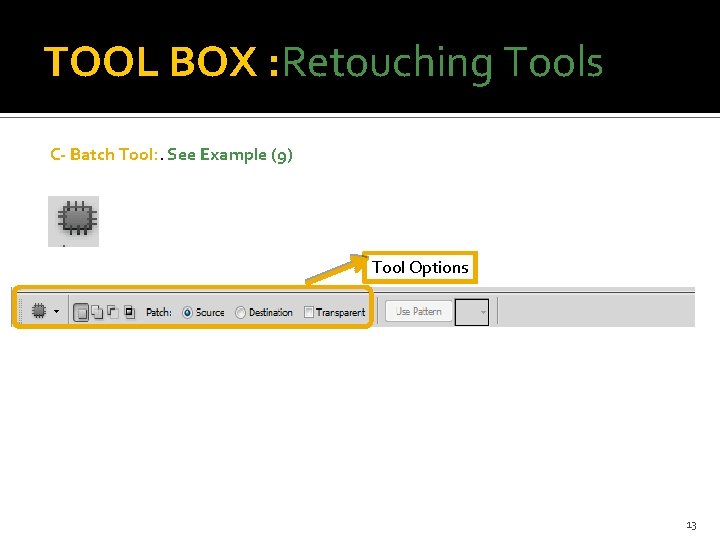
TOOL BOX : Retouching Tools C- Batch Tool: . See Example (9) Tool Options 13
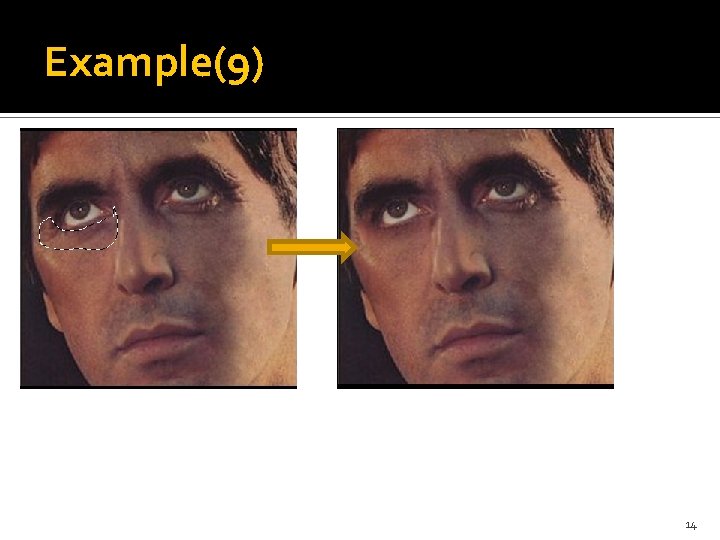
Example(9) 14
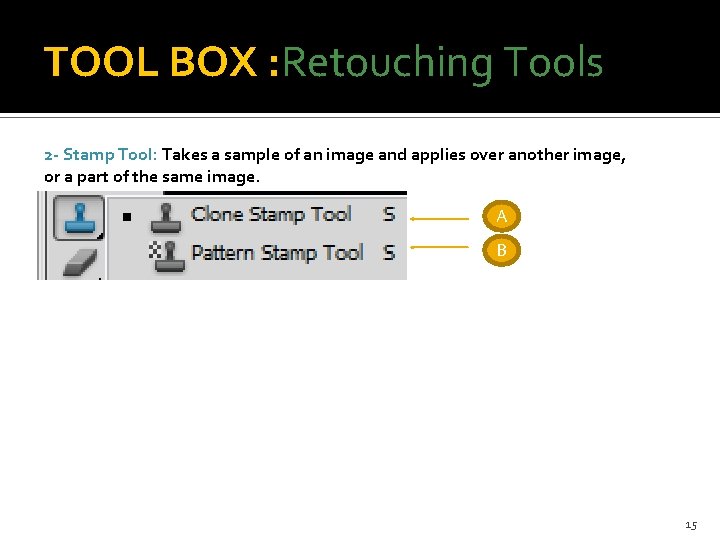
TOOL BOX : Retouching Tools 2 - Stamp Tool: Takes a sample of an image and applies over another image, or a part of the same image. A B 15
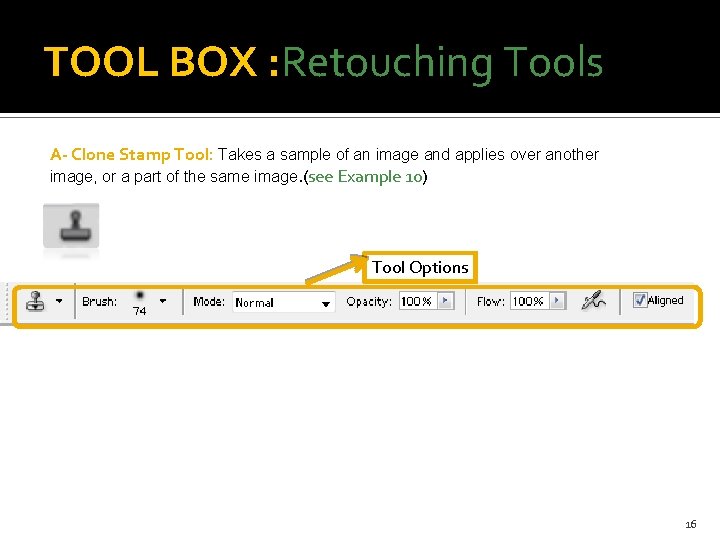
TOOL BOX : Retouching Tools A- Clone Stamp Tool: Takes a sample of an image and applies over another image, or a part of the same image. (see Example 10) Tool Options 16
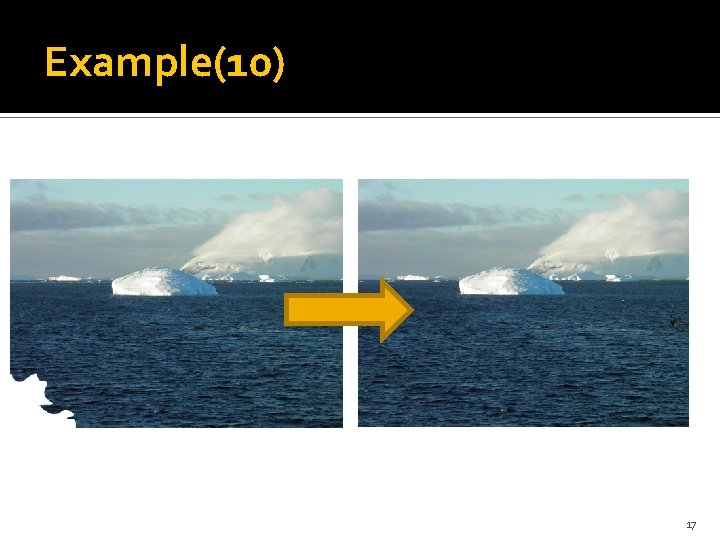
Example(10) 17
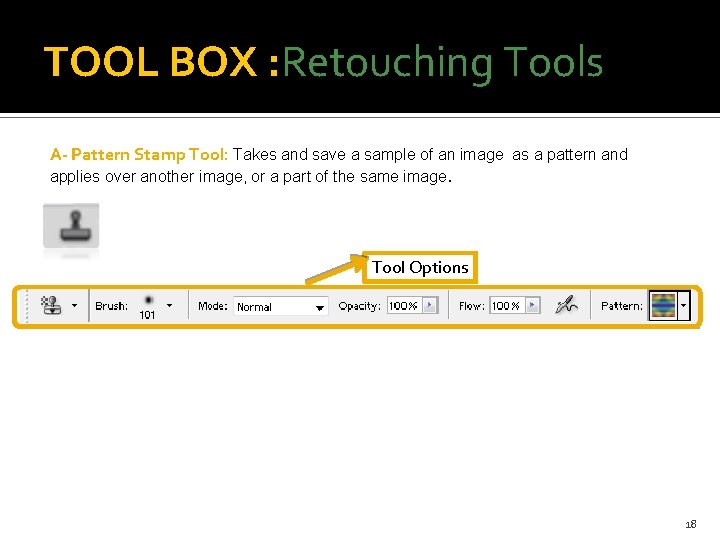
TOOL BOX : Retouching Tools A- Pattern Stamp Tool: Takes and save a sample of an image as a pattern and applies over another image, or a part of the same image. Tool Options 18
- Slides: 18