
Tomcat Environment In this presentation o o o

![<!DOCTYPE doc [ <!ENTITY ENDB SYSTEM "file: /opt/sa_forms/java/unt/edu/iu/uis/security/fo/ENDB. xml"> ] > <Context path="/<app>-<env>" reloadable="true"](https://slidetodoc.com/presentation_image_h2/7441075d4f4c67d8ddaf12c39a4f68f3/image-17.jpg "<!DOCTYPE doc [ <!ENTITY ENDB SYSTEM \"file: /opt/sa_forms/java/unt/edu/iu/uis/security/fo/ENDB. xml\"> ] > <Context path=\"/<app>-<env>\" reloadable=\"true\"")
- Slides: 20
Tomcat Environment
In this presentation… o o o o o Setting up tomcat on your machine Setting up tomcat through My. Eclipse Running tomcat through My. Eclipse Setting up your project to run in tomcat in development Setting up your project to run in tomcat in test and production Migrating from JBoss to Tomcat test and production resources build. properties file for tomcat build. xml file for tomcat Setting up tomcat datasources
Why move? o o o Less of a memory footprint More reliable test environment Easier to understand Development easier and much quicker SIT Recommendation: Everyone that does not need EJB should move to Tomcat.
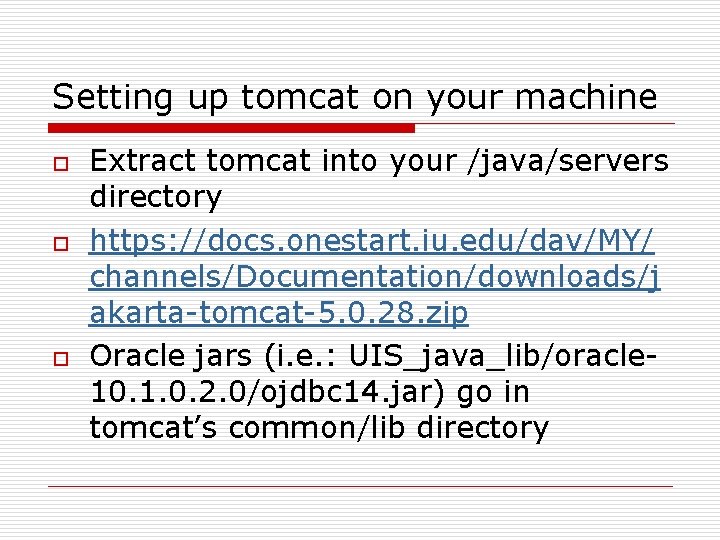
Setting up tomcat on your machine o o o Extract tomcat into your /java/servers directory https: //docs. onestart. iu. edu/dav/MY/ channels/Documentation/downloads/j akarta-tomcat-5. 0. 28. zip Oracle jars (i. e. : UIS_java_lib/oracle 10. 1. 0. 2. 0/ojdbc 14. jar) go in tomcat’s common/lib directory
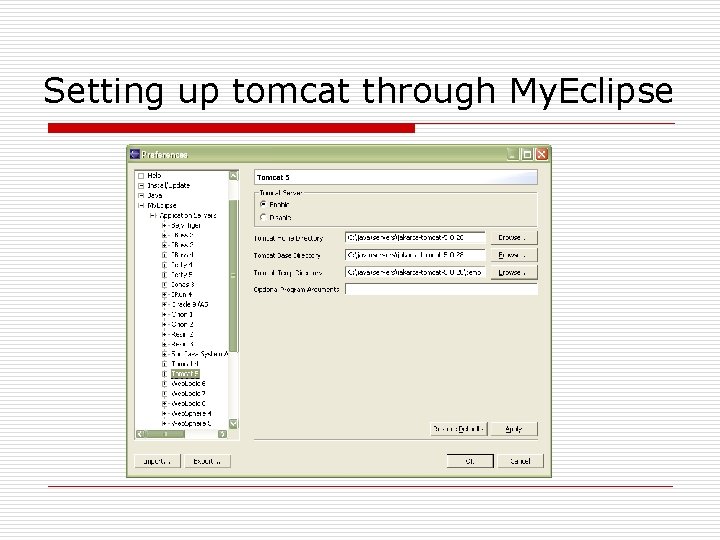
Setting up tomcat through My. Eclipse
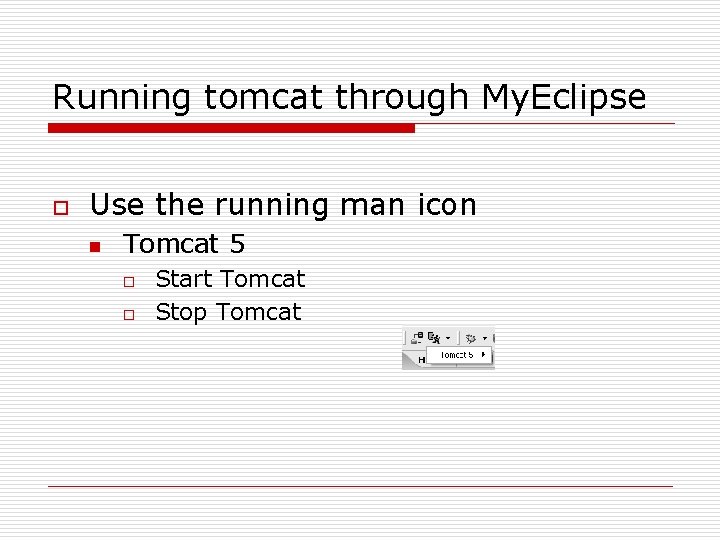
Running tomcat through My. Eclipse o Use the running man icon n Tomcat 5 o o Start Tomcat Stop Tomcat
Setting up your project to run in tomcat in development o Tomcat 5 now uses context. xml files n n Runs your application from a specified location Hot deploy (on save) Relieves the dependency on My. Eclipse for deployment You need to add: /java/servers/jakarta-tomcat-5. 0. 28/conf/Catalina/localhost/<app>-<env>. xml
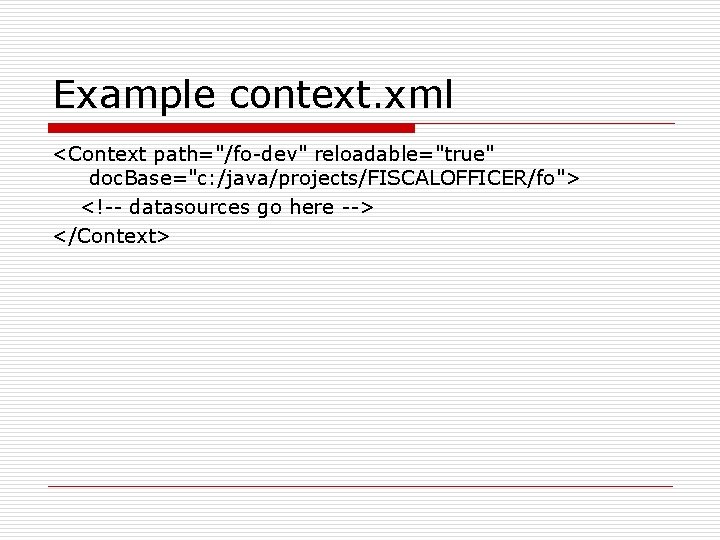
Example context. xml <Context path="/fo-dev" reloadable="true" doc. Base="c: /java/projects/FISCALOFFICER/fo"> <!-- datasources go here --> </Context>
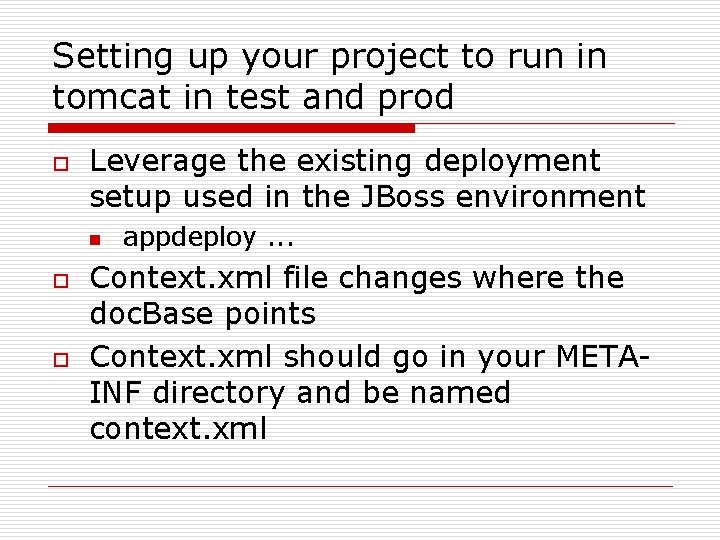
Setting up your project to run in tomcat in test and prod o Leverage the existing deployment setup used in the JBoss environment n o o appdeploy. . . Context. xml file changes where the doc. Base points Context. xml should go in your METAINF directory and be named context. xml
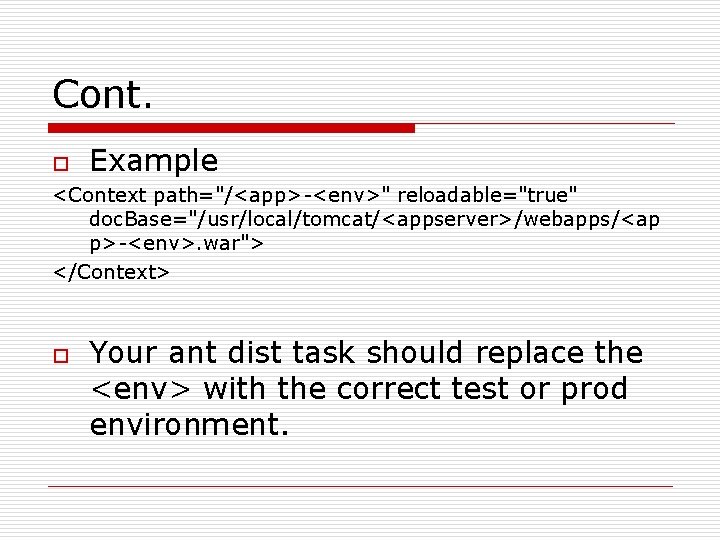
Cont. o Example <Context path="/<app>-<env>" reloadable="true" doc. Base="/usr/local/tomcat/<appserver>/webapps/<ap p>-<env>. war"> </Context> o Your ant dist task should replace the <env> with the correct test or prod environment.
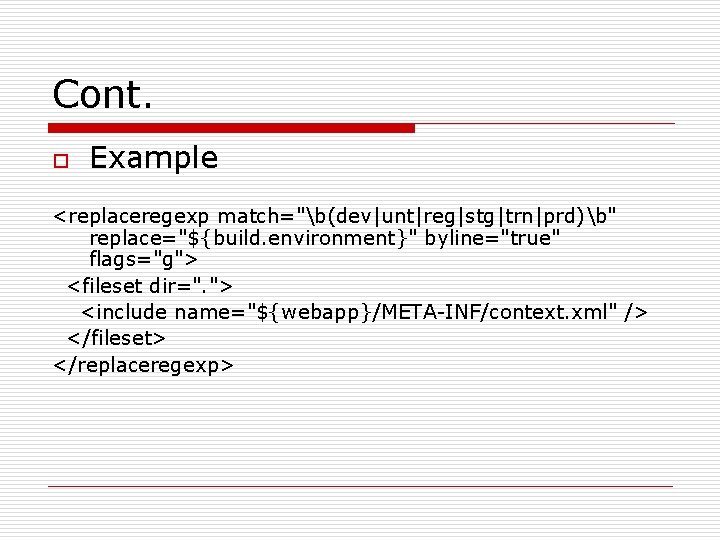
Cont. o Example <replaceregexp match="b(dev|unt|reg|stg|trn|prd)b" replace="${build. environment}" byline="true" flags="g"> <fileset dir=". "> <include name="${webapp}/META-INF/context. xml" /> </fileset> </replaceregexp>
Migrating from JBoss to Tomcat o Send a request to: j 2 ee-request@iu. edu
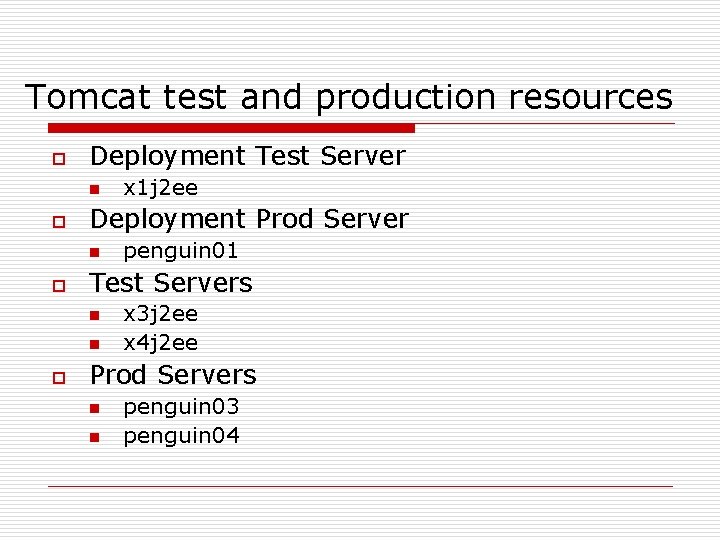
Tomcat test and production resources o Deployment Test Server n o Deployment Prod Server n o penguin 01 Test Servers n n o x 1 j 2 ee x 3 j 2 ee x 4 j 2 ee Prod Servers n n penguin 03 penguin 04
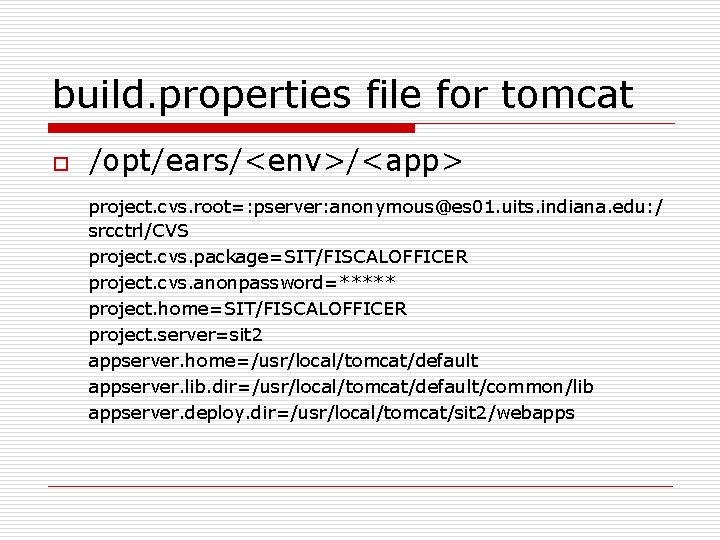
build. properties file for tomcat o /opt/ears/<env>/<app> project. cvs. root=: pserver: anonymous@es 01. uits. indiana. edu: / srcctrl/CVS project. cvs. package=SIT/FISCALOFFICER project. cvs. anonpassword=***** project. home=SIT/FISCALOFFICER project. server=sit 2 appserver. home=/usr/local/tomcat/default appserver. lib. dir=/usr/local/tomcat/default/common/lib appserver. deploy. dir=/usr/local/tomcat/sit 2/webapps
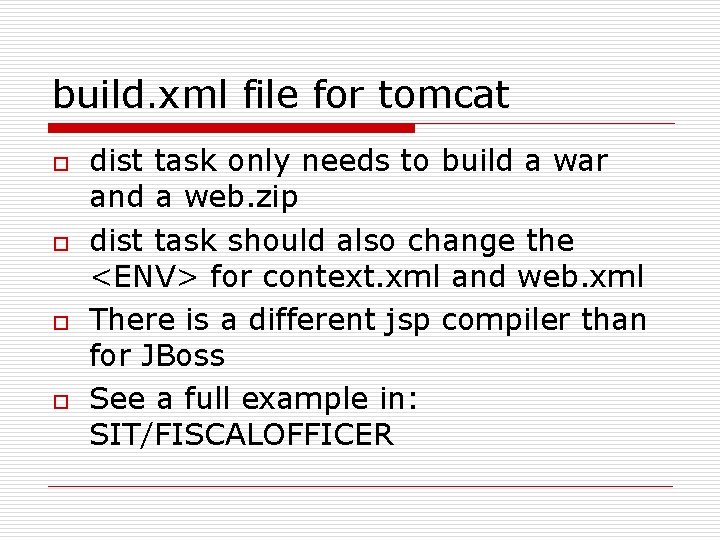
build. xml file for tomcat o o dist task only needs to build a war and a web. zip dist task should also change the <ENV> for context. xml and web. xml There is a different jsp compiler than for JBoss See a full example in: SIT/FISCALOFFICER
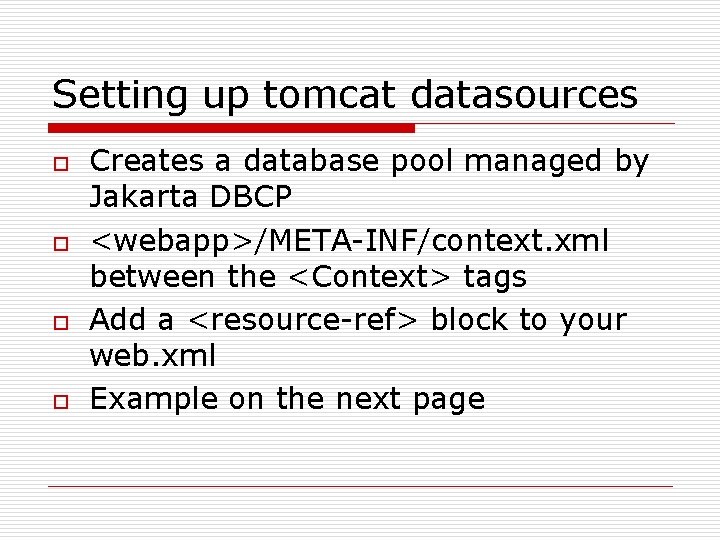
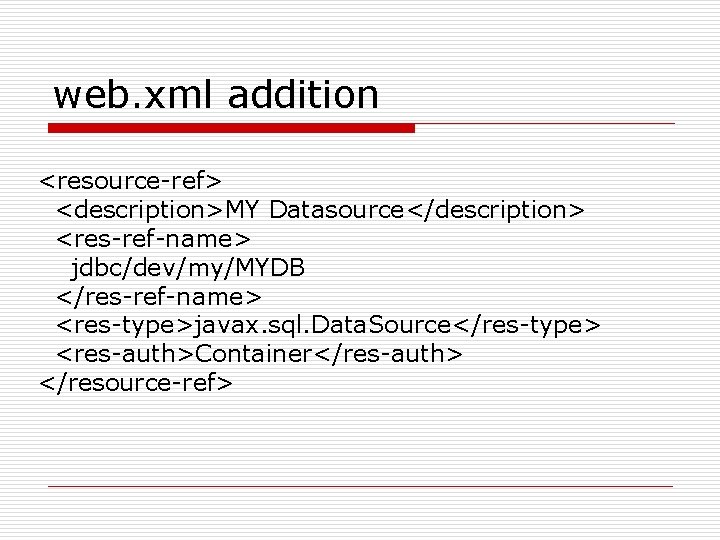
Setting up tomcat datasources o o Creates a database pool managed by Jakarta DBCP <webapp>/META-INF/context. xml between the <Context> tags Add a <resource-ref> block to your web. xml Example on the next page
<!DOCTYPE doc [ <!ENTITY ENDB SYSTEM "file: /opt/sa_forms/java/unt/edu/iu/uis/security/fo/ENDB. xml"> ] > <Context path="/<app>-<env>" reloadable="true" doc. Base="/usr/local/tomcat/sit 2/webapps/fo-unt. war"> <Resource name="jdbc/dev/fo/XA/EDEN" auth="Container" type="javax. sql. Data. Source"/> <Resource. Params name="jdbc/dev/fo/XA/EDEN"> <parameter> <name>factory</name> <value>org. apache. commons. dbcp. Basic. Data. Source. Factory</value> </parameter> <name>max. Active</name> <value>100</value> </parameter> <name>max. Idle</name> <value>5</value> </parameter> <name>max. Wait</name> <value>10000</value> </parameter> &ENDB; <!-- rename this to your file --> <parameter> <name>driver. Class. Name</name> <value>oracle. jdbc. driver. Oracle. Driver</value> </parameter> <name>validation. Query</name> <value>select 1 from dual</value> </parameter> </Resource. Params> </Context>
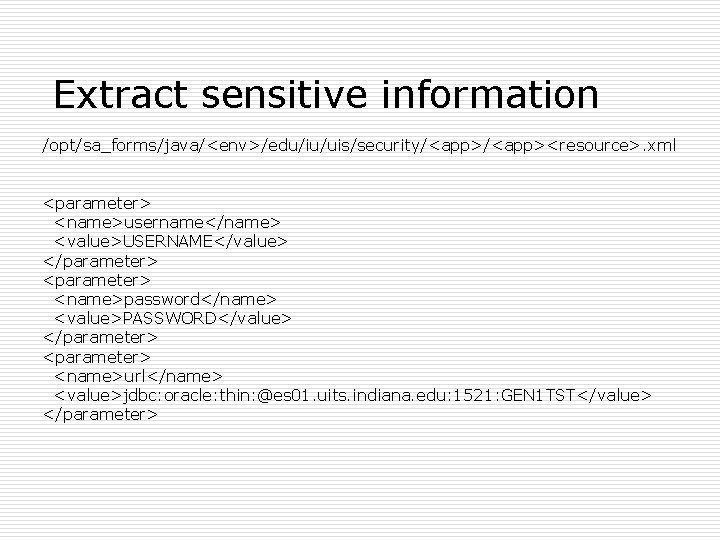
Extract sensitive information /opt/sa_forms/java/<env>/edu/iu/uis/security/<app><resource>. xml <parameter> <name>username</name> <value>USERNAME</value> </parameter> <name>password</name> <value>PASSWORD</value> </parameter> <name>url</name> <value>jdbc: oracle: thin: @es 01. uits. indiana. edu: 1521: GEN 1 TST</value> </parameter>
web. xml addition <resource-ref> <description>MY Datasource</description> <res-ref-name> jdbc/dev/my/MYDB </res-ref-name> <res-type>javax. sql. Data. Source</res-type> <res-auth>Container</res-auth> </resource-ref>
Questions?