
TOM NEWBY SCHOOL Grade 6 and 7 in
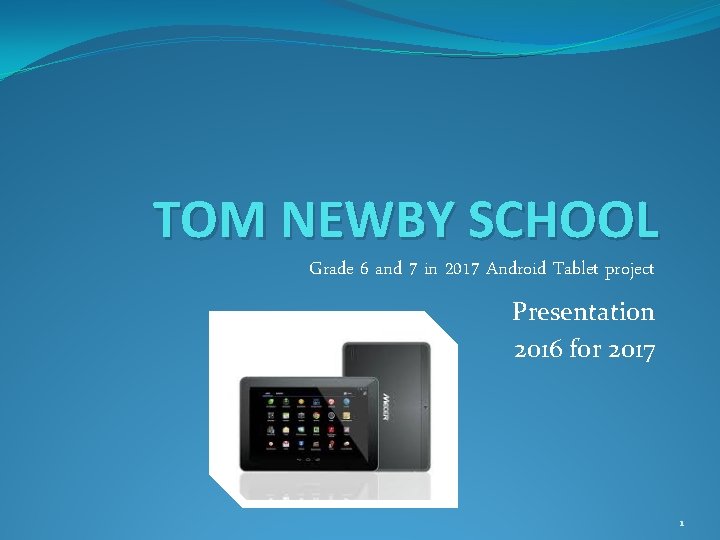
TOM NEWBY SCHOOL Grade 6 and 7 in 2017 Android Tablet project Presentation 2016 for 2017 1
Rationale �Computer literacy �Preparation for technological world �Access to current information via internet �Weight of textbooks (Learners who follow time-tabled classes are afraid to leave books at home – so they pack everything) �Textbooks quickly become outdated �Frequent changes to curriculum content �Geographical names and places not constant �Communication and support after hours �Additional assistance through support programmes �Extension work for gifted learners 2

Primary Purpose �To reduce the number of textbooks that learners have to carry to school on a daily basis. �To ensure that learners have access to information on the internet. �To support learners after hours (reasonably) when they need assistance. �To provide both learners in need of support as well as gifted learners with individualised additional activities to support learning. �To provide an alternative means to complete and submit homework and assignments. �To provide alternative assessment tools – some of which will improve feedback time on work completed/assessed. �To ascertain the educational value of tablet usage. 3
Technology roll out - time line � 2014 – Grade 7 Interactive tablet per learner COMPLETED � 2015 – Grade 6 and 7 Interactive tablet per learner COMPLETED � 2016 – Grade 6 and 7 Interactive tablet per learner Grade 5 tablet per learner Current roll out � 2017 – Grade 5, 6 and 7 Interactive tablet per learner COMPLETED 4
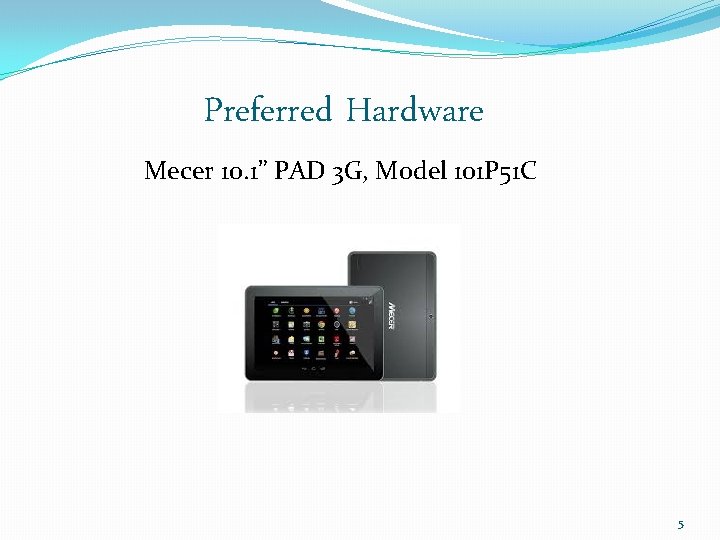
Preferred Hardware Mecer 10. 1” PAD 3 G, Model 101 P 51 C 5
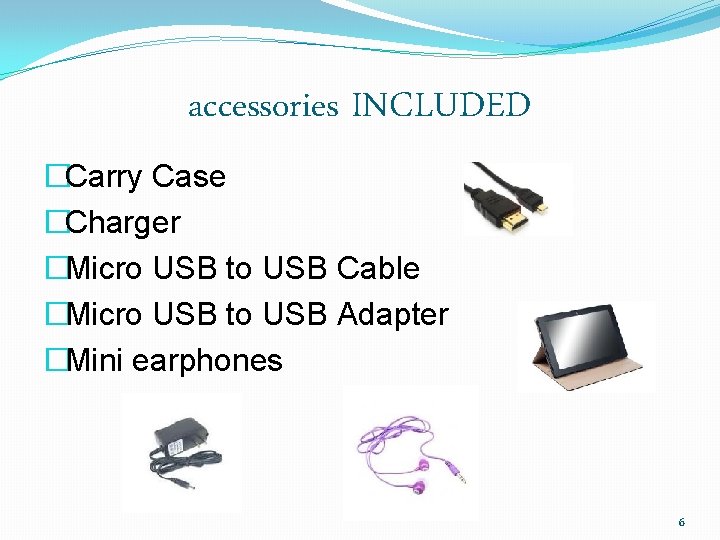
accessories INCLUDED �Carry Case �Charger �Micro USB to USB Cable �Micro USB to USB Adapter �Mini earphones 6
Items NOT INCLUDED �Plastic protective container. �Custom made shoulder carry bag. �Screen Protector �Access to security lockers at school. 7
GENERIC EQUIVALENT Minimum Specs: �Android 4. 4 Kitkat � 10. 1” Capacitive Touchscreen � 1. 3 GHz Quad Core CPU � 1 GB DDR 3 RAM � 16 GB Storage �Built in WIFI and 3 G �Built in 2. 0 Megapixel Front Camera & 5. 0 Megapixel Rear Camera � 6000 m. Ah Battery �Micro. USB Port 2. 0 8
Questions and Concerns ‽ What word processing programme will be used? ü Kingsoft Office: Free software. Word, excel and Power. Point. ‽ Will learners be trained? ü The current TNS computer classes have trained learners in these three programmes, but additional assistance will be given as required. Where other skills are needed learners will be trained. ‽ How will we know whose ‘tablet’ it is? ü The serial number will be allocated and recorded. The learner’s name should be affixed to the tablet with a label, by the parents. ü A password will be required to activate the tablet. 9
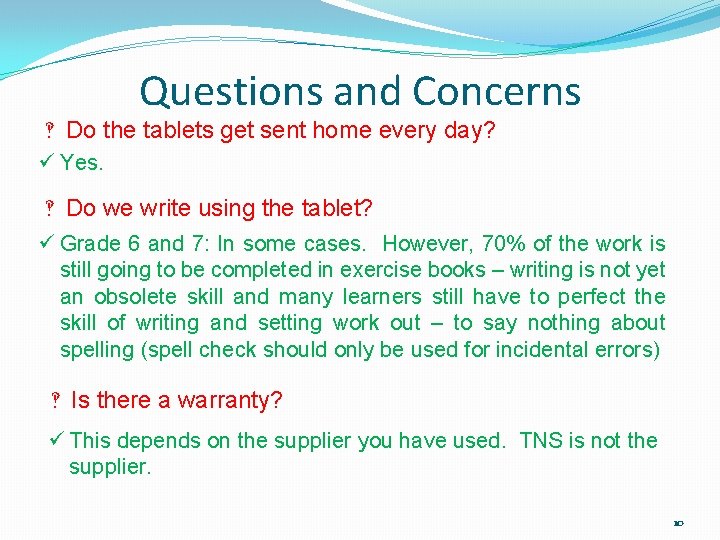
Questions and Concerns ‽ Do the tablets get sent home every day? ü Yes. ‽ Do we write using the tablet? ü Grade 6 and 7: In some cases. However, 70% of the work is still going to be completed in exercise books – writing is not yet an obsolete skill and many learners still have to perfect the skill of writing and setting work out – to say nothing about spelling (spell check should only be used for incidental errors) ‽ Is there a warranty? ü This depends on the supplier you have used. TNS is not the supplier. 10
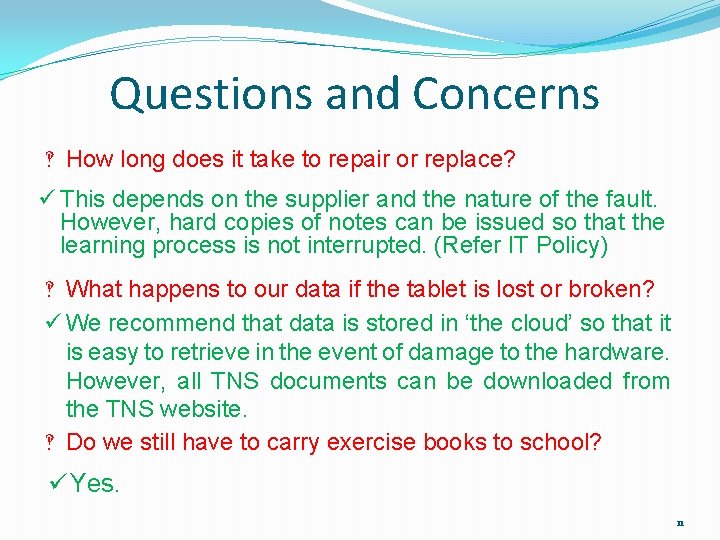
Questions and Concerns ‽ How long does it take to repair or replace? ü This depends on the supplier and the nature of the fault. However, hard copies of notes can be issued so that the learning process is not interrupted. (Refer IT Policy) ‽ What happens to our data if the tablet is lost or broken? ü We recommend that data is stored in ‘the cloud’ so that it is easy to retrieve in the event of damage to the hardware. However, all TNS documents can be downloaded from the TNS website. ‽ Do we still have to carry exercise books to school? ü Yes. 11
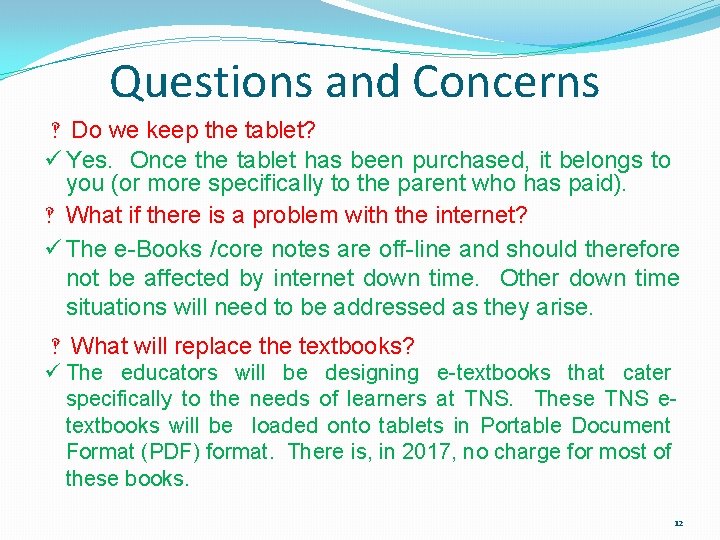
Questions and Concerns ‽ Do we keep the tablet? ü Yes. Once the tablet has been purchased, it belongs to you (or more specifically to the parent who has paid). ‽ What if there is a problem with the internet? ü The e-Books /core notes are off-line and should therefore not be affected by internet down time. Other down time situations will need to be addressed as they arise. ‽ What will replace the textbooks? ü The educators will be designing e-textbooks that cater specifically to the needs of learners at TNS. These TNS etextbooks will be loaded onto tablets in Portable Document Format (PDF) format. There is, in 2017, no charge for most of these books. 12
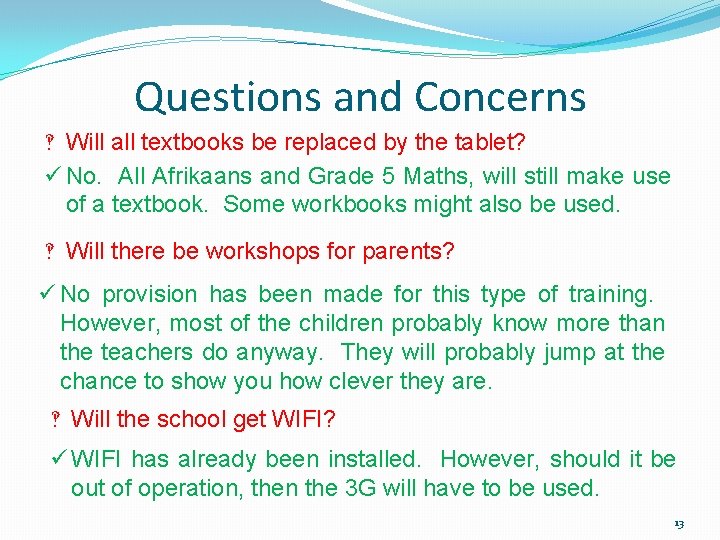
Questions and Concerns ‽ Will all textbooks be replaced by the tablet? ü No. All Afrikaans and Grade 5 Maths, will still make use of a textbook. Some workbooks might also be used. ‽ Will there be workshops for parents? ü No provision has been made for this type of training. However, most of the children probably know more than the teachers do anyway. They will probably jump at the chance to show you how clever they are. ‽ Will the school get WIFI? ü WIFI has already been installed. However, should it be out of operation, then the 3 G will have to be used. 13
Questions and Concerns ‽ What costs are there for anti virus software? ü None. There seems to be very little need for this software at the moment. However, anti virus software is loaded on the tablet. ‽ Risk of theft – how can it be minimised, at school? ü Suitcases/tablets MUST be left in a locked classroom at break and in a secure area during Phys Ed or all other times when learners are not able to personally look after the tablets. ü Lockers will be allocated for after school activity storage. ü Learners must develop a strong sense of responsibility and awareness with regard to security and care of this hardware. 14
Questions and Concerns ‽ Does the tablet have an internal tracking system? ü Most tablets have this facility. This can be activated when the tablets are configured. ‽ Will learners be allowed to ‘play games’ during school hours? ü This depends on the game/app in question as well as what the learners should be doing at the time they are playing the game. ü Various games/apps will be recommended – particularly if they have some educational value or if they will enhance computer dexterity/knowledge/skills levels. ü Various educational games/apps will be compulsory. 15
Questions and Concerns ‽ Breakage – can it be prevented? ü Screen damage has, historically, been the most common form of breakage. In 2016, a hard plastic container became compulsory, along with a custom made shoulder carry bag. There has been a significant reduction in the number of cracked/damaged screens this year. However, breakage can only be entirely prevented if students exercise care when working with and transporting the tablet. ‽ Will the use of tablets increase the likelihood of dishonesty in assessments? ü Learners who want to cheat will find a way to do so irrespective of whether tablets are being used or not. 16
Questions and Concerns ‽ Will access to the internet be restricted? ü Access will only be available during school hours. However, it is too costly to install class specific Wi. Fi that can be activated or de-activated by each teacher so open access is the norm. Because of this, the school will have the right to conduct ‘spot checks’ and will encourage parents to do the same. There should be no expectation of privacy with regard to information on the tablet or web sites that have been surfed or information downloaded. ü Social media such as Facebook are prohibited. ‽ What games or books can be downloaded? ü Generally speaking, the school will inform the learners about apps, books, information, safe websites and suitable games. Where learners would like to download other material, they will need to apply to the IT manager for permission. ü Google will assist in this regard so that access to apps will be restricted. 17
Questions and Concerns ‽ How are teachers going to mark? ü Some work will still be written in books so marking will take place as normal. ü Where a soft copy is submitted, some of the programs allow for electronic marking. ü Some programs are self marking and feedback to the learner is almost instantaneous. ü Where the programme does not allow for electronic marking, the educator will print a hard copy and mark it as if it were written in an exercise book. ‽ What is the cost of downloading apps? ü The majority of apps are free. However, should an educator require a paid app, then the cost will be for the school. 18
Questions and Concerns ‽ Do we have to use a Mecer? ü No, but other tablets must have similar specs and be android compatible. The uniformity of hardware AND operating systems makes it easier for the IT manager to install information and makes it easier for the educators to be trained to assist learners. The alternative recommended makes are Lenovo and Samsung. ‽ What about parents who cannot afford this technology? ü Exemption documents and a request for assistance will need to be submitted to the Governing Body and applications will be considered. However, funding for this is limited. Some suppliers offer a lay-bye system if parents would like to use this option and companies like Vodacom offer a contract with a reasonable monthly rate – very much like a cell phone contract. 19
Questions and Concerns ‽ Why has android technology been selected instead of apple? ü The Android operating system (OS) can be used on a variety of tablets while Apple OS is only compatible with Apple products. ü Apple products are, comparatively, far more expensive than Android products. ü Apple OS must accept defaults while Android defaults can be set. ü Apple educational software is primarily American based while Android educational software is worldwide based. ‽ Is there a school IT Policy? ü Yes. A copy of the full policy can be downloaded from the internet. Learners will be required to sign an ‘agreement’ to follow the rules and guidelines in the policy. 20
Questions and Concerns ‽ How will reading skills will be effected? ü There is no evidence to support the opinions that reading skills will improve or deteriorate with the use of tablets in the classroom. ü Not all educational material will be presented in e-format. Readers and some subjects will still appear in hard copy. ü Notes stored on tablets should not be used to study from. Learners must learn to summarise and develop good transcription skills so that their studying is undertaken from notes they have compiled personally from the e-books. ü Formal tests and exams will still take the form of hard copies. ‽ Will the tablet become a games gadget instead of a learning tool? ü The temptation to play games instead of do schoolwork does exist. This is easily dealt with by deleting game apps – particularly around test and exam time. The onus is on parents to check the tablets regularly and delete unwanted apps. 21
Questions and Concerns ‽ Will my child’s marks improve or come down? ü There is no evidence to support improvement or deterioration of marks. Children who are not committed to learning from textbooks are not likely to be any more committed to learning from e-books. However, the novelty and ‘coolness’ of the tablet may impact on a child’s attitude towards learning and reading. ü Parents may have to be more vigilant in terms of the distraction value of tablets applications but no more so than they would have to be with regard to i-phones or television. ‽ Can my child’s Grade 5/6 tablet be used in Grade 6/7? ü Yes. The specs and requirements are not likely to change significantly over a 3 year period. ‽ Can we purchase the tablet through the school? ü No, TNS will not be assisting parents in this regard. Parents can purchase the required tablets from any reputable retail outlet. 22
Questions and Concerns ‽ Can my child use a 7 inch tablet? ü Although this is more affordable, the smaller screen size makes it more difficult to view the e-notes and it presents problems when typing has to be performed on the pop up keyboard. The 10 inch screen is preferable and therefore compulsory. ‽ Will the tablet affect my child’s health? ü Although some research has been undertaken with regard to the long term use of tablets on eyesight and other matters relating to the physiological impact of tablets none of the research is definitive. The introduction of tablets into education is still in it’s infancy and no conclusive findings can be made given this short term application. There is no substantive evidence to suggest that eyesight is damaged/harmed through regulated use of tablets. However, studies at Harvard suggest that intensive use of tablets, for games or reading, within one hour of bed-time, do impact marginally on the time taken to fall asleep. This group of researchers suggests that learners refrain from using tablets at least 2 hours before bed time. 23
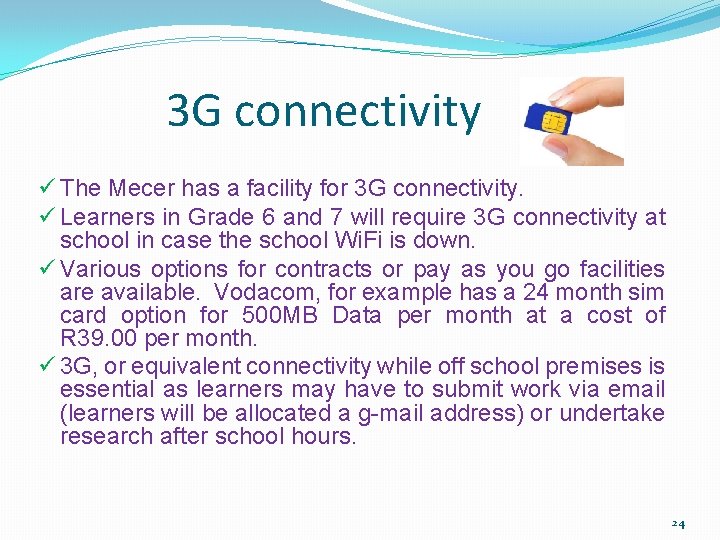
3 G connectivity ü The Mecer has a facility for 3 G connectivity. ü Learners in Grade 6 and 7 will require 3 G connectivity at school in case the school Wi. Fi is down. ü Various options for contracts or pay as you go facilities are available. Vodacom, for example has a 24 month sim card option for 500 MB Data per month at a cost of R 39. 00 per month. ü 3 G, or equivalent connectivity while off school premises is essential as learners may have to submit work via email (learners will be allocated a g-mail address) or undertake research after school hours. 24
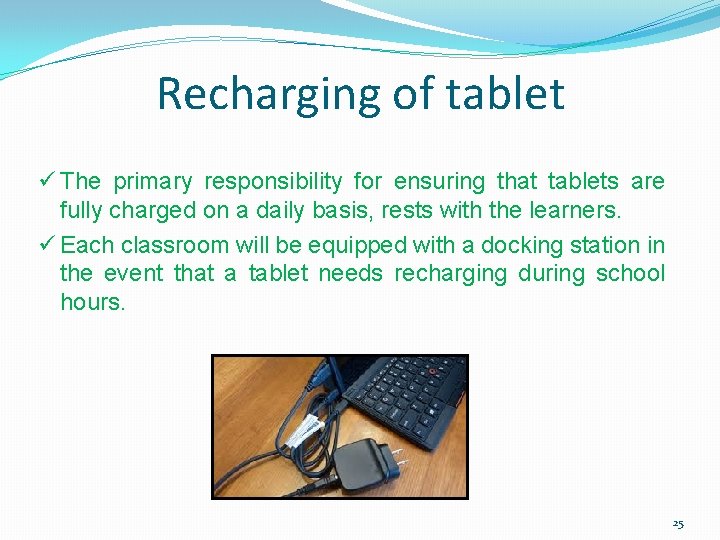
Recharging of tablet ü The primary responsibility for ensuring that tablets are fully charged on a daily basis, rests with the learners. ü Each classroom will be equipped with a docking station in the event that a tablet needs recharging during school hours. 25
Cost of Tablet Current Retail General Pricing Samsung Galaxy 8” – R 4500. 00 Samsung 10” – R 6500. 00 Lenovo – R 3500. 00 Mecer – R 2000. 00 to R 2500. 00 26
Cost of items supplied by TNS (Compulsory) ü Plastic protective container with sponge – R 50. 00 ü Custom-made shoulder bag – R 100. 00 ü Wi. Fi access fee – R 100 annual fee ü Security locker - No charge (Refundable R 100. 00 key deposit) Total: R 250. 00 ETF or Credit card payment of R 250. 00 must be made to Tom Newby School by 1 December, 2016 27
If we teach our children today, as we taught them yesterday, we rob our children of tomorrow. 28
Thank You for supporting this initiative. Innovation Education at Tom Newby School is alive and well. 29
- Slides: 29