
Todays topic Broadcast and multicast Sendreceive broadcast and
• Today’s topic – Broadcast and multicast – Send/receive broadcast and multicast packets
Types of IP addresses • Unicast – Identify one host • Anycast – Identify one host in a set of hosts • Broadcast – Identify all hosts • Multicast – Identify a set of hosts
• Broadcasting and Multicasting – An area that is not well standardized – systems from different vendors may behave differently when dealing with broadcast and multicast packets. • May not work on WAN (some equipment along the path may not support broadcasting/multicasting). • Usually work on LAN (e. g. Ethernet) – no router in between.
• Broadcasting – IP broadcast address: • IP address can logically be viewed as three components: <netid, subnetid, hostid>, e. g. • When the hostid contains all one bits 11111… 111, it is a broadcast address, let us denote the all one bits as – 1. • two kinds of broadcast addresses: – Subnet-directed broadcast address: <subnetid, -1> – Limited broadcast address < -1, -1> or 255, broadcast to all machines in the local network. – Router typically does not forward subnet-directed broadcast address – Router should not forward limited broadcast address
• Broadcasting – Ethernet broadcast address: • Ff: ff: ff: ff • All Ethernet cards recognize this address – What happens when a broadcast packet is sent in a LAN? • The packet will go up all the way to the IP layer on ALL machines!! – Implication? • Ethernet switches must support broadcast – Many applications are built on top of it. ARP, BOOTP – ATM LAN must emulate this capability.
• Sending a broadcast message: – Set the SO_BROADCAST option. – Set destination ip address to 255 – Different system may behavior differently. – See example 1. c • Receiving a broadcast message: – Nothing extra – Be very careful when using broadcast, you might affect other people on the same network without knowing it.
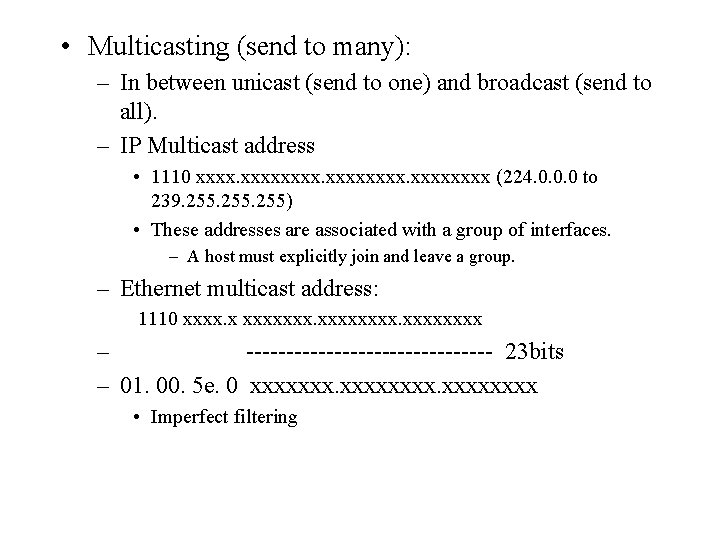
• Multicasting (send to many): – In between unicast (send to one) and broadcast (send to all). – IP Multicast address • 1110 xxxxxxxx (224. 0. 0. 0 to 239. 255) • These addresses are associated with a group of interfaces. – A host must explicitly join and leave a group. – Ethernet multicast address: 1110 xxxx. x xxxxxxxx – ---------------- 23 bits – 01. 00. 5 e. 0 xxxxxxxx • Imperfect filtering
• Some special multicast addresses: – 224. 0. 0. 1 -- all hosts group – 224. 0. 0. 2 – all routers group – 224. 0. 0. 0 – 224. 0. 0. 255 are reserved.
• Sending multicast messages: – Use sendto, just treat a multicast address as a regular IP address. – Can control the number of hops for multicast packets by setting IP_MULTICAST_TTL – Can avoid loopback by turning off IP_MULTICAST_LOOP. – See example 2. c
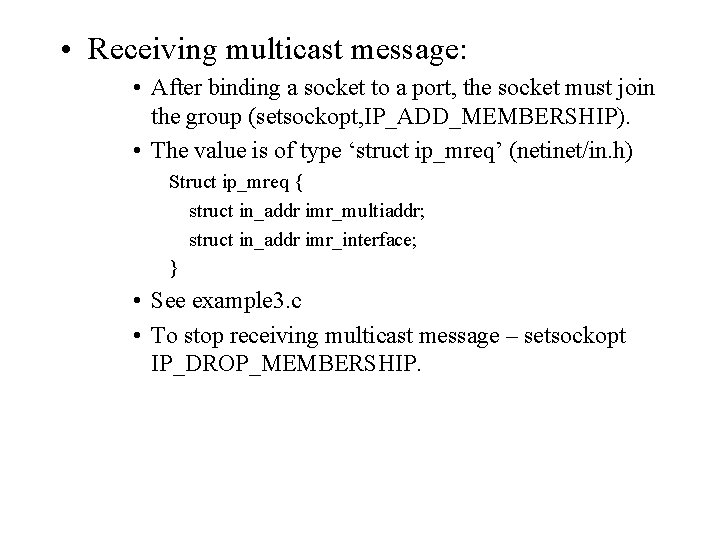
• Receiving multicast message: • After binding a socket to a port, the socket must join the group (setsockopt, IP_ADD_MEMBERSHIP). • The value is of type ‘struct ip_mreq’ (netinet/in. h) Struct ip_mreq { struct in_addr imr_multiaddr; struct in_addr imr_interface; } • See example 3. c • To stop receiving multicast message – setsockopt IP_DROP_MEMBERSHIP.
• Multicast over the Internet: – Not available in the general Internet – the IP multicast feature tuned off. – Some experimental systems: • Mbone • Internet 2 -- FSU is on Internet 2
- Slides: 11