
TMF a tutorial TMF Terminological Markup Framework Laurent
- Slides: 51
TMF - a tutorial TMF - Terminological Markup Framework Laurent Romary - Laboratoire Loria
Three parts 4 Part 1: Basic concepts 4 Part 2: Representing data categories 4 Part 3: Designing (schemas and) filters
TMF - a tutorial Part 1: Basic concepts TMF - Terminological Markup Framework Laurent Romary - Laboratoire Loria
• Background - ISO etc. • The need for abstraction • Structure and content of terminological data - picture virtual-actual • The meta-model (structural skeleton) • Describing data categories • Styles and vocabularies • XTMF as a mapping tool - examples • Further work: extending the model to a wider scope (language engineering)
Overview
General principles 4 Expressing constraints on the representation of computerized terminologies • What is the underlying structure of computerized terminologies? • Which data-category is used and under which conditions? 4 Maintaining interoperability between representations • Providing a conceptual tool to compare two given formats
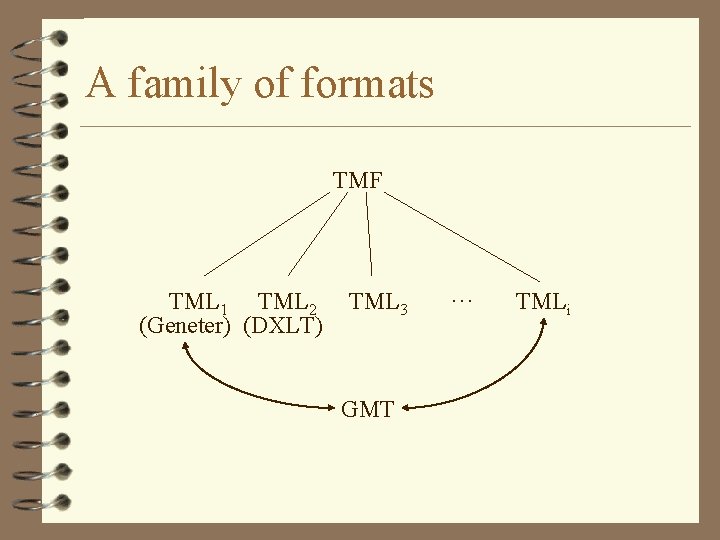
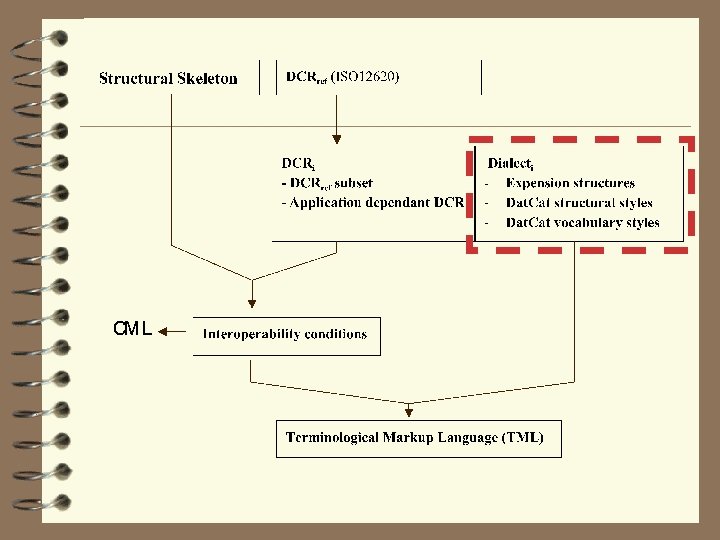
Definitions 4 TMF: Terminological Mark-up Framework • Definition of underlying structures and mechanisms needed for the computer representation of terminological data • Independence with regards any specific format 4 GMT: Generic Mapping Tool • Abstract XML format equivalent to the underlying model of TMF
Definitions - cont. 4 TML: Terminological Mark-up Language • One specific representation format generated within TMF • E. g. : DXLT is a possible TML
A family of formats TMF TML 1 TML 2 (Geneter) (DXLT) TML 3 GMT … TMLi
Meta-model Representing the underlying structure of terminological data
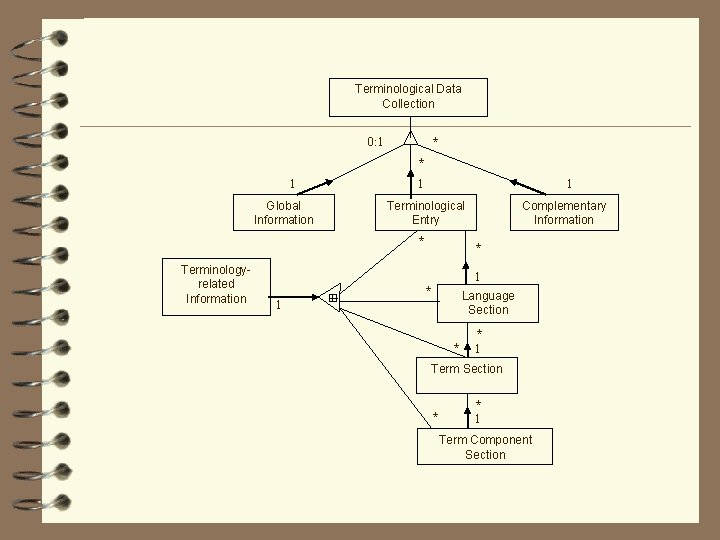
Terminological Data Collection 0: 1 * * 1 Global Information 1 1 Terminological Entry * Terminologyrelated Information Complementary Information * 1 * Language Section 1 * * 1 Term Section * * 1 Term Component Section
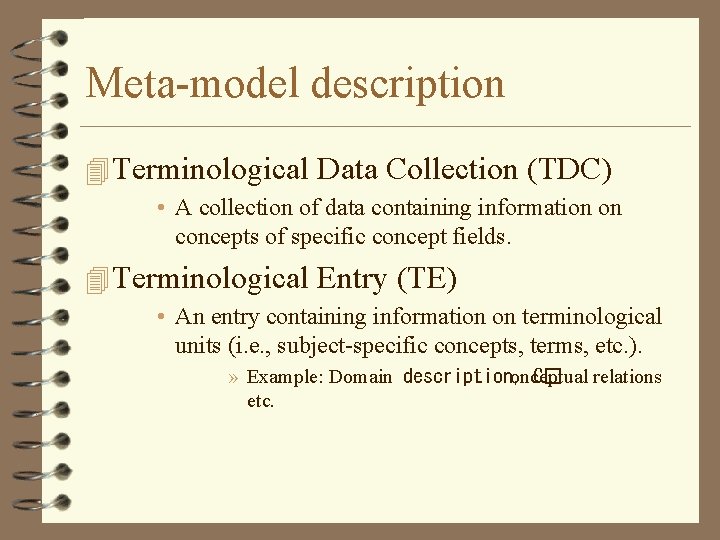
Meta-model description 4 Terminological Data Collection (TDC) • A collection of data containing information on concepts of specific concept fields. 4 Terminological Entry (TE) • An entry containing information on terminological units (i. e. , subject-specific concepts, terms, etc. ). » Example: Domain description, onceptual relations C� etc.
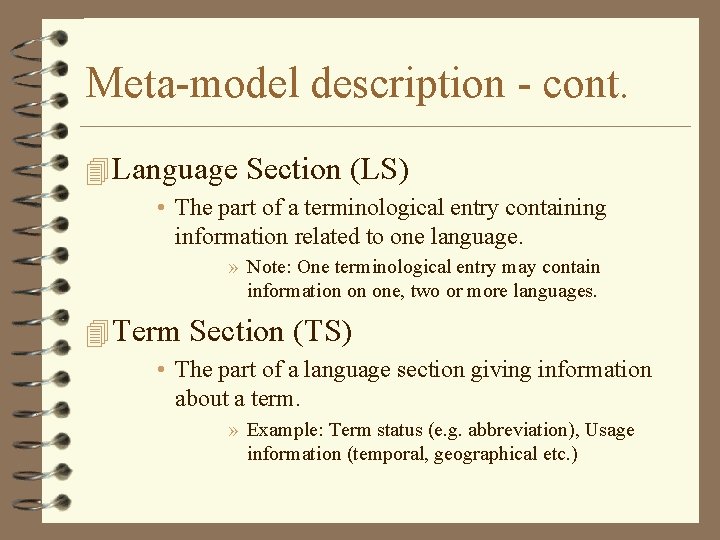
Meta-model description - cont. 4 Language Section (LS) • The part of a terminological entry containing information related to one language. » Note: One terminological entry may contain information on one, two or more languages. 4 Term Section (TS) • The part of a language section giving information about a term. » Example: Term status (e. g. abbreviation), Usage information (temporal, geographical etc. )
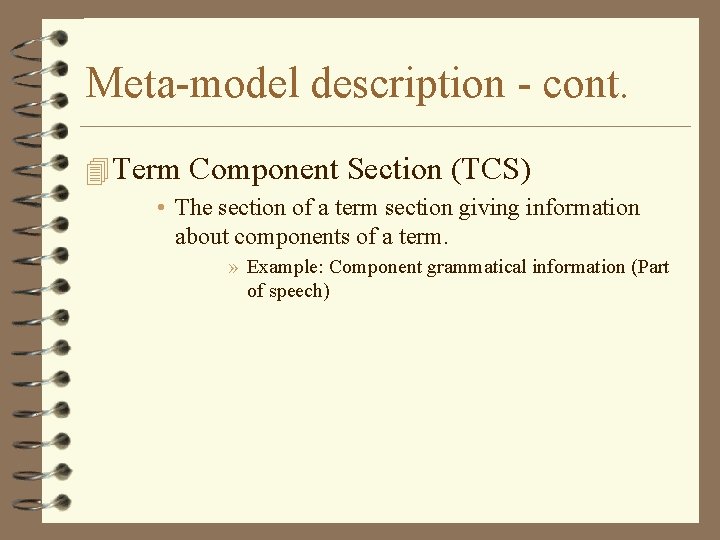
Meta-model description - cont. 4 Term Component Section (TCS) • The section of a term section giving information about components of a term. » Example: Component grammatical information (Part of speech)
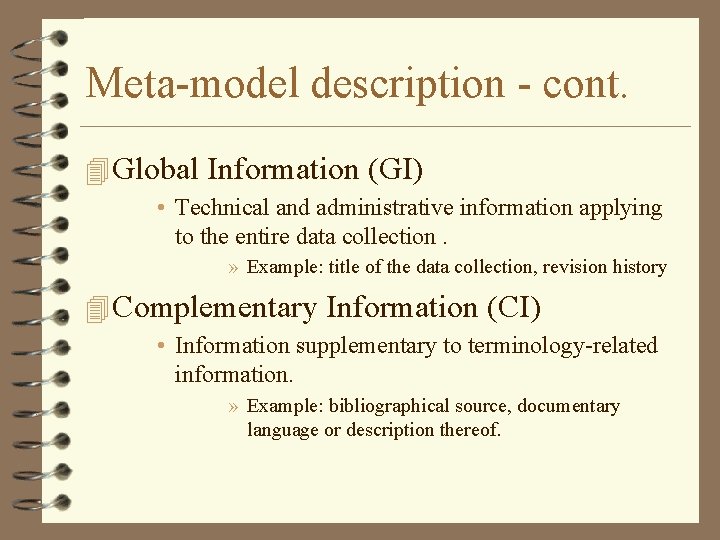
Meta-model description - cont. 4 Global Information (GI) • Technical and administrative information applying to the entire data collection. » Example: title of the data collection, revision history 4 Complementary Information (CI) • Information supplementary to terminology-related information. » Example: bibliographical source, documentary language or description thereof.
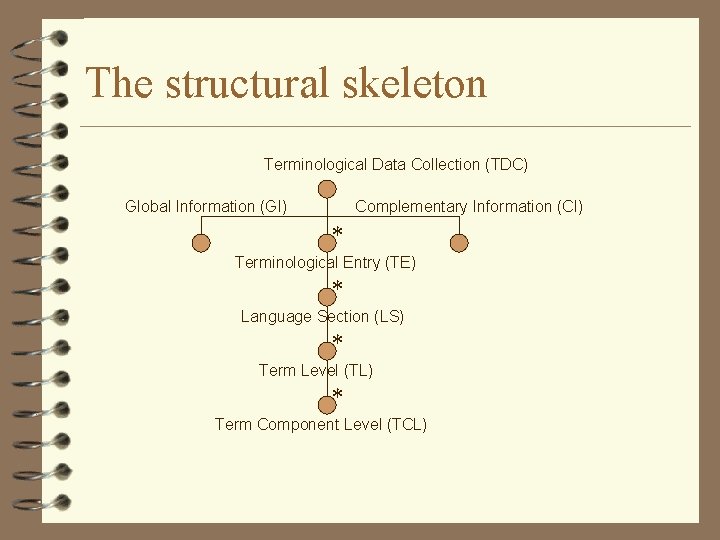
The structural skeleton Terminological Data Collection (TDC) Global Information (GI) Complementary Information (CI) * Terminological Entry (TE) * Language Section (LS) * Term Level (TL) * Term Component Level (TCL)
How does this work? Walking through an example…
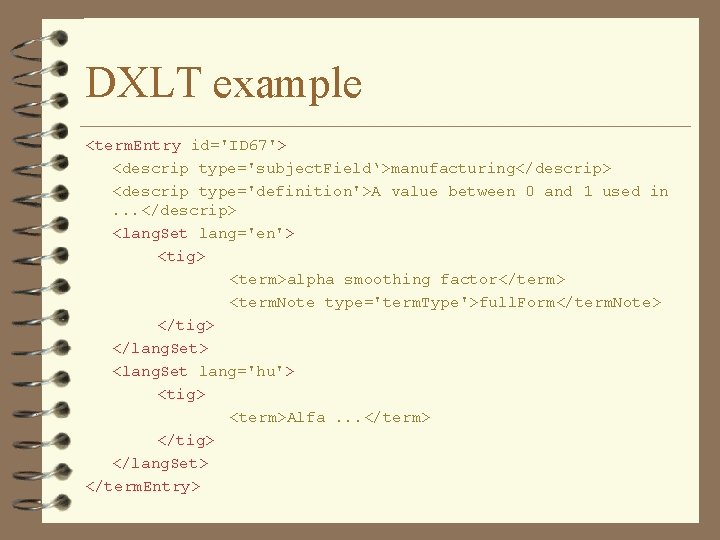
DXLT example <term. Entry id='ID 67'> <descrip type='subject. Field‘>manufacturing</descrip> <descrip type='definition'>A value between 0 and 1 used in. . . </descrip> <lang. Set lang='en'> <tig> <term>alpha smoothing factor</term> <term. Note type='term. Type'>full. Form</term. Note> </tig> </lang. Set> <lang. Set lang='hu'> <tig> <term>Alfa. . . </term> </tig> </lang. Set> </term. Entry>
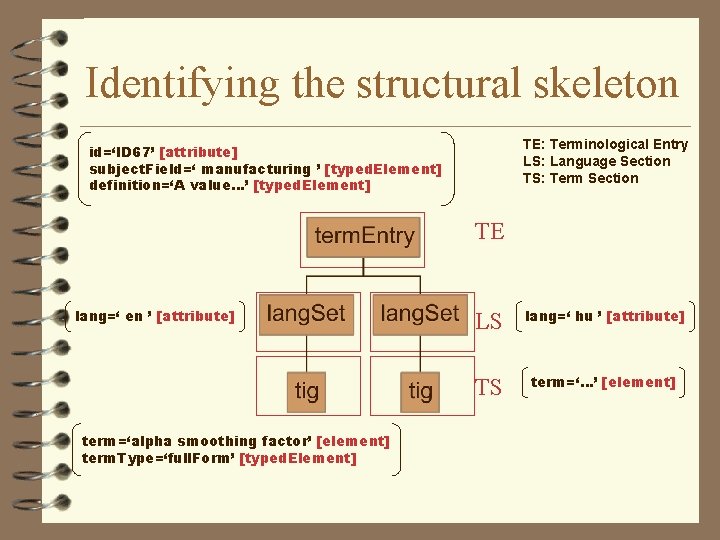
Identifying the structural skeleton TE: Terminological Entry LS: Language Section TS: Term Section id=‘ID 67’ [attribute] subject. Field=‘ manufacturing ’ [typed. Element] definition=‘A value…’ [typed. Element] TE lang=‘ en ’ [attribute] term=‘alpha smoothing factor’ [element] term. Type=‘full. Form’ [typed. Element] LS lang=‘ hu ’ [attribute] TS term=‘…’ [element]
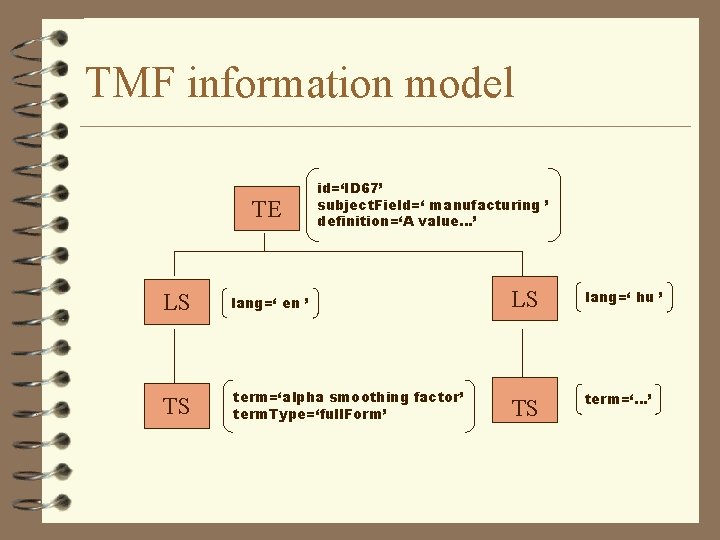
TMF information model TE id=‘ID 67’ subject. Field=‘ manufacturing ’ definition=‘A value…’ LS lang=‘ en ’ LS lang=‘ hu ’ TS term=‘alpha smoothing factor’ term. Type=‘full. Form’ TS term=‘…’
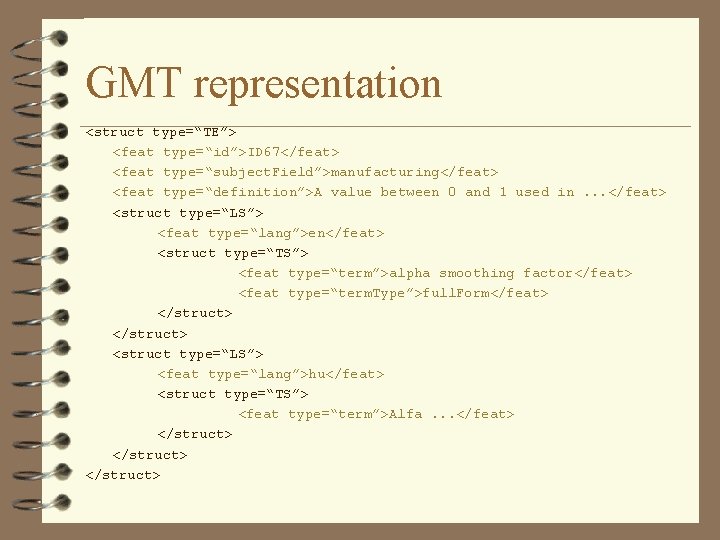
GMT representation <struct type=“TE”> <feat type=“id”>ID 67</feat> <feat type=“subject. Field”>manufacturing</feat> <feat type=“definition”>A value between 0 and 1 used in. . . </feat> <struct type=“LS”> <feat type=“lang”>en</feat> <struct type=“TS”> <feat type=“term”>alpha smoothing factor</feat> <feat type=“term. Type”>full. Form</feat> </struct> <struct type=“LS”> <feat type=“lang”>hu</feat> <struct type=“TS”> <feat type=“term”>Alfa. . . </feat> </struct>
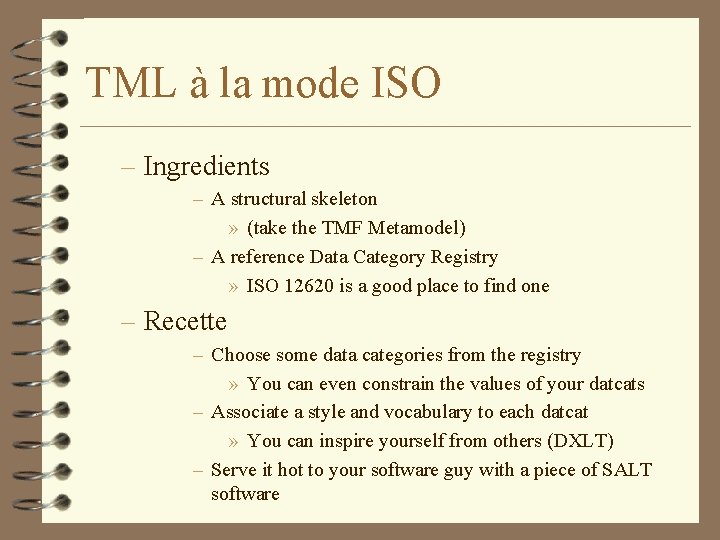
TML à la mode ISO – Ingredients – A structural skeleton » (take the TMF Metamodel) – A reference Data Category Registry » ISO 12620 is a good place to find one – Recette – Choose some data categories from the registry » You can even constrain the values of your datcats – Associate a style and vocabulary to each datcat » You can inspire yourself from others (DXLT) – Serve it hot to your software guy with a piece of SALT software
GMT Generic Mapping Tool
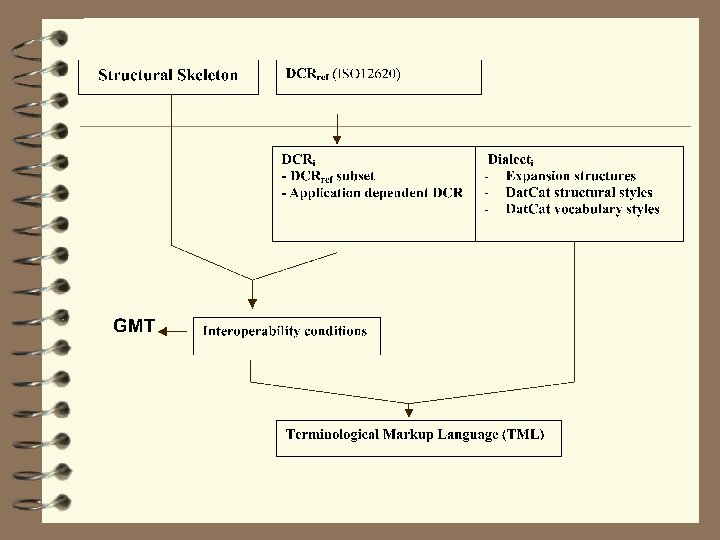
Background 4 Interoperability principle – If any two TMLs have exactly the same DCS, even though they differ radically in style and vocabulary, they are equivalent. 4 Consequence – It is always possible to define a filter from one TML to another when they are interoperable • GMT is the intermediate representation to do so
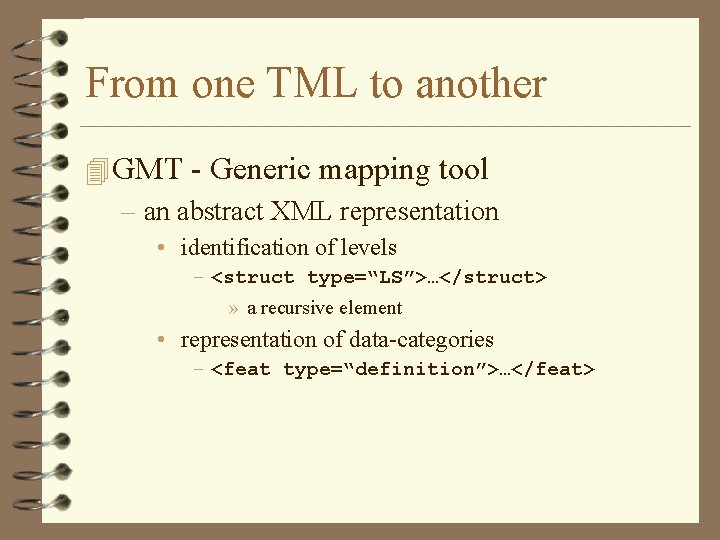
From one TML to another 4 GMT - Generic mapping tool – an abstract XML representation • identification of levels – <struct type=“LS”>…</struct> » a recursive element • representation of data-categories – <feat type=“definition”>…</feat>
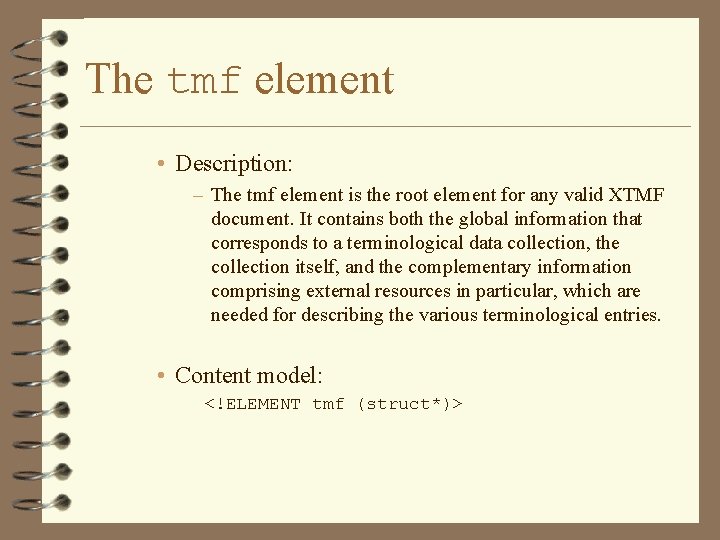
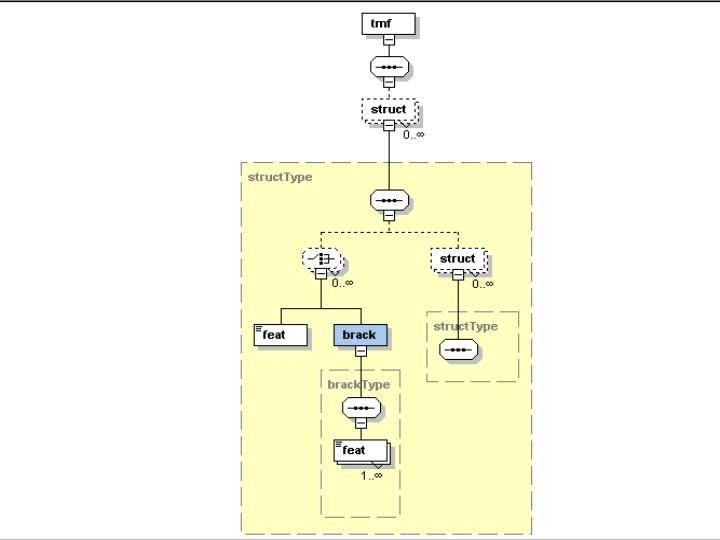
The tmf element • Description: – The tmf element is the root element for any valid XTMF document. It contains both the global information that corresponds to a terminological data collection, the collection itself, and the complementary information comprising external resources in particular, which are needed for describing the various terminological entries. • Content model: <!ELEMENT tmf (struct*)>
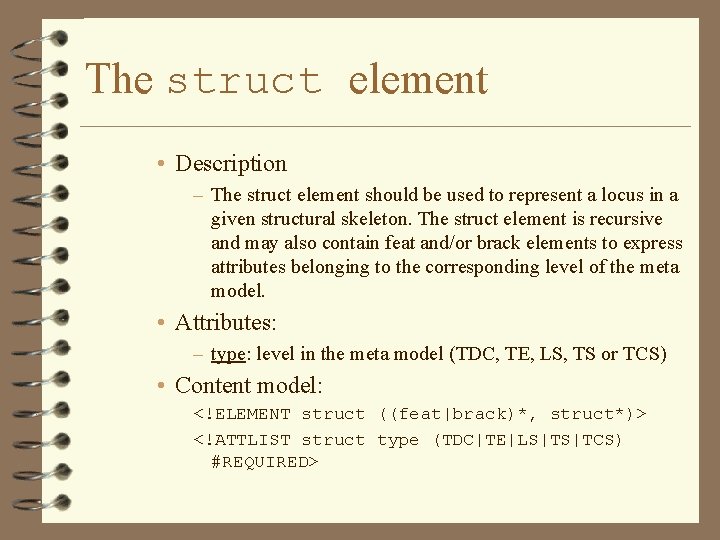
The struct element • Description – The struct element should be used to represent a locus in a given structural skeleton. The struct element is recursive and may also contain feat and/or brack elements to express attributes belonging to the corresponding level of the meta model. • Attributes: – type: level in the meta model (TDC, TE, LS, TS or TCS) • Content model: <!ELEMENT struct ((feat|brack)*, struct*)> <!ATTLIST struct type (TDC|TE|LS|TS|TCS) #REQUIRED>
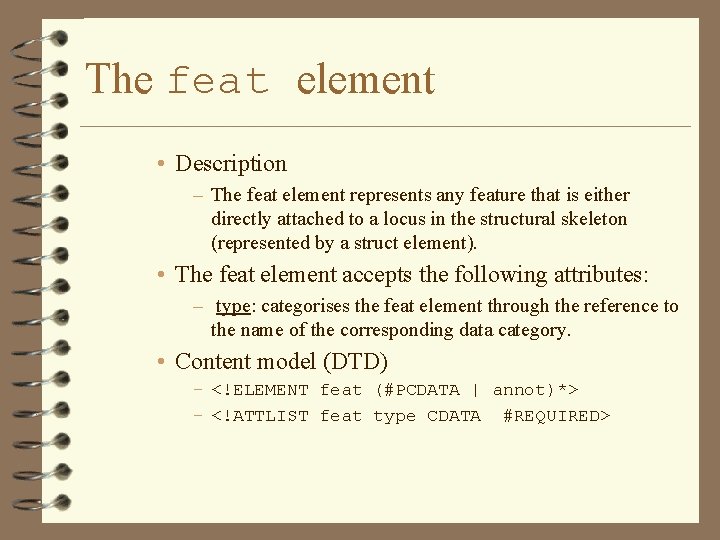
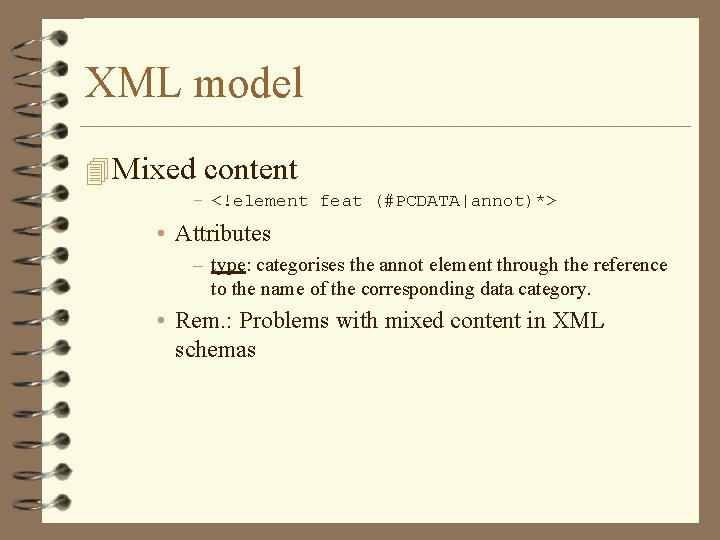
The feat element • Description – The feat element represents any feature that is either directly attached to a locus in the structural skeleton (represented by a struct element). • The feat element accepts the following attributes: – type: categorises the feat element through the reference to the name of the corresponding data category. • Content model (DTD) – <!ELEMENT feat (#PCDATA | annot)*> – <!ATTLIST feat type CDATA #REQUIRED>
Bracketing information
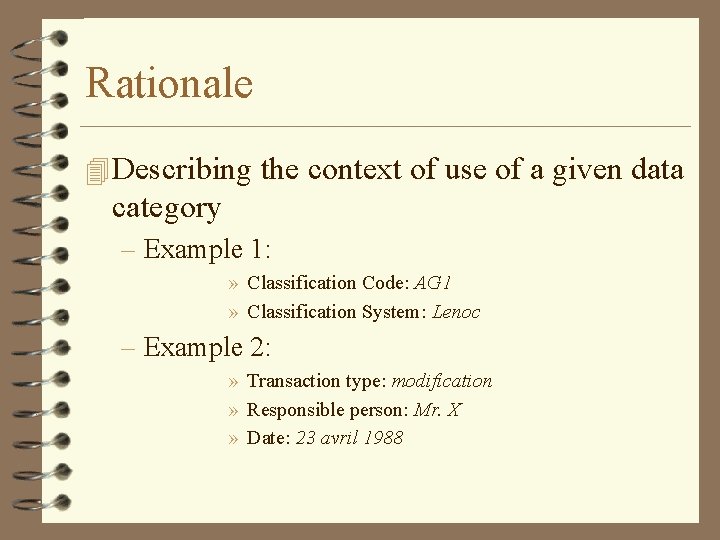
Rationale 4 Describing the context of use of a given data category – Example 1: » Classification Code: AG 1 » Classification System: Lenoc – Example 2: » Transaction type: modification » Responsible person: Mr. X » Date: 23 avril 1988
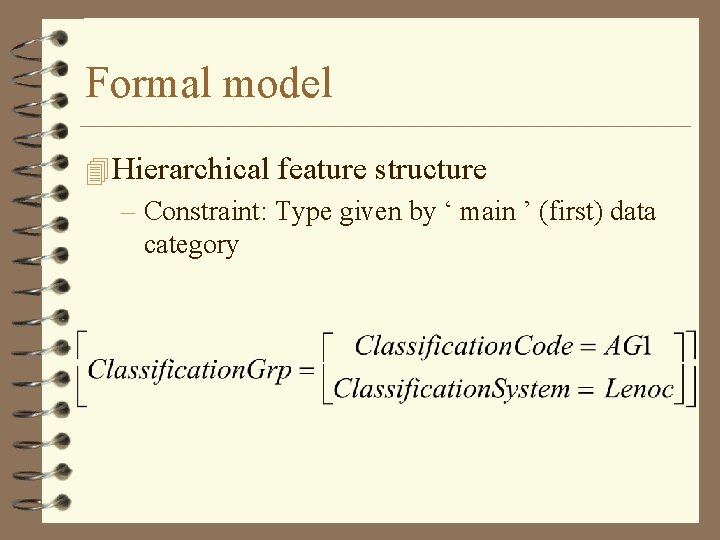
Formal model 4 Hierarchical feature structure – Constraint: Type given by ‘ main ’ (first) data category
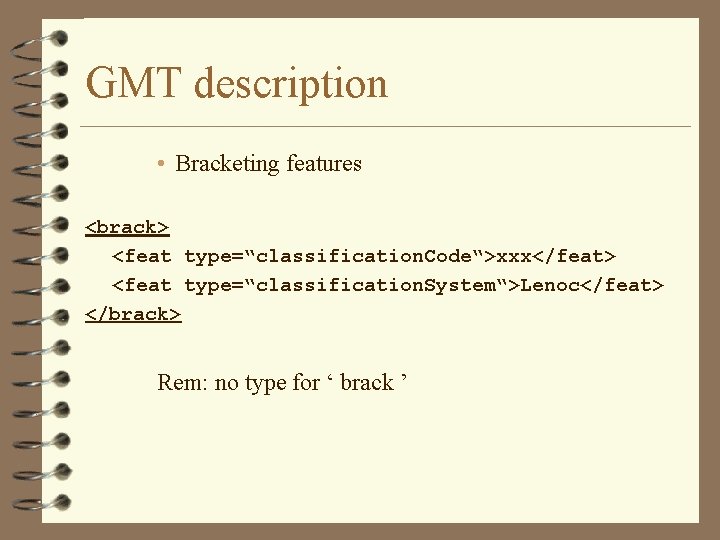
GMT description • Bracketing features <brack> <feat type=“classification. Code“>xxx</feat> <feat type=“classification. System“>Lenoc</feat> </brack> Rem: no type for ‘ brack ’
Annotating content
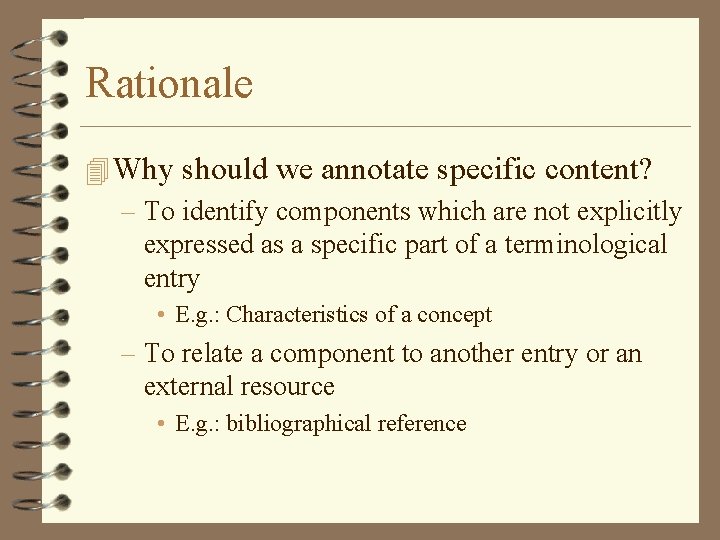
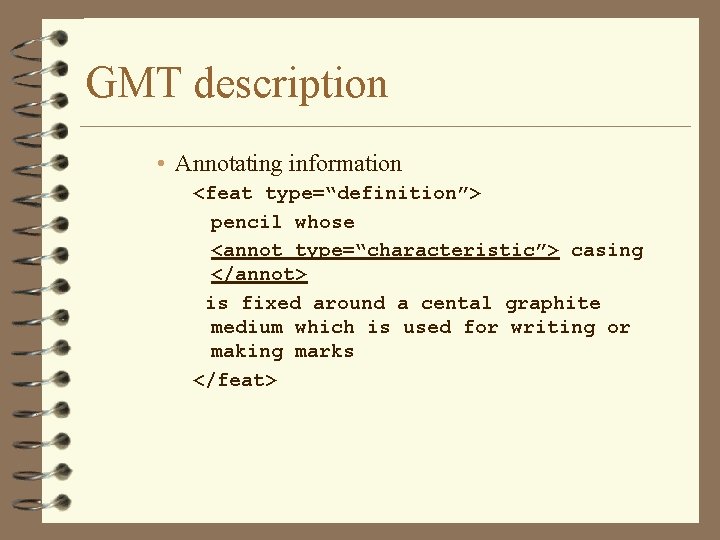
Rationale 4 Why should we annotate specific content? – To identify components which are not explicitly expressed as a specific part of a terminological entry • E. g. : Characteristics of a concept – To relate a component to another entry or an external resource • E. g. : bibliographical reference
Formal model ?
XML model 4 Mixed content – <!element feat (#PCDATA|annot)*> • Attributes – type: categorises the annot element through the reference to the name of the corresponding data category. • Rem. : Problems with mixed content in XML schemas
GMT description • Annotating information <feat type=“definition”> pencil whose <annot type=“characteristic”> casing </annot> is fixed around a cental graphite medium which is used for writing or making marks </feat>
Representation of relations
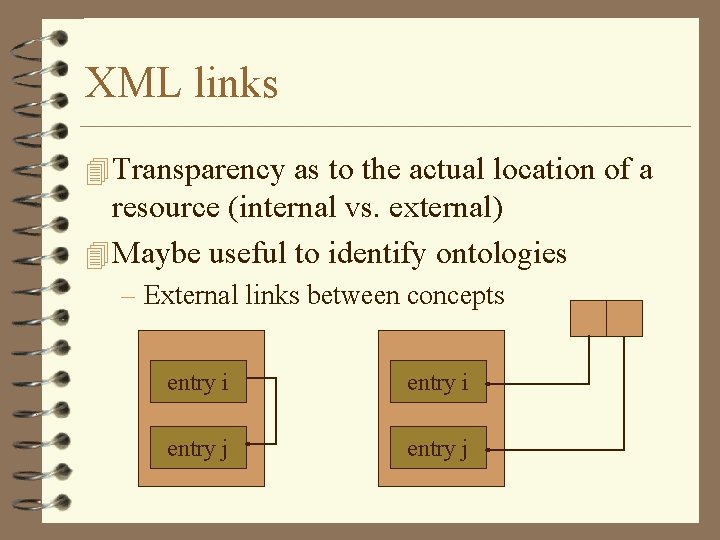
XML links 4 Transparency as to the actual location of a resource (internal vs. external) 4 Maybe useful to identify ontologies – External links between concepts entry i entry j
Representation in GMT 4 Two attributes • Target - a pointer to a ‘ struct ’ element in the case the feature expresses a relation between the current locus and another locus in the structural skeleton; • Source - a pointer to a ‘ struct ’ element in cases where the feature is described external to the locus to which it is supposed to be attached.
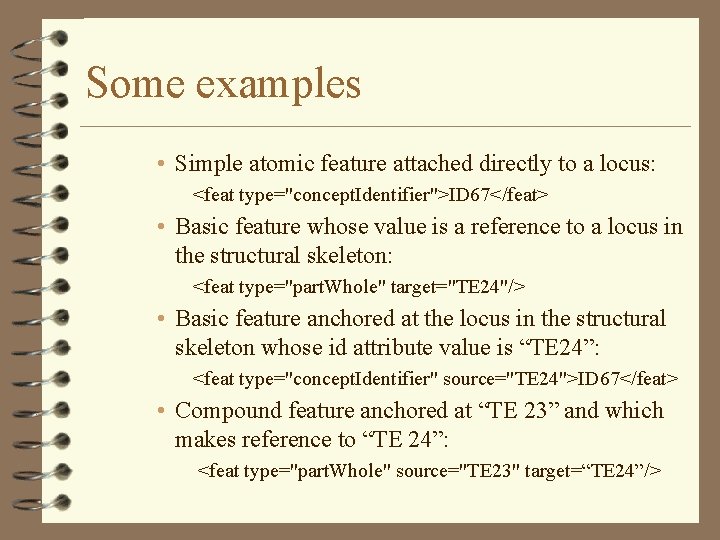
Some examples • Simple atomic feature attached directly to a locus: <feat type="concept. Identifier">ID 67</feat> • Basic feature whose value is a reference to a locus in the structural skeleton: <feat type="part. Whole" target="TE 24"/> • Basic feature anchored at the locus in the structural skeleton whose id attribute value is “TE 24”: <feat type="concept. Identifier" source="TE 24">ID 67</feat> • Compound feature anchored at “TE 23” and which makes reference to “TE 24”: <feat type="part. Whole" source="TE 23" target=“TE 24”/>
Styles and vocabularies
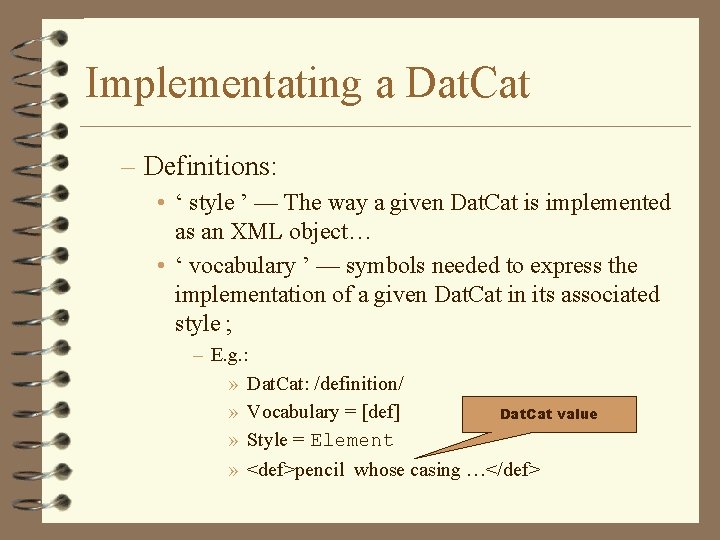
Implementating a Dat. Cat – Definitions: • ‘ style ’ — The way a given Dat. Cat is implemented as an XML object… • ‘ vocabulary ’ — symbols needed to express the implementation of a given Dat. Cat in its associated style ; – E. g. : » Dat. Cat: /definition/ » Vocabulary = [def] Dat. Cat value » Style = Element » <def>pencil whose casing …</def>
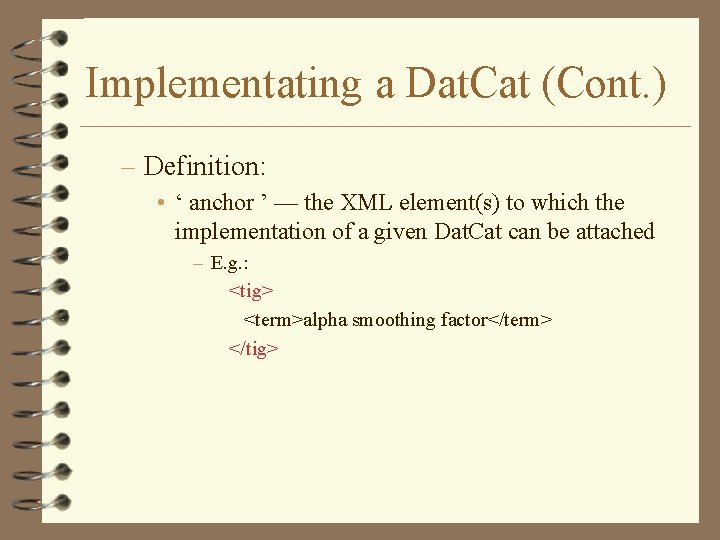
Implementating a Dat. Cat (Cont. ) – Definition: • ‘ anchor ’ — the XML element(s) to which the implementation of a given Dat. Cat can be attached – E. g. : <tig> <term>alpha smoothing factor</term> </tig>
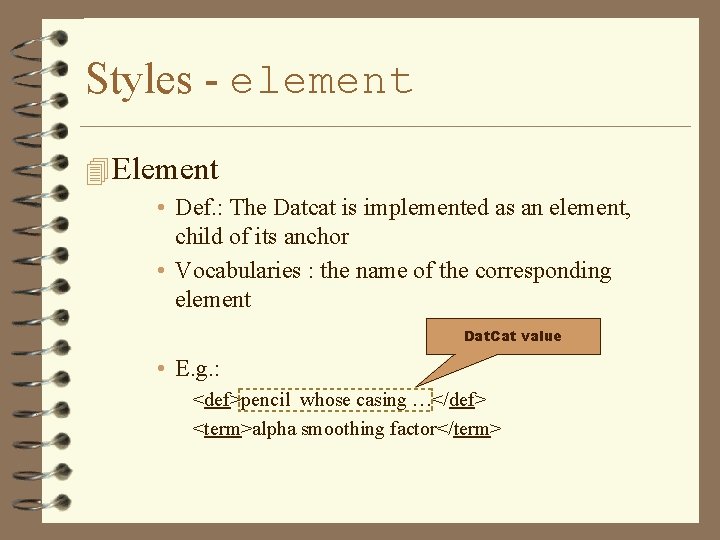
Styles - element 4 Element • Def. : The Datcat is implemented as an element, child of its anchor • Vocabularies : the name of the corresponding element Dat. Cat value • E. g. : <def>pencil whose casing …</def> <term>alpha smoothing factor</term>
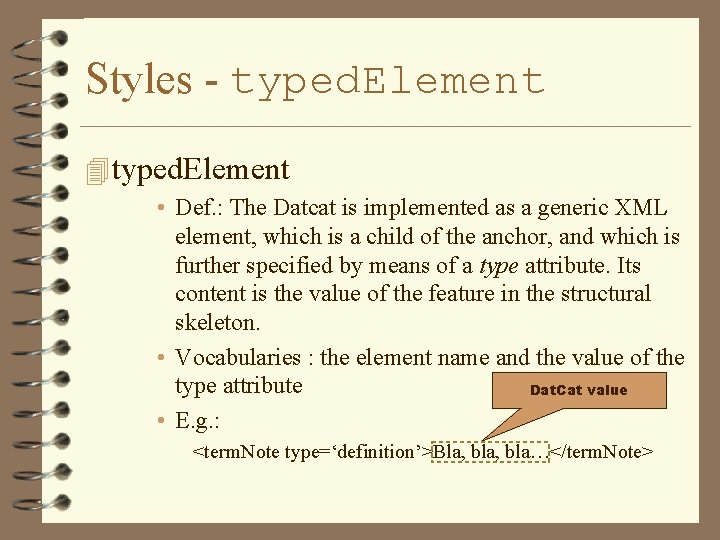
Styles - typed. Element 4 typed. Element • Def. : The Datcat is implemented as a generic XML element, which is a child of the anchor, and which is further specified by means of a type attribute. Its content is the value of the feature in the structural skeleton. • Vocabularies : the element name and the value of the type attribute Dat. Cat value • E. g. : <term. Note type=‘definition’>Bla, bla…</term. Note>
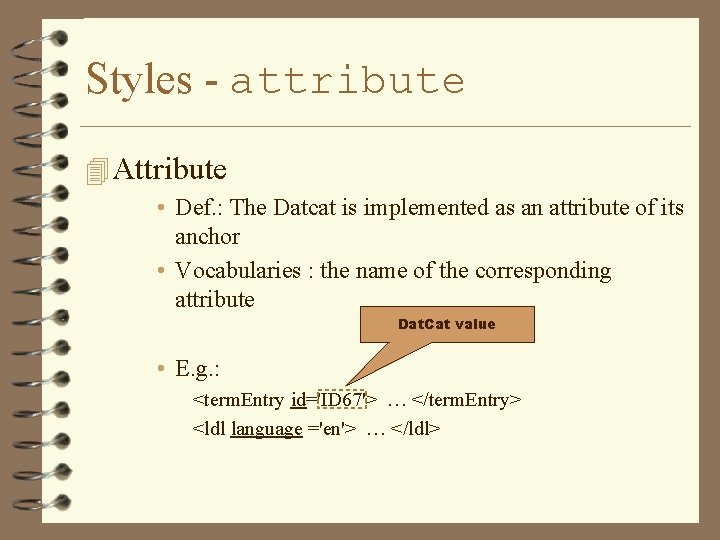
Styles - attribute 4 Attribute • Def. : The Datcat is implemented as an attribute of its anchor • Vocabularies : the name of the corresponding attribute Dat. Cat value • E. g. : <term. Entry id='ID 67'> … </term. Entry> <ldl language ='en'> … </ldl>
4 Valued. Element 4 Typed. Valued. Element