
Title V SOP Initials Revisions and Renewals Vasant
- Slides: 52
Title V SOP Initials, Revisions, and Renewals Vasant Chaphekar, P. E. & Brandon Marsh, P. E. Air Permits Division TCEQ Environmental Trade Fair 2018
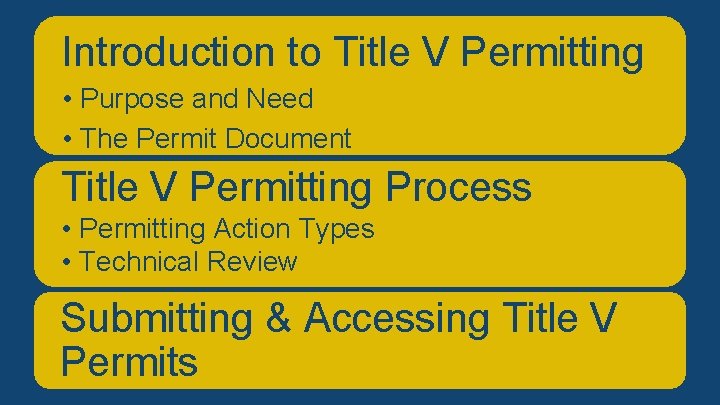
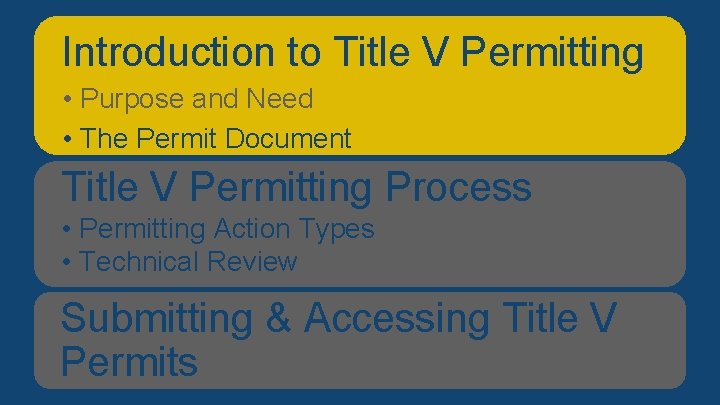
Introduction V Permitting Overviewtoof. Title Presentation • Purpose and Need • The Permit Document Title V Permitting Process • Permitting Action Types • Technical Review Submitting & Accessing Title V Permits
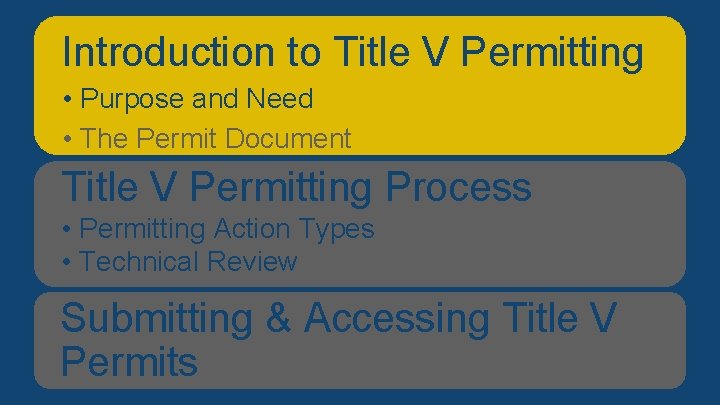
Introduction V Permitting Overviewtoof. Title Presentation • Purpose and Need • The Permit Document Title V Permitting Process • Permitting Action Types • Technical Review Submitting & Accessing Title V Permits
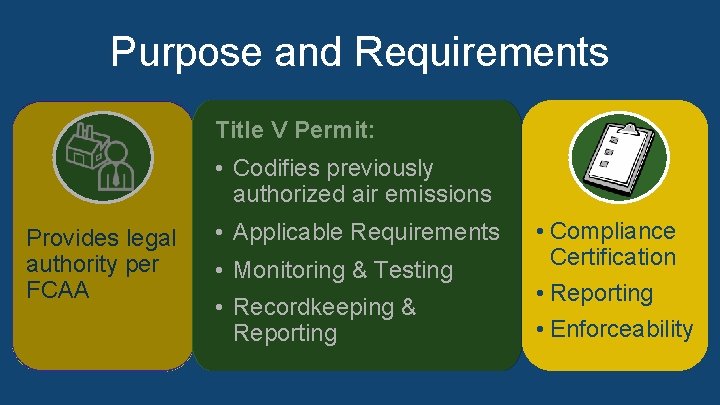
Purpose and Requirements • Provides legal authority per Federal Clean Air Act (FCAA) • Title V Permit: • Codifies previously § Codifies previously authorized air emissions § Applicable Requirements • Compliance Provides legal § Monitoring & Testing Certification authority per • Monitoring & Testing § Recordkeeping & Reporting FCAA • Reporting • Recordkeeping & • Compliance Certification • Enforceability Reporting • Enforceability
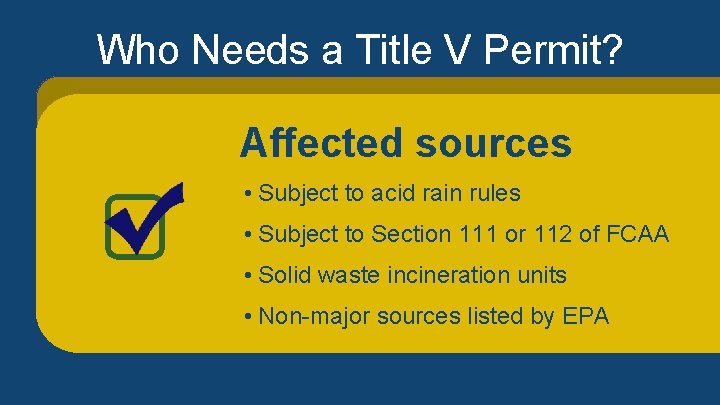
Who Needs a Title V Permit? Major sources: Major sources • As defined in 30 TAC § 122. 10 sources Affected • As defined in 30 TAC § 122. 10 Affected sources: • Subject to acid rain rules to Section 111 or 112 of FCAA • Solid waste incineration units • Subject to Section 111 or 112 of FCAA • Non-major sources listed by EPA • Solid waste incineration units • Non-major sources listed by EPA (additional information can be found in the speaker notes)
Introduction V Permitting Overviewtoof. Title Presentation • Purpose and Need • The Permit Document Title V Permitting Process • Permitting Action Types • Technical Review Submitting & Accessing Title V Permits
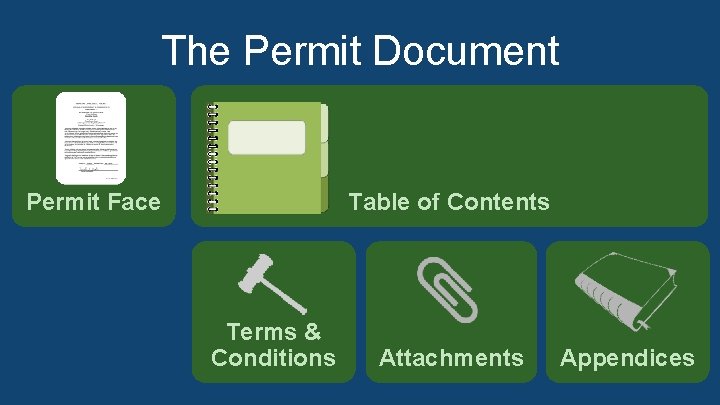
The Permit Document • Permit Face • Table of Contents Permit Face • Terms & Conditions Table of Contents • Attachments • Appendices Terms & Conditions Attachments Appendices
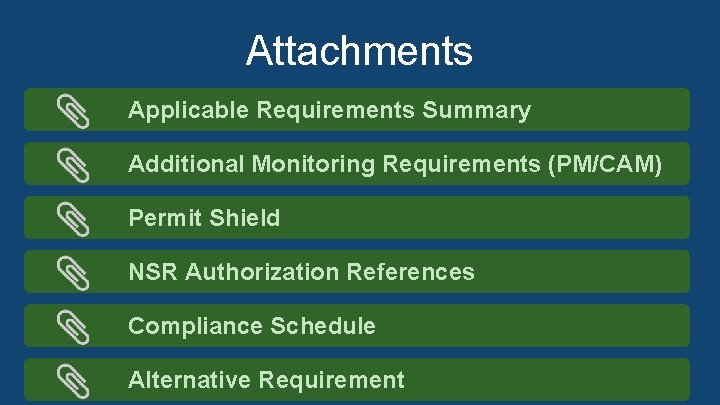
Attachments Applicable Requirements Summary Additional Monitoring Requirements (PM/CAM) Permit Shield NSR Authorization References Compliance Schedule Alternative Requirement
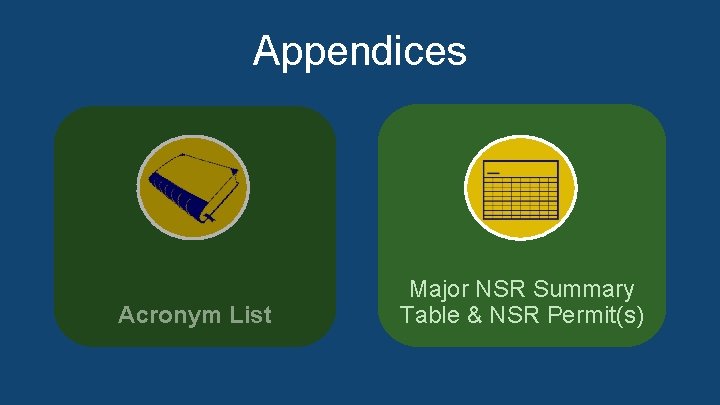
Appendices • Acronym List • Major NSR Summary Table & NSR Permit(s) Acronym List Major NSR Summary Table & NSR Permit(s)
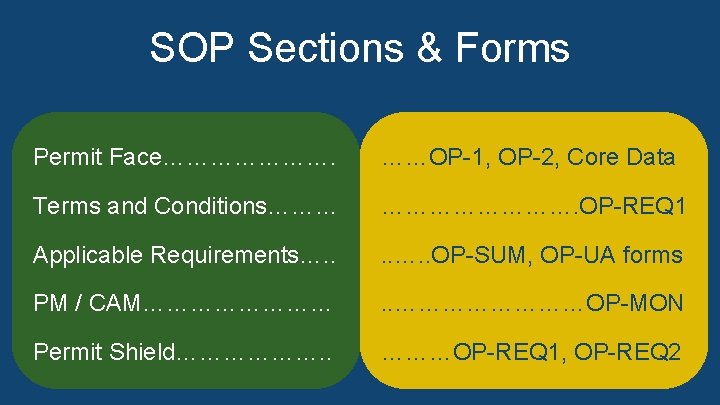
SOP Sections & Forms • Permit. Face…………………. Face = OP-1, OP-2, Core……OP-1, Data OP-2, Core Data • Termsand and. Conditions……… Conditions = OP-REQ 1 …………. OP-REQ 1 • Applicable. Requirements…. . Requirements = OP-SUM, OP-UA forms. . …. . OP-SUM, OP-UA forms • PM PM/ /CAM………… CAM = OP-MON . . …………OP-MON • Permit. Shield………………. . Shield = OP-REQ 1, OP-REQ 2 ………OP-REQ 1, OP-REQ 2
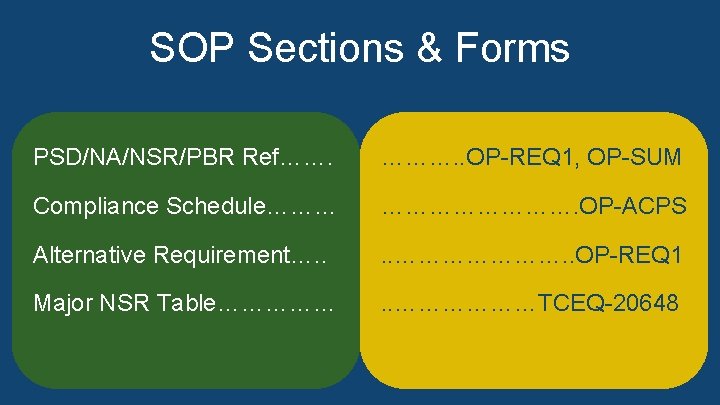
SOP Sections & Forms ………. . OP-REQ 1, OP-SUM • PSD/NA/NSR/PBRRef……. Ref = OP-REQ 1, OP-SUM …………. OP-ACPS • Compliance. Schedule……… Schedule = OP-ACPS. . …………………. . OP-REQ 1 • Alternative. Requirement…. . Requirement = OP-REQ 1. . ………………TCEQ-20648 • Major. NSRTable…………… Table = TCEQ 20648 (additional information can be found in the speaker notes)
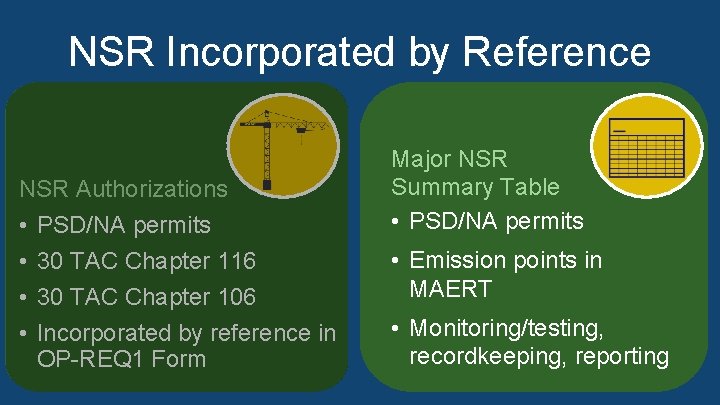
NSR Incorporated by Reference NSR Authorizations: • PSD/NA permits • 30 TAC Chapter 116 NSR Authorizations • 30 TAC Chapter 106 • PSD/NA permits • Incorporated by reference in OP-REQ 1 Form • 30 TAC Chapter 116 Major NSR Summary Table: • 30 TAC Chapter 106 • PSD/NA permits • Incorporated by reference in • Emission points in the MAERT OP-REQ 1 Form Major NSR Summary Table • PSD/NA permits • Emission points in MAERT • Monitoring/testing, recordkeeping, reporting (additional information can be found in the speaker notes)
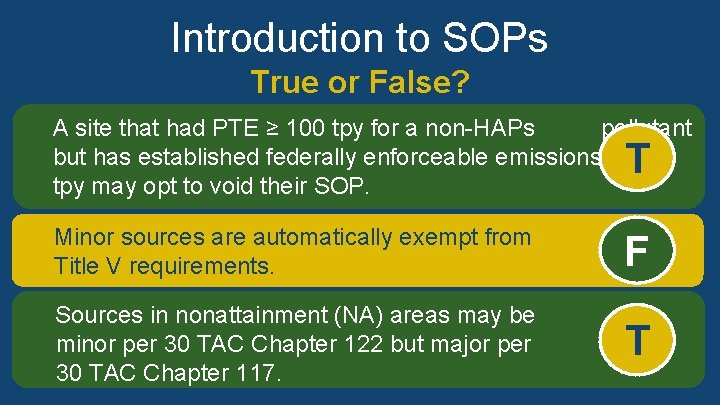
Introduction to SOPs True or False? A site that had PTE ≥ 100 tpy for a non-HAPs pollutant but has established federally enforceable emissions < 100 tpy may opt to void their SOP. True T Minor sources are automatically exempt from Title V requirements. False F Sources in nonattainment (NA) areas may be minor per 30 TAC Chapter 122 but major per 30 TAC Chapter 117. True T
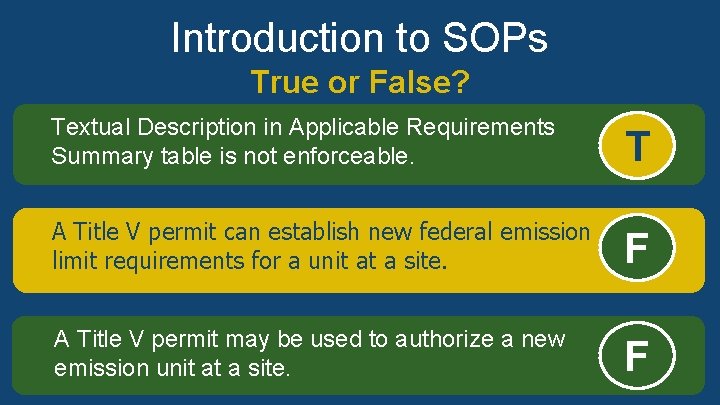
Introduction to SOPs True or False? Textual Description in Applicable Requirements Summary table is not enforceable. True T A Title V permit can establish new federal emission limit requirements for a unit at a site. False F A Title V permit may be used to authorize a new emission unit at a site. False F
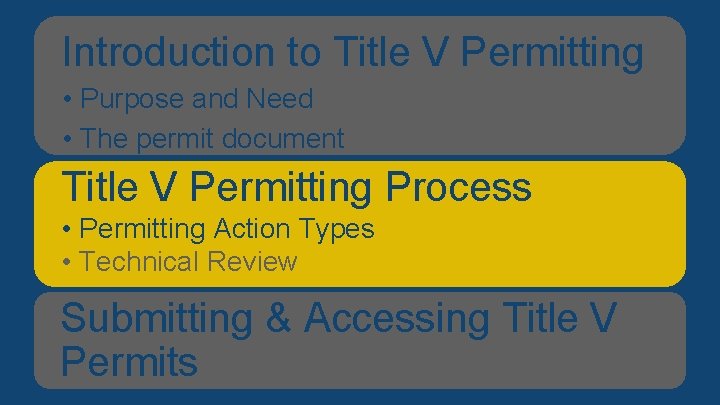
Introduction V Permitting Overviewtoof. Title Presentation • Purpose and Need • The permit document Title V Permitting Process • Permitting Action Types • Technical Review Submitting & Accessing Title V Permits
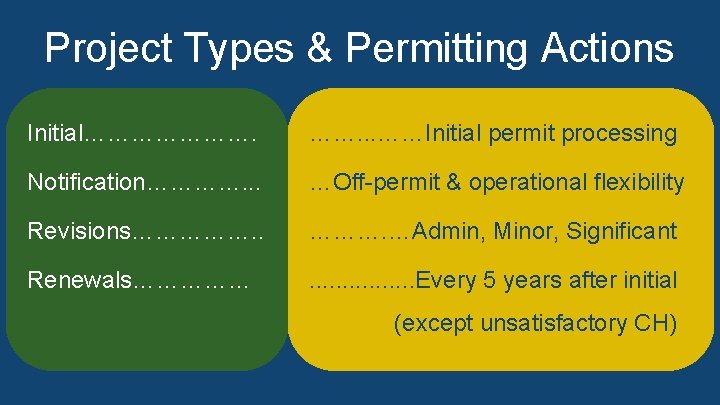
Project Types & Permitting Actions Initial…………………. . . ……Initial permit processing • Initial = Initial permit processing operational flexibility • Notification…………. . . Notification = Off-permit &…Off-permit operational &flexibility • Revisions = Administrative, minor, significant ………. …Admin, Minor, Significant • Revisions……………. . Renewals = Every 5 years after initial (except unsatisfactory compliance history) (additional. . . . Every information can be found in the speaker notes) Renewals…………… 5 years after initial (except unsatisfactory CH)
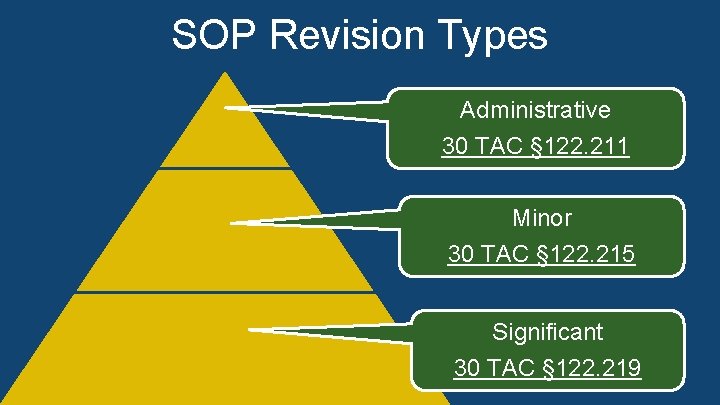
SOP Revision Types Administrative • Administrative 30 TAC § 122. 211 • Minor • Significant Minor (additional information can be found in the speaker notes) 30 TAC § 122. 215 Significant 30 TAC § 122. 219
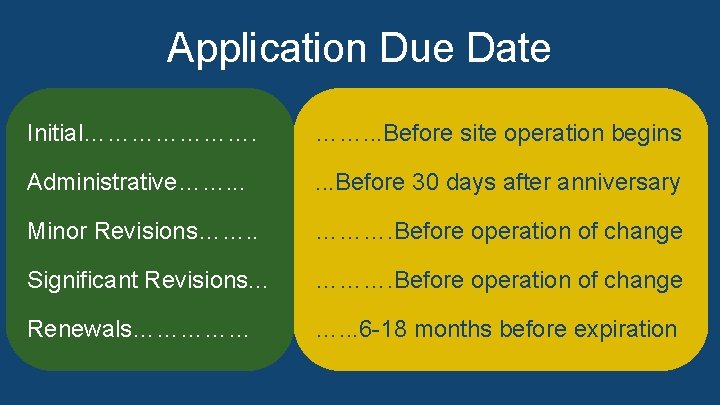
Application Due Date Initial…………………. . . Before site operation begins • Initial = Before site operation begins. . . Before 30 days after anniversary • Administrative……. . . Administrative = Before 30 days after anniversary • Minor Revisions = Before operation of change Revisions……. . ………. Before of change • Minor Significant Revisions = Before operation of change • Significant Renewals = 6 to 18 months before expiration (additional information Revisions. . . ………. Before operation of change can be found in the speaker notes) Renewals…………… …. . . 6 -18 months before expiration
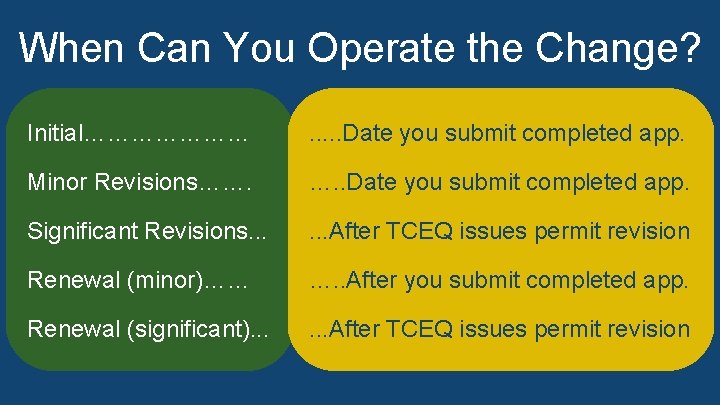
When Can You Operate the Change? Initial…………………. . . Date you submit completed app. • Initial = Date you submit completed application Revisions……. …. . Date you submit completed app. • Minor Revisions = Date you submit completed application • Significant Revisions = After TCEQ issues permit revision • Significant Renewal. Revisions (minor) =. . . After you submit completed application • Renewal (significant) = After TCEQ permit revision (minor)…… …. . After youissues submit completed app. (additional information can be found in the speaker notes) Renewal (significant). . . After TCEQ issues permit revision
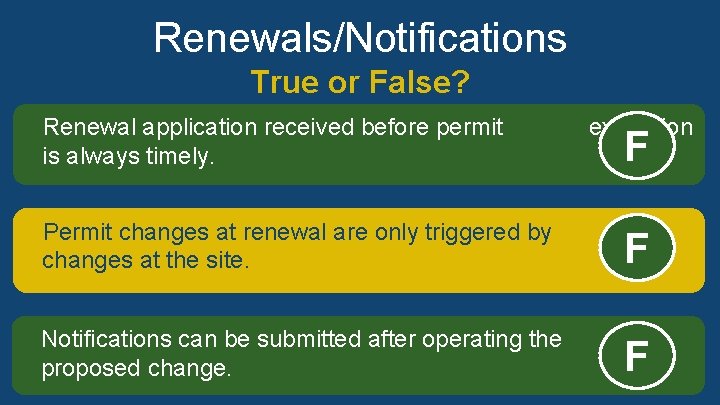
Renewals/Notifications True or False? Renewal application received before permit is always timely. False expiration F Permit changes at renewal are only triggered by changes at the site. False F Notifications can be submitted after operating the proposed change. False F
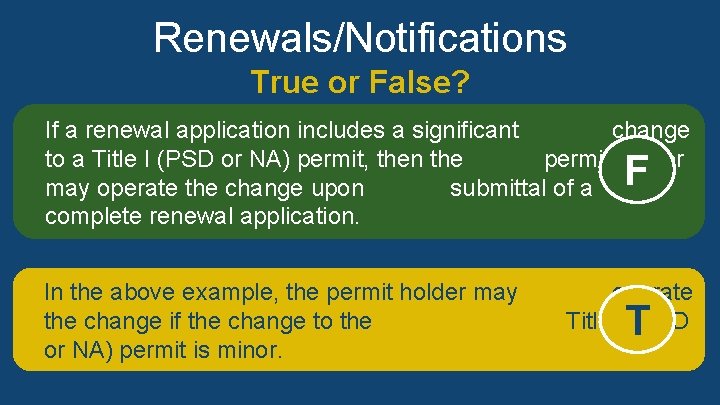
Renewals/Notifications True or False? If a renewal application includes a significant change to a Title I (PSD or NA) permit, then the permit holder may operate the change upon submittal of a complete renewal application. F False In the above example, the permit holder may the change if the change to the or NA) permit is minor. True operate Title I (PSD T
Introduction V Permitting Overviewtoof. Title Presentation • Purpose and Need • The permit document Title V Permitting Process • Permitting Action Types • Technical Review Submitting & Accessing Title V Permits
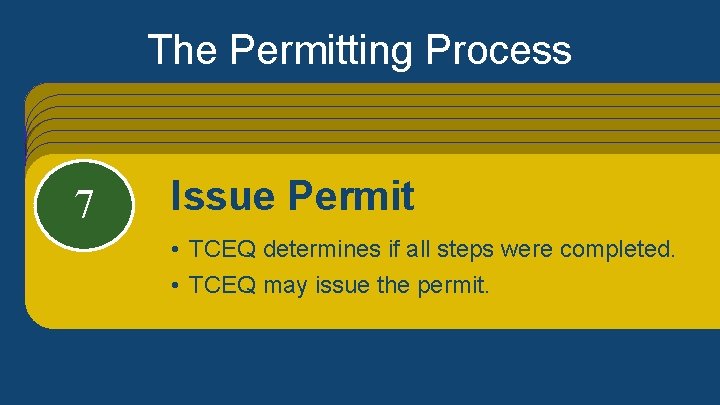
The Permitting Process Step 1: Apply for a permit • New = Initial • Existing = Revision or renewal Step 2: Application Processing/ Technical Review • TCEQ will contact you if missing information • Administrative revisions: last step Step 3: Working Draft Permit • TCEQ creates this • Applicant can comment Step 4: Notice • Minor revisions = TCEQ Public Announcement • The rest = Applicant Public Notice Step 5: EPA / Public Review • Both can comment on permit Step 6: Resolve Comments • TCEQ reviews public and EPA comments • TCEQ considers changes to permit Step 7: Issue Permit • TCEQ determines if steps were completed • TCEQ may issue the permit 123 5764 Apply for a permit Application Processing/ Working Draft Permit Notice • EPA New = Initial / Public Review Resolve Comments Issue Permit • TCEQ creates this. Technical Review • • Existing = Revision or renewal Minor revisions = TCEQ Public Announcement • • TCEQ Both can comment on permit. reviews public and EPA comments. Applicant can comment. • • • TCEQ determines if all steps were completed. The rest = Applicant Public Notice will contact you if missing information. • • TCEQ considers changes to permit. TCEQ may issue the permit. Administrative revisions: last step
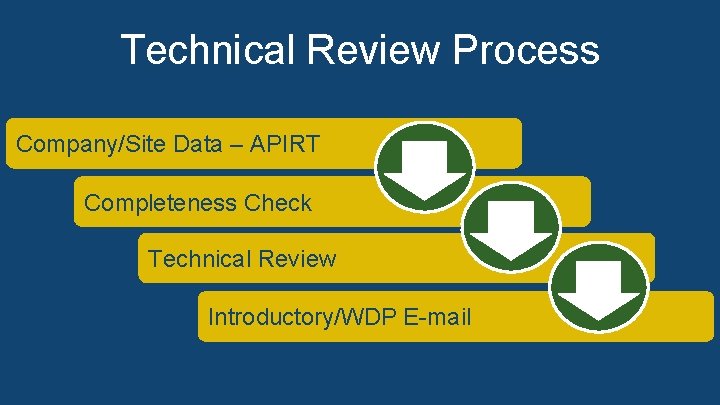
Technical Review Process Company/Site Data – APIRT • Company / Site – APIRT • Completeness Check • Technical Review • Introductory / WDP E-mail (additional information can be found in the speaker notes) Introductory/WDP E-mail
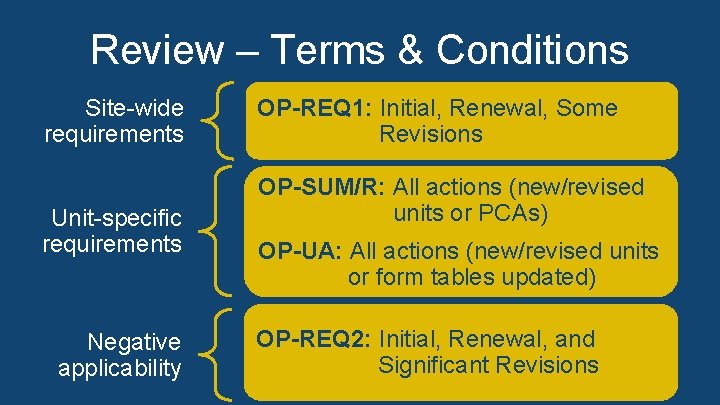
Review – Terms & Conditions Site-wide requirements Unit-specific requirements Negative applicability OP-REQ 1: Initial, Renewal, Some Revisions OP-SUM/R: All actions (new/revised units or PCAs) OP-UA: All actions (new/revised units or form tables updated) OP-REQ 2: Initial, Renewal, and Significant Revisions
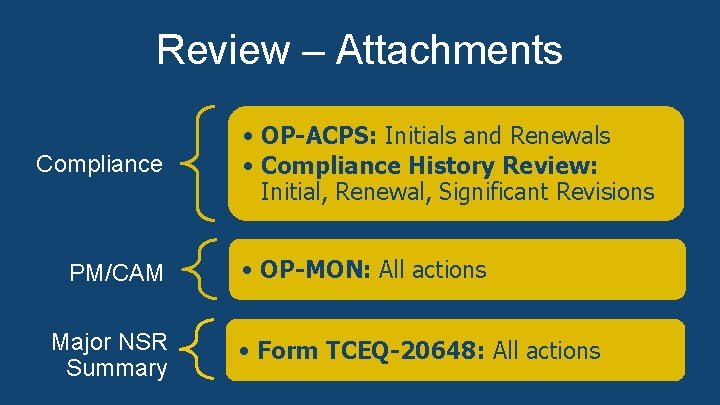
Review – Attachments Compliance PM/CAM Major NSR Summary • OP-ACPS: Initials and Renewals • Compliance History Review: Initial, Renewal, Significant Revisions • OP-MON: All actions • Form TCEQ-20648: All actions
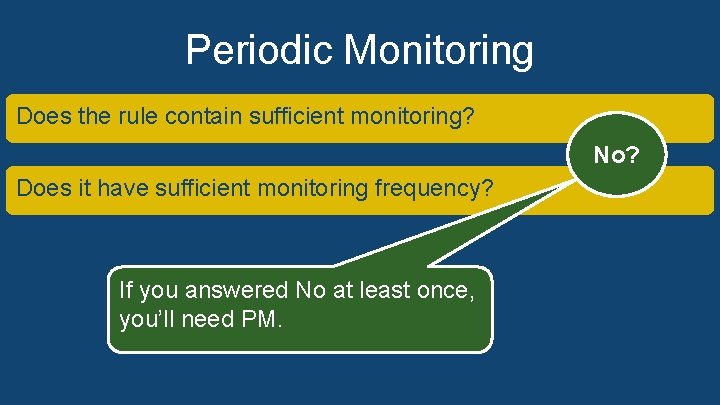
Periodic Monitoring Does the rule contain sufficient monitoring? Does it have sufficient monitoring frequency? If you answered no at least once, you’ll need PM. No? (additional information can be found in the speaker notes) If you answered No at least once, you’ll need PM.
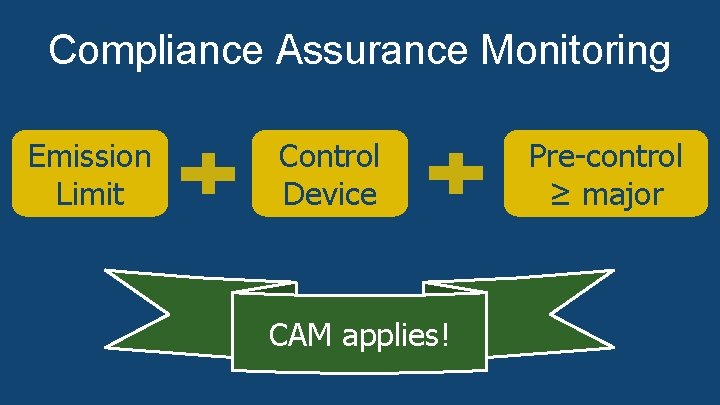
Compliance Assurance Monitoring • Subject to an emission limitation or standard; • Using a control device; and Emission Control Pre-control • Limit Pre-control emissions. Device ≥ major source threshold ≥ major (additional information can be found in the speaker notes) CAM applies!
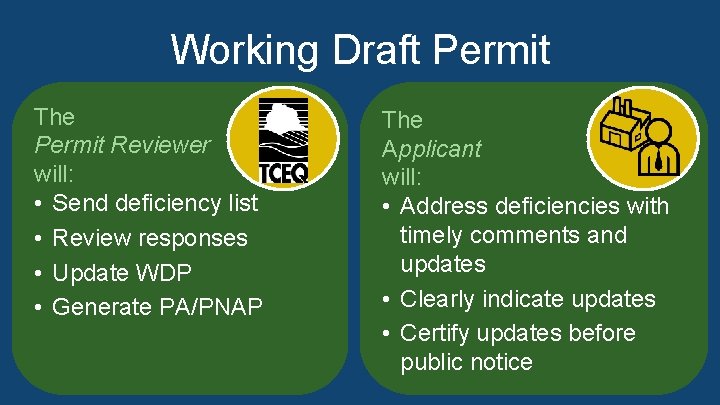
Working Draft Permit The Permit Reviewer will: • Send deficiency list • Review responses • Update WDP • Generate PA/PNAP The Applicant will: • Address deficiencies with timely comments and updates • Clearly indicate updates • Certify updates before public notice (additional information can be found in the speaker notes)
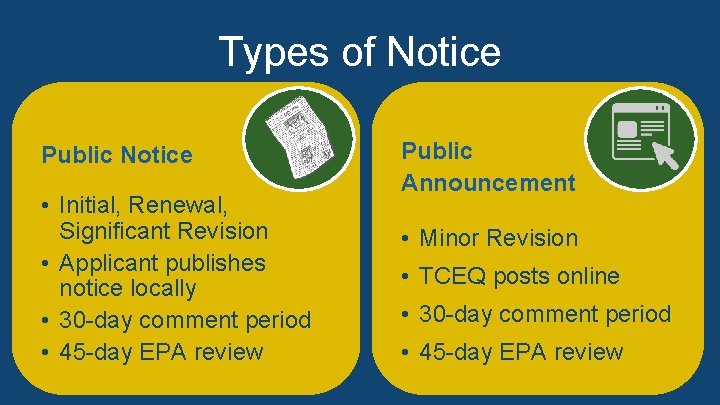
Types of Notice Public Notice • Initial, Renewal, Significant Revision • Applicant publishes notice locally • 30 -day comment period • 45 -day EPA review Public Announcement • Minor Revision • TCEQ posts online • 30 -day comment period • 45 -day EPA review
EPA Review • 45 -day review period • Concurrent with public notice/announcement • Stops if comments are received • Begins again after comments addressed • Begins again after comments are addressed
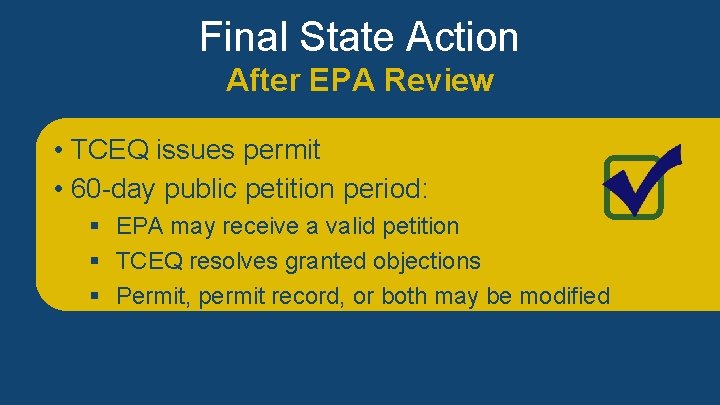
Final State Action After EPA Review • • TCEQ issues permit • TCEQ issues permit 60 -day public petition period: • 60 -day public petition period: EPA may receive a valid petition § EPA may receive a valid petition TCEQ resolves granted objections § TCEQ resolves granted objections • Permit, permit both be § Permit, permitrecord, oror both may be modified
Introduction V Permitting Overviewtoof. Title Presentation • Purpose and Need • The permit document Title V Permitting Process • Permitting Action Types • Technical Review Submitting & Accessing Title V Permits
Guidance • Policy and Guidance Memos for Operating Permits • FOP Application Procedures and Timelines (additional information can be found in the speaker notes)
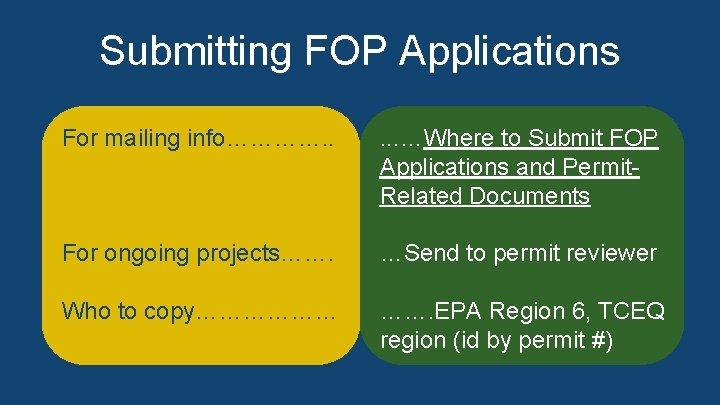
Submitting FOP Applications • For mailing info = Website for Where to Submit FOP For mailing info…………. . . …Where to Submit FOP Applications and Permit-Related Documents and Permit • For ongoing projects = Send to. Applications permit reviewer Related Documents • Who to copy = EPA Region 6, TCEQ region (id by permit #) (additional information can be found in the speaker notes) For ongoing projects……. …Send to permit reviewer Who to copy……………… ……. EPA Region 6, TCEQ region (id by permit #)
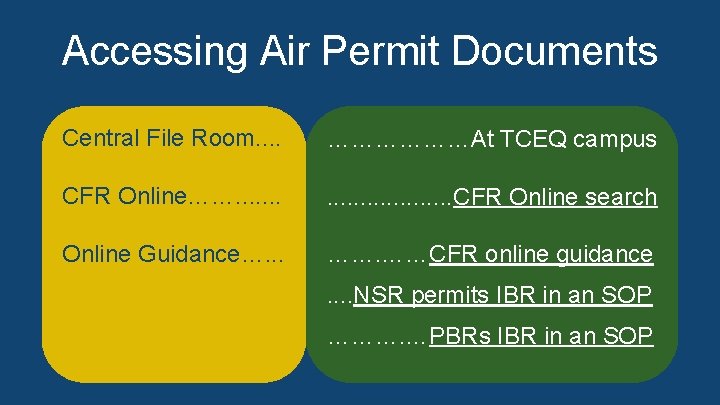
Accessing Air Permit Documents • • • Central File Room = At TCEQ campus Central File Room. . TCEQ campus CFR Online = Website for………………At CFR Online Search Online Guidance = Website for CFR Online guidance; CFR Online……. . . CFR Online search Website for NSR permits IBR in an SOP; Website for PBRs IBR in an SOP (additional information can be found in the speaker notes) Online Guidance…. . . ……CFR online guidance. . NSR permits IBR in an SOP ………. …PBRs IBR in an SOP
Accessing Air Permit Documents • Title V permit must already be issued. • Title V permit number (for issued permits); or • • NSR permit); NSRpermitnumber(referencedinin. Title TV V permit); or or • • Regulatedentity Entitynameorornumber(RN).
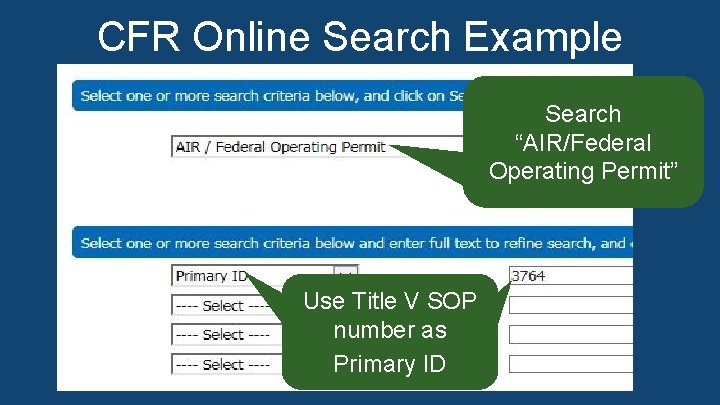
CFR Online Search Example by SOP Number Search “AIR/Federal Operating Permit” record series using the Title V SOP number as a primary ID. Use Title V SOP number as Primary ID
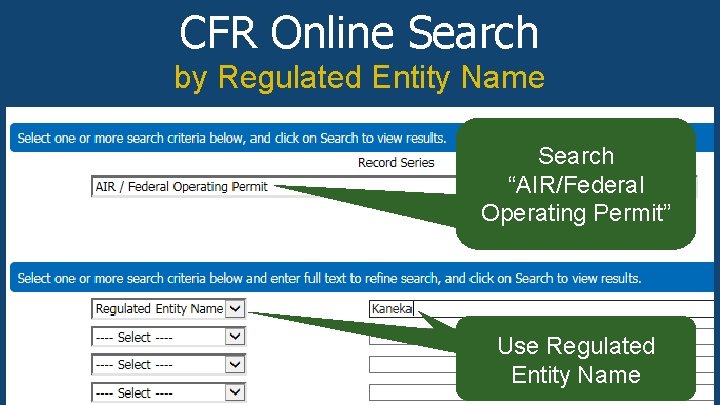
CFR Online Search by Regulated Entity Name Search “AIR/Federal Operating Permit” record series using Operating Permit” the Regulated Entity Name as a refined search. Use Regulated Entity Name
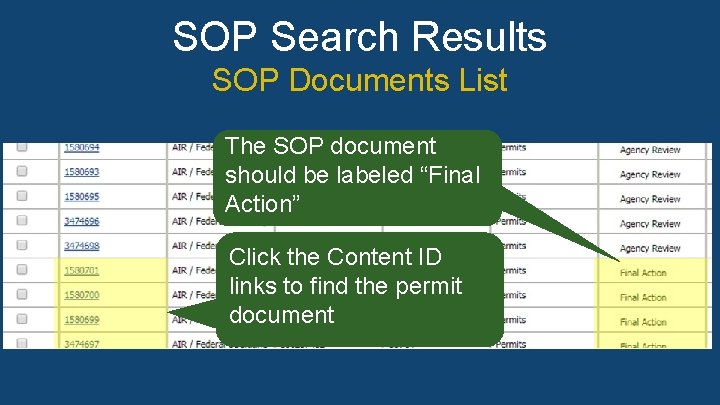
SOP Search Results SOP Documents List In the list of results, the SOP document should be labeled The SOP document as “Final Action” in the Title column. Click the should be labeled “Final corresponding links in the Content ID column to browse for Action” the correct document. (additional information can be found in the speaker notes) Click the Content ID links to find the permit document
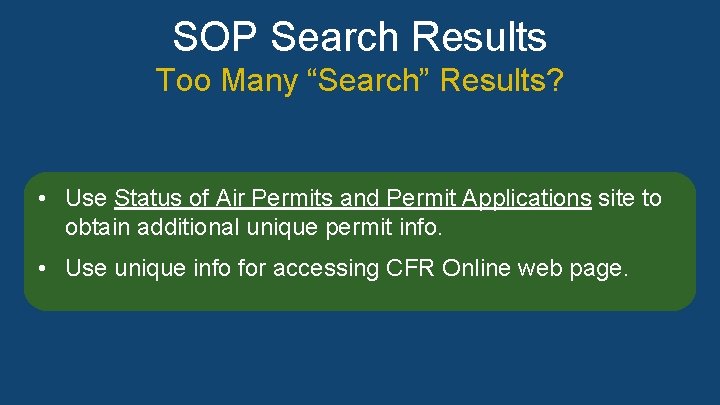
SOP Search Results Too Many “Search” Results? • Use web page Status of Air Permits & Permit Applications • Use Status of Air Permits and Permit Applications site to to obtain additional unique permit information obtain additional unique permit info. • Use unique information for accessing CFR Online web • page Use unique info for accessing CFR Online web page. (additional information can be found in the speaker notes)
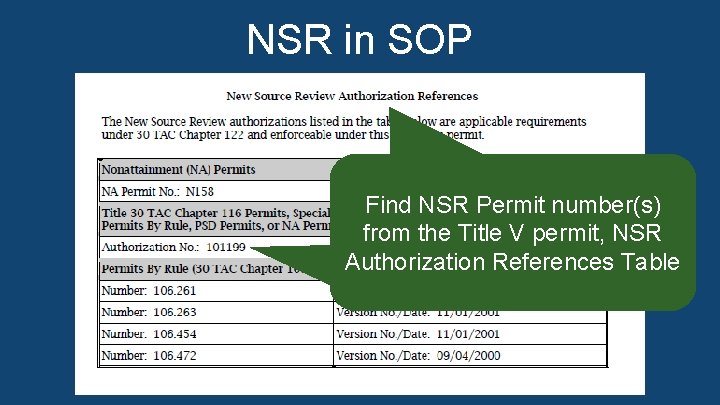
NSR in SOP In the Title V permit attachment, “NSR Authorization References, ” find the NSR permit to usenumber(s) in a CFR Findnumber NSR Permit Online Search. from the Title V permit, NSR Authorization References Table
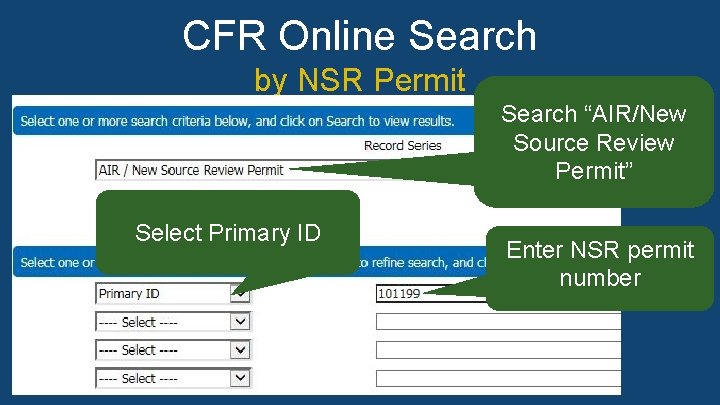
CFR Online Search by NSR Permit Search “AIR/New Source Review Permit” Search “Air/New Source Review Permit” record series using the. Select NSR permit number as a primary ID. Primary ID Enter NSR permit number
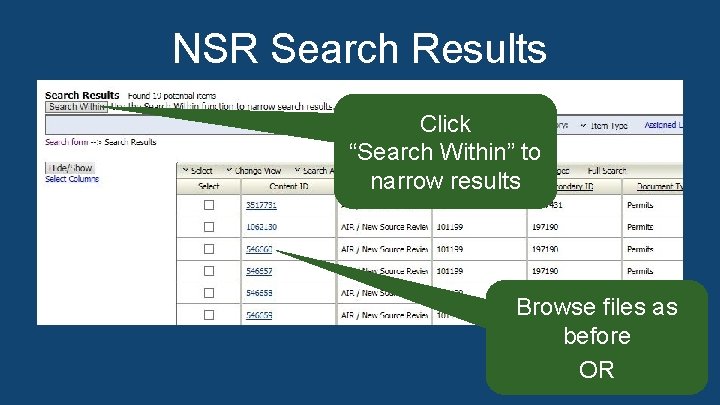
NSR Search Results Click “Search to In the NSR search results display, you. Within” can browse through narrow results the results individually or click the “Search Within” button at the top left corner of the page to enter additional search criteria in a popup window and narrow the search results. Browse files as before OR
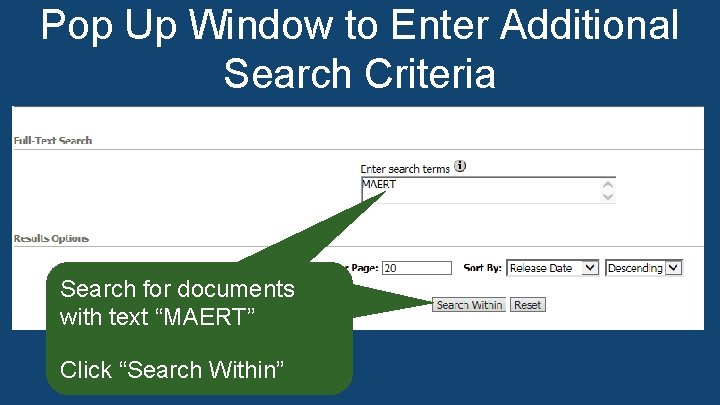
Pop Up Window to Enter Additional Search Criteria On the Search Within screen, type the name of the document you are searching for, such as “MAERT. ” Click the “Search Within” button again. Search for documents with text “MAERT” Click “Search Within”
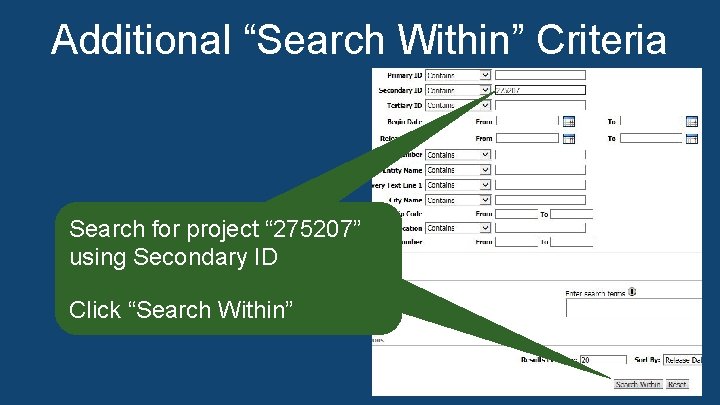
Additional “Search Within” Criteria On the Search Within screen, search for the project using a secondary ID, which is the NSR project number. Click the Search for project “ 275207” “Search Within” button again. using Secondary ID Click “Search Within”
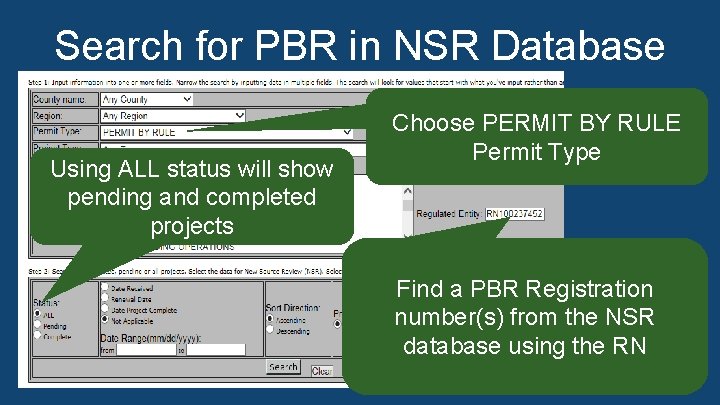
Search for PBR in NSR Database Choose PERMIT BY RULE Permit Type In the NSR database, you can search for PBR registration Using ALL status will show numbers the RN. APD suggests using the status ALL pendingusing and completed to show both pending and completed projects Find a PBR Registration number(s) from the NSR database using the RN
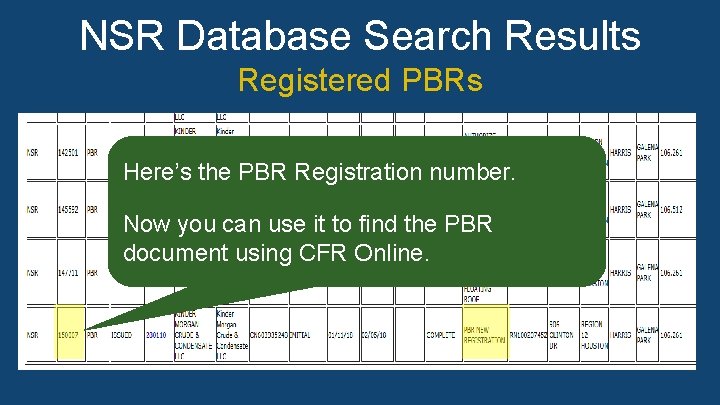
NSR Database Search Results Registered PBRs In the list of resulting registered PBRs from the NSR Here’s the search PBR Registration number. database search, for issued PBR New Registrations to find the PBR registration number. Now it to find number the PBRusing CFR online Now you canyou usecan theuse registration document using CFR Online. to find the PBR document. Now you can use it to find the PBR document using CFR Online.
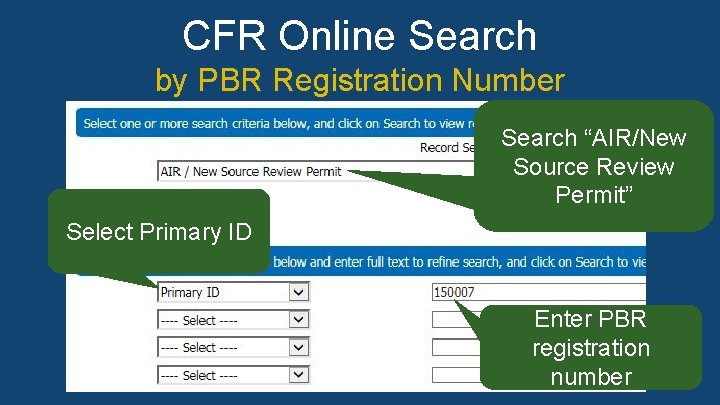
CFR Online Search by PBR Registration Number Search “AIR/New Source Review Use the AIR/New Source Review Permit record series to Permit” search for the PBR registration number as a primary ID in CFR online. Select Primary ID Enter PBR registration number
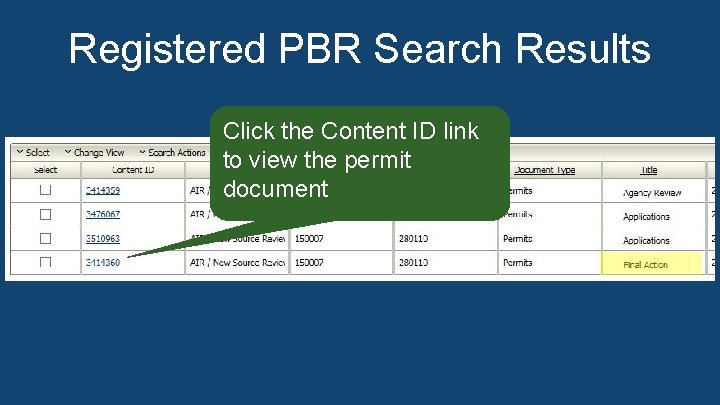
Registered PBR Search Results Click the Content ID link to view theproject permitdocuments, click the In the list of resulting PBR Content ID link todocument view the final version of the PBR document labeled as a “Final Action” in the Title column.
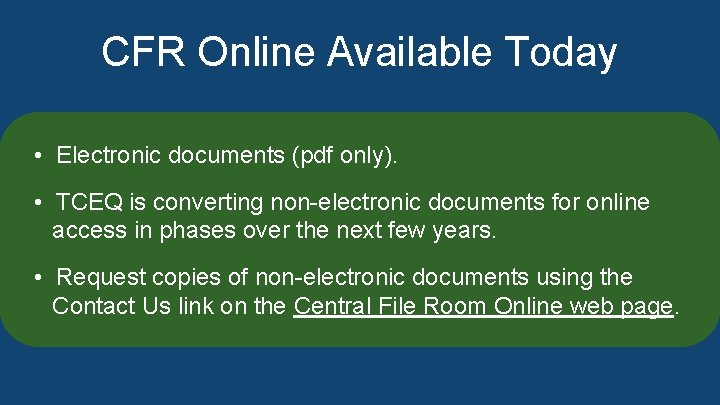
CFR Online Available Today • Electronic documents pdf only. TCEQ is converting • • Electronic documentsnon-electronic (pdf only). documents for online access in phases over the next few years. • • TCEQ is converting non-electronicdocumentsusing for online Request copies of non-electronic the access the next. File few. Room years. Online web page. contactinusphases link onover the Central (additional information can be found in the speaker notes) • Request copies of non-electronic documents using the Contact Us link on the Central File Room Online web page.
Thank You! Air Permits Division (512) 239 -1250