
Title of the animation Brief description about the
Title of the animation Brief description about the concept (1 -2 lines) Learning objective of the animation: (3 -4 lines( Author Affiliations
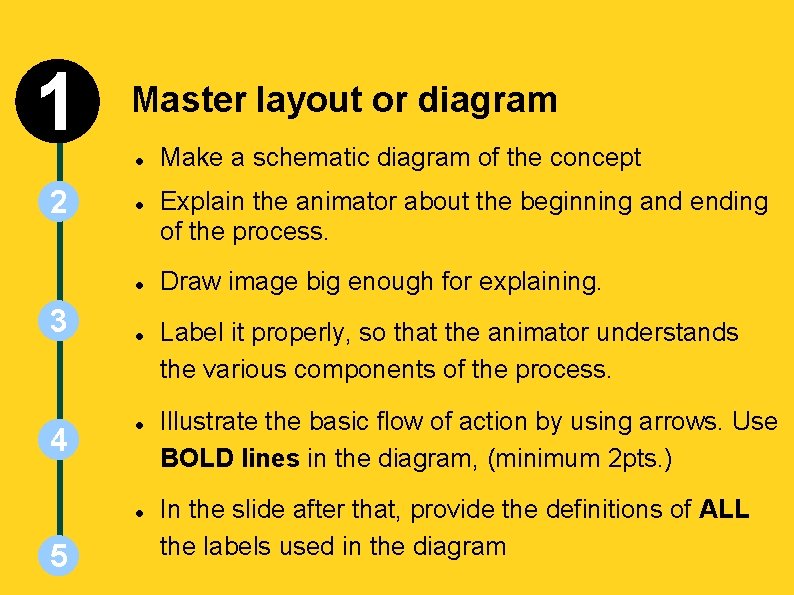
INSTRUCTIONS SLIDE 1 Master layout or diagram 2 3 4 5 Make a schematic diagram of the concept Explain the animator about the beginning and ending of the process. Draw image big enough for explaining. Label it properly, so that the animator understands the various components of the process. Illustrate the basic flow of action by using arrows. Use BOLD lines in the diagram, (minimum 2 pts. ) In the slide after that, provide the definitions of ALL the labels used in the diagram
1 2 3 4 5 Master Layout
1 Definitions of the components: 1. 2 2. 3. 3 4 5
1 2 3 Explain the process 4 5 In this step, use an example to explain the concept. It can be an analogy, a scenario, or an action which explains this concept/process/topic Try to use examples from day-to-day life to make it more clear You have to describe what steps the animator should take to make your concept come alive as a series of moving images. Keep the examples simple to understand, and also to illustrate/animate.
1 2 3 4 5 Analogy / Scenario / Action / Example
1 Stepwise description of process 2 3 4 5 The goal of the IDD is to provide instructions to an animator who is not a expert. You have to describe what steps the animator should take to make your concept come alive as a moving visualization. Use one slide per step. This will ensure clarity of the explanation. Add a image of the step in the box, and the details in the table below the box. You can use any images for reference, but mention about it's copyright status The animator will have to re-draw / re-create the drawings Add 'Interactivity options' in this section if necessary. You can skip the 'Section 5: Interactivity options' if you add it here. Add more slides as per the requirement of the animation
1 Step 1: 2 3 4 5 Action Description of the action Audio Narration
1 Step 2: 2 3 4 5 Action Description of the action Audio Narration
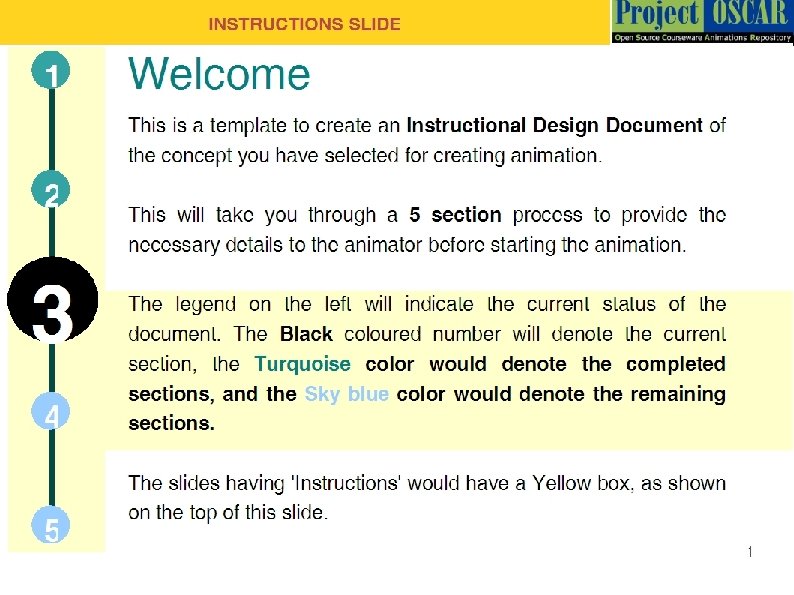
1 2 Animation design 3 4 5 Please see the design template provided in the next slide. This is a sample template, and you are free to change as per your design requirements. Try and recreate the sections/subsections as per the requirements of your concept. Use the blank slide (after the sample template) to create your design.
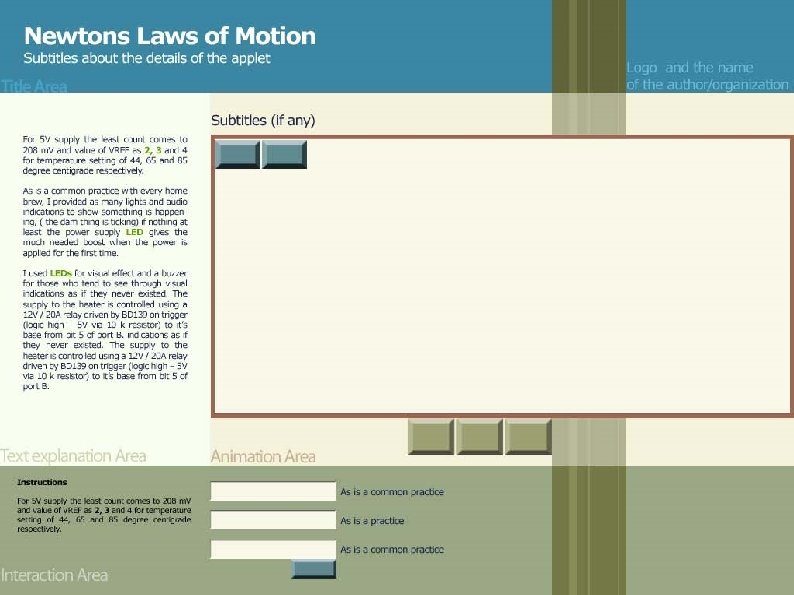

1 Interactivity and Boundary limits 2 3 4 5 In this section, you will add the ‘Interactivity’ options to the animation. Use the template in the next slide to give the details. Insert the image of the step/s (explained earlier in the Section 3) in the box, and provide the details in the table below. The details of Interactivity could be: Types: Drop down, Slider bar, Data inputs etc. Options: Select one, Multiple selections etc Boundary Limits: Values of the parameters, which won’t show results after a particular point Results: Explain the effect of the interaction in this column Add more slides if necessary
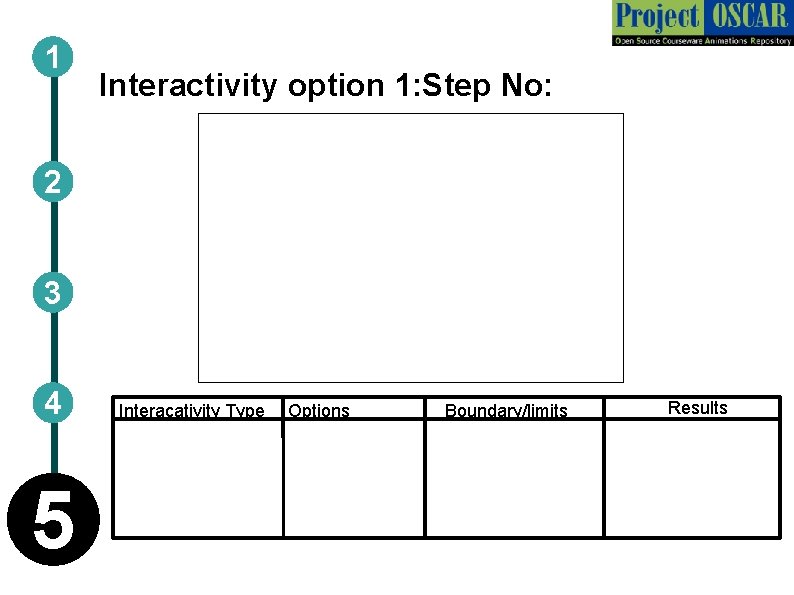
1 Interactivity option 1: Step No: 2 3 4 5 Interacativity Type Options Boundary/limits Results
Links for further reading Reference websites: Books: Research papers:
- Slides: 16