
Title of presentation Author of presentation AgendaContentsPlan Structure
- Slides: 12
Title of presentation Author of presentation
Agenda/Contents/Plan • Structure of a presentation – – – Introduction Description of the problem Method(s) Results Conclusions • Tips for slides • Useful Information 2/12
Introduction • Give audience genesis of presented problem • Start with general description of presented problem • Do not expect every one to be an expert in the field of your interested 3/12
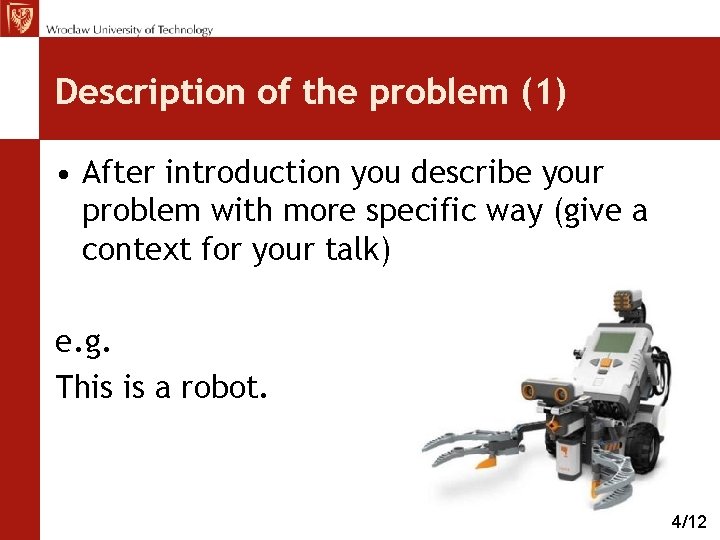
Description of the problem (1) • After introduction you describe your problem with more specific way (give a context for your talk) e. g. This is a robot. 4/12
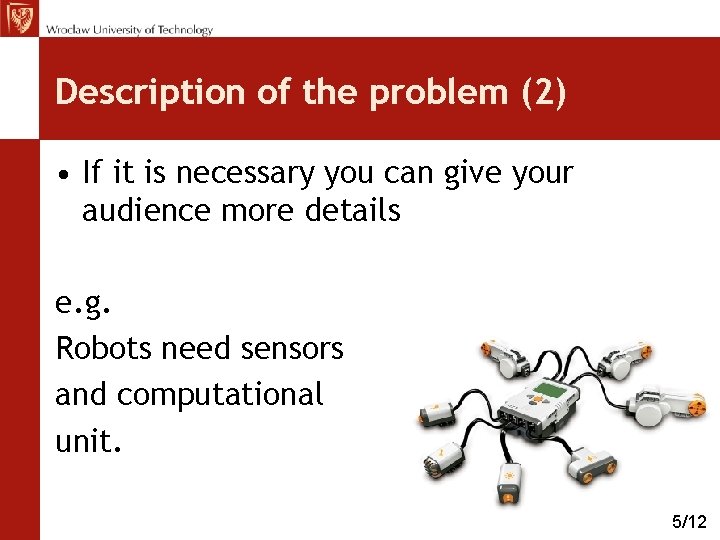
Description of the problem (2) • If it is necessary you can give your audience more details e. g. Robots need sensors and computational unit. 5/12
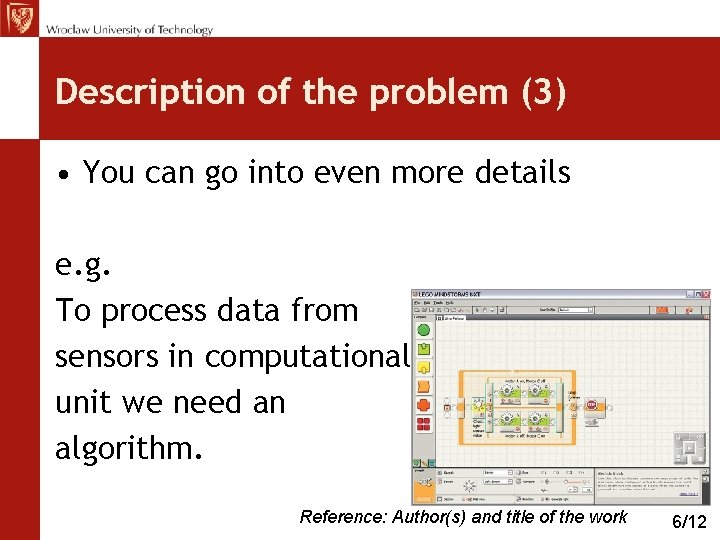
Description of the problem (3) • You can go into even more details e. g. To process data from sensors in computational unit we need an algorithm. Reference: Author(s) and title of the work 6/12
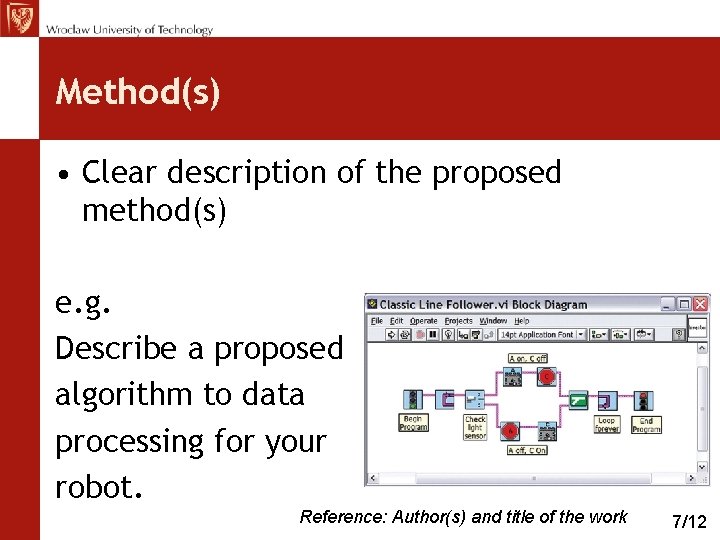
Method(s) • Clear description of the proposed method(s) e. g. Describe a proposed algorithm to data processing for your robot. Reference: Author(s) and title of the work 7/12
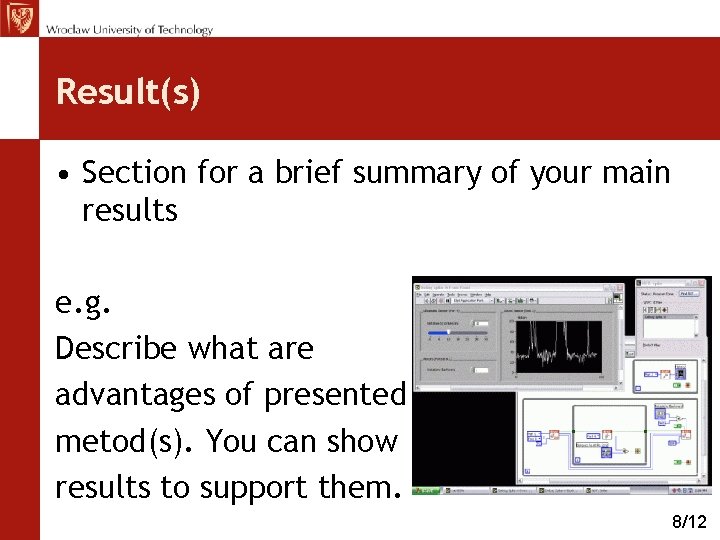
Result(s) • Section for a brief summary of your main results e. g. Describe what are advantages of presented metod(s). You can show results to support them. 8/12
Conclusion(s) • Section have to be brief - a bullet or outline form is especially helpful • Refer to description of the problem which was given in Introduction • Do not use too many points 9/12
Number for the same slides Tips for slides (1) • Use one font in presentation (make sure it is readable to your entire audience) • Use Bold letters to highlight words • AVOID WRITING WHOLE SENTENCES IN CAPITALS. IT IS LESS READABLE AND MORE AGGRESSIVE 10/12
Tips for slides (2) • Use capitals for acronyms IMHO • There should be contrast in written text against the background • Give space in your slides. Do not forget to number your slides ! You might also want to include the total number of slides. 11/12
Useful Information Power Point Templates: http: //www. logotyp. pwr. wroc. pl/wzory/szablony-prezentacji/szablon 1 -EN. pot http: //www. logotyp. pwr. wroc. pl/wzory/szablony-prezentacji/szablon 2 -EN. pot Time of presentation: 20 min 12/12