
Title of presentation Arial font 28 points Presenter

- Slides: 8
Title of presentation (Arial font, 28 points) Presenter Name (Arial font, 20 points font size) Date (Arial font, 20 points font size) © 2014 Eaton. All Rights Reserved. .
Title of presentation (Arial font, 28 points) Presenter Name (Arial, 16 points font size) © 2014 Eaton. All Rights Reserved. . Date
Title of presentation (title slide option 2: Arial font, 32 points font size) Subhead (Arial font, 16 points font size) © 2014 Eaton. All Rights Reserved. .
Use this slide to write impactful and call-toaction types of messaging © 2014 Eaton. All Rights Reserved. . 4
Title • This is our standard bulleted Power. Point slide • For more information on how to place text, images, graphs and charts on this slide template, please visit the Eaton Brand Center (via the Applications & Tools dropdown on JOE) and download our Power. Point Style Guide under Templates © 2014 Eaton. All Rights Reserved. . 5
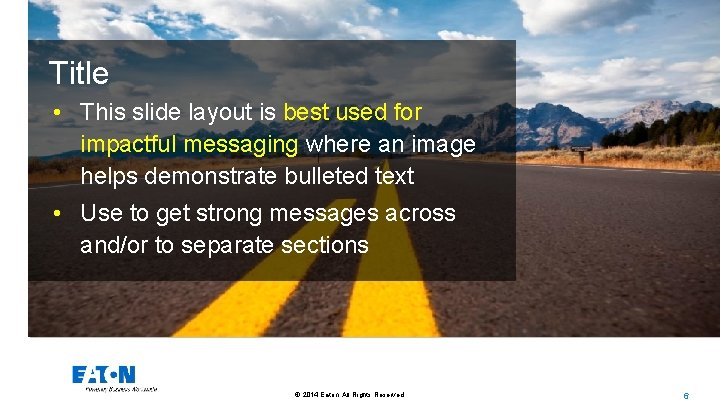
Title • This slide layout is best used for impactful messaging where an image helps demonstrate bulleted text • Use to get strong messages across and/or to separate sections © 2014 Eaton. All Rights Reserved. . 6
For more information on creating Eaton Power. Point presentations, please download the Power. Point Style Guide from Communications & Brand Center (access via the JOE dropdown). For questions, please contact brand@eaton. com © 2014 Eaton. All Rights Reserved. . 7
© 2014 Eaton. All Rights Reserved. . 8