
Tips for Using Speaking Cards Creating an Effective


- Slides: 5
Tips for Using Speaking Cards Creating an Effective Safety Net when You Are Speaking With a Manuscript or Extemporaneous Delivery Style “Tips for Using Speaking Cards" by Lee Ann, COM 101, Clinton Community College is licensed under CC BY 4. 0
Notecard Safety Net Size for Preparing Notecard Safety Net Use a ½ sheet of typing paper as a template to buy notecards. This size provides an easy fit to transition information from a printed draft to speaking cards. Not too big and not too small. Color of Notecards Neutral ( Boring. ) No lines/markings visible to audience Preparation of Cards for Presentation • Adjust font size before printing (14 or 16 is best) • Use Bold and Italics for delivery cues ( pause, smile, display item) • Glue, tape, or print information on one side of card only. • Number cards to keep them in order • “Notecard Safety Net" by Lee Ann, COM 101, Clinton Community College is licensed under CC BY 4. 0
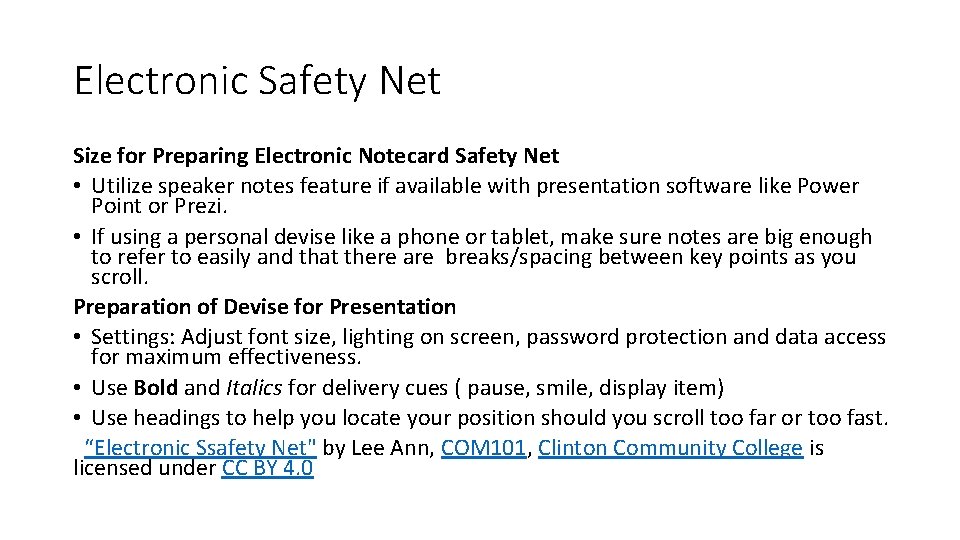
Electronic Safety Net Size for Preparing Electronic Notecard Safety Net • Utilize speaker notes feature if available with presentation software like Power Point or Prezi. • If using a personal devise like a phone or tablet, make sure notes are big enough to refer to easily and that there are breaks/spacing between key points as you scroll. Preparation of Devise for Presentation • Settings: Adjust font size, lighting on screen, password protection and data access for maximum effectiveness. • Use Bold and Italics for delivery cues ( pause, smile, display item) • Use headings to help you locate your position should you scroll too far or too fast. “Electronic Ssafety Net" by Lee Ann, COM 101, Clinton Community College is licensed under CC BY 4. 0
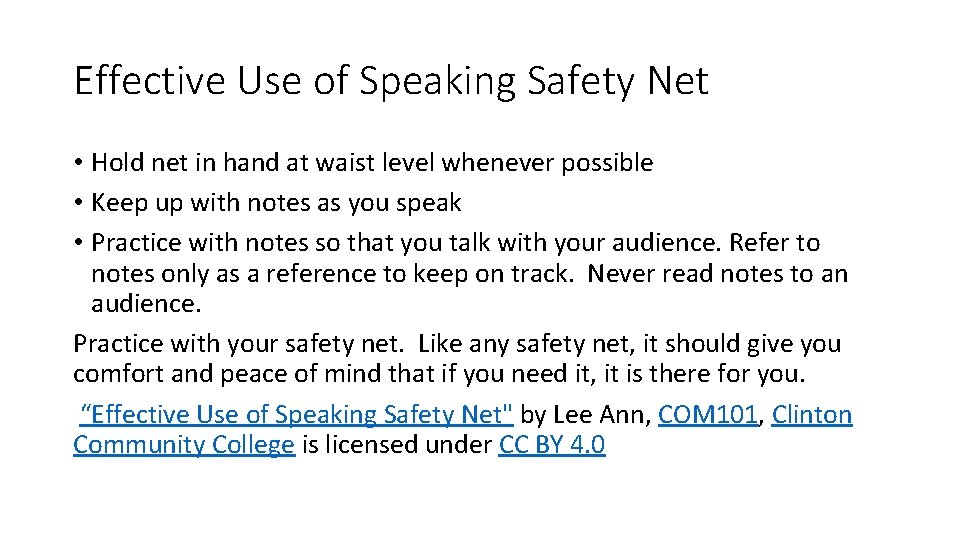
Effective Use of Speaking Safety Net • Hold net in hand at waist level whenever possible • Keep up with notes as you speak • Practice with notes so that you talk with your audience. Refer to notes only as a reference to keep on track. Never read notes to an audience. Practice with your safety net. Like any safety net, it should give you comfort and peace of mind that if you need it, it is there for you. “Effective Use of Speaking Safety Net" by Lee Ann, COM 101, Clinton Community College is licensed under CC BY 4. 0
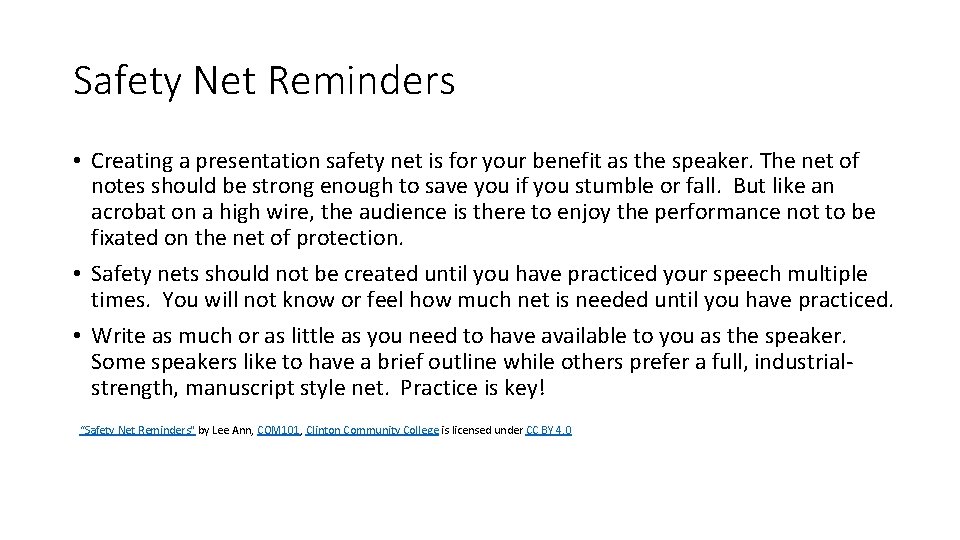
Safety Net Reminders • Creating a presentation safety net is for your benefit as the speaker. The net of notes should be strong enough to save you if you stumble or fall. But like an acrobat on a high wire, the audience is there to enjoy the performance not to be fixated on the net of protection. • Safety nets should not be created until you have practiced your speech multiple times. You will not know or feel how much net is needed until you have practiced. • Write as much or as little as you need to have available to you as the speaker. Some speakers like to have a brief outline while others prefer a full, industrialstrength, manuscript style net. Practice is key! “Safety Net Reminders" by Lee Ann, COM 101, Clinton Community College is licensed under CC BY 4. 0