
Tips for Effective Power Point Presentations Presented By
Tips for Effective Power. Point Presentations Presented By Taylor Smith
What to Expect? Things to Avoid � What Fonts would be better then others � How to attract the Audience �
Fonts � Select Sans-Serif fonts such as Arial or Helvetica. � Use no font size smaller then 24 point � Clearly label each screen. � Use a single sans-serif font for most the presentation. � Avoid italicized fonts as they are difficult to read quickly. � No more than 6 -8 words per line.
Font Colors � For bullet points, use the 6 X 6 Rule › No more then six bullets ands six words per line. Use dark text on light background or light text on dark backgrounds. � Do not use all caps except for titles � To test font move back six feet from monitor. Dark � To Light
Graphics and Design Keep the background consistent and subtle. � Use only enough text when using charts or graphs to explain clearly. � Keep the design clean and uncluttered. � Us quality clipart and use it sparingly � Try to use the same style graphics throughout the presentation. � Limit the number of graphics on each slide �
Designs and Graphics Check all graphics on a projection screen before the actual presentation. � Avoid flashy graphics and noisy animations. � Limit the number of transitions used. �
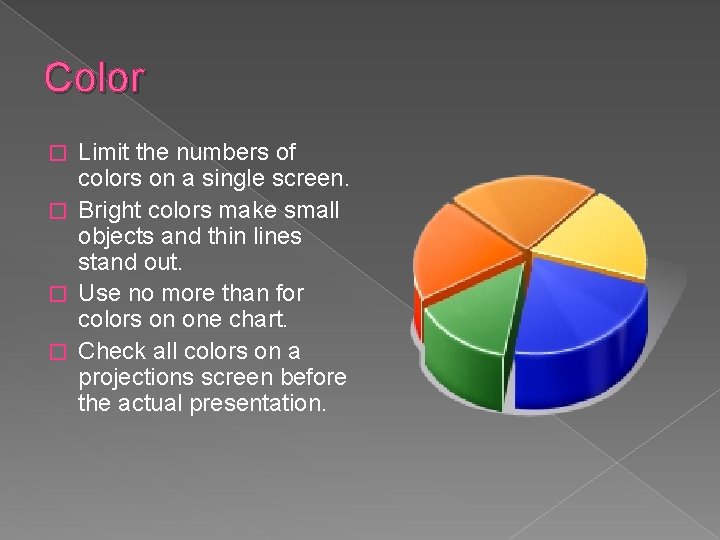
Color Limit the numbers of colors on a single screen. � Bright colors make small objects and thin lines stand out. � Use no more than for colors on one chart. � Check all colors on a projections screen before the actual presentation. �

General Presentation � Check the spelling and grammar. � Do not read the presentation. � Give a brief overview at the start. � Present bullets one at a time so they listen to you and not read the screen. � Use a mouse that is easy to use while moving.
General Presentation Continued If you use sound effects do not try to speak over them. � If the slide is complex, printing the slides would help the audience. � Do not put your back toward the audience. �
Overview Effective Fonts � How to present better � Colors not to use � Things that could help you out �
Adapted From: � Bankerd, Kathy. “How to Optimize Projection Technology: Using Fonts, Graphics, and Color to Maximize the Effectiveness of Your Presentation”. Syllabus. November/December 1997.
- Slides: 11