
Tips for Effective Power Point Presentations Presented by
Tips for Effective Power. Point Presentations Presented by: Bobbie Stillwagon
What You Will Learn Font tips Graphics and Design Color General Presentation tips q. Fo q. G nts ra q. Co phics & Des q. G lor ign ene ral p rese ntat ion

Fonts Use sans-serif fonts No smaller than 24 point font Use a clear & large font for your title › 35 -45 point Change font for two reasons only › Different colors, sizes & styles for impact Avoid italicized fonts 40 point font 36 point font 32 point font 28 point font 24 point font 20 point font No Italicized fonts! No Serif fonts

Fonts Use less than 8 words per line Bulleted presentations use the 6 x 6 rule › No more than 6 lines › No more than 6 words Have good contrast › Dark on light, light on dark Save all caps for titles only Test font › Stand 6 -feet back & read the slide
Graphics and Design � Keep the same background � Use only enough text to explain clearly � Leave empty space › Around text & graphics � Use a small amount of graphics › They need to relate & enhance the topic � Use the same form of graphics › Cartoon, pictures

Graphics and Design � Small amounts of graphics per slide � Test graphics before presentation › Projection screen � Don’t use flashy graphics or noisy animations � Use a small amount of transitions
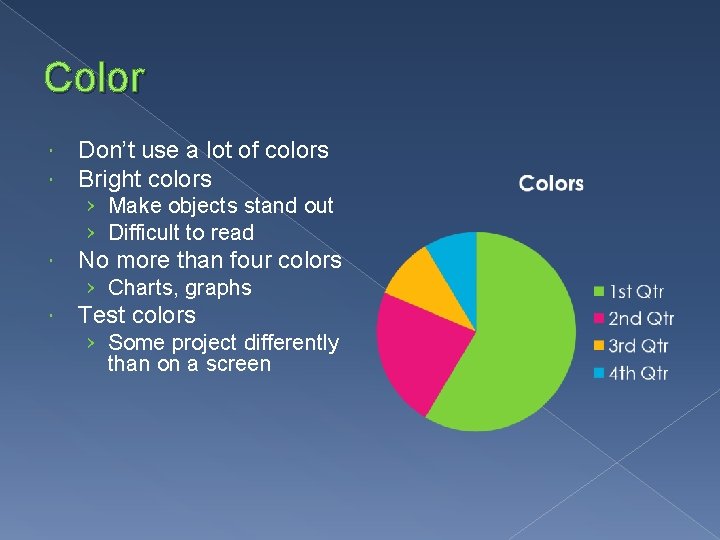
Color Don’t use a lot of colors Bright colors › Make objects stand out › Difficult to read No more than four colors › Charts, graphs Test colors › Some project differently than on a screen
General Presentation � Proper spelling and grammar � Don’t read the screen › Practice presentation so you don’t need the screen � State what you’re going to cover › Present › Review � Set bullets to appear one at a time
General Presentation Try to use a wireless mouse › Gives you the ability to move Speak only when sound effects finish Use note sheets for complex content Never turn your back › Move the monitor if needed
What You Learned � Font tips � Graphics and Design � Color � General Presentation tips
- Slides: 10