
Tiny OS 2 1 Jun Yi Partially based
Tiny. OS 2. 1 Jun Yi Partially based on the tutorial at IPSN 2009 By Stephen Dawson-Haggerty, Omprakash Gnawali, David Gay, Philip Levis, Răzvan Musăloiu-E. , Kevin Klues, and John Regehr
Outline • Overview • Tiny. OS and Nes. C • Programming Environment Setup 2
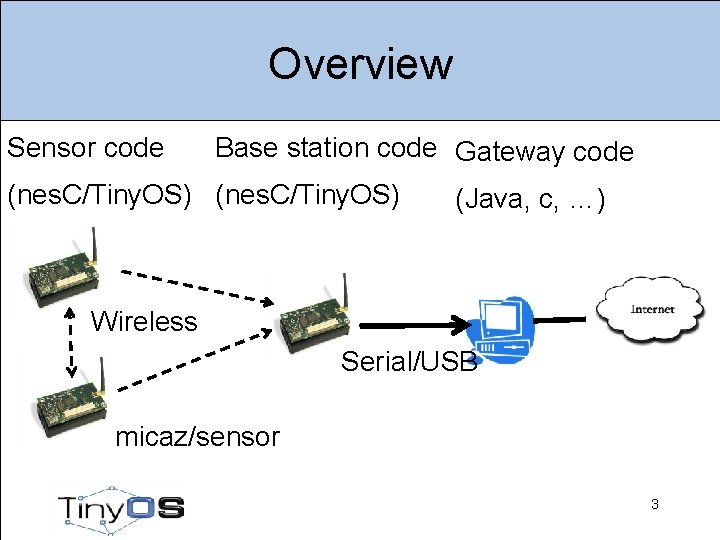
Overview Sensor code Base station code Gateway code (nes. C/Tiny. OS) (Java, c, …) Wireless Serial/USB micaz/sensor 3
What is Tiny. OS? • An operating system for low power, embedded, wireless devices – Wireless sensor networks (WSNs) – Sensor-actuator networks – Embedded robotics • Open source, open developer community • http: //www. tinyos. net • E-book: Tiny. OS Programming: http: //csl. stanford. edu/~pal/pubs/tinyos-programming. pdf 4
Tiny. OS and nes. C • Components and interfaces – Blink example • Tasks – Illustration • Compiling and tool-chain 5
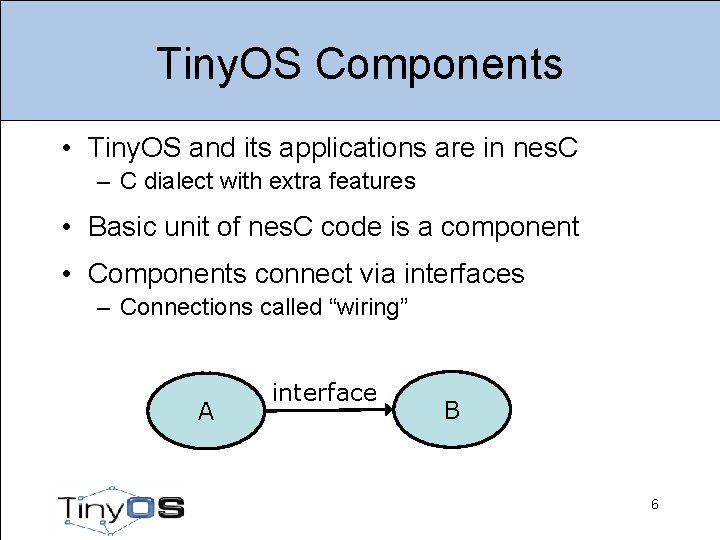
Tiny. OS Components • Tiny. OS and its applications are in nes. C – C dialect with extra features • Basic unit of nes. C code is a component • Components connect via interfaces – Connections called “wiring” A interface B 6
Components • A component is a file (names must match) • Modules are components that have variables and executable code • Configurations are components that wire other components together 7
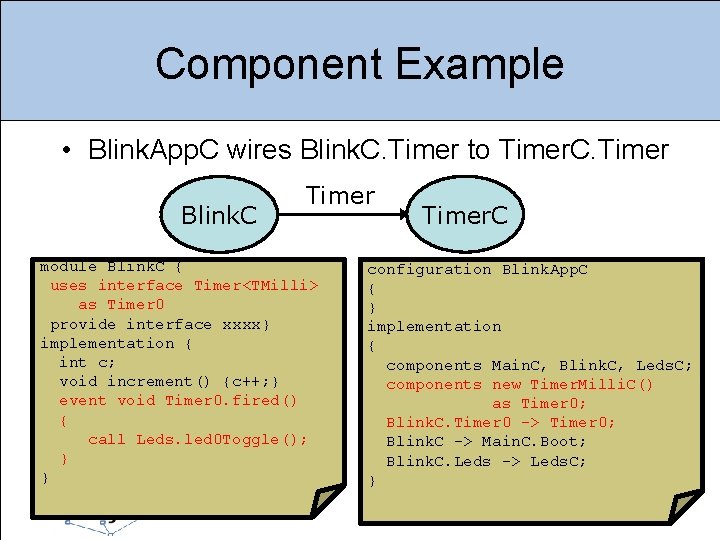
Component Example • Blink. App. C wires Blink. C. Timer to Timer. C. Timer Blink. C Timer module Blink. C { uses interface Timer<TMilli> as Timer 0 provide interface xxxx} implementation { int c; void increment() {c++; } event void Timer 0. fired() { call Leds. led 0 Toggle(); } } Timer. C configuration Blink. App. C { } implementation { components Main. C, Blink. C, Leds. C; components new Timer. Milli. C() as Timer 0; Blink. C. Timer 0 -> Timer 0; Blink. C -> Main. C. Boot; Blink. C. Leds -> Leds. C; } 8
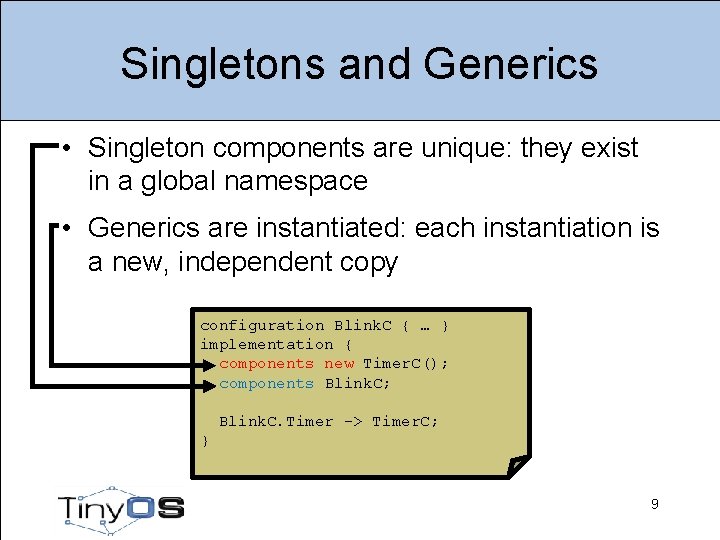
Singletons and Generics • Singleton components are unique: they exist in a global namespace • Generics are instantiated: each instantiation is a new, independent copy configuration Blink. C { … } implementation { components new Timer. C(); components Blink. C; Blink. C. Timer -> Timer. C; } 9
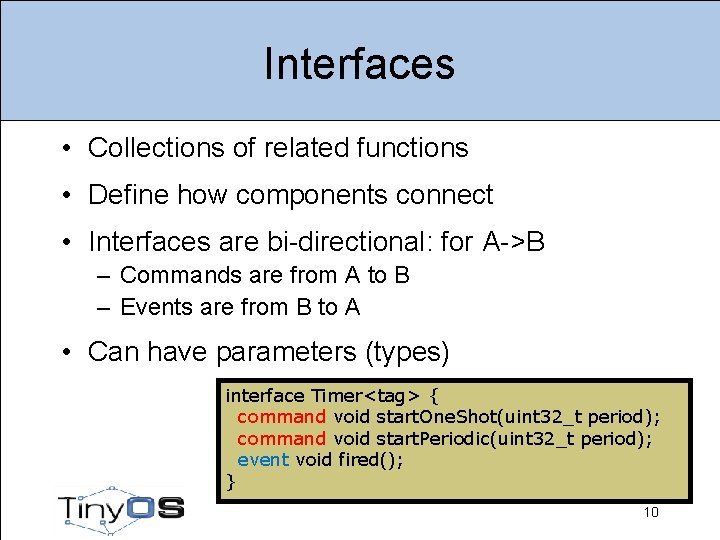
Interfaces • Collections of related functions • Define how components connect • Interfaces are bi-directional: for A->B – Commands are from A to B – Events are from B to A • Can have parameters (types) interface Timer<tag> { command void start. One. Shot(uint 32_t period); command void start. Periodic(uint 32_t period); event void fired(); } 10
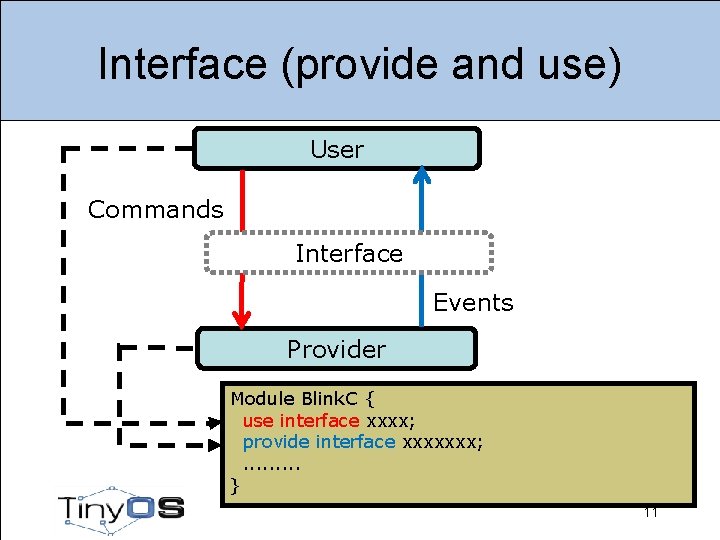
Interface (provide and use) User Commands Interface Events Provider Module Blink. C { use interface xxxx; provide interface xxxxxxx; . . } 11
Tasks • Tiny. OS has a single stack: long-running computation can reduce responsiveness • Tasks: mechanism to defer computation – Tells Tiny. OS “do this later” • Tasks run to completion – Tiny. OS scheduler runs them one by one in the order they post – Keep them short! • Interrupts run on stack, can post tasks 12
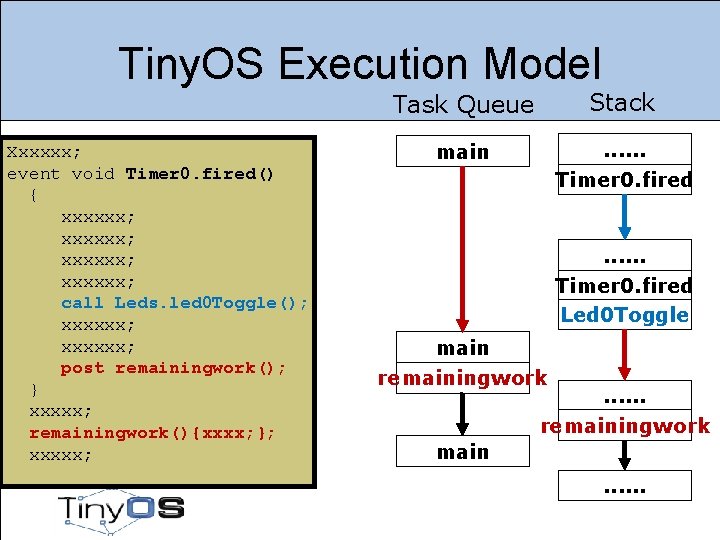
Tiny. OS Execution Model Xxxxxx; event void Timer 0. fired() { xxxxxx; call Leds. led 0 Toggle(); xxxxxx; post remainingwork(); } xxxxx; remainingwork(){xxxx; }; xxxxx; Task Queue Stack main . . . Timer 0. fired Led 0 Toggle main remainingwork . . . remainingwork main. . .
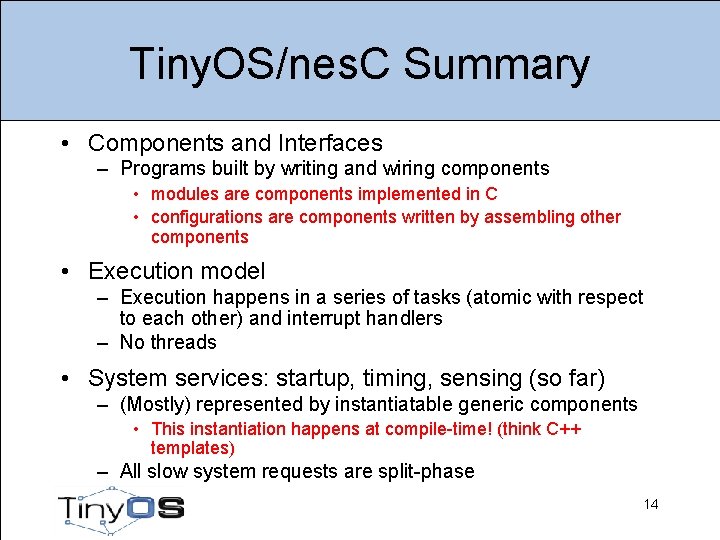
Tiny. OS/nes. C Summary • Components and Interfaces – Programs built by writing and wiring components • modules are components implemented in C • configurations are components written by assembling other components • Execution model – Execution happens in a series of tasks (atomic with respect to each other) and interrupt handlers – No threads • System services: startup, timing, sensing (so far) – (Mostly) represented by instantiatable generic components • This instantiation happens at compile-time! (think C++ templates) – All slow system requests are split-phase 14
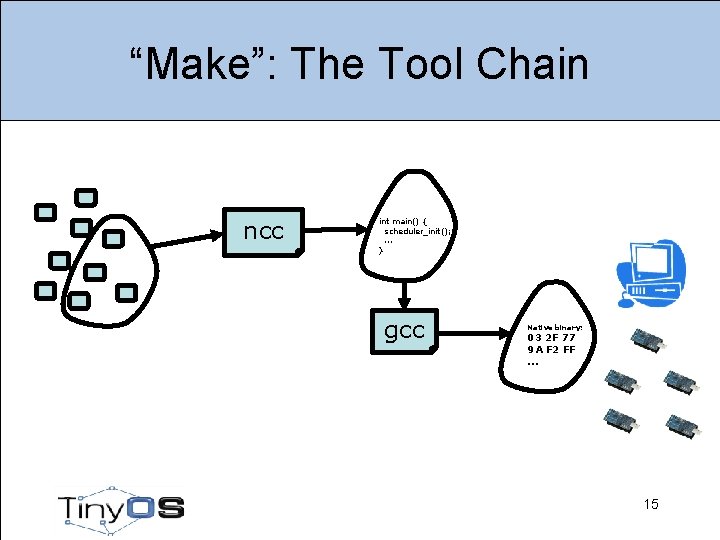
“Make”: The Tool Chain ncc int main() { scheduler_init(); . . . } gcc Native binary: 03 2 F 77 9 A F 2 FF. . . 15
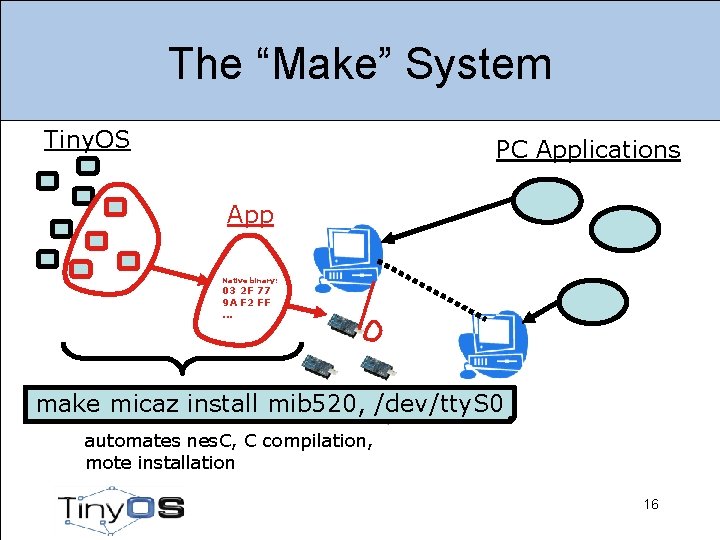
The “Make” System Tiny. OS PC Applications App Native binary: 03 2 F 77 9 A F 2 FF. . . make micaz install mib 520, /dev/tty. S 0 automates nes. C, C compilation, mote installation 16
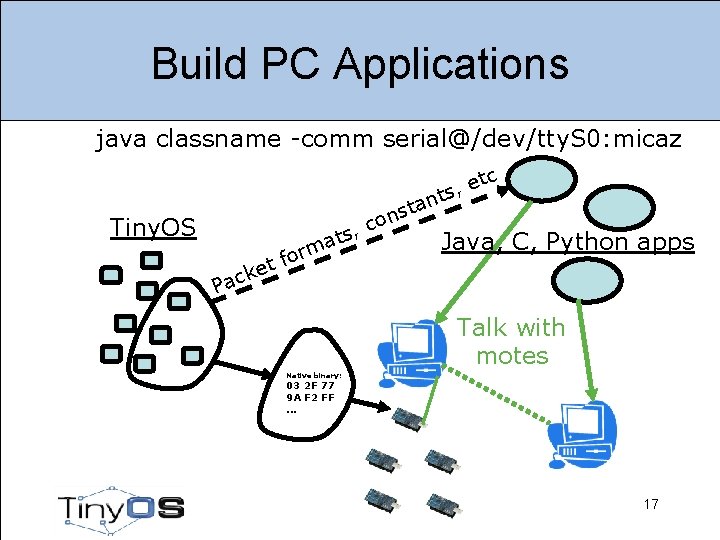
Build PC Applications java classname -comm serial@/dev/tty. S 0: micaz c t e s, t n ta s n co Tiny. OS , s at Java, C, Python apps m r fo t e k Pac Talk with motes Native binary: 03 2 F 77 9 A F 2 FF. . . 17
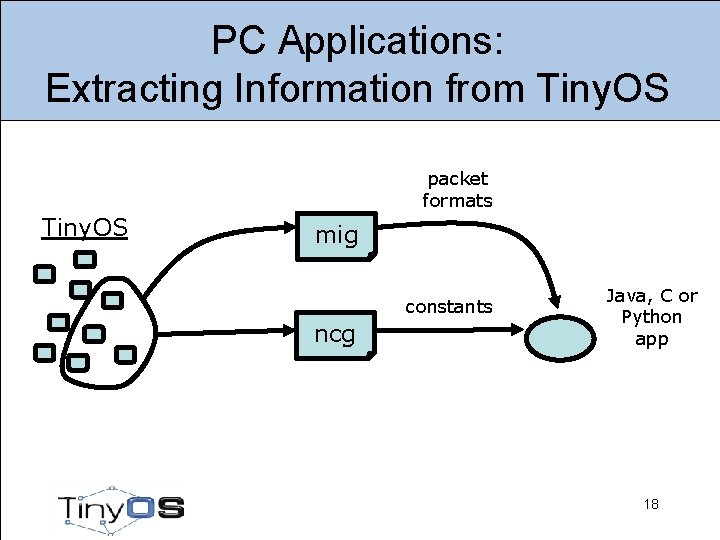
PC Applications: Extracting Information from Tiny. OS packet formats Tiny. OS mig constants ncg Java, C or Python app 18
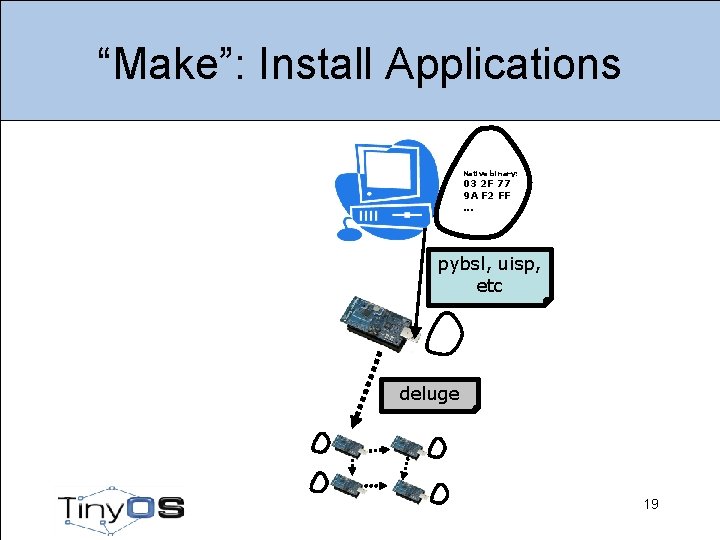
“Make”: Install Applications Native binary: 03 2 F 77 9 A F 2 FF. . . pybsl, uisp, etc deluge 19
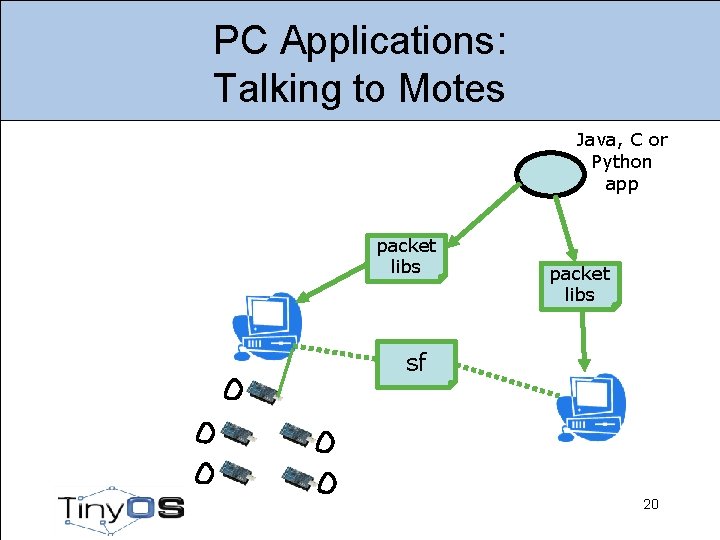
PC Applications: Talking to Motes Java, C or Python app packet libs sf 20
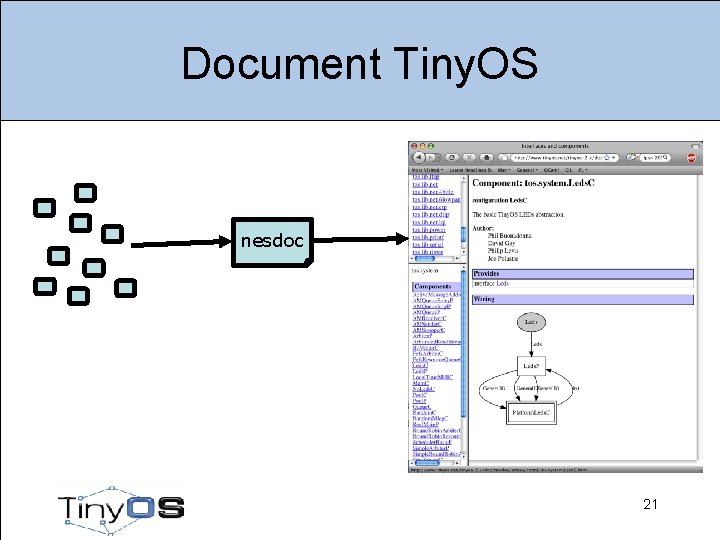
Document Tiny. OS nesdoc 21
Programming environment setup 22
Goals 1. Install Tiny. OS cross-compilation environment 2. Build Blink application 3. Run Blink application 23 23
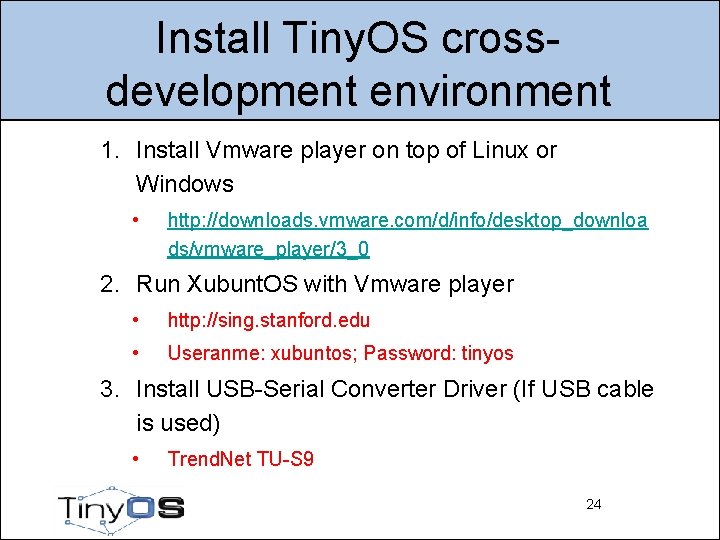
Install Tiny. OS crossdevelopment environment 1. Install Vmware player on top of Linux or Windows • http: //downloads. vmware. com/d/info/desktop_downloa ds/vmware_player/3_0 2. Run Xubunt. OS with Vmware player • http: //sing. stanford. edu • Useranme: xubuntos; Password: tinyos 3. Install USB-Serial Converter Driver (If USB cable is used) • Trend. Net TU-S 9 24 24
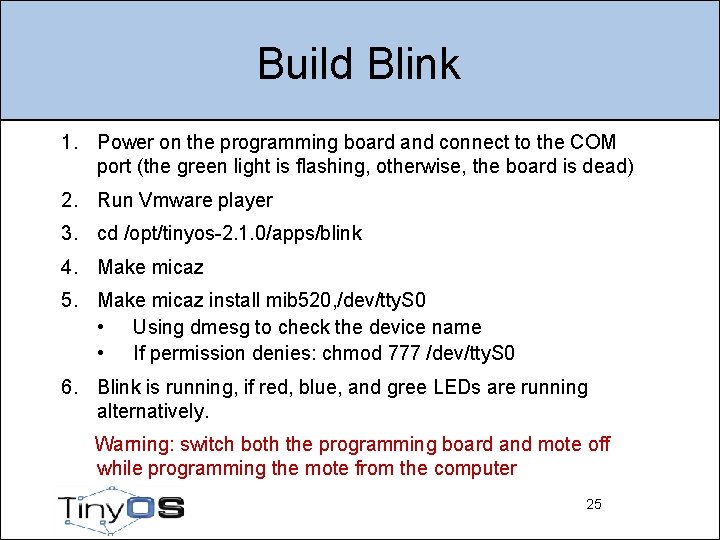
Build Blink 1. Power on the programming board and connect to the COM port (the green light is flashing, otherwise, the board is dead) 2. Run Vmware player 3. cd /opt/tinyos-2. 1. 0/apps/blink 4. Make micaz 5. Make micaz install mib 520, /dev/tty. S 0 • Using dmesg to check the device name • If permission denies: chmod 777 /dev/tty. S 0 6. Blink is running, if red, blue, and gree LEDs are running alternatively. Warning: switch both the programming board and mote off while programming the mote from the computer 25 25
DARTS lab • 4 machines (2 linux-windows dual booted, and 2 Linux only), installed with Vmware player and Xubuntos, i. e. , the programming environments are all set up • Each machine is already connected with a programming board which is attached with a Micaz and a sensor (MTS 310) • Additional motes/sensors/programming-boards/seriacables/power-lines can be found in a box in the coffe table 26 26
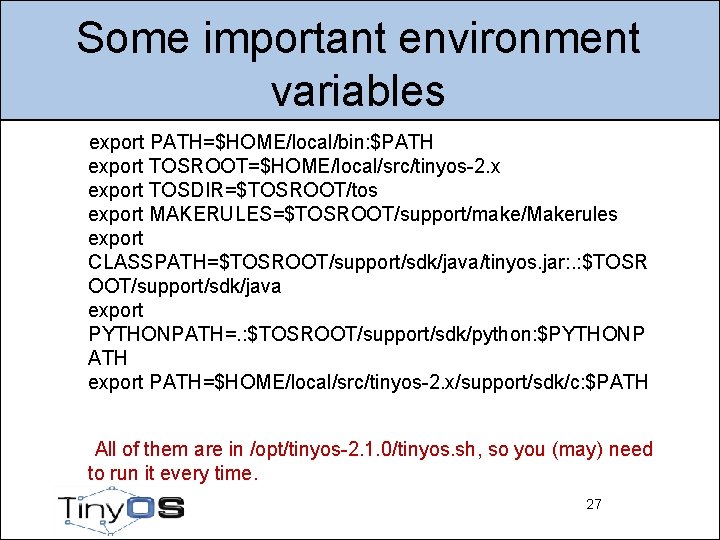
Some important environment variables export PATH=$HOME/local/bin: $PATH export TOSROOT=$HOME/local/src/tinyos-2. x export TOSDIR=$TOSROOT/tos export MAKERULES=$TOSROOT/support/make/Makerules export CLASSPATH=$TOSROOT/support/sdk/java/tinyos. jar: . : $TOSR OOT/support/sdk/java export PYTHONPATH=. : $TOSROOT/support/sdk/python: $PYTHONP ATH export PATH=$HOME/local/src/tinyos-2. x/support/sdk/c: $PATH All of them are in /opt/tinyos-2. 1. 0/tinyos. sh, so you (may) need to run it every time. 27 27
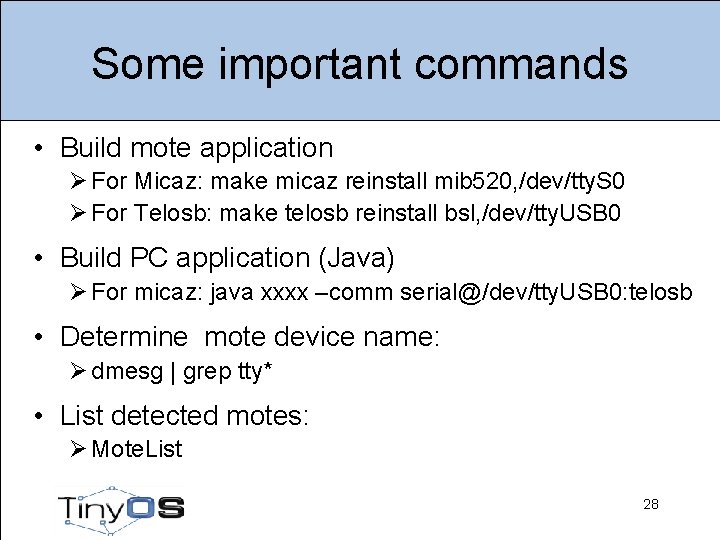
Some important commands • Build mote application Ø For Micaz: make micaz reinstall mib 520, /dev/tty. S 0 Ø For Telosb: make telosb reinstall bsl, /dev/tty. USB 0 • Build PC application (Java) Ø For micaz: java xxxx –comm serial@/dev/tty. USB 0: telosb • Determine mote device name: Ø dmesg | grep tty* • List detected motes: Ø Mote. List 28
- Slides: 28