
Tinkercad Lessons 3 D Design and Printing Exploring

- Slides: 34
Tinkercad Lessons: 3 D Design and Printing Exploring Technology Mrs. Barbour East Lee Middle School
Credit
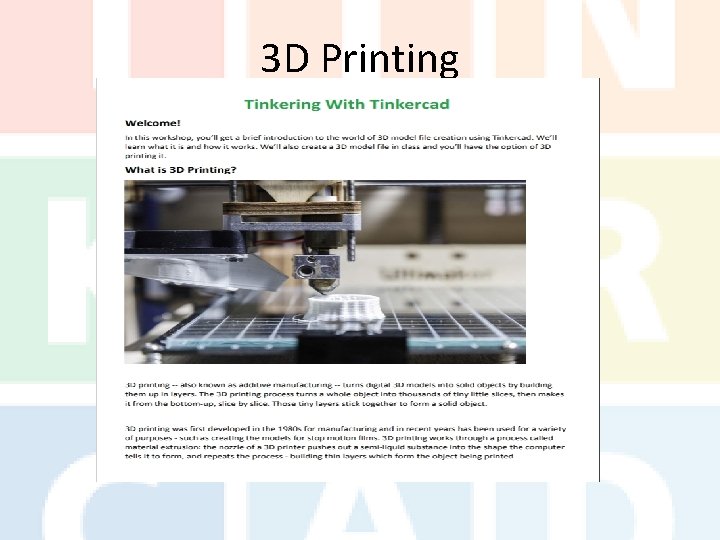
3 D Printing
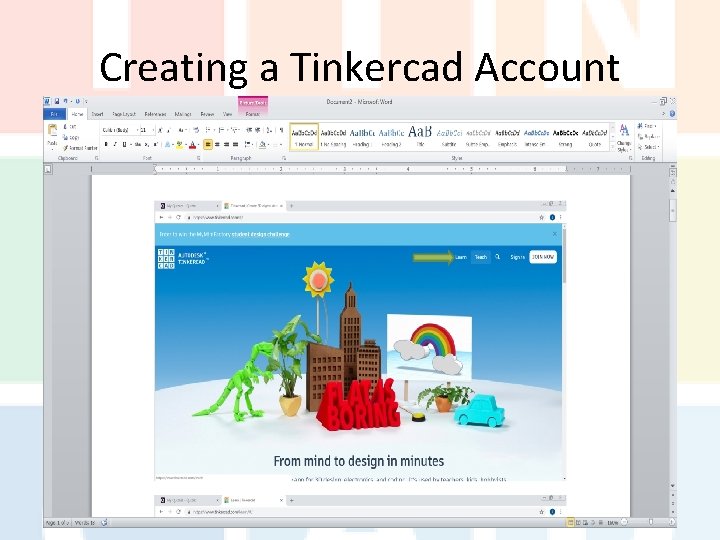
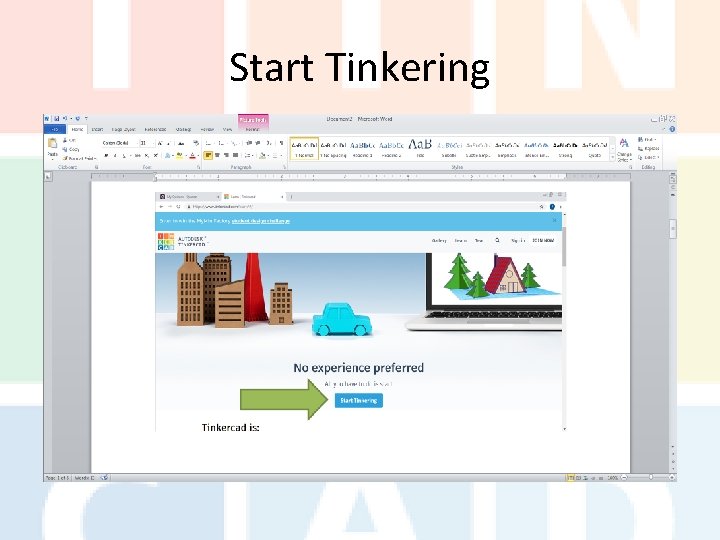
Creating a Tinkercad Account
Start Tinkering
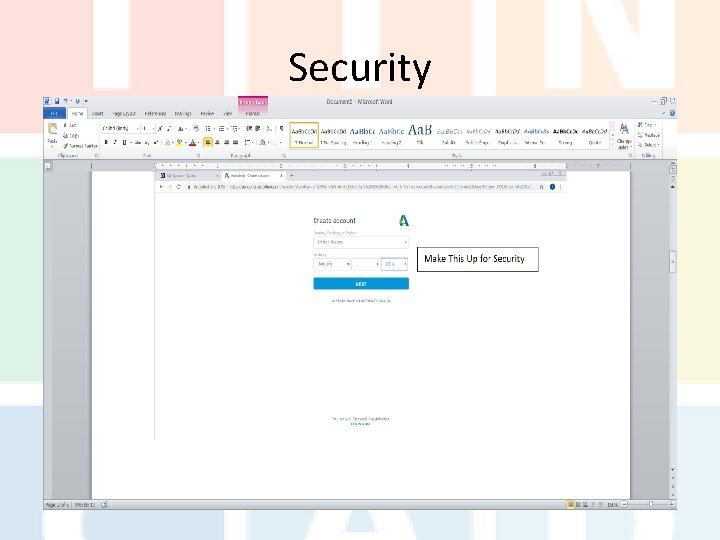
Security
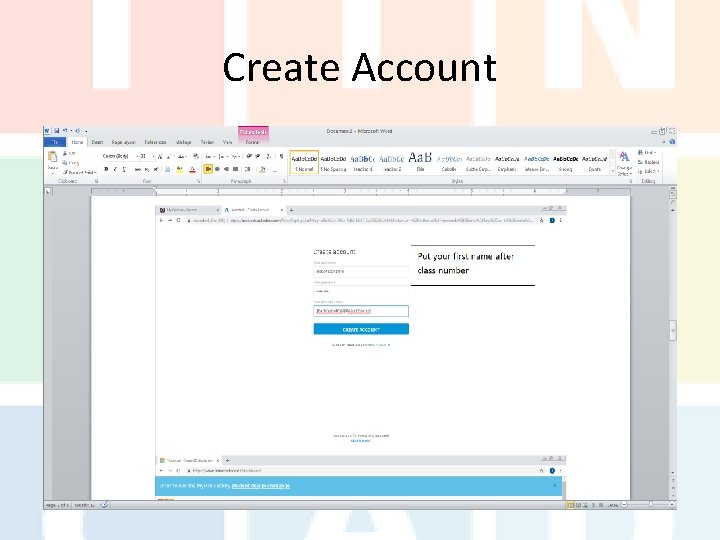
Create Account
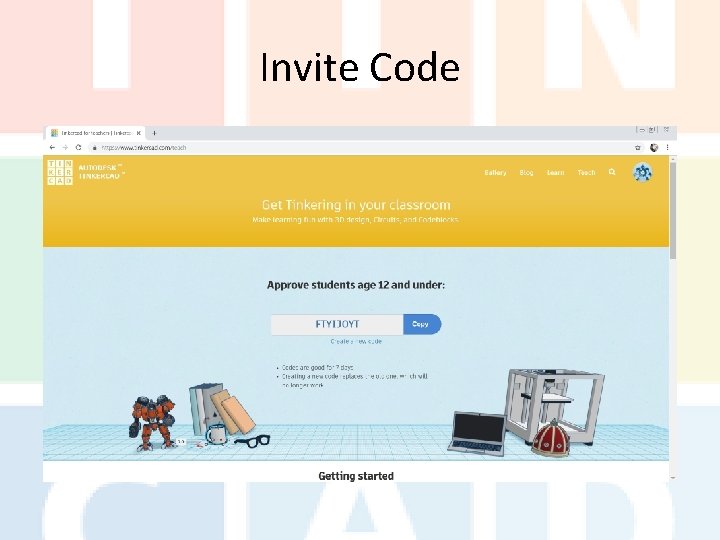
Invite Code 13 sjlzp 2
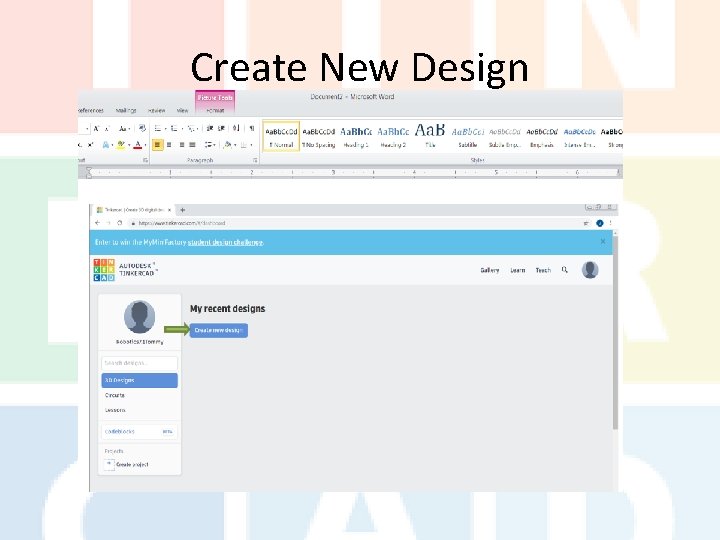
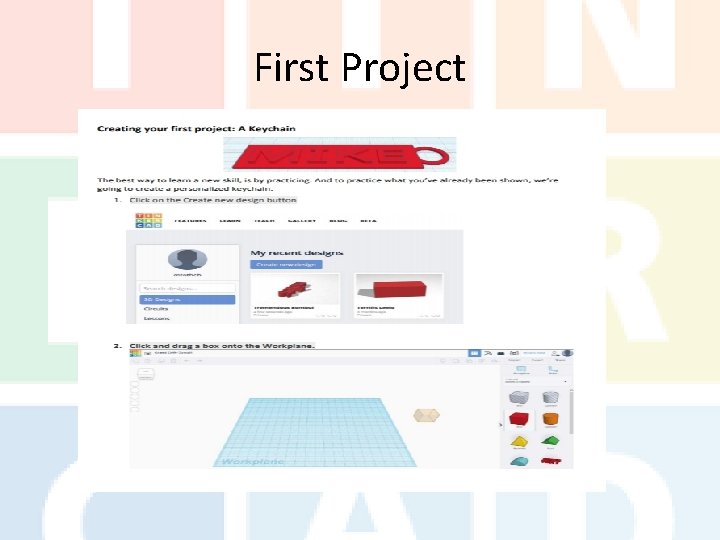
Create New Design
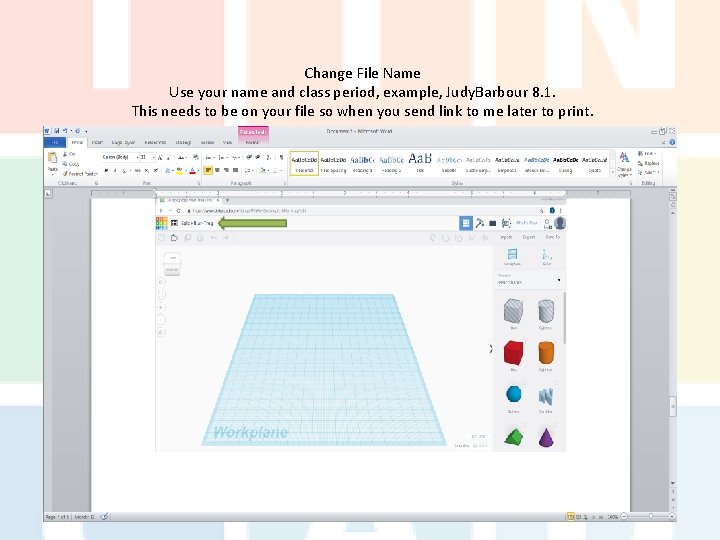
Change File Name Use your name and class period, example, Judy. Barbour 8. 1. This needs to be on your file so when you send link to me later to print.
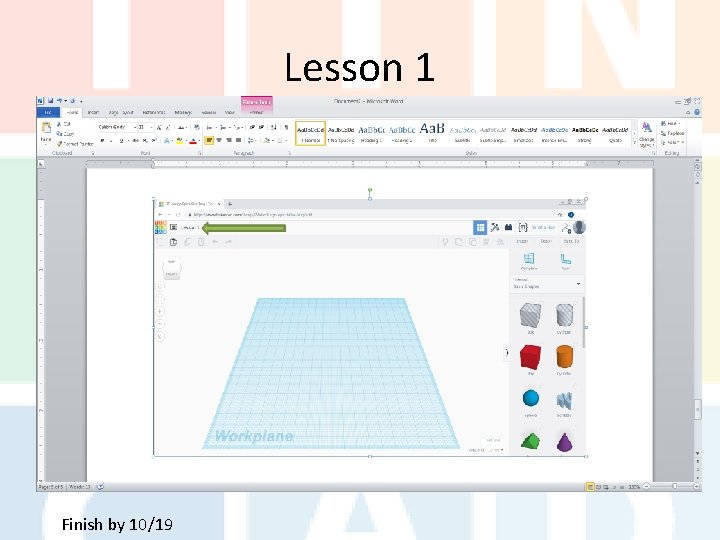
Lesson 1 Finish by 10/19
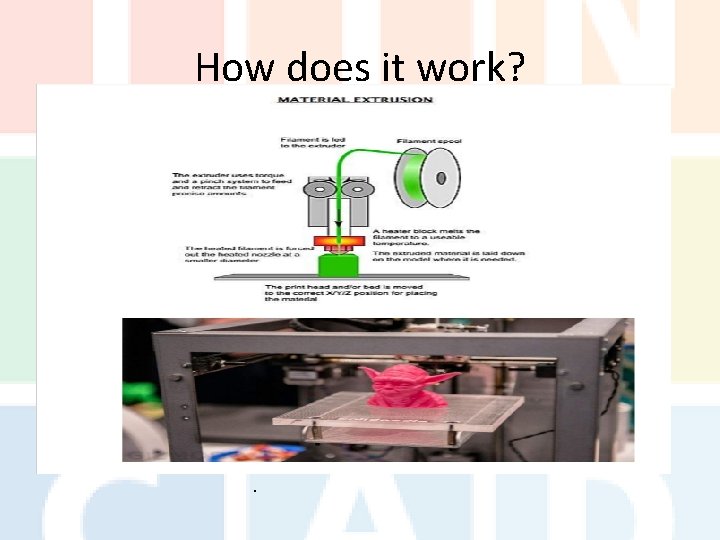
How does it work? .
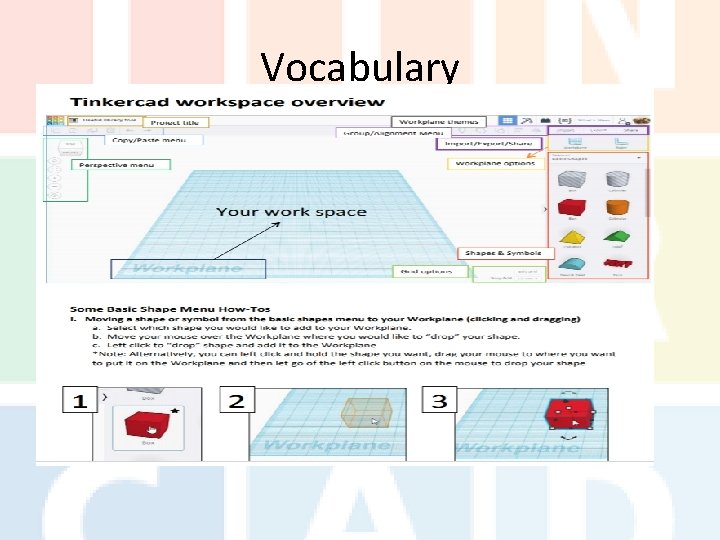
Vocabulary
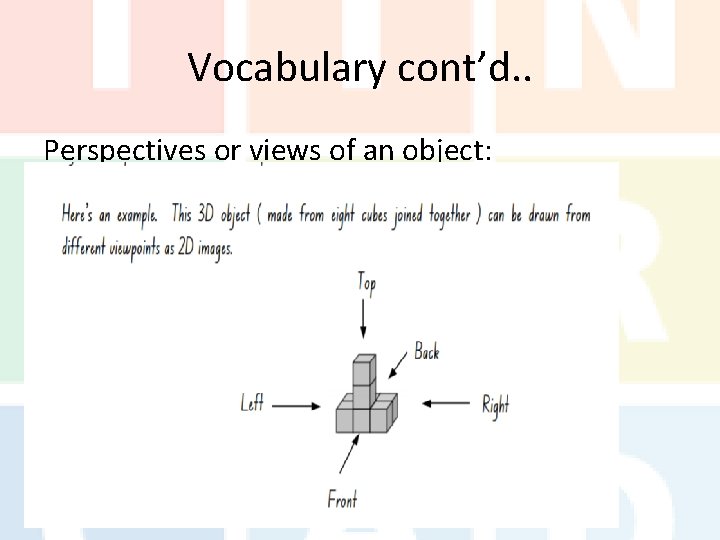
Vocabulary cont’d. . Perspectives or views of an object:
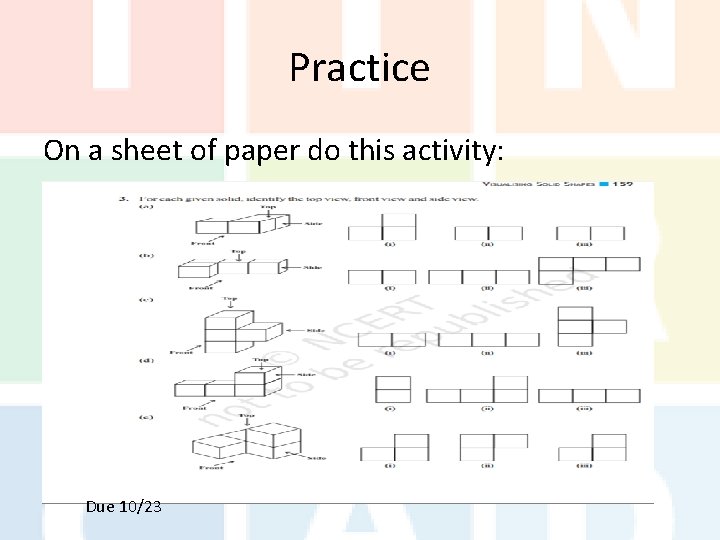
Practice On a sheet of paper do this activity: Due 10/23
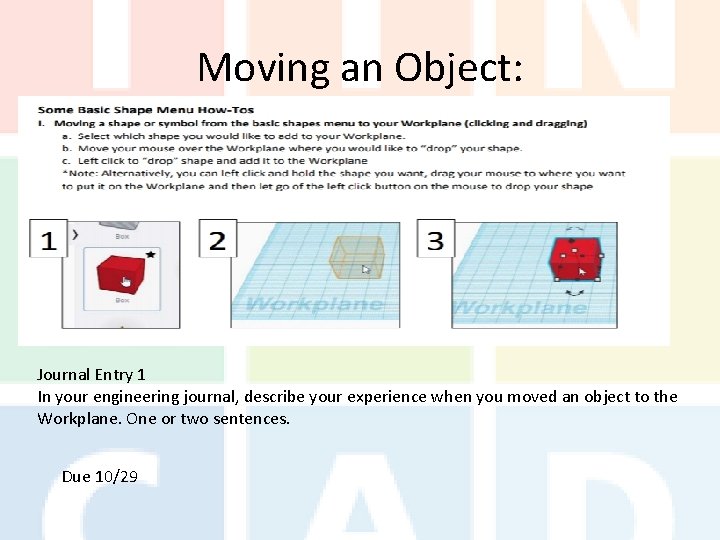
Moving an Object: Journal Entry 1 In your engineering journal, describe your experience when you moved an object to the Workplane. One or two sentences. Due 10/29
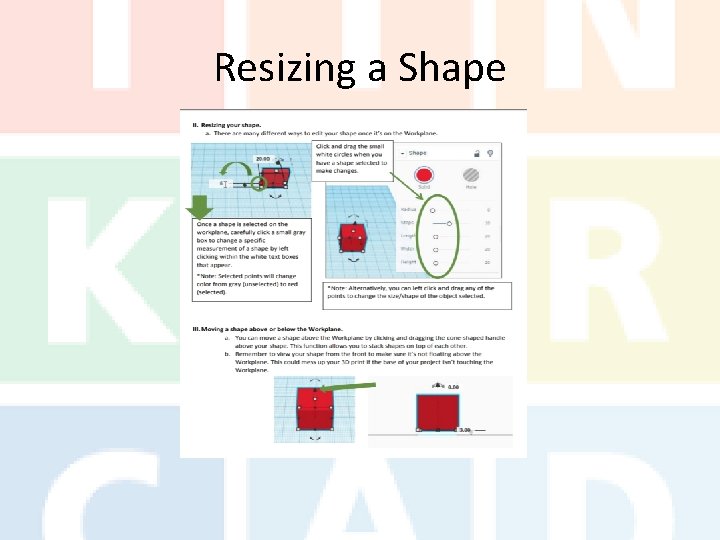
Resizing a Shape
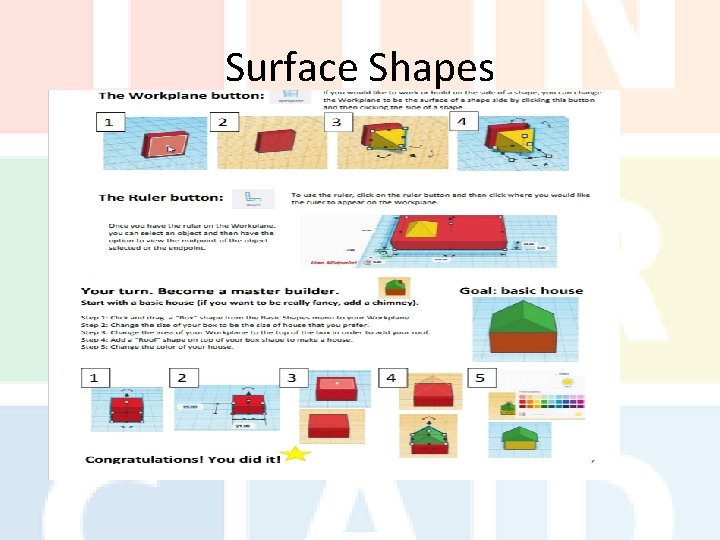
Surface Shapes
First Project
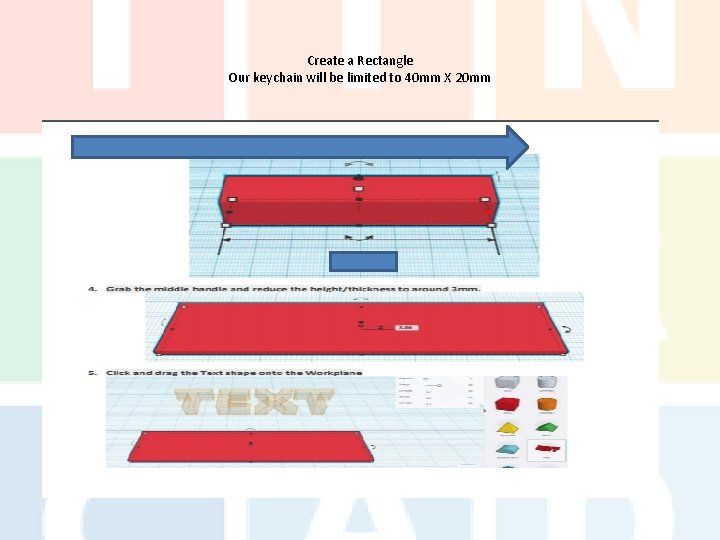
Create a Rectangle Our keychain will be limited to 40 mm X 20 mm
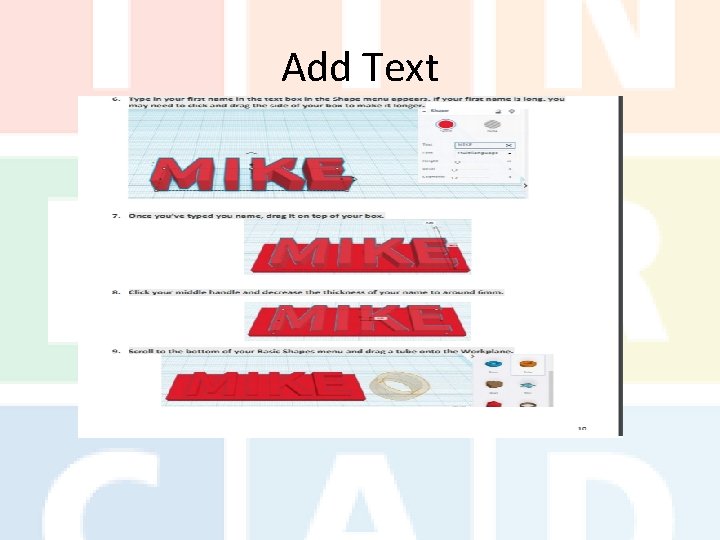
Add Text
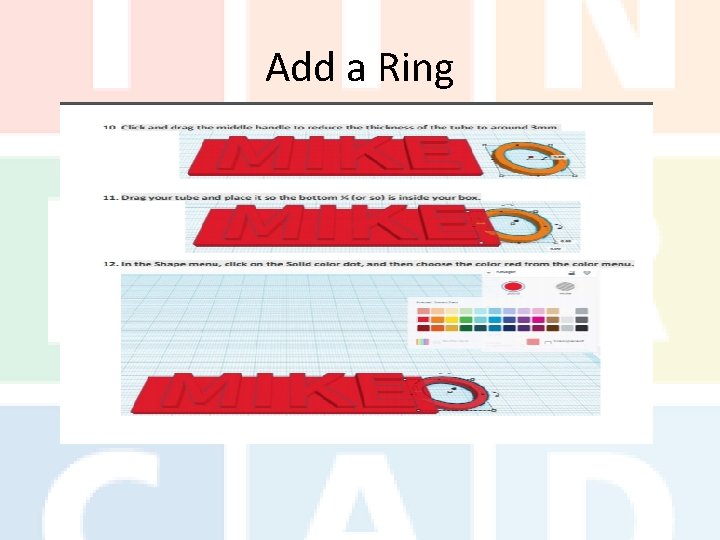
Add a Ring
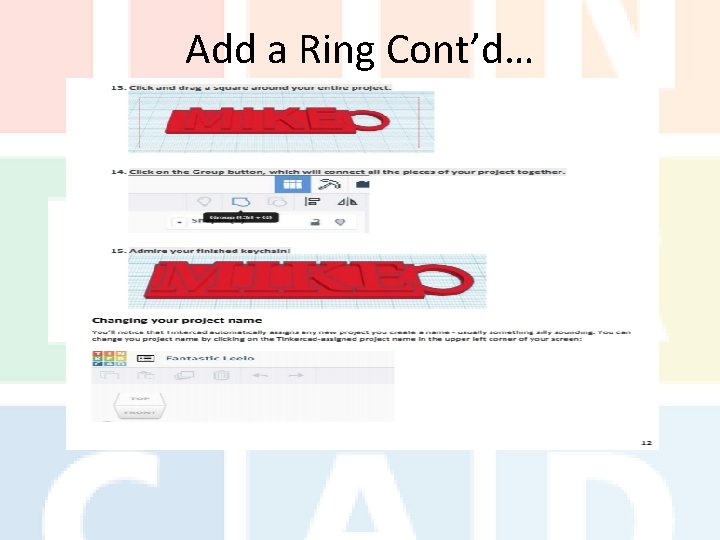
Add a Ring Cont’d…
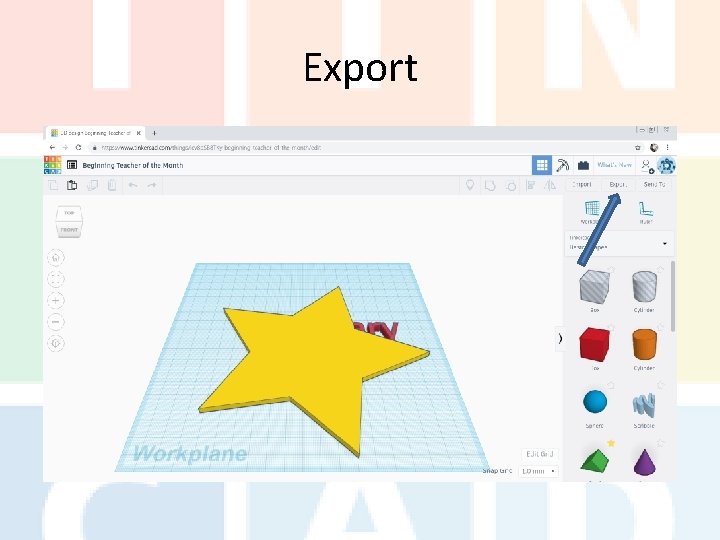
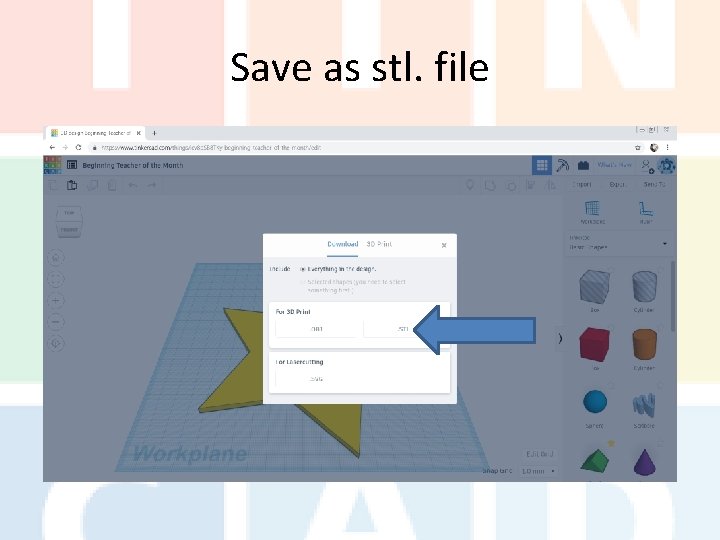
Export
Save as stl. file
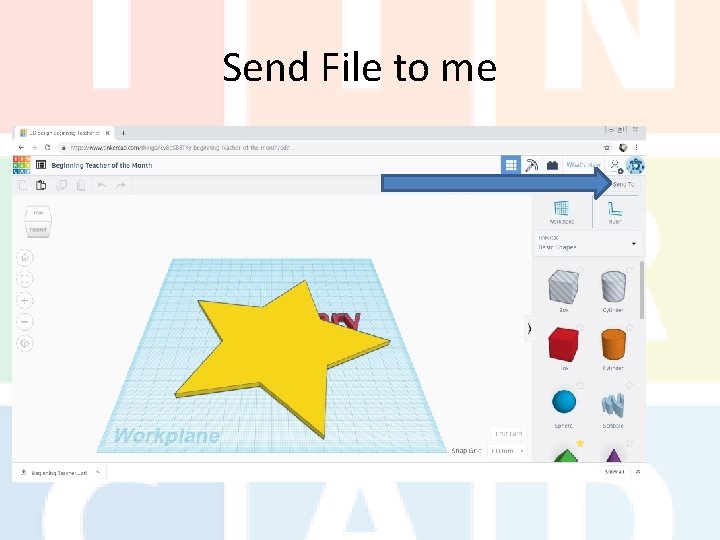
Send File to me
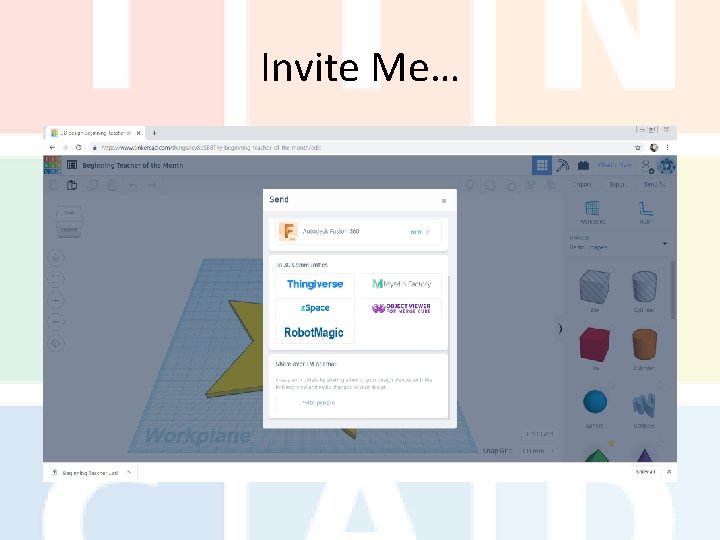
Invite Me…
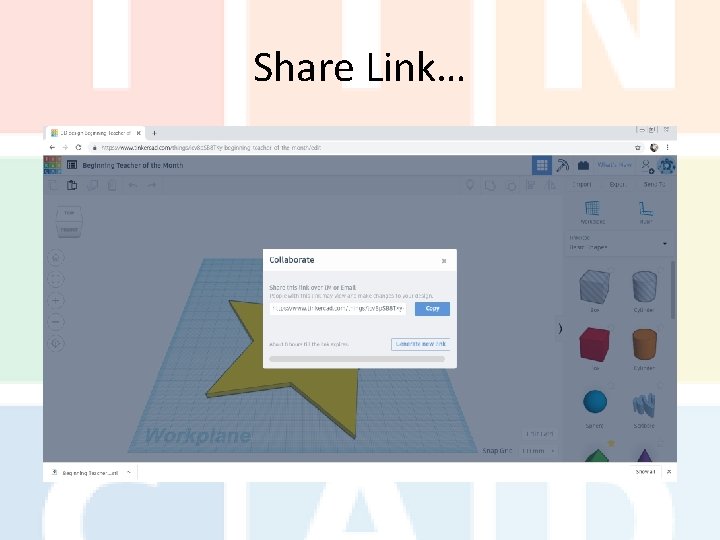
Share Link…
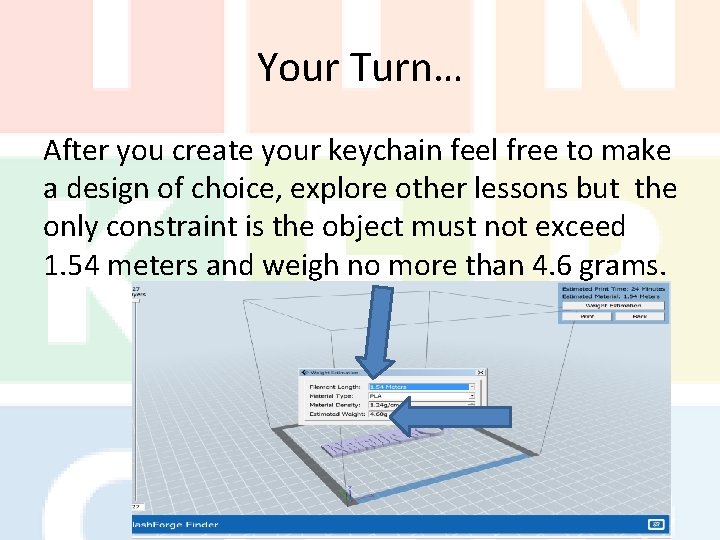
Your Turn… After you create your keychain feel free to make a design of choice, explore other lessons but the only constraint is the object must not exceed 1. 54 meters and weigh no more than 4. 6 grams.
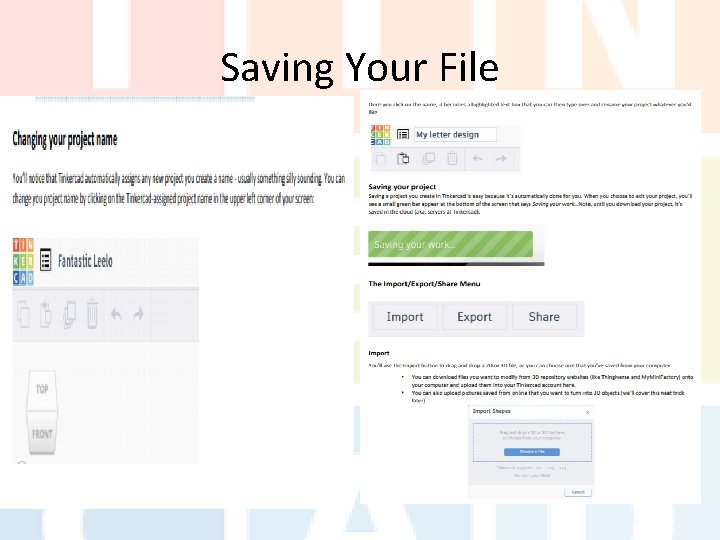
Saving Your File
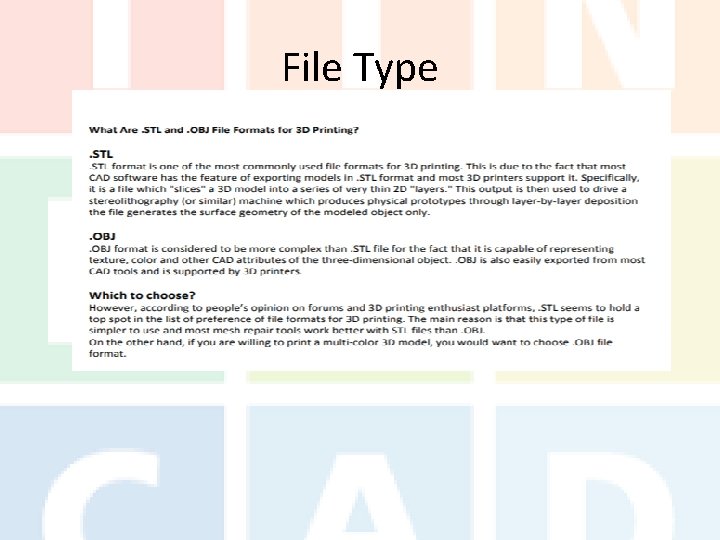
File Type
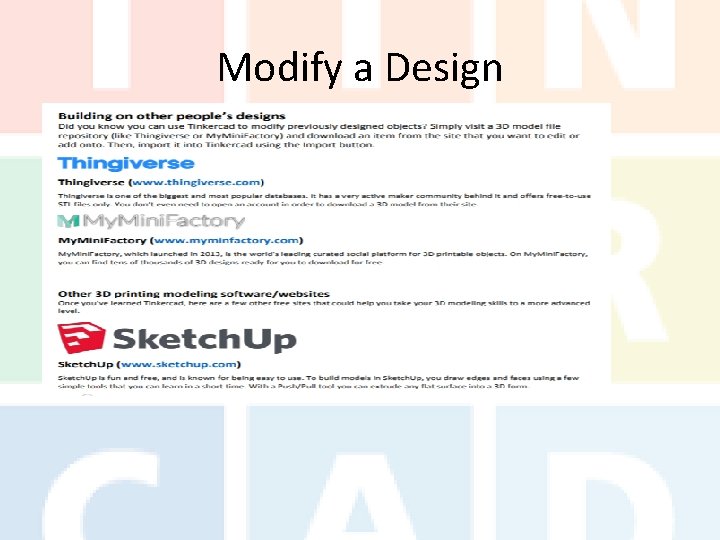
Modify a Design
Careers Go to mynextmove. org, research careers in design, engineering, and/or CAD, select one, Identify the job descriptions, skills needed, college or education needed, and salary expected.
Describe Your Experience Now that you have explored the technology of 3 D printing, describe your experience. Look back through your engineering journal to help you remember the successes and the mistakes. Conclude your five sentence paragraph by identifying what you like best about Tinkercad and 3 D design.