
TimeSaving Technology Tips David De Lorenzo NACUBO Loretta

Time-Saving Technology Tips David De. Lorenzo - NACUBO Loretta M. De. Luca - Del. Cor Chris Shue - RAA
Objectives Identify 10 new technology-related tips Identify new methods to be applied back in the office Identify technology-related topics that are universally applicable
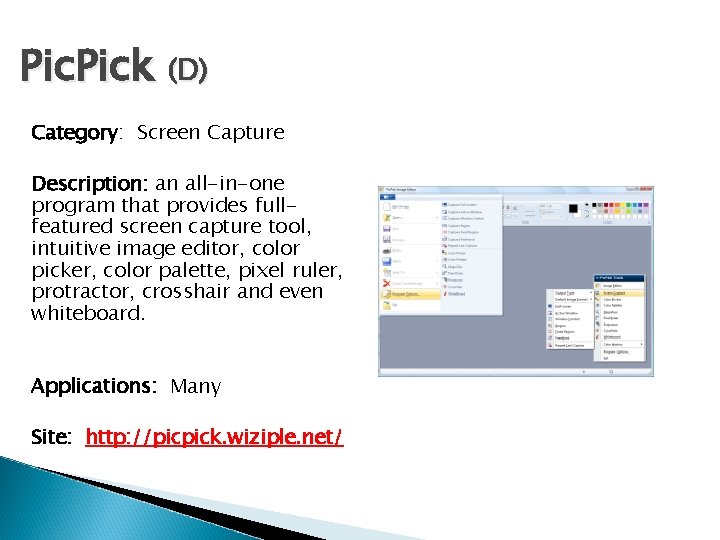
Pic. Pick (D) Category: Screen Capture Description: an all-in-one program that provides fullfeatured screen capture tool, intuitive image editor, color picker, color palette, pixel ruler, protractor, crosshair and even whiteboard. Applications: Many Site: http: //picpick. wiziple. net/
Hosting: Backups (L) Category: Cloud Description: Check service level agreement (SLA) regarding backups. Not only do you want to know about frequency and number of backup archives that are kept but you also want to know if they actually move the most recent backups out of the data center. A surprising number of large hosting/cloud providers keep backups in the same data center as production systems.
Last. Pass (C) Category: Utility Description: One of the best password and personal data management products. Control all logins with a master password, generates strong passwords, access across different browsers, anti-keylogger and anti-phishing protection. Can have multiple identities – e. g. a work identity that does not have access to any personal accounts. Site: www. lastpass. com
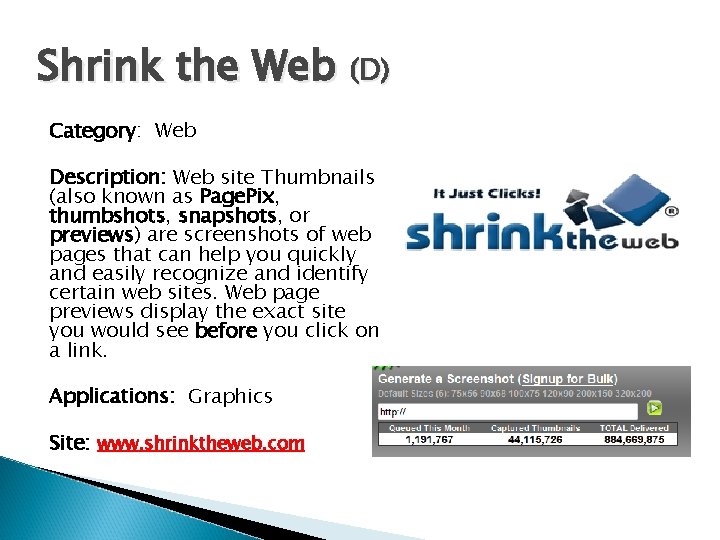
Shrink the Web (D) Category: Web Description: Web site Thumbnails (also known as Page. Pix, thumbshots, snapshots, or previews) are screenshots of web pages that can help you quickly and easily recognize and identify certain web sites. Web page previews display the exact site you would see before you click on a link. Applications: Graphics Site: www. shrinktheweb. com
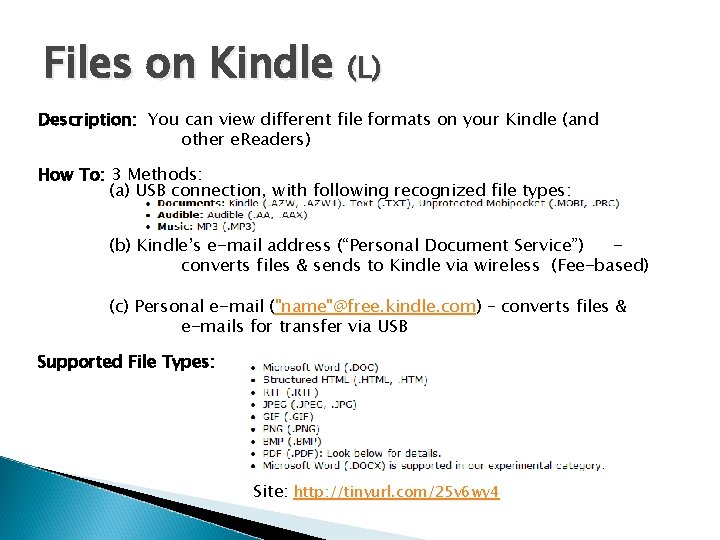
Files on Kindle (L) Description: You can view different file formats on your Kindle (and other e. Readers) How To: 3 Methods: (a) USB connection, with following recognized file types: (b) Kindle’s e-mail address (“Personal Document Service”) converts files & sends to Kindle via wireless (Fee-based) (c) Personal e-mail ("name"@free. kindle. com) – converts files & e-mails for transfer via USB Supported File Types: Site: http: //tinyurl. com/25 v 6 wy 4
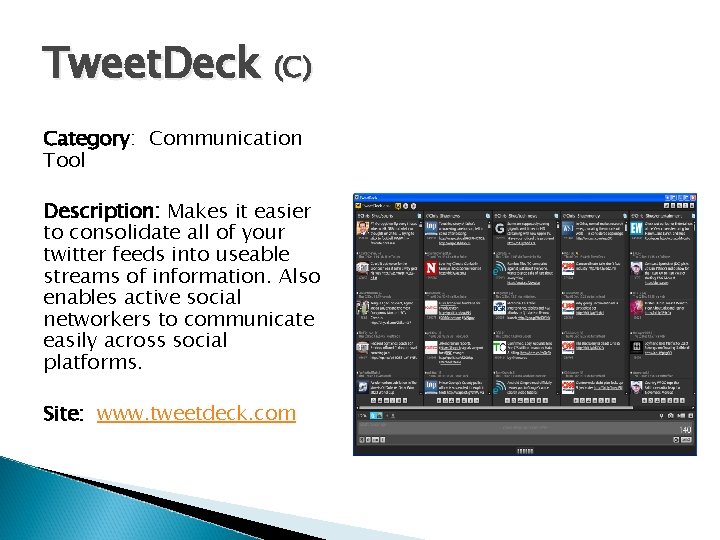
Tweet. Deck (C) Category: Communication Tool Description: Makes it easier to consolidate all of your twitter feeds into useable streams of information. Also enables active social networkers to communicate easily across social platforms. Site: www. tweetdeck. com
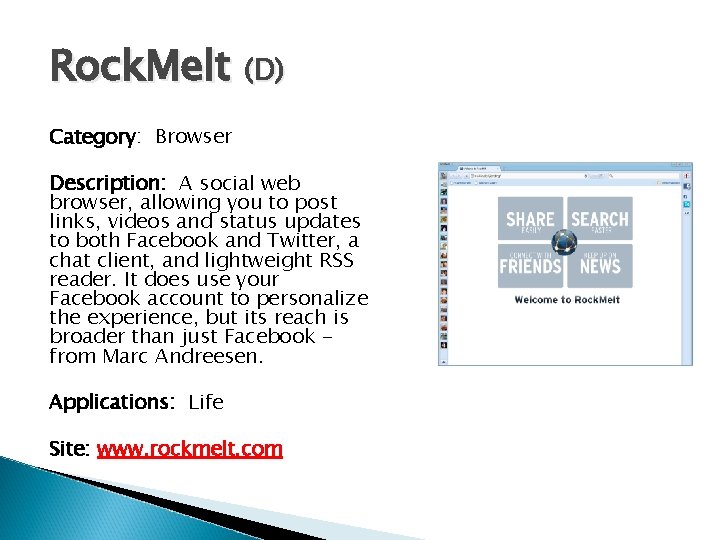
Rock. Melt (D) Category: Browser Description: A social web browser, allowing you to post links, videos and status updates to both Facebook and Twitter, a chat client, and lightweight RSS reader. It does use your Facebook account to personalize the experience, but its reach is broader than just Facebook from Marc Andreesen. Applications: Life Site: www. rockmelt. com
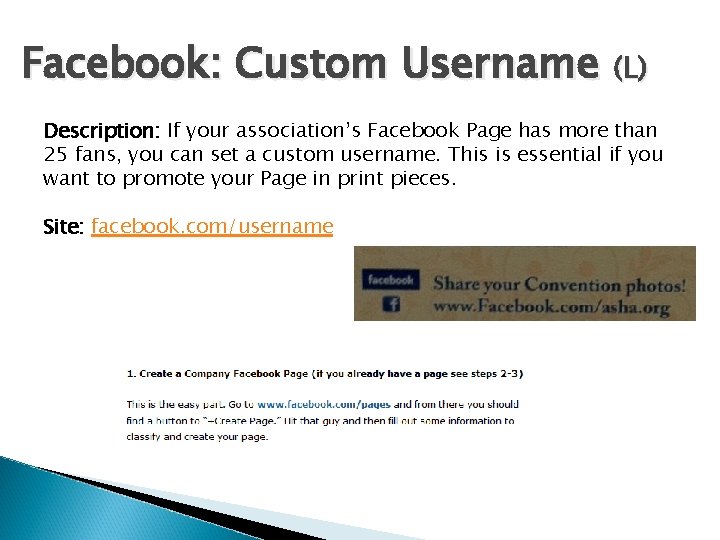
Facebook: Custom Username (L) Description: If your association’s Facebook Page has more than 25 fans, you can set a custom username. This is essential if you want to promote your Page in print pieces. Site: facebook. com/username
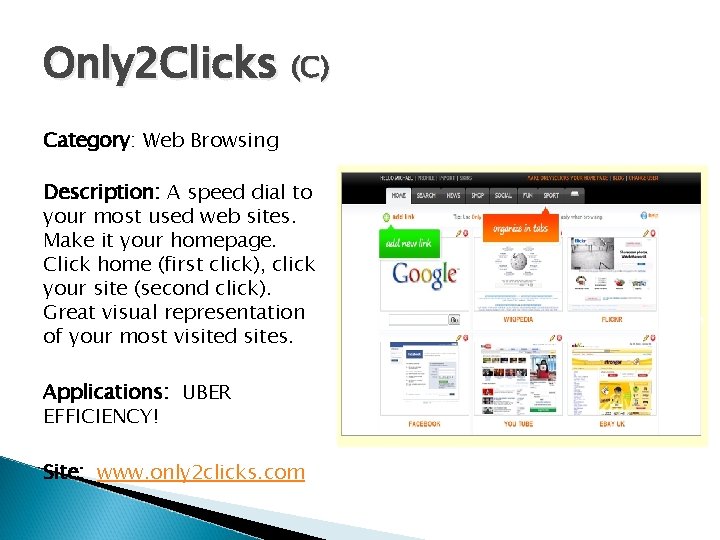
Only 2 Clicks (C) Category: Web Browsing Description: A speed dial to your most used web sites. Make it your homepage. Click home (first click), click your site (second click). Great visual representation of your most visited sites. Applications: UBER EFFICIENCY! Site: www. only 2 clicks. com
Join Me (D) Category: Screen Share Description: An impromptu meeting space that happens wherever, whenever. It's getting a second or third pair of eyes on your presentation from across the hall or across the continent. It's sharing your screen instantly with anyone or everyone to get stuff done, quickly Applications: Productivity Site: https: //join. me/
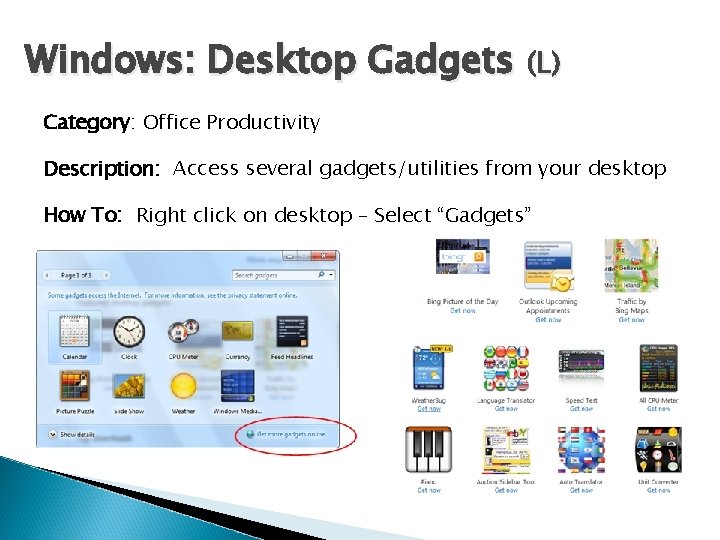
Windows: Desktop Gadgets (L) Category: Office Productivity Description: Access several gadgets/utilities from your desktop How To: Right click on desktop – Select “Gadgets”
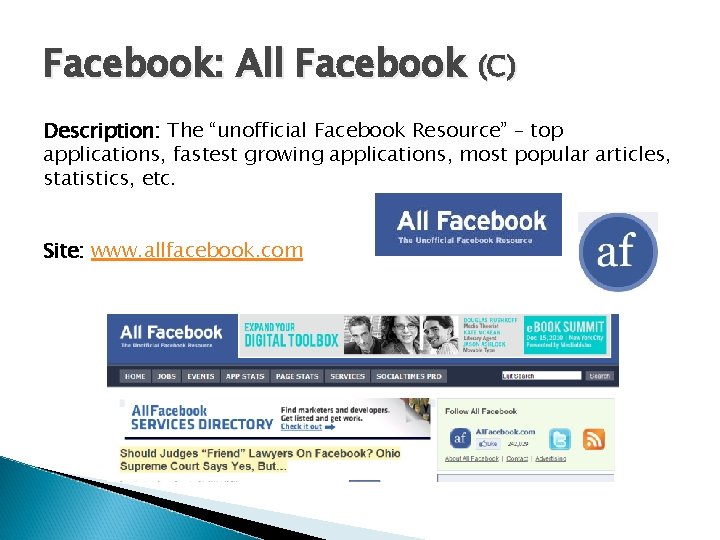
Facebook: All Facebook (C) Description: The “unofficial Facebook Resource” – top applications, fastest growing applications, most popular articles, statistics, etc. Site: www. allfacebook. com
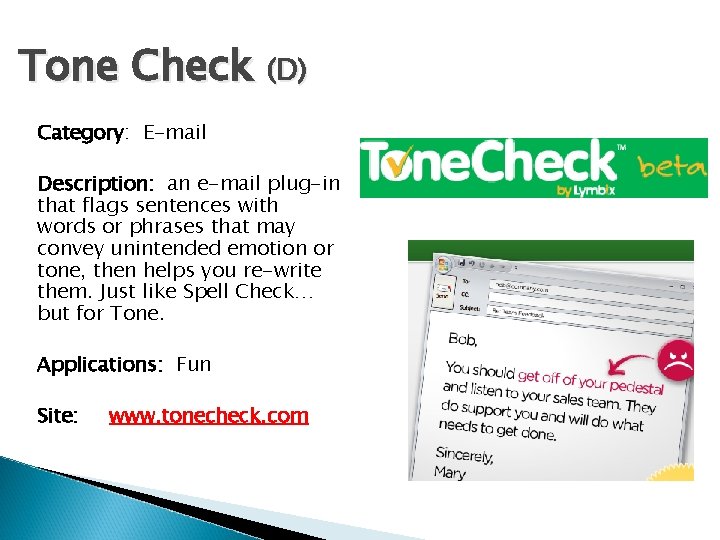
Tone Check (D) Category: E-mail Description: an e-mail plug-in that flags sentences with words or phrases that may convey unintended emotion or tone, then helps you re-write them. Just like Spell Check… but for Tone. Applications: Fun Site: www. tonecheck. com
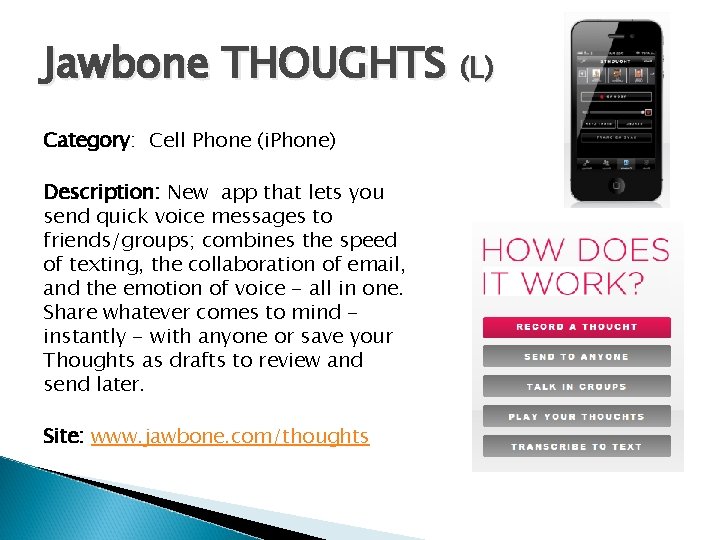
Jawbone THOUGHTS (L) Category: Cell Phone (i. Phone) Description: New app that lets you send quick voice messages to friends/groups; combines the speed of texting, the collaboration of email, and the emotion of voice - all in one. Share whatever comes to mind instantly - with anyone or save your Thoughts as drafts to review and send later. Site: www. jawbone. com/thoughts
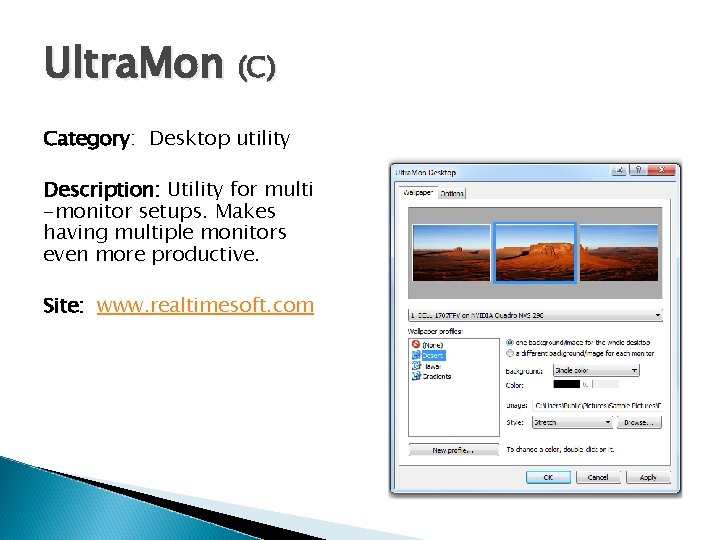
Ultra. Mon (C) Category: Desktop utility Description: Utility for multi -monitor setups. Makes having multiple monitors even more productive. Site: www. realtimesoft. com
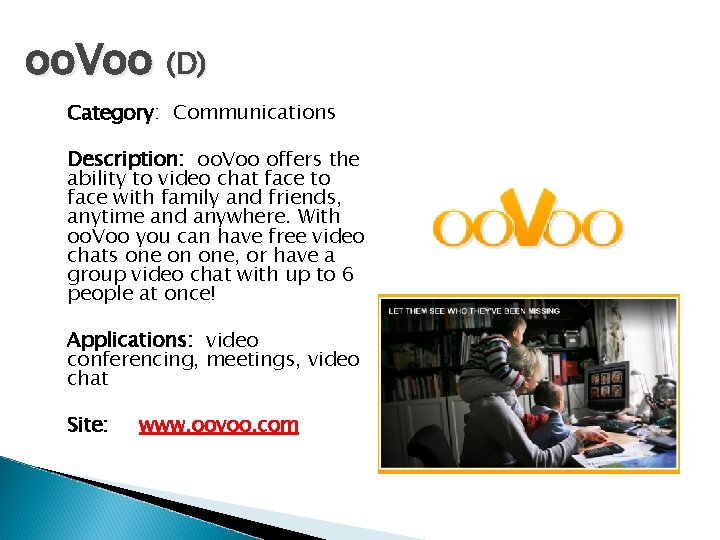
oo. Voo (D) Category: Communications Description: oo. Voo offers the ability to video chat face to face with family and friends, anytime and anywhere. With oo. Voo you can have free video chats one on one, or have a group video chat with up to 6 people at once! Applications: video conferencing, meetings, video chat Site: www. oovoo. com
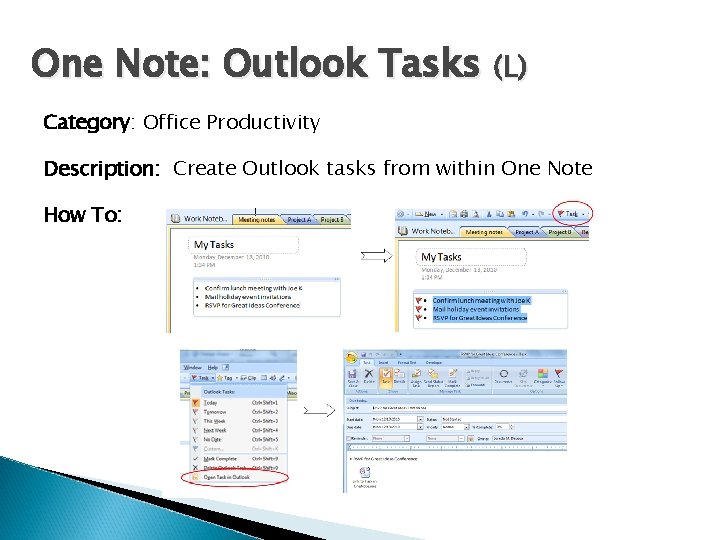
One Note: Outlook Tasks (L) Category: Office Productivity Description: Create Outlook tasks from within One Note How To:
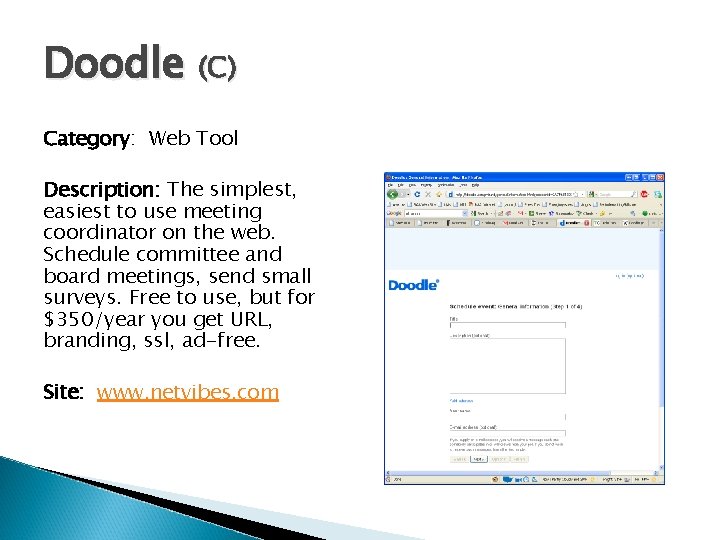
Doodle (C) Category: Web Tool Description: The simplest, easiest to use meeting coordinator on the web. Schedule committee and board meetings, send small surveys. Free to use, but for $350/year you get URL, branding, ssl, ad-free. Site: www. netvibes. com
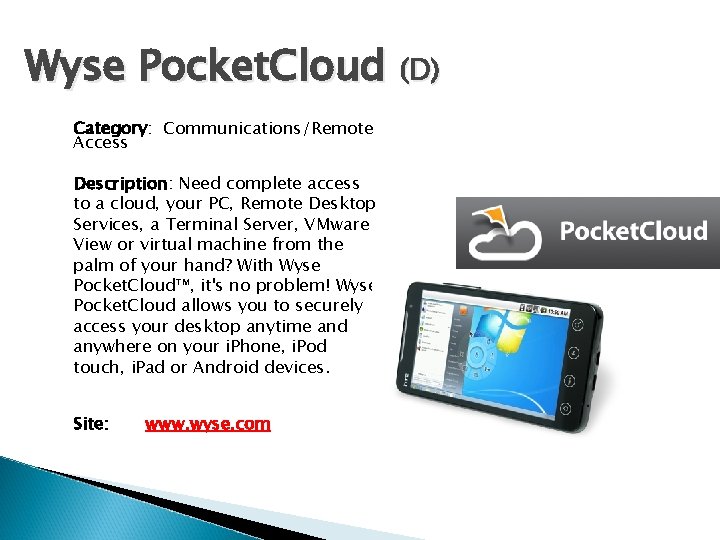
Wyse Pocket. Cloud (D) Category: Communications/Remote Access Description: Need complete access to a cloud, your PC, Remote Desktop Services, a Terminal Server, VMware View or virtual machine from the palm of your hand? With Wyse Pocket. Cloud™, it's no problem! Wyse Pocket. Cloud allows you to securely access your desktop anytime and anywhere on your i. Phone, i. Pod touch, i. Pad or Android devices. Site: www. wyse. com
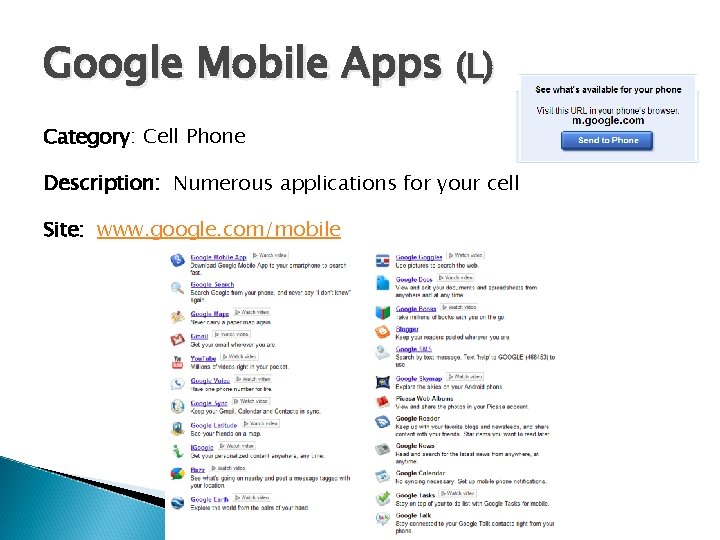
Google Mobile Apps (L) Category: Cell Phone Description: Numerous applications for your cell Site: www. google. com/mobile
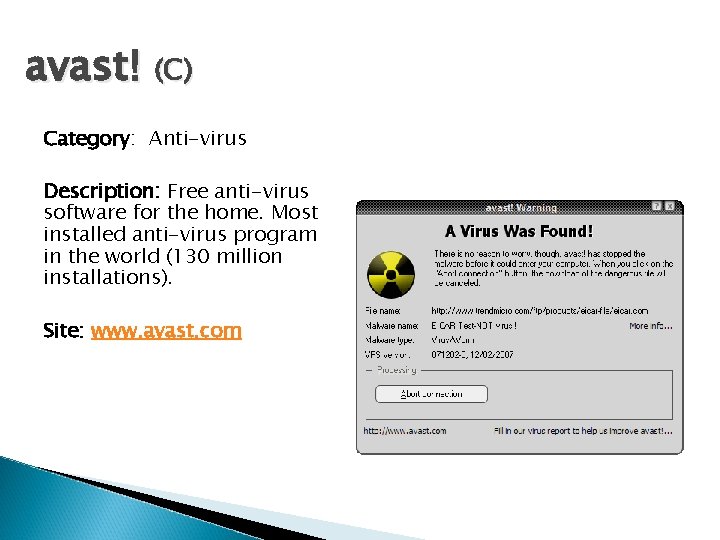
avast! (C) Category: Anti-virus Description: Free anti-virus software for the home. Most installed anti-virus program in the world (130 million installations). Site: www. avast. com
Clip Grab (D) Category: Video Description: Copy the link, paste it into a single program and download a video. That simplicity is what makes Clip. Grab, a cross-platform program for downloading web videos to your computer, a pleasure to use. Applications: Productivity Site: http: //clipgrab. de/start_en. html
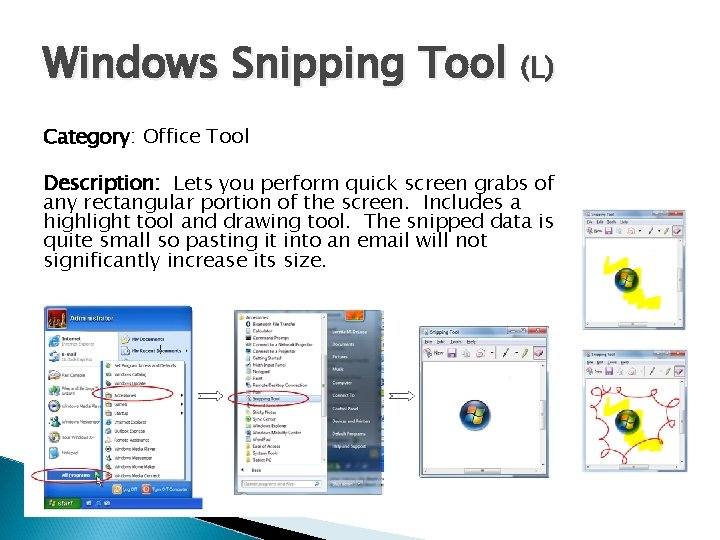
Windows Snipping Tool (L) Category: Office Tool Description: Lets you perform quick screen grabs of any rectangular portion of the screen. Includes a highlight tool and drawing tool. The snipped data is quite small so pasting it into an email will not significantly increase its size. How To:
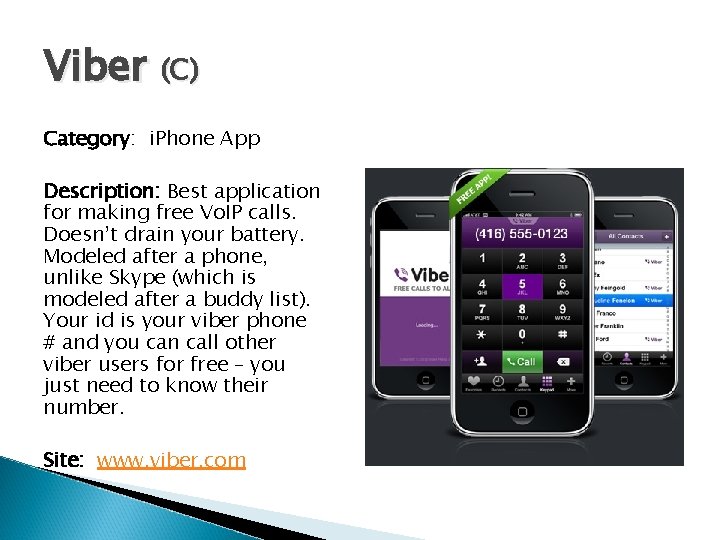
Viber (C) Category: i. Phone App Description: Best application for making free Vo. IP calls. Doesn’t drain your battery. Modeled after a phone, unlike Skype (which is modeled after a buddy list). Your id is your viber phone # and you can call other viber users for free – you just need to know their number. Site: www. viber. com
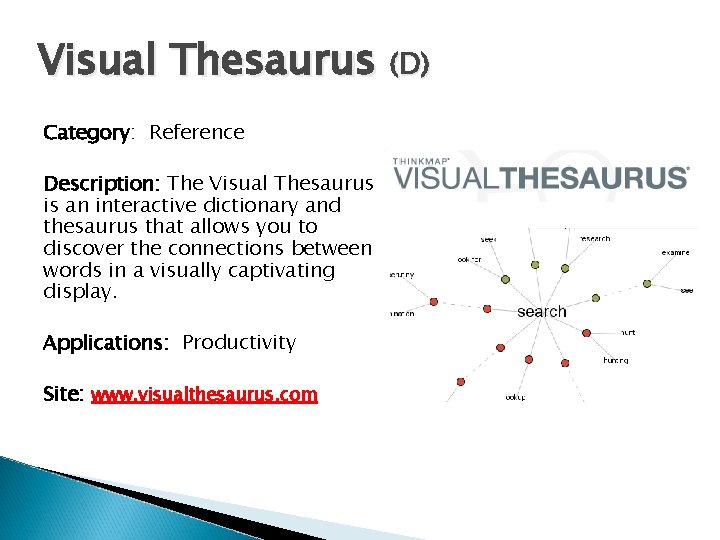
Visual Thesaurus (D) Category: Reference Description: The Visual Thesaurus is an interactive dictionary and thesaurus that allows you to discover the connections between words in a visually captivating display. Applications: Productivity Site: www. visualthesaurus. com
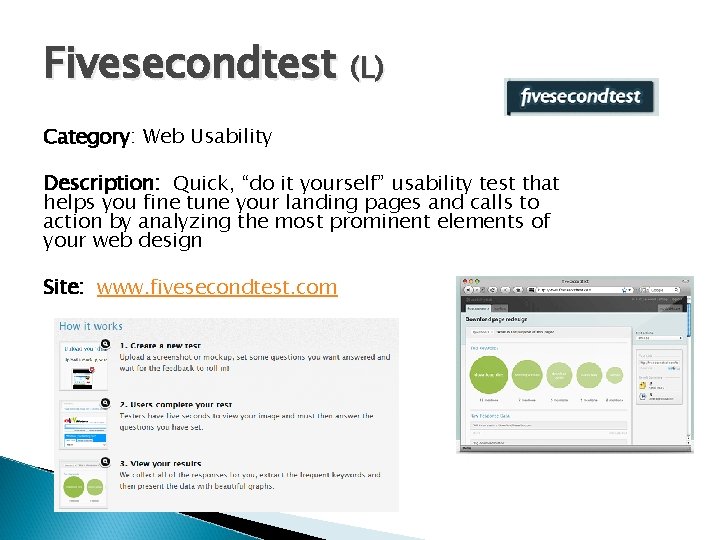
Fivesecondtest (L) Category: Web Usability Description: Quick, “do it yourself” usability test that helps you fine tune your landing pages and calls to action by analyzing the most prominent elements of your web design Site: www. fivesecondtest. com
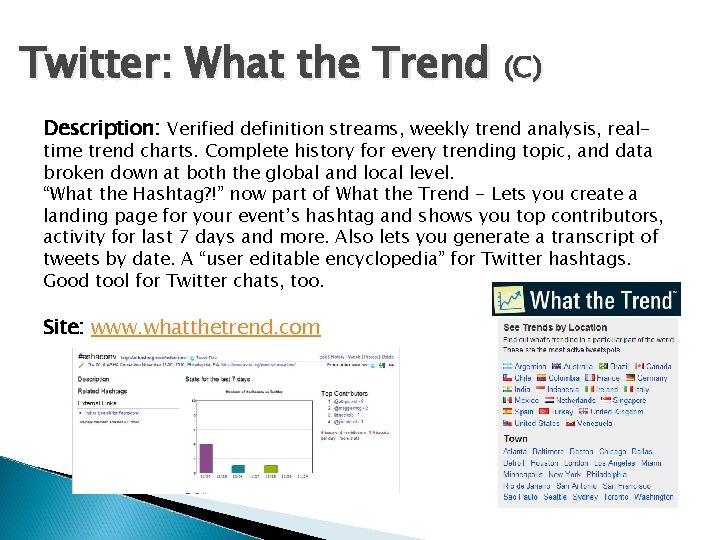
Twitter: What the Trend (C) Description: Verified definition streams, weekly trend analysis, real- time trend charts. Complete history for every trending topic, and data broken down at both the global and local level. “What the Hashtag? !” now part of What the Trend - Lets you create a landing page for your event’s hashtag and shows you top contributors, activity for last 7 days and more. Also lets you generate a transcript of tweets by date. A “user editable encyclopedia” for Twitter hashtags. Good tool for Twitter chats, too. Site: www. whatthetrend. com
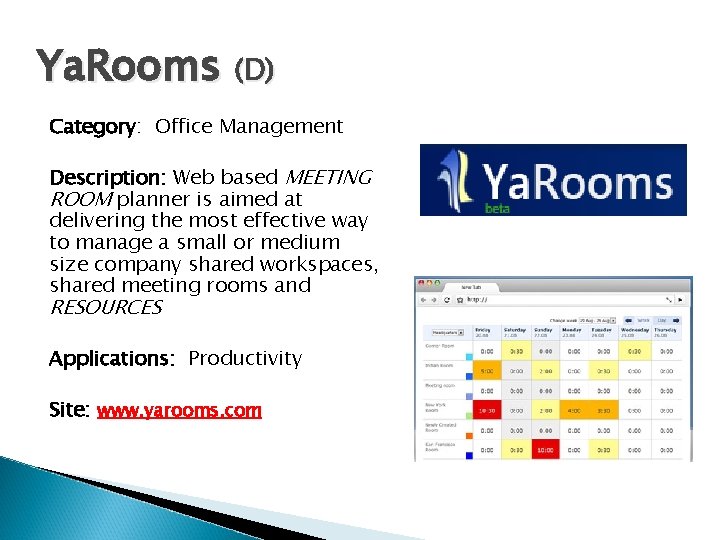
Ya. Rooms (D) Category: Office Management Description: Web based MEETING ROOM planner is aimed at delivering the most effective way to manage a small or medium size company shared workspaces, shared meeting rooms and RESOURCES Applications: Productivity Site: www. yarooms. com
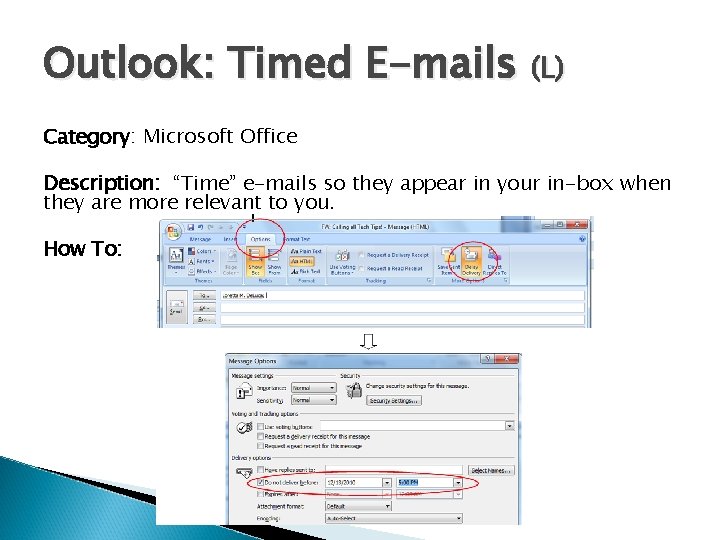
Outlook: Timed E-mails (L) Category: Microsoft Office Description: “Time” e-mails so they appear in your in-box when they are more relevant to you. How To:
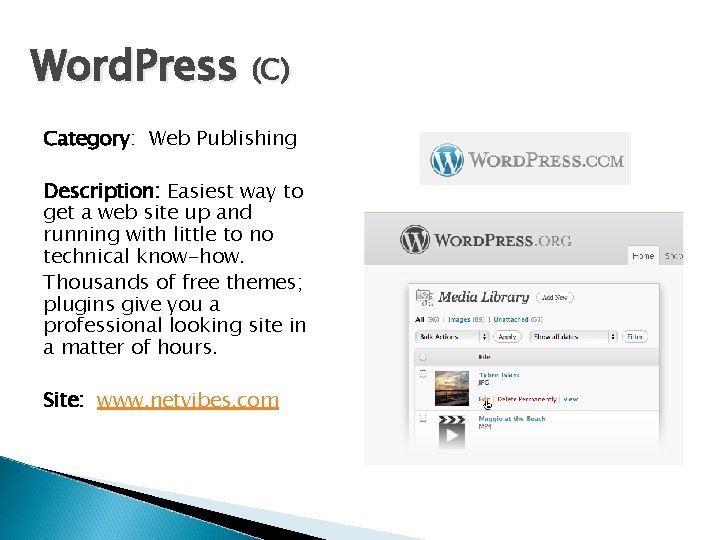
Word. Press (C) Category: Web Publishing Description: Easiest way to get a web site up and running with little to no technical know-how. Thousands of free themes; plugins give you a professional looking site in a matter of hours. Site: www. netvibes. com
Wibiya (D) Category: Web Tools Description: Wibiya's Web Toolbar is the Perfect Solution for Your Website & Blog Site: www. wibiya. com
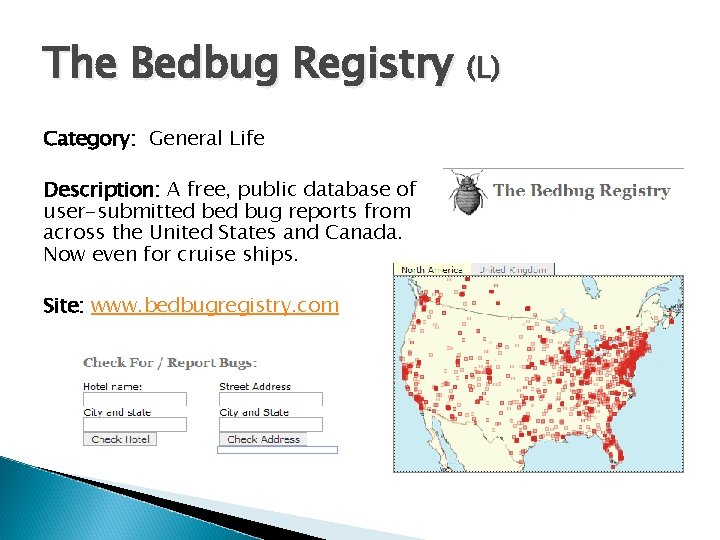
The Bedbug Registry (L) Category: General Life Description: A free, public database of user-submitted bug reports from across the United States and Canada. Now even for cruise ships. Site: www. bedbugregistry. com
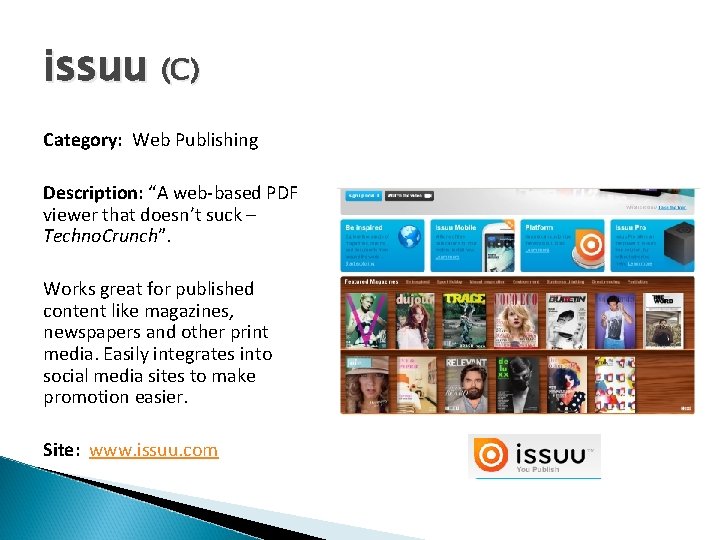
issuu (C) Category: Web Publishing Description: “A web-based PDF viewer that doesn’t suck – Techno. Crunch”. Works great for published content like magazines, newspapers and other print media. Easily integrates into social media sites to make promotion easier. Site: www. issuu. com
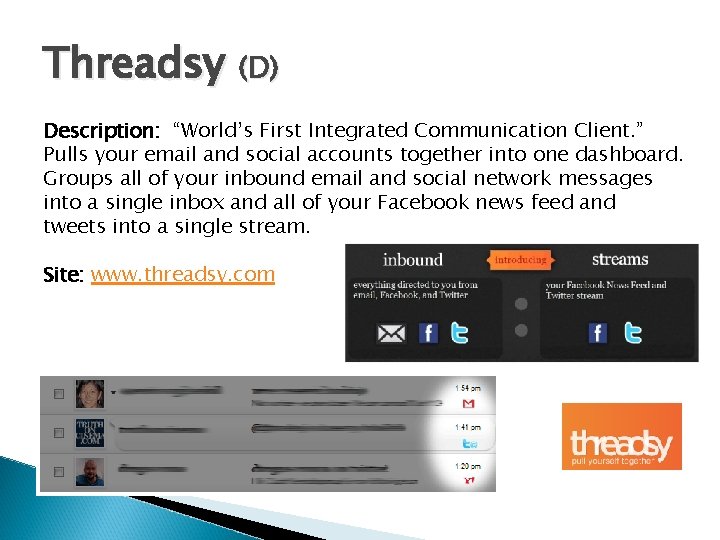
Threadsy (D) Description: “World’s First Integrated Communication Client. ” Pulls your email and social accounts together into one dashboard. Groups all of your inbound email and social network messages into a single inbox and all of your Facebook news feed and tweets into a single stream. Site: www. threadsy. com
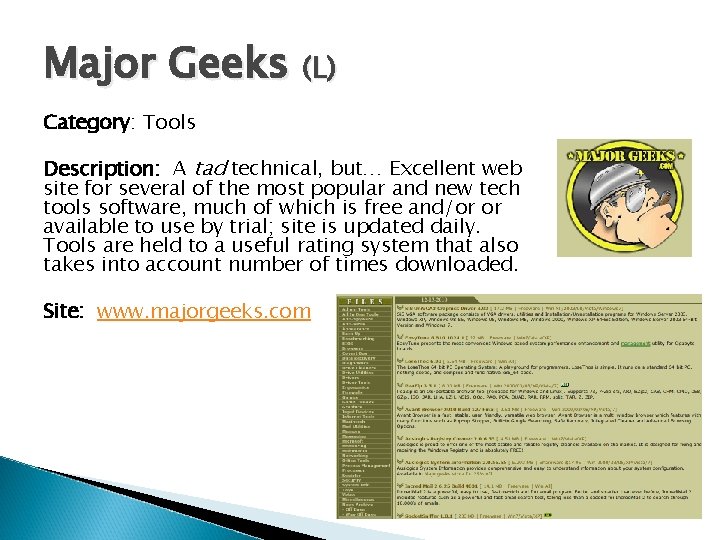
Major Geeks (L) Category: Tools Description: A tad technical, but… Excellent web site for several of the most popular and new tech tools software, much of which is free and/or or available to use by trial; site is updated daily. Tools are held to a useful rating system that also takes into account number of times downloaded. Site: www. majorgeeks. com
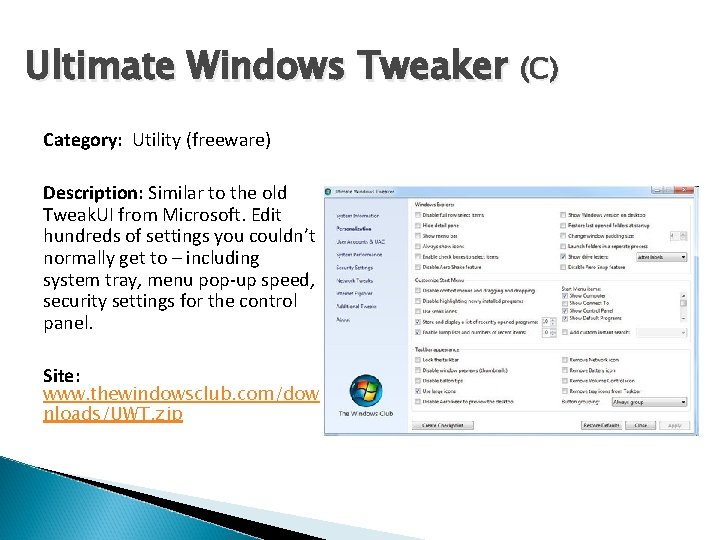
Ultimate Windows Tweaker (C) Category: Utility (freeware) Description: Similar to the old Tweak. UI from Microsoft. Edit hundreds of settings you couldn’t normally get to – including system tray, menu pop-up speed, security settings for the control panel. Site: www. thewindowsclub. com/dow nloads/UWT. zip
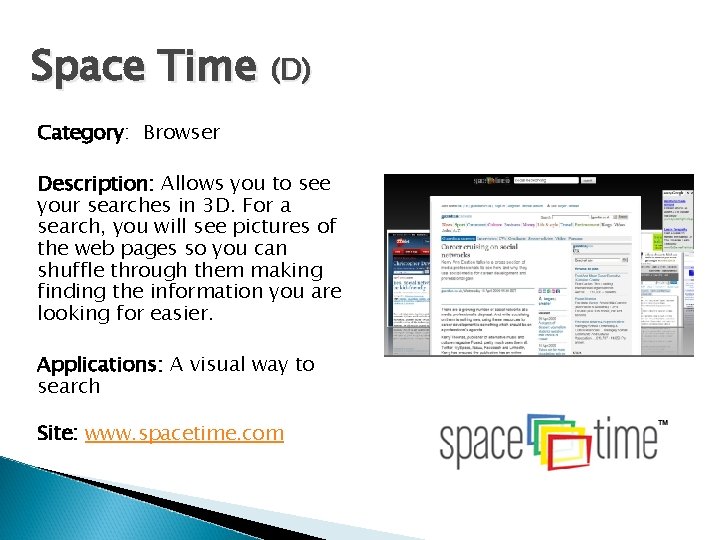
Space Time (D) Category: Browser Description: Allows you to see your searches in 3 D. For a search, you will see pictures of the web pages so you can shuffle through them making finding the information you are looking for easier. Applications: A visual way to search Site: www. spacetime. com
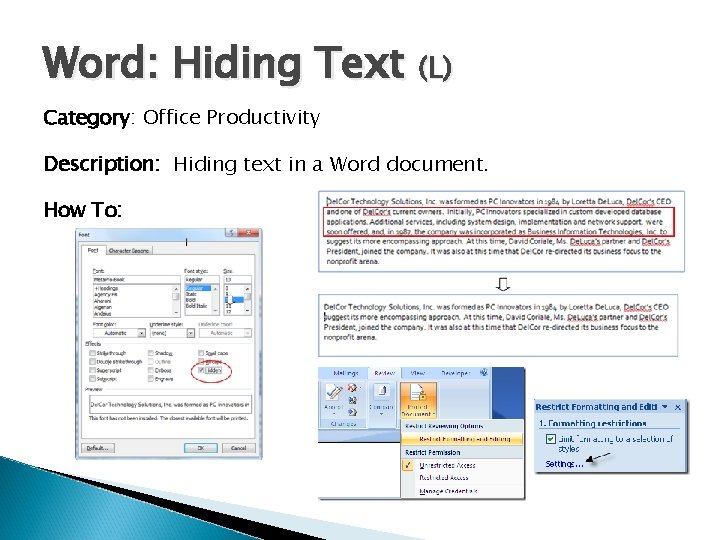
Word: Hiding Text (L) Category: Office Productivity Description: Hiding text in a Word document. How To:
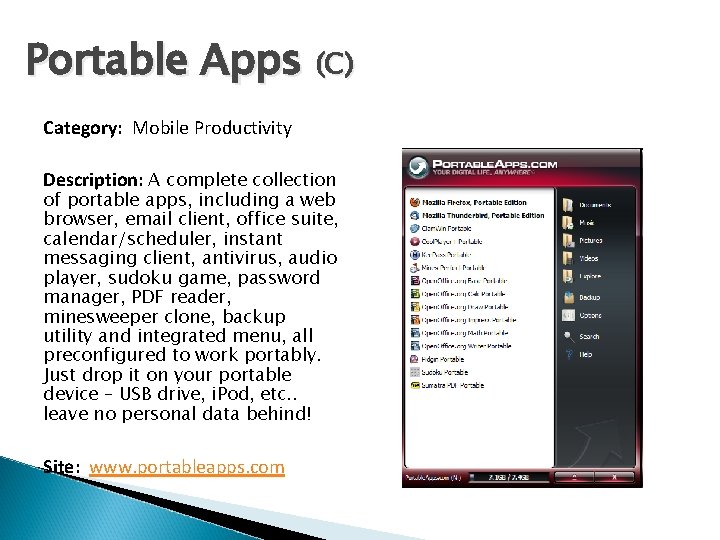
Portable Apps (C) Category: Mobile Productivity Description: A complete collection of portable apps, including a web browser, email client, office suite, calendar/scheduler, instant messaging client, antivirus, audio player, sudoku game, password manager, PDF reader, minesweeper clone, backup utility and integrated menu, all preconfigured to work portably. Just drop it on your portable device – USB drive, i. Pod, etc. . leave no personal data behind! Site: www. portableapps. com
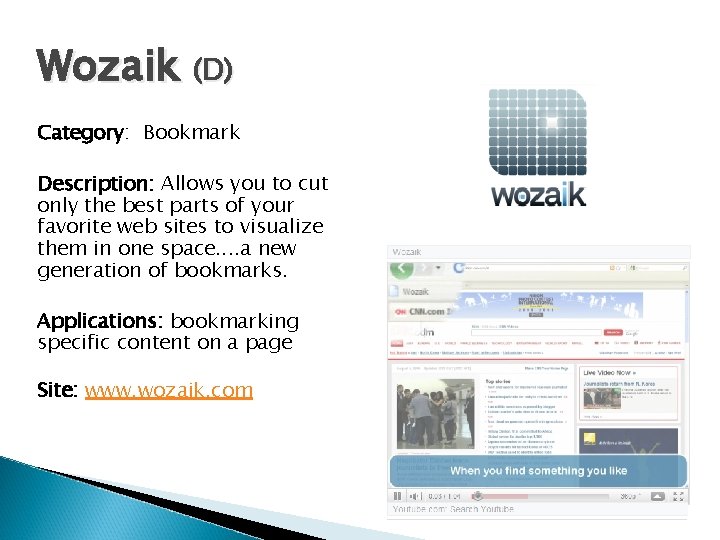
Wozaik (D) Category: Bookmark Description: Allows you to cut only the best parts of your favorite web sites to visualize them in one space. . a new generation of bookmarks. Applications: bookmarking specific content on a page Site: www. wozaik. com
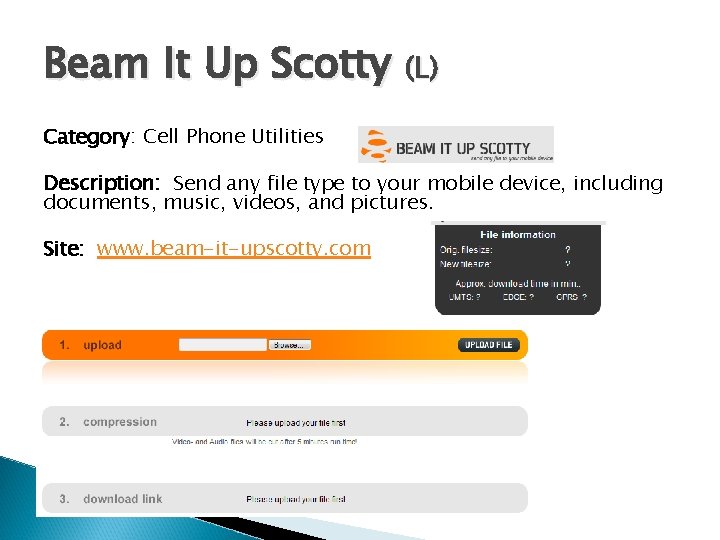
Beam It Up Scotty (L) Category: Cell Phone Utilities Description: Send any file type to your mobile device, including documents, music, videos, and pictures. Site: www. beam-it-upscotty. com
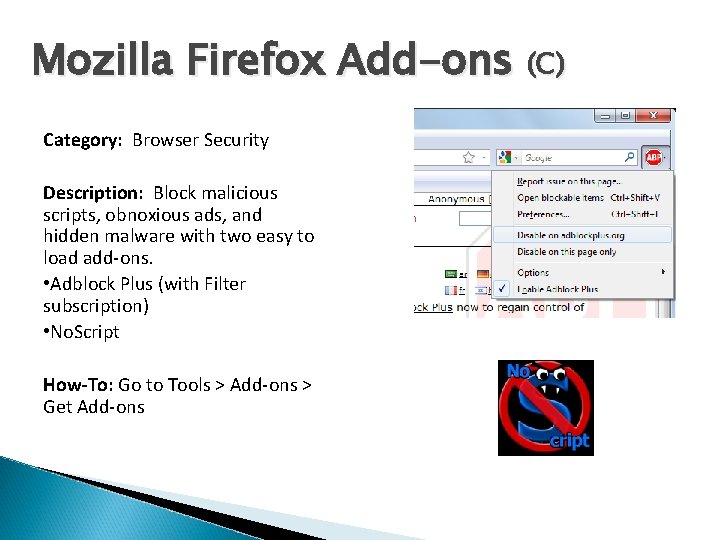
Mozilla Firefox Add-ons (C) Category: Browser Security Description: Block malicious scripts, obnoxious ads, and hidden malware with two easy to load add-ons. • Adblock Plus (with Filter subscription) • No. Script How-To: Go to Tools > Add-ons > Get Add-ons
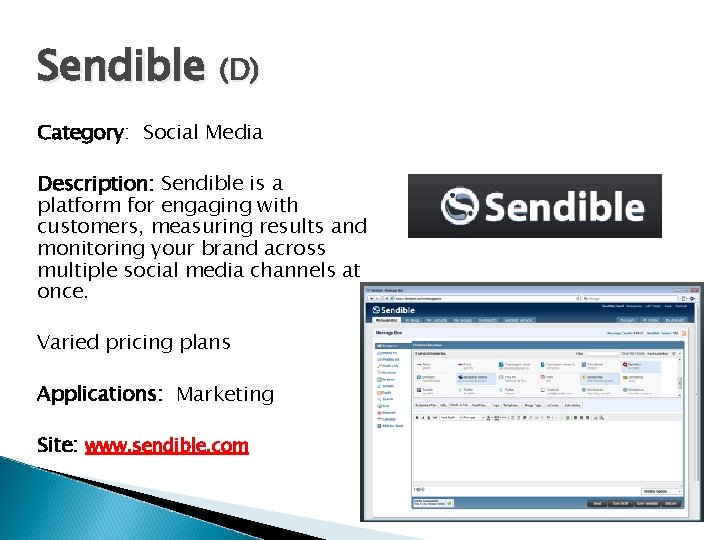
Sendible (D) Category: Social Media Description: Sendible is a platform for engaging with customers, measuring results and monitoring your brand across multiple social media channels at once. Varied pricing plans Applications: Marketing Site: www. sendible. com
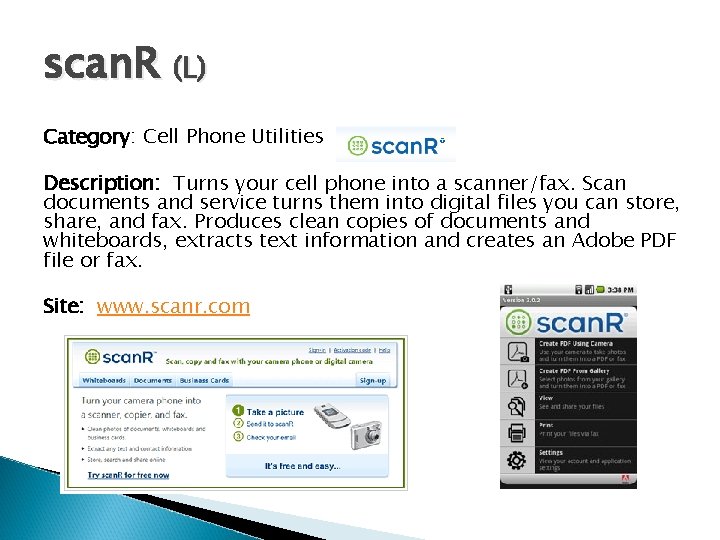
scan. R (L) Category: Cell Phone Utilities Description: Turns your cell phone into a scanner/fax. Scan documents and service turns them into digital files you can store, share, and fax. Produces clean copies of documents and whiteboards, extracts text information and creates an Adobe PDF file or fax. Site: www. scanr. com
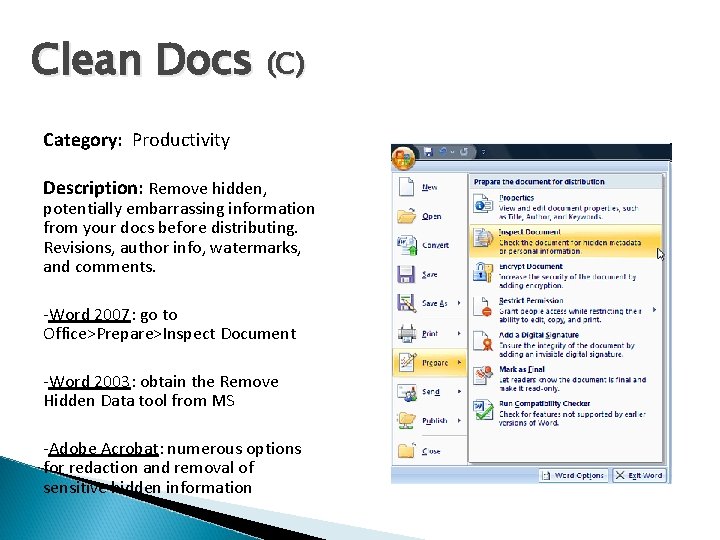
Clean Docs (C) Category: Productivity Description: Remove hidden, potentially embarrassing information from your docs before distributing. Revisions, author info, watermarks, and comments. -Word 2007: go to Office>Prepare>Inspect Document -Word 2003: obtain the Remove Hidden Data tool from MS -Adobe Acrobat: numerous options for redaction and removal of sensitive hidden information
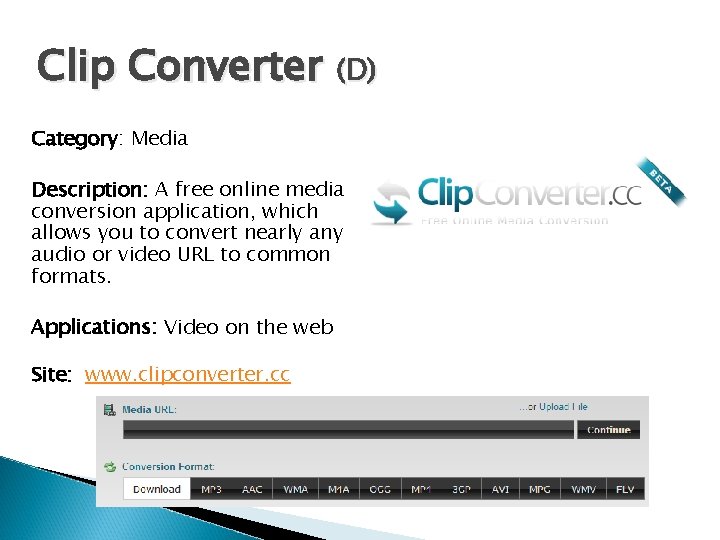
Clip Converter (D) Category: Media Description: A free online media conversion application, which allows you to convert nearly any audio or video URL to common formats. Applications: Video on the web Site: www. clipconverter. cc
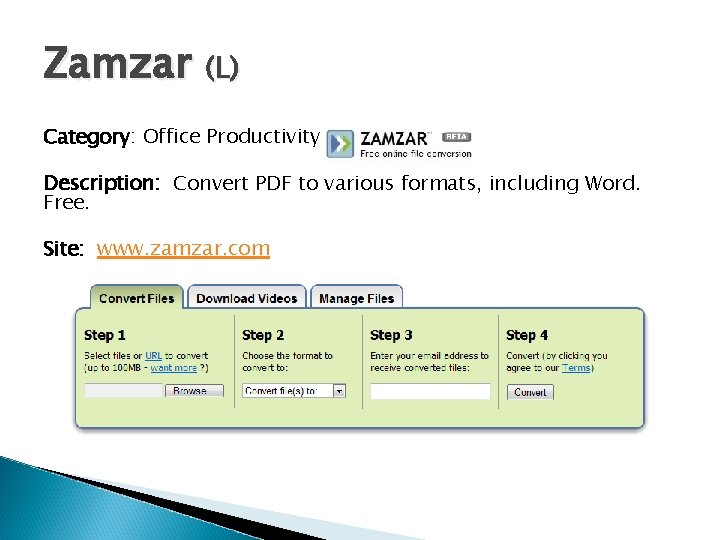
Zamzar (L) Category: Office Productivity Description: Convert PDF to various formats, including Word. Free. Site: www. zamzar. com
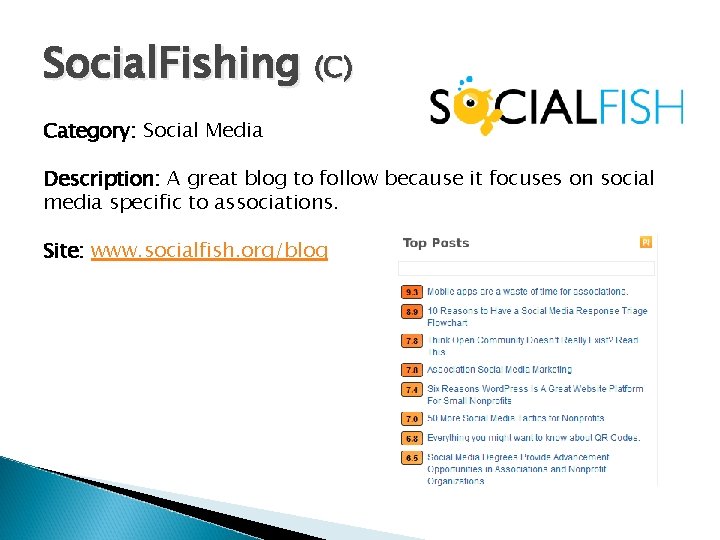
Social. Fishing (C) Category: Social Media Description: A great blog to follow because it focuses on social media specific to associations. Site: www. socialfish. org/blog
Community Walk (D) Category: Online Maps Description: The ability to show photos, add comments, display interactive media, hide and show categories of locations, explore hundreds of fantastic maps of anything and everything, and so much more. Applications: Event maps Site: www. spacetime. com
Google Street View! (L) Category: Utilities Description: Let’s you “explore the world” at street level. Click "See this spot on Google Maps, " for all seven continents, to enter Street View on Google Maps and search for what's nearby, read reviews, get directions, and more. The “last zoom layer” on a map. Google collects these images using special cameras and equipment that capture and match images to a specific location using GPS devices. Once the images are captured, they are "sewn" together to create a 360°panorama. Faces and license plates are blurred before the panorama images are served and become viewable in Google Maps. Site: maps. google. com/streetview
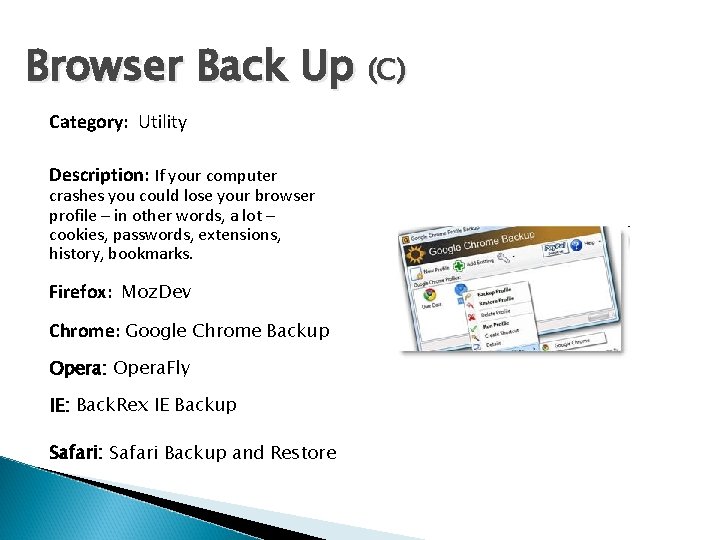
Browser Back Up (C) Category: Utility Description: If your computer crashes you could lose your browser profile – in other words, a lot – cookies, passwords, extensions, history, bookmarks. Firefox: Moz. Dev Chrome: Google Chrome Backup Opera: Opera. Fly IE: Back. Rex IE Backup Safari: Safari Backup and Restore
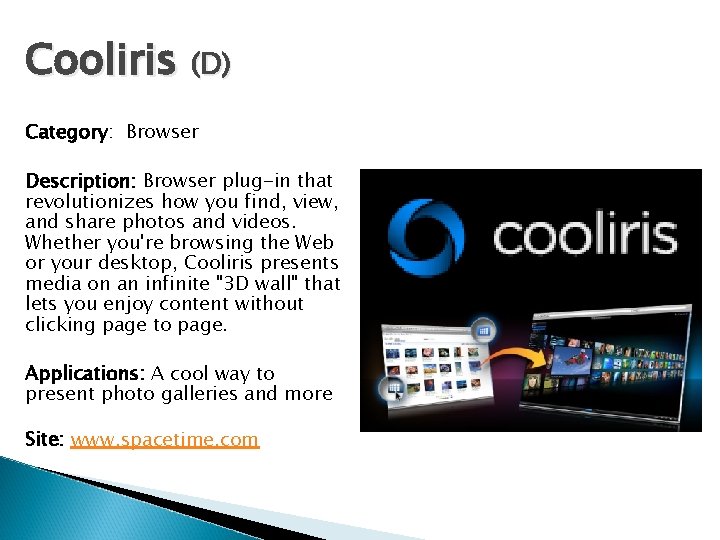
Cooliris (D) Category: Browser Description: Browser plug-in that revolutionizes how you find, view, and share photos and videos. Whether you're browsing the Web or your desktop, Cooliris presents media on an infinite "3 D wall" that lets you enjoy content without clicking page to page. Applications: A cool way to present photo galleries and more Site: www. spacetime. com
Hosting vs. Saa. S (L) Category: Cloud Computing Description: ◦ Hosting: Any application; can be customized; opposite of “premise-based” ◦ Software as a Service: Software “as is, ” per user, per month license fee for usage lifetime
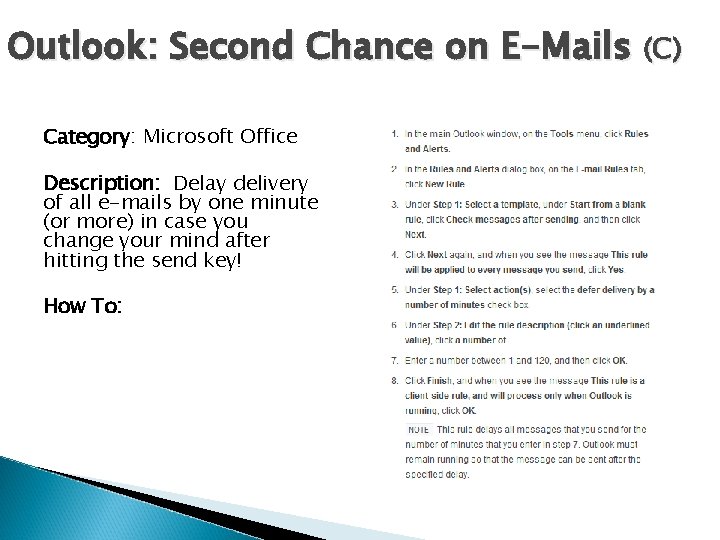
Outlook: Second Chance on E-Mails (C) Category: Microsoft Office Description: Delay delivery of all e-mails by one minute (or more) in case you change your mind after hitting the send key! How To:
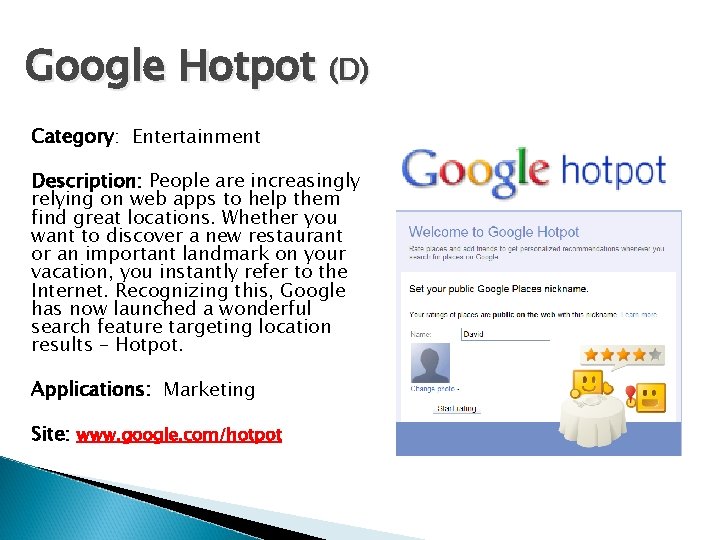
Google Hotpot (D) Category: Entertainment Description: People are increasingly relying on web apps to help them find great locations. Whether you want to discover a new restaurant or an important landmark on your vacation, you instantly refer to the Internet. Recognizing this, Google has now launched a wonderful search feature targeting location results – Hotpot. Applications: Marketing Site: www. google. com/hotpot
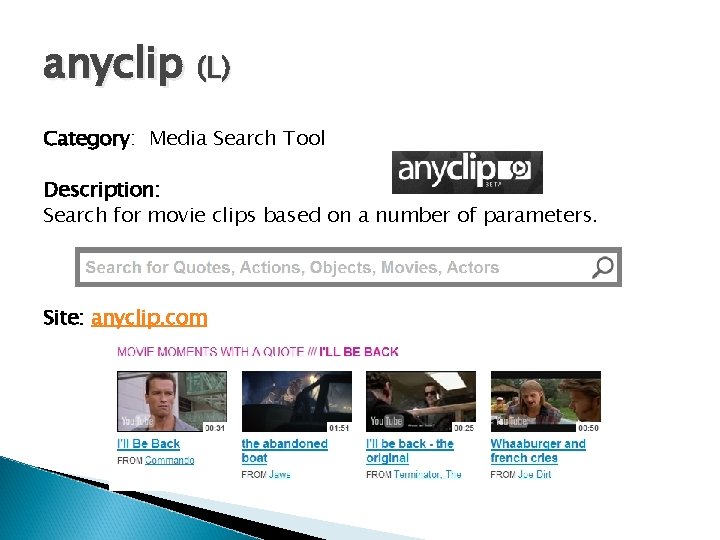
anyclip (L) Category: Media Search Tool Description: Search for movie clips based on a number of parameters. Site: anyclip. com
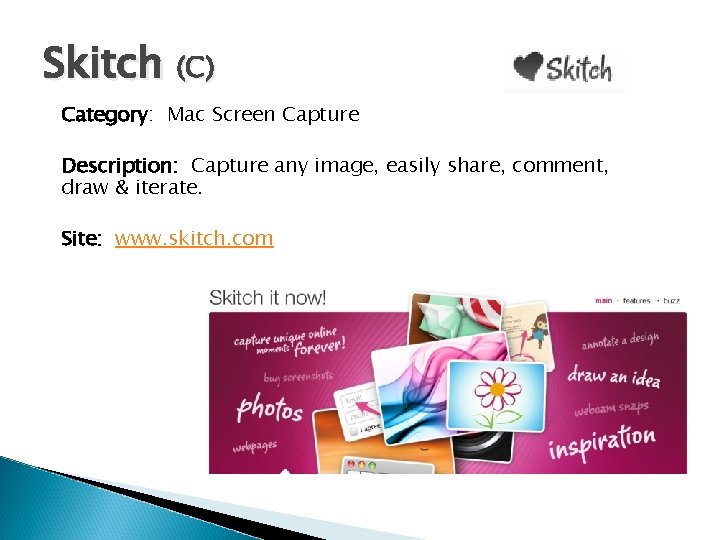
Skitch (C) Category: Mac Screen Capture Description: Capture any image, easily share, comment, draw & iterate. Site: www. skitch. com
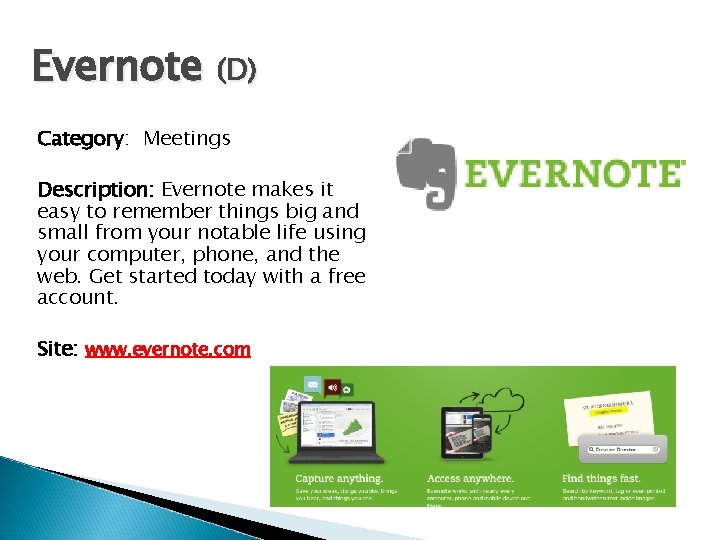
Evernote (D) Category: Meetings Description: Evernote makes it easy to remember things big and small from your notable life using your computer, phone, and the web. Get started today with a free account. Site: www. evernote. com
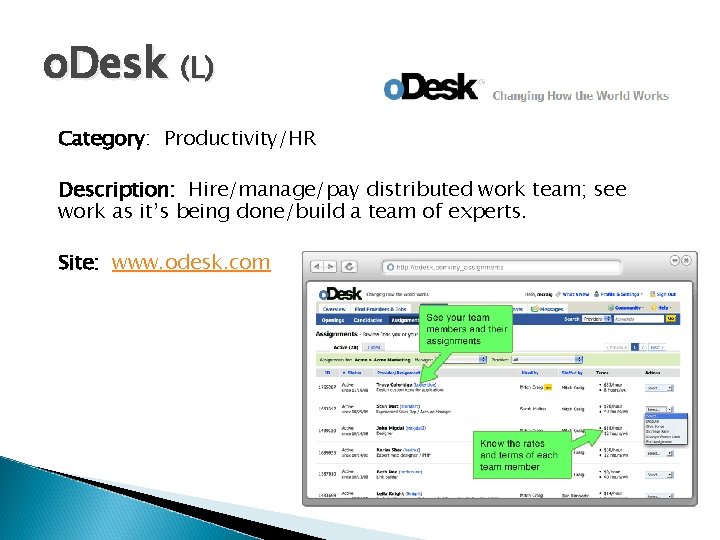
o. Desk (L) Category: Productivity/HR Description: Hire/manage/pay distributed work team; see work as it’s being done/build a team of experts. Site: www. odesk. com
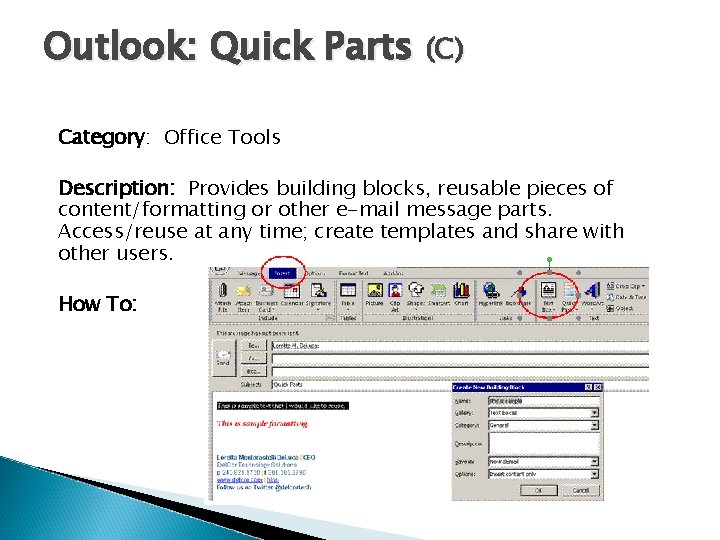
Outlook: Quick Parts (C) Category: Office Tools Description: Provides building blocks, reusable pieces of content/formatting or other e-mail message parts. Access/reuse at any time; create templates and share with other users. How To:

Dim. Dim (D) Category: Meetings Description: Dimdim has focused on enabling real-time communication in the cloud, with no software. It has now been acquired by Salesforce. Applications: collaboration Site: www. dimdim. com
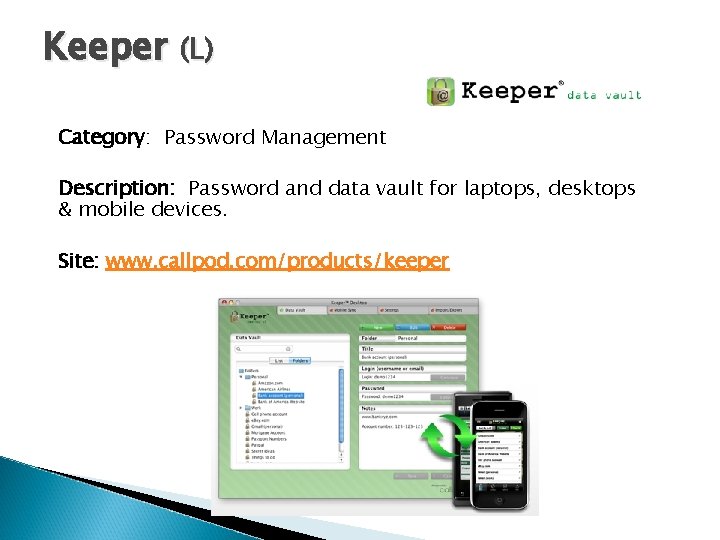
Keeper (L) Category: Password Management Description: Password and data vault for laptops, desktops & mobile devices. Site: www. callpod. com/products/keeper
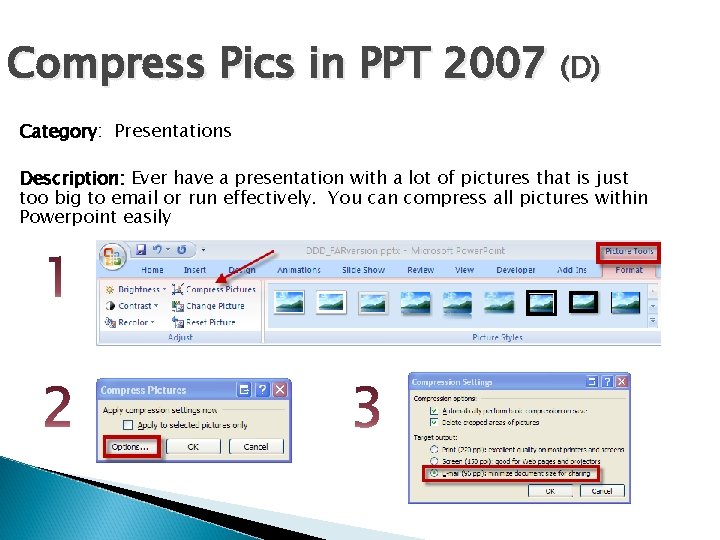
Compress Pics in PPT 2007 (D) Category: Presentations Description: Ever have a presentation with a lot of pictures that is just too big to email or run effectively. You can compress all pictures within Powerpoint easily
Prezi (L) Category: Presentation Software Description: An alternative to Powerpoint, “create astonishing presentations live and on the web. ” Free. Site: www. prezi. com
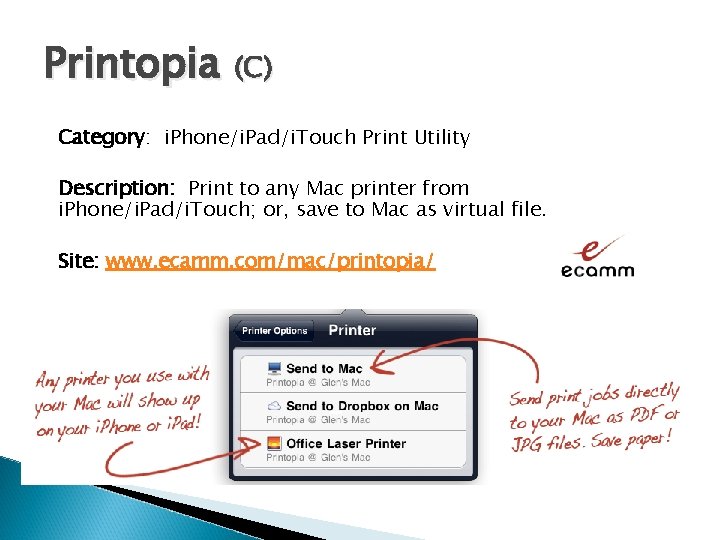
Printopia (C) Category: i. Phone/i. Pad/i. Touch Print Utility Description: Print to any Mac printer from i. Phone/i. Pad/i. Touch; or, save to Mac as virtual file. Site: www. ecamm. com/mac/printopia/
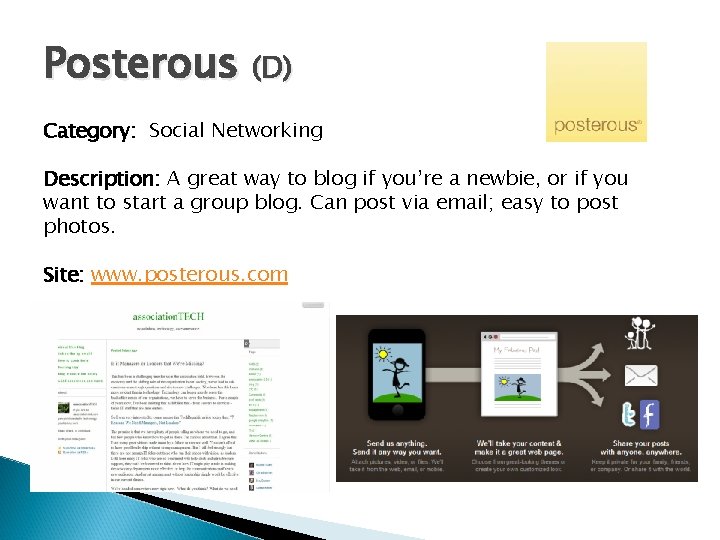
Posterous (D) Category: Social Networking Description: A great way to blog if you’re a newbie, or if you want to start a group blog. Can post via email; easy to post photos. Site: www. posterous. com
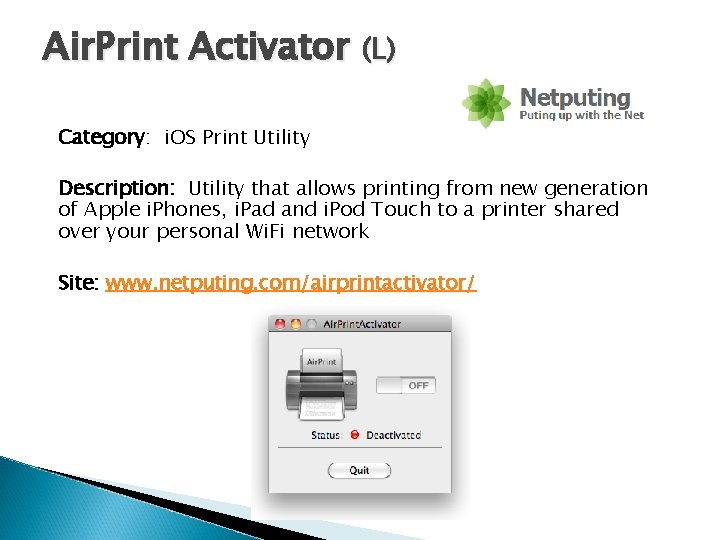
Air. Print Activator (L) Category: i. OS Print Utility Description: Utility that allows printing from new generation of Apple i. Phones, i. Pad and i. Pod Touch to a printer shared over your personal Wi. Fi network Site: www. netputing. com/airprintactivator/
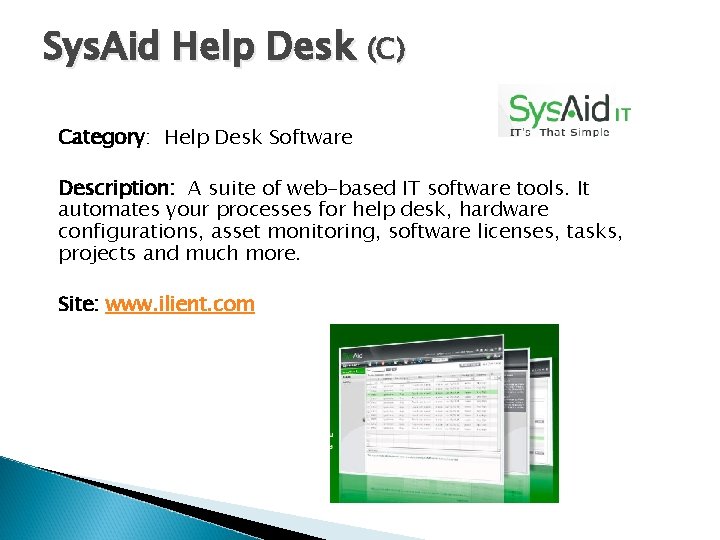
Sys. Aid Help Desk (C) Category: Help Desk Software Description: A suite of web-based IT software tools. It automates your processes for help desk, hardware configurations, asset monitoring, software licenses, tasks, projects and much more. Site: www. ilient. com
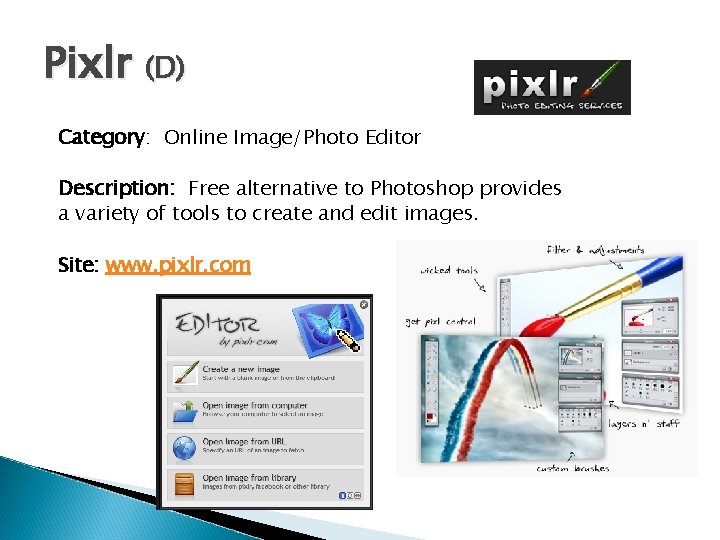
Pixlr (D) Category: Online Image/Photo Editor Description: Free alternative to Photoshop provides a variety of tools to create and edit images. Site: www. pixlr. com
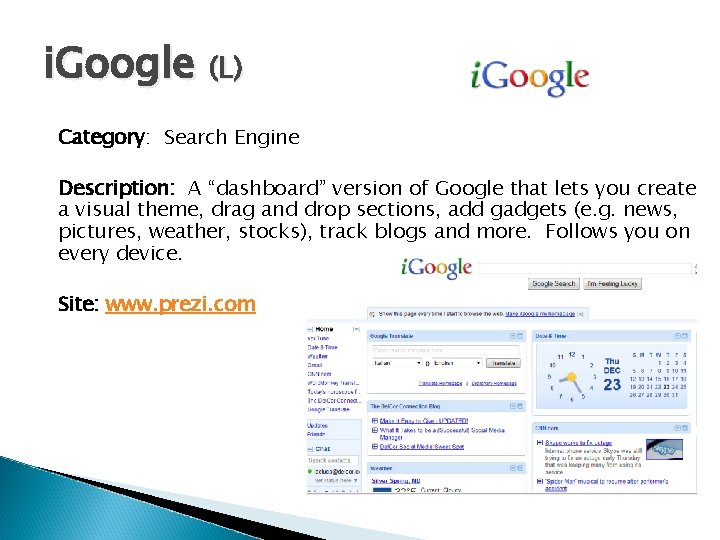
i. Google (L) Category: Search Engine Description: A “dashboard” version of Google that lets you create a visual theme, drag and drop sections, add gadgets (e. g. news, pictures, weather, stocks), track blogs and more. Follows you on every device. Site: www. prezi. com
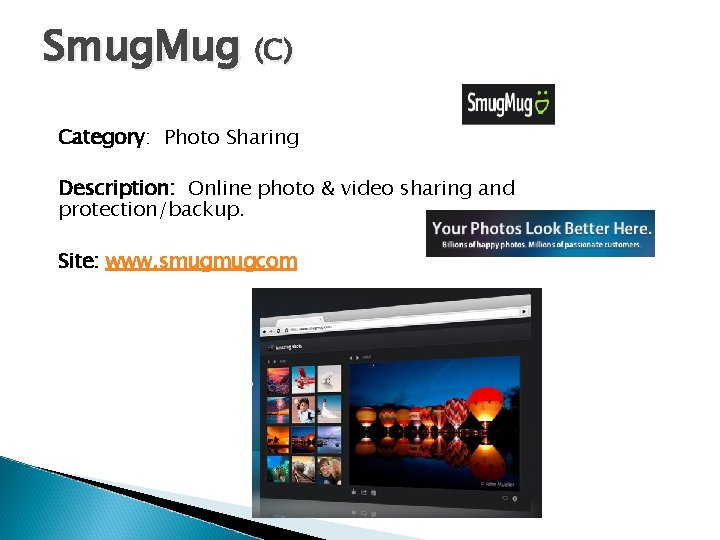
Smug. Mug (C) Category: Photo Sharing Description: Online photo & video sharing and protection/backup. Site: www. smugmugcom
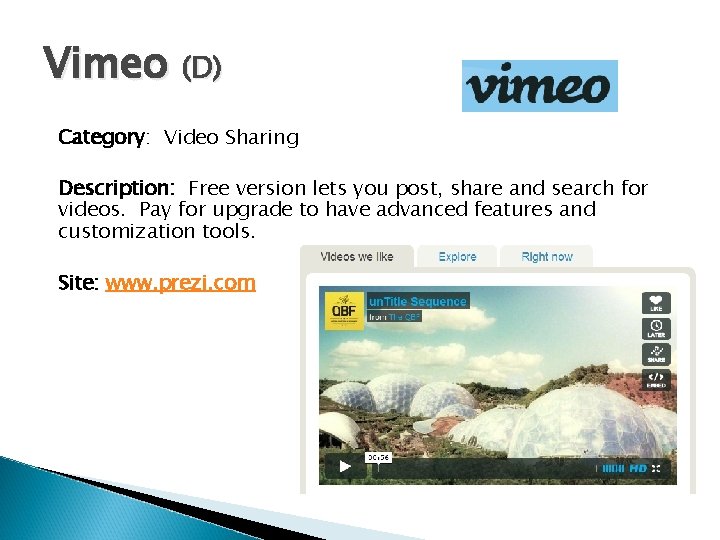
Vimeo (D) Category: Video Sharing Description: Free version lets you post, share and search for videos. Pay for upgrade to have advanced features and customization tools. Site: www. prezi. com
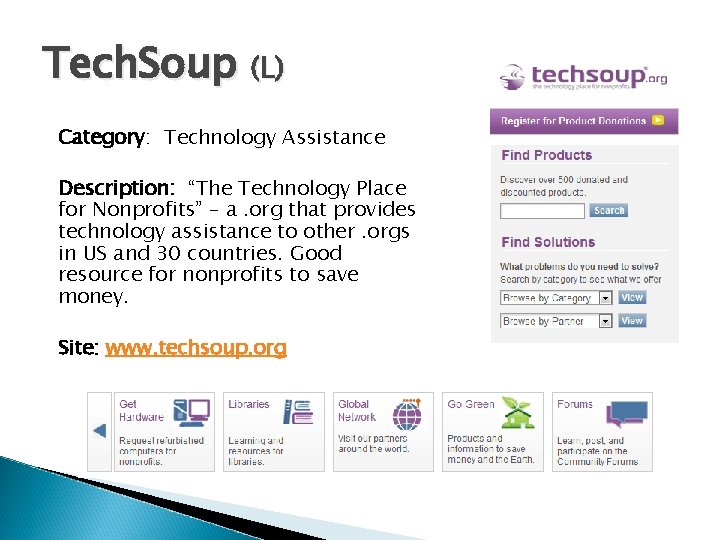
Tech. Soup (L) Category: Technology Assistance Description: “The Technology Place for Nonprofits” – a. org that provides technology assistance to other. orgs in US and 30 countries. Good resource for nonprofits to save money. Site: www. techsoup. org
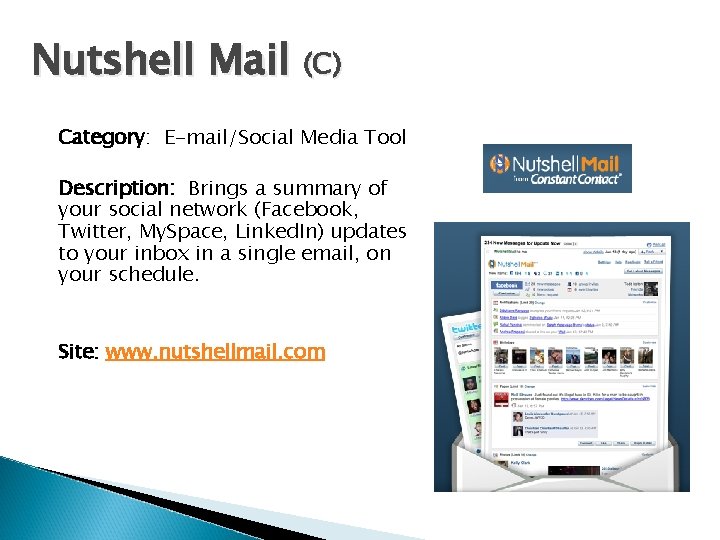
Nutshell Mail (C) Category: E-mail/Social Media Tool Description: Brings a summary of your social network (Facebook, Twitter, My. Space, Linked. In) updates to your inbox in a single email, on your schedule. Site: www. nutshellmail. com
Seamless Web (C) Category: Mobile App Description: App that uses your GPS location to list restaurants in your area with ratings, comments, etc. . You can order from the menu, pay, and wait for pick up or go and carry out. You can save payment options and easily re-order your favorite items. Site: www. nutshellmail. com
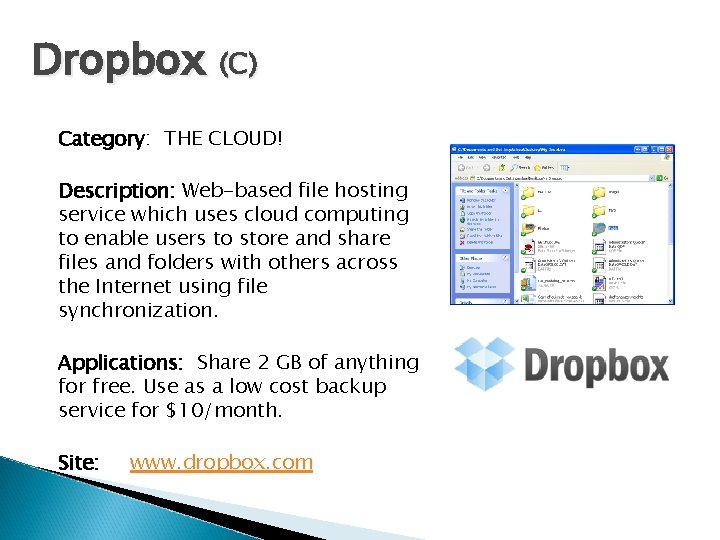
Dropbox (C) Category: THE CLOUD! Description: Web-based file hosting service which uses cloud computing to enable users to store and share files and folders with others across the Internet using file synchronization. Applications: Share 2 GB of anything for free. Use as a low cost backup service for $10/month. Site: www. dropbox. com
Free Home PC Protection (C) Category: Security Description: Use these free tools to keep your home pc safe! Firewall: Anti. Virus: Spyware: Threat Scan: Browser: Comodo Avast! Spyware Blaster Malwarebytes Firefox with Adblock Plus and No. Script
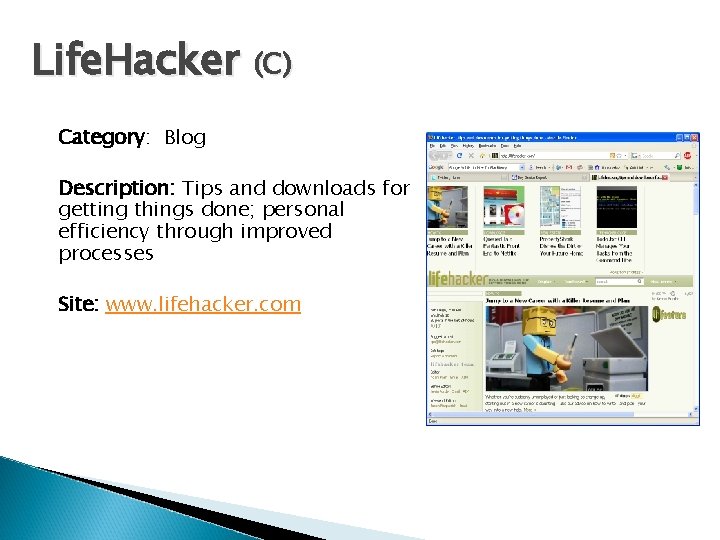
Life. Hacker (C) Category: Blog Description: Tips and downloads for getting things done; personal efficiency through improved processes Site: www. lifehacker. com
Social Media Sweet Spot Category: Social Media Description: Delcor’s weekly webcast focusing on how associations are using social media. Web Site: www. delcortech. com/Additional. Content/Listen. Up/sweetspot. aspx

Contact Information Speaker Name: David De. Lorenzo Speaker Name: Chris Shue Title: CIO Title: Vice President and Director, Information Services Organization: NACUBO Organization: RAA Phone: 202. 861. 2500 Email: DDe. Lorenzo@nacubo. org Phone: 202. 783. 8317 Email: shue@reinsurance. org Website: www. nacubo. org Website: www. reinsurance. org Speaker Name: Loretta M. De. Luca Title: CEO Organization: Del. Cor Phone: 240. 821. 1760 Email: ldeluca@delcor. com Website: www. delcor. com
- Slides: 82