
Time Management Prioritization and Delegation EDUCAUSE New IT

- Slides: 27
Time Management, Prioritization, and Delegation EDUCAUSE New IT Managers Program April 2015 Mark Walbert San Antonio – Connect
Exercise: Think – Pair – Share What activities take up most of your time? (e. g. , meetings, email, …) What patterns do you notice in your use of time?
Exercise: Think – Pair – Share What are some of your most frequent time management frustrations?
Exercise: Think – Pair – Share What are some of your tried and true ways of fixing time management issues?
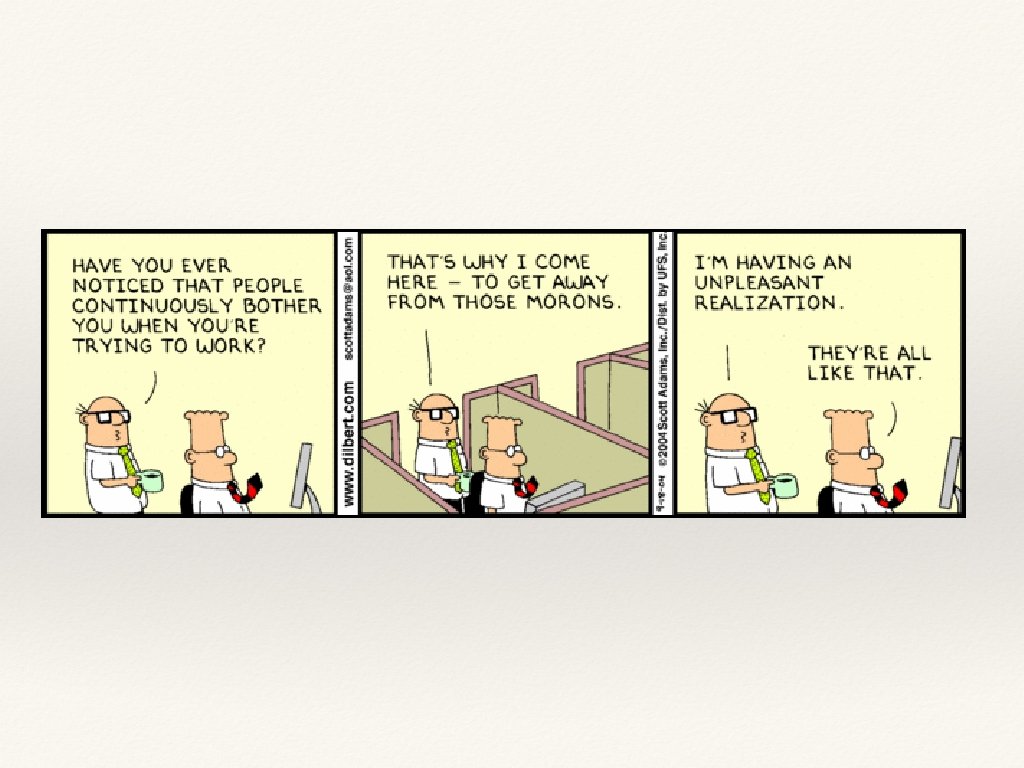
Time Management Gotchas ❖ Monkeys… ❖ Procrastination ❖ Interruptions/distractions ❖ Meetings ❖ Micromanagement ❖ Multi-tasking
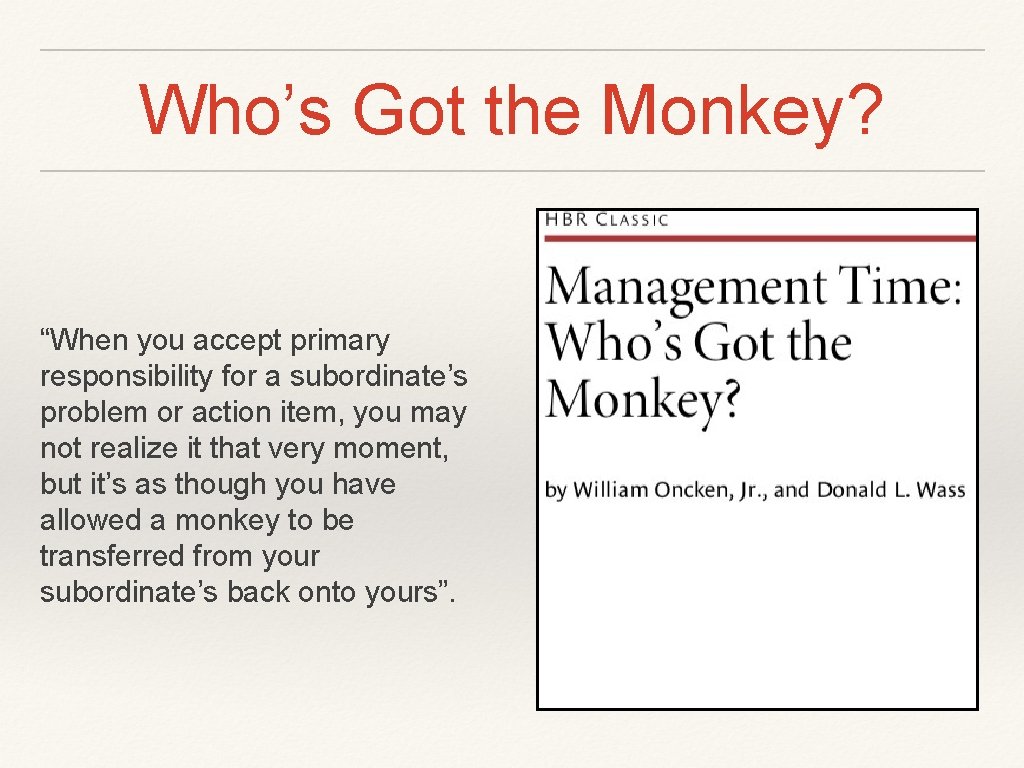
Who’s Got the Monkey? “When you accept primary responsibility for a subordinate’s problem or action item, you may not realize it that very moment, but it’s as though you have allowed a monkey to be transferred from your subordinate’s back onto yours”.
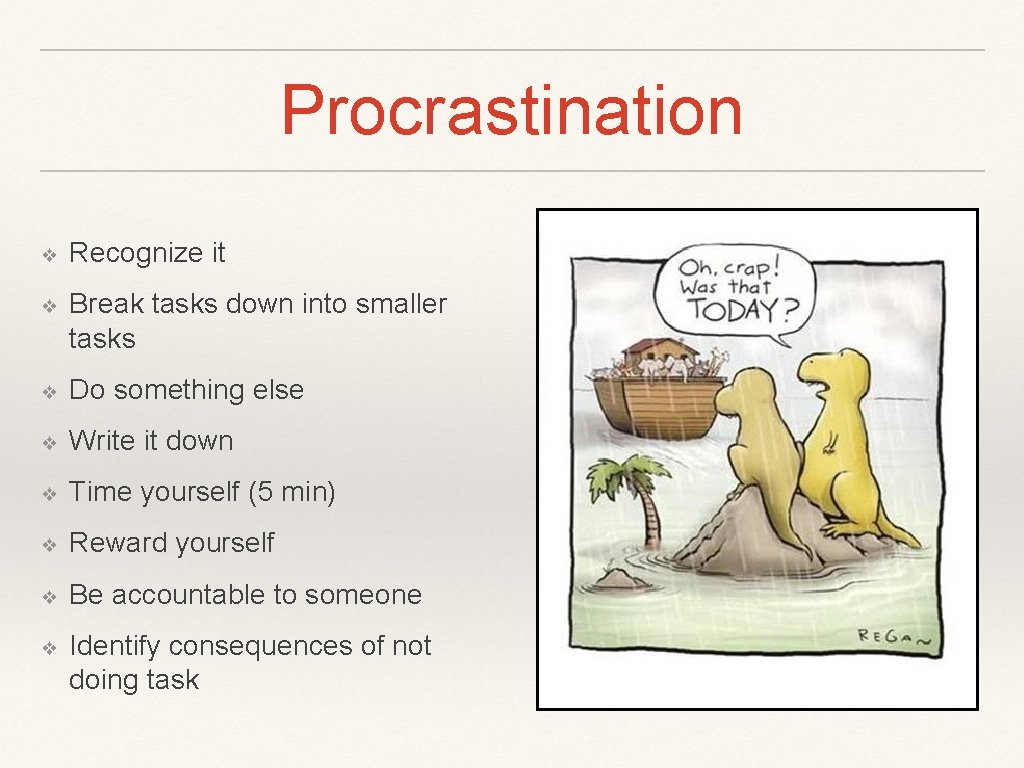
Procrastination ❖ Recognize it ❖ Break tasks down into smaller tasks ❖ Do something else ❖ Write it down ❖ Time yourself (5 min) ❖ Reward yourself ❖ Be accountable to someone ❖ Identify consequences of not doing task
Interruptions ❖ Schedule and Block Time ❖ Close your door ❖ Go to the library/coffee shop ❖ Have regular meetings if needed ❖ Learn to say no ❖ Have script for excusing yourself or setting parameters
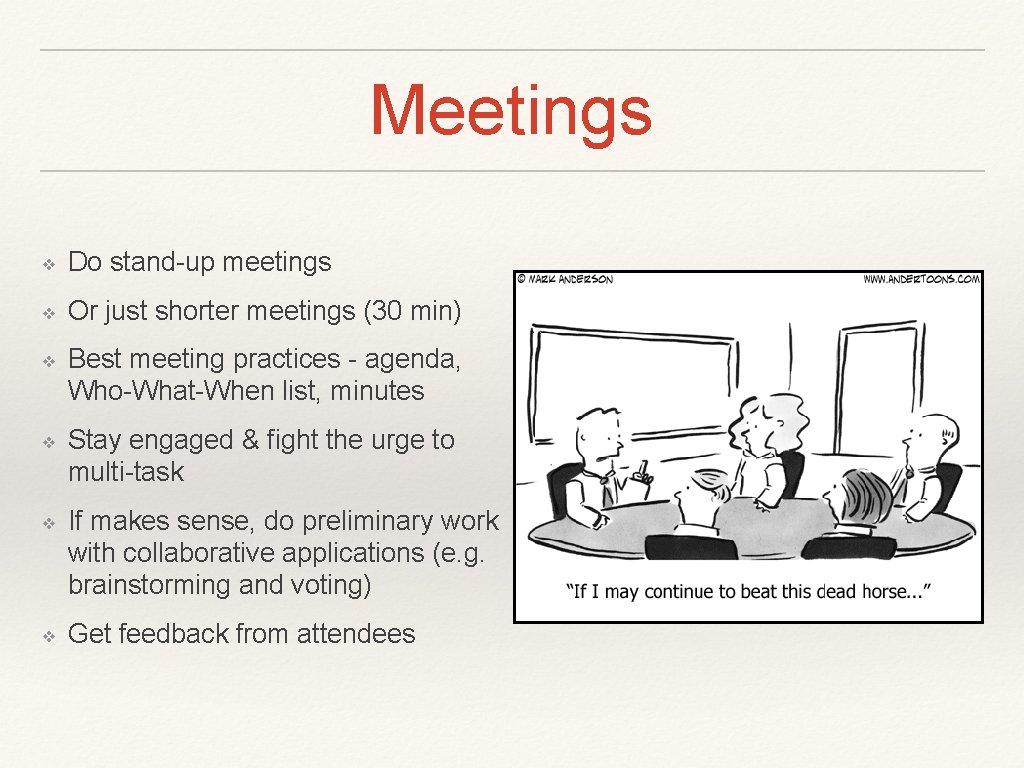
Meetings ❖ Do stand-up meetings ❖ Or just shorter meetings (30 min) ❖ Best meeting practices - agenda, Who-What-When list, minutes ❖ Stay engaged & fight the urge to multi-task ❖ If makes sense, do preliminary work with collaborative applications (e. g. brainstorming and voting) ❖ Get feedback from attendees
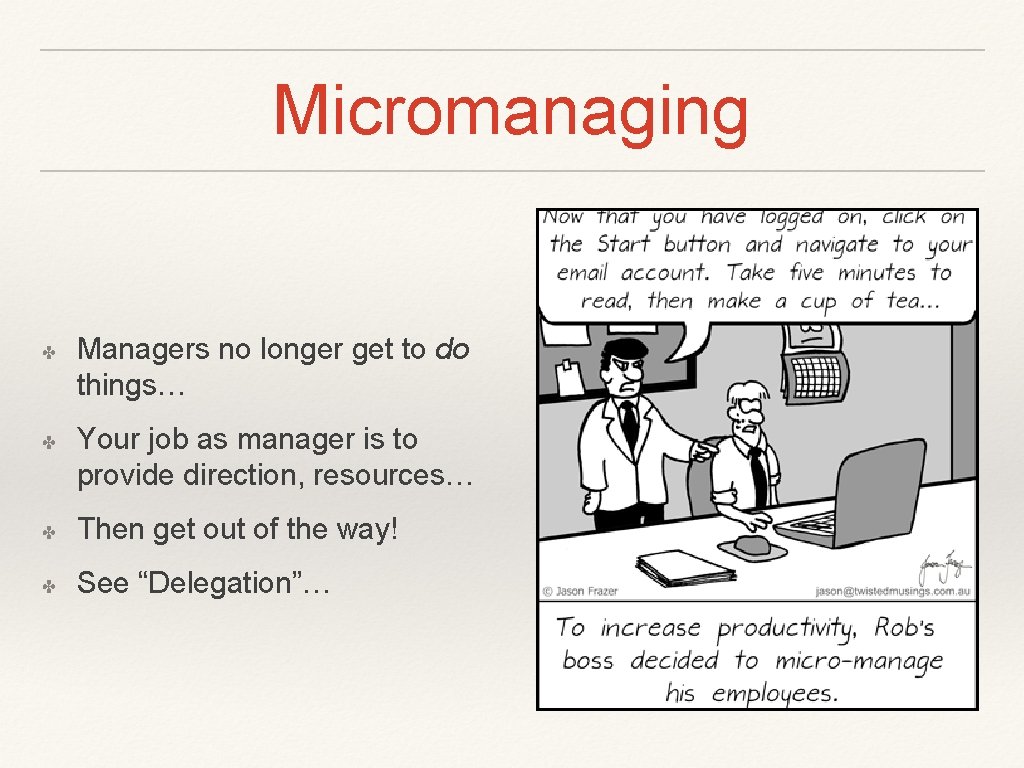
Micromanaging ✤ ✤ Managers no longer get to do things… Your job as manager is to provide direction, resources… ✤ Then get out of the way! ✤ See “Delegation”…
Prioritization ❖ Align with higher level priorities and goals ❖ Rankings - ABC and 80/20 rule (Pareto Analysis) ❖ Eliminate and delegate ❖ Organize and streamline day-to-day tasks ❖ Constantly re-adjust ❖ Understand deadlines
Time Management Systems ❖ Covey Time Matrix ❖ Getting Things Done
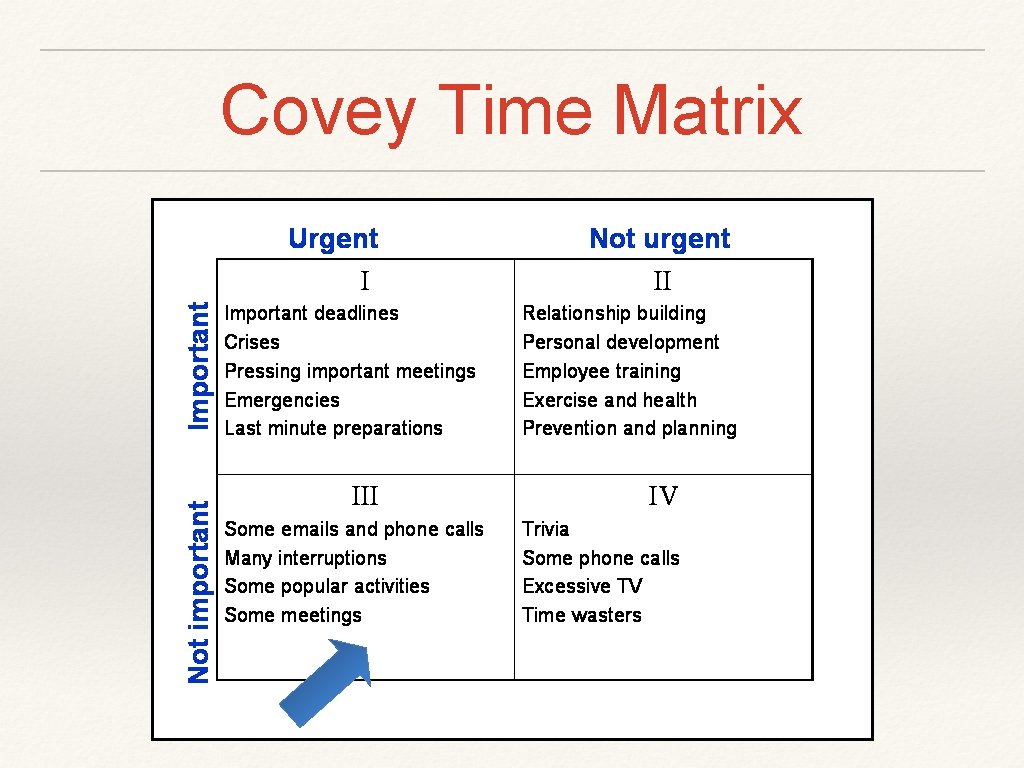
Covey Time Matrix
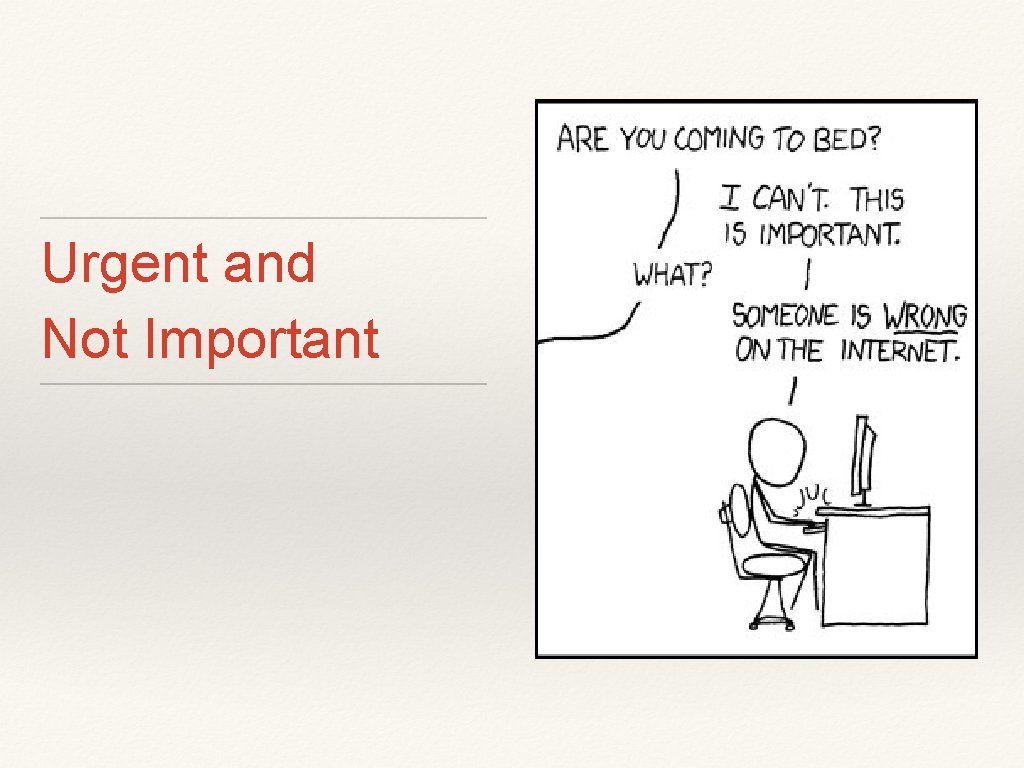
Urgent and Not Important
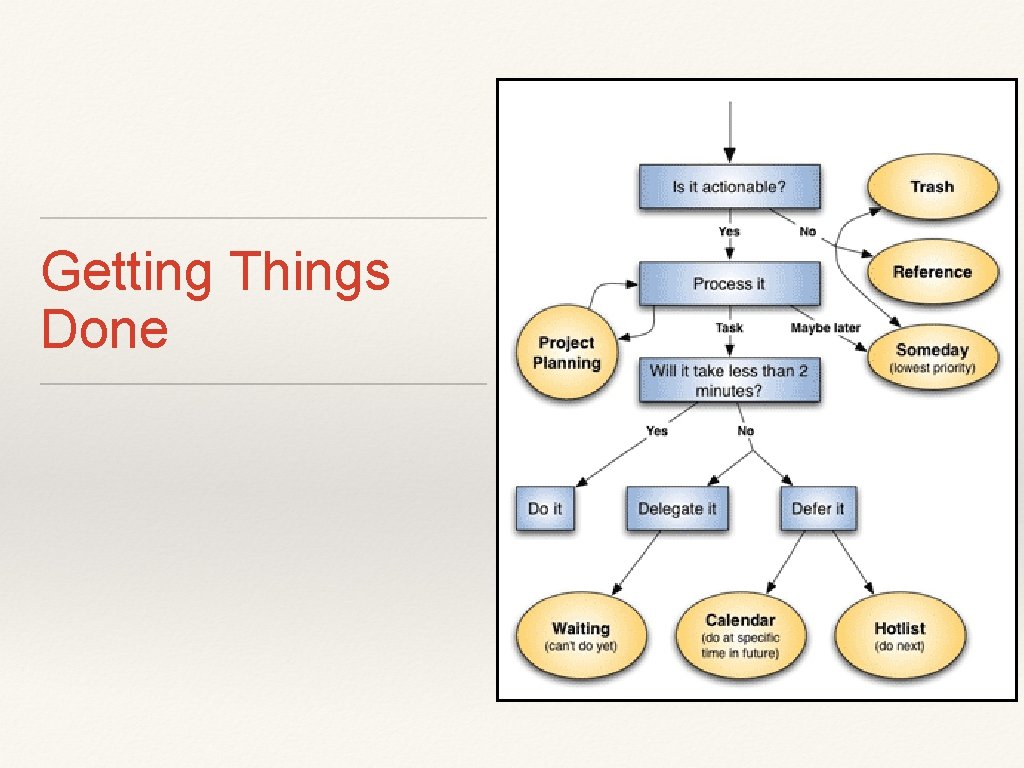
Getting Things Done
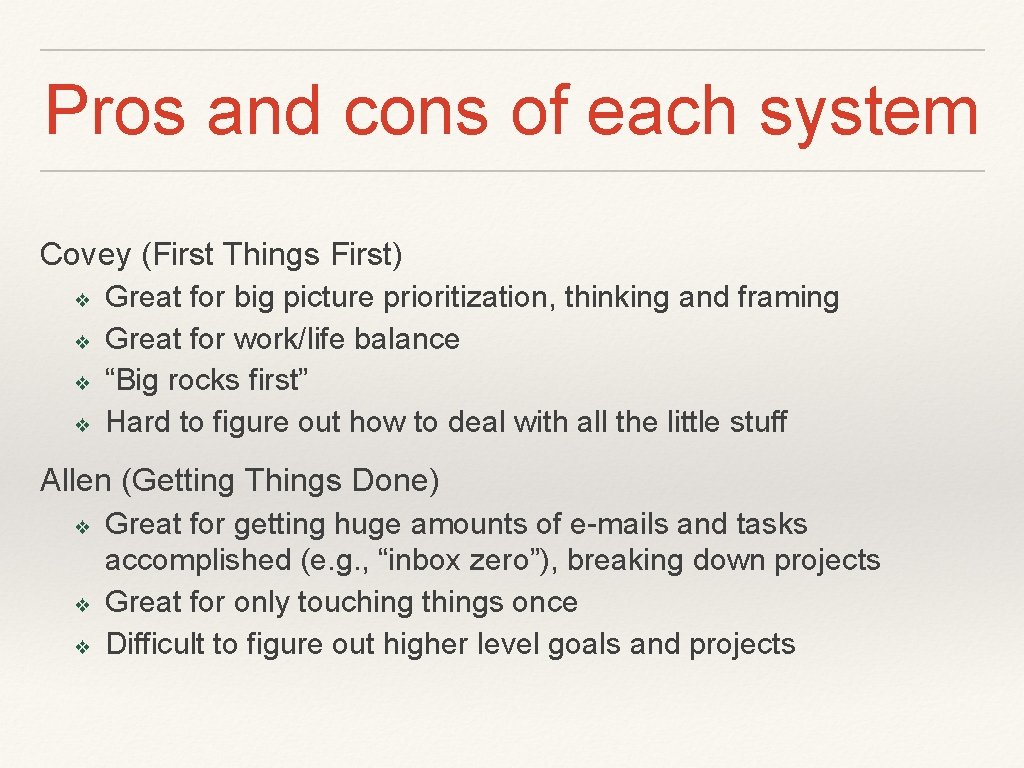
Pros and cons of each system Covey (First Things First) ❖ ❖ Great for big picture prioritization, thinking and framing Great for work/life balance “Big rocks first” Hard to figure out how to deal with all the little stuff Allen (Getting Things Done) ❖ ❖ ❖ Great for getting huge amounts of e-mails and tasks accomplished (e. g. , “inbox zero”), breaking down projects Great for only touching things once Difficult to figure out higher level goals and projects
How to make it work for you ❖ Find the components of each system that resonate and work for you ❖ Mix and match tactics ❖ Test the system ❖ Tweak the system ❖ Whatever works is good enough…
How to make it work for you ❖ Block time to prep each day ❖ Prep for meetings! ❖ Leverage “Presence”… to reduce calls and IMs (and don’t respond!) ❖ Schedule work time on calendar ❖ Have “office hours”
Delegate! But why delegate if you can do it better?
Delegation ❖ Opportunity cost of your time ❖ Your skills ❖ Value to institution ❖ Teambuilding ❖ Empowerment
How to Delegate ❖ Determine and define task ❖ Make yourself let go ❖ Ask, don’t tell ❖ Match tasks to people’s strengths ❖ Encourage independent thinking ❖ Provide necessary resources ❖ Reward and recognition
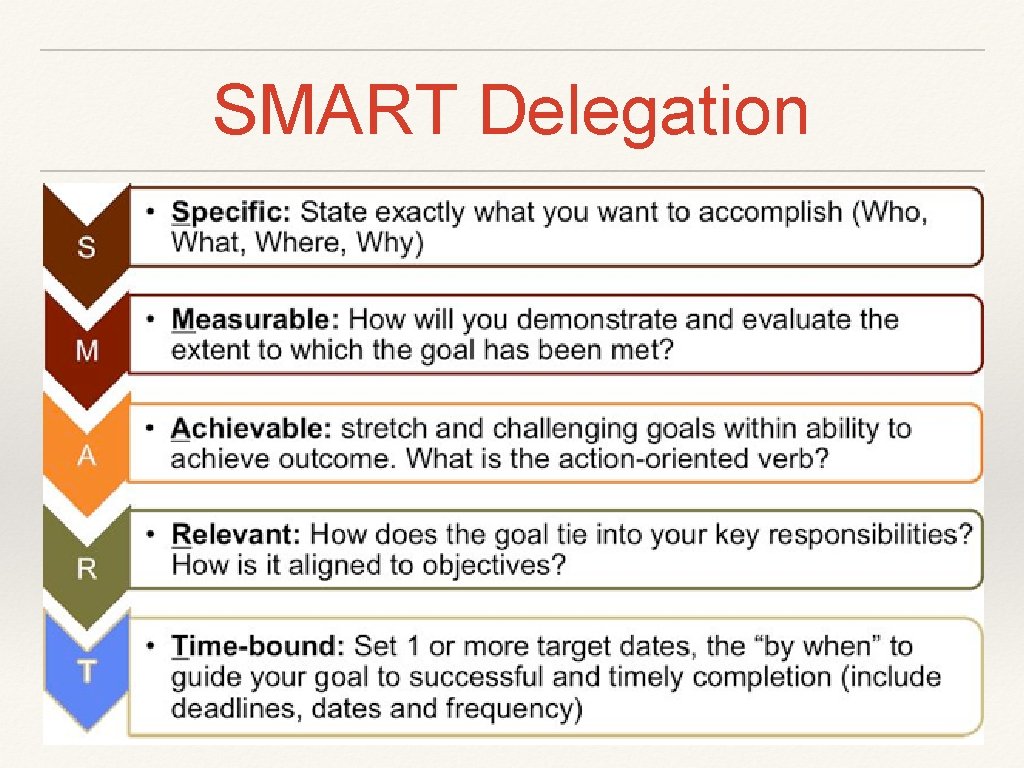
SMART Delegation ❖ Specific – what is the task or objective? ❖ Measurable – how will it be measured? ❖ Agreed – does everyone agree? ❖ Realistic – is it realistic? ❖ Time-bound – when does it need to be done?
SMART Delegation
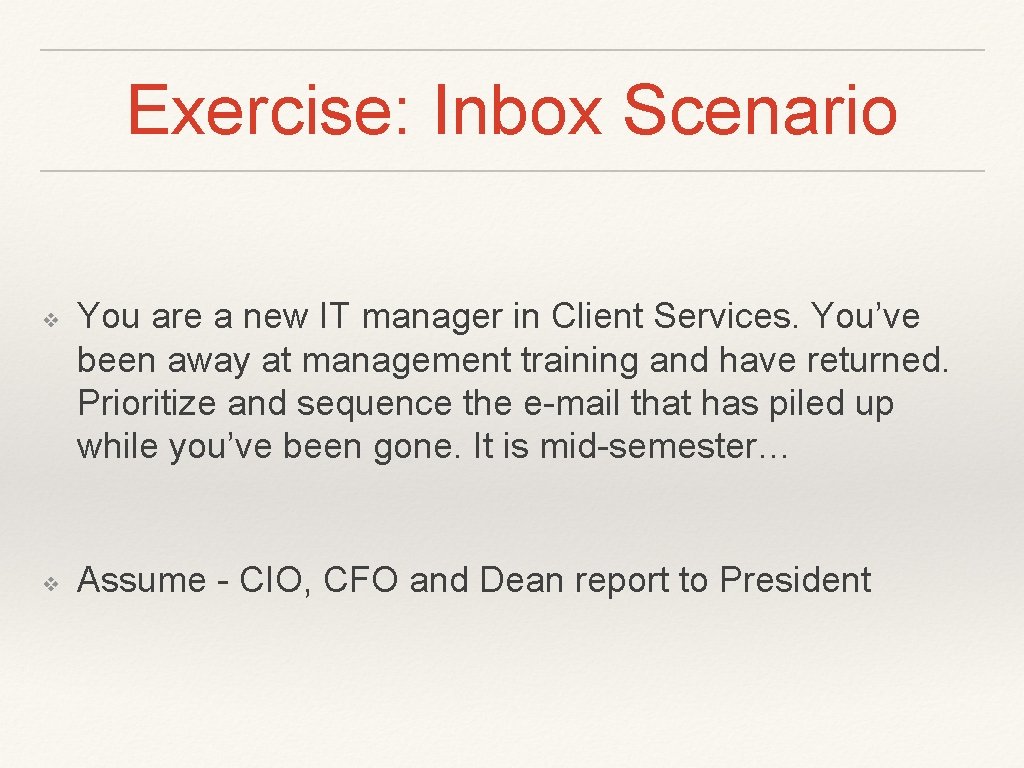
Exercise: Inbox Scenario ❖ ❖ You are a new IT manager in Client Services. You’ve been away at management training and have returned. Prioritize and sequence the e-mail that has piled up while you’ve been gone. It is mid-semester… Assume - CIO, CFO and Dean report to President
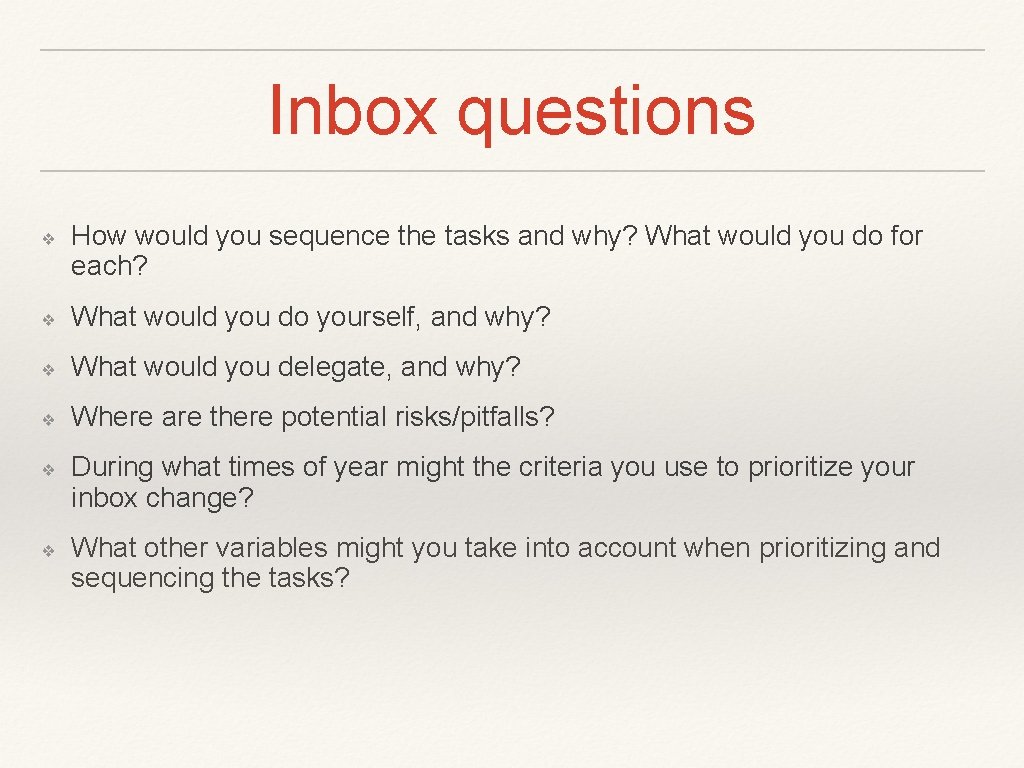
Inbox questions ❖ How would you sequence the tasks and why? What would you do for each? ❖ What would you do yourself, and why? ❖ What would you delegate, and why? ❖ Where are there potential risks/pitfalls? ❖ ❖ During what times of year might the criteria you use to prioritize your inbox change? What other variables might you take into account when prioritizing and sequencing the tasks?
Inbox Discussion and report out