
Tim Brown Director of Instructional Technology WGSD New
Tim Brown Director of Instructional Technology WGSD New Faculty Technology Training http: //goo. gl/RSQZ 5 K
Director for Learning Technology Connecting the Webster Groves staff with professional development opportunities to enhance their teaching with technology in the classroom.
What this looks like. . . Modeling lessons for teachers and with teachers on current technologies being utilized in the classroom. 1 -on-1 PD for teachers, small group PD, building level PD, online support, and whole district PD opportunities.
Technology Support Specialists If something is broken or is not working properly make sure you fill out a tech. request and the technology support specialists will come to solve your problems.
e. Mail - Microsoft Outlook The district uses Microsoft Outlook for your district assigned email account. ● You can access it from home or on your tablet or phone easily ● https: //mail. wgmail. org/owa
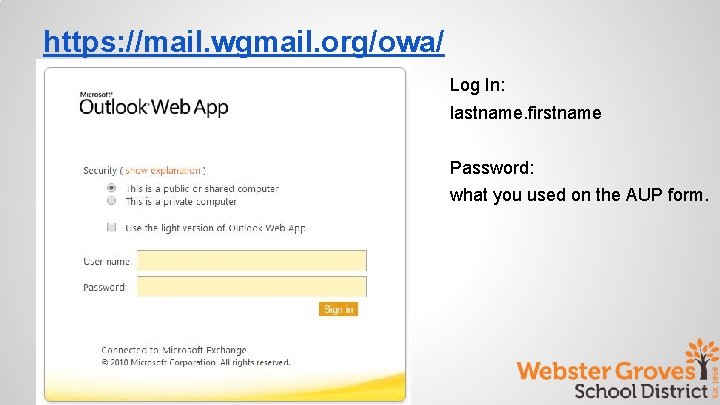
https: //mail. wgmail. org/owa/ Log In: lastname. firstname Password: what you used on the AUP form.

In the classroom. . .
and in the cloud
Why the Cloud? ● Student collaboration ● Access to documents anywhere and at anytime ● Less printing - students can share their work with you and you can comment or edit. ● Staff collaboration and professional development ● More storage space for digital files
Google and WGSD www. google. com www. wgcloud. org Login: lastname. firstname@wgcloud. org Password: Should be the same password that was put on your AUP form. If not, should have been emailed to you when we created your accounts. After you log in the program will have you change your password
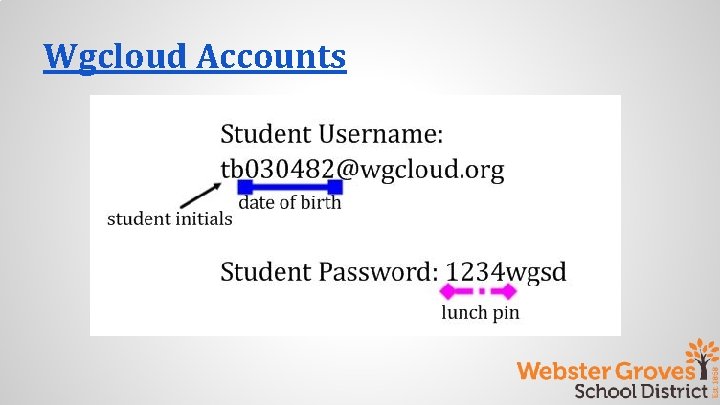
Wgcloud Accounts
Clever Single sign on platform for our various products. clever. com/in/wgsd Click login with Google Wgcloud login information
Canvas - Learning Management System The Webster Groves School District uses Canvas as our learning management system. Resources: Getting Started with Canvas Tutorials and Do Now Activities LMS in the WGSD You. Tube Channel
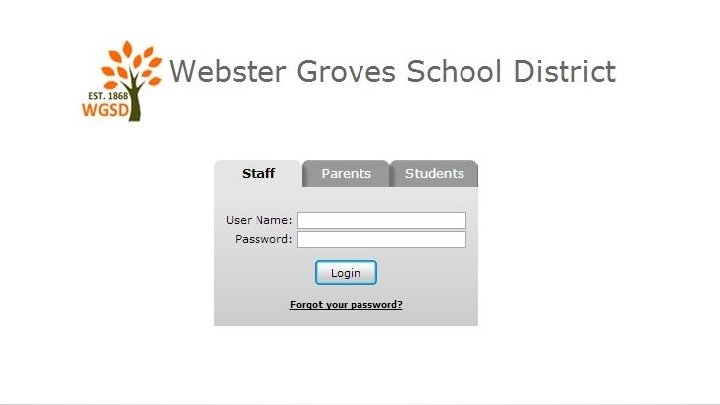
Tyler SIS - Student Information Systems https: //sis. webster. k 12. mo. us ● Works best with Google Chrome and Mozilla Firefox ● We use SIS for grade reporting k-12, gradebook (6 -12), and student data of all kinds. ● K-6 Progress Report Online for Parents (printouts only when parent requests a copy) ● First time users - type in username and then click enter
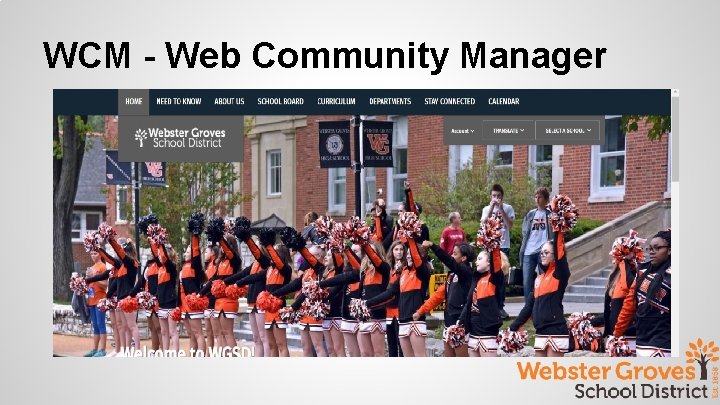
WCM - Web Community Manager
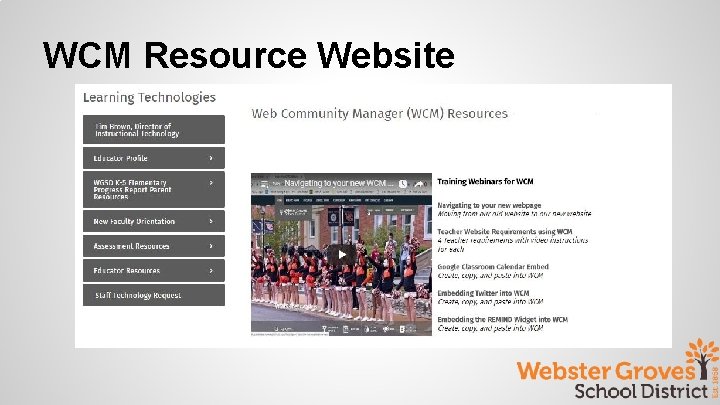
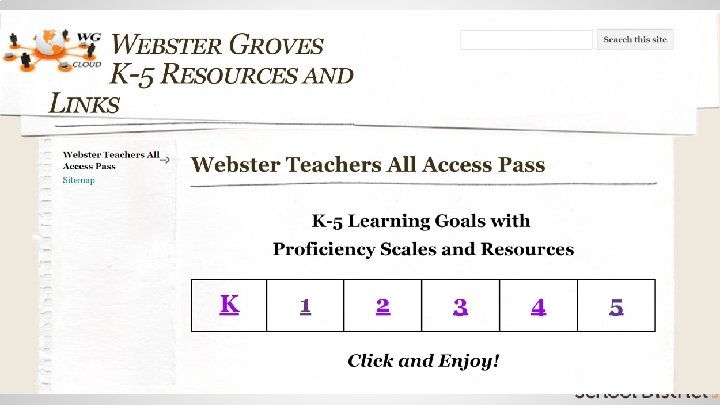
WCM Resource Website
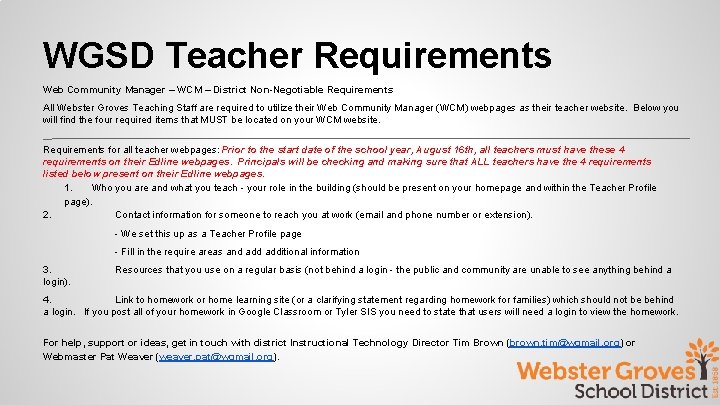
WGSD Teacher Requirements Web Community Manager – WCM – District Non-Negotiable Requirements All Webster Groves Teaching Staff are required to utilize their Web Community Manager (WCM) webpages as their teacher website. Below you will find the four required items that MUST be located on your WCM website. Requirements for all teacher webpages: Prior to the start date of the school year, August 16 th, all teachers must have these 4 requirements on their Edline webpages. Principals will be checking and making sure that ALL teachers have the 4 requirements listed below present on their Edline webpages. 1. Who you are and what you teach - your role in the building (should be present on your homepage and within the Teacher Profile page). 2. Contact information for someone to reach you at work (email and phone number or extension). - We set this up as a Teacher Profile page - Fill in the require areas and additional information 3. login). Resources that you use on a regular basis (not behind a login - the public and community are unable to see anything behind a 4. Link to homework or home learning site (or a clarifying statement regarding homework for families) which should not be behind a login. If you post all of your homework in Google Classroom or Tyler SIS you need to state that users will need a login to view the homework. For help, support or ideas, get in touch with district Instructional Technology Director Tim Brown (brown. tim@wgmail. org) or Webmaster Pat Weaver (weaver. pat@wgmail. org).
Wireless ● Wireless is available district-wide - Webster. ○ You will need to put in your login credentials. ● All BYOD and single user devices (tablets) use Webster. You will need to put in your login credentials and password and then trust the certificate.
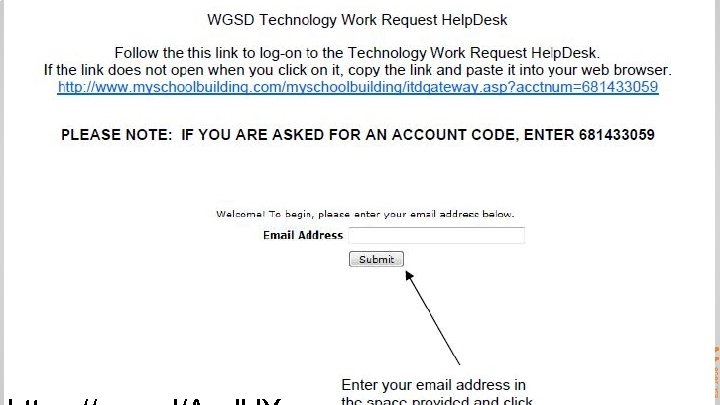
Technology Requests Use them always to create a formal trail of your requisitions and technical issues, even if you have already spoken to your building tech staff. (handout) When to place a tech request?
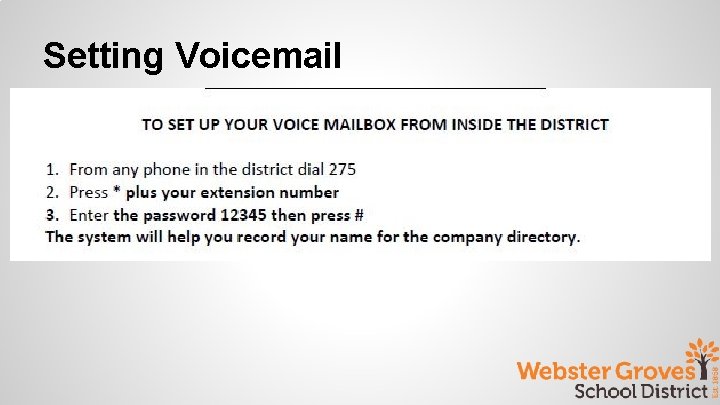
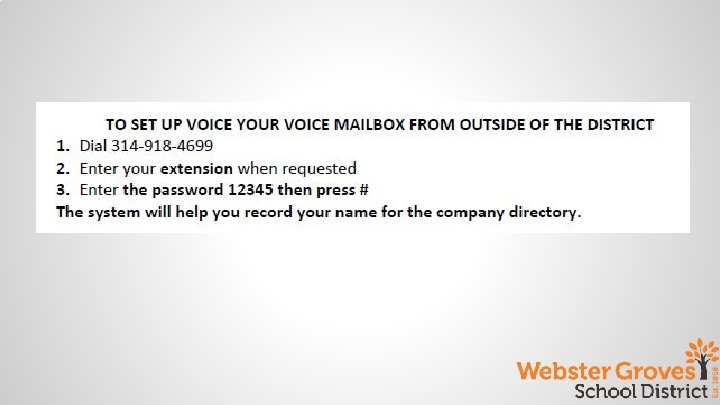
Setting Voicemail
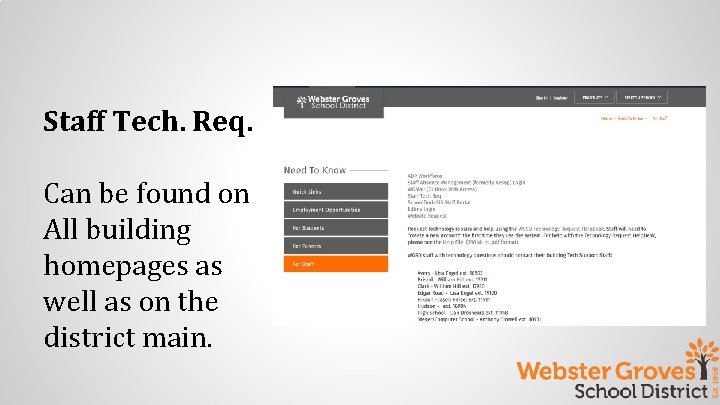
Staff Tech. Req. Can be found on All building homepages as well as on the district main.
Questions? Please complete the quick survey by clicking the link below. Welcome Survey Director for Learning Technologies http: //goo. gl/Yjle. Wx
- Slides: 26