
Tiger Transfer Orientation A Guide to Ease Your
- Slides: 25
Tiger Transfer Orientation A Guide to Ease Your Transition
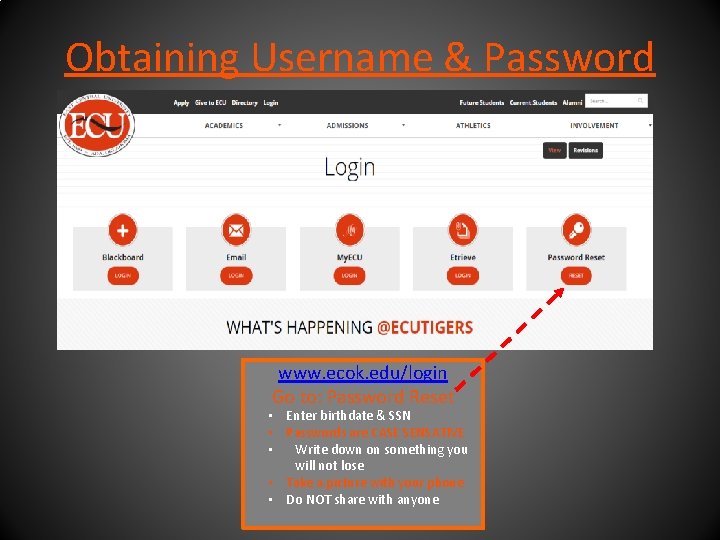
Obtaining Username & Password www. ecok. edu/login Go to: Password Reset • Enter birthdate & SSN • Passwords are CASE SENSATIVE • Write down on something you will not lose • Take a picture with your phone • Do NOT share with anyone
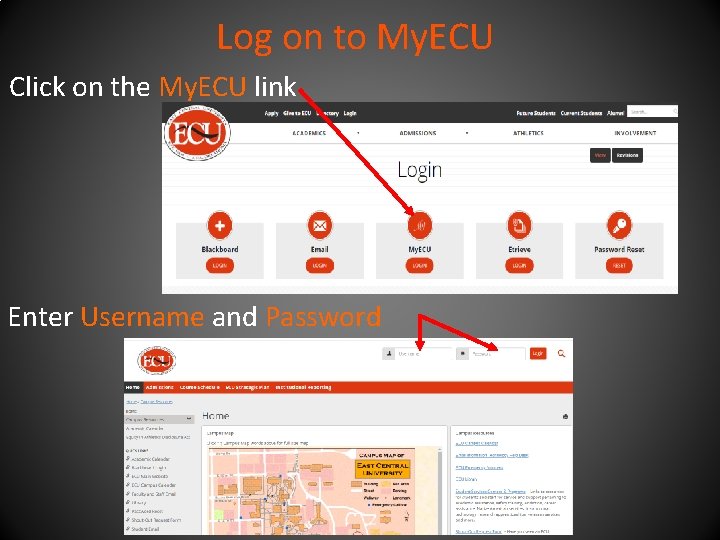
Log on to My. ECU Click on the My. ECU link Enter Username and Password
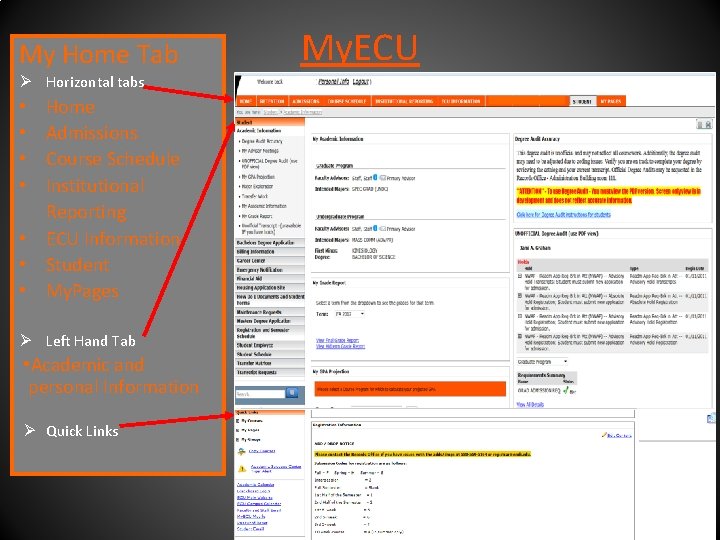
My Home Tab Ø Horizontal tabs Home Admissions Course Schedule Institutional Reporting • ECU Information • Student • My. Pages • • Ø Left Hand Tab • Academic and personal Information Ø Quick Links My. ECU
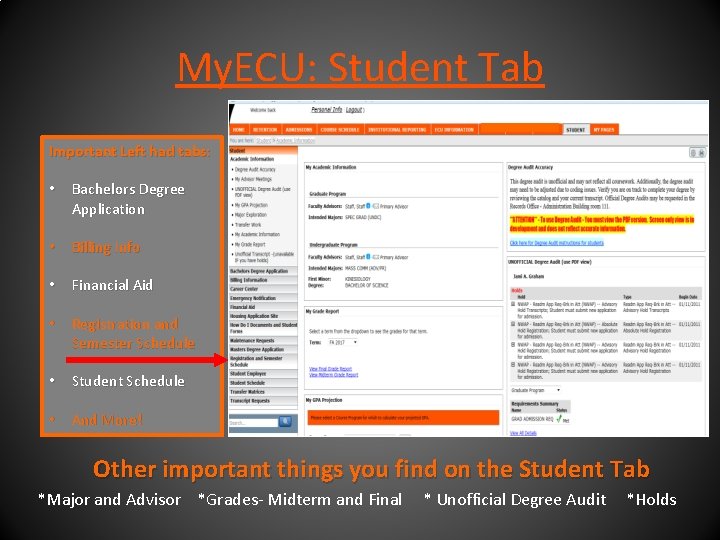
My. ECU: Student Tab Important Left had tabs: • Bachelors Degree Application • Billing Info • Financial Aid • Registration and Semester Schedule • Student Schedule • And More! Other important things you find on the Student Tab *Major and Advisor *Grades- Midterm and Final * Unofficial Degree Audit *Holds
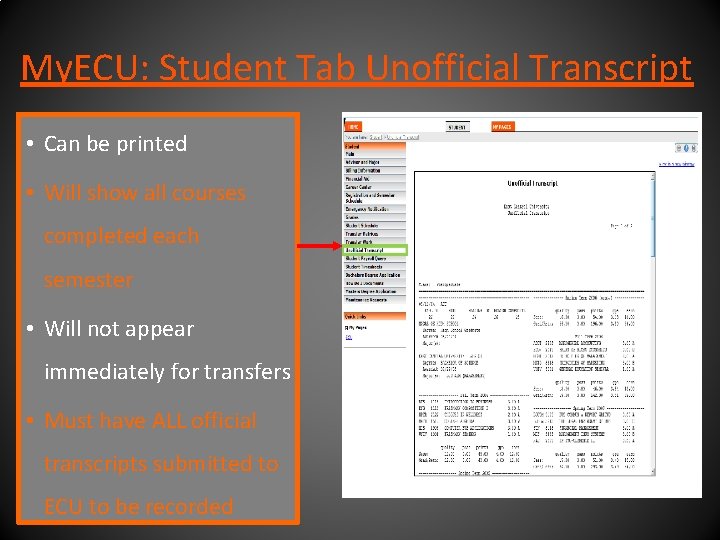
My. ECU: Student Tab Unofficial Transcript • Can be printed • Will show all courses completed each semester • Will not appear immediately for transfers • Must have ALL official transcripts submitted to ECU to be recorded
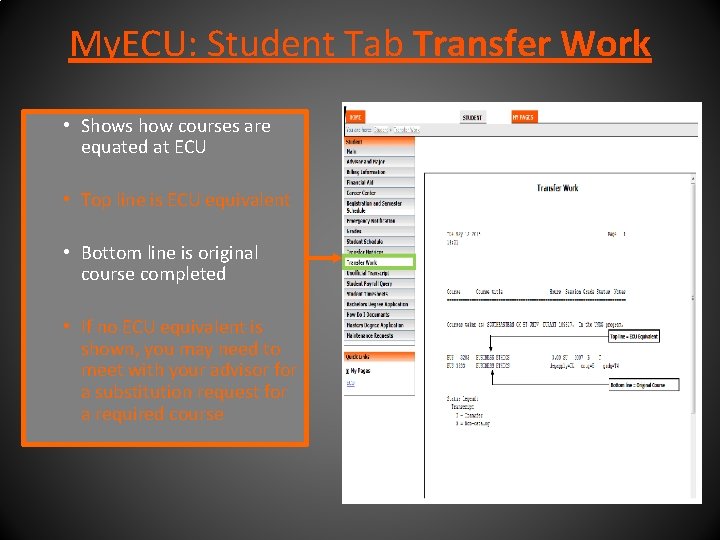
My. ECU: Student Tab Transfer Work • Shows how courses are equated at ECU • Top line is ECU equivalent • Bottom line is original course completed • If no ECU equivalent is shown, you may need to meet with your advisor for a substitution request for a required course
Transfer Work: Course Substitutions If you have completed a course that is not showing to be the equivalent of an ECU course • Meet with advisor and review Transfer Work • Complete Course Substitution Request Form ( Located in the Etrieve button on the login page) • Course description from college/university catalog can help • Syllabus from course works best
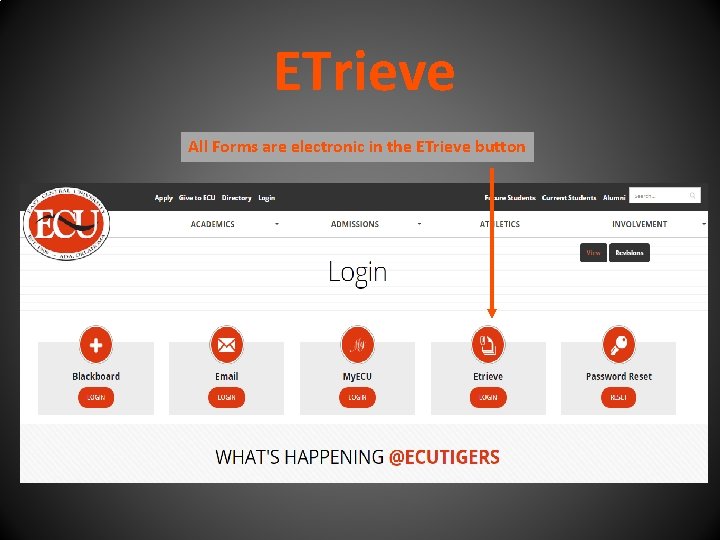
ETrieve All Forms are electronic in the ETrieve button
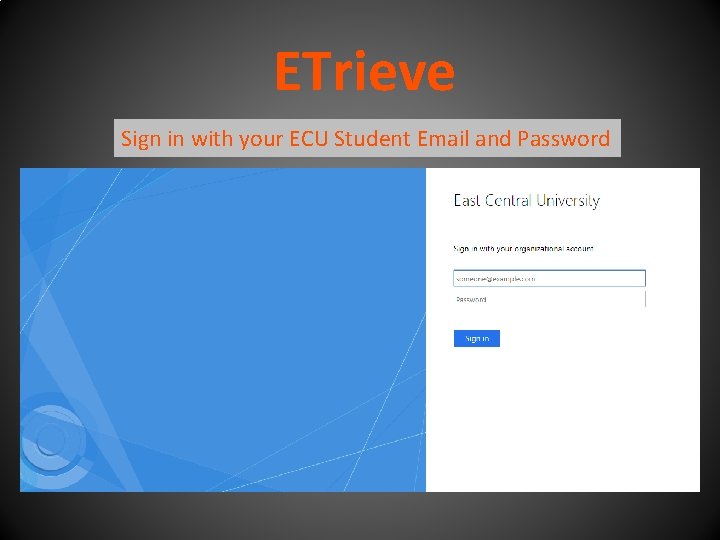
ETrieve Sign in with your ECU Student Email and Password
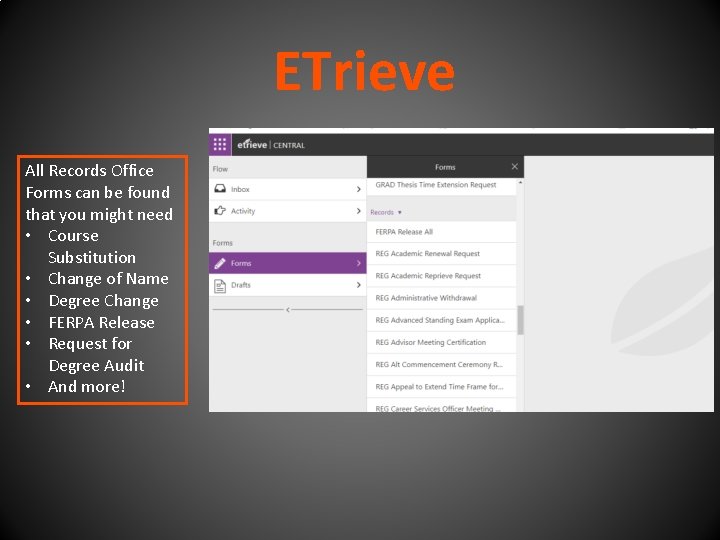
ETrieve All Records Office Forms can be found that you might need • Course Substitution • Change of Name • Degree Change • FERPA Release • Request for Degree Audit • And more!
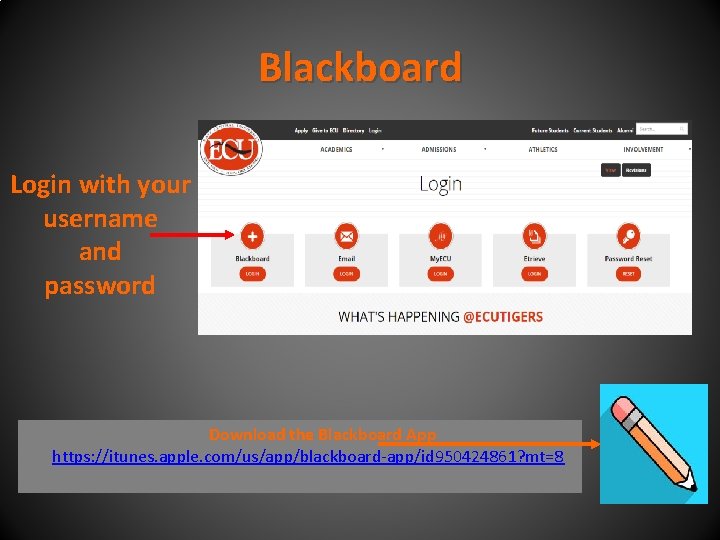
Blackboard Login with your username and password Download the Blackboard App https: //itunes. apple. com/us/app/blackboard-app/id 950424861? mt=8
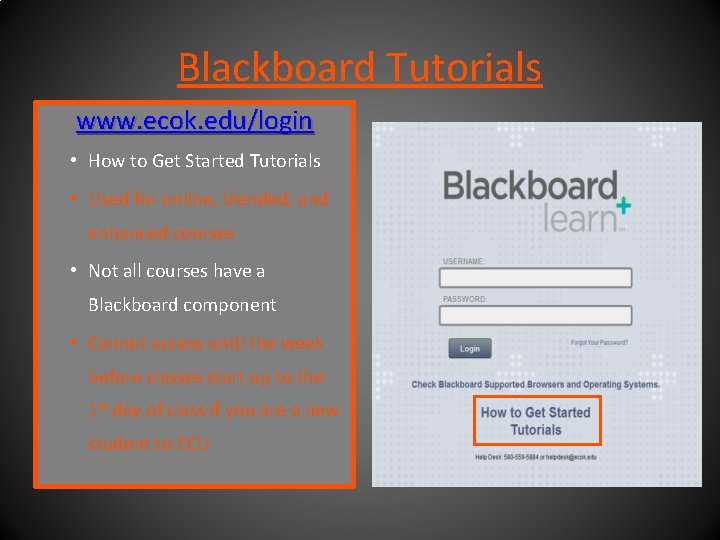
Blackboard Tutorials www. ecok. edu/login • How to Get Started Tutorials • Used for online, blended, and enhanced courses • Not all courses have a Blackboard component • Cannot access until the week before classes start up to the 1 st day of class if you are a new student to ECU
Blackboard Cont’d Each professor can set up the class differently • Exams can be titled “Tests” or “Assessments” or “Modules” • Email vs. Messages • Email refers to syncing with your ECU Student Email • Messages stay within the course and does not go to emails
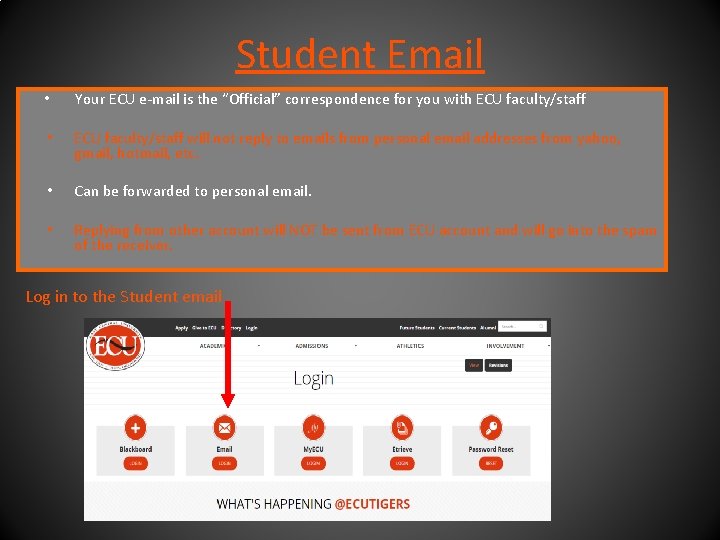
Student Email • Your ECU e-mail is the “Official” correspondence for you with ECU faculty/staff • ECU faculty/staff will not reply to emails from personal email addresses from yahoo, gmail, hotmail, etc. • Can be forwarded to personal email. • Replying from other account will NOT be sent from ECU account and will go into the spam of the receiver. Log in to the Student email
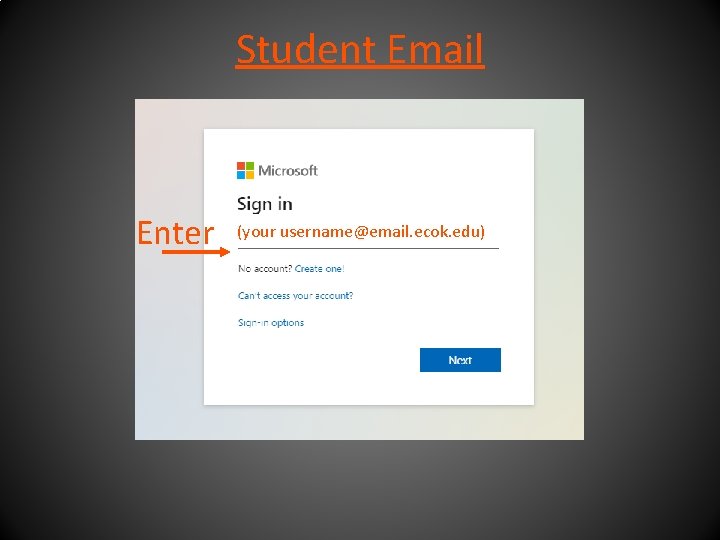
Student Email Enter (your username@email. ecok. edu)
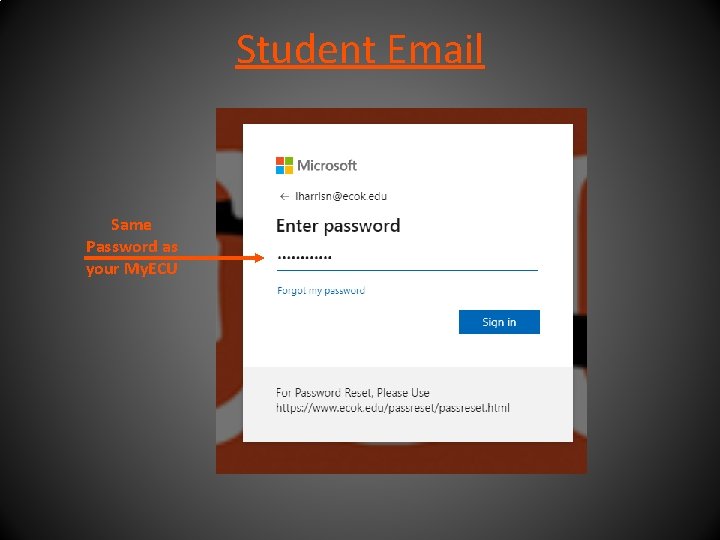
Student Email Same Password as your My. ECU
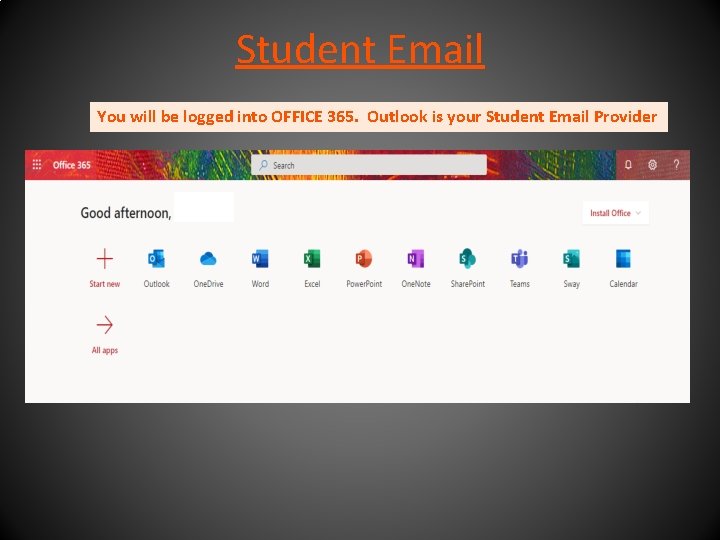
Student Email You will be logged into OFFICE 365. Outlook is your Student Email Provider
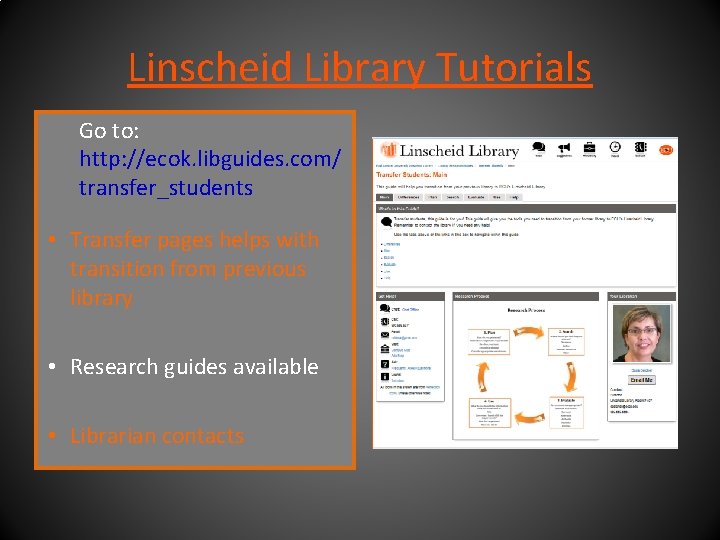
Linscheid Library Tutorials Go to: http: //ecok. libguides. com/ transfer_students • Transfer pages helps with transition from previous library • Research guides available • Librarian contacts
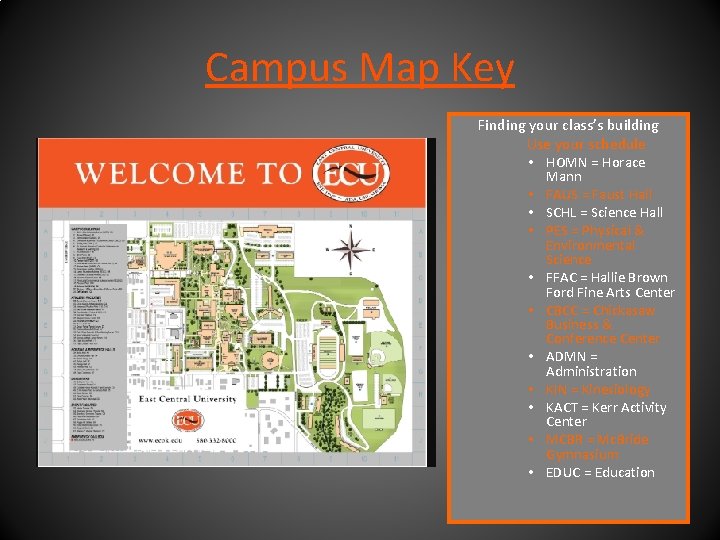
Campus Map Key Finding your class’s building Use your schedule • HOMN = Horace • • • Mann FAUS = Faust Hall SCHL = Science Hall PES = Physical & Environmental Science FFAC = Hallie Brown Ford Fine Arts Center CBCC = Chickasaw Business & Conference Center ADMN = Administration KIN = Kinesiology KACT = Kerr Activity Center MCBR = Mc. Bride Gymnasium EDUC = Education
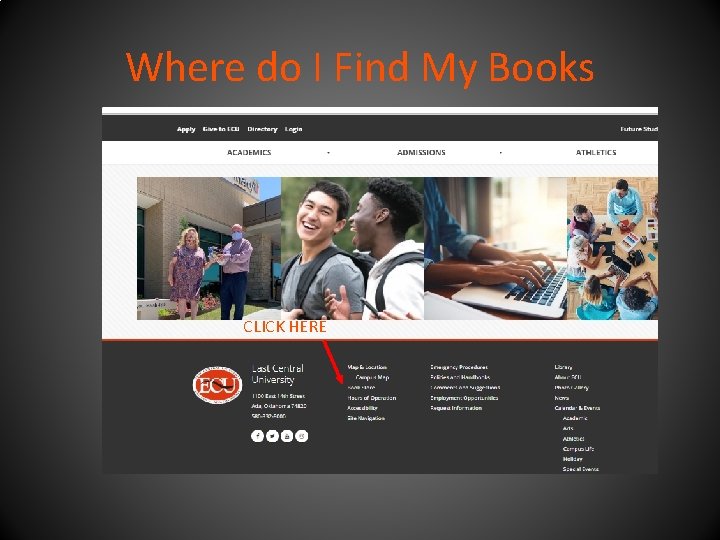
Where do I Find My Books CLICK HERE
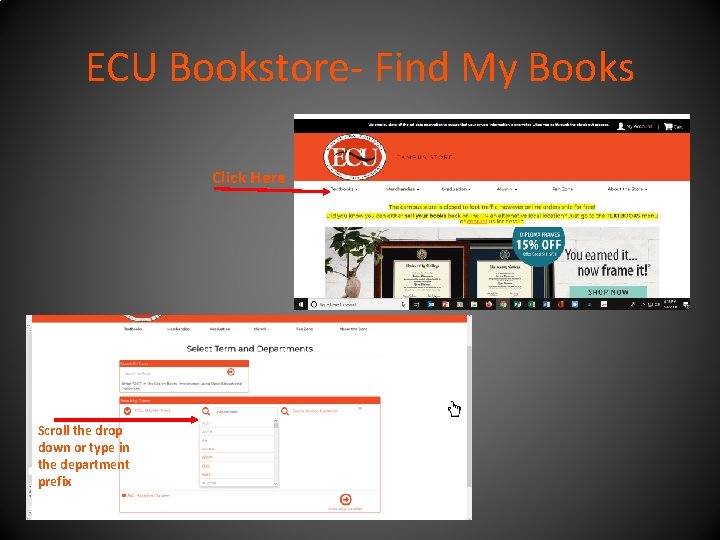
ECU Bookstore- Find My Books Click Here Scroll the drop down or type in the department prefix
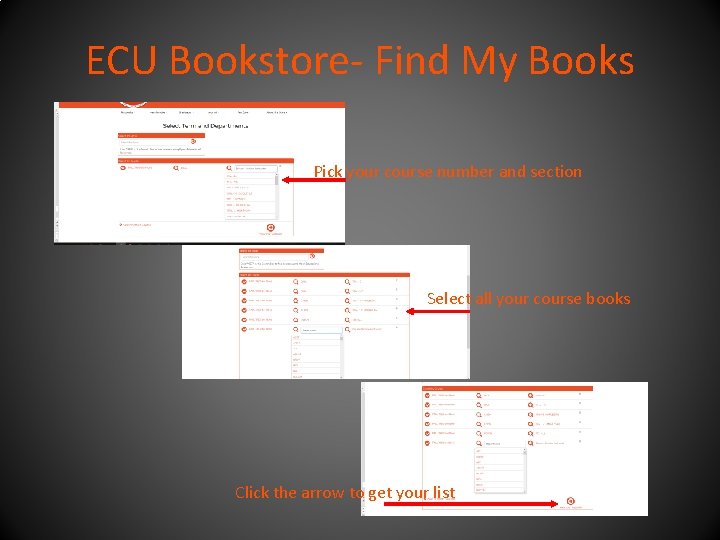
ECU Bookstore- Find My Books Pick your course number and section Select all your course books Click the arrow to get your list
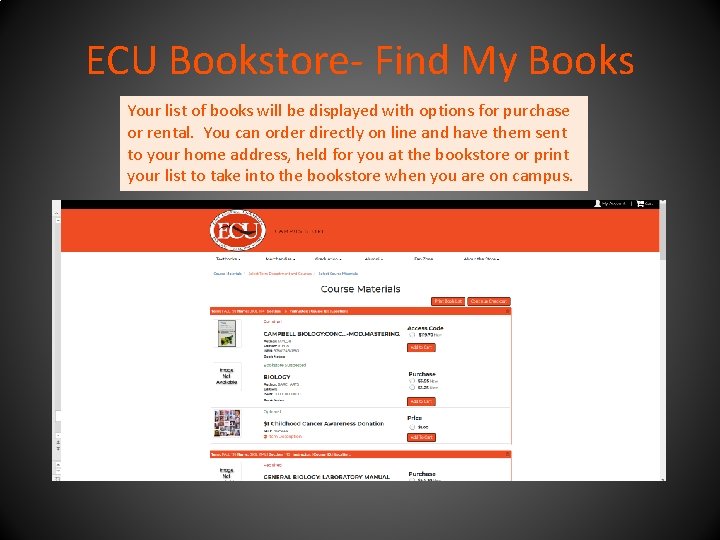
ECU Bookstore- Find My Books Your list of books will be displayed with options for purchase or rental. You can order directly on line and have them sent to your home address, held for you at the bookstore or print your list to take into the bookstore when you are on campus.
Welcome to the ECU Family We are glad you have chosen to continue your pursuit of a bachelor’s degree with East Central University! Remember: Once a Tiger, ALWAYS A TIGER!