
Threat Portal Live Map Data Security Awareness Level
- Slides: 29
Threat Portal Live Map
Data Security Awareness Level 1
• Data Security has always been important. • More complex now technology is so central to delivery of health and care. • Uses technology so does not pose unacceptable risk to organisation or patients / service users. • We all have a duty to protect people’s information in a safe and secure manner. Technology enables us to deliver a better quality of care Information can be shared more quickly Powerful analysis can be performed to improve the future of care
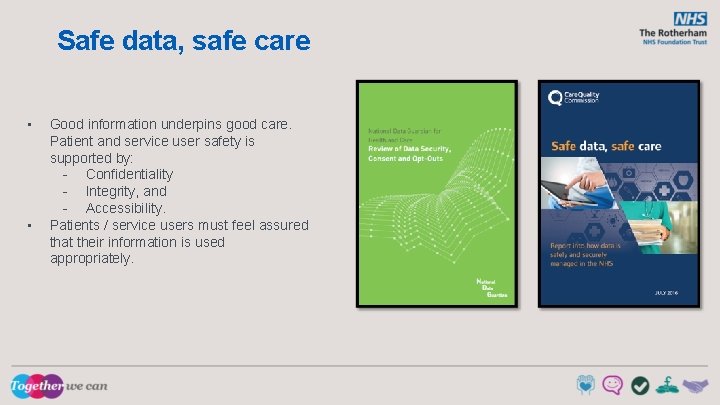
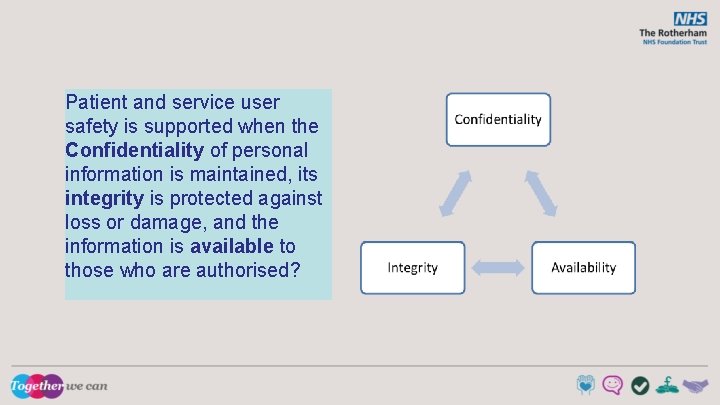
Safe data, safe care • • Good information underpins good care. Patient and service user safety is supported by: - Confidentiality - Integrity, and - Accessibility. Patients / service users must feel assured that their information is used appropriately.
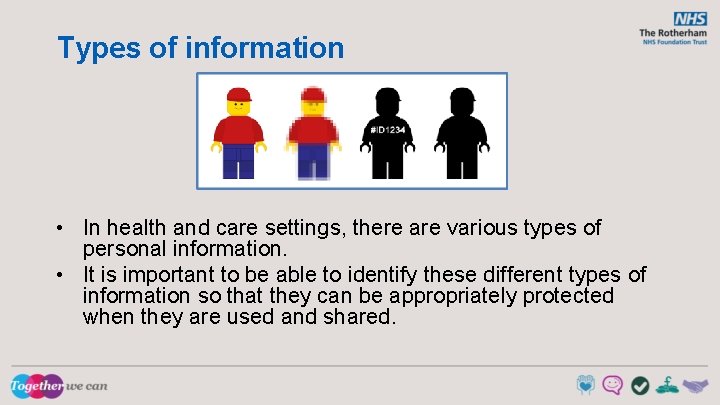
Types of information • In health and care settings, there are various types of personal information. • It is important to be able to identify these different types of information so that they can be appropriately protected when they are used and shared.
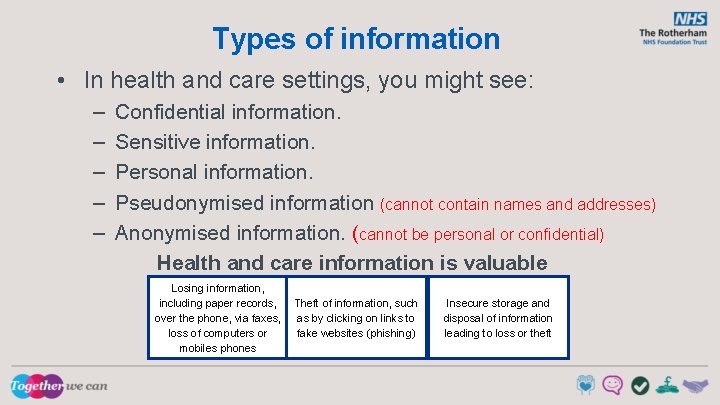
Types of information • In health and care settings, you might see: – – – Confidential information. Sensitive information. Personal information. Pseudonymised information (cannot contain names and addresses) Anonymised information. (cannot be personal or confidential) Health and care information is valuable Losing information, including paper records, over the phone, via faxes, loss of computers or mobiles phones Theft of information, such as by clicking on links to fake websites (phishing) Insecure storage and disposal of information leading to loss or theft
Common law duty of confidentiality • Information that individuals disclose in confidence should not be used or shared further without a lawful reason: The lawful reasons are: – The consent of the individual. (personal information) – Where there is a legal reason to disclose information. – Where there is a public interest justification. A decision to disclose without consent should be made by senior staff.
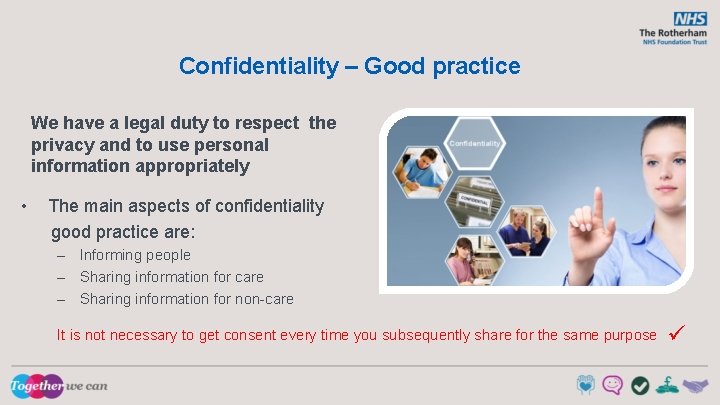
Confidentiality – Good practice We have a legal duty to respect the privacy and to use personal information appropriately • The main aspects of confidentiality good practice are: – Informing people – Sharing information for care – Sharing information for non-care It is not necessary to get consent every time you subsequently share for the same purpose
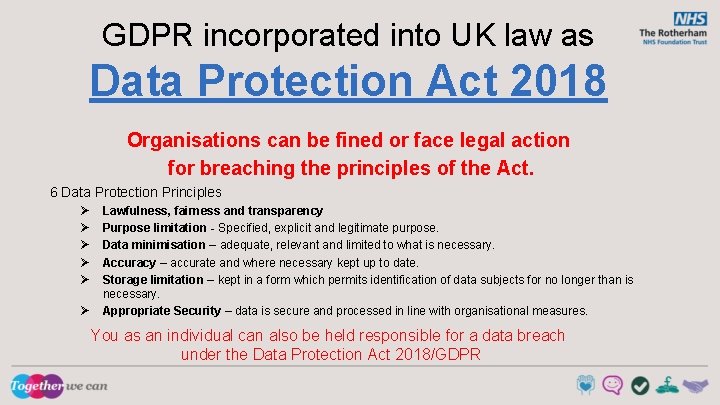
GDPR incorporated into UK law as Data Protection Act 2018 Organisations can be fined or face legal action for breaching the principles of the Act. 6 Data Protection Principles Ø Ø Ø Lawfulness, fairness and transparency Purpose limitation - Specified, explicit and legitimate purpose. Data minimisation – adequate, relevant and limited to what is necessary. Accuracy – accurate and where necessary kept up to date. Storage limitation – kept in a form which permits identification of data subjects for no longer than is necessary. Appropriate Security – data is secure and processed in line with organisational measures. You as an individual can also be held responsible for a data breach under the Data Protection Act 2018/GDPR
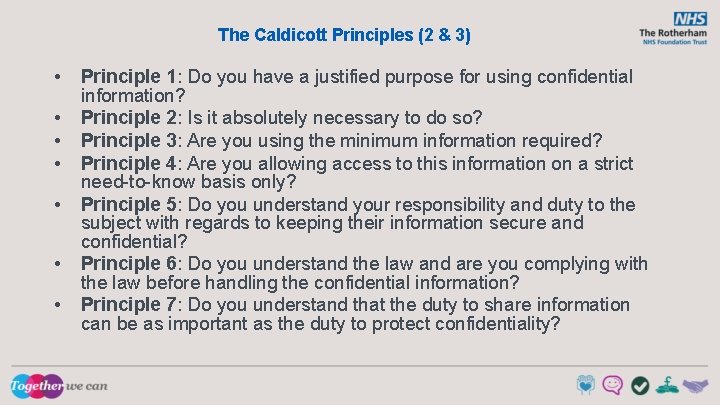
The Caldicott Principles (2 & 3) • • Principle 1: Do you have a justified purpose for using confidential information? Principle 2: Is it absolutely necessary to do so? Principle 3: Are you using the minimum information required? Principle 4: Are you allowing access to this information on a strict need-to-know basis only? Principle 5: Do you understand your responsibility and duty to the subject with regards to keeping their information secure and confidential? Principle 6: Do you understand the law and are you complying with the law before handling the confidential information? Principle 7: Do you understand that the duty to share information can be as important as the duty to protect confidentiality?
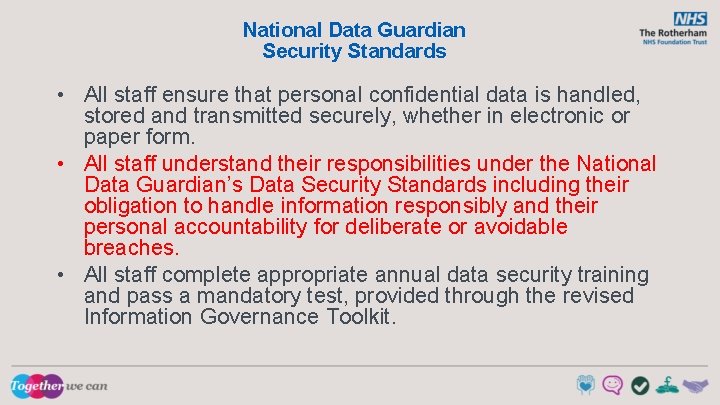
National Data Guardian Security Standards • All staff ensure that personal confidential data is handled, stored and transmitted securely, whether in electronic or paper form. • All staff understand their responsibilities under the National Data Guardian’s Data Security Standards including their obligation to handle information responsibly and their personal accountability for deliberate or avoidable breaches. • All staff complete appropriate annual data security training and pass a mandatory test, provided through the revised Information Governance Toolkit.
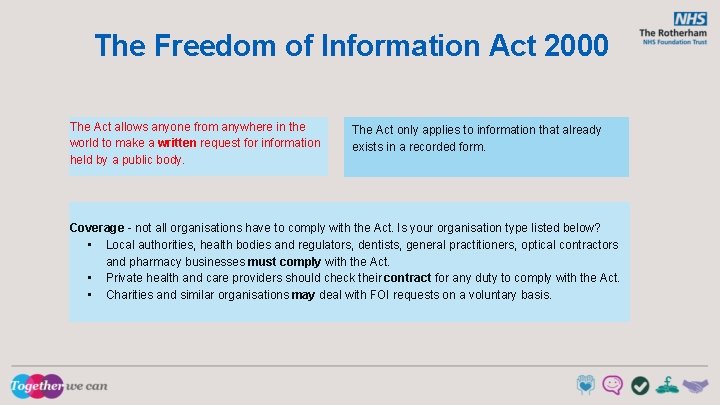
The Freedom of Information Act 2000 The Act allows anyone from anywhere in the world to make a written request for information held by a public body. The Act only applies to information that already exists in a recorded form. Coverage - not all organisations have to comply with the Act. Is your organisation type listed below? • Local authorities, health bodies and regulators, dentists, general practitioners, optical contractors and pharmacy businesses must comply with the Act. • Private health and care providers should check their contract for any duty to comply with the Act. • Charities and similar organisations may deal with FOI requests on a voluntary basis.
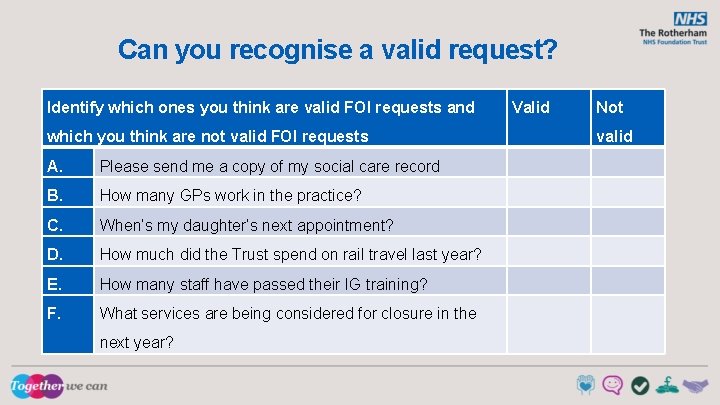
Can you recognise a valid request? Identify which ones you think are valid FOI requests and which you think are not valid FOI requests A. Please send me a copy of my social care record B. How many GPs work in the practice? C. When’s my daughter’s next appointment? D. How much did the Trust spend on rail travel last year? E. How many staff have passed their IG training? F. What services are being considered for closure in the next year? Valid Not valid
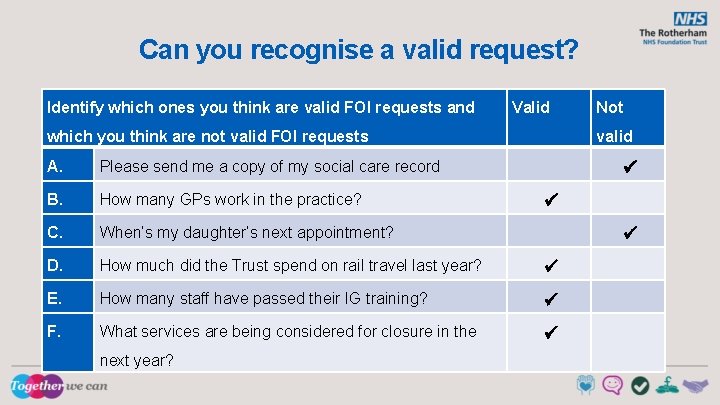
Can you recognise a valid request? Identify which ones you think are valid FOI requests and Valid which you think are not valid FOI requests valid A. Please send me a copy of my social care record B. How many GPs work in the practice? C. When’s my daughter’s next appointment? D. How much did the Trust spend on rail travel last year? E. How many staff have passed their IG training? F. What services are being considered for closure in the next year? Not
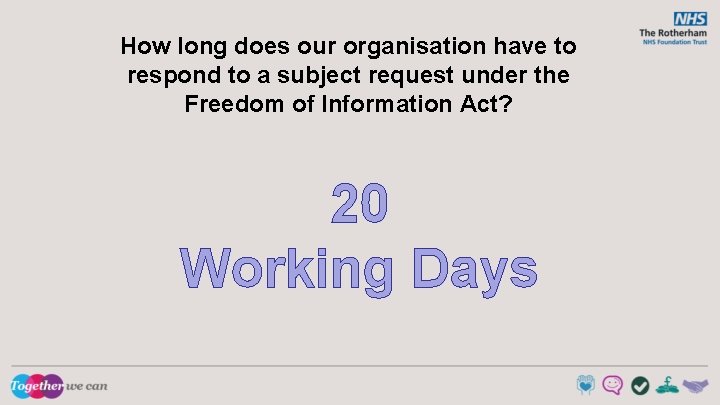
How long does our organisation have to respond to a subject request under the Freedom of Information Act? 20 Working Days
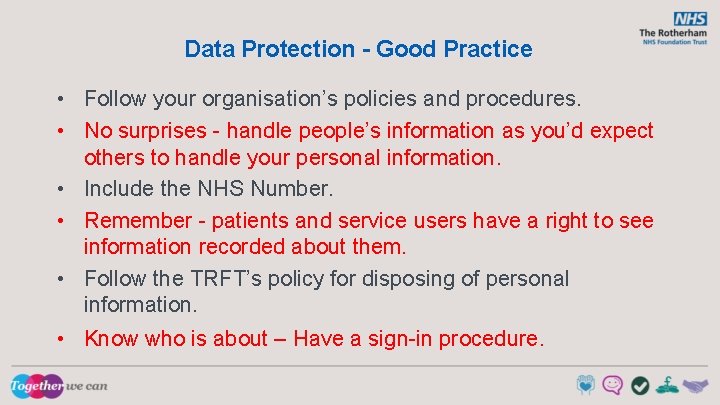
Data Protection - Good Practice • Follow your organisation’s policies and procedures. • No surprises - handle people’s information as you’d expect others to handle your personal information. • Include the NHS Number. • Remember - patients and service users have a right to see information recorded about them. • Follow the TRFT’s policy for disposing of personal information. • Know who is about – Have a sign-in procedure.
Data Protection - Good Practice (cont’) • Save records in a secure place that is easy to find. • Record information while the event is still fresh in your mind. • Make sure the information your record is accurate and up to date. • Report Incidents in a timely fashion – 72 hr SIRI deadline
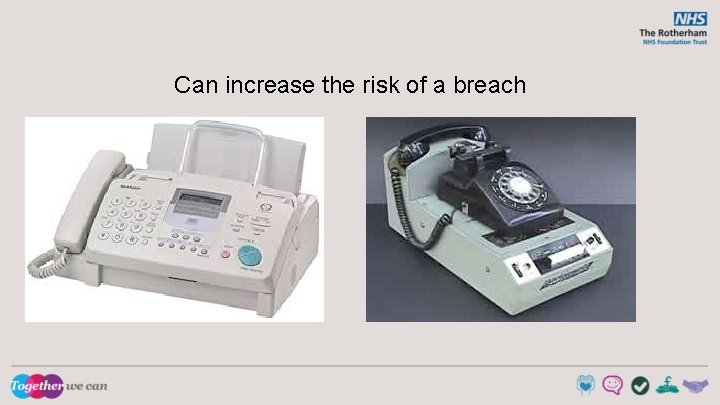
Can increase the risk of a breach
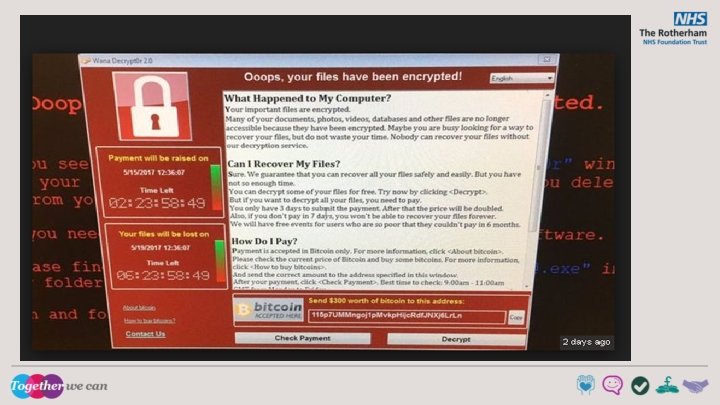
Email Phishing, Malware and Macros Email though efficient has risks: • • Criminals use email attachments and links to trick people into providing information. Email attachments may be executable files that contain malicious software (malware). (EXE files) This is known as phishing and the emails aim to force you to make a mistake. • • • Never give your login details to anyone. If you receive an email requesting sensitive information that looks as though its from a colleague - double check by phoning the colleague. Do not open links or attachments in unsolicited emails. Report suspicious emails to the IT Service Desk (8844).
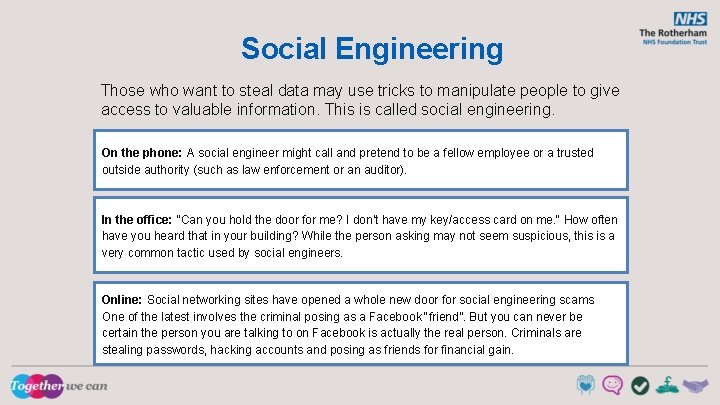
Social Engineering Those who want to steal data may use tricks to manipulate people to give access to valuable information. This is called social engineering. On the phone: A social engineer might call and pretend to be a fellow employee or a trusted outside authority (such as law enforcement or an auditor). In the office: "Can you hold the door for me? I don't have my key/access card on me. " How often have you heard that in your building? While the person asking may not seem suspicious, this is a very common tactic used by social engineers. Online: Social networking sites have opened a whole new door for social engineering scams. One of the latest involves the criminal posing as a Facebook "friend”. But you can never be certain the person you are talking to on Facebook is actually the real person. Criminals are stealing passwords, hacking accounts and posing as friends for financial gain.
Patient and service user safety is supported when the Confidentiality of personal information is maintained, its integrity is protected against loss or damage, and the information is available to those who are authorised?
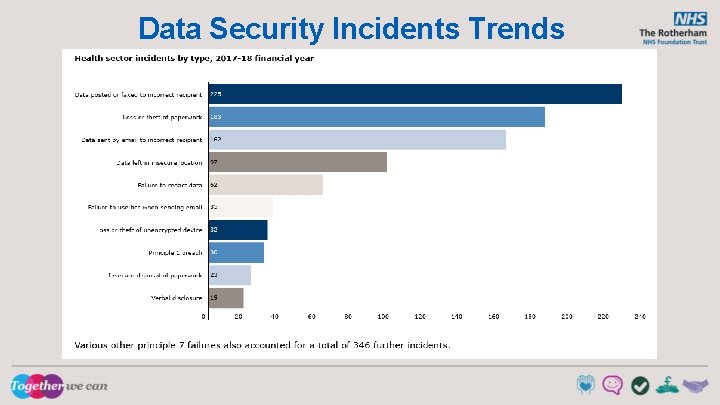
Data Security Incidents Trends
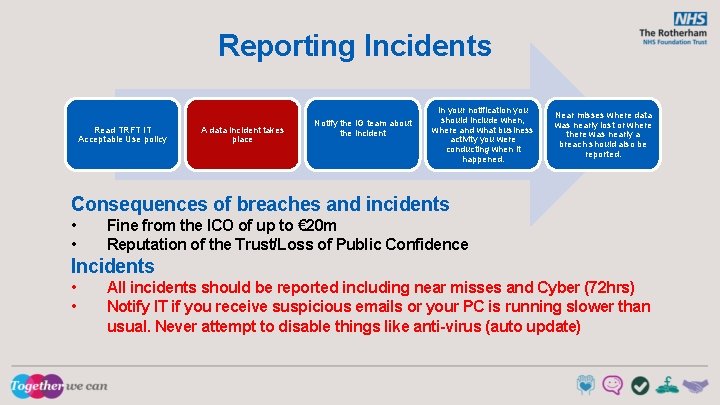
Reporting Incidents Read TRFT IT Acceptable Use policy A data incident takes place Notify the IG team about the incident In your notification you should include when, where and what business activity you were conducting when it happened. Near misses where data was nearly lost or where there was nearly a breach should also be reported. Consequences of breaches and incidents • • Fine from the ICO of up to € 20 m Reputation of the Trust/Loss of Public Confidence Incidents • • All incidents should be reported including near misses and Cyber (72 hrs) Notify IT if you receive suspicious emails or your PC is running slower than usual. Never attempt to disable things like anti-virus (auto update)
Rights of Individuals • Individuals have rights in relation to their information including: – Make subject access requests. (Do it right) – Have inaccuracies corrected. – Have information erased (where it has not been relied upon to provide health or care). – Object to direct marketing. – Restrict the processing of their information. • Patient / service users might be able to view their record online – online access should not reveal information that they do not already know relating to 3 rd parties.
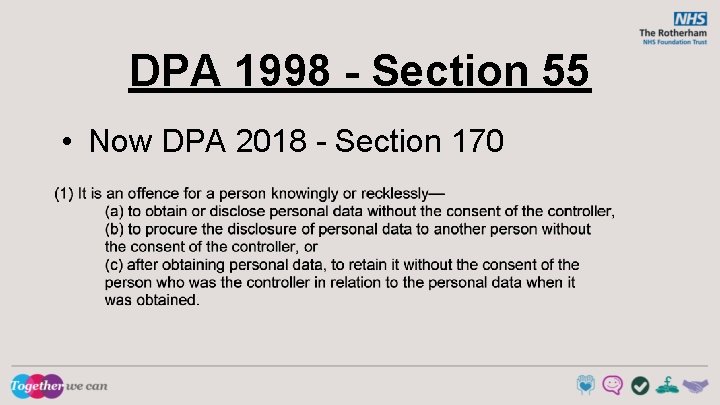
DPA 1998 - Section 55 • Now DPA 2018 - Section 170
Good Practice • • • Setting Passwords (a mix of characters) Locking Devices Removable Drives (use company provided) Untrusted Websites Mobile Devices Disposal of Confidential Information Clear Desks Personal Use with authorisation only Be aware of data security at home too
Postal checklist • • Read the TRFT Mail Management Policy Ensure you the correct envelope Email Checklist • • Read the IT Acceptable Use Policy Ensure the email system you are sending to, can receive sensitive information [secure]. Refer to the IG Practical Guide – Do’s and Don’ts When using NHS Mail, make sure you pick the correct recipient. Phone Checklist • • Read the Use and Protection of Patient Information Policy Always ensure you know the identity of the person you are talking to. If in doubt do not disclose. Don’t disclose information on answering machines Fax Checklist • • • Read the Fax and Safe Haven Policies Only to be used as a last resort – ideally not to be used for PID Ensure you follow the Safe Haven procedures
Any questions or feedback?