
Threads and Thread Synchronization for Win 32 and
- Slides: 46
Threads and Thread Synchronization for Win 32 and MFC Jim Fawcett CSE 681 – Software Modeling and Analysis Fall 2005
Introduction · These notes are concerned with Win 32 threads and, at the end, with MFC wrapped threads. · In order to understand how threads work, we will quickly examine the Win 32 API and some of its significant objects. 2
Win 32 API · Creating and supporting windows: – defining, creating, destroying, and setting the style of windows – writing text and graphics – windows menus and controls · Files and directories: – creating, opening, reading, and writing files – searching files and directories · Registry – writing information into the registry · · Timers Processes, threads, and fibers – Creating and terminating · · Errors and Exception handling Dynamic link libraries – Loading, creating, and accessing data 3
Handles and Objects · An (operating system) object is a data structure that represents a system resource, e. g. , file, thread, bitmap. · An application does not directly access object data or the resource that an object represents. Instead the application must acquire an object handle which it uses to examine or modify the state of the system resource. · Each handle refers to an entry in an internal object table that contains the address of a resource and means to identify the resource type. 4
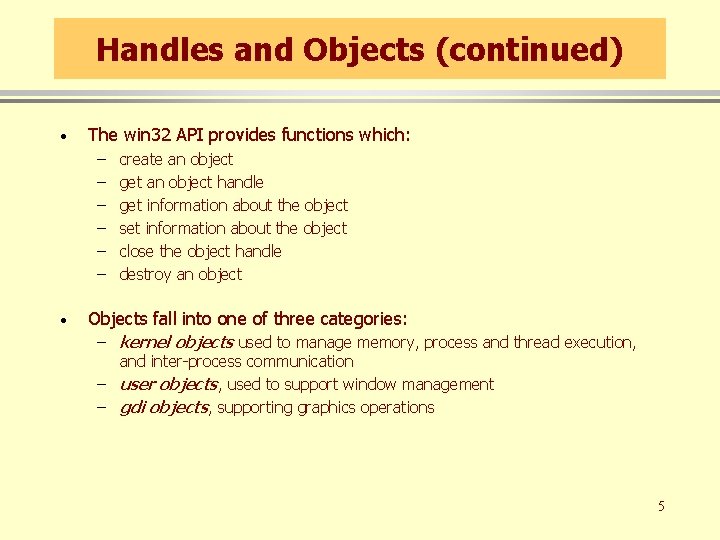
Handles and Objects (continued) · The win 32 API provides functions which: – – – · create an object get an object handle get information about the object set information about the object close the object handle destroy an object Objects fall into one of three categories: – kernel objects used to manage memory, process and thread execution, and inter-process communication – user objects, used to support window management – gdi objects, supporting graphics operations 5
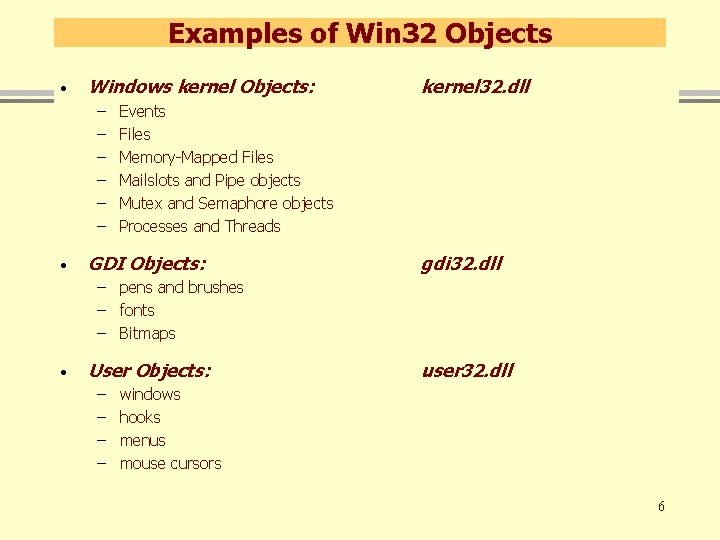
Examples of Win 32 Objects · Windows kernel Objects: – – – · kernel 32. dll Events Files Memory-Mapped Files Mailslots and Pipe objects Mutex and Semaphore objects Processes and Threads GDI Objects: gdi 32. dll – pens and brushes – fonts – Bitmaps · User Objects: – – user 32. dll windows hooks menus mouse cursors 6
Kernel Objects · Most of the win 32 functions you use to create, synchronize, and monitor threads rely on kernel objects. · Kernel objects are operating system resources like processes, threads, events, mutexes, semaphores, shared memory, and files. · Kernel objects have security attributes and signaled state. 7
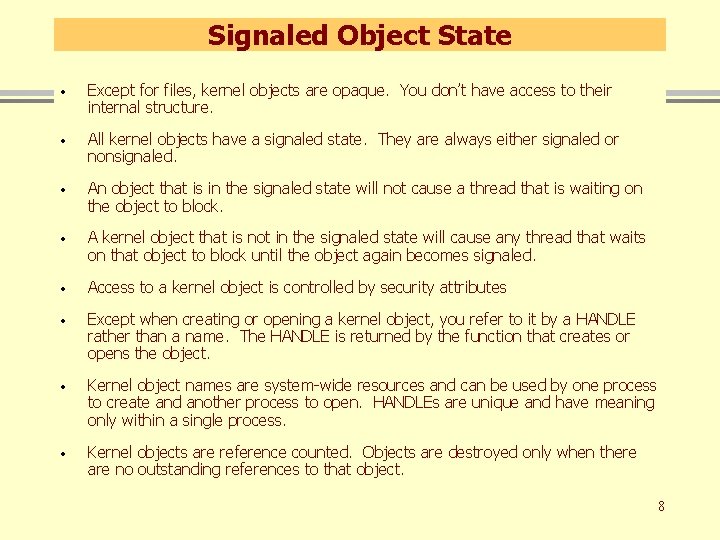
Signaled Object State · Except for files, kernel objects are opaque. You don’t have access to their internal structure. · All kernel objects have a signaled state. They are always either signaled or nonsignaled. · An object that is in the signaled state will not cause a thread that is waiting on the object to block. · A kernel object that is not in the signaled state will cause any thread that waits on that object to block until the object again becomes signaled. · Access to a kernel object is controlled by security attributes · Except when creating or opening a kernel object, you refer to it by a HANDLE rather than a name. The HANDLE is returned by the function that creates or opens the object. · Kernel object names are system-wide resources and can be used by one process to create and another process to open. HANDLEs are unique and have meaning only within a single process. · Kernel objects are reference counted. Objects are destroyed only when there are no outstanding references to that object. 8
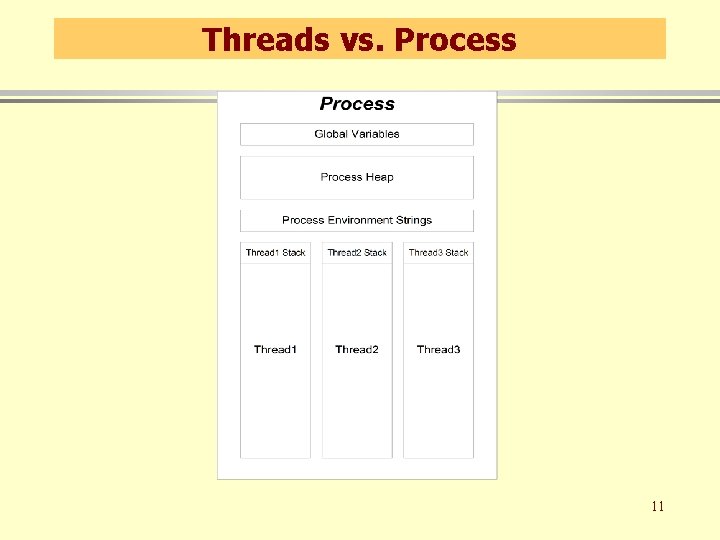
Threads • A thread is a path of execution through a program’s code, plus a set of resources (stack, register state, etc) assigned by the operating system. • A thread lives in one and only one process. A process may have one or more threads. • Each thread in the process has its own call stack, but shares process code and global data with other threads in the process. • Pointers are process specific, so threads can share pointers. 9
Thread vs. Process · · A Process is inert. A process never executes anything; it is simply a container for threads. Threads run in the context of a process. Each process has at least one thread. A thread represents a path of execution that has its own call stack and CPU state. Threads are confined to context of the process that created them. – A thread executes code and manipulates data within its process’s address space. – If two or more threads run in the context of a single process they share a common address space. They can execute the same code and manipulate the same data. – Threads sharing a common process can share kernel object handles because the handles belong to the process, not individual threads. 10
Threads vs. Process 11
Starting a Process · Every time a process starts, the system creates a primary thread. – The thread begins execution with the C/C++ run-time library’s startup code. – The startup code calls your main or Win. Main and execution continues until the main function returns and the C/C++ library code calls Exit. Process. 12
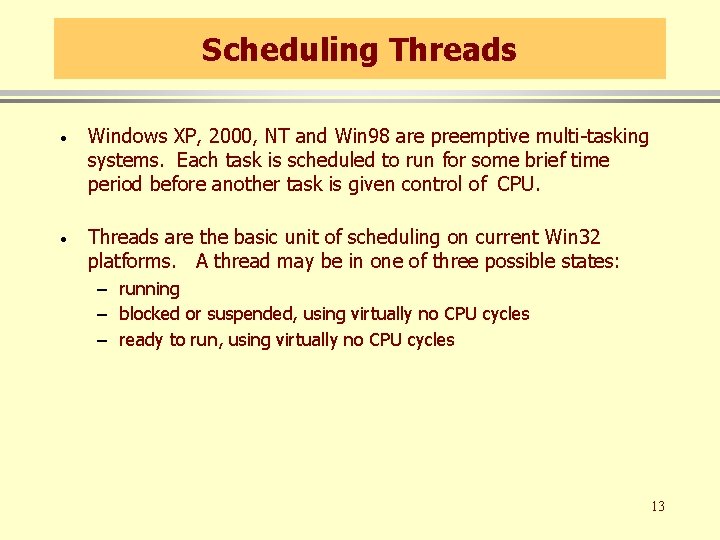
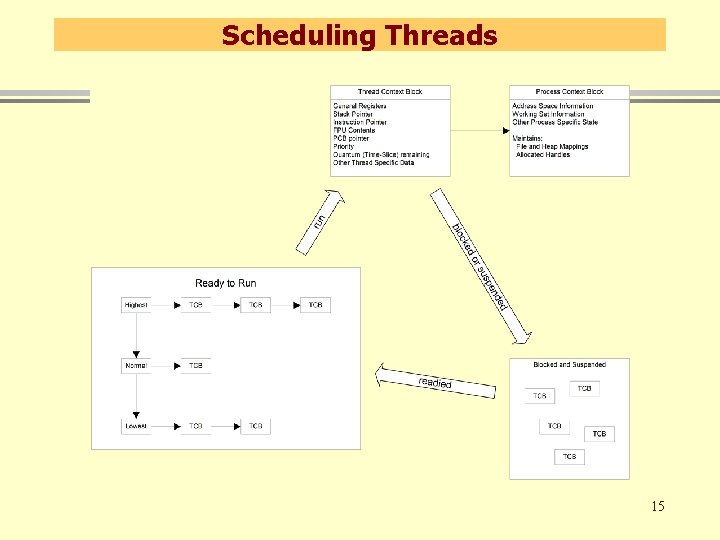
Scheduling Threads · Windows XP, 2000, NT and Win 98 are preemptive multi-tasking systems. Each task is scheduled to run for some brief time period before another task is given control of CPU. · Threads are the basic unit of scheduling on current Win 32 platforms. A thread may be in one of three possible states: – running – blocked or suspended, using virtually no CPU cycles – ready to run, using virtually no CPU cycles 13
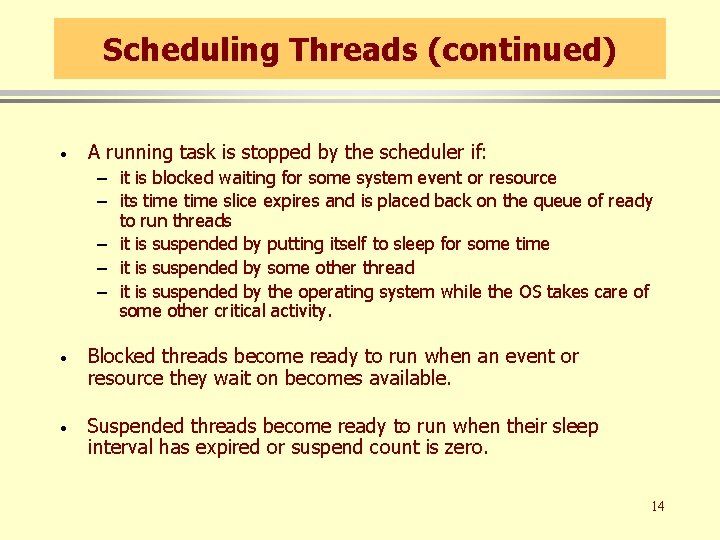
Scheduling Threads (continued) · A running task is stopped by the scheduler if: – it is blocked waiting for some system event or resource – its time slice expires and is placed back on the queue of ready to run threads – it is suspended by putting itself to sleep for some time – it is suspended by some other thread – it is suspended by the operating system while the OS takes care of some other critical activity. · Blocked threads become ready to run when an event or resource they wait on becomes available. · Suspended threads become ready to run when their sleep interval has expired or suspend count is zero. 14
Scheduling Threads 15
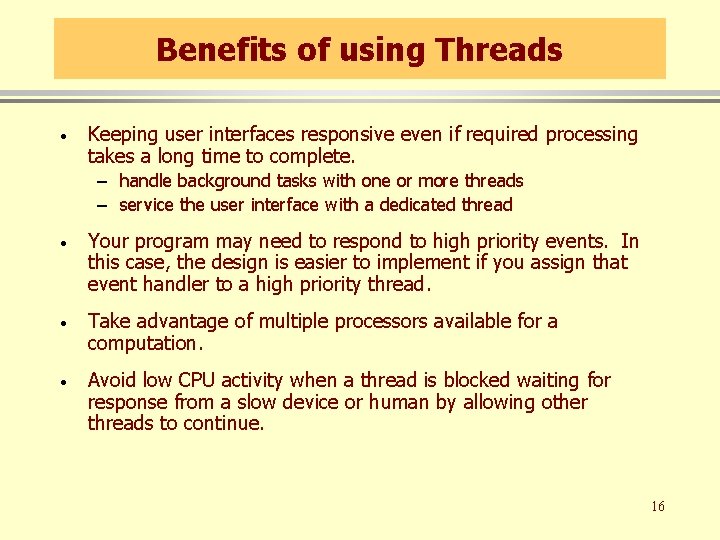
Benefits of using Threads · Keeping user interfaces responsive even if required processing takes a long time to complete. – handle background tasks with one or more threads – service the user interface with a dedicated thread · Your program may need to respond to high priority events. In this case, the design is easier to implement if you assign that event handler to a high priority thread. · Take advantage of multiple processors available for a computation. · Avoid low CPU activity when a thread is blocked waiting for response from a slow device or human by allowing other threads to continue. 16
More Benefits · Support access to server resources by multiple concurrent clients. · Improve robustness by isolating critical subsystems on their own threads of control. · For simulations dealing with several interacting objects the program may be easier to design by assigning one thread to each object. 17
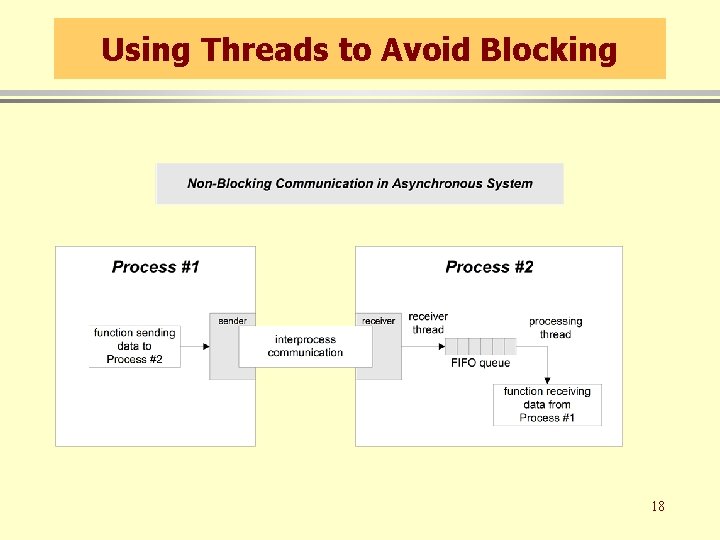
Using Threads to Avoid Blocking 18
Demonstration Programs · Process. Demo. Win 32 – Demonstrates creation of Win 32 process · dialog. Demo Folder – Demonstrates creation of UI and Worker threads 19
Potential Problems with Threads · Conflicting access to shared memory – one thread begins an operation on shared memory, is suspended, and leaves that memory region incompletely transformed – a second thread is activated and accesses the shared memory in the corrupted state, causing errors in its operation and potentially errors in the operation of the suspended thread when it resumes · Race Conditions occur when: – correct operation depends on the order of completion of two or more independent activities – the order of completion is not deterministic · Starvation – a high priority thread dominates CPU resources, preventing lower priority threads from running often enough or at all. 20
Problems with Threads (continued) · Priority inversion – a low priority task holds a resource needed by a higher priority task, blocking it from running · Deadlock – two or more tasks each own resources needed by the other preventing either one from running so neither ever completes and never releases its resource 21
UI and Worker Threads · User Interface (UI) threads create windows and process messages sent to those windows · Worker threads receive no direct input from the user. – Worker threads must not access a window’s member functions. This will often cause a program crash. – Worker threads communicate with a program’s windows by calling the Win 32 API Post. Message and Send. Message functions. • Often a program using worker threads will create user defined messages that the worker thread passes to a window to indirectly call some (event-handler) function. Inputs to the function are passed via the message’s WPARAM and LPARAM arguments. • This is illustrated in the Dialog. Demo program. 22
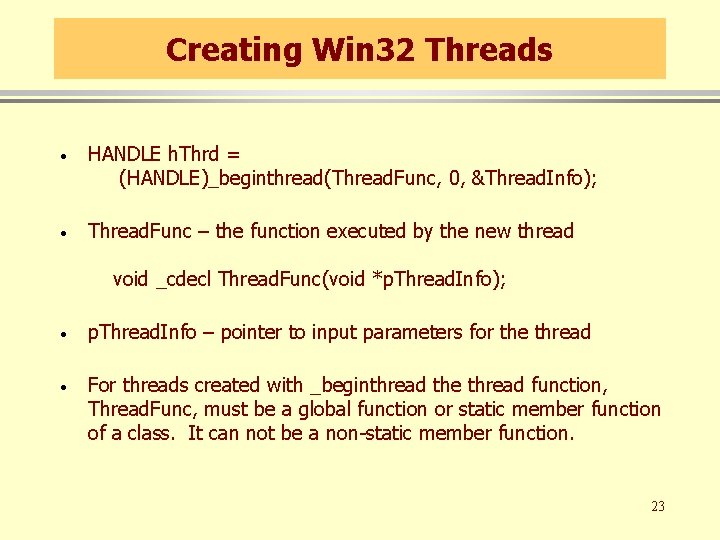
Creating Win 32 Threads · HANDLE h. Thrd = (HANDLE)_beginthread(Thread. Func, 0, &Thread. Info); · Thread. Func – the function executed by the new thread void _cdecl Thread. Func(void *p. Thread. Info); · p. Thread. Info – pointer to input parameters for the thread · For threads created with _beginthread the thread function, Thread. Func, must be a global function or static member function of a class. It can not be a non-static member function. 23
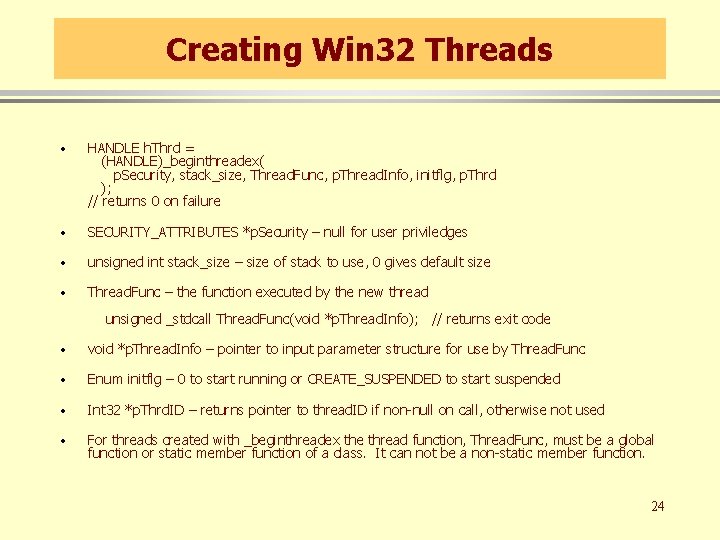
Creating Win 32 Threads · HANDLE h. Thrd = (HANDLE)_beginthreadex( p. Security, stack_size, Thread. Func, p. Thread. Info, initflg, p. Thrd ); // returns 0 on failure · SECURITY_ATTRIBUTES *p. Security – null for user priviledges · unsigned int stack_size – size of stack to use, 0 gives default size · Thread. Func – the function executed by the new thread unsigned _stdcall Thread. Func(void *p. Thread. Info); // returns exit code · void *p. Thread. Info – pointer to input parameter structure for use by Thread. Func · Enum initflg – 0 to start running or CREATE_SUSPENDED to start suspended · Int 32 *p. Thrd. ID – returns pointer to thread. ID if non-null on call, otherwise not used · For threads created with _beginthreadex the thread function, Thread. Func, must be a global function or static member function of a class. It can not be a non-static member function. 24
Note · The Win 32 API provides a Create. Thread(…) function. · You should not use Create. Thread(…) with either C or C++ as it does not properly initialize all the C and C++ libraries for that thread. · The functions _beginthread(…) and _beginthreadex(…) were designed specifically to work correctly with these libraries. 25
Synchronization · A program may need multiple threads to share some data. · If access is not controlled to be sequential, then shared data may become corrupted. – One thread accesses the data, begins to modify the data, and then is put to sleep because its time slice has expired. The problem arises when the data is in an incomplete state of modification. – Another thread awakes and accesses the data, that is only partially modified. The result is very likely to be corrupt data. · The process of making access serial is called serialization or synchronization. 26
Wait For Objects · Wait. For. Single. Object makes one thread wait for: – – · Termination of another thread An event Release of a mutex Syntax: Wait. For. Single. Object(obj. Handle, dw. Millisec) Wait. For. Multiple. Objects makes one thread wait for the elements of an array of kernel objects, e. g. , threads, events, mutexes. – Syntax: Wait. For. Multiple. Objects(n. Count, lp. Handles, fwait, dw. Millisec) – n. Count: number of objects in array of handles – lp. Handles: array of handles to kernel objects – fwait: TRUE => wait for all objects, FALSE => wait for first object – dw. Millisec: time to wait, can be INFINITE 27
Process Priority · IDLE_PRIORITY_CLASS – Run when system is idle · NORMAL_PRIORITY_CLASS – Normal operation · HIGH_PRIORITY_CLASS – Receives priority over the preceding two classes · REAL_TIME_PRIORITY_CLASS – Highest Priority – Needed to simulate determinism 28
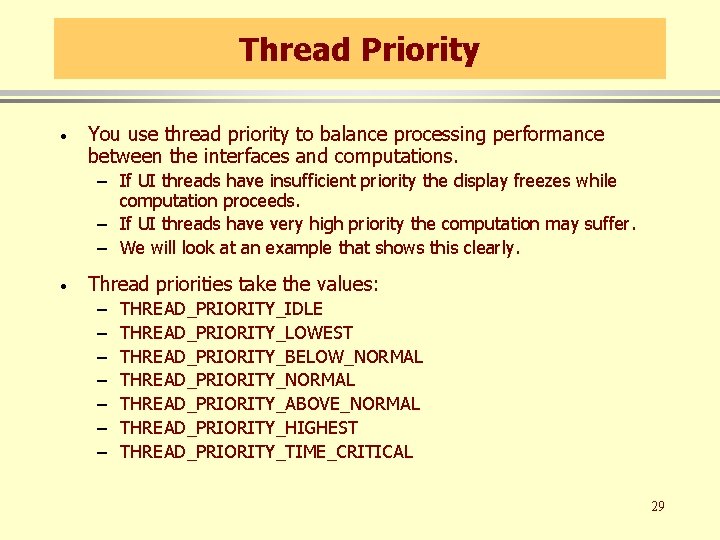
Thread Priority · You use thread priority to balance processing performance between the interfaces and computations. – If UI threads have insufficient priority the display freezes while computation proceeds. – If UI threads have very high priority the computation may suffer. – We will look at an example that shows this clearly. · Thread priorities take the values: – – – – THREAD_PRIORITY_IDLE THREAD_PRIORITY_LOWEST THREAD_PRIORITY_BELOW_NORMAL THREAD_PRIORITY_ABOVE_NORMAL THREAD_PRIORITY_HIGHEST THREAD_PRIORITY_TIME_CRITICAL 29
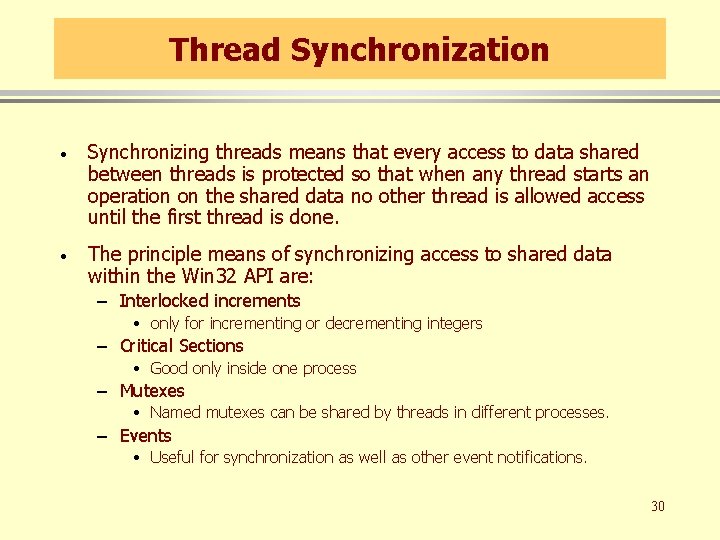
Thread Synchronization · Synchronizing threads means that every access to data shared between threads is protected so that when any thread starts an operation on the shared data no other thread is allowed access until the first thread is done. · The principle means of synchronizing access to shared data within the Win 32 API are: – Interlocked increments • only for incrementing or decrementing integers – Critical Sections • Good only inside one process – Mutexes • Named mutexes can be shared by threads in different processes. – Events • Useful for synchronization as well as other event notifications. 30
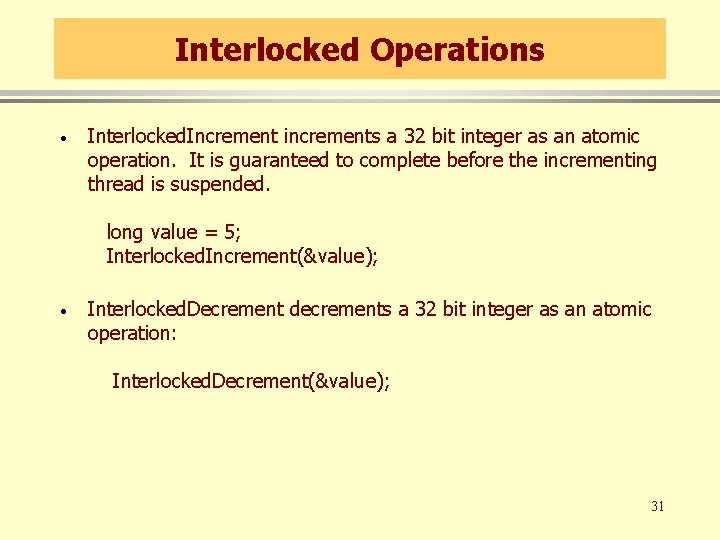
Interlocked Operations · Interlocked. Increment increments a 32 bit integer as an atomic operation. It is guaranteed to complete before the incrementing thread is suspended. long value = 5; Interlocked. Increment(&value); · Interlocked. Decrement decrements a 32 bit integer as an atomic operation: Interlocked. Decrement(&value); 31
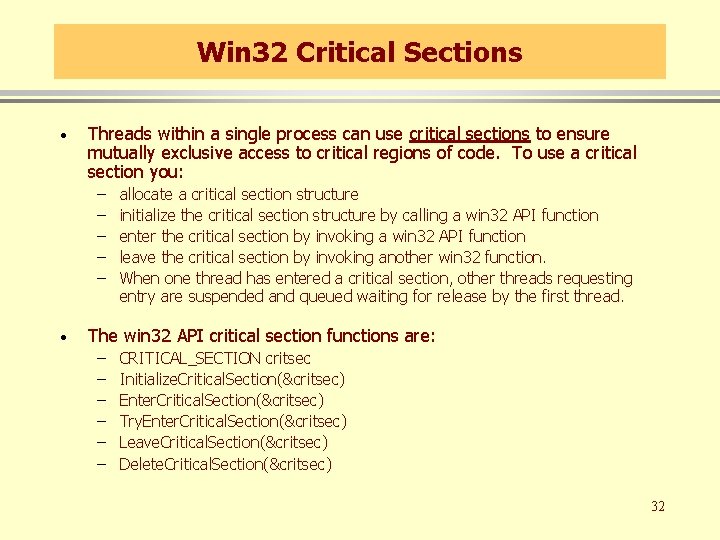
Win 32 Critical Sections · Threads within a single process can use critical sections to ensure mutually exclusive access to critical regions of code. To use a critical section you: – – – · allocate a critical section structure initialize the critical section structure by calling a win 32 API function enter the critical section by invoking a win 32 API function leave the critical section by invoking another win 32 function. When one thread has entered a critical section, other threads requesting entry are suspended and queued waiting for release by the first thread. The win 32 API critical section functions are: – – – CRITICAL_SECTION critsec Initialize. Critical. Section(&critsec) Enter. Critical. Section(&critsec) Try. Enter. Critical. Section(&critsec) Leave. Critical. Section(&critsec) Delete. Critical. Section(&critsec) 32
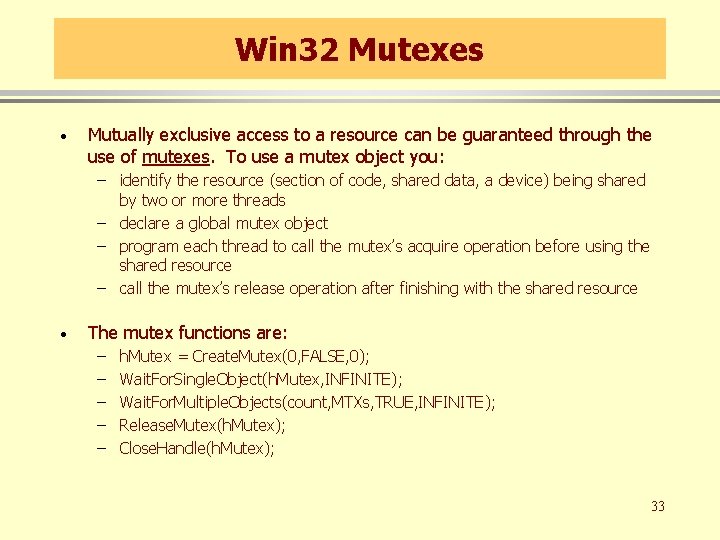
Win 32 Mutexes · Mutually exclusive access to a resource can be guaranteed through the use of mutexes. To use a mutex object you: – identify the resource (section of code, shared data, a device) being shared by two or more threads – declare a global mutex object – program each thread to call the mutex’s acquire operation before using the shared resource – call the mutex’s release operation after finishing with the shared resource · The mutex functions are: – – – h. Mutex = Create. Mutex(0, FALSE, 0); Wait. For. Single. Object(h. Mutex, INFINITE); Wait. For. Multiple. Objects(count, MTXs, TRUE, INFINITE); Release. Mutex(h. Mutex); Close. Handle(h. Mutex); 33
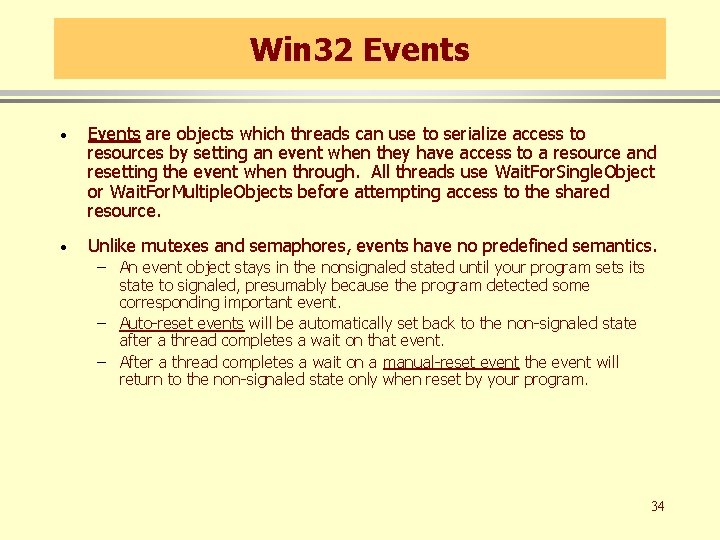
Win 32 Events · Events are objects which threads can use to serialize access to resources by setting an event when they have access to a resource and resetting the event when through. All threads use Wait. For. Single. Object or Wait. For. Multiple. Objects before attempting access to the shared resource. · Unlike mutexes and semaphores, events have no predefined semantics. – An event object stays in the nonsignaled stated until your program sets its state to signaled, presumably because the program detected some corresponding important event. – Auto-reset events will be automatically set back to the non-signaled state after a thread completes a wait on that event. – After a thread completes a wait on a manual-reset event the event will return to the non-signaled state only when reset by your program. 34
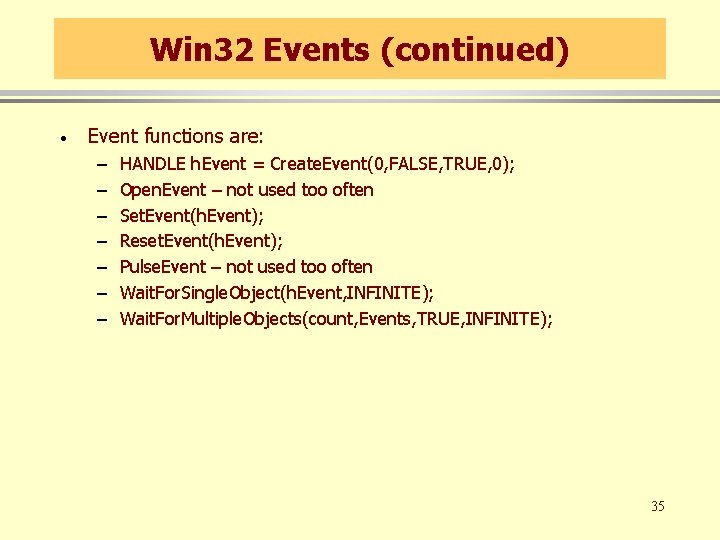
Win 32 Events (continued) · Event functions are: – – – – HANDLE h. Event = Create. Event(0, FALSE, TRUE, 0); Open. Event – not used too often Set. Event(h. Event); Reset. Event(h. Event); Pulse. Event – not used too often Wait. For. Single. Object(h. Event, INFINITE); Wait. For. Multiple. Objects(count, Events, TRUE, INFINITE); 35
More Demonstration Programs · thread problems folder: CSE 681codethreadproblems – Illustrates deadlock, race conditions, sharing conflicts, and starvation · Synch folder: CSE 681codesynch – Demonstrates synchronization using Critical Sections, Mutexes, and Events. – Also illustrates synchronizing two or more processes with named mutexes. 36
MFC Support for Threads · CWin. Thread is MFC’s encapsulation of threads and the Windows 2000 synchronization mechanisms, e. g. : – – Events Critical Sections Mutexes Semaphores 37
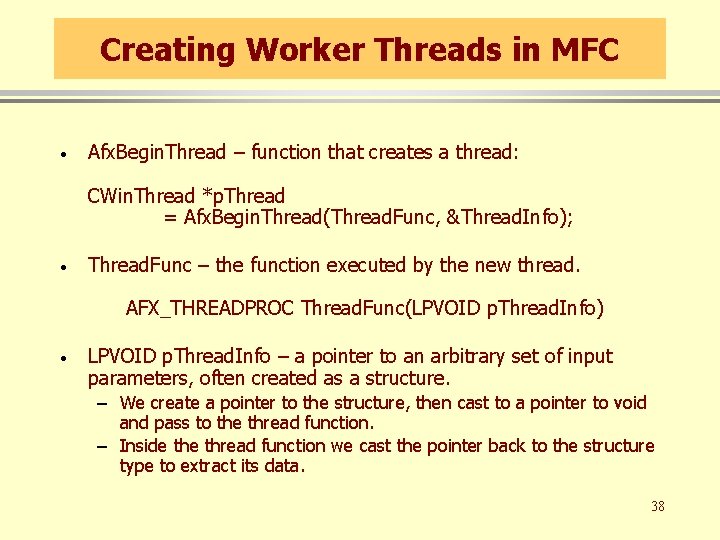
Creating Worker Threads in MFC · Afx. Begin. Thread – function that creates a thread: CWin. Thread *p. Thread = Afx. Begin. Thread(Thread. Func, &Thread. Info); · Thread. Func – the function executed by the new thread. AFX_THREADPROC Thread. Func(LPVOID p. Thread. Info) · LPVOID p. Thread. Info – a pointer to an arbitrary set of input parameters, often created as a structure. – We create a pointer to the structure, then cast to a pointer to void and pass to the thread function. – Inside thread function we cast the pointer back to the structure type to extract its data. 38
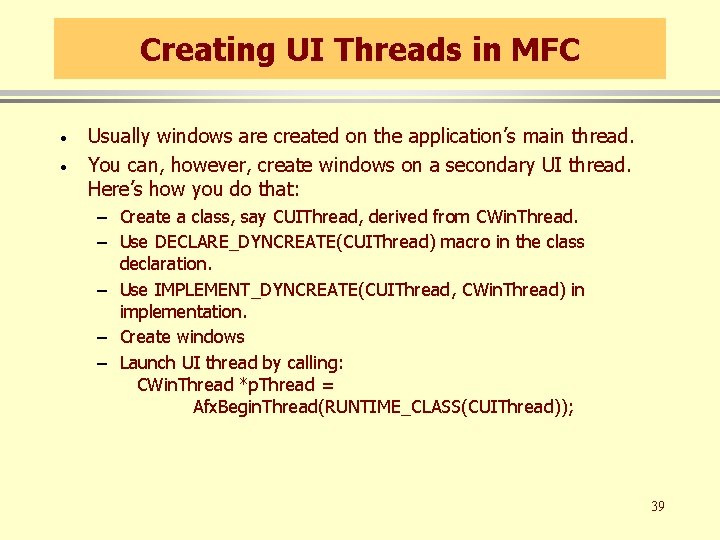
Creating UI Threads in MFC · · Usually windows are created on the application’s main thread. You can, however, create windows on a secondary UI thread. Here’s how you do that: – Create a class, say CUIThread, derived from CWin. Thread. – Use DECLARE_DYNCREATE(CUIThread) macro in the class declaration. – Use IMPLEMENT_DYNCREATE(CUIThread, CWin. Thread) in implementation. – Create windows – Launch UI thread by calling: CWin. Thread *p. Thread = Afx. Begin. Thread(RUNTIME_CLASS(CUIThread)); 39
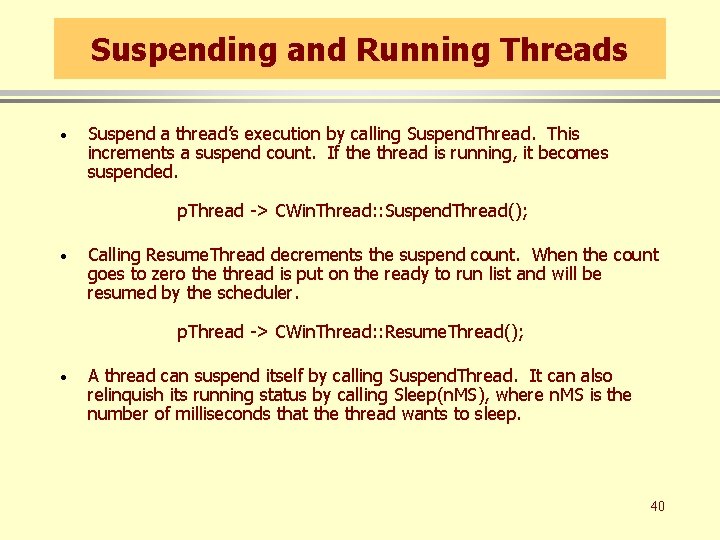
Suspending and Running Threads · Suspend a thread’s execution by calling Suspend. Thread. This increments a suspend count. If the thread is running, it becomes suspended. p. Thread -> CWin. Thread: : Suspend. Thread(); · Calling Resume. Thread decrements the suspend count. When the count goes to zero the thread is put on the ready to run list and will be resumed by the scheduler. p. Thread -> CWin. Thread: : Resume. Thread(); · A thread can suspend itself by calling Suspend. Thread. It can also relinquish its running status by calling Sleep(n. MS), where n. MS is the number of milliseconds that the thread wants to sleep. 40
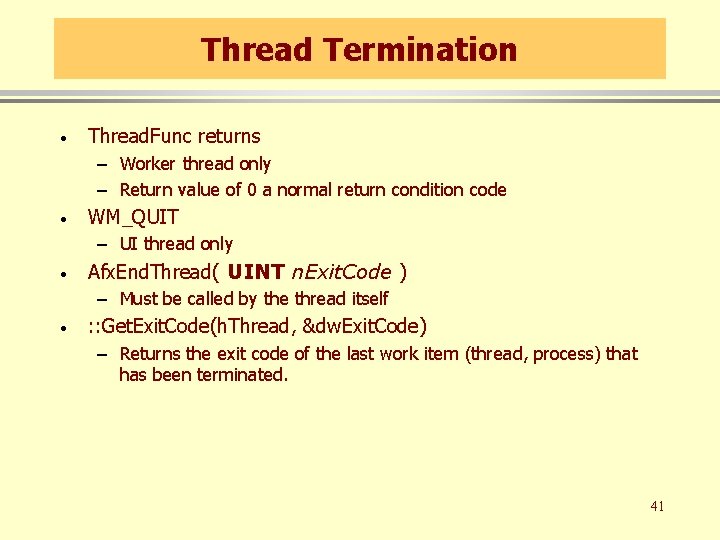
Thread Termination · Thread. Func returns – Worker thread only – Return value of 0 a normal return condition code · WM_QUIT – UI thread only · Afx. End. Thread( UINT n. Exit. Code ) – Must be called by the thread itself · : : Get. Exit. Code(h. Thread, &dw. Exit. Code) – Returns the exit code of the last work item (thread, process) that has been terminated. 41
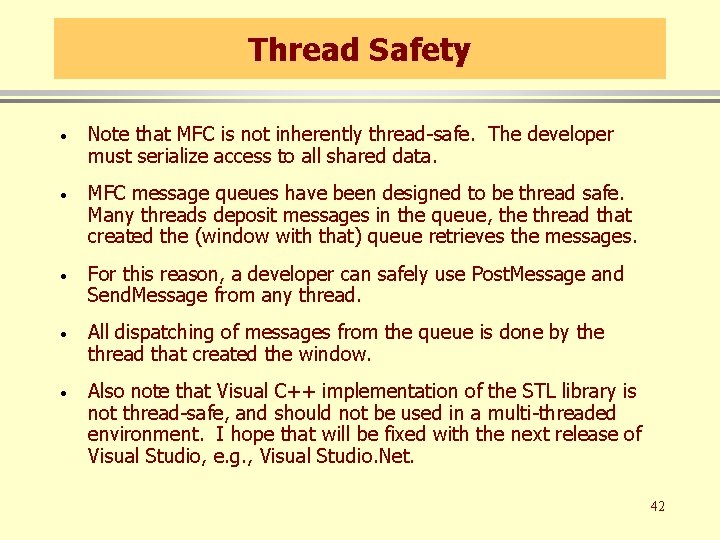
Thread Safety · Note that MFC is not inherently thread-safe. The developer must serialize access to all shared data. · MFC message queues have been designed to be thread safe. Many threads deposit messages in the queue, the thread that created the (window with that) queue retrieves the messages. · For this reason, a developer can safely use Post. Message and Send. Message from any thread. · All dispatching of messages from the queue is done by the thread that created the window. · Also note that Visual C++ implementation of the STL library is not thread-safe, and should not be used in a multi-threaded environment. I hope that will be fixed with the next release of Visual Studio, e. g. , Visual Studio. Net. 42
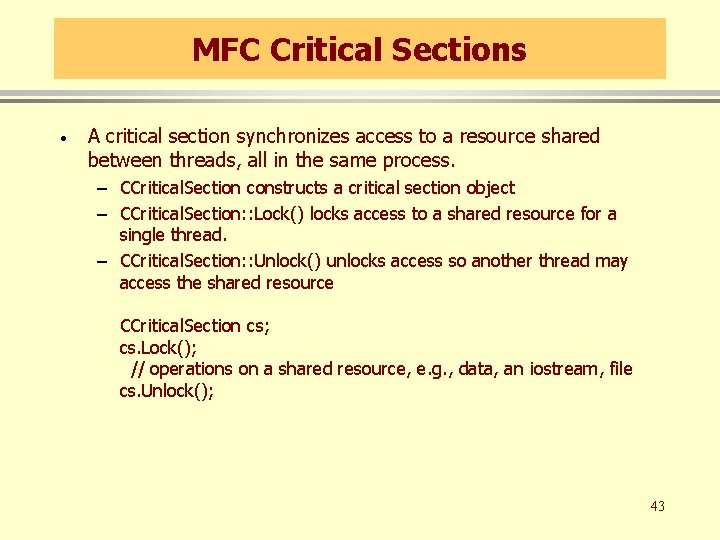
MFC Critical Sections · A critical section synchronizes access to a resource shared between threads, all in the same process. – CCritical. Section constructs a critical section object – CCritical. Section: : Lock() locks access to a shared resource for a single thread. – CCritical. Section: : Unlock() unlocks access so another thread may access the shared resource CCritical. Section cs; cs. Lock(); // operations on a shared resource, e. g. , data, an iostream, file cs. Unlock(); 43
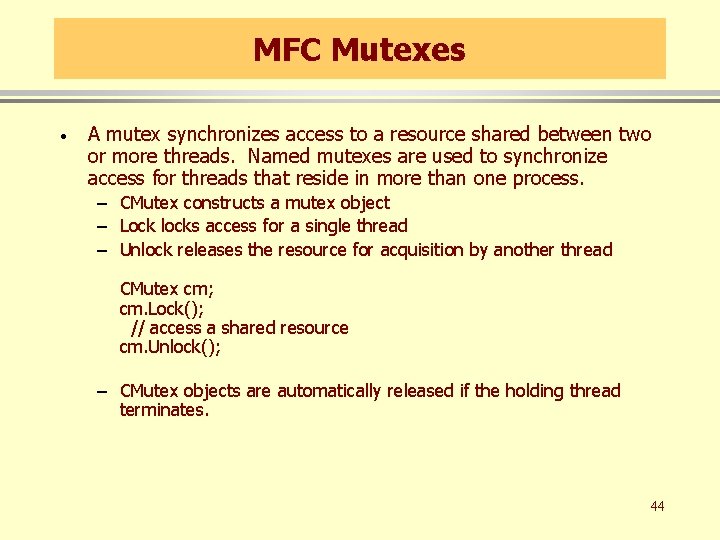
MFC Mutexes · A mutex synchronizes access to a resource shared between two or more threads. Named mutexes are used to synchronize access for threads that reside in more than one process. – CMutex constructs a mutex object – Lock locks access for a single thread – Unlock releases the resource for acquisition by another thread CMutex cm; cm. Lock(); // access a shared resource cm. Unlock(); – CMutex objects are automatically released if the holding thread terminates. 44
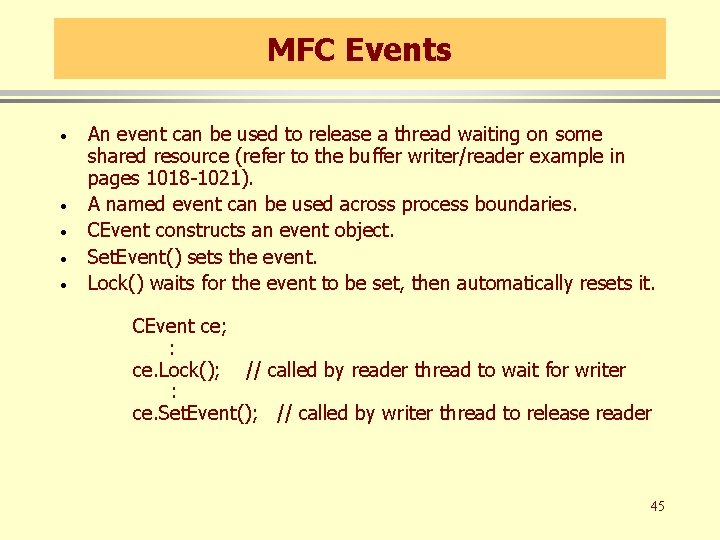
MFC Events · · · An event can be used to release a thread waiting on some shared resource (refer to the buffer writer/reader example in pages 1018 -1021). A named event can be used across process boundaries. CEvent constructs an event object. Set. Event() sets the event. Lock() waits for the event to be set, then automatically resets it. CEvent ce; : ce. Lock(); // called by reader thread to wait for writer : ce. Set. Event(); // called by writer thread to release reader 45
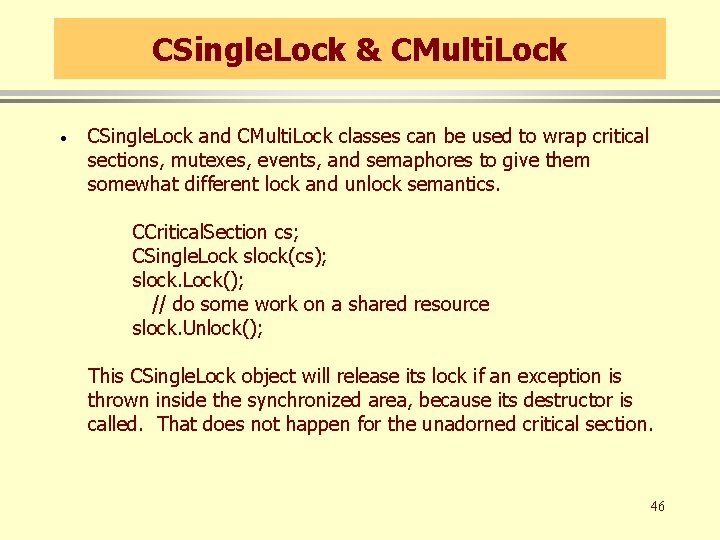
CSingle. Lock & CMulti. Lock · CSingle. Lock and CMulti. Lock classes can be used to wrap critical sections, mutexes, events, and semaphores to give them somewhat different lock and unlock semantics. CCritical. Section cs; CSingle. Lock slock(cs); slock. Lock(); // do some work on a shared resource slock. Unlock(); This CSingle. Lock object will release its lock if an exception is thrown inside the synchronized area, because its destructor is called. That does not happen for the unadorned critical section. 46