
The Wonderful World of Computer Graphics Nancy B
The Wonderful World of Computer Graphics Nancy B. Clark, MEd USA Family Practice
Outline z. Definitions z. Graphics Programs z. Sources of Graphics z. Hands on Experiences y. Digital Camera -- Photo Touchup y. Scanning y. Clipart CD y. Drawing
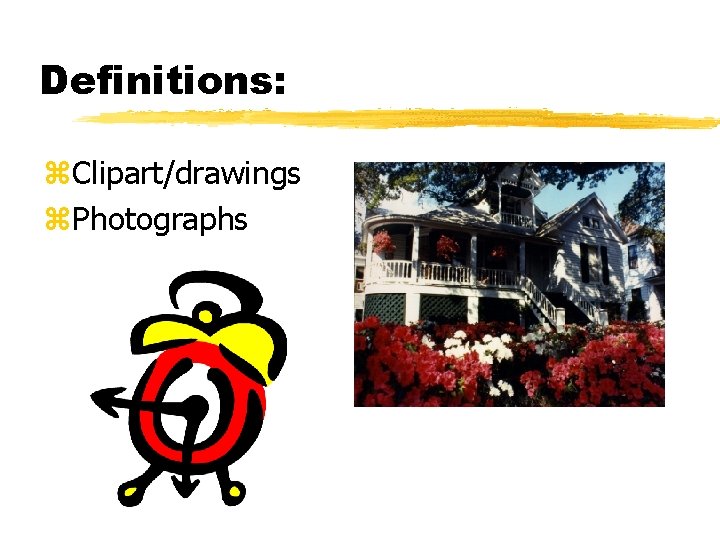
Definitions: z. Clipart/drawings z. Photographs
Compression z Graphics File Formats: ygif (best for clip-art) yjpg (best for photos) ybmp … (Windows) z Resolution DPI: Web vs Print y. Photo quality printers 1440 DPI+ y. Web 72 DPI z Color Palettes y 256 colors y 32 K - 16 M
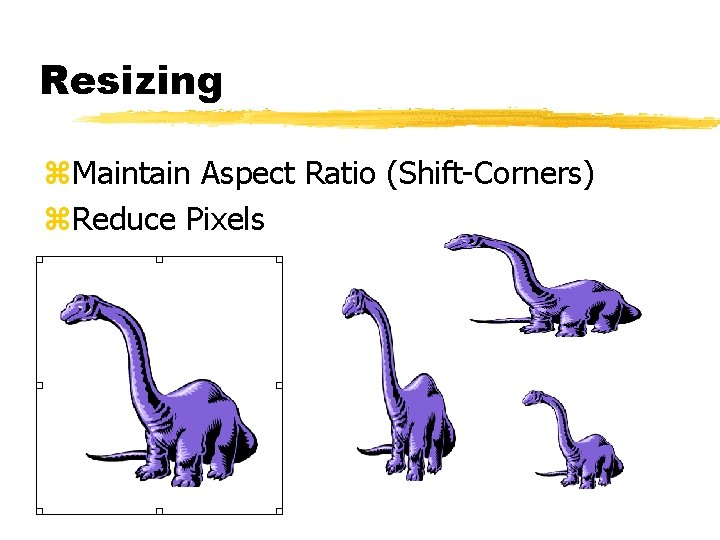
Resizing z. Maintain Aspect Ratio (Shift-Corners) z. Reduce Pixels
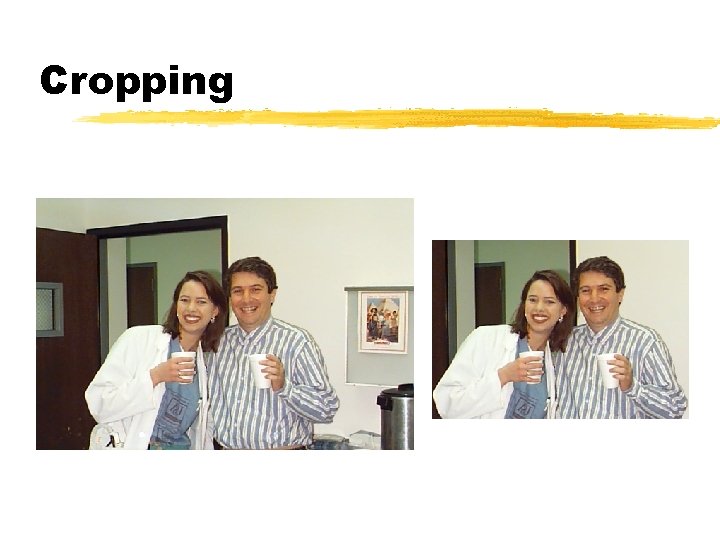
Cropping
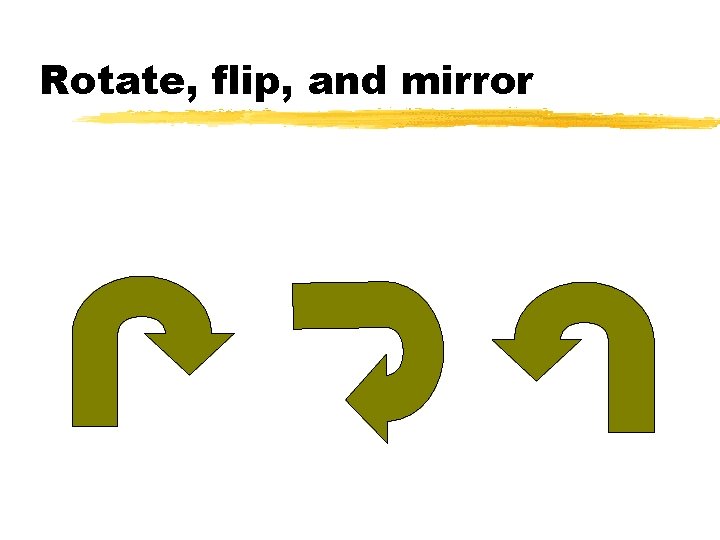
Rotate, flip, and mirror
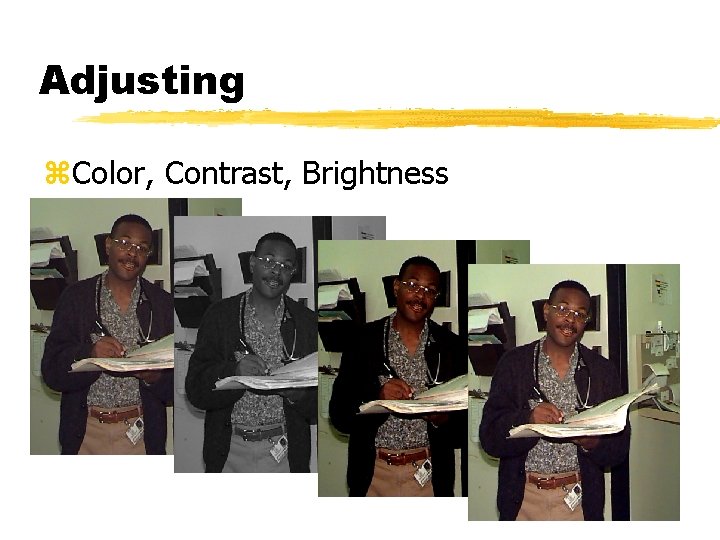
Adjusting z. Color, Contrast, Brightness
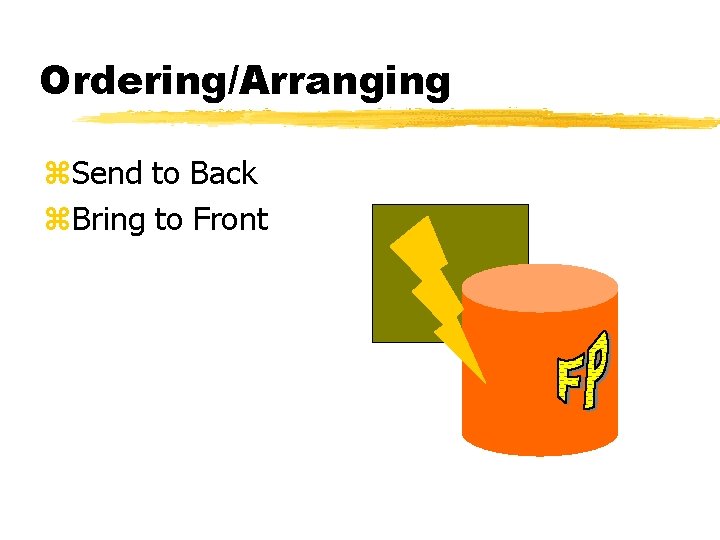
Ordering/Arranging z. Send to Back z. Bring to Front
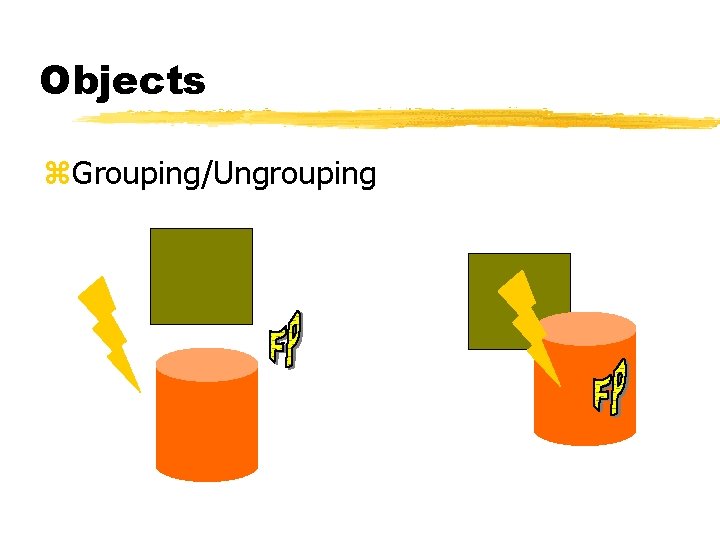
Objects z. Grouping/Ungrouping
Graphics Programs z. Corel z. Adobe Photo. Shop z. Adobe Photo Deluxe z. Paint Shop Pro z. Windows Paint z. Electronic Photo Albums z. Screen Saver Photo Albums
Sources of Graphics z Scanning y. Pictures y. Text z Digital Cameras z Capturing Graphics from the Web z Clipart Gallery CDs z Photo CD from film development z Drawing z Using Charting Utilities
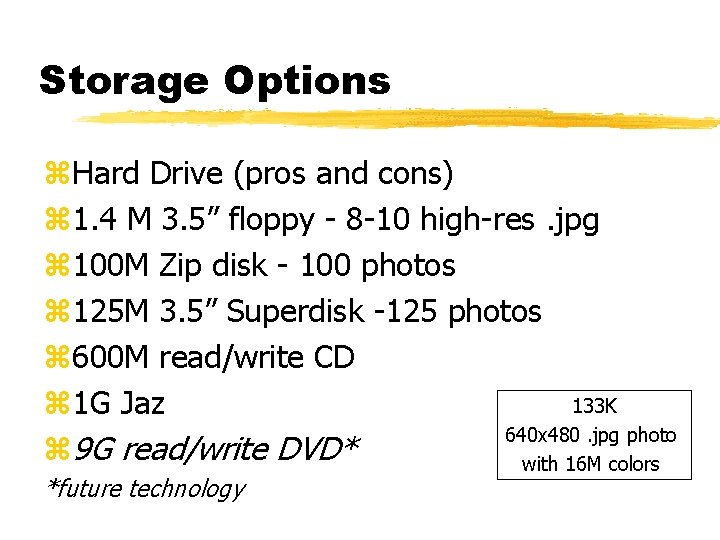
Storage Options z. Hard Drive (pros and cons) z 1. 4 M 3. 5” floppy - 8 -10 high-res. jpg z 100 M Zip disk - 100 photos z 125 M 3. 5” Superdisk -125 photos z 600 M read/write CD 133 K z 1 G Jaz 640 x 480. jpg photo z 9 G read/write DVD* with 16 M colors *future technology
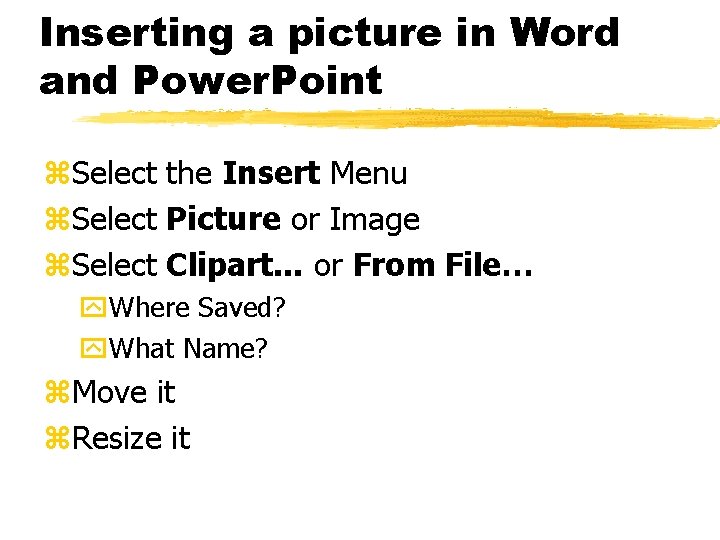
Inserting a picture in Word and Power. Point z. Select the Insert Menu z. Select Picture or Image z. Select Clipart. . . or From File… y. Where Saved? y. What Name? z. Move it z. Resize it
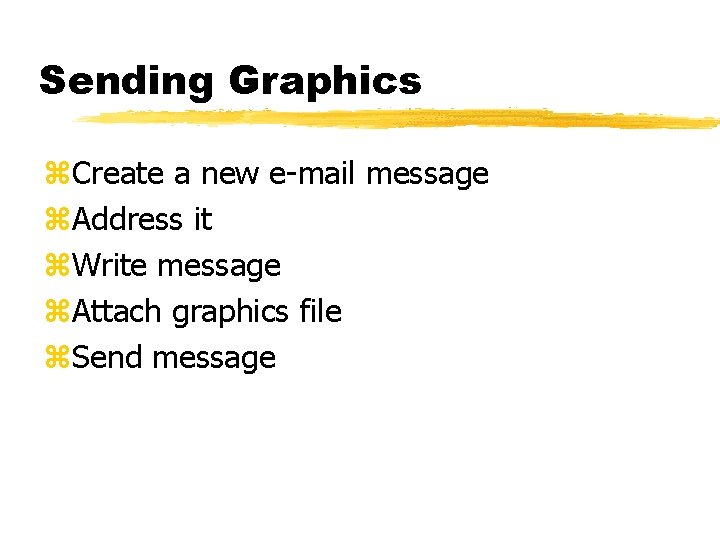
Sending Graphics z. Create a new e-mail message z. Address it z. Write message z. Attach graphics file z. Send message
- Slides: 15