
The Whos of Accessibility in Roles and Teams
The Whos of Accessibility in Roles and Teams @rgcarrjr
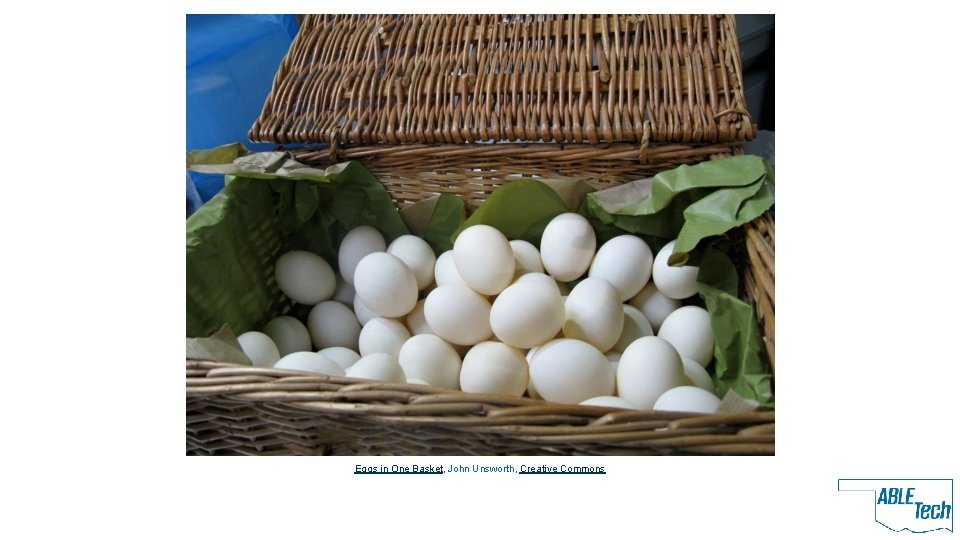
Eggs in One Basket, John Unsworth, Creative Commons
Themes • Integration • Sustainability • Scalability
My Big Picture Approach (YMMV) • Help institution to think through all technology that it puts in front of people • Help institution to identify who owns those tools • Product ownership vs. development/implementation/acquisition ownership • Align accessibility with those people • Think about how a 11 y integrates going in • Set scope and priority • Train and support accordingly
Rules of the Game • • Discuss where your shop lives Discuss Jobs that make your web (in your shop, or outside of it) Detail Roles for the Jobs ID where accessibility fits into the Roles and Jobs

Job(s) Role(s)
Who, Part 1 • • • Purchasing decision makers Content authors UX/UI/Web designers Print designers Graphic designers Web developers Managers and administrators Product managers Multimedia producers Leadership (Provost, Bursar, VPs, Chairs, Directors)
Who, Part 2 • • • Project Managers Business Analysts Information Architects Professional development creators and approvers Quality assurance and testing Librarians ADA Coordinators Legal Counsel Human Relations
A FEW SPECIFICS Higher Ed Roles and Accessibility
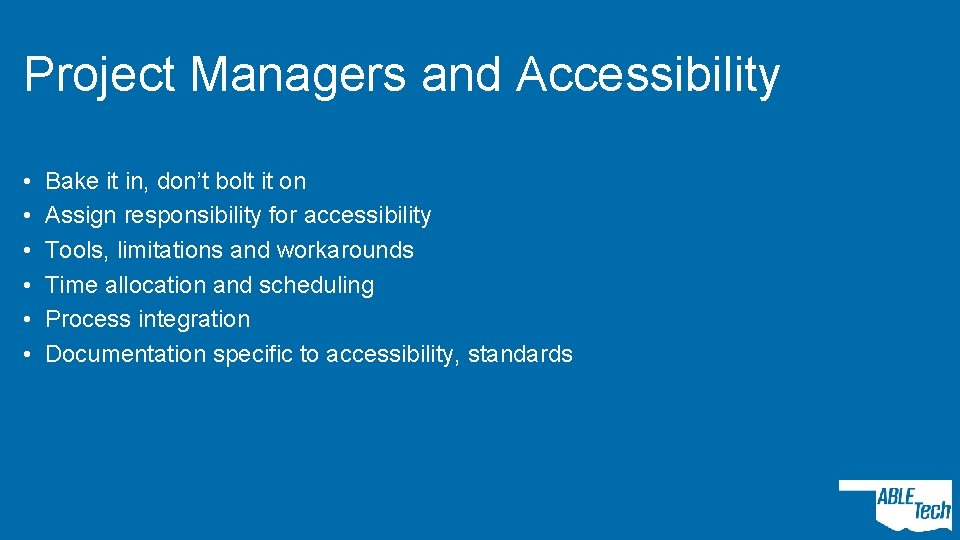
Project Managers and Accessibility • • • Bake it in, don’t bolt it on Assign responsibility for accessibility Tools, limitations and workarounds Time allocation and scheduling Process integration Documentation specific to accessibility, standards
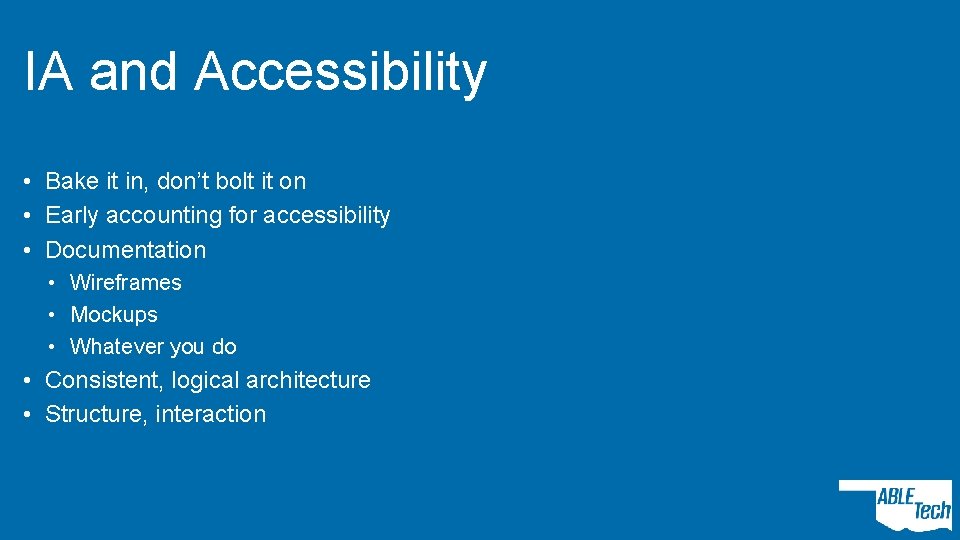
IA and Accessibility • Bake it in, don’t bolt it on • Early accounting for accessibility • Documentation • Wireframes • Mockups • Whatever you do • Consistent, logical architecture • Structure, interaction
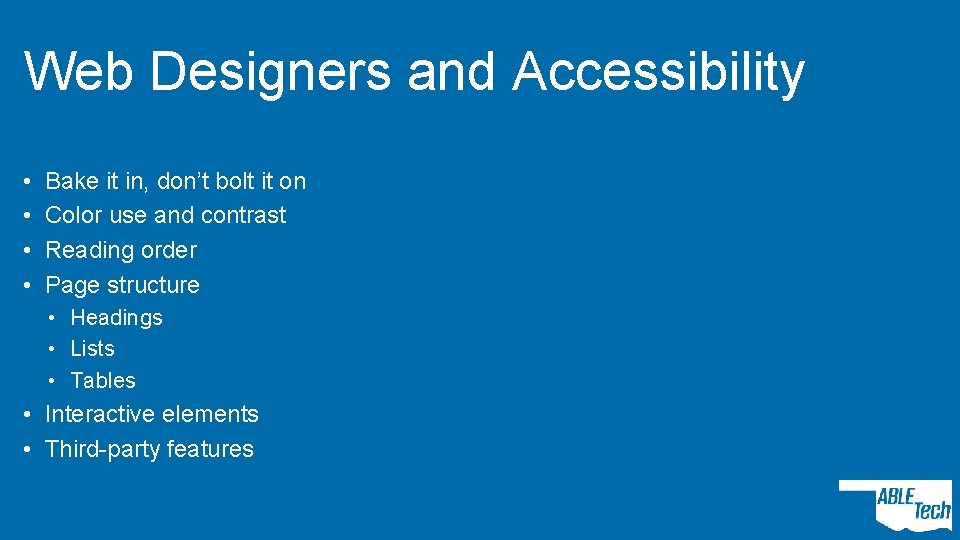
Web Designers and Accessibility • • Bake it in, don’t bolt it on Color use and contrast Reading order Page structure • Headings • Lists • Tables • Interactive elements • Third-party features
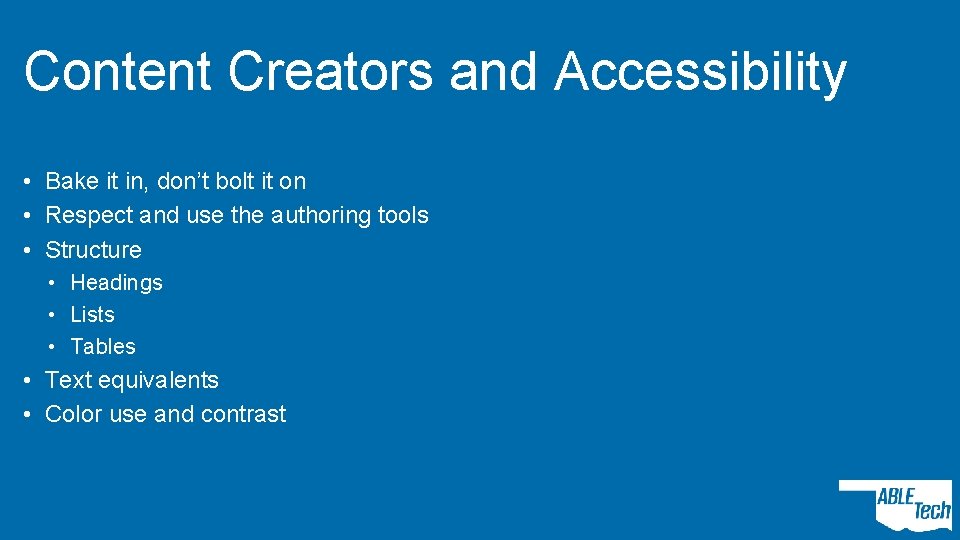
Content Creators and Accessibility • Bake it in, don’t bolt it on • Respect and use the authoring tools • Structure • Headings • Lists • Tables • Text equivalents • Color use and contrast
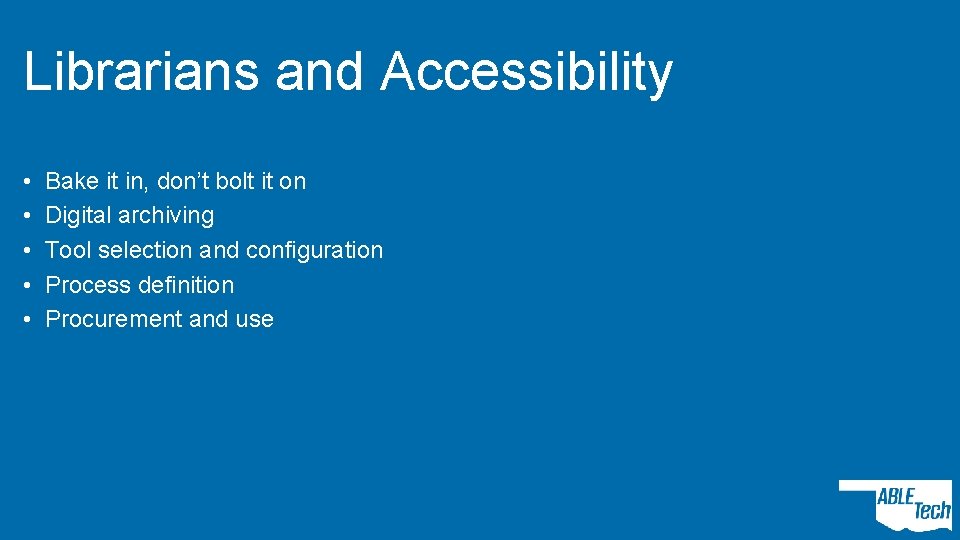
Librarians and Accessibility • • • Bake it in, don’t bolt it on Digital archiving Tool selection and configuration Process definition Procurement and use
Print Designers and Accessibility • LOL WUT
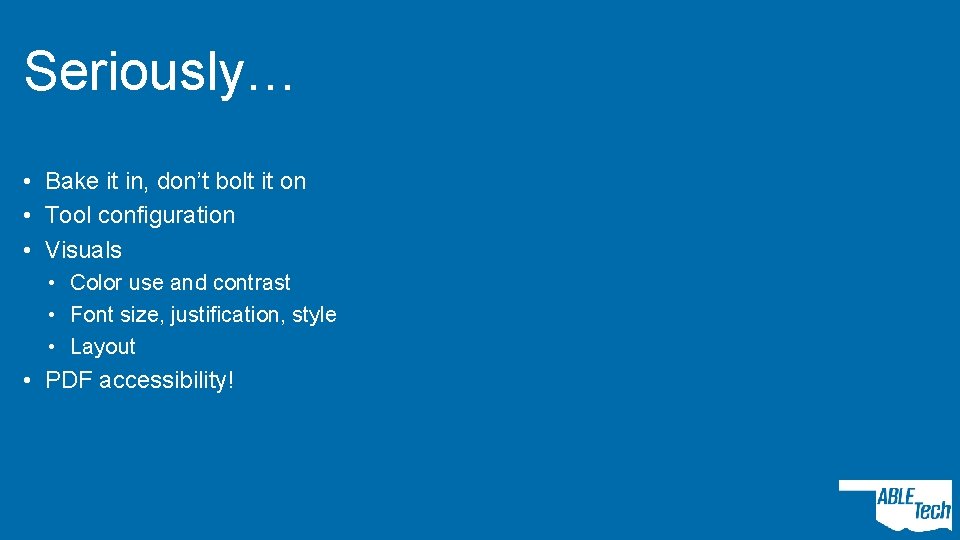
Seriously… • Bake it in, don’t bolt it on • Tool configuration • Visuals • Color use and contrast • Font size, justification, style • Layout • PDF accessibility!
Human Relations • Professional development • Budget • Direct training • Job descriptions that include accessibility • Hiring technology infrastructure
![Management and Leadership By Evan-Amos (Own work) [Public domain], via Wikimedia Commons](http://slidetodoc.com/presentation_image_h2/bd12660f36e8e63046399d7e9c4dc1c6/image-19.jpg "Management and Leadership By Evan-Amos (Own work) [Public domain], via Wikimedia Commons")
Management and Leadership By Evan-Amos (Own work) [Public domain], via Wikimedia Commons
Procurement and Purchasing • Bake it in, don’t bolt it on • More than VPAT acquisition • Vetting process • Paper • Demo • Documentation • Weighing
Framing the Conversation • Illustrate campus-wide responsibility (or at least, wide-r) • “This is a shared responsibility across the campus. See how accessibility is integral with these people? ” • Tailor the tone and content • Understand challenges • Individual level • Departmental/college level
Additional Reading • World Wide Web Consortium Accessibility Responsibility Breakdown • http: //bit. ly/W 3 CARB • Deque Blog: Accessibility for UX Designers • http: //bit. ly/Deque. A 11 y. UX • Deque Blog: Accessibility for IA, Part 1 • http: //bit. ly/Deque. A 11 y. IA
Questions and Contact Rob Carr rgcarr@okstate. edu @rgcarrjr on Twitter @OKABLETech on Twitter, Facebook, etc.
- Slides: 23