
The WEB World HTML XML and JAVA Inner

The WEB World HTML, XML and JAVA Inner. Access Technologies www. Inner. Access. Tech. com
Agenda • • • HTML Java. Script Active Server Pages XML SOAP & WSDL References: http: //www. w 3 schools. com/
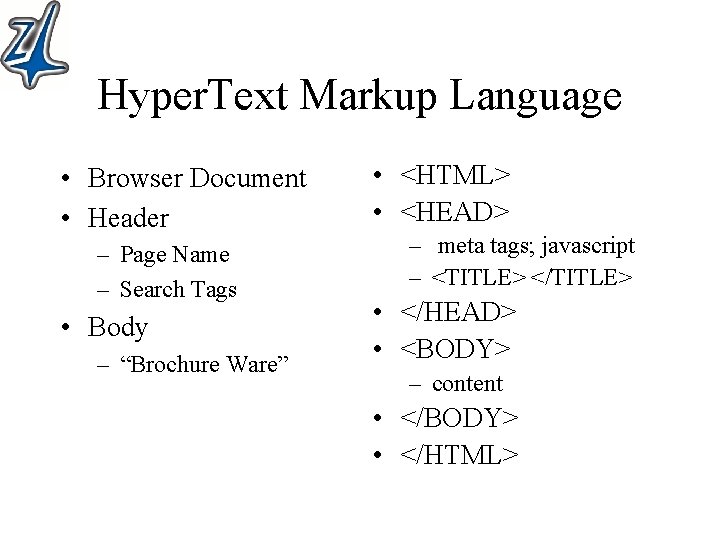
Hyper. Text Markup Language • Browser Document • Header – Page Name – Search Tags • Body – “Brochure Ware” • <HTML> • <HEAD> – meta tags; javascript – <TITLE> </TITLE> • </HEAD> • <BODY> – content • </BODY> • </HTML>
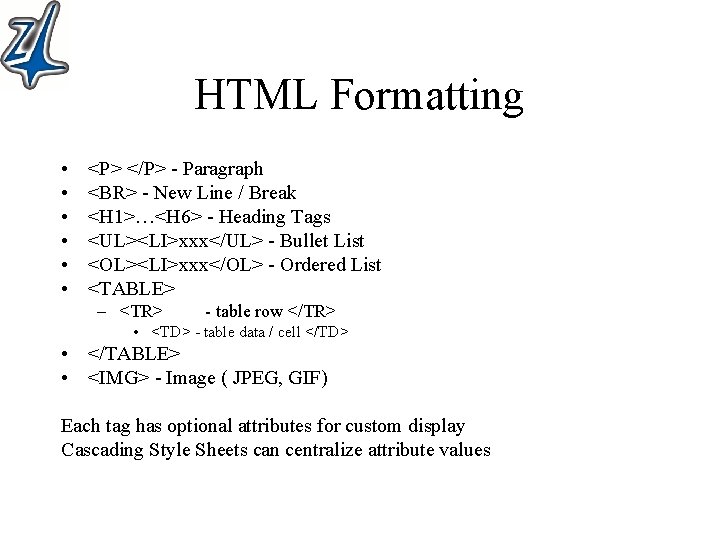
HTML Formatting • • • <P> </P> - Paragraph <BR> - New Line / Break <H 1>…<H 6> - Heading Tags <UL><LI>xxx</UL> - Bullet List <OL><LI>xxx</OL> - Ordered List <TABLE> – <TR> - table row </TR> • <TD> - table data / cell </TD> • </TABLE> • <IMG> - Image ( JPEG, GIF) Each tag has optional attributes for custom display Cascading Style Sheets can centralize attribute values
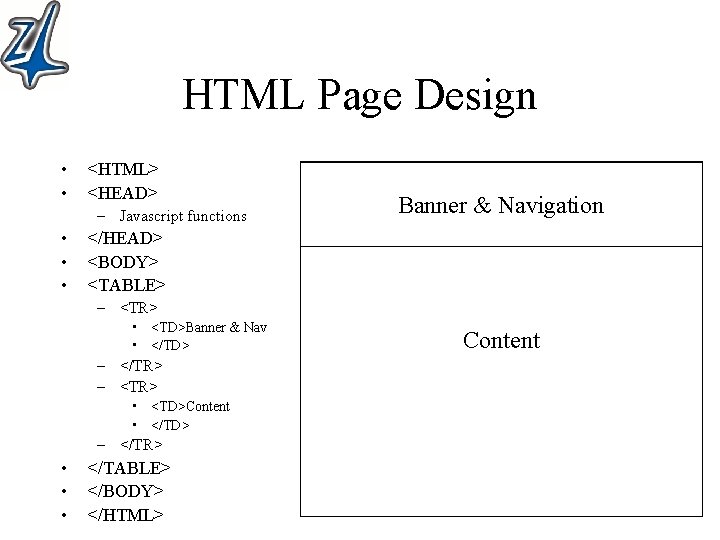
HTML Page Design • • <HTML> <HEAD> – Javascript functions • • • Banner & Navigation </HEAD> <BODY> <TABLE> – <TR> • <TD>Banner & Nav • </TD> – </TR> – <TR> • <TD>Content • </TD> – </TR> • • • </TABLE> </BODY> </HTML> Content
Java. Script Introduction • <script language=“javascript”> javascript </script> • Placement – <HEAD> - functions to be called from within <BODY> – <BODY> - functions to be executed inline • Functions - function name (optional args) { statements; } • Variables – Local – Global - defined within a function - defined outside of a function • Operations - complete logic, math, strings, looping • Objects - strings, arrays, windows, date, form, browser
Java. Script Objects • Document – Document. write(“Hello”) • Window – Location=“url”;
Navigation • HTML – <a href=“http: //mysite. com/page. htm”>Text</a> – <a href=“url”><img href=“/big. jpg”></a> • Javascript – <script language=“javascript”> • Function Goto. Link(newlocation) • { location=newlocation ; } – </script> – …. – <img href=“/big. jpg” on. Click=“Goto. Link(url)”>
Introduction to the Web – ASP Files Here is a simple ASP that displays the current date: <%@ Language=VBScript %> <html> <head><title>Today's Date</title></head> <body> <% dat. Today = Date() response. Write "Today's Date: " & _ Year(dat. Today) & _ "/“ & Month(dat. Today) & _ "/“ & Day(dat. Today) %> <% response. Write "Actual Time : “ & Time()%> </body> </html>
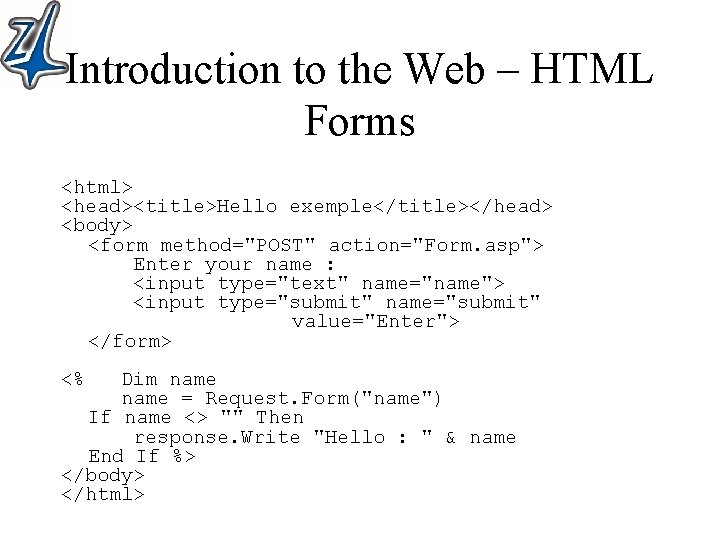
Introduction to the Web – HTML Forms <html> <head><title>Hello exemple</title></head> <body> <form method="POST" action="Form. asp"> Enter your name : <input type="text" name="name"> <input type="submit" name="submit" value="Enter"> </form> <% Dim name = Request. Form("name") If name <> "" Then response. Write "Hello : " & name End If %> </body> </html>
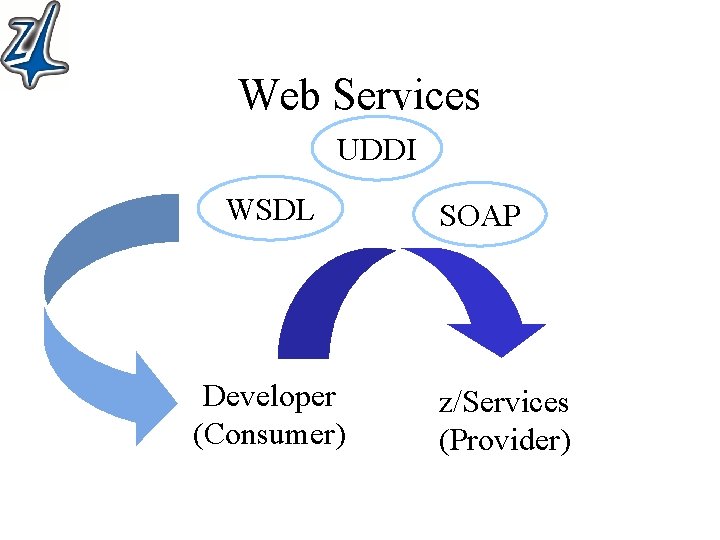
Web Services UDDI WSDL Developer (Consumer) SOAP z/Services (Provider)
XML Quick Facts • e. Xtensible Markup Language • Designed to describe data • XSD – XML Schema Definition – Describes data (tags) • Well formed documents – <tag> </tag> or <tag attributes… />
XML Introduction • URI – Uniform Resource Identifier • URL – Uniform Resource Locator • Namespace – unique identifer (URI) <? xml version="1. 0" encoding="ISO-8859 -1"? > <xsl: stylesheet xmlns: xsl="http: //www. w 3. org/TR/xsl"> <xsl: template match="/"> <template match="/"> • the 2 templates are different…. Because one is fully qualified with a namespace and tag name
SOAP • Simple Object Access Protocol – Remote Procedure Call – XML request/response messages • Web Service – Collection of operations ( transactions) • Web Services Description Language (WSDL) – Describes entire web service • Operations and Parameters – XML Document
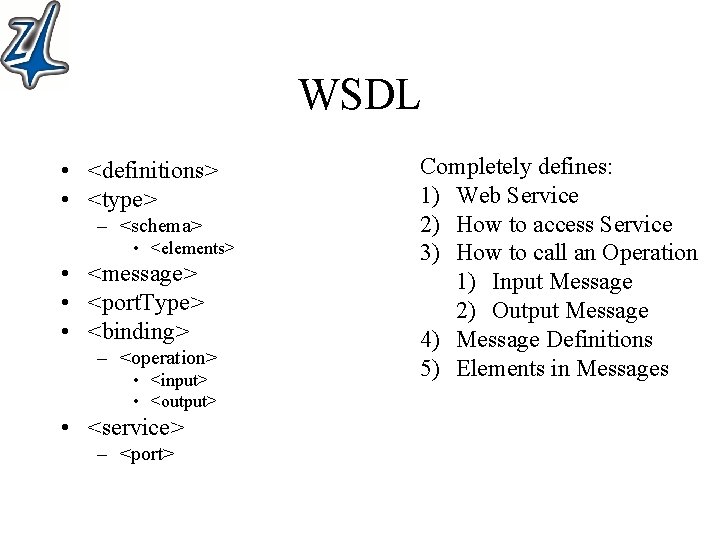
WSDL • <definitions> • <type> – <schema> • <elements> • <message> • <port. Type> • <binding> – <operation> • <input> • <output> • <service> – <port> Completely defines: 1) Web Service 2) How to access Service 3) How to call an Operation 1) Input Message 2) Output Message 4) Message Definitions 5) Elements in Messages
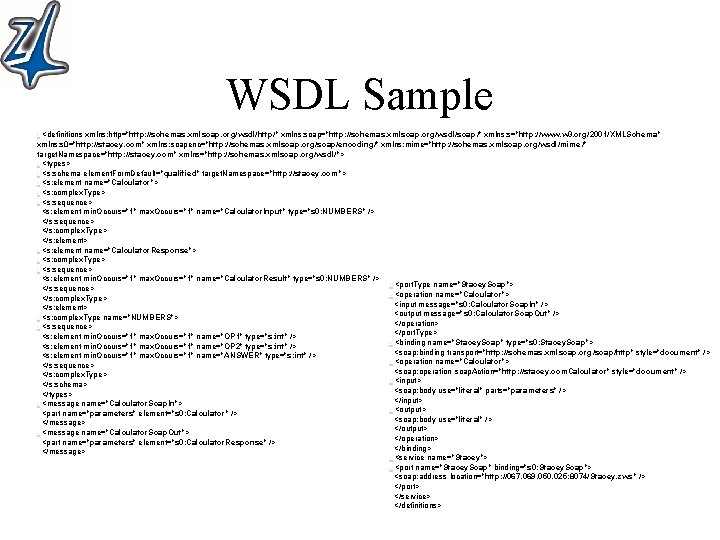
WSDL Sample - <definitions xmlns: http="http: //schemas. xmlsoap. org/wsdl/http/" xmlns: soap="http: //schemas. xmlsoap. org/wsdl/soap /" xmlns: s="http: //www. w 3. org/2001/XMLSchema" xmlns: s 0="http: //stacey. com" xmlns: soapenc="http: //schemas. xmlsoap. org/soap/encoding/" xmlns: mime="http: //schemas. xmlsoap. org/wsdl/mime /" target. Namespace="http: //stacey. com" xmlns="http: //schemas. xmlsoap. org/wsdl/"> - <types> - <s: schema element. Form. Default="qualified" target. Namespace="http: //stacey. com"> - <s: element name="Calculator"> - <s: complex. Type> - <s: sequence> <s: element min. Occurs="1" max. Occurs="1" name="Calculator. Input" type="s 0: NUMBERS" /> </s: sequence> </s: complex. Type> </s: element> - <s: element name="Calculator. Response"> - <s: complex. Type> - <s: sequence> <s: element min. Occurs="1" max. Occurs="1" name="Calculator. Result" type="s 0: NUMBERS" /> - <port. Type name="Stacey. Soap"> </s: sequence> - <operation name="Calculator"> </s: complex. Type> <input message="s 0: Calculator. Soap. In" /> </s: element> <output message="s 0: Calculator. Soap. Out" /> - <s: complex. Type name="NUMBERS"> </operation> - <s: sequence> </port. Type> <s: element min. Occurs="1" max. Occurs="1" name="OP 1" type="s: int" /> <binding name="Stacey. Soap" type="s 0: Stacey. Soap"> <s: element min. Occurs="1" max. Occurs="1" name="OP 2" type="s: int" /> <soap: binding transport="http: //schemas. xmlsoap. org/soap/http" style="document" /> <s: element min. Occurs="1" max. Occurs="1" name="ANSWER" type="s: int" /> - <operation name="Calculator"> </s: sequence> <soap: operation soap. Action="http: //stacey. com. Calculator" style="document" /> </s: complex. Type> - <input> </s: schema> <soap: body use="literal" parts="parameters" /> </types> </input> - <message name="Calculator. Soap. In"> - <output> <part name="parameters" element="s 0: Calculator" /> <soap: body use="literal" /> </message> </output> - <message name="Calculator. Soap. Out"> </operation> <part name="parameters" element="s 0: Calculator. Response" /> </binding> </message> - <service name="Stacey"> - <port name="Stacey. Soap" binding="s 0: Stacey. Soap"> <soap: address location="http: //067. 069. 050. 025: 8074/Stacey. zws " /> </port> </service> </definitions>
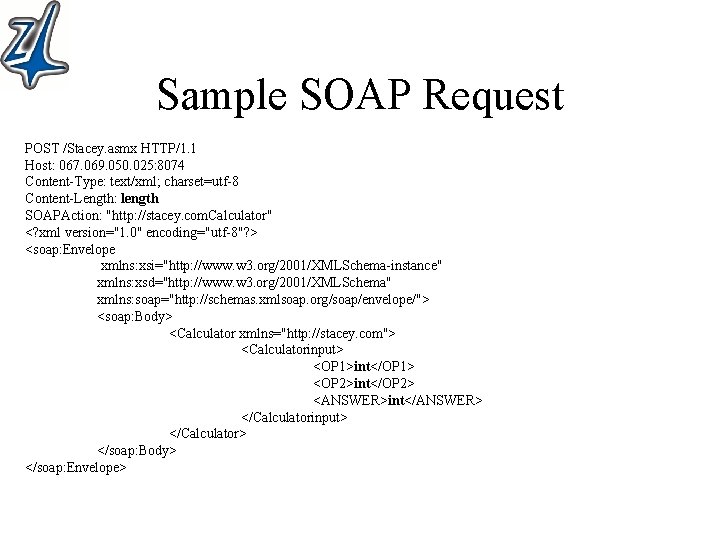
Sample SOAP Request POST /Stacey. asmx HTTP/1. 1 Host: 067. 069. 050. 025: 8074 Content-Type: text/xml; charset=utf-8 Content-Length: length SOAPAction: "http: //stacey. com. Calculator" <? xml version="1. 0" encoding="utf-8"? > <soap: Envelope xmlns: xsi="http: //www. w 3. org/2001/XMLSchema-instance" xmlns: xsd="http: //www. w 3. org/2001/XMLSchema" xmlns: soap="http: //schemas. xmlsoap. org/soap/envelope/"> <soap: Body> <Calculator xmlns="http: //stacey. com"> <Calculatorinput> <OP 1>int</OP 1> <OP 2>int</OP 2> <ANSWER>int</ANSWER> </Calculatorinput> </Calculator> </soap: Body> </soap: Envelope>
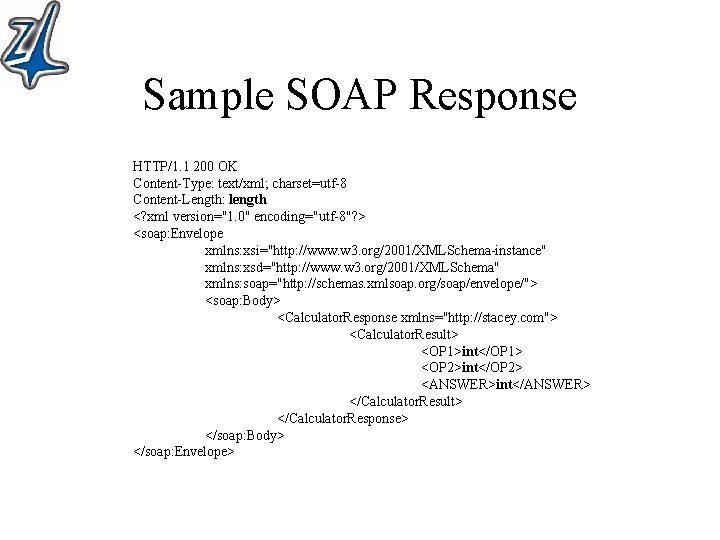
Sample SOAP Response HTTP/1. 1 200 OK Content-Type: text/xml; charset=utf-8 Content-Length: length <? xml version="1. 0" encoding="utf-8"? > <soap: Envelope xmlns: xsi="http: //www. w 3. org/2001/XMLSchema-instance" xmlns: xsd="http: //www. w 3. org/2001/XMLSchema" xmlns: soap="http: //schemas. xmlsoap. org/soap/envelope/"> <soap: Body> <Calculator. Response xmlns="http: //stacey. com"> <Calculator. Result> <OP 1>int</OP 1> <OP 2>int</OP 2> <ANSWER>int</ANSWER> </Calculator. Result> </Calculator. Response> </soap: Body> </soap: Envelope>
- Slides: 18