
The Web Wizards Guide to XML by Cheryl
The Web Wizard’s Guide to XML by Cheryl M. Hughes Created by Cheryl M. Hughes, Harvard University Extension School — Cambridge, MA Copyright © 2003 Pearson Education, Inc. 1
CHAPTER 5 Links in XML Copyright © 2003 Pearson Education, Inc. 2
Overview of Hyperlinks n n n A “hyperlink” in a web page is an object that a user can click on that will redirect the browser to another web page, file or position within the page Hyperlinks in HTML make the web interactive Links in XML are similar in syntax to links in the HTML language XML Linking Language (XLink) is the XML specification for linking The resource being linked to is called the “target resource” Copyright © 2003 Pearson Education, Inc. 3
Linking in HTML n n The <a> anchor element n Require the user to take an action – usually by clicking on the link, which can consist of images or text n The target of the link can be an absolute or relative URL The <img> element n Does not require user intervention – resource loads automatically when page loads. n Usually used for graphics in HTML Copyright © 2003 Pearson Education, Inc. 4

HTML Link Example: HTML file 1 2 3 4 5 6 7 8 <html> <head> <title>Link Examples in HTML</title> </head> <body> <p> Here are some examples of links in HTML: </p> <a href=”http: //chughes. com/newpage. html”>This is an absolute link to a new page</a> 9 10 11 12 13 14 </p> <p> 15 16 17 </p> <p> 18 19 20 </p> <a href=”newpage. html”>This is a relative link to a new page</a> </p> <a href=”newpage. html”><img src=”button. gif” alt=”This image is a clickable button”></a> <a href=”mailto: cheryl@chughes. com”>This is link that launches an email message</a> </body> </html> Copyright © 2003 Pearson Education, Inc. 5
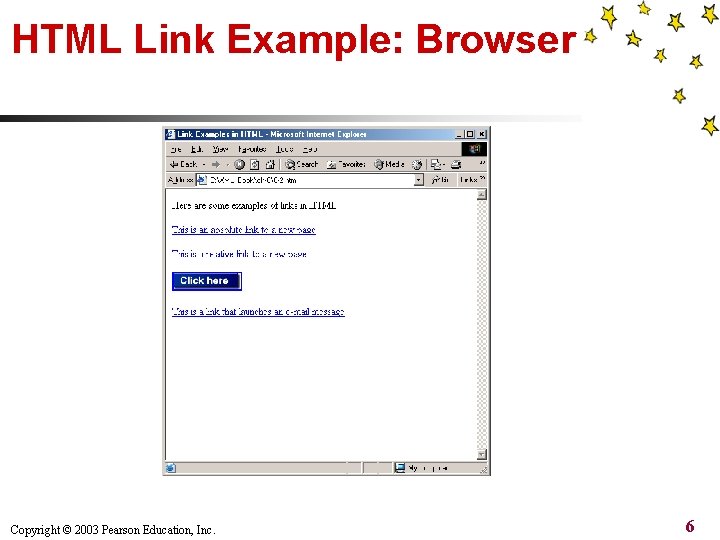
HTML Link Example: Browser Copyright © 2003 Pearson Education, Inc. 6
HTML Link Limitations n n n Can only point to one target resource Links are unidirectional – once the link is followed, there is no path back to the original document Only certain HTML elements can be used for providing linking functionality Copyright © 2003 Pearson Education, Inc. 7
XLink Overview n n n The XLink specification was released by the W 3 C in July 2001 Benefits over HTML links: n Supports multi-directional links, which allows the target resource to link back to the originating document n Can contain multiple destinations n Any XML element can be a linking element n XML link behavior can be programmed XLink specification defines two types of links n Simple links n Extended links Copyright © 2003 Pearson Education, Inc. 8
Simple XLinks n n Syntax is similar to HTML links Simple links are: n Unidirectional n Can only link to one target resource n Can be defined on any XML element n Defined as a namespace: http: //www. w 3 c. org/1999/xlink n Required attributes: href and type Copyright © 2003 Pearson Education, Inc. 9
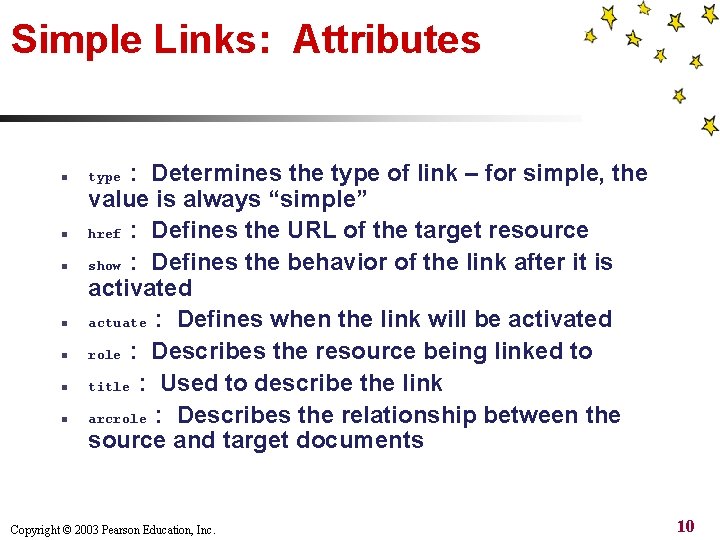
Simple Links: Attributes n n n n : Determines the type of link – for simple, the value is always “simple” href : Defines the URL of the target resource show : Defines the behavior of the link after it is activated actuate : Defines when the link will be activated role : Describes the resource being linked to title : Used to describe the link arcrole : Describes the relationship between the source and target documents type Copyright © 2003 Pearson Education, Inc. 10
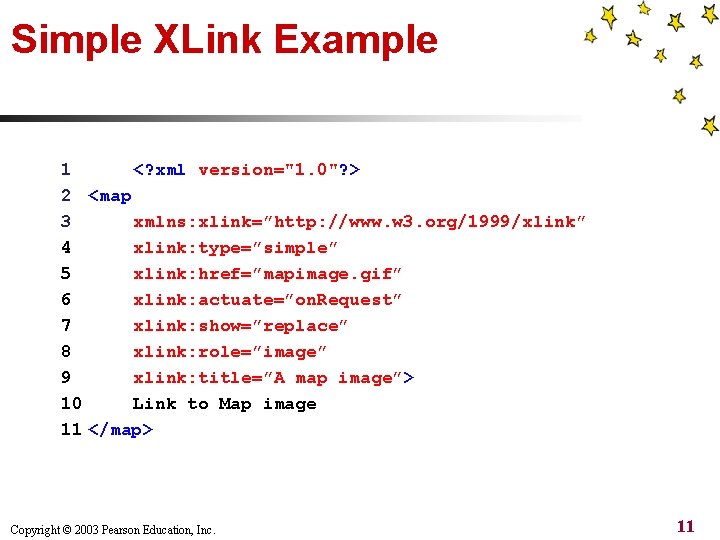
Simple XLink Example 1 <? xml version="1. 0"? > 2 <map 3 xmlns: xlink=”http: //www. w 3. org/1999/xlink” 4 xlink: type=”simple” 5 xlink: href=”mapimage. gif” 6 xlink: actuate=”on. Request” 7 xlink: show=”replace” 8 xlink: role=”image” 9 xlink: title=”A map image”> 10 Link to Map image 11 </map> Copyright © 2003 Pearson Education, Inc. 11
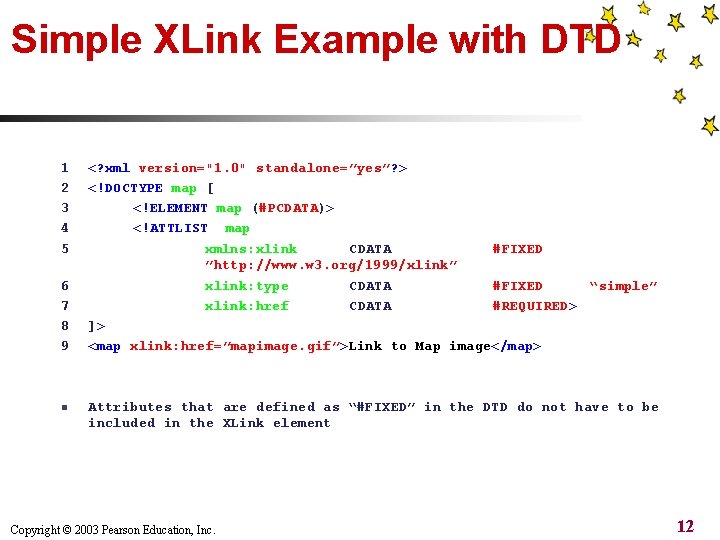
Simple XLink Example with DTD 1 2 3 4 5 6 7 8 9 n <? xml version="1. 0" standalone=”yes”? > <!DOCTYPE map [ <!ELEMENT map (#PCDATA)> <!ATTLIST map xmlns: xlink CDATA #FIXED ”http: //www. w 3. org/1999/xlink” xlink: type CDATA #FIXED “simple” xlink: href CDATA #REQUIRED> ]> <map xlink: href=”mapimage. gif”>Link to Map image</map> Attributes that are defined as “#FIXED” in the DTD do not have to be included in the XLink element Copyright © 2003 Pearson Education, Inc. 12
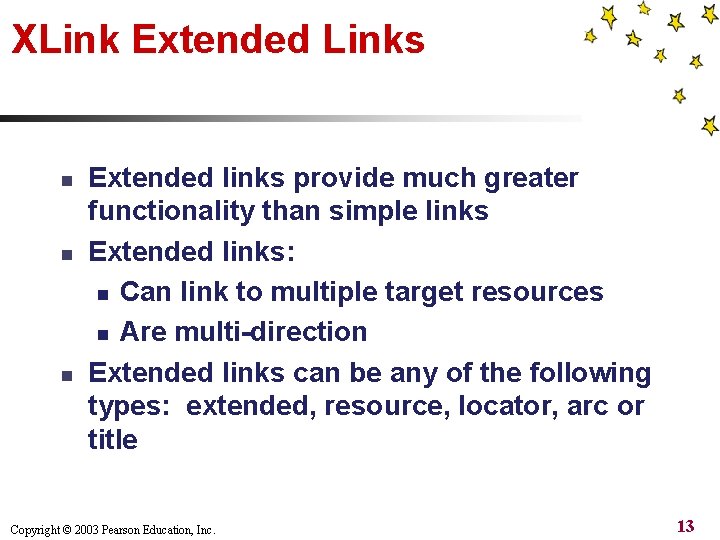
XLink Extended Links n n n Extended links provide much greater functionality than simple links Extended links: n Can link to multiple target resources n Are multi-direction Extended links can be any of the following types: extended, resource, locator, arc or title Copyright © 2003 Pearson Education, Inc. 13
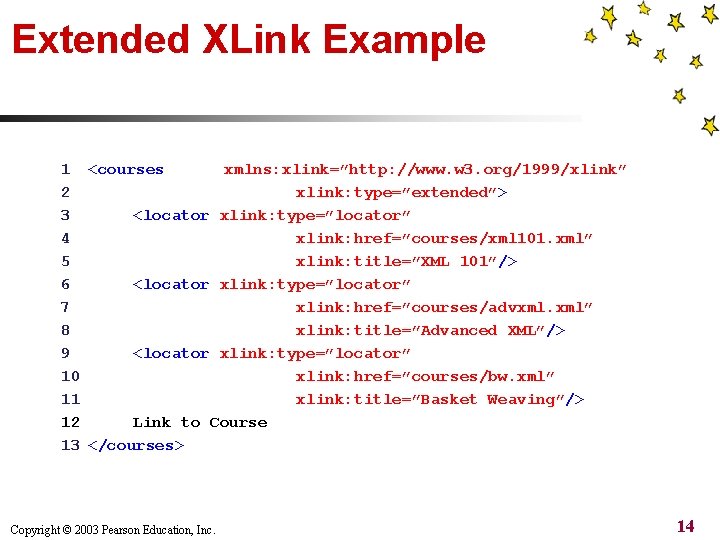
Extended XLink Example 1 <courses xmlns: xlink=”http: //www. w 3. org/1999/xlink” 2 xlink: type=”extended”> 3 <locator xlink: type=”locator” 4 xlink: href=”courses/xml 101. xml” 5 xlink: title=”XML 101”/> 6 <locator xlink: type=”locator” 7 xlink: href=”courses/advxml. xml” 8 xlink: title=”Advanced XML”/> 9 <locator xlink: type=”locator” 10 xlink: href=”courses/bw. xml” 11 xlink: title=”Basket Weaving”/> 12 Link to Course 13 </courses> Copyright © 2003 Pearson Education, Inc. 14
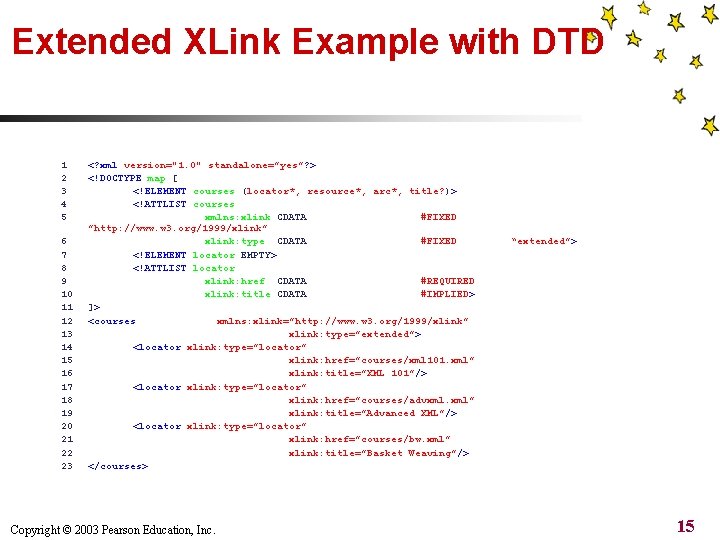
Extended XLink Example with DTD 1 2 3 4 5 6 7 8 9 10 11 12 13 14 15 16 17 18 19 20 21 22 23 <? xml version="1. 0" standalone=”yes”? > <!DOCTYPE map [ <!ELEMENT courses (locator*, resource*, arc*, title? )> <!ATTLIST courses xmlns: xlink CDATA #FIXED ”http: //www. w 3. org/1999/xlink” xlink: type CDATA #FIXED <!ELEMENT locator EMPTY> <!ATTLIST locator xlink: href CDATA #REQUIRED xlink: title CDATA #IMPLIED> ]> <courses xmlns: xlink=”http: //www. w 3. org/1999/xlink” xlink: type=”extended”> <locator xlink: type=”locator” xlink: href=”courses/xml 101. xml” xlink: title=”XML 101”/> <locator xlink: type=”locator” xlink: href=”courses/advxml. xml” xlink: title=”Advanced XML”/> <locator xlink: type=”locator” xlink: href=”courses/bw. xml” xlink: title=”Basket Weaving”/> </courses> Copyright © 2003 Pearson Education, Inc. “extended”> 15
- Slides: 15