
The Use of Power Point in Language Teaching

- Slides: 8
The Use of Power. Point in Language Teaching RANY 96475
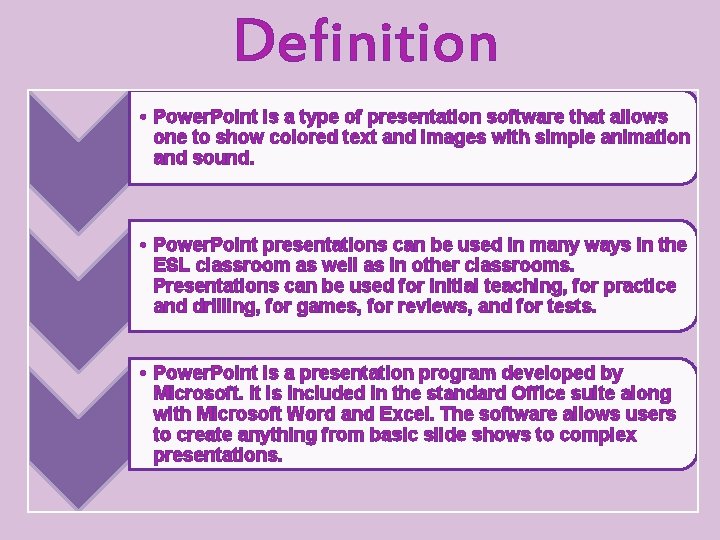
Definition • Power. Point is a type of presentation software that allows one to show colored text and images with simple animation and sound. • Power. Point presentations can be used in many ways in the ESL classroom as well as in other classrooms. Presentations can be used for initial teaching, for practice and drilling, for games, for reviews, and for tests. • Power. Point is a presentation program developed by Microsoft. It is included in the standard Office suite along with Microsoft Word and Excel. The software allows users to create anything from basic slide shows to complex presentations.
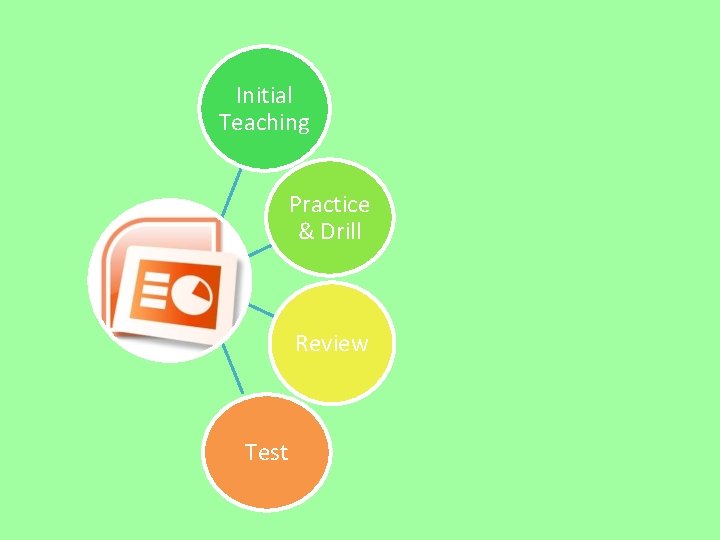
Initial Teaching Practice & Drill Review Test
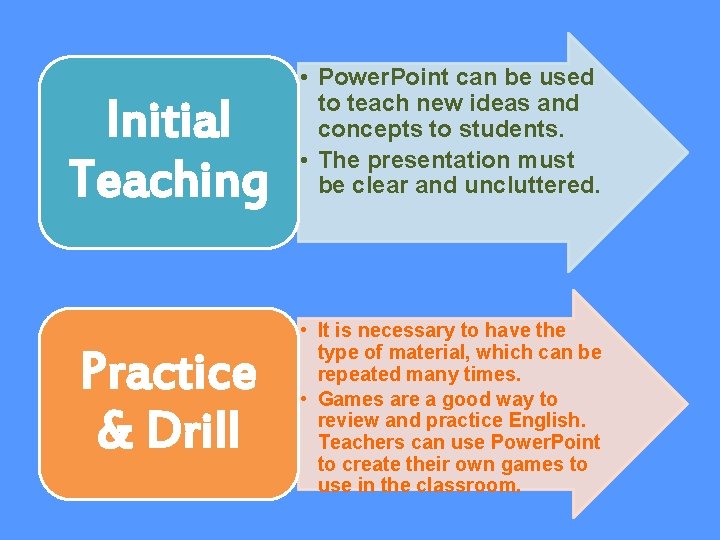
Initial Teaching Practice & Drill • Power. Point can be used to teach new ideas and concepts to students. • The presentation must be clear and uncluttered. • It is necessary to have the type of material, which can be repeated many times. • Games are a good way to review and practice English. Teachers can use Power. Point to create their own games to use in the classroom.
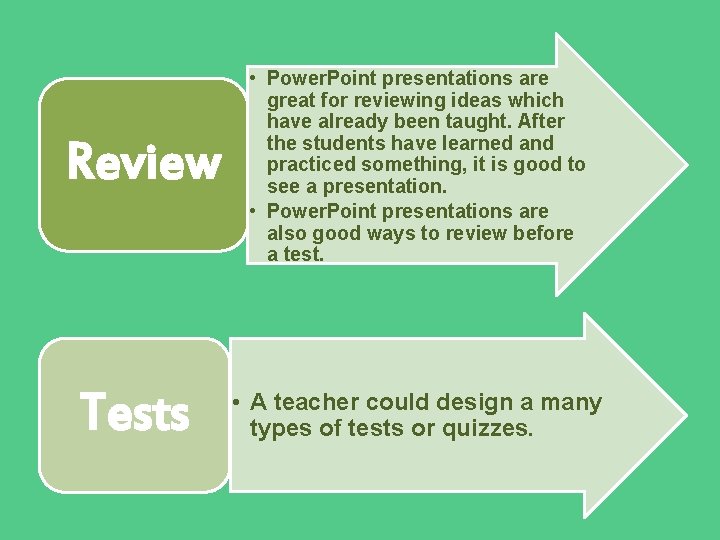
Review Tests • Power. Point presentations are great for reviewing ideas which have already been taught. After the students have learned and practiced something, it is good to see a presentation. • Power. Point presentations are also good ways to review before a test. • A teacher could design a many types of tests or quizzes.
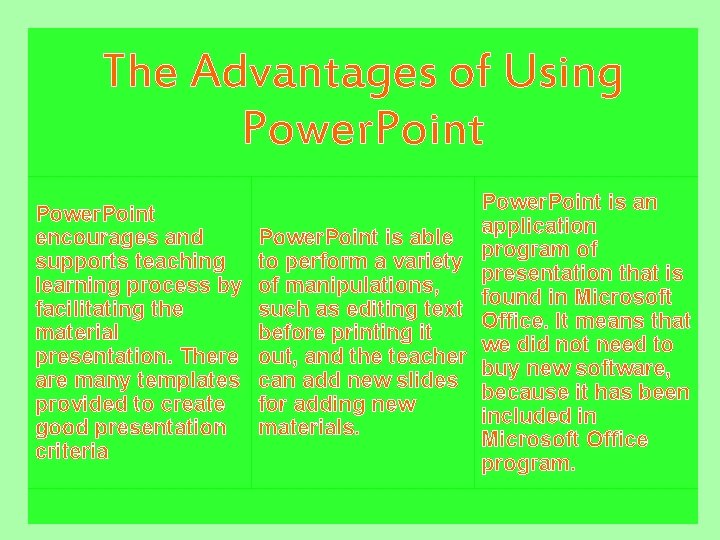
The Advantages of Using Power. Point encourages and supports teaching learning process by facilitating the material presentation. There are many templates provided to create good presentation criteria Power. Point is an application Power. Point is able program of to perform a variety presentation that is of manipulations, found in Microsoft such as editing text Office. It means that before printing it we did not need to out, and the teacher buy new software, can add new slides because it has been for adding new included in materials. Microsoft Office program.
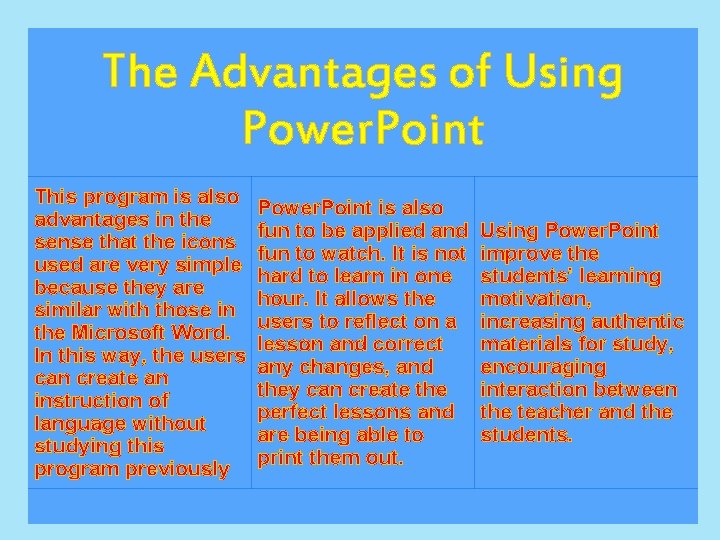
The Advantages of Using Power. Point This program is also advantages in the sense that the icons used are very simple because they are similar with those in the Microsoft Word. In this way, the users can create an instruction of language without studying this program previously Power. Point is also fun to be applied and fun to watch. It is not hard to learn in one hour. It allows the users to reflect on a lesson and correct any changes, and they can create the perfect lessons and are being able to print them out. Using Power. Point improve the students’ learning motivation, increasing authentic materials for study, encouraging interaction between the teacher and the students.
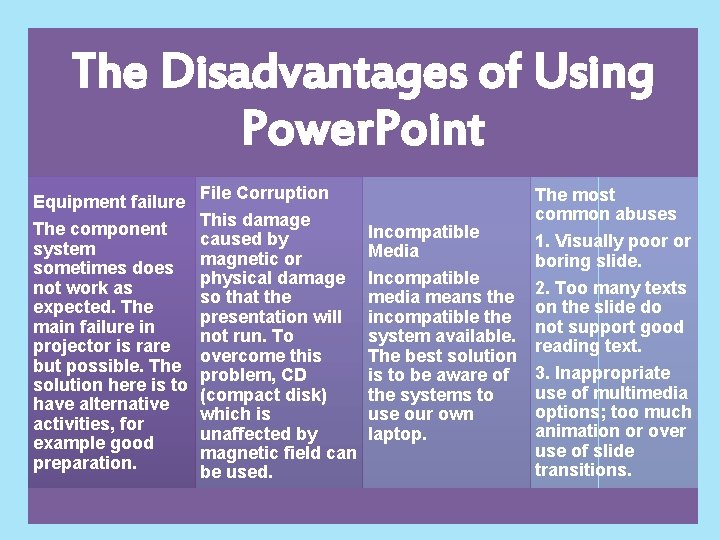
The Disadvantages of Using Power. Point Equipment failure The component system sometimes does not work as expected. The main failure in projector is rare but possible. The solution here is to have alternative activities, for example good preparation. File Corruption This damage caused by magnetic or physical damage so that the presentation will not run. To overcome this problem, CD (compact disk) which is unaffected by magnetic field can be used. Incompatible Media Incompatible media means the incompatible the system available. The best solution is to be aware of the systems to use our own laptop. The most common abuses 1. Visually poor or boring slide. 2. Too many texts on the slide do not support good reading text. 3. Inappropriate use of multimedia options; too much animation or over use of slide transitions.