
The Unix Shell Job Control Copyright Software Carpentry

The Unix Shell Job Control Copyright © Software Carpentry 2010 This work is licensed under the Creative Commons Attribution License See http: //software-carpentry. org/license. html for more information.
shell Job Control Introduction
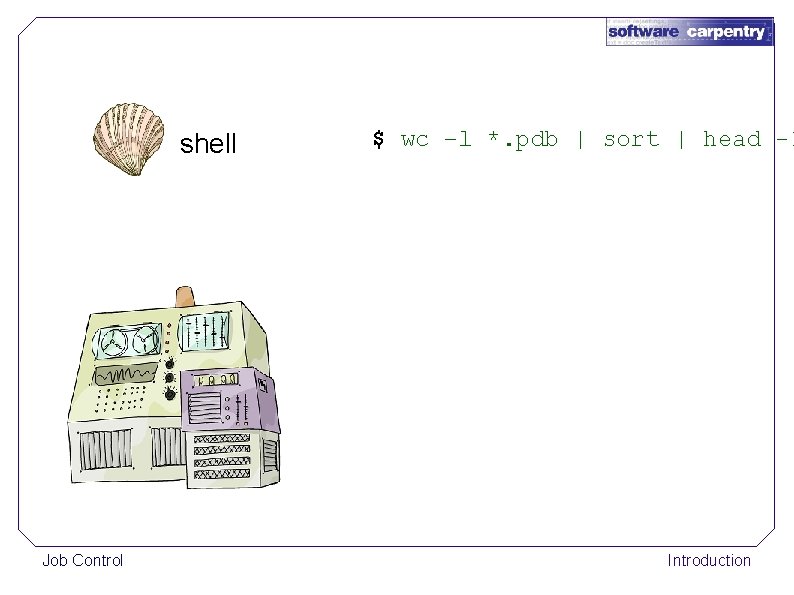
shell Job Control $ wc –l *. pdb | sort | head -1 Introduction
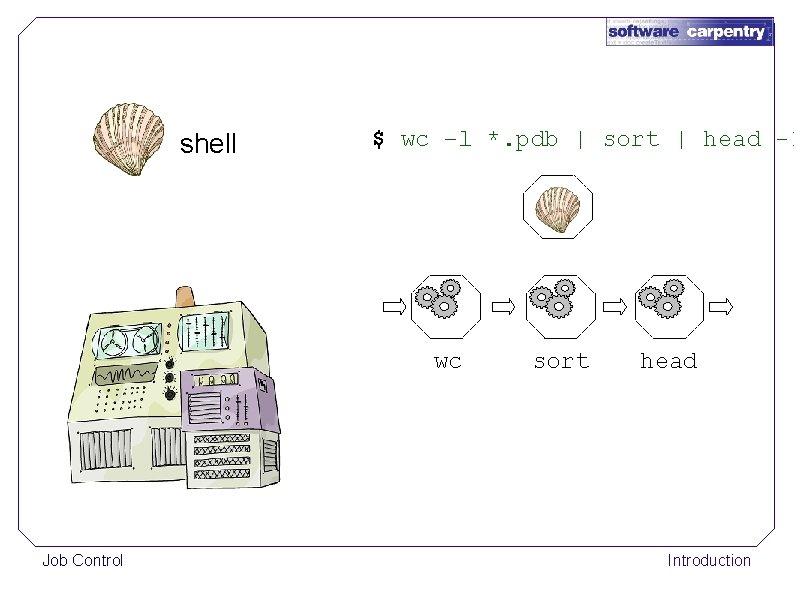
shell $ wc –l *. pdb | sort | head -1 wc Job Control sort head Introduction
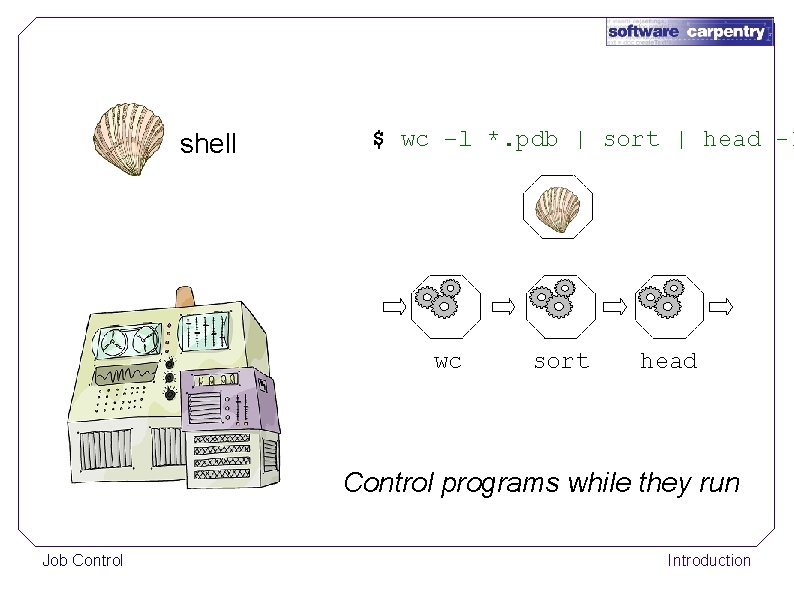
shell $ wc –l *. pdb | sort | head -1 wc sort head Control programs while they run Job Control Introduction
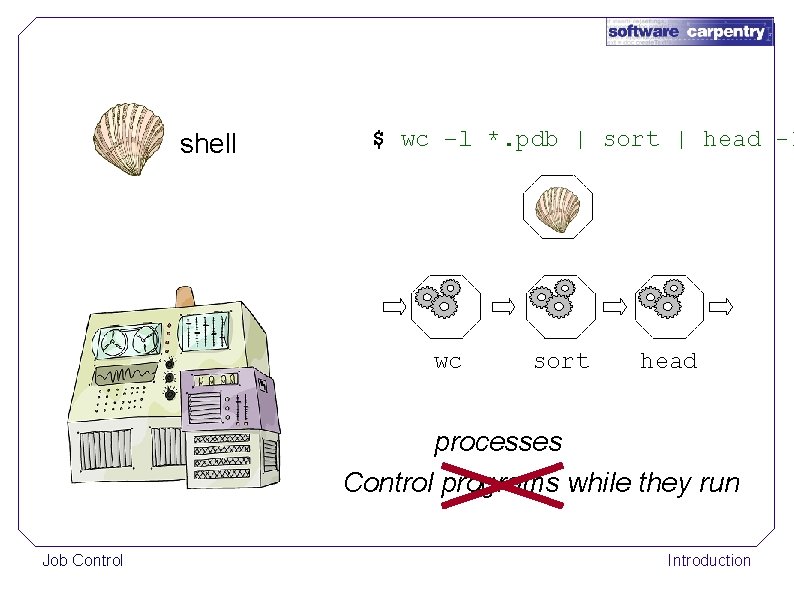
shell $ wc –l *. pdb | sort | head -1 wc sort head processes Control programs while they run Job Control Introduction
A process is a running program Job Control Introduction
A process is a running program Some are yours Job Control Introduction
A process is a running program Some are yours Most belong to the operating system (or other users) Job Control Introduction
A process is a running program Some are yours Most belong to the operating system (or other users) Use ps to get a list Job Control Introduction
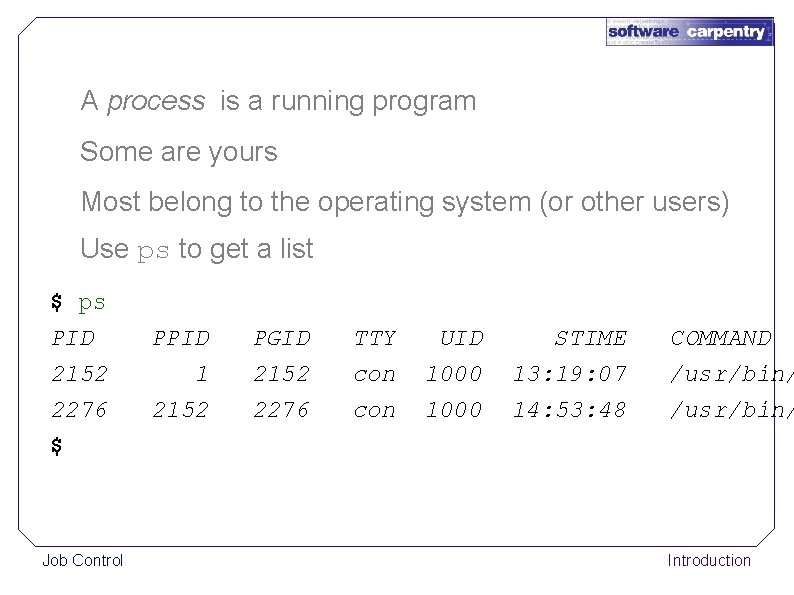
A process is a running program Some are yours Most belong to the operating system (or other users) Use ps to get a list $ ps PID 2152 2276 $ Job Control PPID PGID TTY UID STIME 1 2152 2276 con 1000 13: 19: 07 14: 53: 48 COMMAND /usr/bin/ Introduction
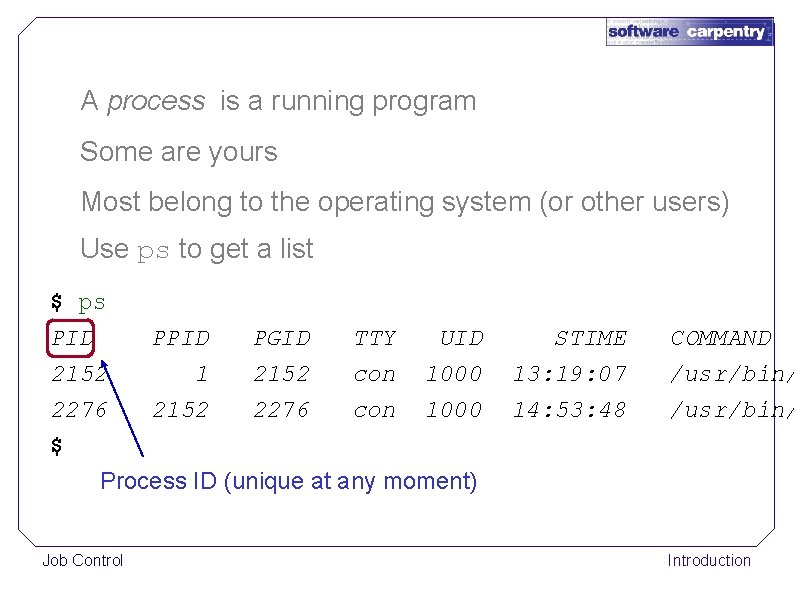
A process is a running program Some are yours Most belong to the operating system (or other users) Use ps to get a list $ ps PID UID STIME 2152 1 2152 con 1000 2276 2152 2276 con 1000 $ Process ID (unique at any moment) 13: 19: 07 14: 53: 48 Job Control PPID PGID TTY COMMAND /usr/bin/ Introduction
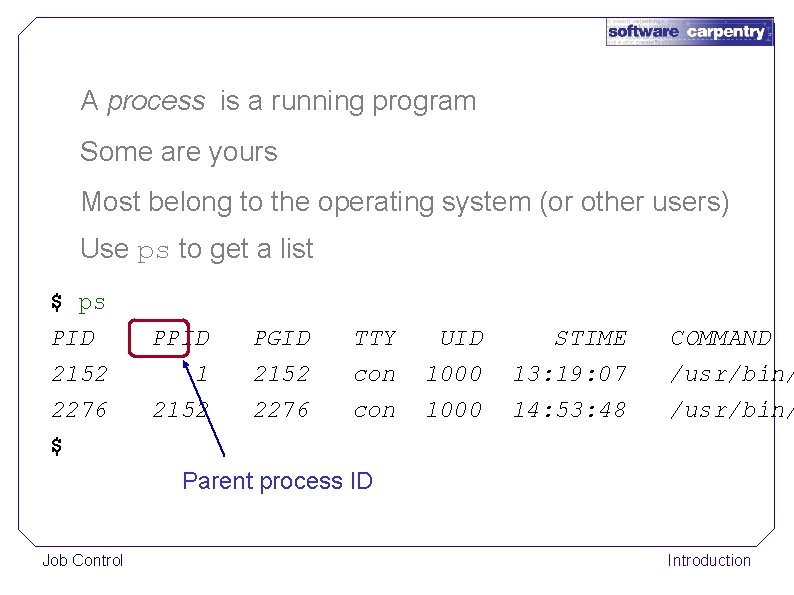
A process is a running program Some are yours Most belong to the operating system (or other users) Use ps to get a list $ ps PID 2152 2276 $ PPID PGID TTY UID STIME 1 2152 2276 con 1000 13: 19: 07 14: 53: 48 COMMAND /usr/bin/ Parent process ID Job Control Introduction
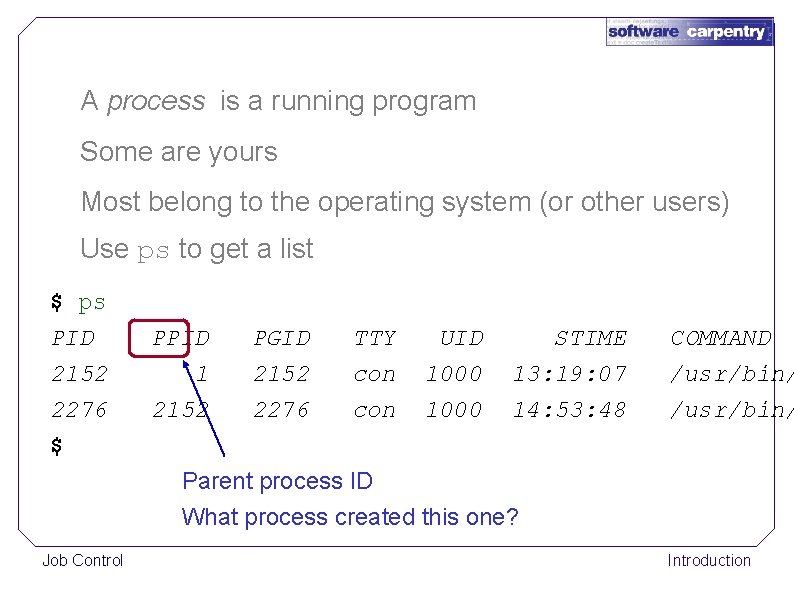
A process is a running program Some are yours Most belong to the operating system (or other users) Use ps to get a list $ ps PID 2152 2276 $ PPID PGID TTY UID STIME 1 2152 2276 con 1000 13: 19: 07 14: 53: 48 COMMAND /usr/bin/ Parent process ID What process created this one? Job Control Introduction
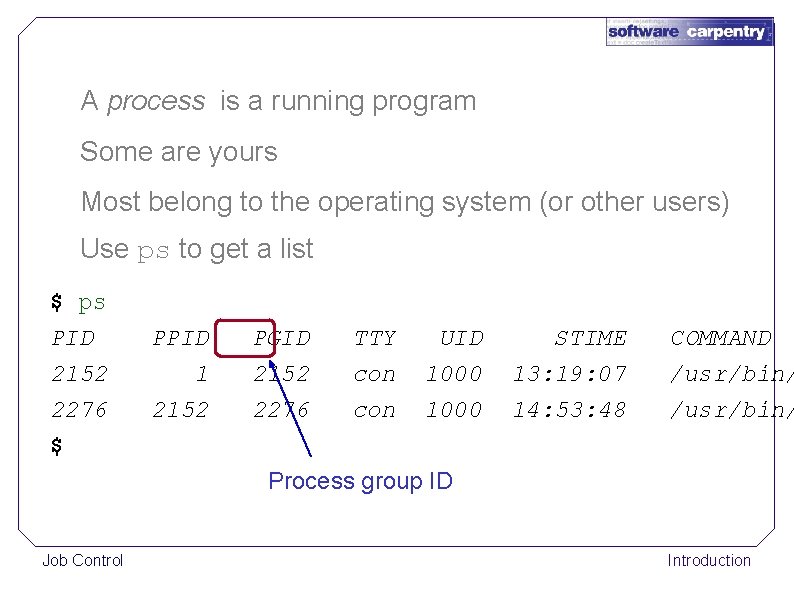
A process is a running program Some are yours Most belong to the operating system (or other users) Use ps to get a list $ ps PID 2152 2276 $ PPID PGID TTY UID STIME 1 2152 2276 con 1000 13: 19: 07 14: 53: 48 COMMAND /usr/bin/ Process group ID Job Control Introduction
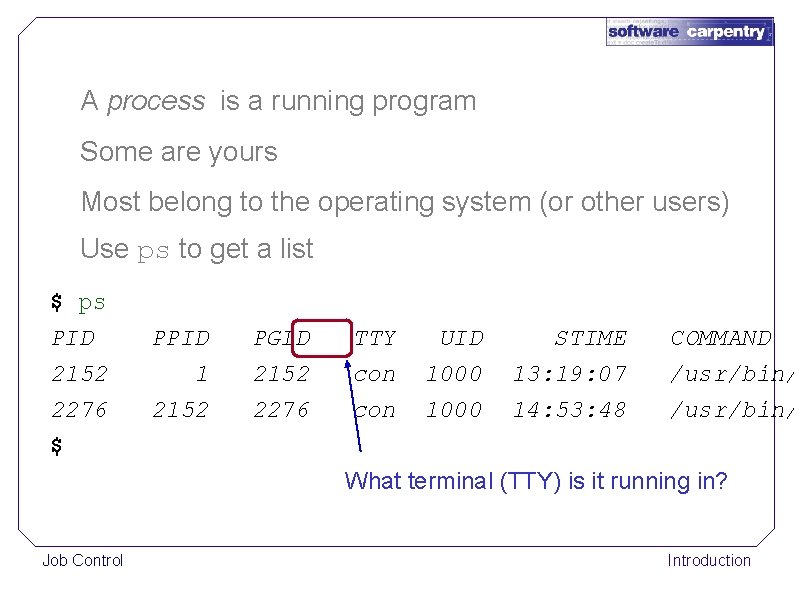
A process is a running program Some are yours Most belong to the operating system (or other users) Use ps to get a list $ ps PID 2152 2276 $ PPID PGID TTY UID STIME 1 2152 2276 con 1000 13: 19: 07 14: 53: 48 COMMAND /usr/bin/ What terminal (TTY) is it running in? Job Control Introduction
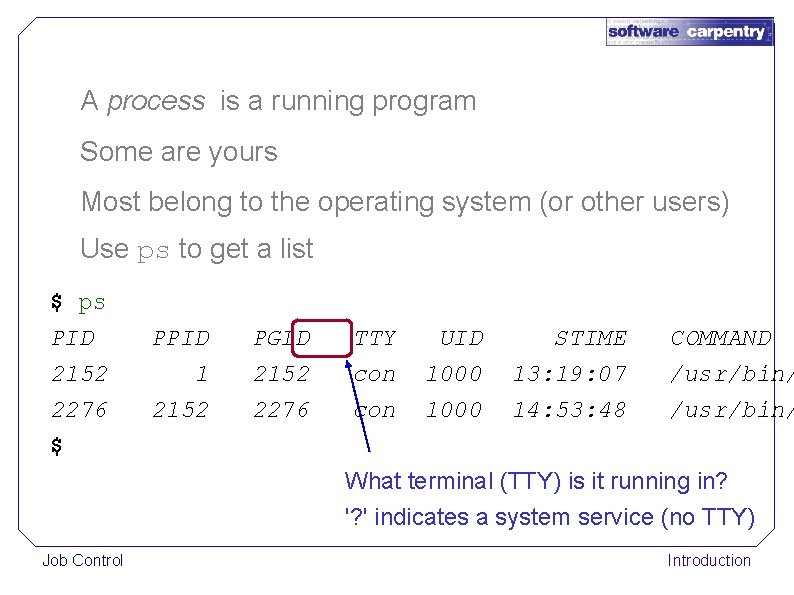
A process is a running program Some are yours Most belong to the operating system (or other users) Use ps to get a list $ ps PID 2152 2276 $ PPID PGID TTY UID STIME 1 2152 2276 con 1000 13: 19: 07 14: 53: 48 COMMAND /usr/bin/ What terminal (TTY) is it running in? '? ' indicates a system service (no TTY) Job Control Introduction
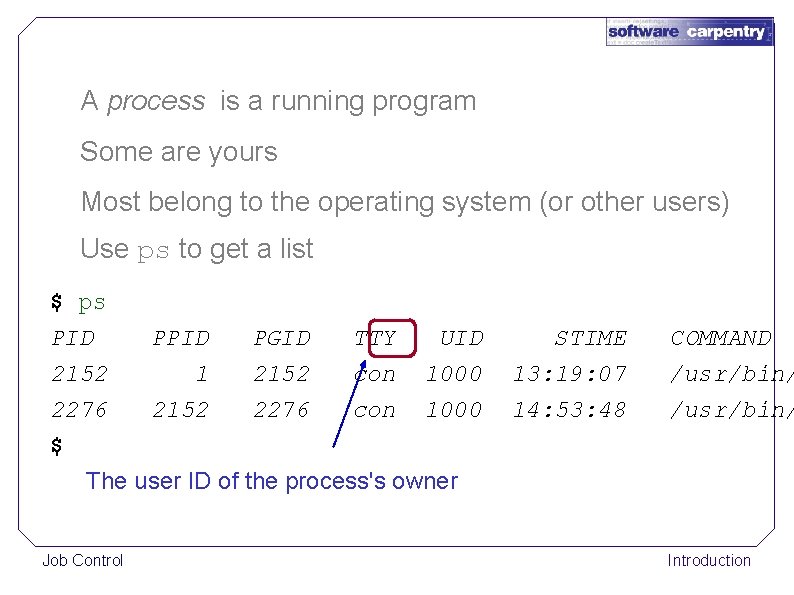
A process is a running program Some are yours Most belong to the operating system (or other users) Use ps to get a list $ ps PID UID STIME 2152 1 2152 con 1000 2276 2152 2276 con 1000 $ The user ID of the process's owner 13: 19: 07 14: 53: 48 Job Control PPID PGID TTY COMMAND /usr/bin/ Introduction

A process is a running program Some are yours Most belong to the operating system (or other users) Use ps to get a list $ ps PID PGID TTY UID STIME COMMAND 2152 1 2152 con 1000 13: 19: 07 /usr/bin/ 2276 2152 2276 con 1000 14: 53: 48 /usr/bin/ $ The user ID of the process's owner Controls what the process can read, write, execute, … Job Control Introduction
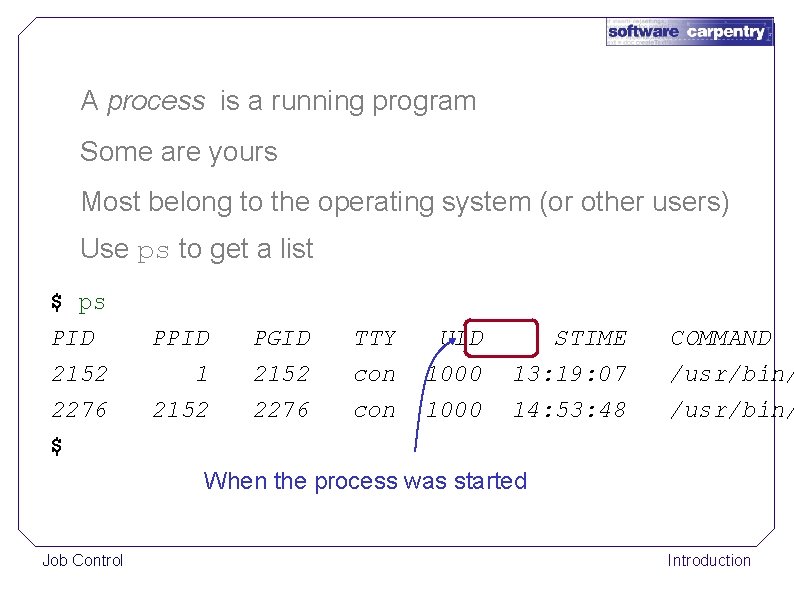
A process is a running program Some are yours Most belong to the operating system (or other users) Use ps to get a list $ ps PID 2152 2276 $ PPID PGID TTY UID STIME 1 2152 2276 con 1000 13: 19: 07 14: 53: 48 COMMAND /usr/bin/ When the process was started Job Control Introduction
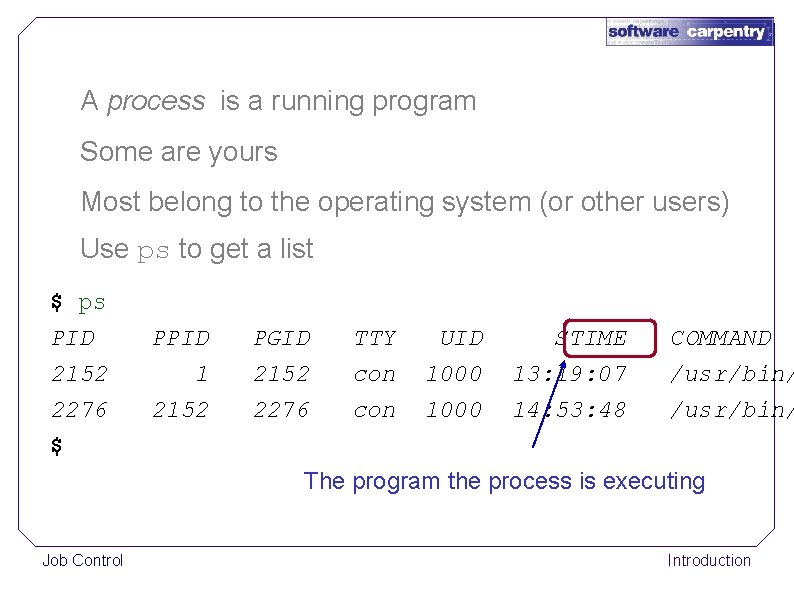
A process is a running program Some are yours Most belong to the operating system (or other users) Use ps to get a list $ ps PID 2152 2276 $ PPID PGID TTY UID STIME 1 2152 2276 con 1000 13: 19: 07 14: 53: 48 COMMAND /usr/bin/ The program the process is executing Job Control Introduction
Can stop, pause, and resume running processes Job Control Introduction
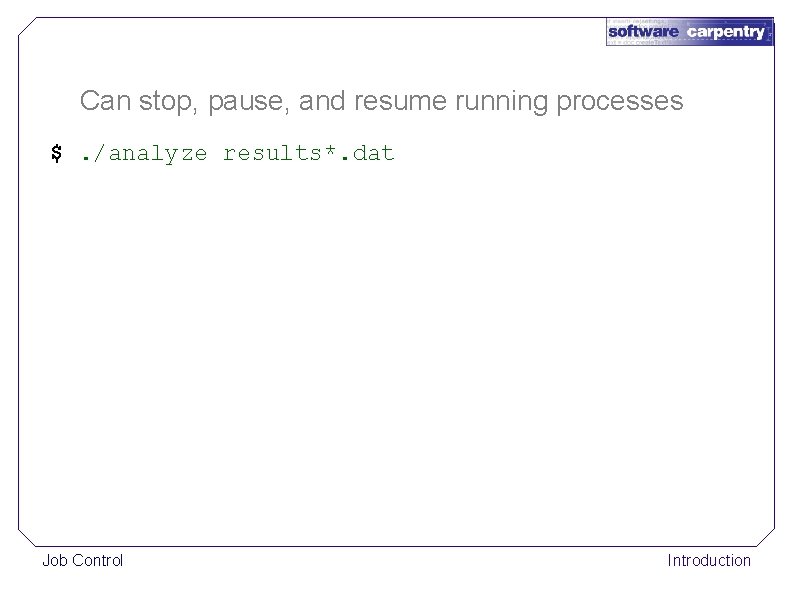
Can stop, pause, and resume running processes $. /analyze results*. dat Job Control Introduction
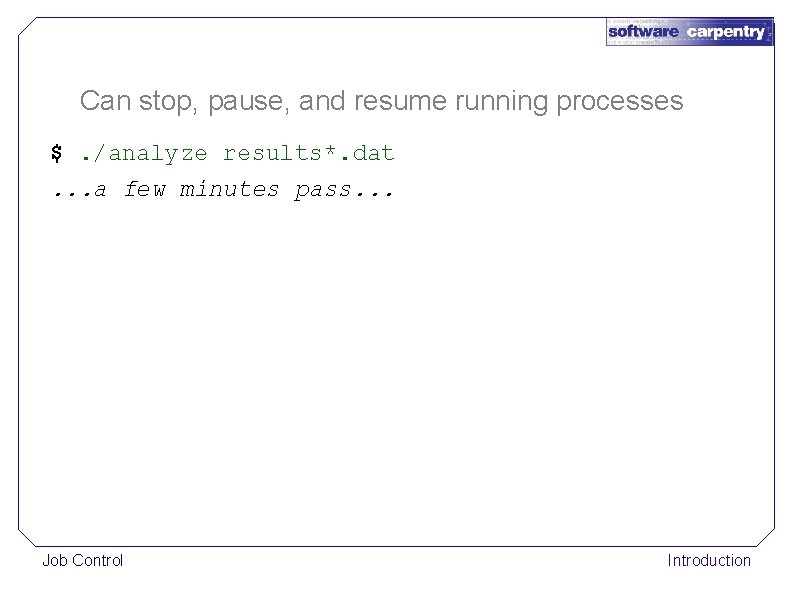
Can stop, pause, and resume running processes $. /analyze results*. dat. . . a few minutes pass. . . Job Control Introduction
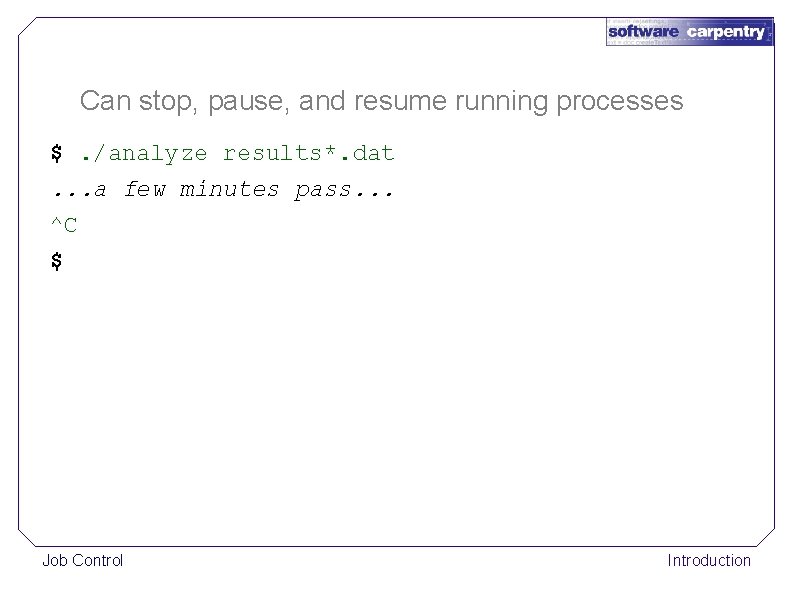
Can stop, pause, and resume running processes $. /analyze results*. dat. . . a few minutes pass. . . ^C $ Job Control Introduction
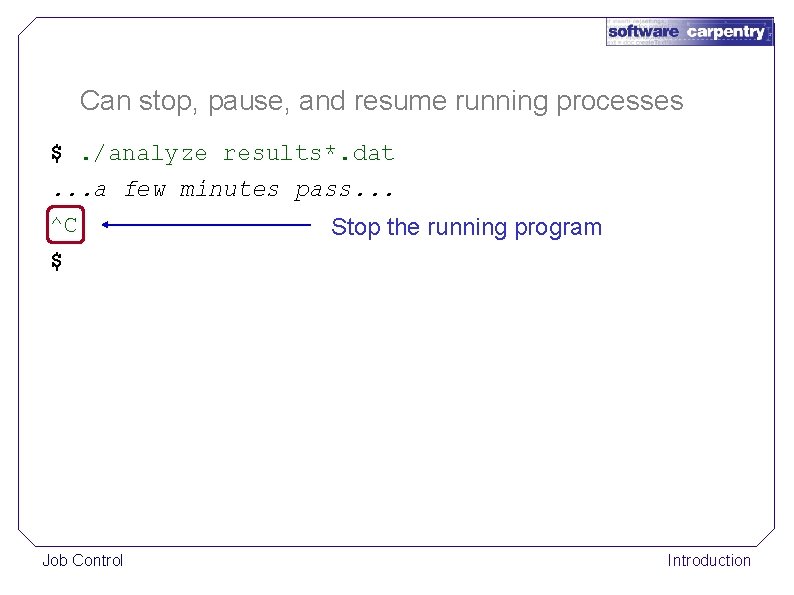
Can stop, pause, and resume running processes $. /analyze results*. dat. . . a few minutes pass. . . ^C $ Job Control Stop the running program Introduction
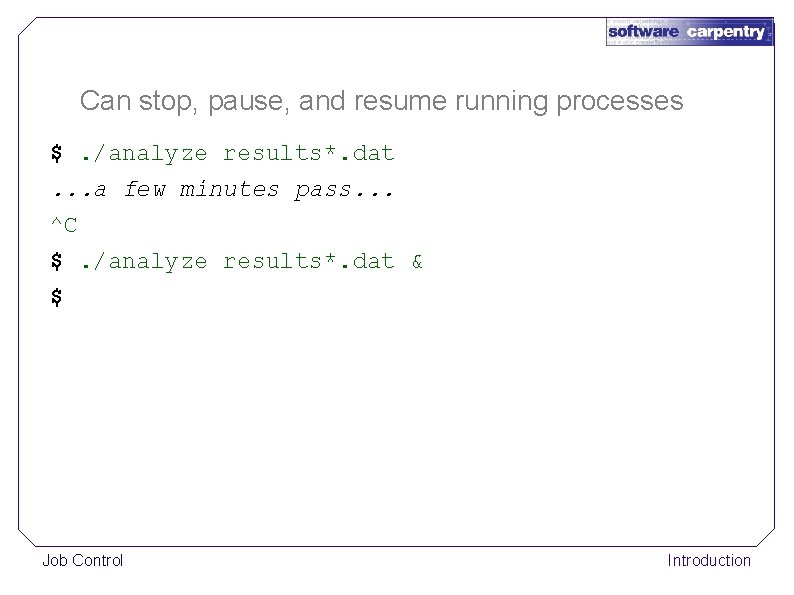
Can stop, pause, and resume running processes $. /analyze results*. dat. . . a few minutes pass. . . ^C $. /analyze results*. dat & $ Job Control Introduction
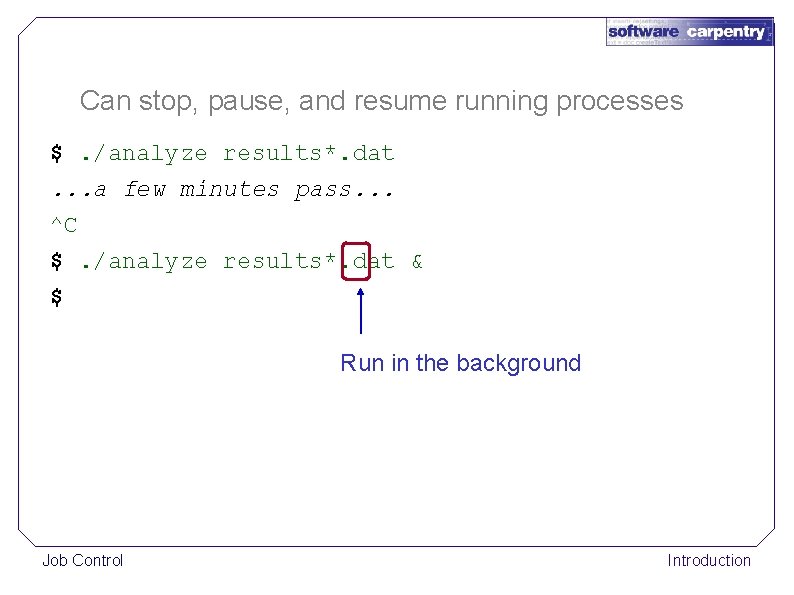
Can stop, pause, and resume running processes $. /analyze results*. dat. . . a few minutes pass. . . ^C $. /analyze results*. dat & $ Run in the background Job Control Introduction
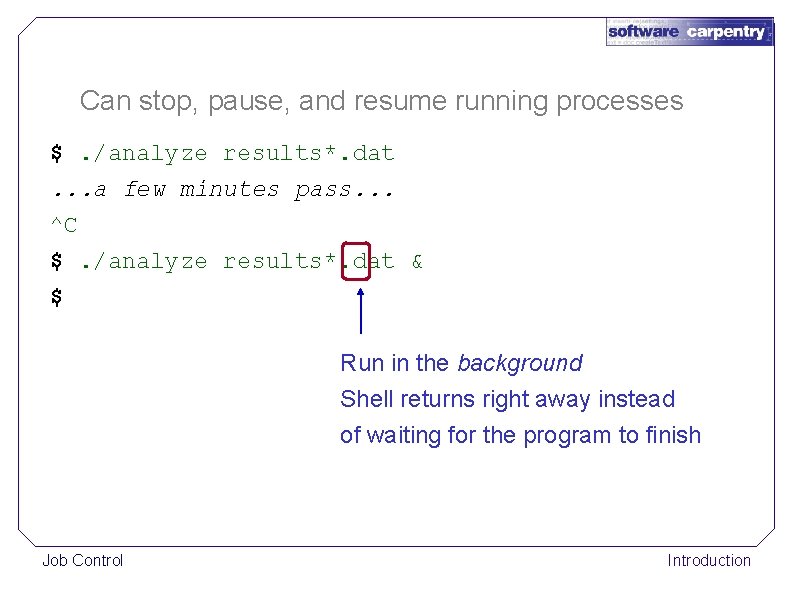
Can stop, pause, and resume running processes $. /analyze results*. dat. . . a few minutes pass. . . ^C $. /analyze results*. dat & $ Run in the background Shell returns right away instead of waiting for the program to finish Job Control Introduction
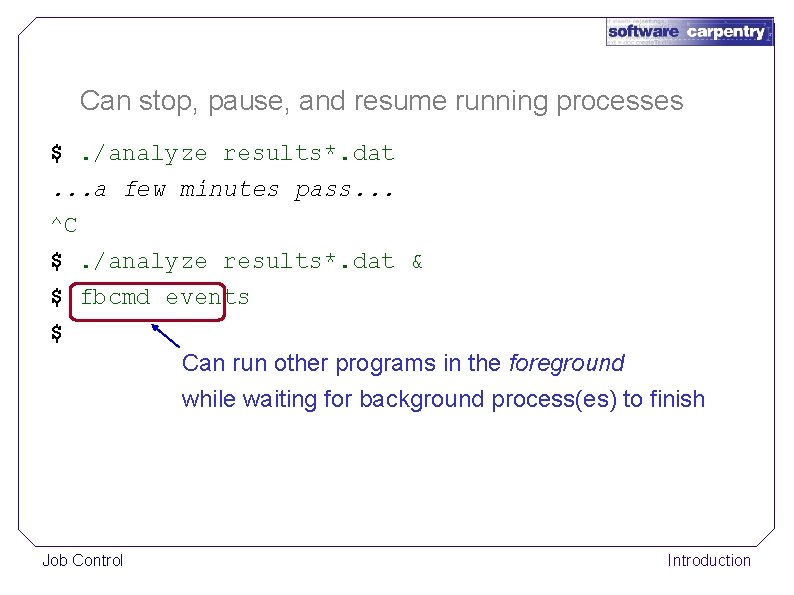
Can stop, pause, and resume running processes $. /analyze results*. dat. . . a few minutes pass. . . ^C $. /analyze results*. dat & $ fbcmd events $ Can run other programs in the foreground while waiting for background process(es) to finish Job Control Introduction
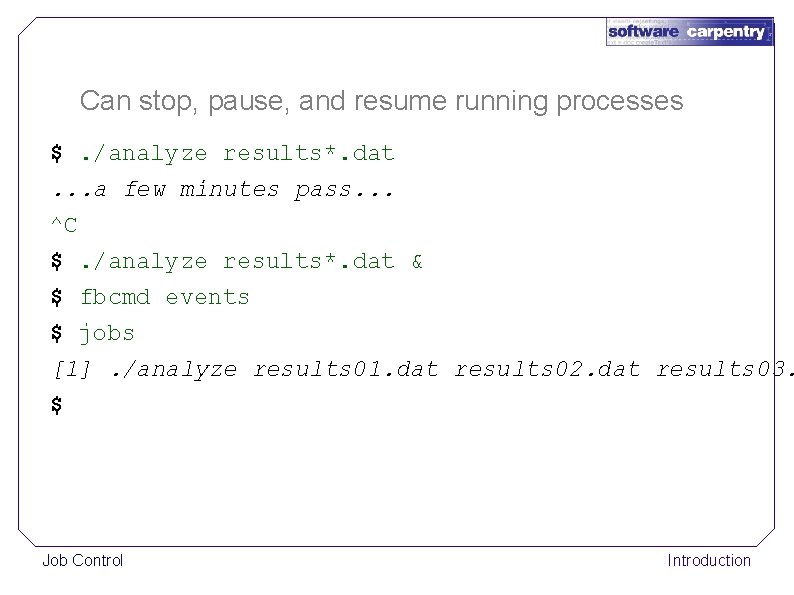
Can stop, pause, and resume running processes $. /analyze results*. dat. . . a few minutes pass. . . ^C $. /analyze results*. dat & $ fbcmd events $ jobs [1]. /analyze results 01. dat results 02. dat results 03. $ Job Control Introduction
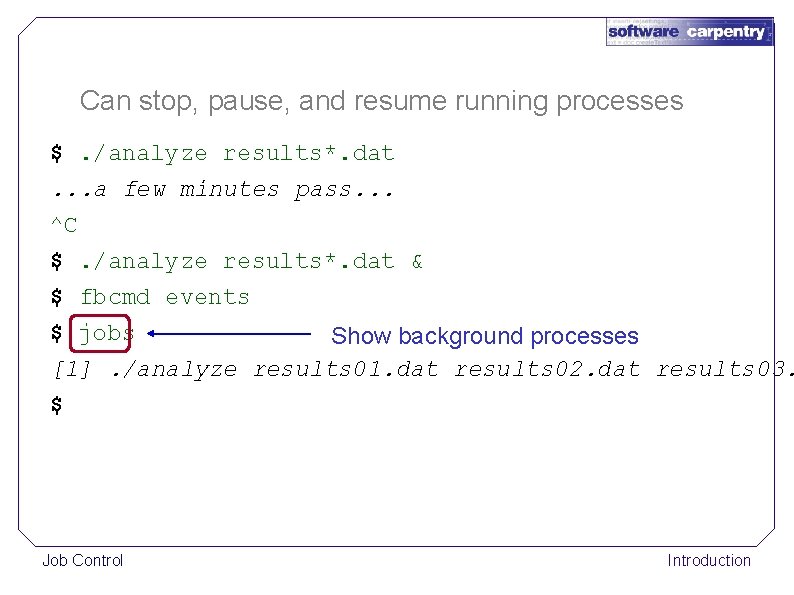
Can stop, pause, and resume running processes $. /analyze results*. dat. . . a few minutes pass. . . ^C $. /analyze results*. dat & $ fbcmd events $ jobs Show background processes [1]. /analyze results 01. dat results 02. dat results 03. $ Job Control Introduction
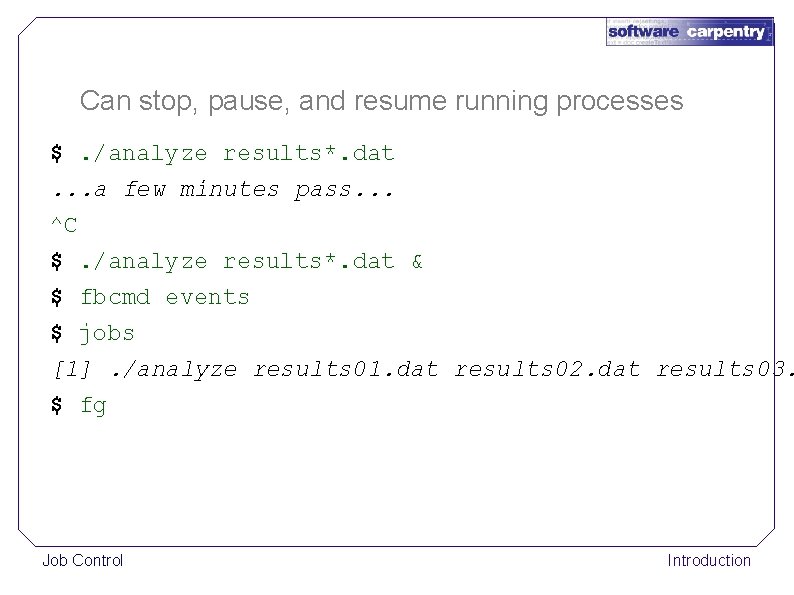
Can stop, pause, and resume running processes $. /analyze results*. dat. . . a few minutes pass. . . ^C $. /analyze results*. dat & $ fbcmd events $ jobs [1]. /analyze results 01. dat results 02. dat results 03. $ fg Job Control Introduction
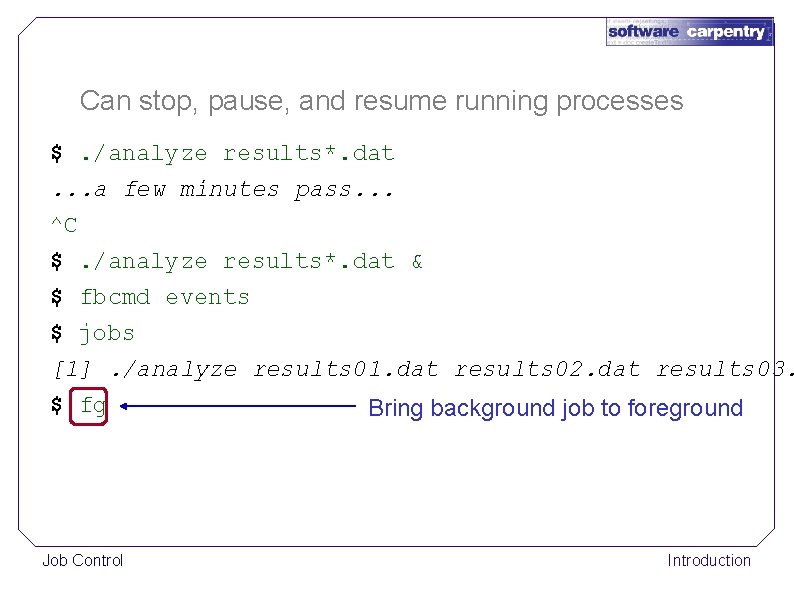
Can stop, pause, and resume running processes $. /analyze results*. dat. . . a few minutes pass. . . ^C $. /analyze results*. dat & $ fbcmd events $ jobs [1]. /analyze results 01. dat results 02. dat results 03. $ fg Job Control Bring background job to foreground Introduction
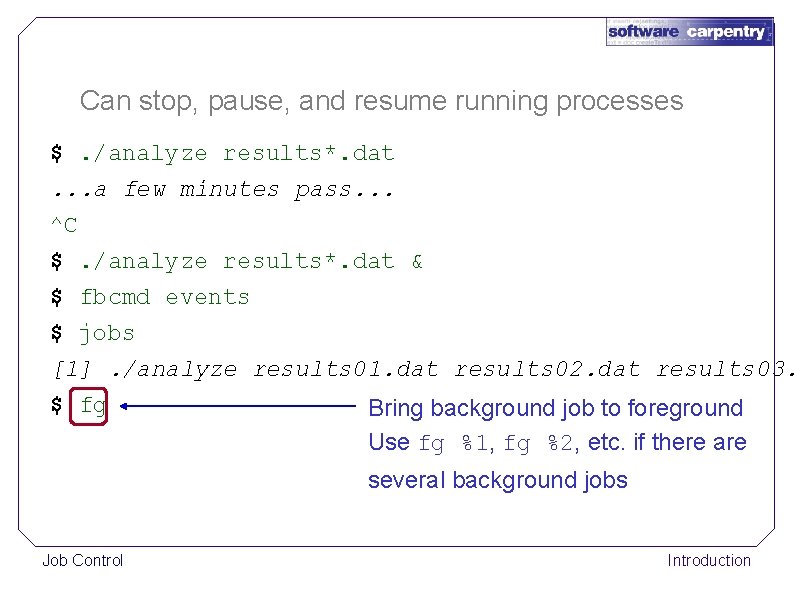
Can stop, pause, and resume running processes $. /analyze results*. dat. . . a few minutes pass. . . ^C $. /analyze results*. dat & $ fbcmd events $ jobs [1]. /analyze results 01. dat results 02. dat results 03. $ fg Bring background job to foreground Use fg %1, fg %2, etc. if there are several background jobs Job Control Introduction
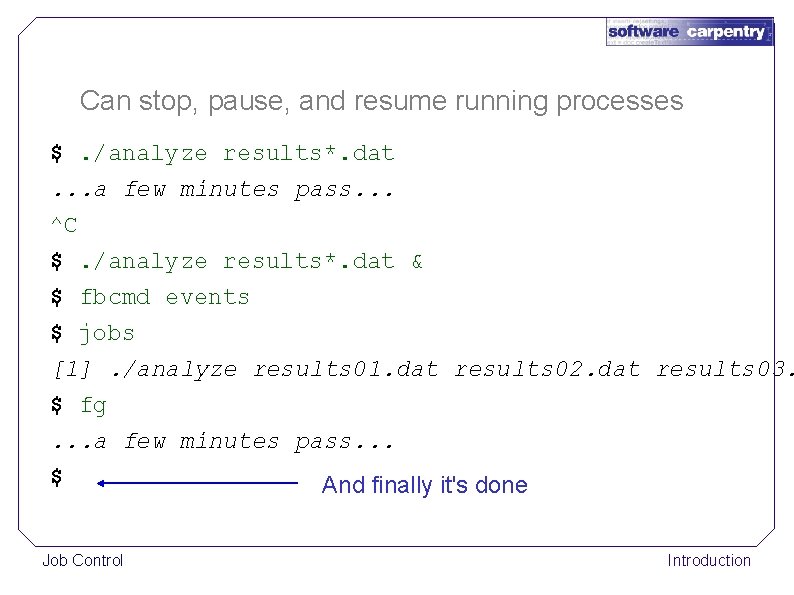
Can stop, pause, and resume running processes $. /analyze results*. dat. . . a few minutes pass. . . ^C $. /analyze results*. dat & $ fbcmd events $ jobs [1]. /analyze results 01. dat results 02. dat results 03. $ fg. . . a few minutes pass. . . $ And finally it's done Job Control Introduction
Use ^Z to pause a program that's already running Job Control Introduction
Use ^Z to pause a program that's already running fg to resume it in the foreground Job Control Introduction
Use ^Z to pause a program that's already running fg to resume it in the foreground Or bg to resume it as a background job Job Control Introduction
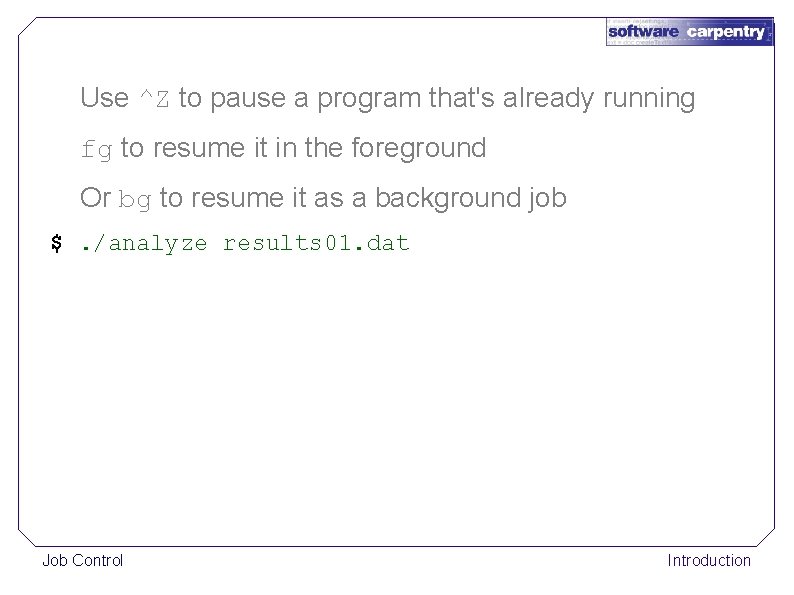
Use ^Z to pause a program that's already running fg to resume it in the foreground Or bg to resume it as a background job $. /analyze results 01. dat Job Control Introduction
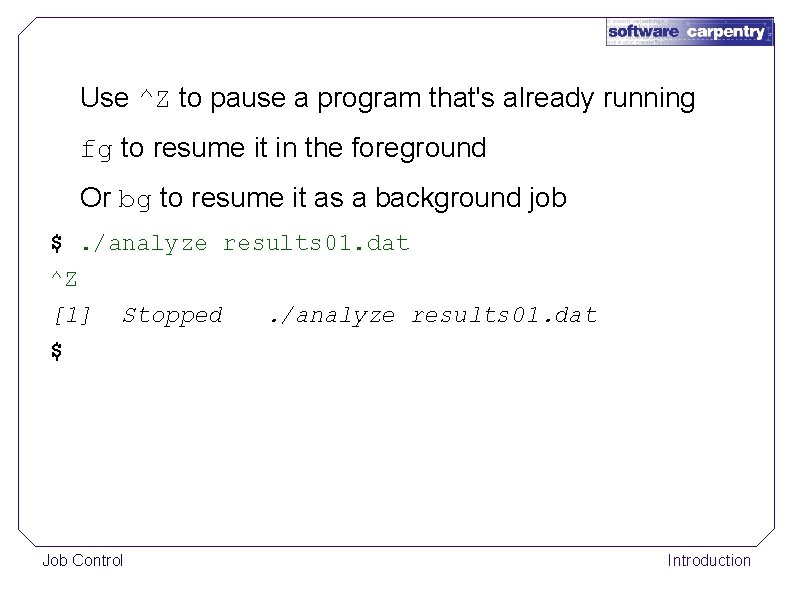
Use ^Z to pause a program that's already running fg to resume it in the foreground Or bg to resume it as a background job $. /analyze results 01. dat ^Z [1] Stopped. /analyze results 01. dat $ Job Control Introduction
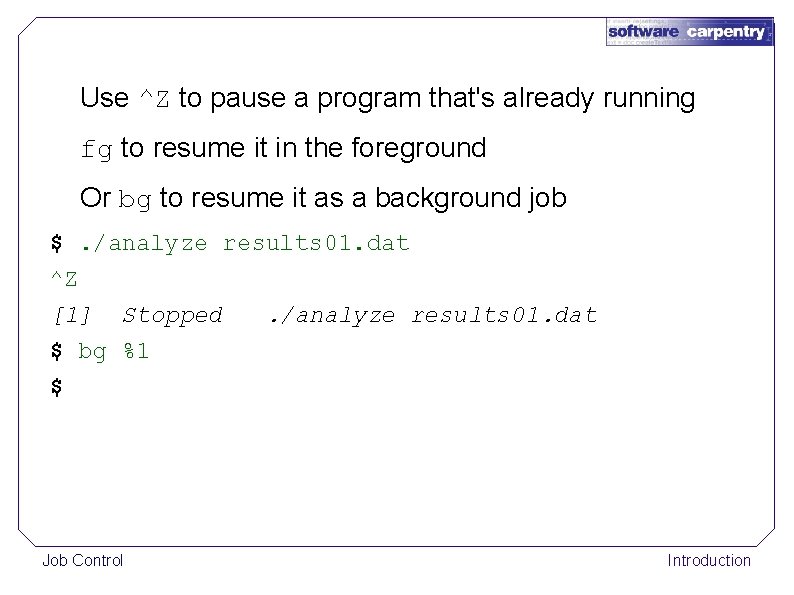
Use ^Z to pause a program that's already running fg to resume it in the foreground Or bg to resume it as a background job $. /analyze results 01. dat ^Z [1] Stopped. /analyze results 01. dat $ bg %1 $ Job Control Introduction
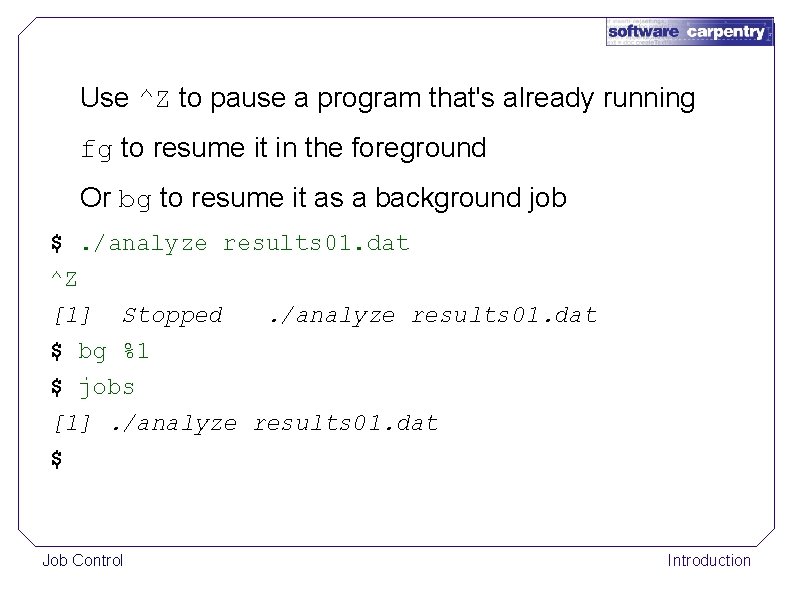
Use ^Z to pause a program that's already running fg to resume it in the foreground Or bg to resume it as a background job $. /analyze results 01. dat ^Z [1] Stopped. /analyze results 01. dat $ bg %1 $ jobs [1]. /analyze results 01. dat $ Job Control Introduction
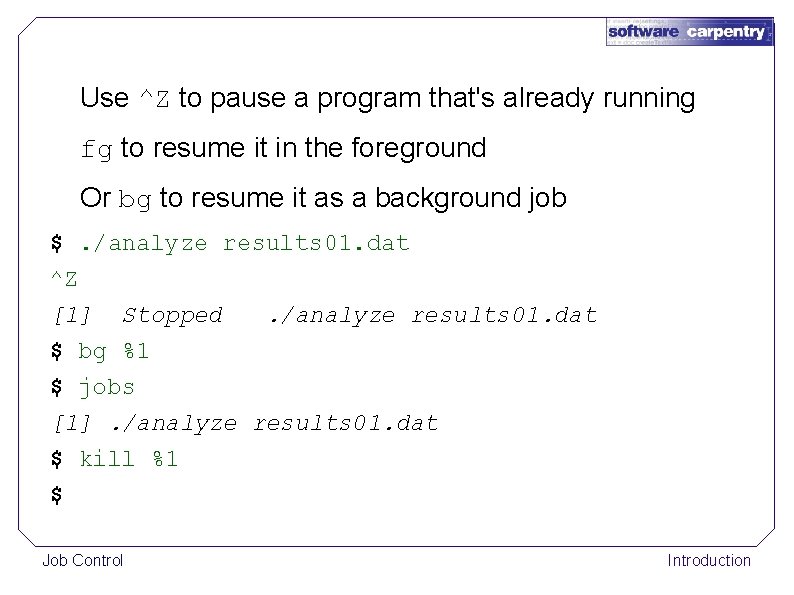
Use ^Z to pause a program that's already running fg to resume it in the foreground Or bg to resume it as a background job $. /analyze results 01. dat ^Z [1] Stopped. /analyze results 01. dat $ bg %1 $ jobs [1]. /analyze results 01. dat $ kill %1 $ Job Control Introduction
Job control mattered a lot when users only had one terminal window Job Control Introduction
Job control mattered a lot when users only had one terminal window Less important now: just open another window Job Control Introduction
Job control mattered a lot when users only had one terminal window Less important now: just open another window Still useful when running programs remotely Job Control Introduction

created by Greg Wilson August 2010 Copyright © Software Carpentry 2010 This work is licensed under the Creative Commons Attribution License See http: //software-carpentry. org/license. html for more information.
- Slides: 48