
The Top Four User Requested Grid Features Delivered






- Slides: 31
The Top Four User Requested Grid Features Delivered With SAS Grid Manager 9. 4 Doug Haigh SAS Institute
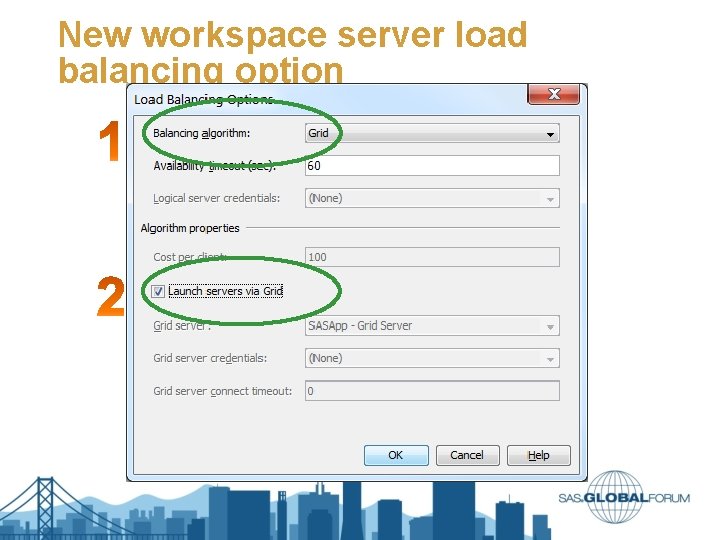
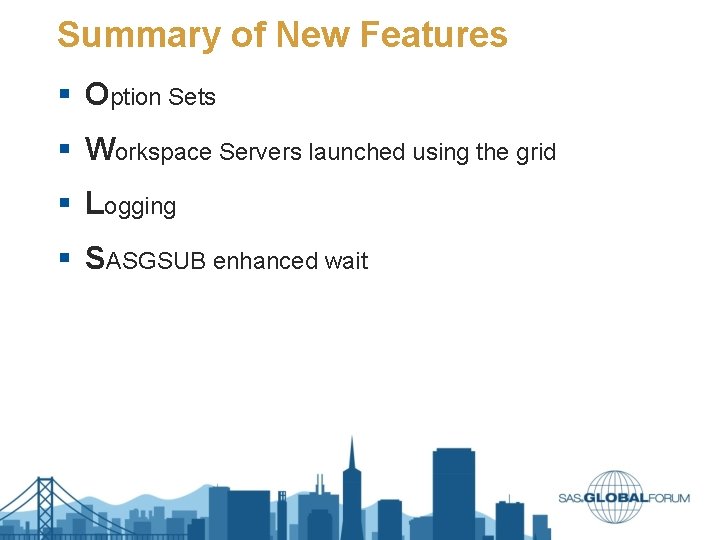
Summary of New Features § Option Sets § Workspace Servers launched using the grid § Logging § SASGSUB enhanced wait
Grid Options Sets
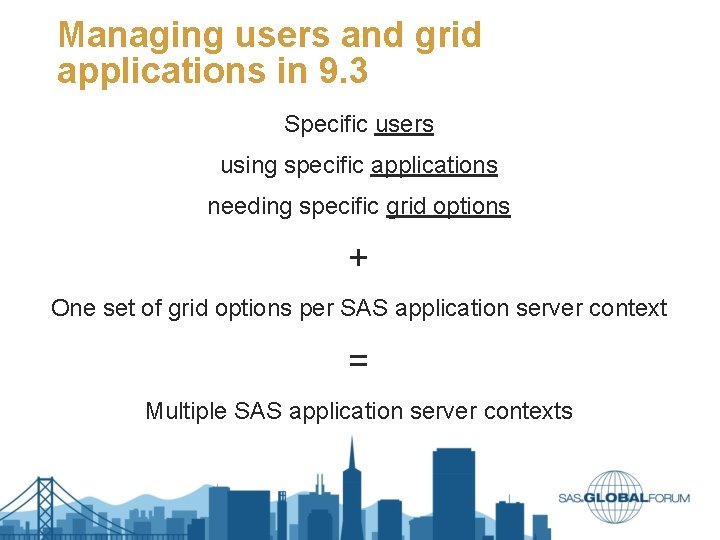
Managing users and grid applications in 9. 3 Specific users using specific applications needing specific grid options + One set of grid options per SAS application server context = Multiple SAS application server contexts
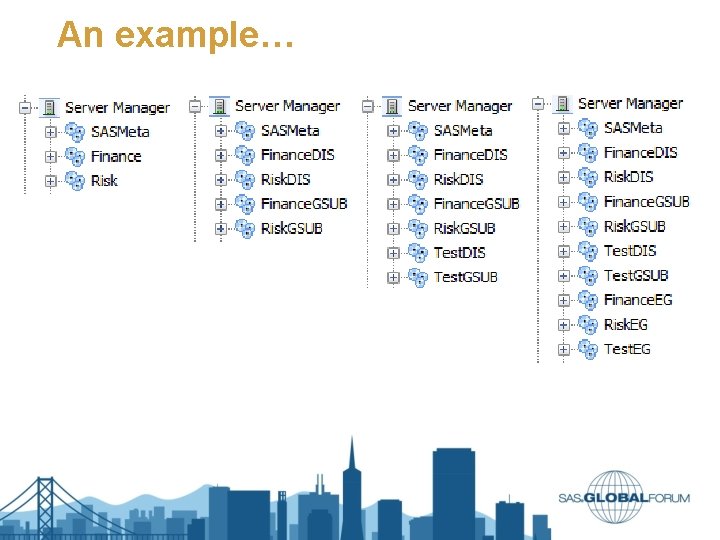
An example…
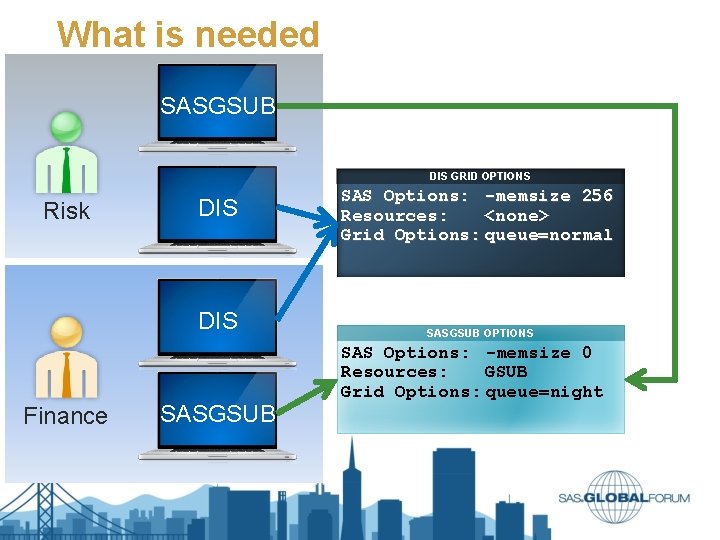
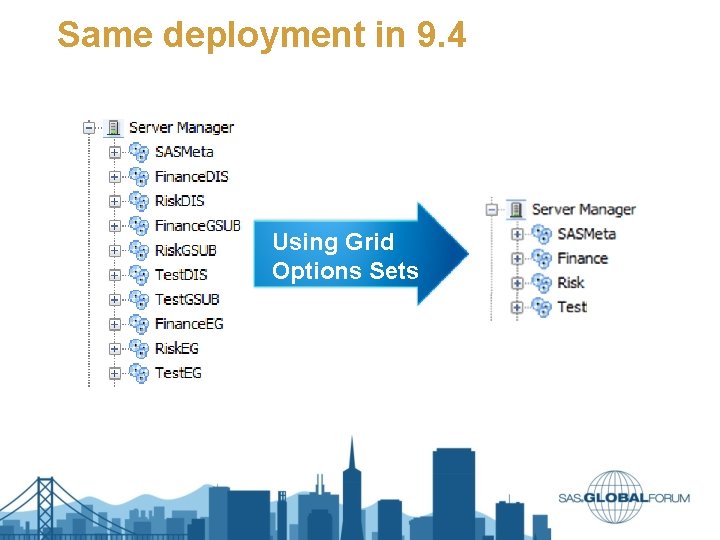
What is needed SASGSUB DIS GRID OPTIONS Risk DIS Finance SASGSUB SAS Options: -memsize 256 Resources: <none> Grid Options: queue=normal SASGSUB OPTIONS SAS Options: -memsize 0 Resources: GSUB Grid Options: queue=night
Same deployment in 9. 4 Using Grid Options Sets
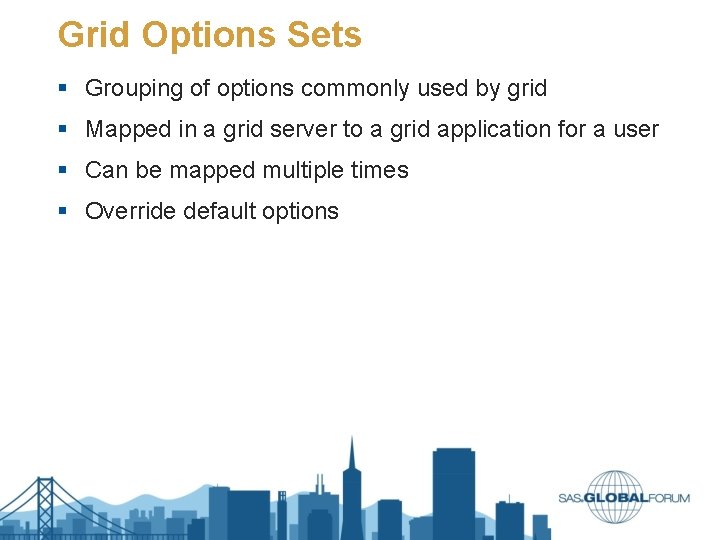
Grid Options Sets § Grouping of options commonly used by grid § Mapped in a grid server to a grid application for a user § Can be mapped multiple times § Override default options
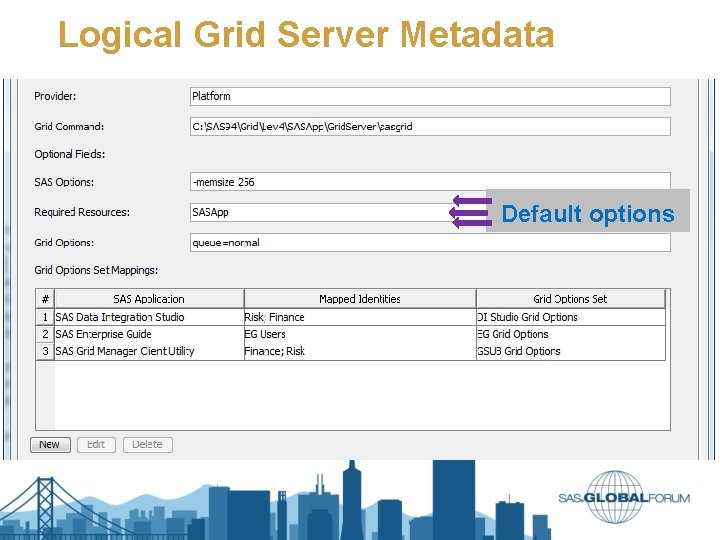
Logical Grid Server Metadata Default options
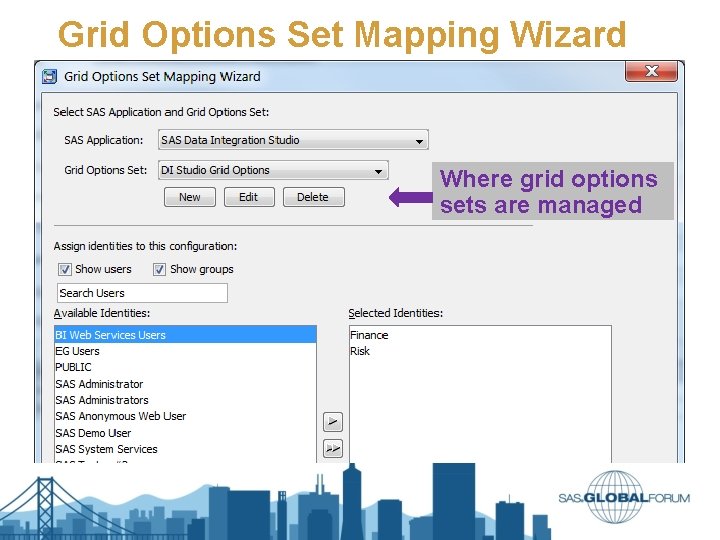
Grid Options Set Mapping Wizard Where grid options sets are managed
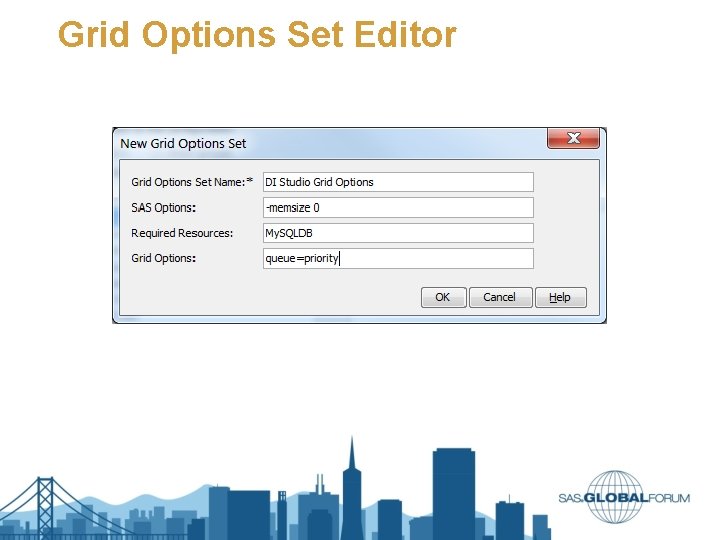
Grid Options Set Editor
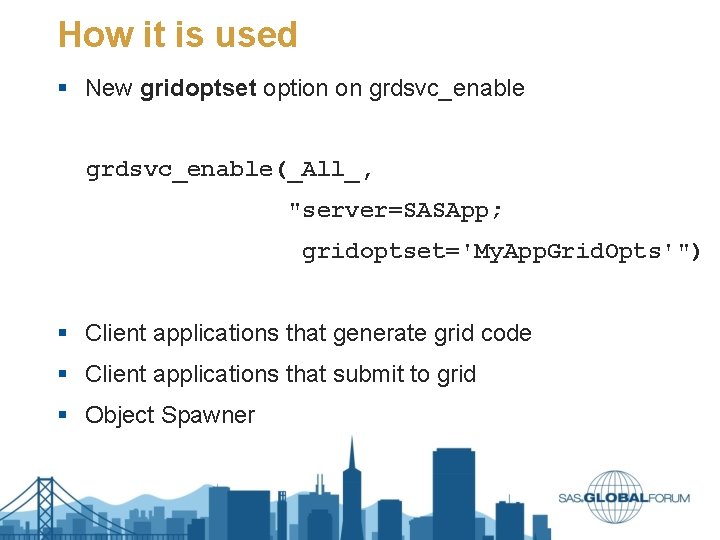
How it is used § New gridoptset option on grdsvc_enable(_All_, "server=SASApp; gridoptset='My. App. Grid. Opts'") § Client applications that generate grid code § Client applications that submit to grid § Object Spawner
Grid-launched Workspace Servers
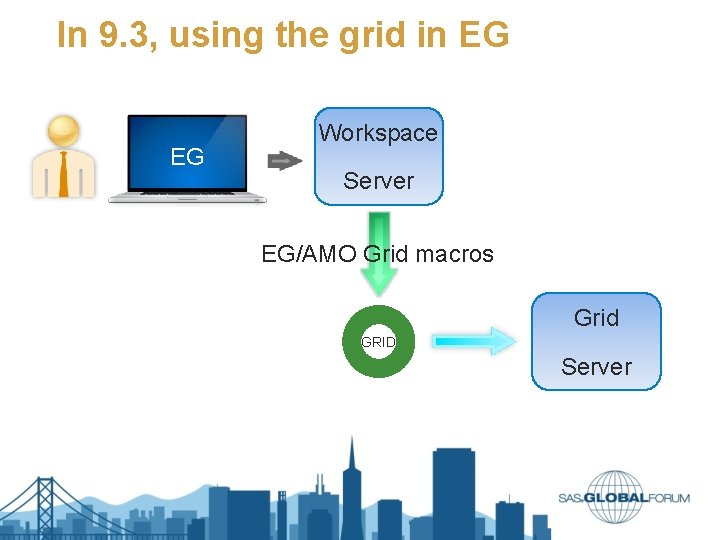
In 9. 3, using the grid in EG EG Workspace Server EG/AMO Grid macros Grid GRID Server
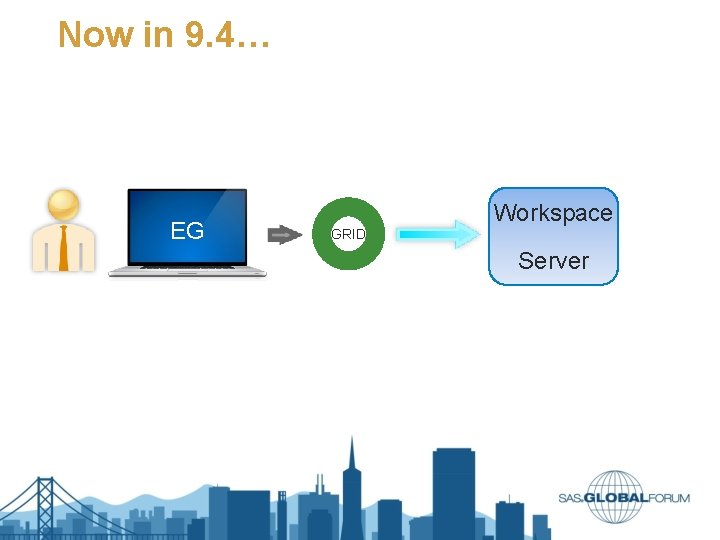
Now in 9. 4… EG Workspace GRID Server
New workspace server load balancing option
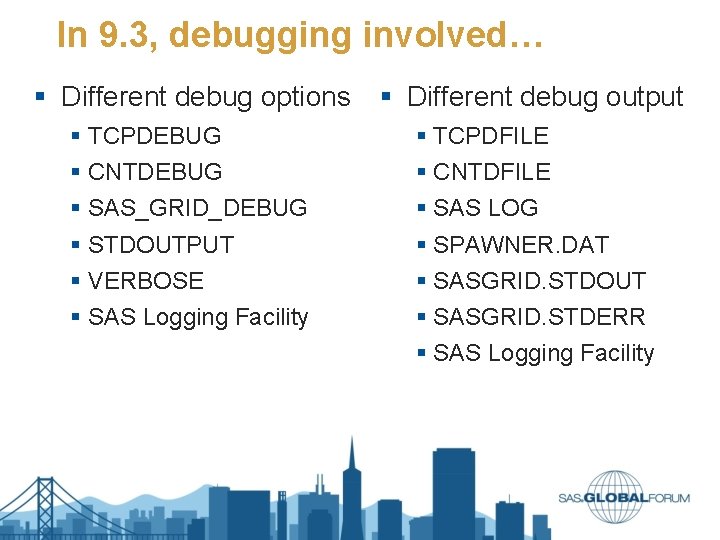
Logging Enhancements
In 9. 3, debugging involved… § Different debug options § Different debug output § TCPDEBUG § CNTDEBUG § SAS_GRID_DEBUG § STDOUTPUT § VERBOSE § SAS Logging Facility § TCPDFILE § CNTDFILE § SAS LOG § SPAWNER. DAT § SASGRID. STDOUT § SASGRID. STDERR § SAS Logging Facility
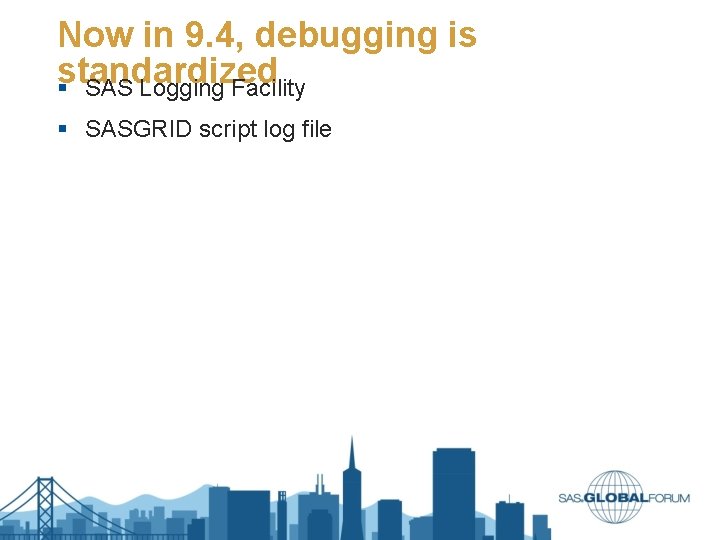
Now in 9. 4, debugging is standardized § SAS Logging Facility § SASGRID script log file
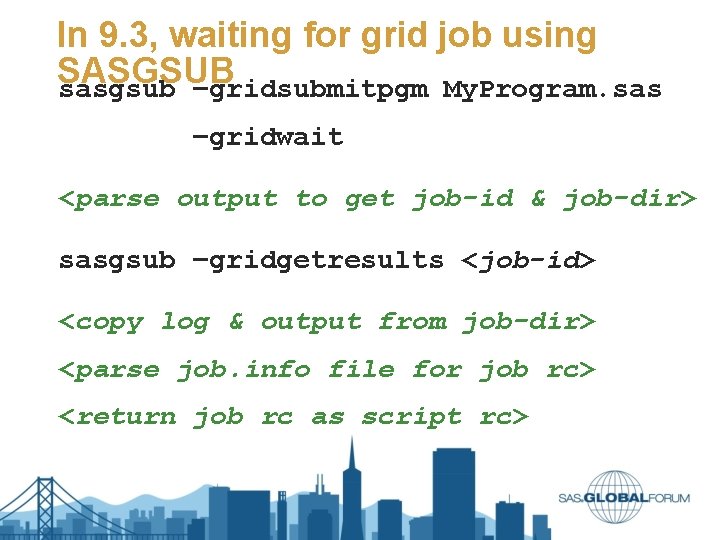
SASGSUB Wait Enhancements
In 9. 3, waiting for grid job using SASGSUB sasgsub –gridsubmitpgm My. Program. sas –gridwait <parse output to get job-id & job-dir> sasgsub –gridgetresults <job-id> <copy log & output from job-dir> <parse job. info file for job rc> <return job rc as script rc>
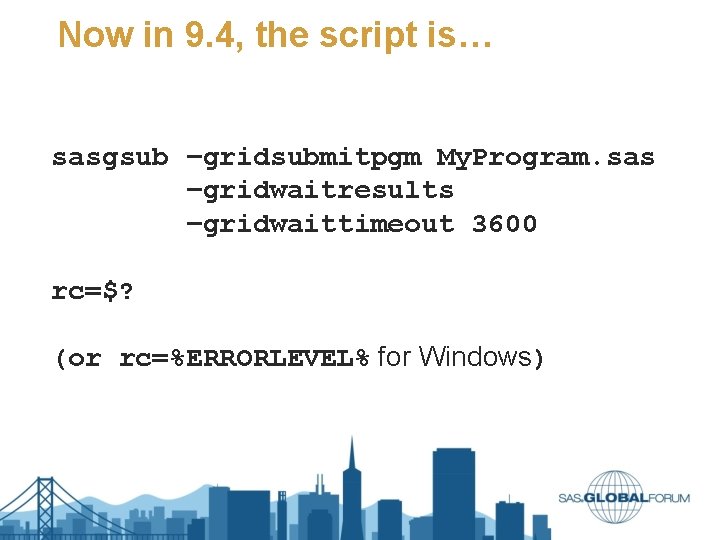
Now in 9. 4, the script is… sasgsub –gridsubmitpgm My. Program. sas –gridwaitresults –gridwaittimeout 3600 rc=$? (or rc=%ERRORLEVEL% for Windows)
Summary of New Features § Option Sets § Workspace Servers launched using the grid § Logging § SASGSUB enhanced wait
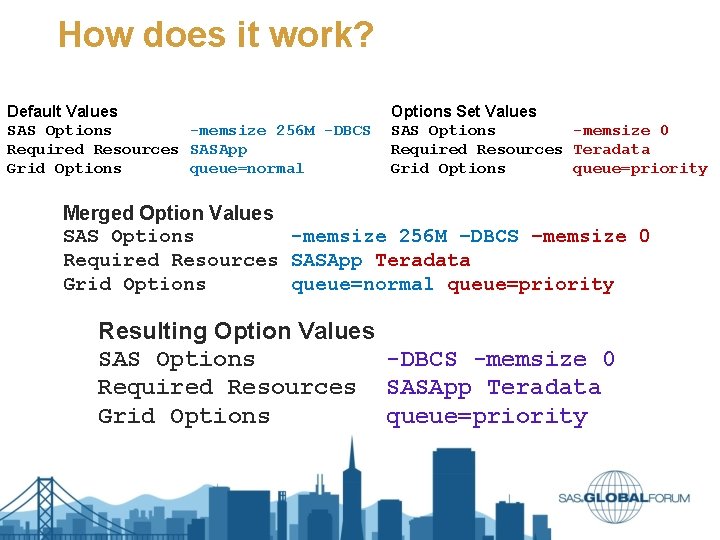
How does it work? Default Values SAS Options -memsize 256 M -DBCS Required Resources SASApp Grid Options queue=normal Options Set Values SAS Options -memsize 0 Required Resources Teradata Grid Options queue=priority Merged Option Values SAS Options -memsize 256 M –DBCS –memsize 0 Required Resources SASApp Teradata Grid Options queue=normal queue=priority Resulting Option Values SAS Options -DBCS -memsize 0 Required Resources SASApp Teradata Grid Options queue=priority
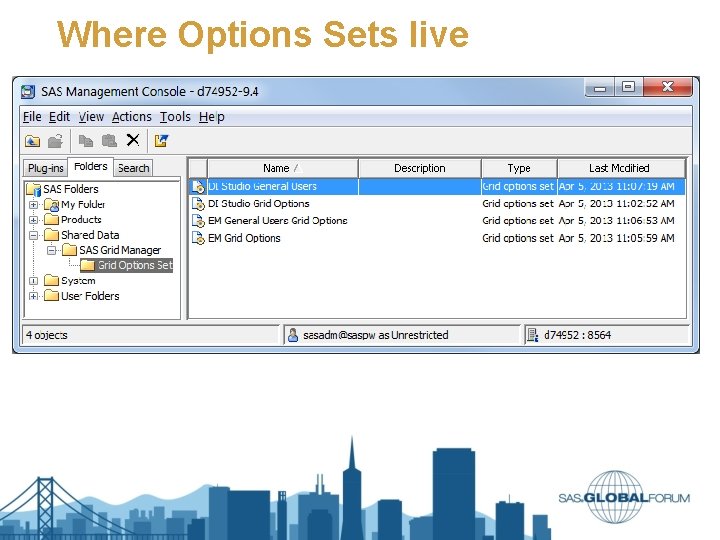
Where Options Sets live
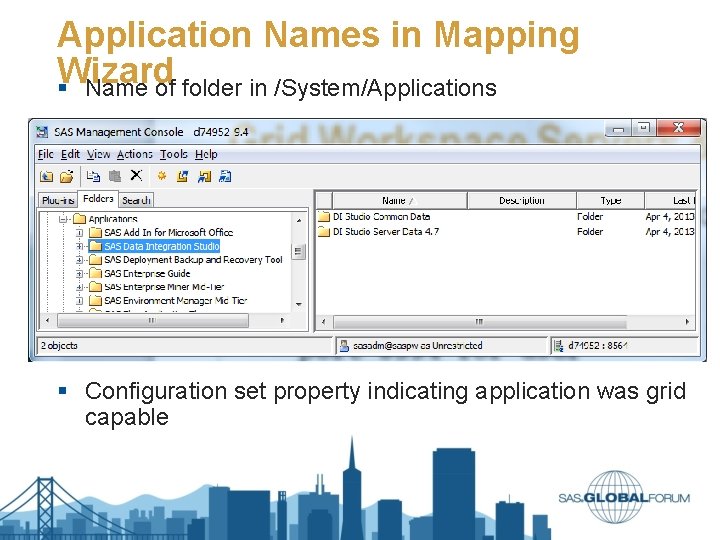
Application Names in Mapping Wizard § Name of folder in /System/Applications § Configuration set property indicating application was grid capable
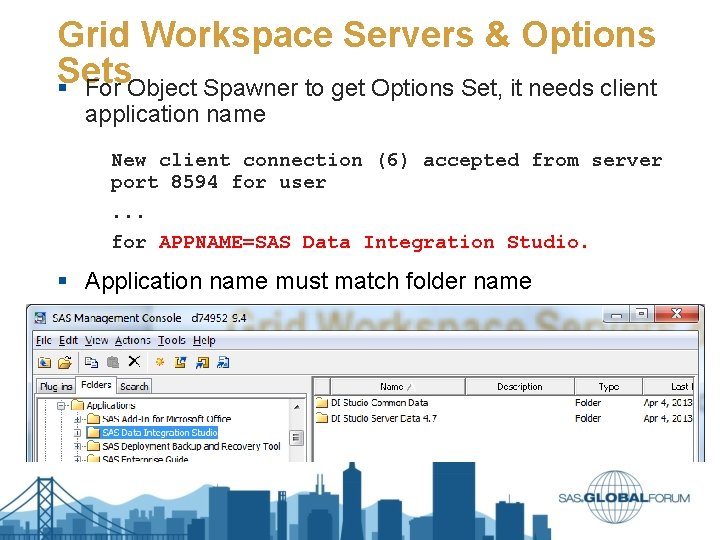
Grid Workspace Servers & Options Sets § For Object Spawner to get Options Set, it needs client application name New client connection (6) accepted from server port 8594 for user. . . for APPNAME=SAS Data Integration Studio. § Application name must match folder name
What about Old Applications? § Create a folder under /System/Applications § Set is. Grid. Capable keyword § If name is different, set name on is. Grid. Capable keyword § § is. Grid. Capable: SAS Enterprise Miner Mid-Tier is. Grid. Capable: *SAS Enterprise Miner is. Grid. Capable: SAS Enterprise Miner* is. Grid. Capable: *SAS Enterprise Miner*
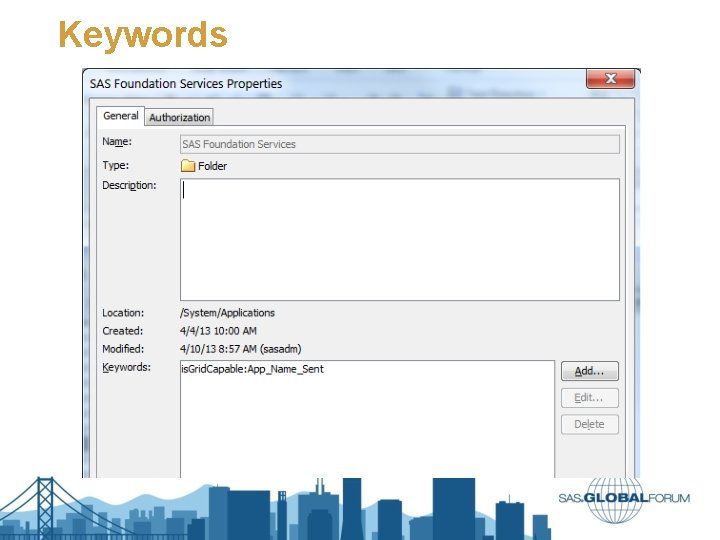
Keywords
Helping the match-making process § Make sure application sends APPNAME to spawner § Make sure APPNAME matches § Folder name § is. Grid. Capable pattern § Make sure a mapping exists for app server and user