
The switch Statement Decimal Format and Introduction to
- Slides: 23
The switch Statement, Decimal. Format, and Introduction to Looping CS 0007: Introduction to Computer Programming
Review �You can test a series of condition with the… �if-else if statement �Nesting is… �enclosing one structure inside of another. �Binary logical operators combine… �two boolean expressions into one. �Binary logical operators: �&& �|| �Unary logical operator: �!
Review � What does the == operator compare when the operands are strings? �Their references � What should you use instead of logical operators when comparing strings? �equals �compare. To � A variable has block-level scope if… �It is declared inside of a block � A variable that is declared inside of a block has scope beginning at… �It’s declaration � A variable that is declared inside of a block has scope ending at… �The end of the block in which it was declared
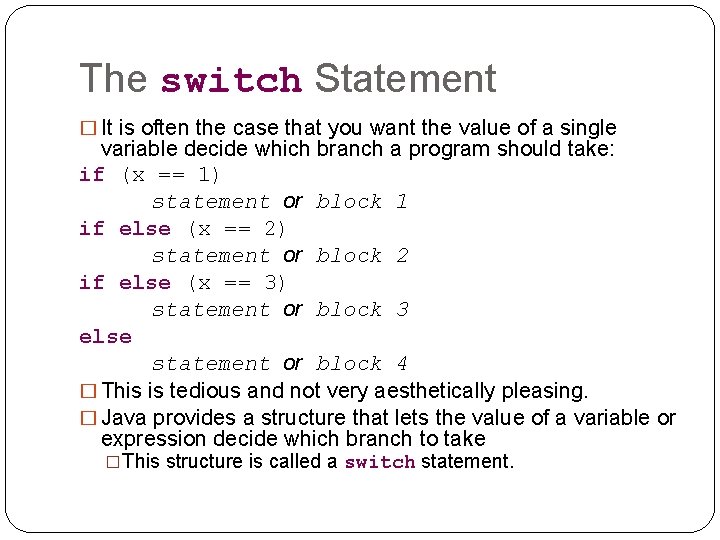
The switch Statement � It is often the case that you want the value of a single variable decide which branch a program should take: if (x == 1) statement or block 1 if else (x == 2) statement or block 2 if else (x == 3) statement or block 3 else statement or block 4 � This is tedious and not very aesthetically pleasing. � Java provides a structure that lets the value of a variable or expression decide which branch to take �This structure is called a switch statement.
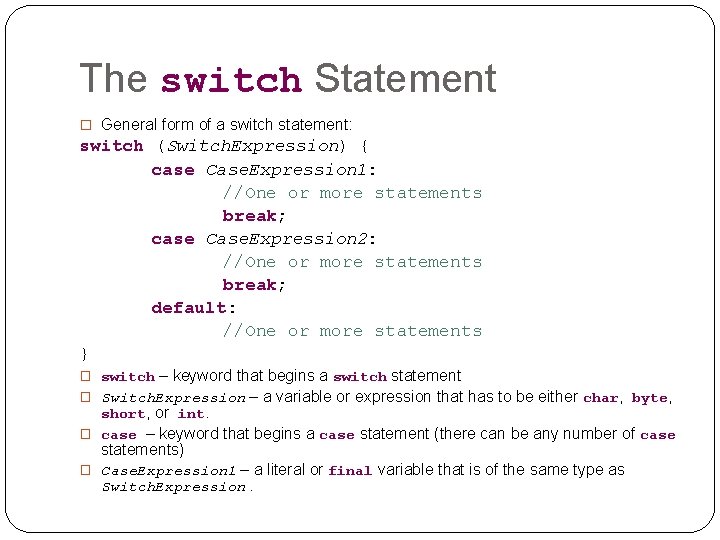
The switch Statement � General form of a switch statement: switch (Switch. Expression) { case Case. Expression 1: //One or more statements break; case Case. Expression 2: //One or more statements break; default: //One or more statements } – keyword that begins a switch statement � Switch. Expression – a variable or expression that has to be either char, byte, short, or int. � case – keyword that begins a case statement (there can be any number of case statements) � Case. Expression 1 – a literal or final variable that is of the same type as Switch. Expression. � switch
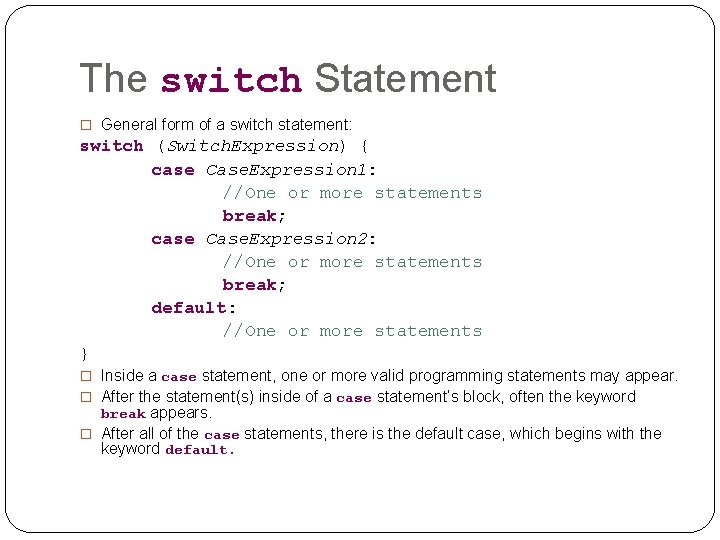
The switch Statement � General form of a switch statement: switch (Switch. Expression) { case Case. Expression 1: //One or more statements break; case Case. Expression 2: //One or more statements break; default: //One or more statements } � Inside a case statement, one or more valid programming statements may appear. � After the statement(s) inside of a case statement’s block, often the keyword break appears. � After all of the case statements, there is the default case, which begins with the keyword default.
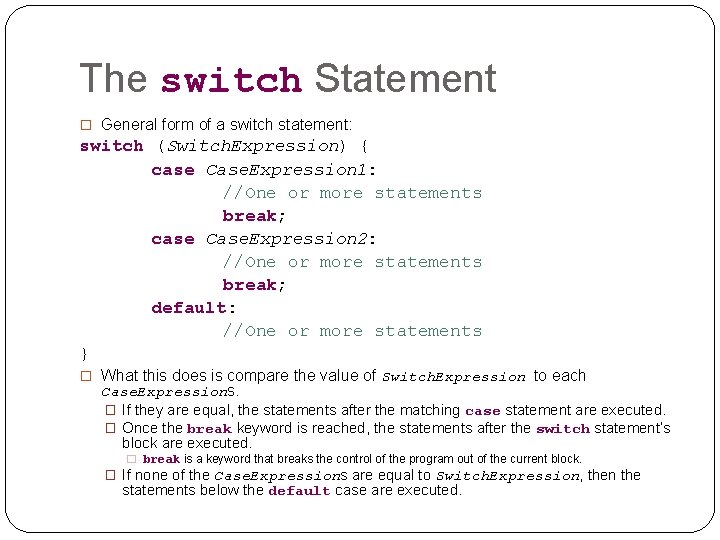
The switch Statement � General form of a switch statement: switch (Switch. Expression) { case Case. Expression 1: //One or more statements break; case Case. Expression 2: //One or more statements break; default: //One or more statements } � What this does is compare the value of Switch. Expression to each Case. Expressions. � If they are equal, the statements after the matching case statement are executed. � Once the break keyword is reached, the statements after the switch statement’s block are executed. � break is a keyword that breaks the control of the program out of the current block. � If none of the Case. Expressions are equal to Switch. Expression, then the statements below the default case are executed.
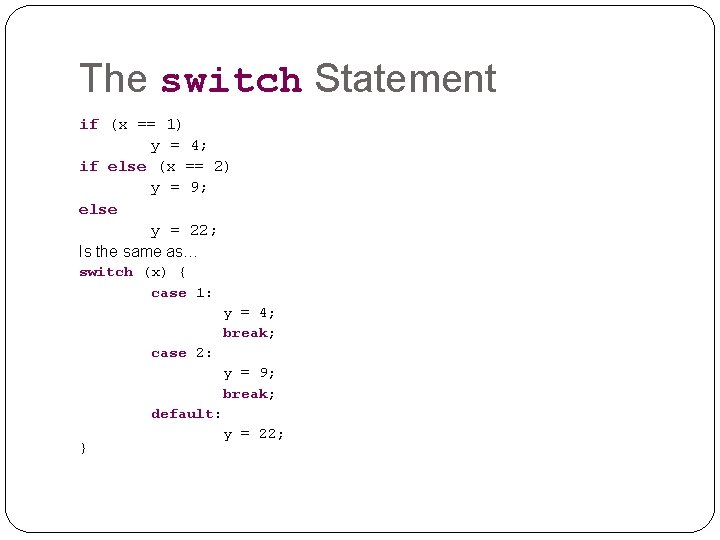
The switch Statement if (x == 1) y = 4; if else (x == 2) y = 9; else y = 22; Is the same as… switch (x) { case 1: y = 4; break; case 2: } y = 9; break; default: y = 22;
switch Statement Example �New Topics: �The switch Statement
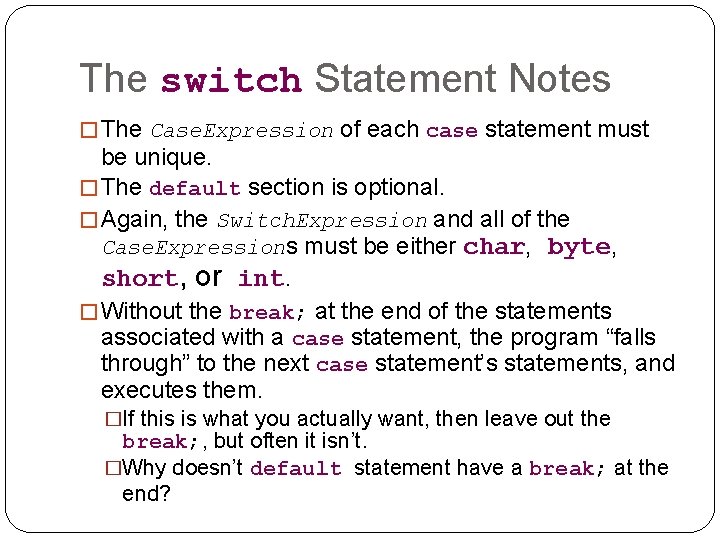
The switch Statement Notes � The Case. Expression of each case statement must be unique. � The default section is optional. � Again, the Switch. Expression and all of the Case. Expressions must be either char, byte, short, or int. � Without the break; at the end of the statements associated with a case statement, the program “falls through” to the next case statement’s statements, and executes them. �If this is what you actually want, then leave out the break; , but often it isn’t. �Why doesn’t default statement have a break; at the end?
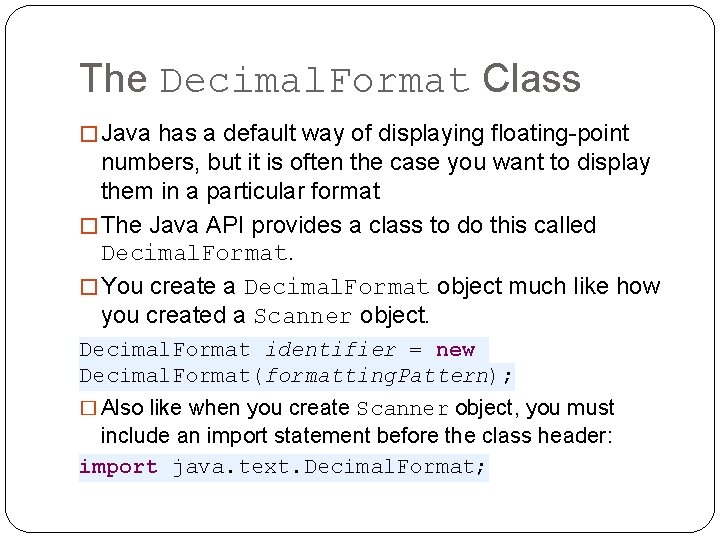
The Decimal. Format Class � Java has a default way of displaying floating-point numbers, but it is often the case you want to display them in a particular format � The Java API provides a class to do this called Decimal. Format. � You create a Decimal. Format object much like how you created a Scanner object. Decimal. Format identifier = new Decimal. Format(formatting. Pattern); � Also like when you create Scanner object, you must include an import statement before the class header: import java. text. Decimal. Format;
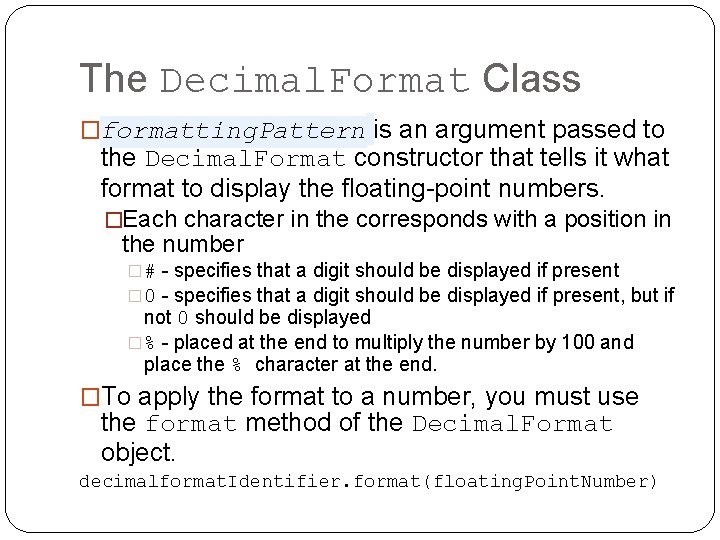
The Decimal. Format Class �formatting. Pattern is an argument passed to the Decimal. Format constructor that tells it what format to display the floating-point numbers. �Each character in the corresponds with a position in the number �# - specifies that a digit should be displayed if present � 0 - specifies that a digit should be displayed if present, but if not 0 should be displayed �% - placed at the end to multiply the number by 100 and place the % character at the end. �To apply the format to a number, you must use the format method of the Decimal. Format object. decimalformat. Identifier. format(floating. Point. Number)
Decimal. Format Example �New Topics: �Decimal. Format class
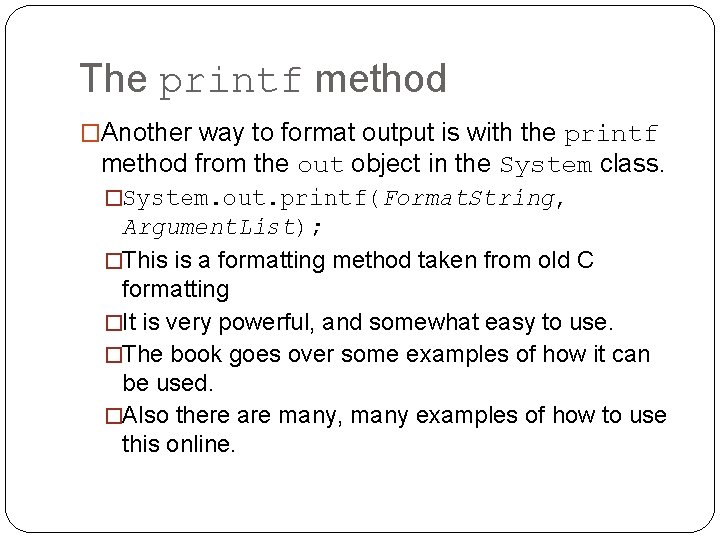
The printf method �Another way to format output is with the printf method from the out object in the System class. �System. out. printf(Format. String, Argument. List); �This is a formatting method taken from old C formatting �It is very powerful, and somewhat easy to use. �The book goes over some examples of how it can be used. �Also there are many, many examples of how to use this online.
Loops � So far we have used decision structures to determine which statements are executed and which are not depending on a condition. � We used this for: � Validation � General control flow � More specifically, we’ve used decision structures to execute statements that follow the condition one or zero times. � What if we want the user to keep trying to put in valid input until she succeeds? � How would we do this with decision structures? � Can we? � Answer: No � Solution: Loops � A loop is a control structure that causes a statement or group of statements to repeat. � We will discuss three (possibly four) looping control structures. � They differ in how they control the repitition.
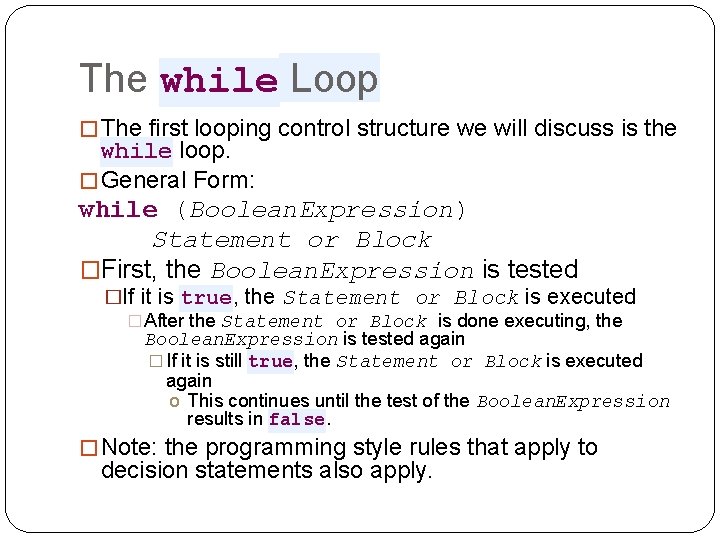
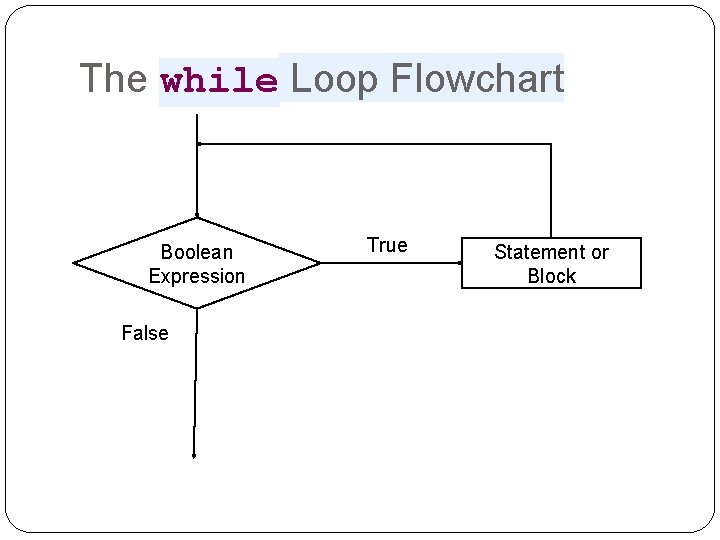
The while Loop � The first looping control structure we will discuss is the while loop. � General Form: while (Boolean. Expression) Statement or Block �First, the Boolean. Expression is tested �If it is true, the Statement or Block is executed � After the Statement or Block is done executing, the Boolean. Expression is tested again � If it is still true, the Statement or Block is executed again o This continues until the test of the Boolean. Expression results in false. � Note: the programming style rules that apply to decision statements also apply.
The while Loop Flowchart Boolean Expression False True Statement or Block
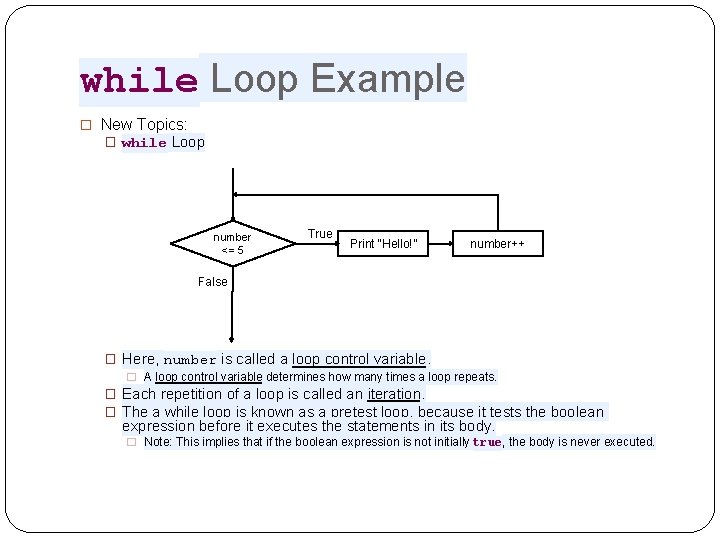
while Loop Example � New Topics: � while Loop number <= 5 True Print “Hello!” number++ False � Here, number is called a loop control variable. � A loop control variable determines how many times a loop repeats. � Each repetition of a loop is called an iteration. � The a while loop is known as a pretest loop, because it tests the boolean expression before it executes the statements in its body. � Note: This implies that if the boolean expression is not initially true, the body is never executed.
Infinite Loops �In all but rare cases, loops must contain a way to terminate within themselves. �In the previous example number was incremented so that eventually number <= 5 would be false. �If a loop does not have a way of terminating it’s iteration, it is said to be an infinite loop, because it will iterate indefinitely. �This is a bad logic error! �. . . often, but always in this class �If we removed number++ from the previous example, it would be an infinite loop. �Can also be created by putting a semicolon after the loop header or not using brackets properly.
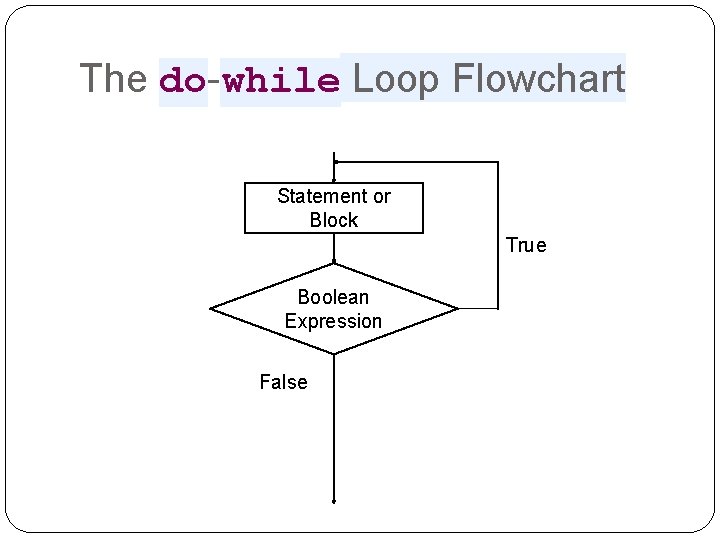
The do-while Loop � while loops are considered pretest, but Java also provides a posttest loop called the do-while loop: do Statement or Block while (Boolean. Expression); � Here, the Statement or Block is executed first � Next, the Boolean. Expression is tested � If true, the Statement or Block is executed � Then the Boolean. Expression is tested � This continues until the Boolean. Expression is false. � Again, this is a posttest loop, meaning the Boolean. Expression is tested at the end. �Note that this means the Statement or Block will ALWAYS be executed at least once. � Also not the semicolon at the end of the last line.
The do-while Loop Flowchart Statement or Block True Boolean Expression False
do-while Loop Example �New Topic: �do-while Loop