
The Sweet Spot for Spatial Analysis Using Online







- Slides: 25
The Sweet Spot for Spatial Analysis: Using Online Content Charlie Frye, Caitlin Scopel, Michael Dangermond, ESRI
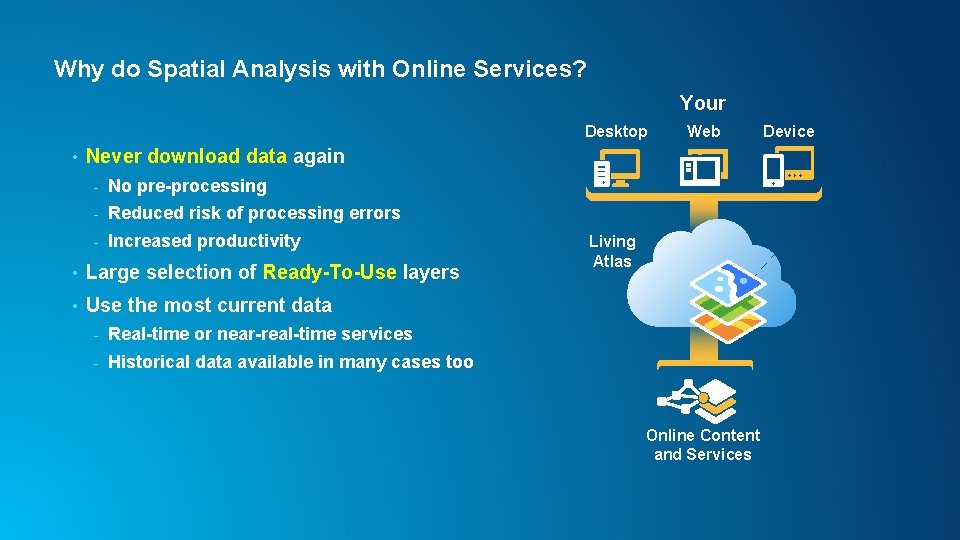
Why do Spatial Analysis with Online Services? Your Desktop • Web Never download data again - No pre-processing - Reduced risk of processing errors - Increased productivity • Large selection of Ready-To-Use layers • Use the most current data - Real-time or near-real-time services - Historical data available in many cases too Living Atlas Online Content and Services Device
What You Will Learn • Types of online content • The Living Atlas. What’s there, why it’s different from Arc. GIS Online Content • How to perform analysis with online content
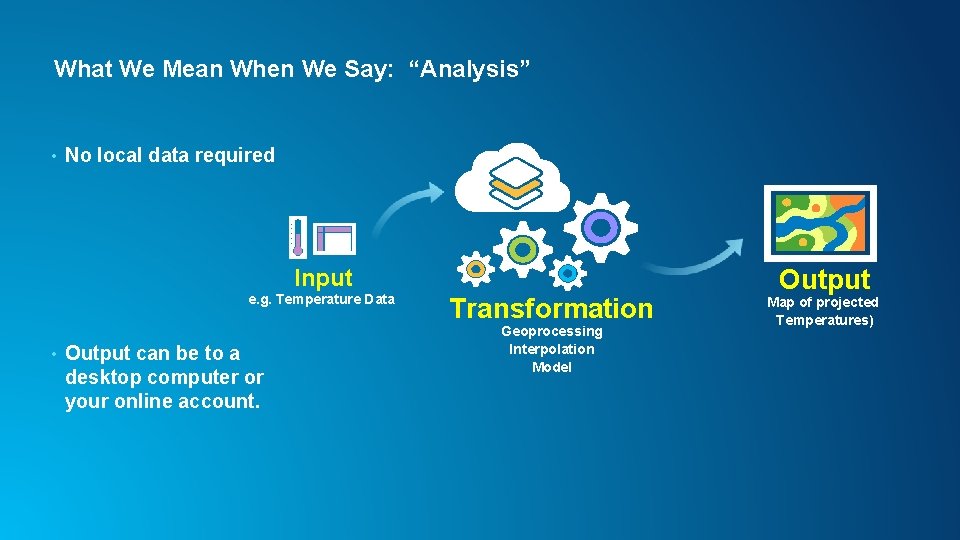
What We Mean When We Say: “Analysis” • No local data required Input e. g. Temperature Data • Output can be to a desktop computer or your online account. Transformation Geoprocessing Interpolation Model Output Map of projected Temperatures)
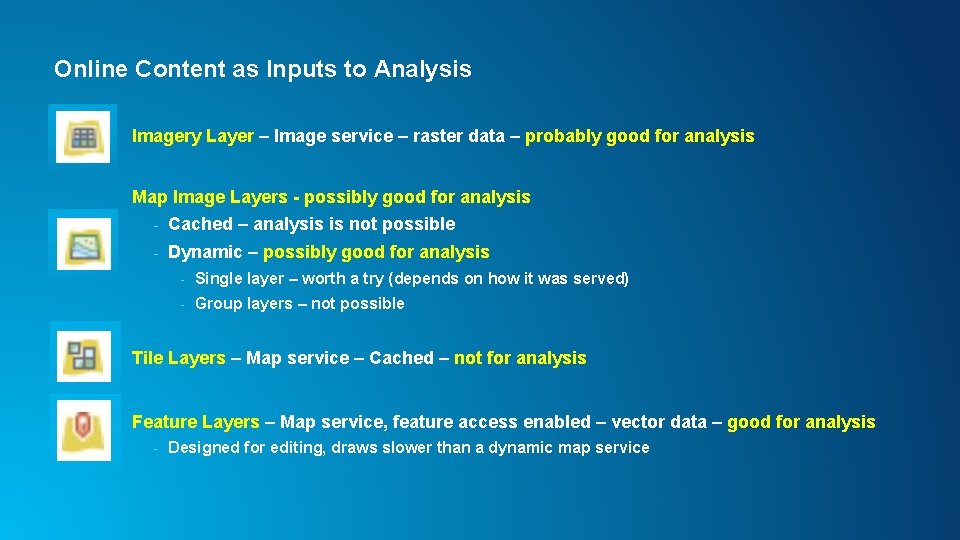
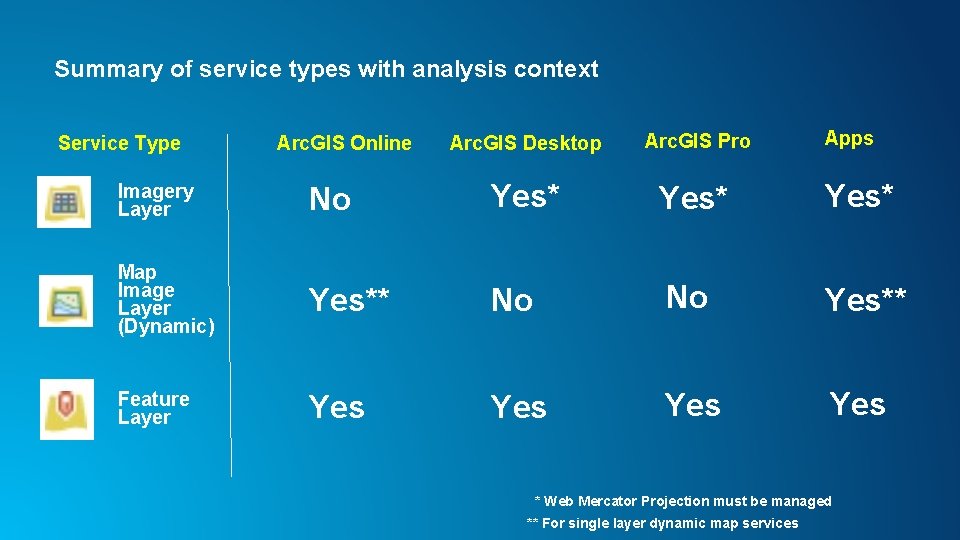
Online Content as Inputs to Analysis Imagery Layer – Image service – raster data – probably good for analysis Map Image Layers - possibly good for analysis - Cached – analysis is not possible - Dynamic – possibly good for analysis - Single layer – worth a try (depends on how it was served) - Group layers – not possible Tile Layers – Map service – Cached – not for analysis Feature Layers – Map service, feature access enabled – vector data – good for analysis - Designed for editing, draws slower than a dynamic map service
Other Online Analysis Concepts • Online Analysis Options - - Built-in Analysis Tools - Enrichment - Proximity Geoprocessing Services • Geocoding Services • 3 d • Time Series
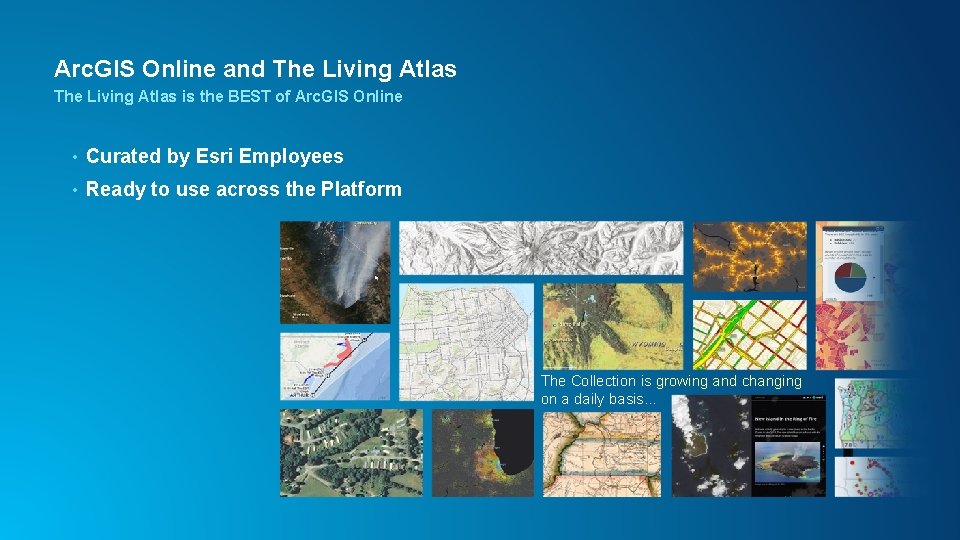
Arc. GIS Online and The Living Atlas is the BEST of Arc. GIS Online • Curated by Esri Employees • Ready to use across the Platform The Collection is growing and changing on a daily basis…
Network Analysis Charlie Frye
Enrichment Charlie Frye
Time-Enabled Services Michael Dangermond
Analysis With Near Real. Time Data Caitlin Scopel
NAIP Imagery Services Charlie Frye
Elevation Services Charlie Frye
Working with an image service in python Connect to online rasters, use them in python • Set your destination environment. - projection - Snap raster • Create a connection file which can be used to connect to a GIS server. • Use the connection file to make an image server layer. • Optional: Copy raster from the image server layer
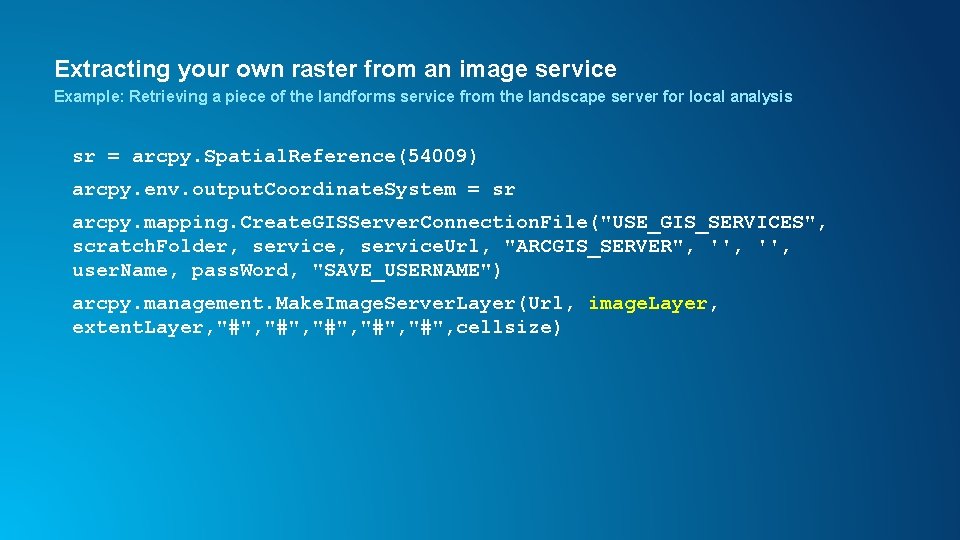
Extracting your own raster from an image service Example: Retrieving a piece of the landforms service from the landscape server for local analysis sr = arcpy. Spatial. Reference(54009) arcpy. env. output. Coordinate. System = sr arcpy. mapping. Create. GISServer. Connection. File("USE_GIS_SERVICES", scratch. Folder, service. Url, "ARCGIS_SERVER", '', user. Name, pass. Word, "SAVE_USERNAME") arcpy. management. Make. Image. Server. Layer(Url, image. Layer, extent. Layer, "#", "#", cellsize)
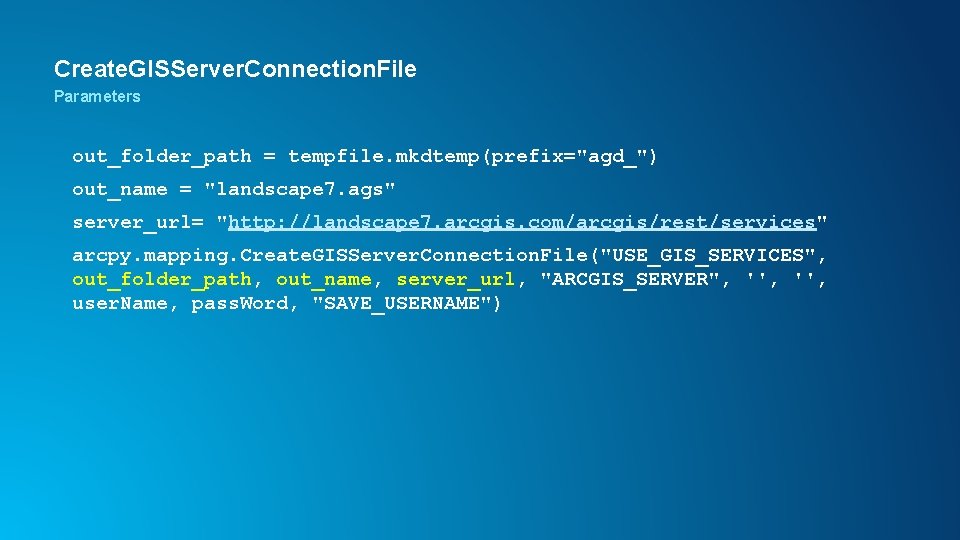
Create. GISServer. Connection. File Parameters out_folder_path = tempfile. mkdtemp(prefix="agd_") out_name = "landscape 7. ags" server_url= "http: //landscape 7. arcgis. com/arcgis/rest/services" arcpy. mapping. Create. GISServer. Connection. File("USE_GIS_SERVICES", out_folder_path, out_name, server_url, "ARCGIS_SERVER", '', user. Name, pass. Word, "SAVE_USERNAME")
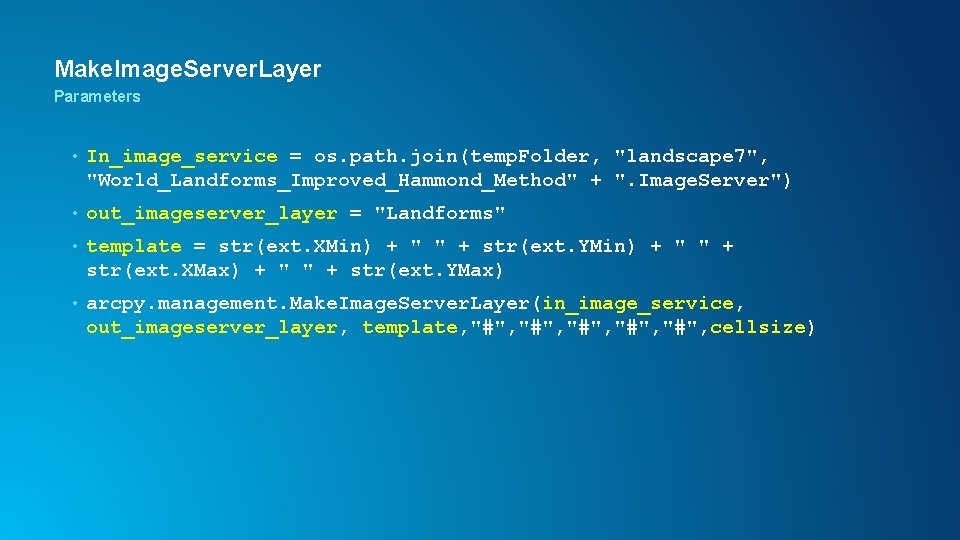
Make. Image. Server. Layer Parameters • In_image_service = os. path. join(temp. Folder, "landscape 7", "World_Landforms_Improved_Hammond_Method" + ". Image. Server") • out_imageserver_layer = "Landforms" • template = str(ext. XMin) + " " + str(ext. YMin) + " " + str(ext. XMax) + " " + str(ext. YMax) • arcpy. management. Make. Image. Server. Layer(in_image_service, out_imageserver_layer, template, "#", "#", cellsize)
Summary of service types with analysis context Service Type Arc. GIS Online Arc. GIS Desktop Arc. GIS Pro Apps Imagery Layer No Yes* Map Image Layer (Dynamic) Yes** No No Yes** Feature Layer Yes Yes * Web Mercator Projection must be managed ** For single layer dynamic map services
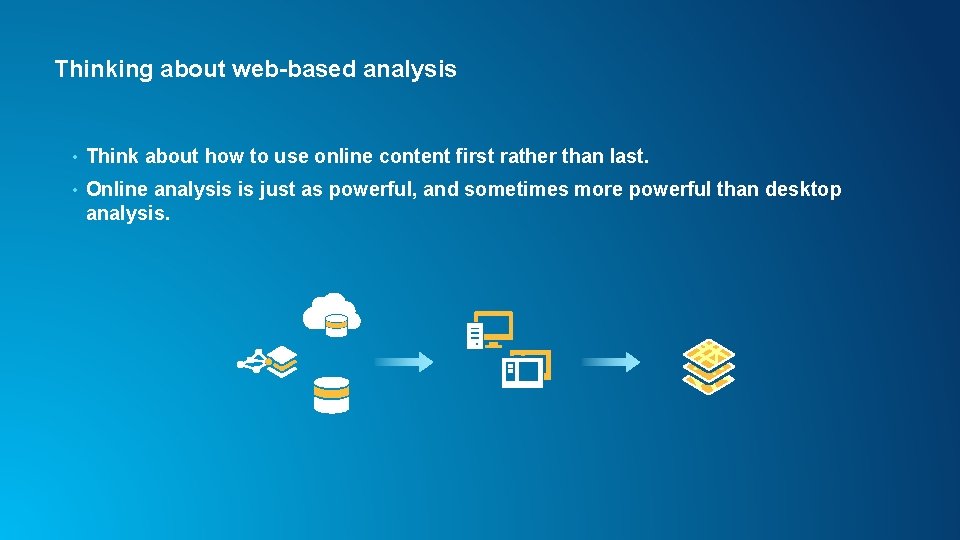
Thinking about web-based analysis • Think about how to use online content first rather than last. • Online analysis is just as powerful, and sometimes more powerful than desktop analysis.
After the Conference… • Download this presentation from Proceedings. esri. com or • http: //esriurl. com/Sweetspot 4 Analysis • Or EMAIL US: - cfrye@esri. com - mdangermond@esri. com - cscopel@esri. com
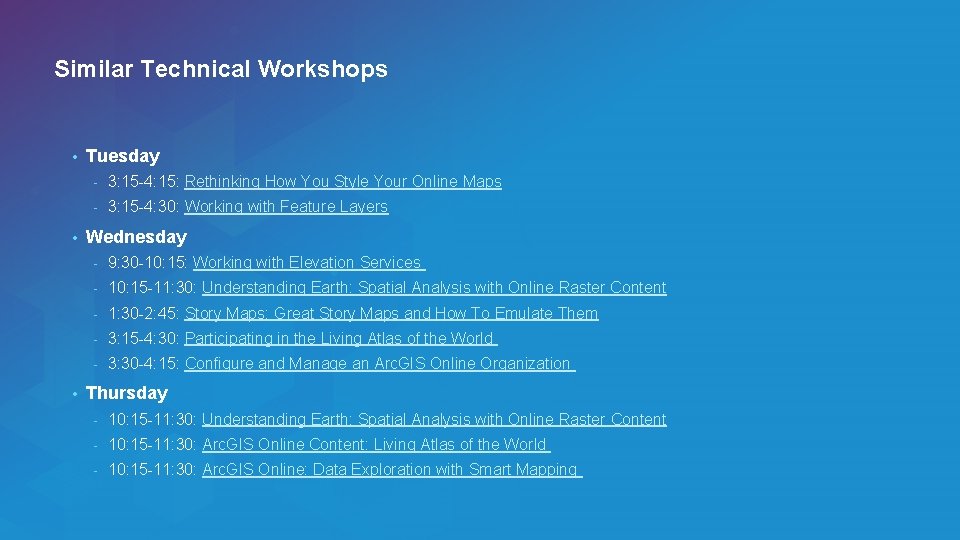
Similar Technical Workshops • • • Tuesday - 3: 15 -4: 15: Rethinking How You Style Your Online Maps - 3: 15 -4: 30: Working with Feature Layers Wednesday - 9: 30 -10: 15: Working with Elevation Services - 10: 15 -11: 30: Understanding Earth: Spatial Analysis with Online Raster Content - 1: 30 -2: 45: Story Maps: Great Story Maps and How To Emulate Them - 3: 15 -4: 30: Participating in the Living Atlas of the World - 3: 30 -4: 15: Configure and Manage an Arc. GIS Online Organization Thursday - 10: 15 -11: 30: Understanding Earth: Spatial Analysis with Online Raster Content - 10: 15 -11: 30: Arc. GIS Online Content: Living Atlas of the World - 10: 15 -11: 30: Arc. GIS Online: Data Exploration with Smart Mapping
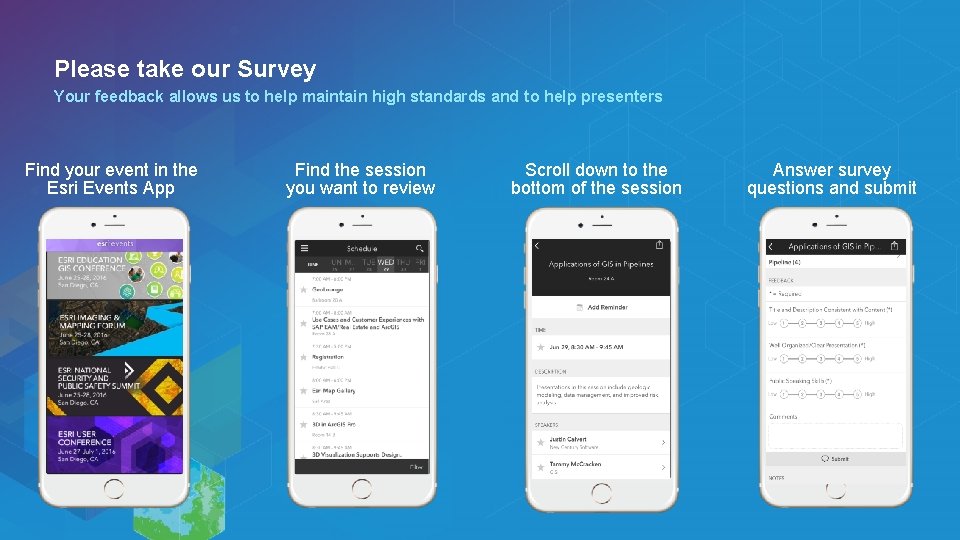
Please take our Survey Your feedback allows us to help maintain high standards and to help presenters Find your event in the Esri Events App Find the session you want to review Scroll down to the bottom of the session Answer survey questions and submit