
THE STANDARD LIBRARY IN PYTHON PART 1 By
THE STANDARD LIBRARY IN PYTHON – PART 1 By Anthony Sangrigoli
Python’s “Batteries Included” Philosophy • Python’s standard library was designed to be able to handle as many situations as possible. • Has a module for just about anything • Can do email, access the internet, work with csv and xml packages, and more. • Chances are if you want to do it, Python has an easier way to get it done.
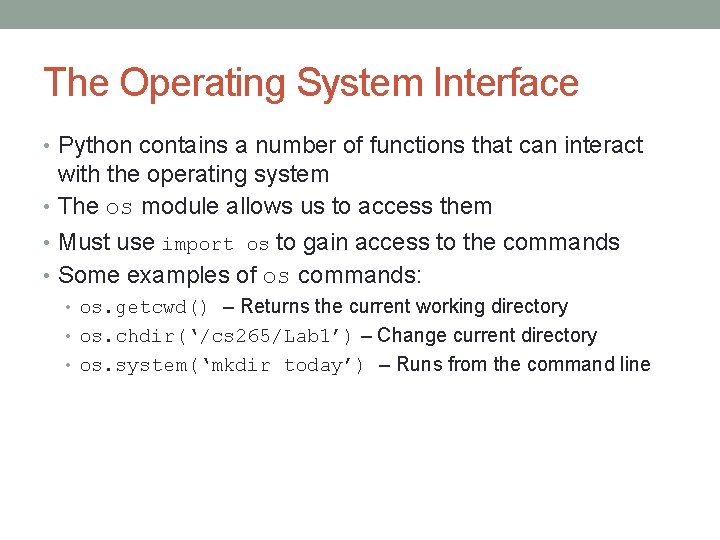
The Operating System Interface • Python contains a number of functions that can interact with the operating system • The os module allows us to access them • Must use import os to gain access to the commands • Some examples of os commands: • os. getcwd() – Returns the current working directory • os. chdir(‘/cs 265/Lab 1’) – Change current directory • os. system(‘mkdir today’) – Runs from the command line
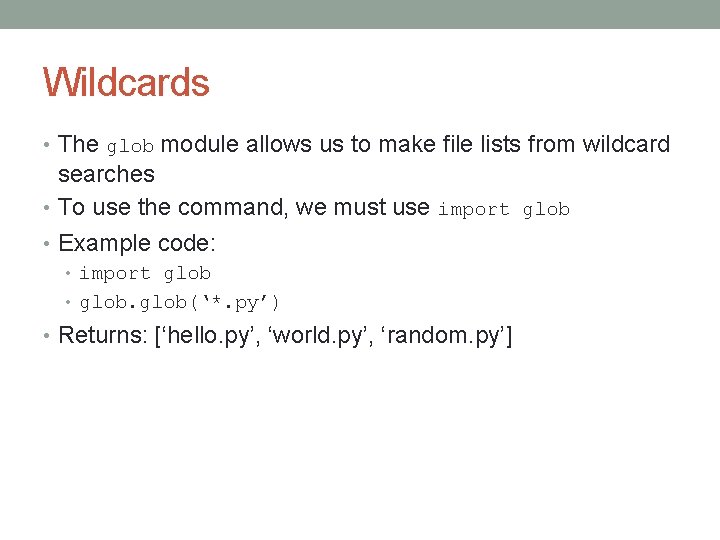
Wildcards • The glob module allows us to make file lists from wildcard searches • To use the command, we must use import glob • Example code: • import glob • glob(‘*. py’) • Returns: [‘hello. py’, ‘world. py’, ‘random. py’]

Getting Command Line Arguments • Accessing command line arguments can be done using the sys module. • The argv attribute allows us to manipulate the arguments. • For example, take the file demo. py: • import sys • print(sys. argv) • Running python demo. py one two three from the command line would produce: • [‘demo. py’, ‘one’, ‘two’, ‘three’] • More powerful and flexible command line processing with argparse
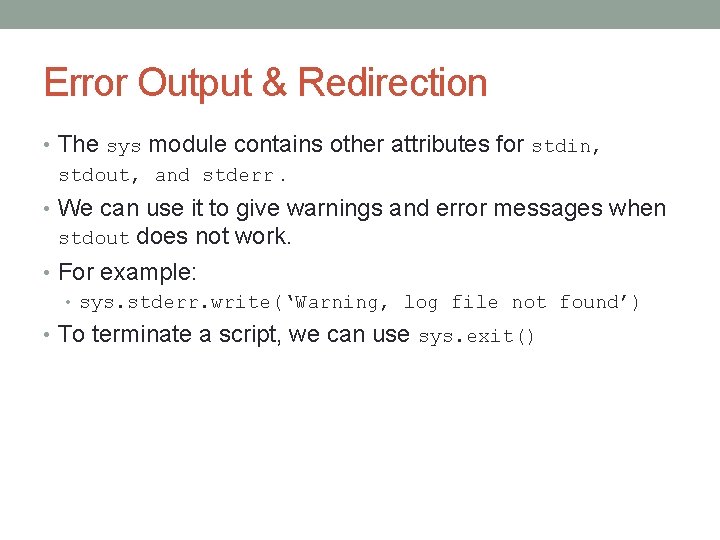
Error Output & Redirection • The sys module contains other attributes for stdin, stdout, and stderr. • We can use it to give warnings and error messages when stdout does not work. • For example: • sys. stderr. write(‘Warning, log file not found’) • To terminate a script, we can use sys. exit()
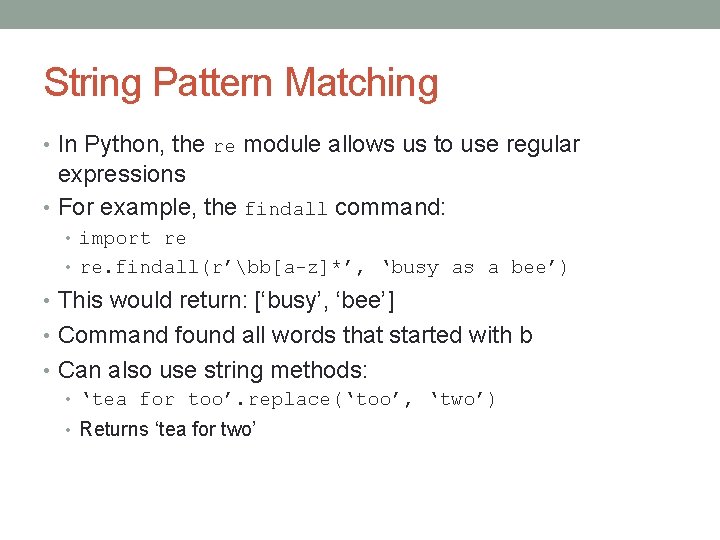
String Pattern Matching • In Python, the re module allows us to use regular expressions • For example, the findall command: • import re • re. findall(r’bb[a-z]*’, ‘busy as a bee’) • This would return: [‘busy’, ‘bee’] • Command found all words that started with b • Can also use string methods: • ‘tea for too’. replace(‘too’, ‘two’) • Returns ‘tea for two’
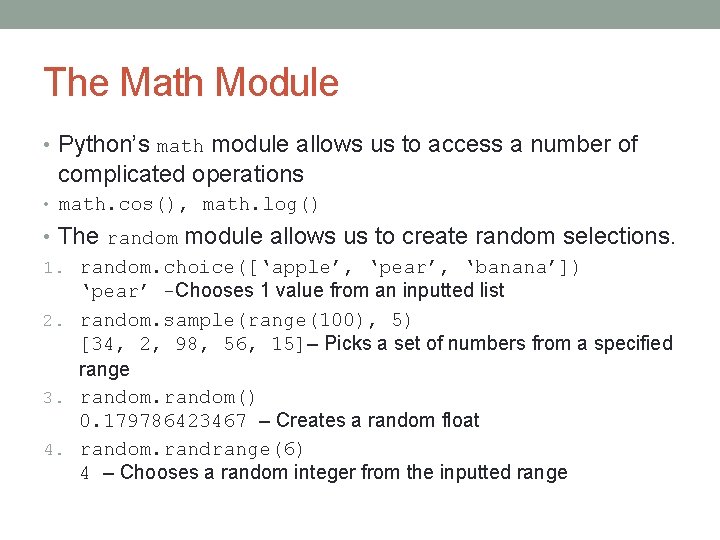
The Math Module • Python’s math module allows us to access a number of complicated operations • math. cos(), math. log() • The random module allows us to create random selections. 1. random. choice([‘apple’, ‘pear’, ‘banana’]) ‘pear’ -Chooses 1 value from an inputted list 2. random. sample(range(100), 5) [34, 2, 98, 56, 15]– Picks a set of numbers from a specified range 3. random() 0. 179786423467 – Creates a random float 4. random. randrange(6) 4 – Chooses a random integer from the inputted range
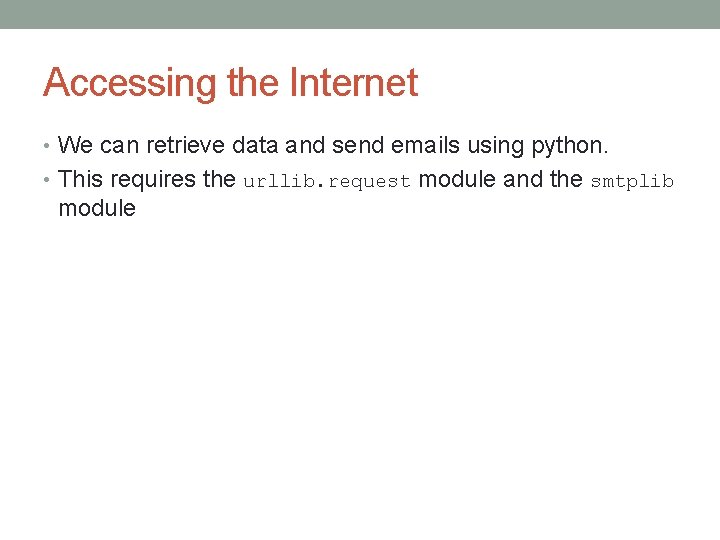
Accessing the Internet • We can retrieve data and send emails using python. • This requires the urllib. request module and the smtplib module
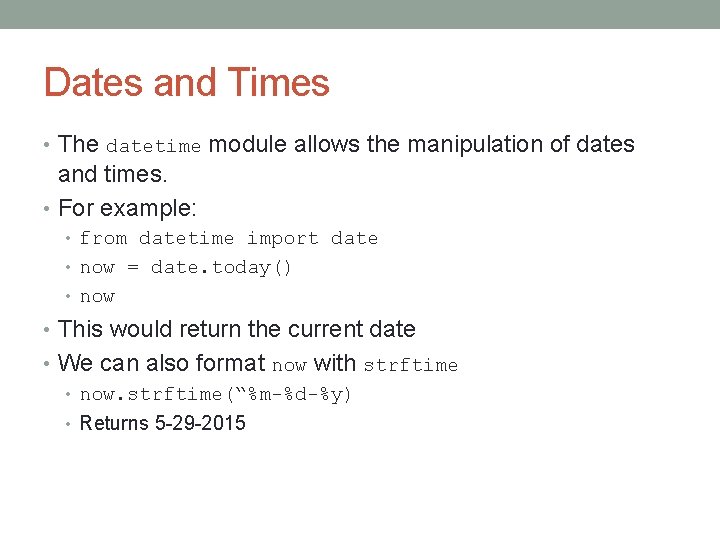
Dates and Times • The datetime module allows the manipulation of dates and times. • For example: • from datetime import date • now = date. today() • now • This would return the current date • We can also format now with strftime • now. strftime(“%m-%d-%y) • Returns 5 -29 -2015
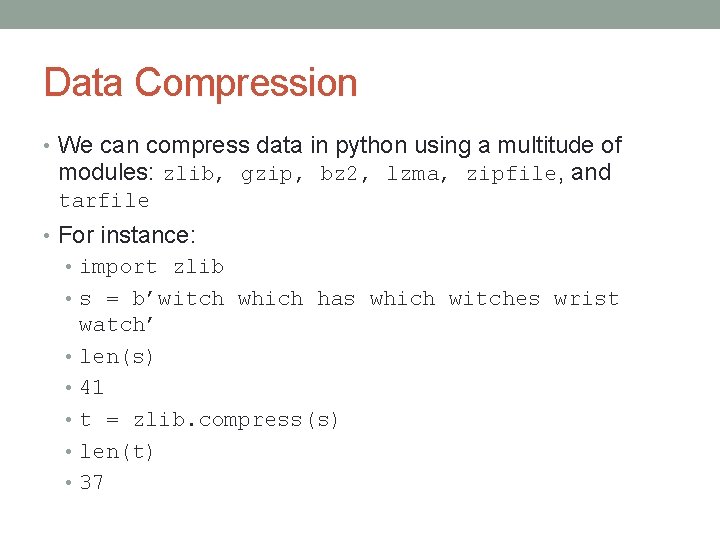
Data Compression • We can compress data in python using a multitude of modules: zlib, gzip, bz 2, lzma, zipfile, and tarfile • For instance: • import zlib • s = b’witch which has which witches wrist • • • watch’ len(s) 41 t = zlib. compress(s) len(t) 37
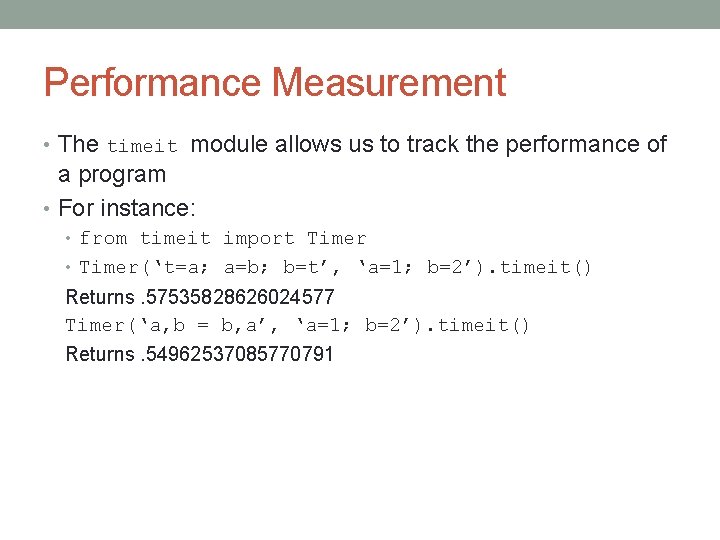
Performance Measurement • The timeit module allows us to track the performance of a program • For instance: • from timeit import Timer • Timer(‘t=a; a=b; b=t’, ‘a=1; b=2’). timeit() Returns. 57535828626024577 Timer(‘a, b = b, a’, ‘a=1; b=2’). timeit() Returns. 54962537085770791
Quality Control • The doctest module allows us to test other modules • For instance, doctestmod() allows us to automatically validate any embedded tests. • Using the unittest module allows us to create a set of tests that we can keep in a separate file.
Sources • Python Course resources #2, Part 10: • https: //docs. python. org/3/tutorial/stdlib. html
- Slides: 14