
The Stack Procedures and Macros Outline Stack organization
- Slides: 32
The Stack, Procedures and Macros
Outline • • • Stack organization PUSH and POP instructions Calling procedures Macros Programming guidelines
The stack • Space used as temporary storage during the execution of the program • Purpose: – – saving the return address when calling procedures saving the contents of registers used in procedures pass parameters to procedures allocate memory for local variables in procedures • A single access point. LIFO data structure – Data is always accessed from the “top” of the stack – Insert is done by “pushing” data to the top of the stack – Delete is done by “popping” data from the top of the stack
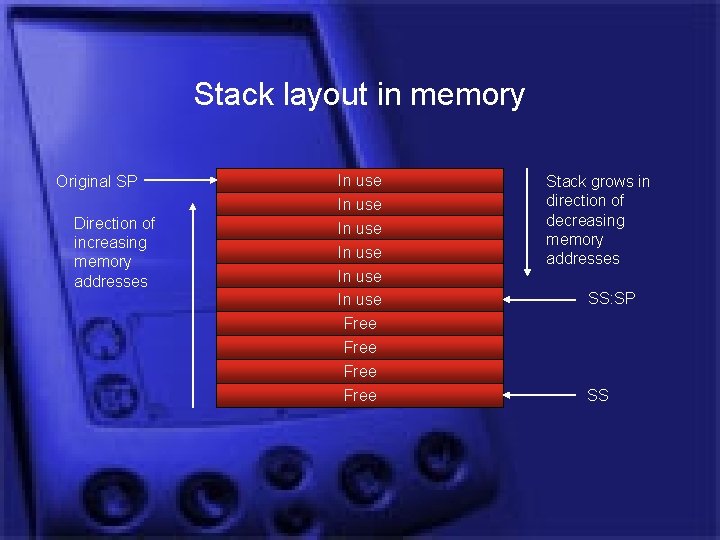
Stack layout in memory Original SP Direction of increasing memory addresses In use In use Free Stack grows in direction of decreasing memory addresses SS: SP SS
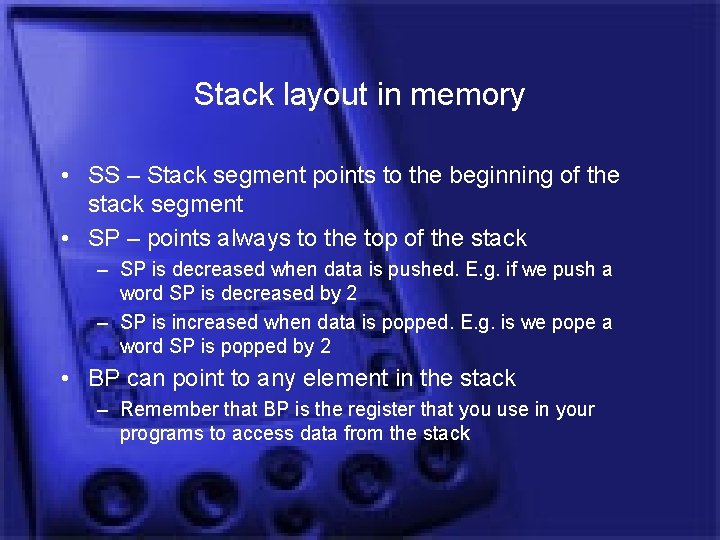
Stack layout in memory • SS – Stack segment points to the beginning of the stack segment • SP – points always to the top of the stack – SP is decreased when data is pushed. E. g. if we push a word SP is decreased by 2 – SP is increased when data is popped. E. g. is we pope a word SP is popped by 2 • BP can point to any element in the stack – Remember that BP is the register that you use in your programs to access data from the stack
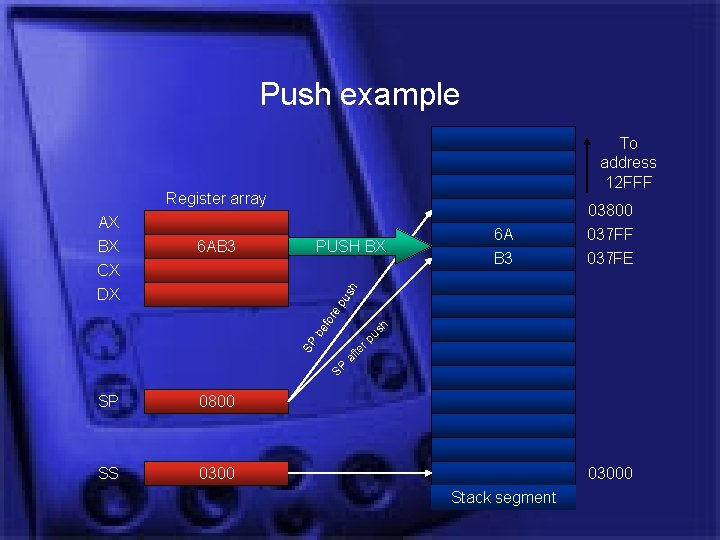
Push example To address 12 FFF Register array PUSH BX 6 A B 3 03800 037 FF 037 FE ep us h 6 AB 3 h af te rp us SP SP be for AX BX CX DX SP 0800 SS 03000 Stack segment
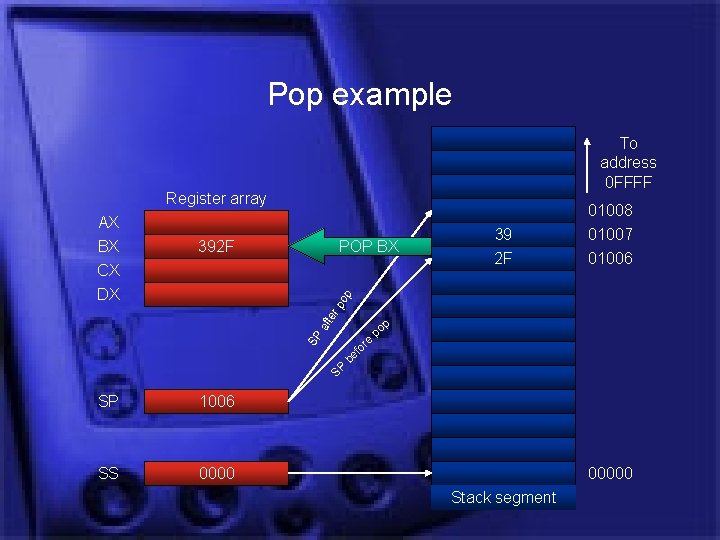
Pop example To address 0 FFFF Register array POP BX 39 2 F po p 392 F 01008 01007 01006 SP be f or e SP po p aft er AX BX CX DX SP 1006 SS 00000 Stack segment
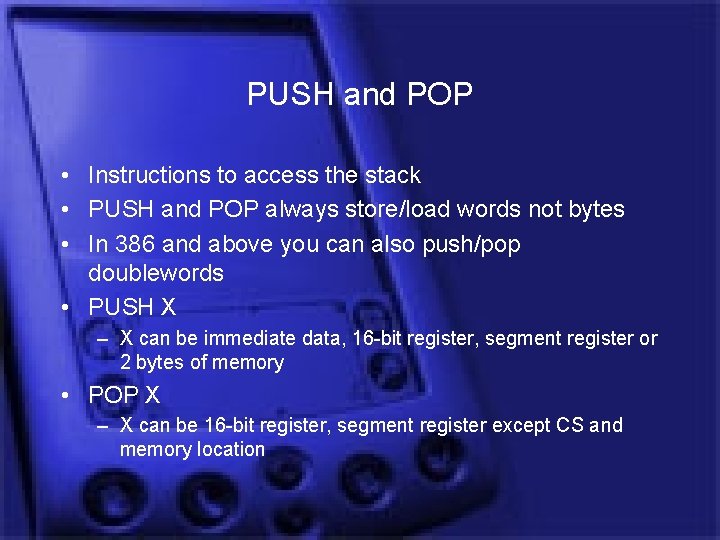
PUSH and POP • Instructions to access the stack • PUSH and POP always store/load words not bytes • In 386 and above you can also push/pop doublewords • PUSH X – X can be immediate data, 16 -bit register, segment register or 2 bytes of memory • POP X – X can be 16 -bit register, segment register except CS and memory location
PUSHA and POPA • In 286 and later it is possible to push/pop the entire set of general purpose registers – AX, BX, CX, DX, SP, BP, SI, DI
Stack Initialization • Let’s assume that we decide to use 64 Kbytes for the stack starting at address 10000 h • We set SS=1000 h and SP=0000 h – 64 K cover addresses from 10000 h to 1 FFFFh • First PUSH decrements SP by 2 (0000 h-2=FFFEh), data is stored in 1 FFFFh and 1 FFFEh
Using the stack • Storing – – Return address when a procedure is called Preserve the contents of registers Local variables required by procedures Dynamically allocated memory • Pass – Parameters passed to procedures
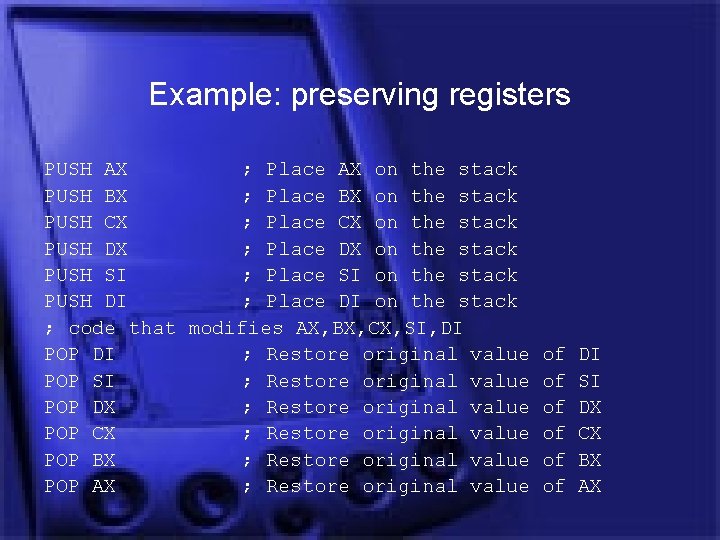
Why preserving registers • Registers are global variables in principle • Registers can also be used as temporary storage in a procedure • If a procedure needs to use registers as temporary storage and these registers contain “useful” global variables, their contents must be preserved • The first instructions in the procedure should take care of this
Example: preserving registers PUSH AX ; Place AX on the stack PUSH BX ; Place BX on the stack PUSH CX ; Place CX on the stack PUSH DX ; Place DX on the stack PUSH SI ; Place SI on the stack PUSH DI ; Place DI on the stack ; code that modifies AX, BX, CX, SI, DI POP DI ; Restore original value POP SI ; Restore original value POP DX ; Restore original value POP CX ; Restore original value POP BX ; Restore original value POP AX ; Restore original value of of of DI SI DX CX BX AX
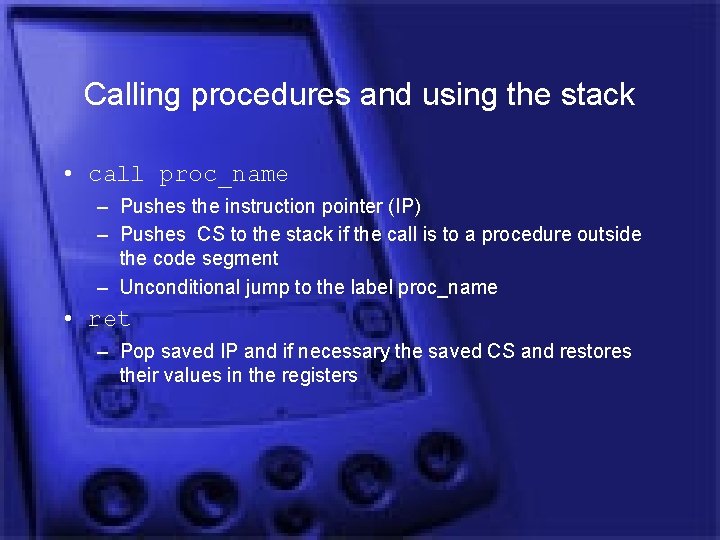
Calling procedures and using the stack • call proc_name – Pushes the instruction pointer (IP) – Pushes CS to the stack if the call is to a procedure outside the code segment – Unconditional jump to the label proc_name • ret – Pop saved IP and if necessary the saved CS and restores their values in the registers
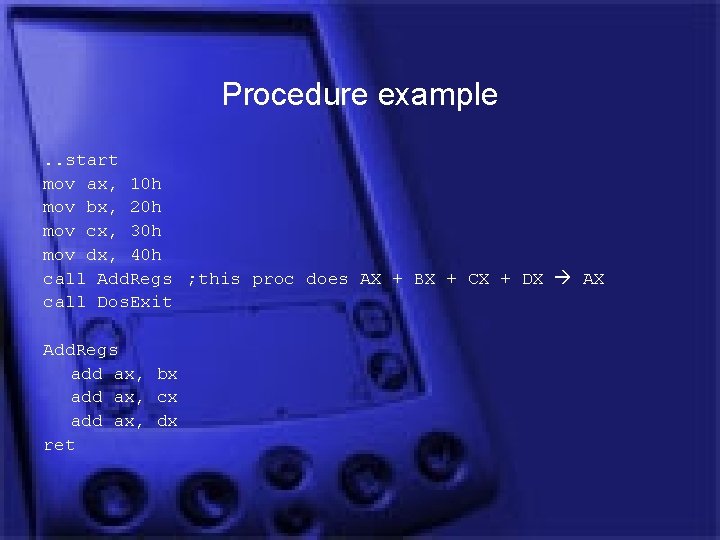
Procedure example. . start mov ax, 10 h mov bx, 20 h mov cx, 30 h mov dx, 40 h call Add. Regs ; this proc does AX + BX + CX + DX AX call Dos. Exit Add. Regs add ax, bx add ax, cx add ax, dx ret
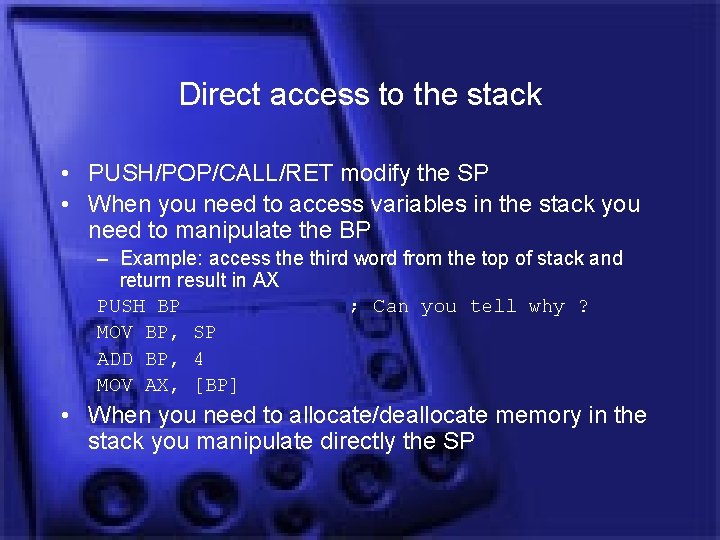
Direct access to the stack • PUSH/POP/CALL/RET modify the SP • When you need to access variables in the stack you need to manipulate the BP – Example: access the third word from the top of stack and return result in AX PUSH BP ; Can you tell why ? MOV BP, SP ADD BP, 4 MOV AX, [BP] • When you need to allocate/deallocate memory in the stack you manipulate directly the SP
Procedures at a glance • Procedures can access global variables declared at the beginning of the program • Procedures can access global variables stored in registers • Procedures may have parameters passed to them – Registers with global variables is a form of parameter passing – Pushing parameters to the stack is another form of parameter passing • Procedures may need to preserve registers • Procedures may return results to the caller in registers or write results in memory
Macros • Procedures have some extra overhead to execute (call/ret statements, push/pop IP, CS and data from the stack) • A macro is a piece of code which is “macroexpanded” whenever the name of the macro is encountered • Note the difference, a procedure is “called”, while a macro is just “expanded/inlined” in your program • Macros are faster than procedures (no call instructions, stack management etc. ) • But they might – Significantly increase code size – Hard to debug
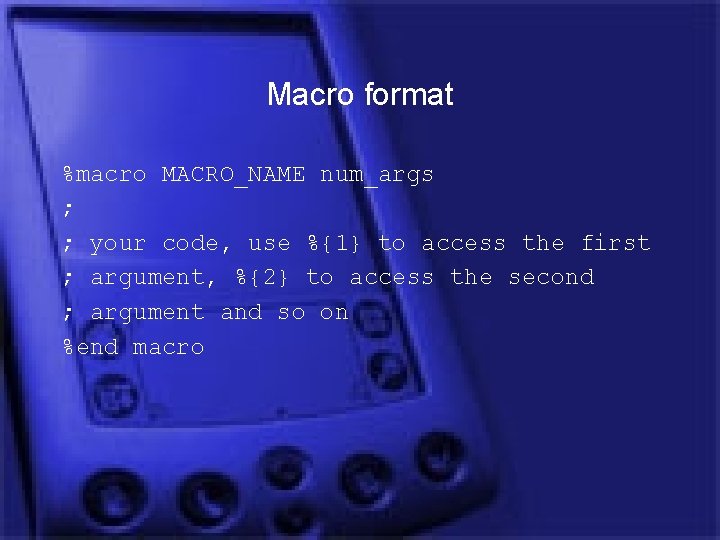
Macro format %macro MACRO_NAME num_args ; ; your code, use %{1} to access the first ; argument, %{2} to access the second ; argument and so on %end macro
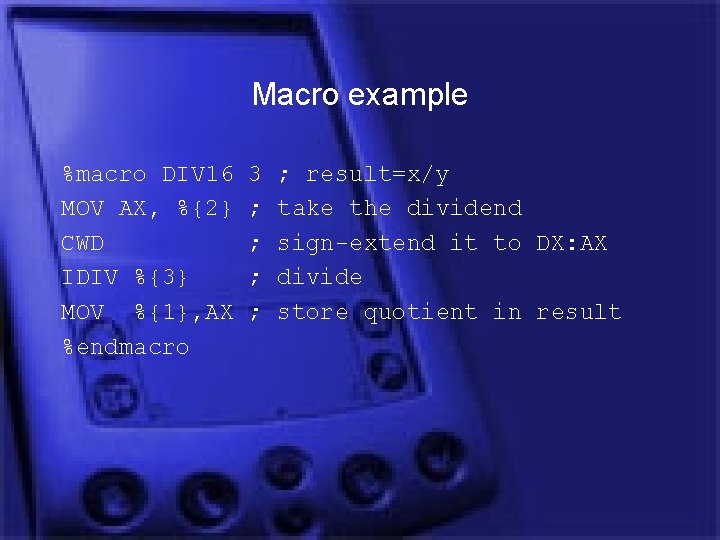
Macro example %macro DIV 16 MOV AX, %{2} CWD IDIV %{3} MOV %{1}, AX %endmacro 3 ; ; ; result=x/y take the dividend sign-extend it to DX: AX divide store quotient in result
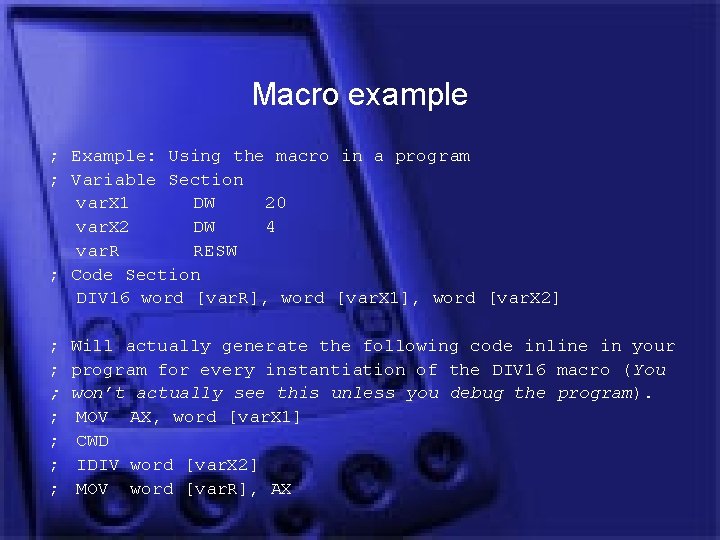
Macro example ; Example: Using the macro in a program ; Variable Section var. X 1 DW 20 var. X 2 DW 4 var. R RESW ; Code Section DIV 16 word [var. R], word [var. X 1], word [var. X 2] ; ; ; ; Will actually generate the following code inline in your program for every instantiation of the DIV 16 macro (You won’t actually see this unless you debug the program). MOV AX, word [var. X 1] CWD IDIV word [var. X 2] MOV word [var. R], AX
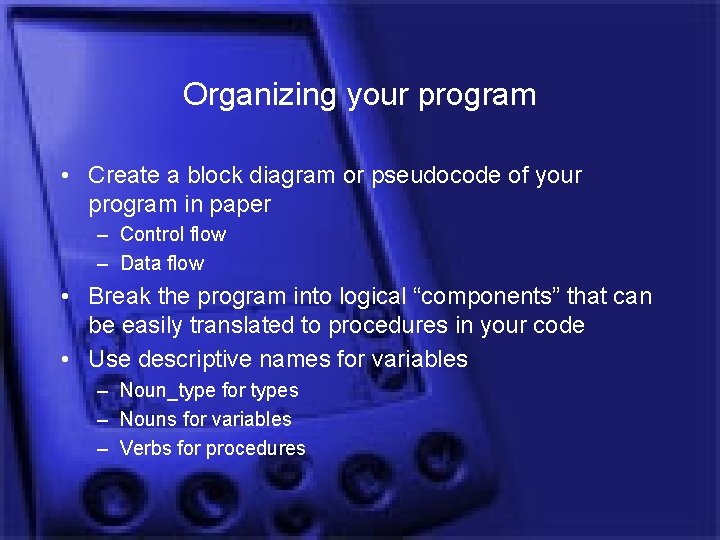
Organizing your program • Create a block diagram or pseudocode of your program in paper – Control flow – Data flow • Break the program into logical “components” that can be easily translated to procedures in your code • Use descriptive names for variables – Noun_type for types – Nouns for variables – Verbs for procedures
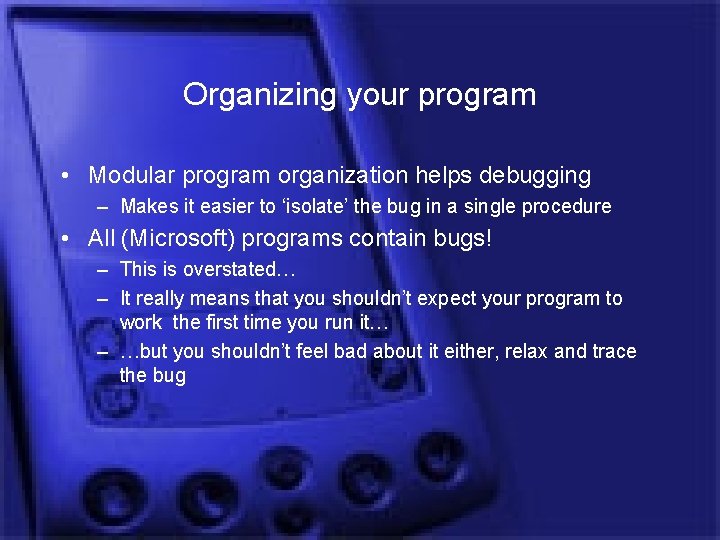
Organizing your program • Modular program organization helps debugging – Makes it easier to ‘isolate’ the bug in a single procedure • All (Microsoft) programs contain bugs! – This is overstated… – It really means that you shouldn’t expect your program to work the first time you run it… – …but you shouldn’t feel bad about it either, relax and trace the bug
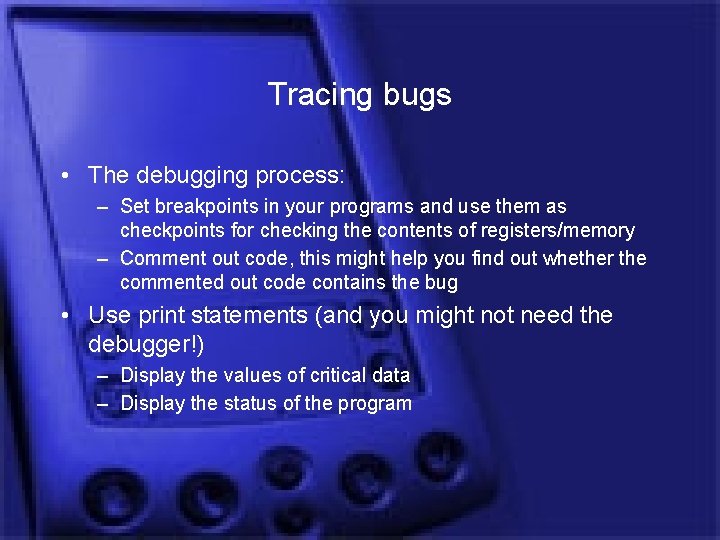
Tracing bugs • The debugging process: – Set breakpoints in your programs and use them as checkpoints for checking the contents of registers/memory – Comment out code, this might help you find out whether the commented out code contains the bug • Use print statements (and you might not need the debugger!) – Display the values of critical data – Display the status of the program
Tracing bugs • Force registers and variables to test the output of the procedure – Helps you debug the procedure using as many inputs as possible • If everything else fails – Test your logic – Change your algorithms
Procedures • Labeled sections of code that you can jump to or return from any point in your program • A procedure in your assembler is merely a non-dotted label • Use dotted labels if you want to set jump points within a procedure (local labels)
NASM directives • EXTERN, references to procedures defined in other files (e. g. libraries) • GLOBAL, makes your procedures available to other files, e. g. if you are writing a library • SEGMENT defines segments – SEGMENT stack – SEGMENT code
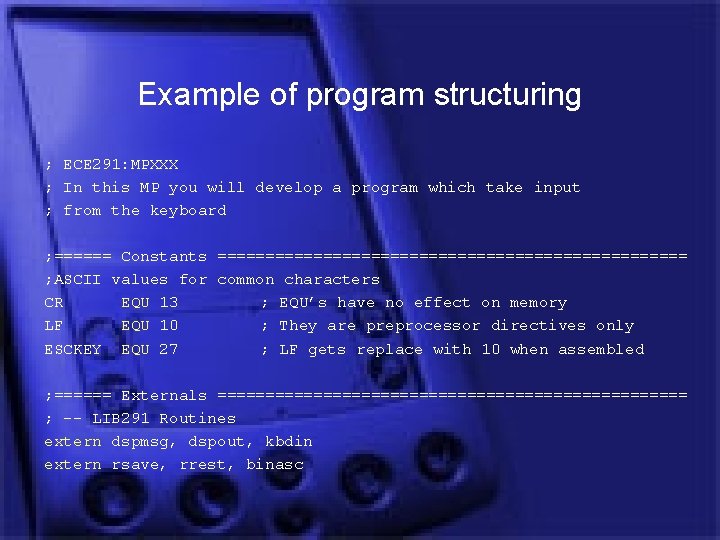
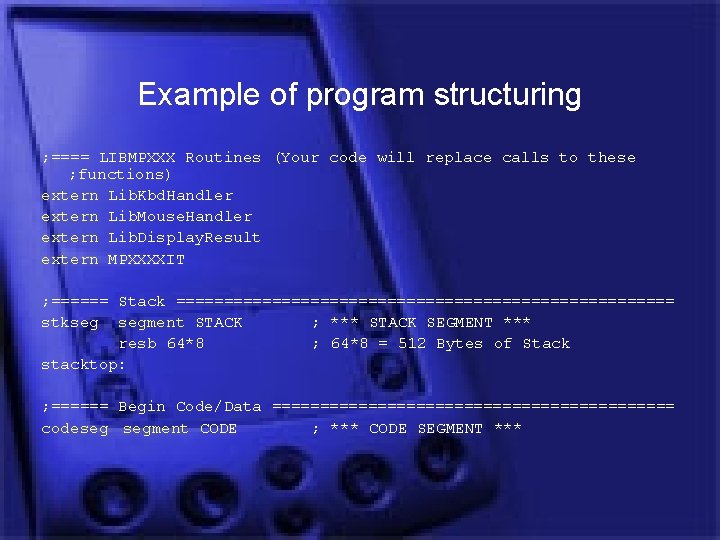
Example of program structuring ; ECE 291: MPXXX ; In this MP you will develop a program which take input ; from the keyboard ; ====== Constants ========================= ; ASCII values for common characters CR EQU 13 ; EQU’s have no effect on memory LF EQU 10 ; They are preprocessor directives only ESCKEY EQU 27 ; LF gets replace with 10 when assembled ; ====== Externals ========================= ; -- LIB 291 Routines extern dspmsg, dspout, kbdin extern rsave, rrest, binasc
Example of program structuring ; ==== LIBMPXXX Routines (Your code will replace calls to these ; functions) extern Lib. Kbd. Handler extern Lib. Mouse. Handler extern Lib. Display. Result extern MPXXXXIT ; ====== Stack ========================== stkseg segment STACK ; *** STACK SEGMENT *** resb 64*8 ; 64*8 = 512 Bytes of Stack stacktop: ; ====== Begin Code/Data ===================== codeseg segment CODE ; *** CODE SEGMENT ***
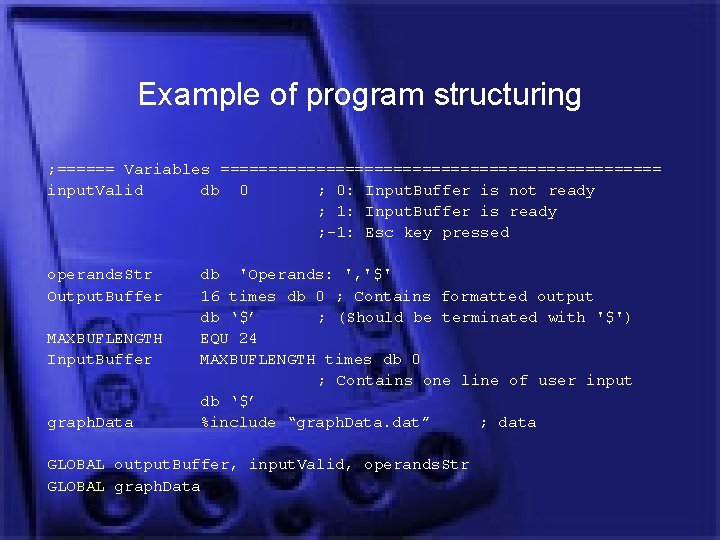
Example of program structuring ; ====== Variables ======================= input. Valid db 0 ; 0: Input. Buffer is not ready ; 1: Input. Buffer is ready ; -1: Esc key pressed operands. Str Output. Buffer MAXBUFLENGTH Input. Buffer graph. Data db 'Operands: ', '$' 16 times db 0 ; Contains formatted output db ‘$’ ; (Should be terminated with '$') EQU 24 MAXBUFLENGTH times db 0 ; Contains one line of user input db ‘$’ %include “graph. Data. dat” ; data GLOBAL output. Buffer, input. Valid, operands. Str GLOBAL graph. Data
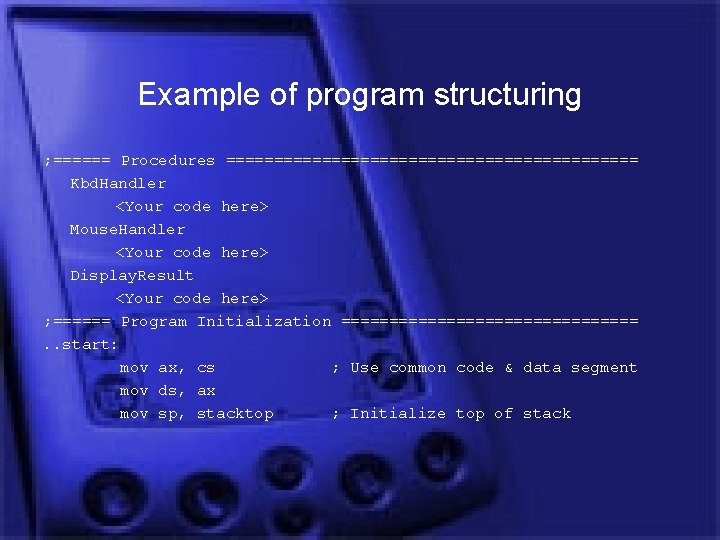
Example of program structuring ; ====== Procedures ====================== Kbd. Handler <Your code here> Mouse. Handler <Your code here> Display. Result <Your code here> ; ====== Program Initialization ================. . start: mov ax, cs ; Use common code & data segment mov ds, ax mov sp, stacktop ; Initialize top of stack
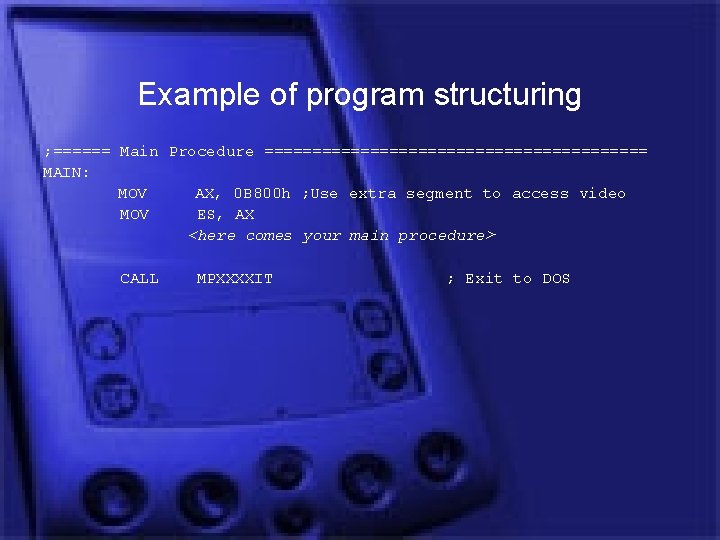
Example of program structuring ; ====== Main Procedure ==================== MAIN: MOV AX, 0 B 800 h ; Use extra segment to access video MOV ES, AX <here comes your main procedure> CALL MPXXXXIT ; Exit to DOS